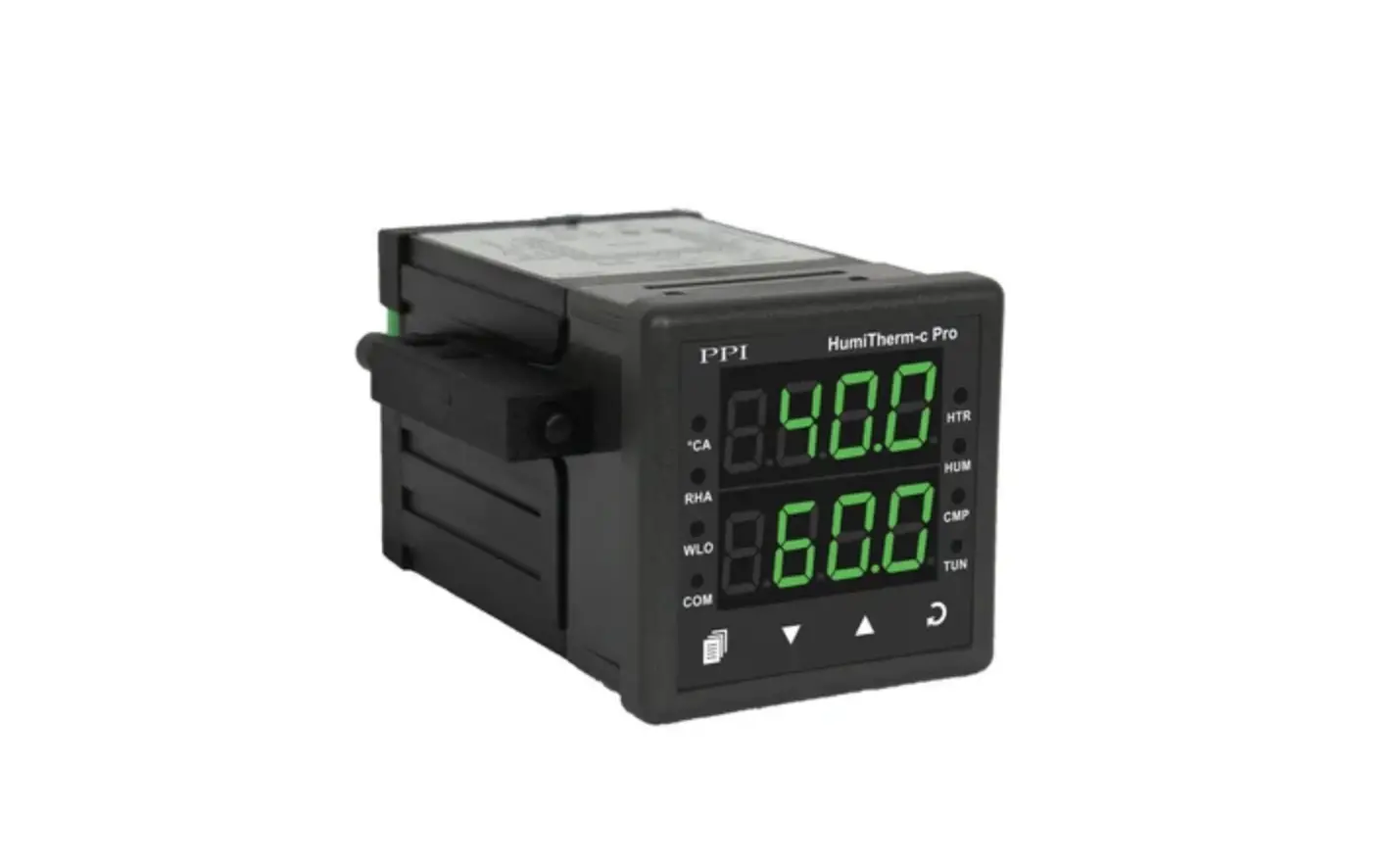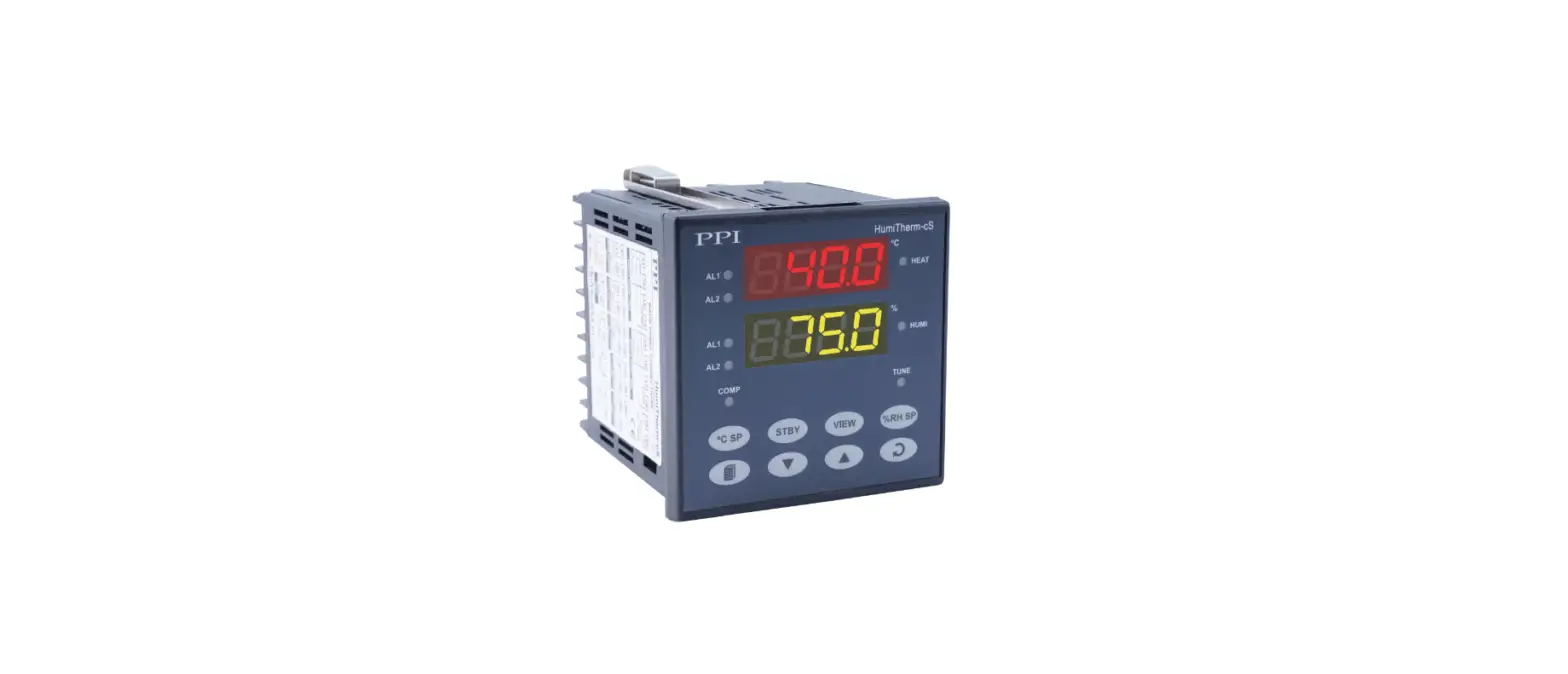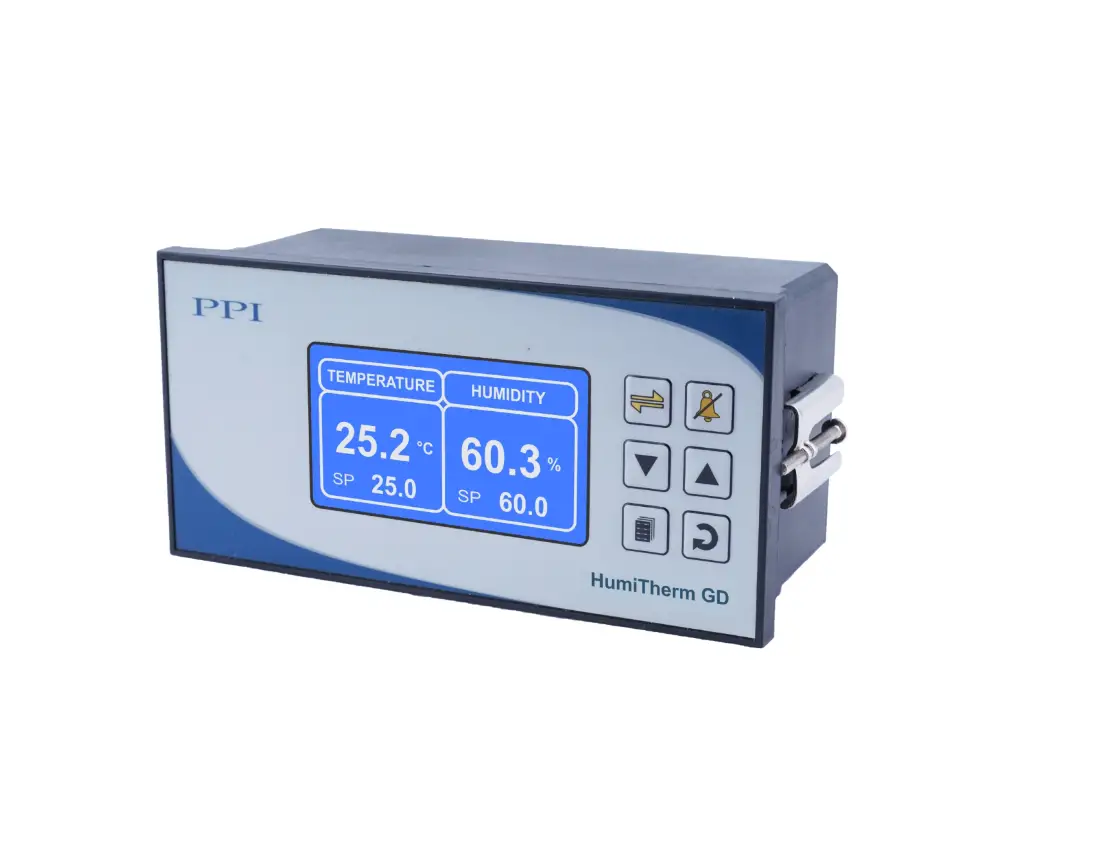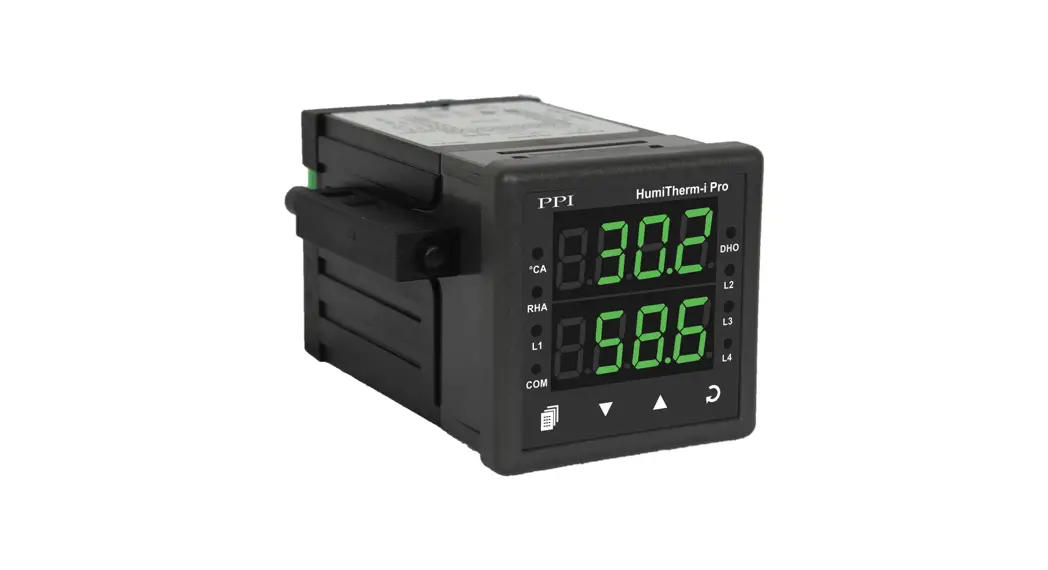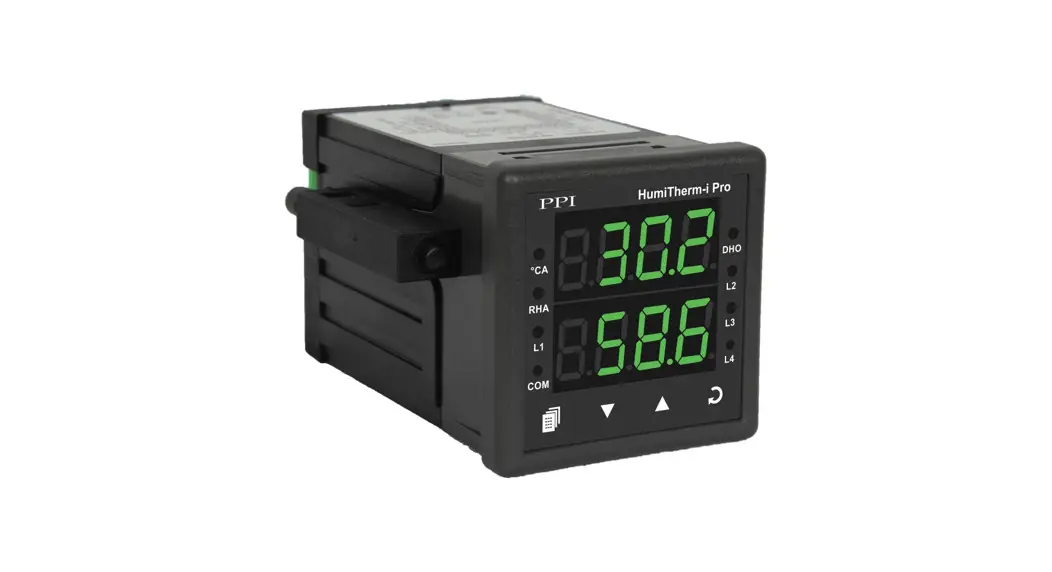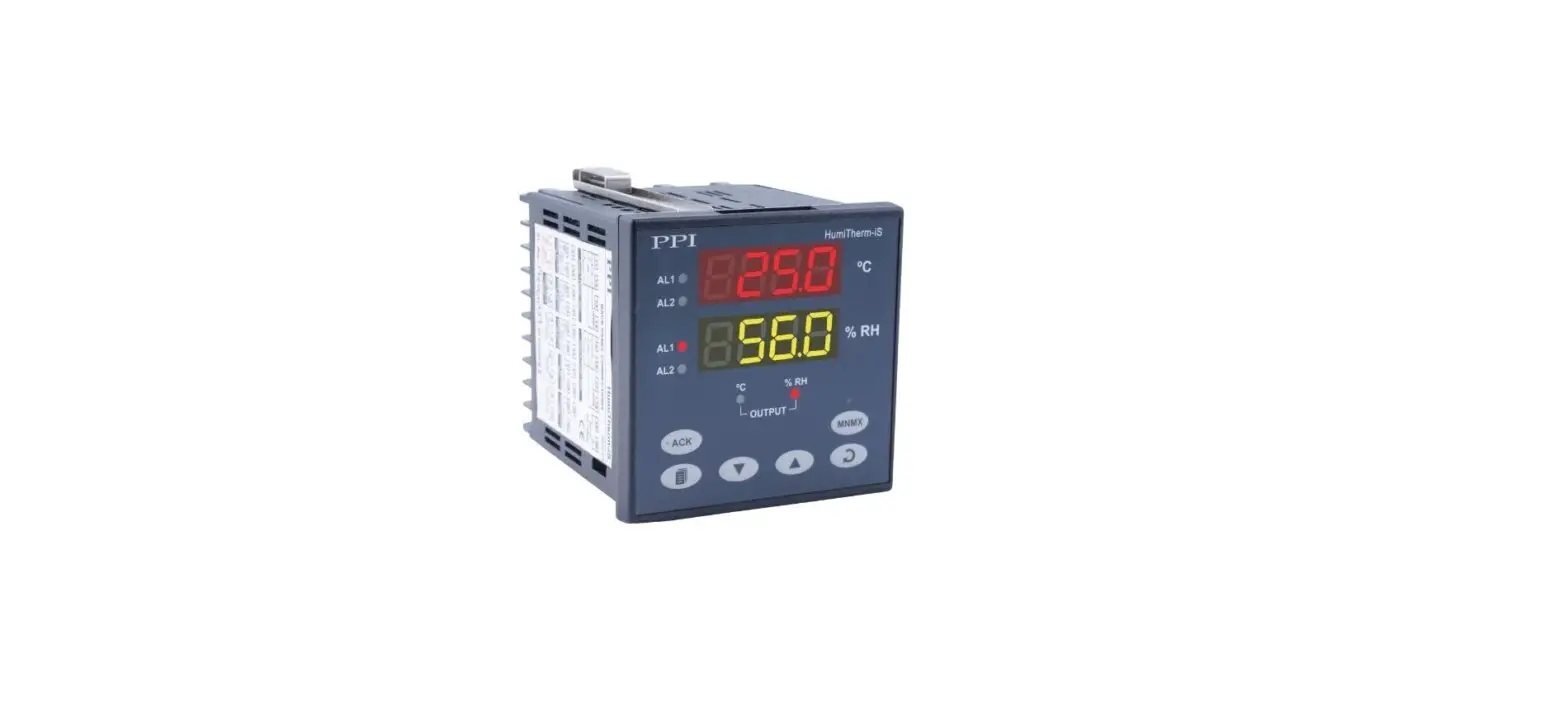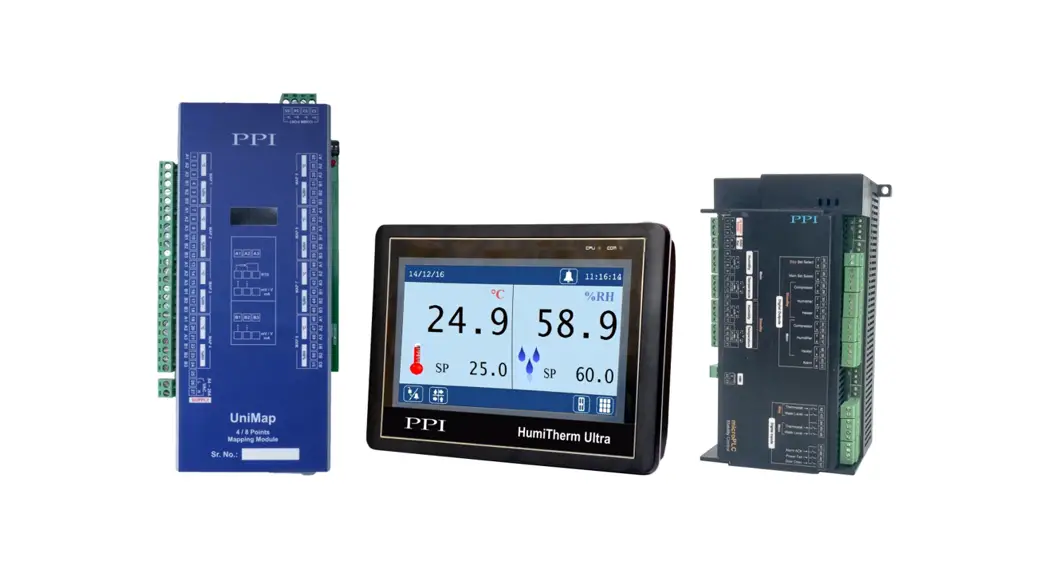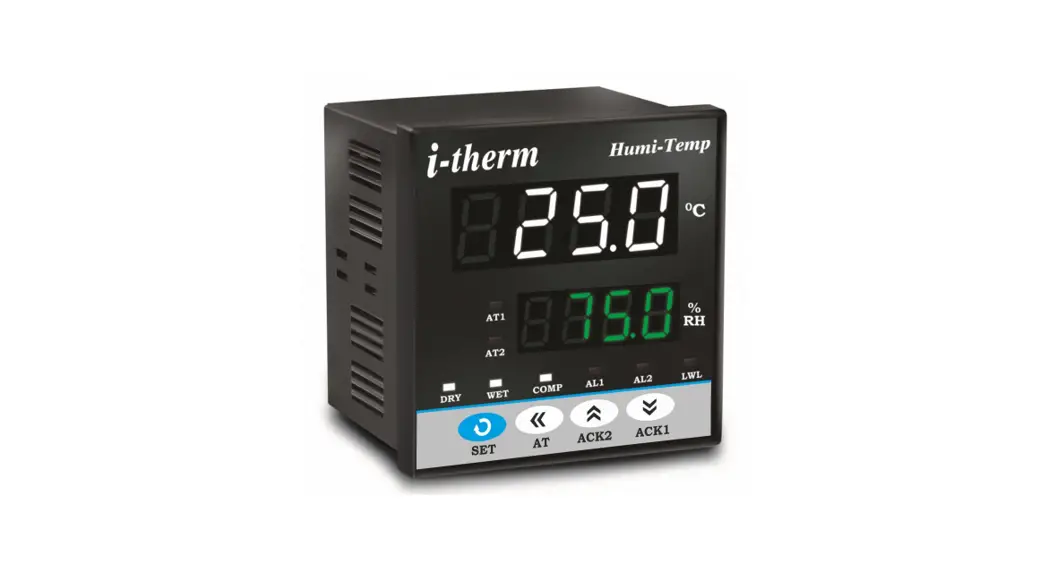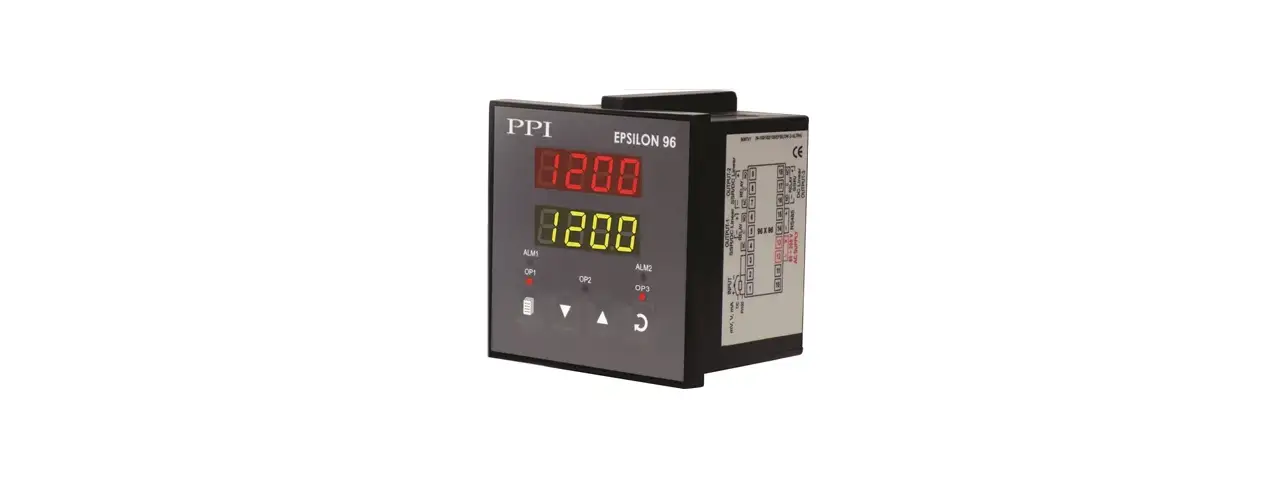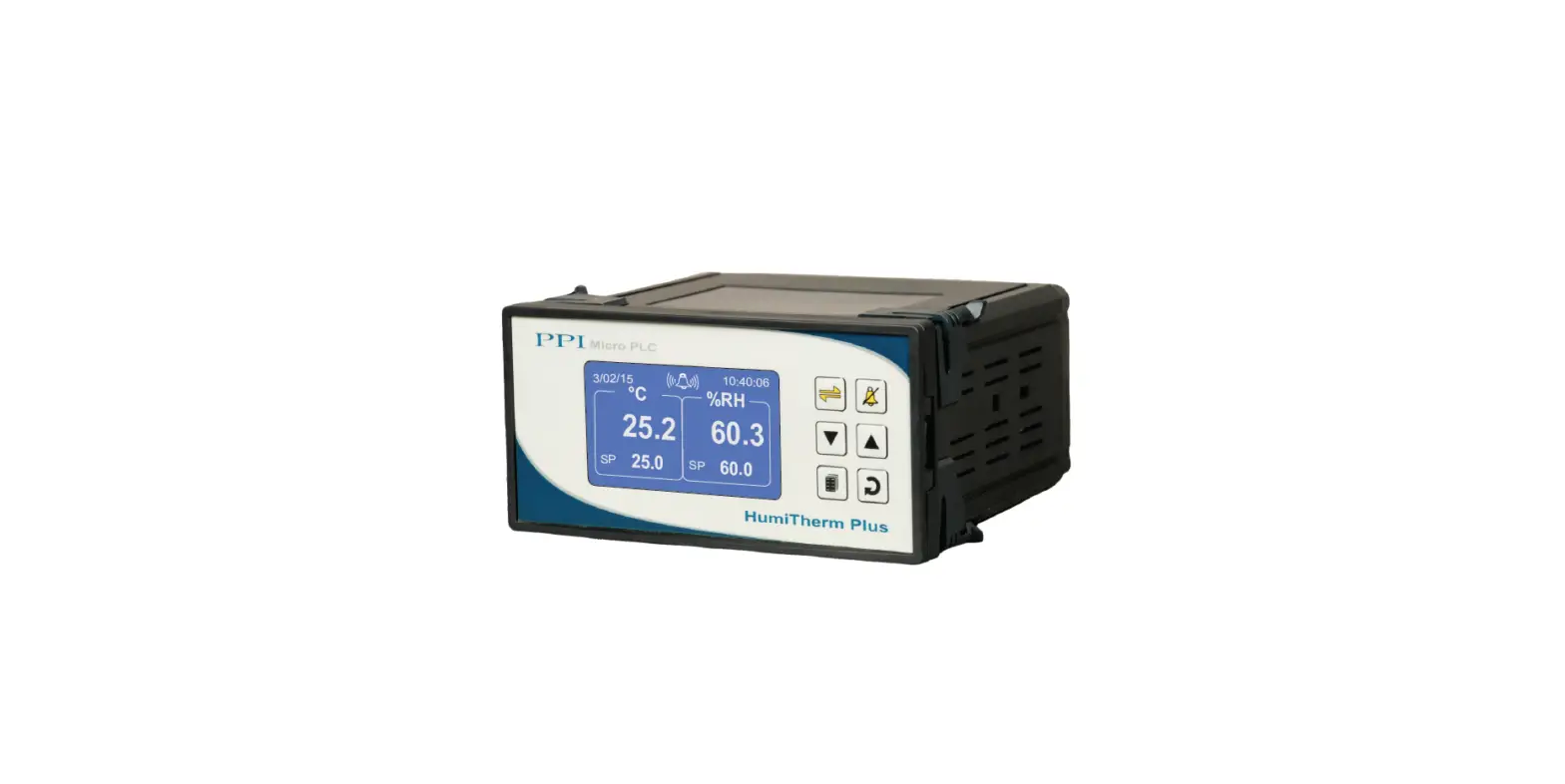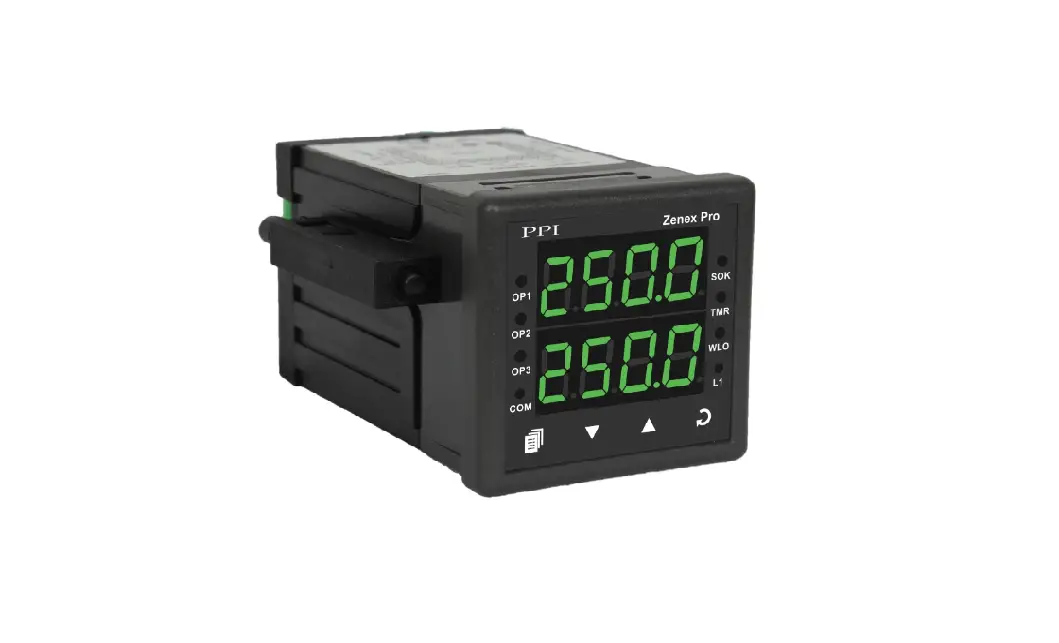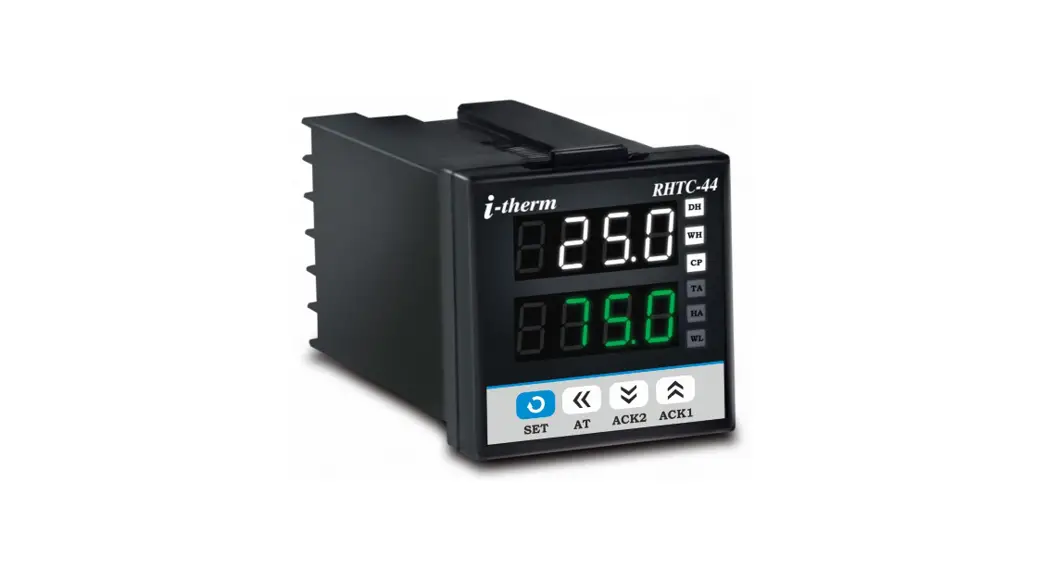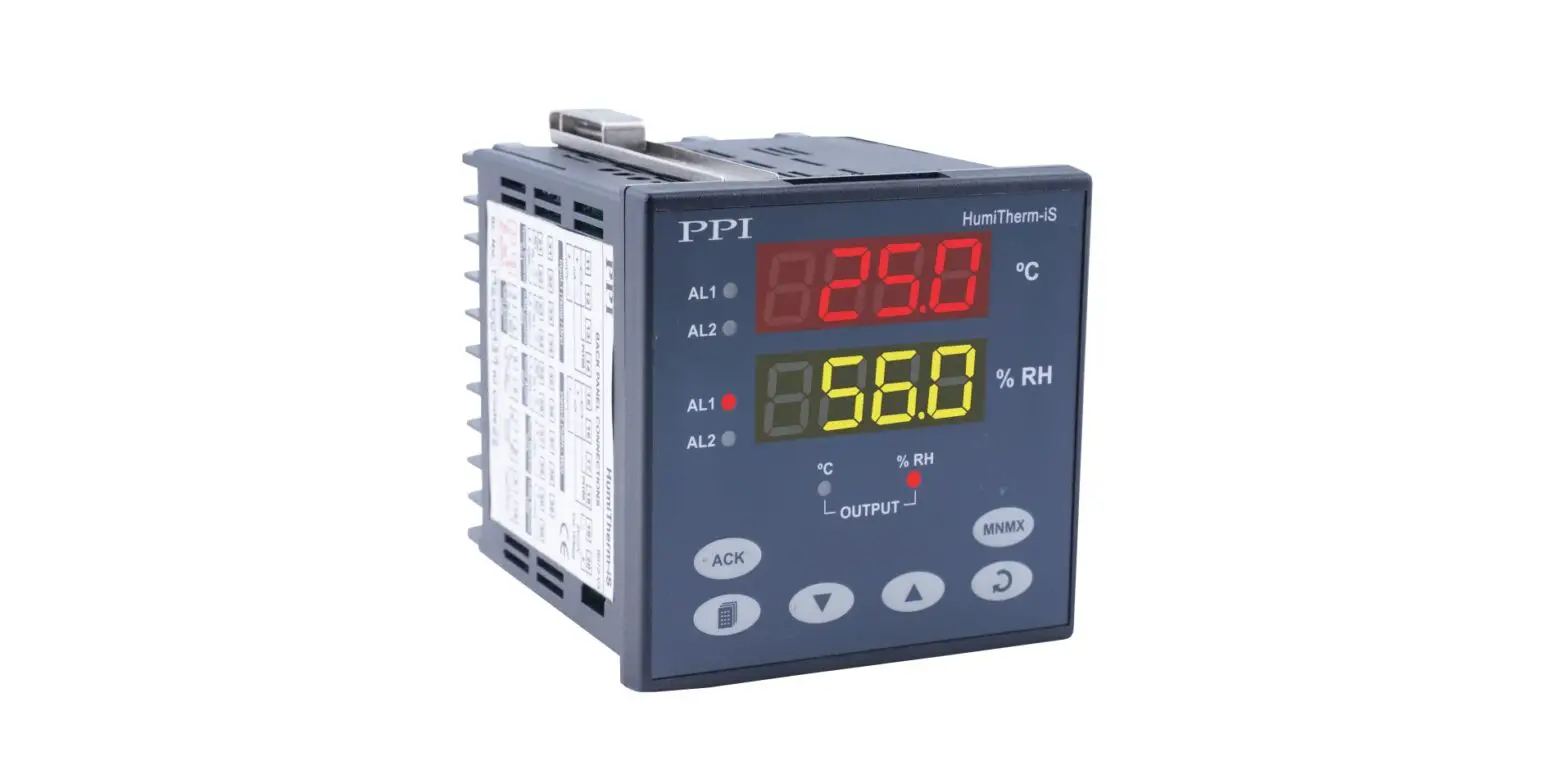

PPI HumiTherm-c Pro Temperature + Humidity PID Controller
This brief manual is primarily meant for quick reference to wiring connections and parameter searching. For more details on operation and application; please log on to www.ppiindia.net.
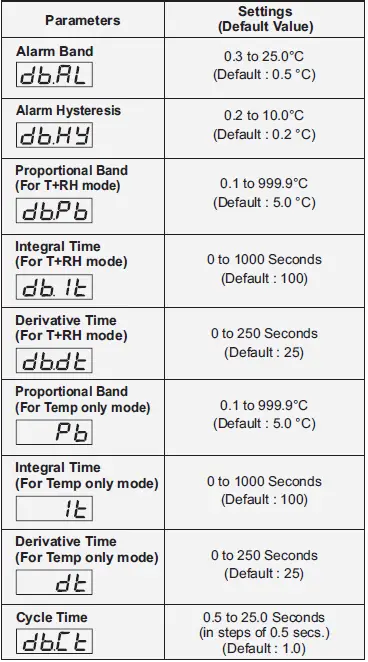
TEMPERATURE PARAMETERS
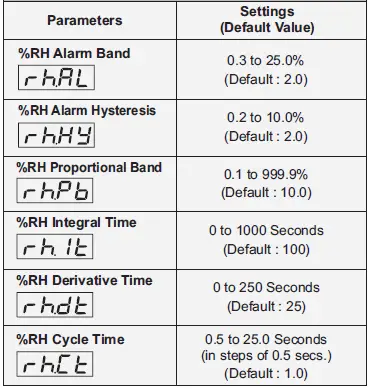
RELATIVE HUMIDITY (% RH) PARAMETERS:
OP3 FUNCTION PARAMETERS:
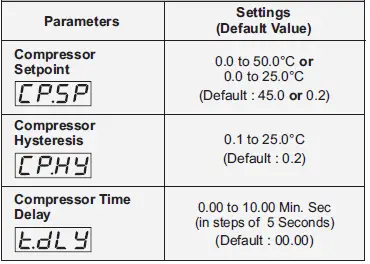
SUPERVISORY PARAMETERS:
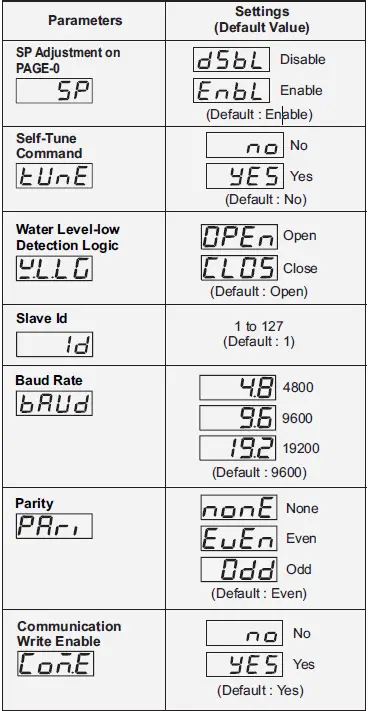
UTILITY PARAMETERS:
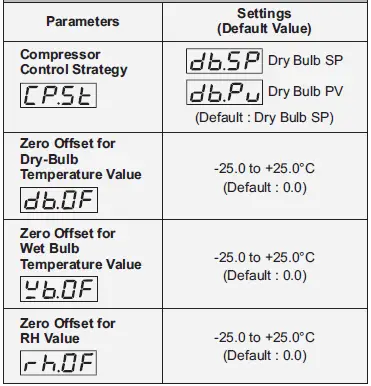
COMPRESSOR OPERATION & POWER INDICATION:
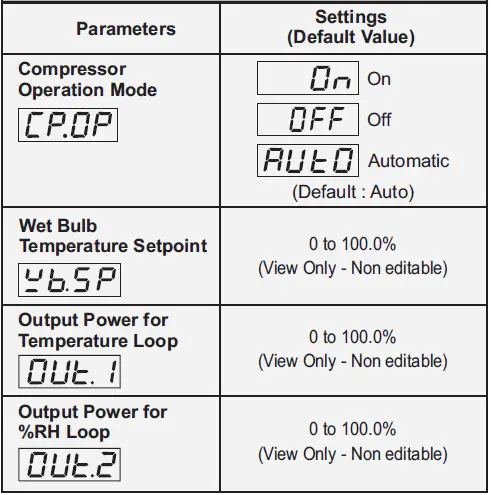
ELECTRICAL CONNECTIONS
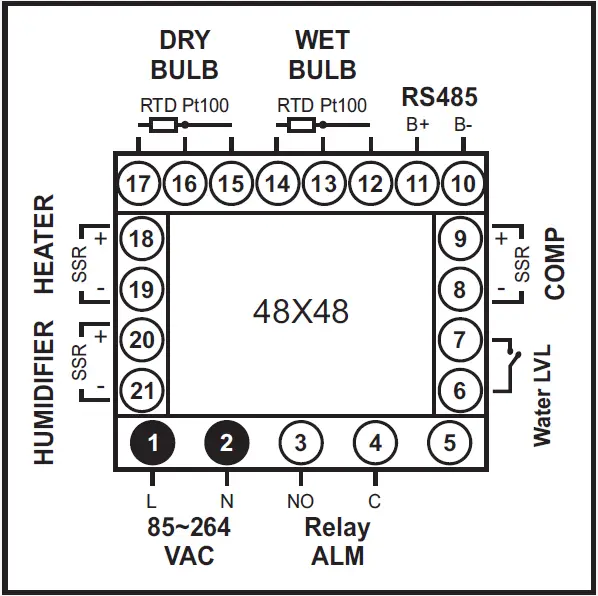
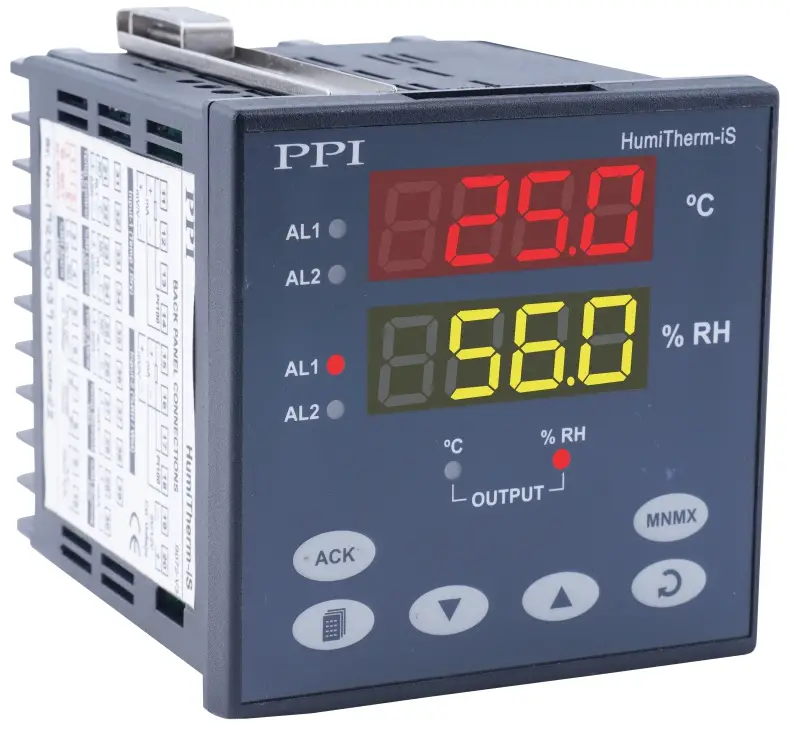
FRONT PANEL LAYOUT
Front Label
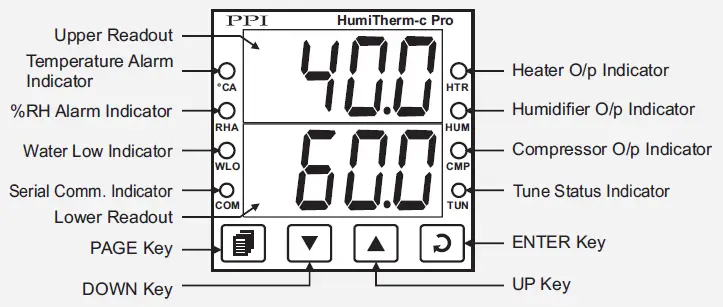
Keys Operation
| Symbol | Key | Function |
 | PAGE | Press to enter or exit set-up mode. |
 | DOWN | Press to decrease the parameter value. Pressing once decreases the value by one count; keeping pressed speeds up the change. |
 | UP | Press to increase the parameter value. Pressing once increases the value by one count; keeping pressed speeds up the change. |
 | ENTER | Press to store the set parameter value and to scroll to the next parameter on the PAGE. |
PV Error Indications
PV Error Indications For Dry Bulb Temperature (Upper Readout)
| Message | PV Error Type |
 | Over-range (Dry-Bulb Temp. above Max. Range) |
 | Under-range (Dry-Bulb Temp. below Min. Range) |
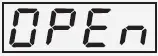 | Open (Sensor open / broken) |
PV Error Indications For Relative Humidity (RH) (Lower Readout)
| Message | PV Error Type |
 | Over-range (Wet-Bulb Temp. above Max. Range) |
 | Under-range (Wet-Bulb Temp. below Min. Range) |
 | Open (Sensor open / broken) |
 | Either Dry Bulb Temp. is below – 20.0°C or above 162.0°C. The error may also occur i f Wet Bulb depression is more then 60.0°C. |
Contact Information
101, Diamond Industrial Estate, Navghar, Vasai Road (E), Dist. Palghar – 401 210.
Sales: 8208199048 / 8208141446
Support: 07498799226 / 08767395333
E: [email protected], [email protected].
 Factory Automation Products India | Automation Solutions in India