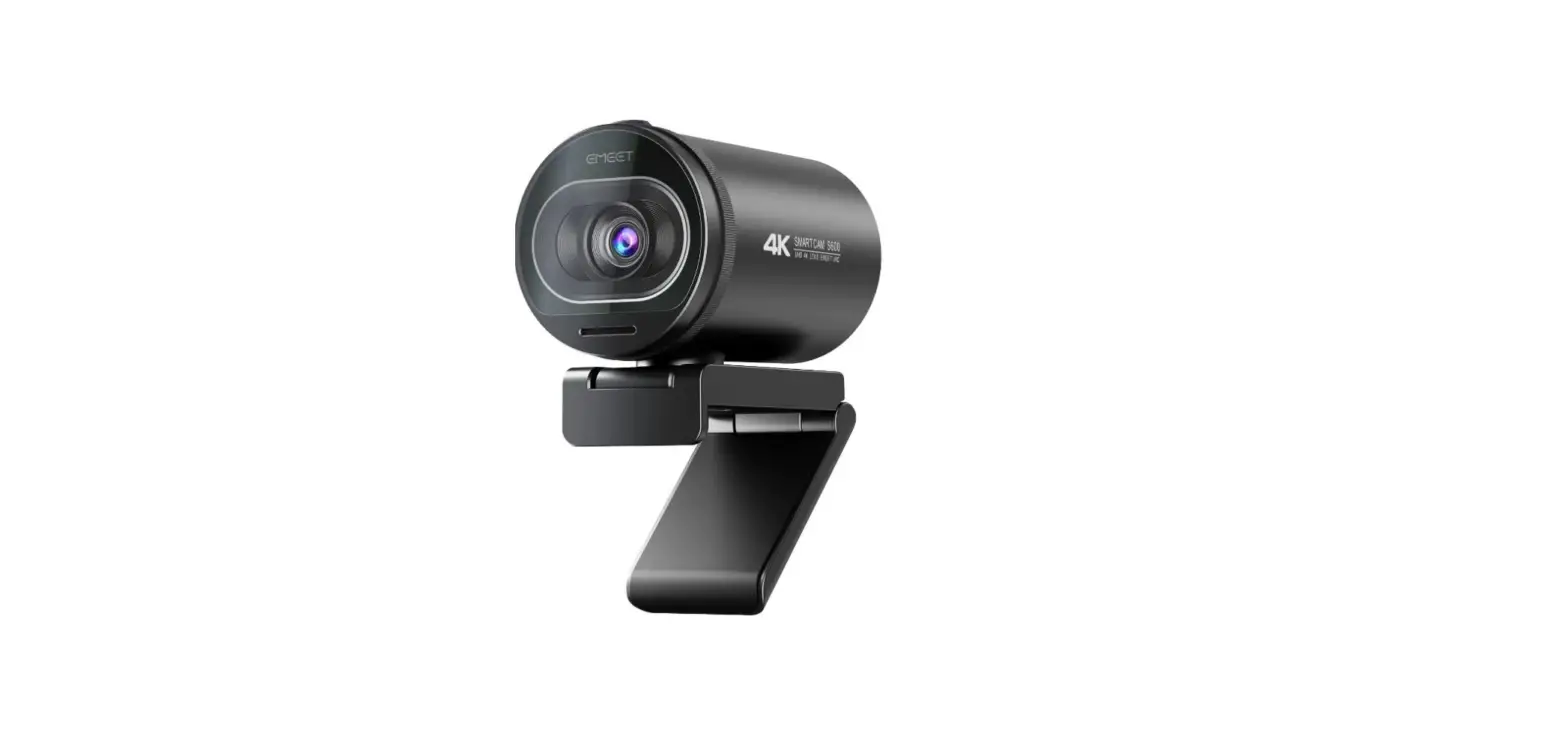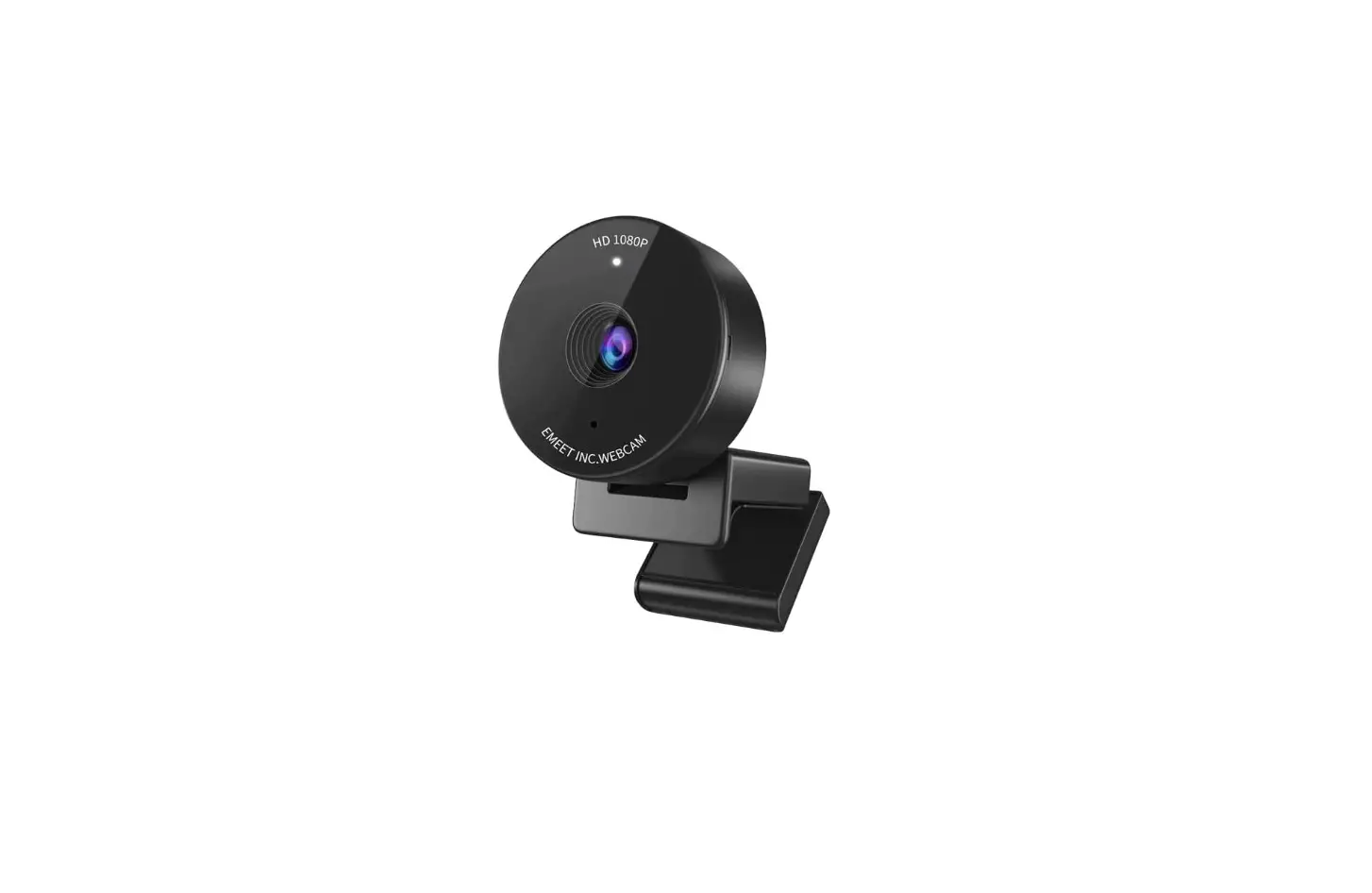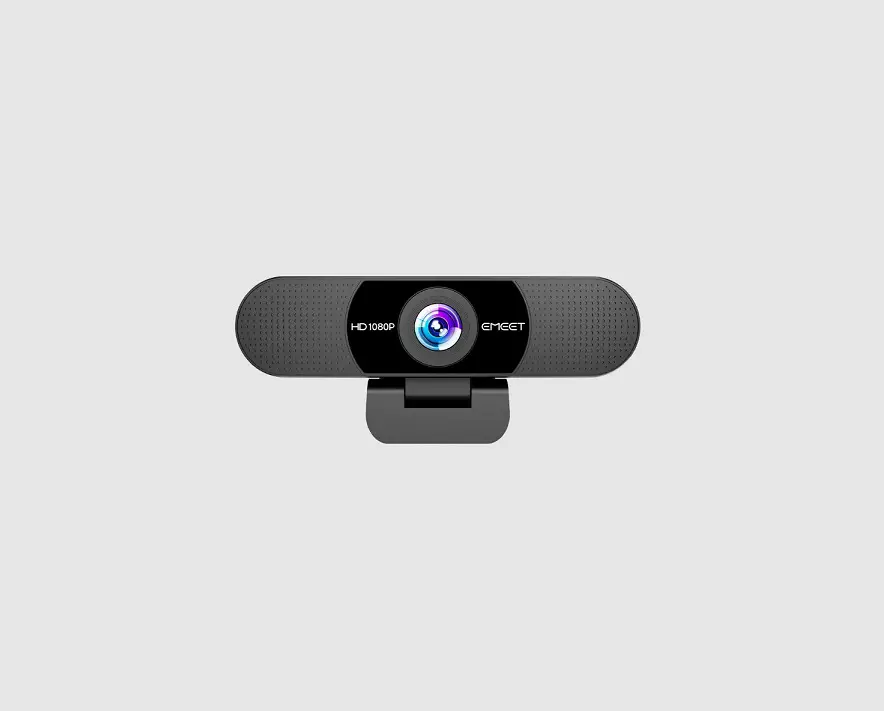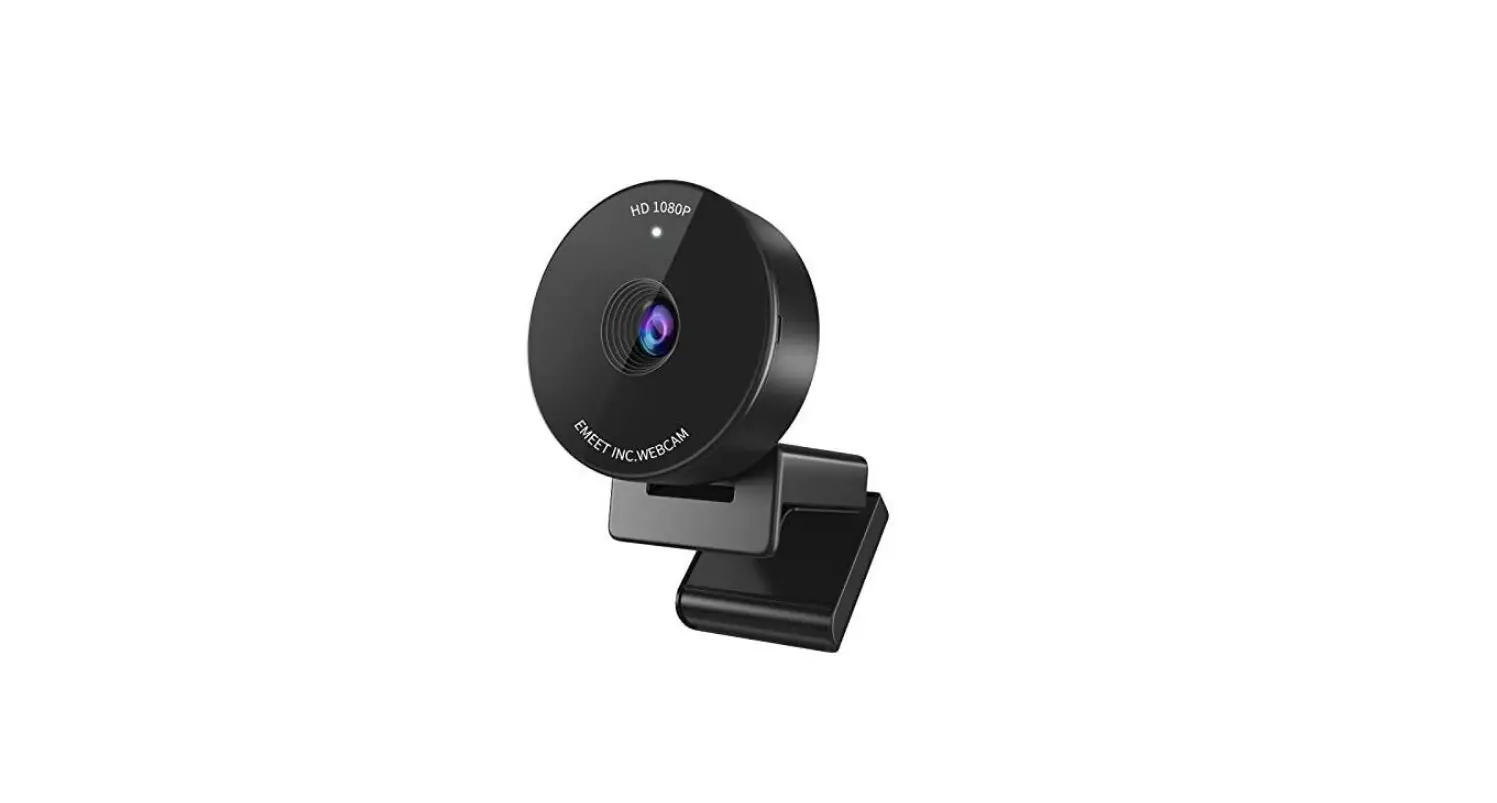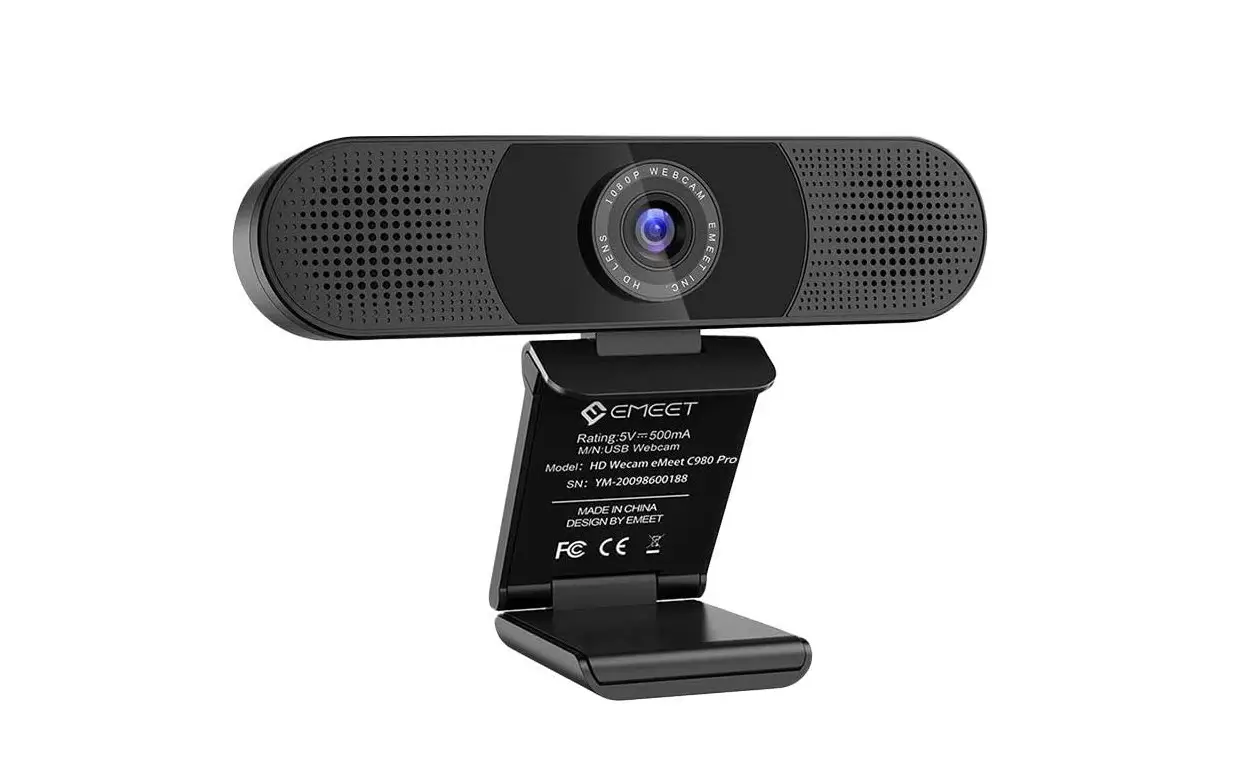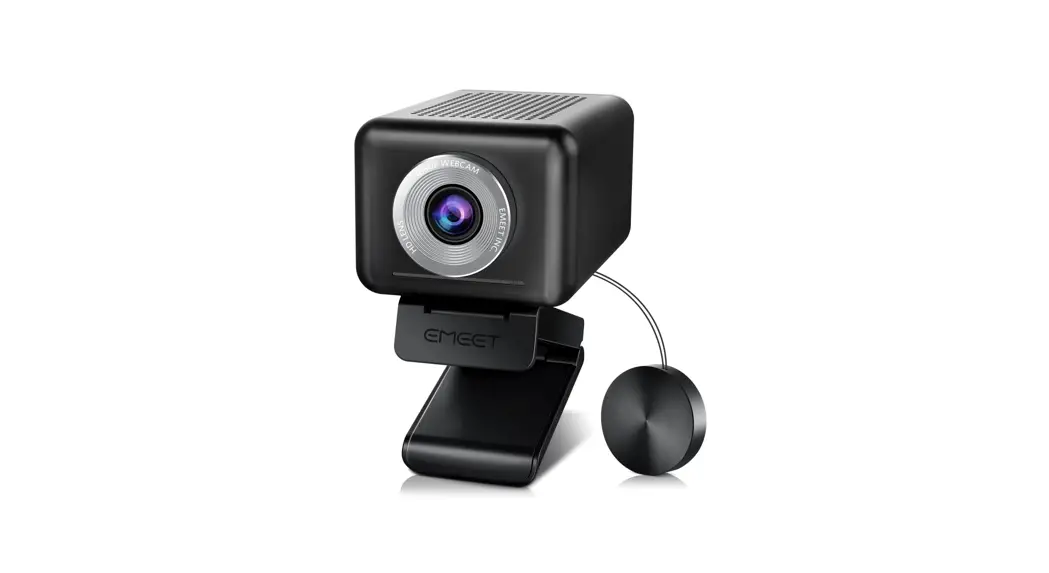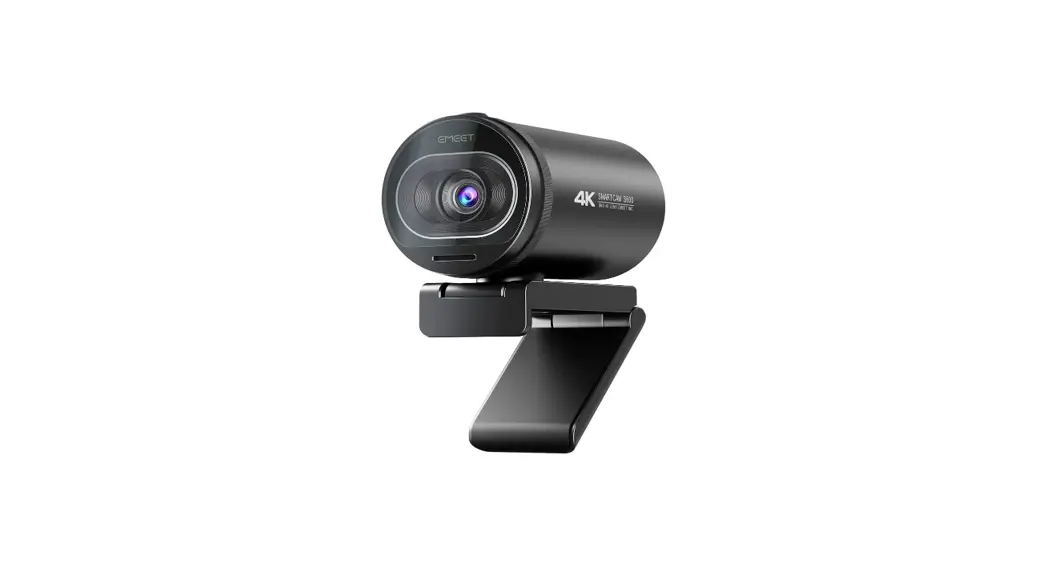
 EMEET StreamCam One
E7004 User Manual
E7004 StreamCam One
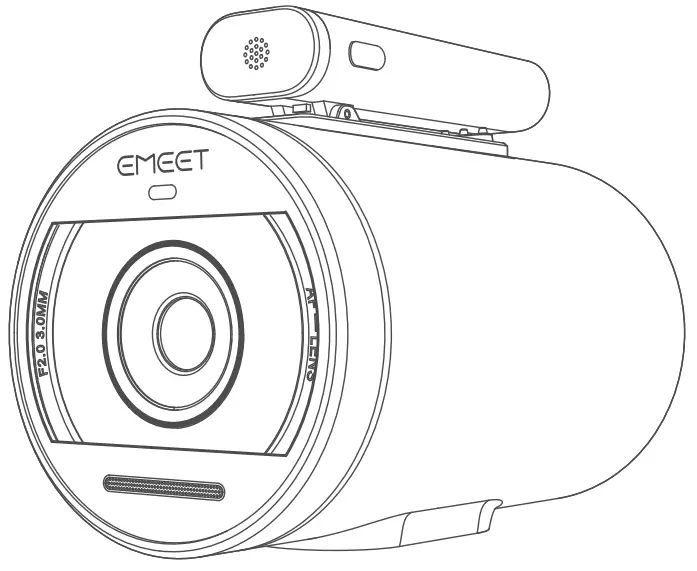
Overview
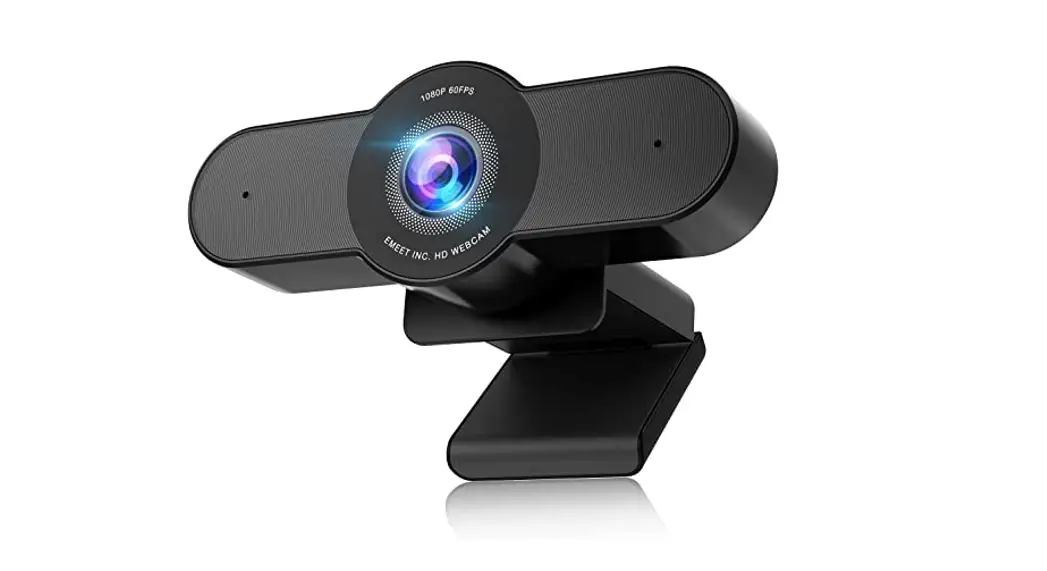
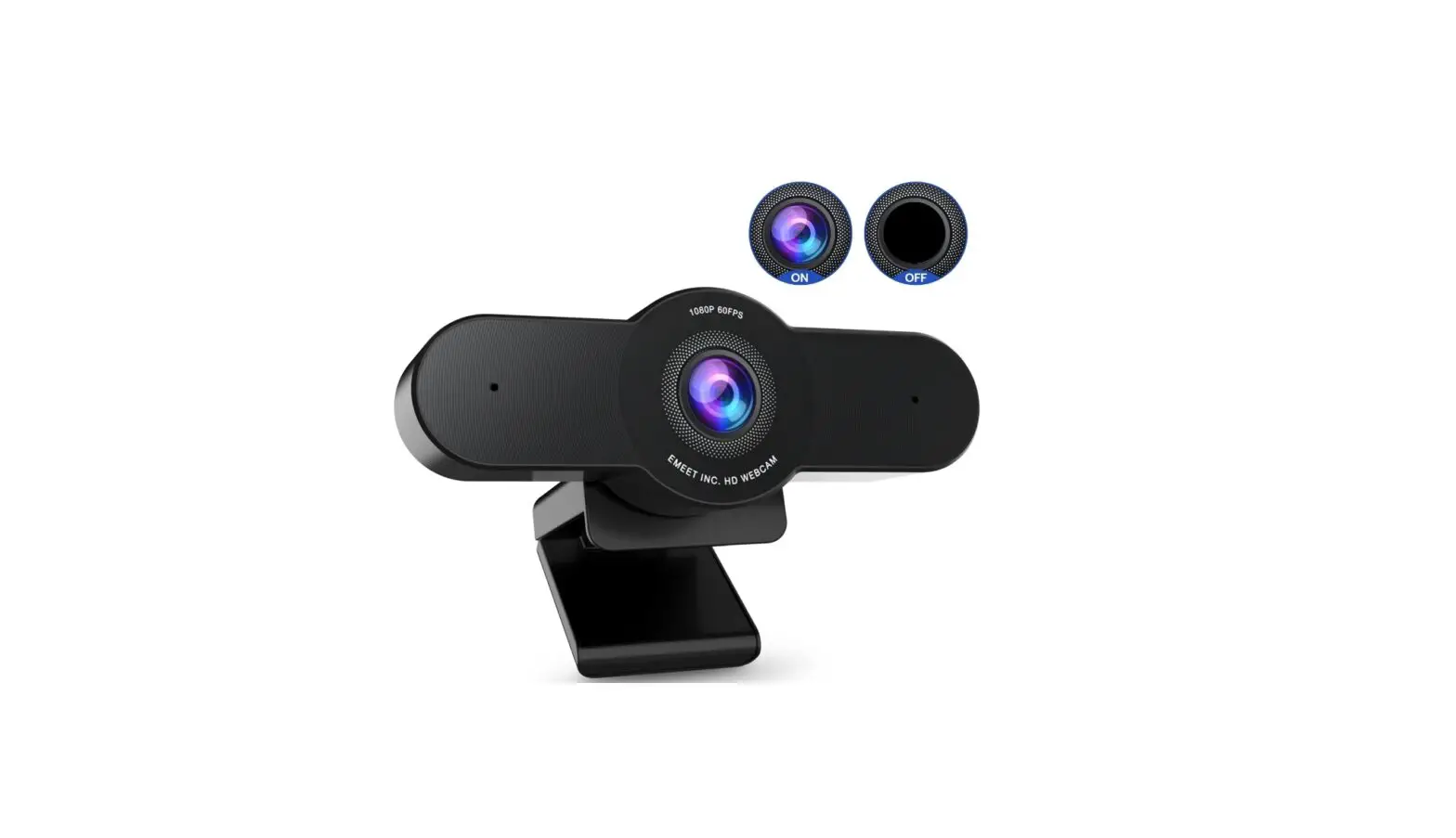
Camera
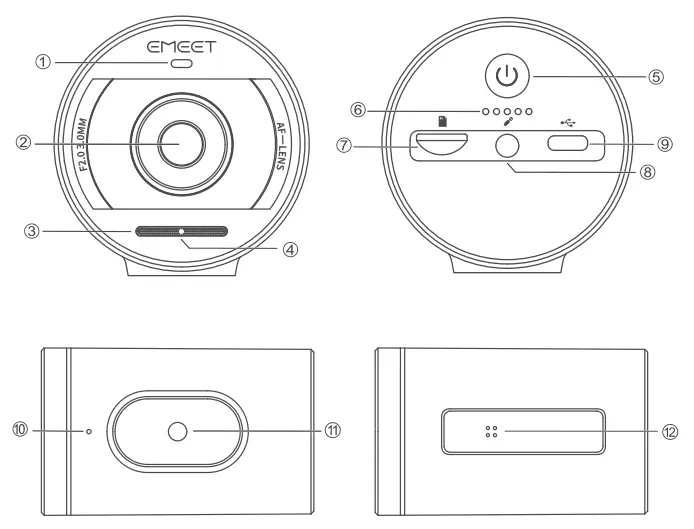
- Status indicator
- HD lens
- MIC hole
- Audio source indicator
- Power button
- Battery indicator
- Micro SD card slot
- External microphone port
- Type-C port
- Reset button
- 1/4″ tripod thread
- Charging contact
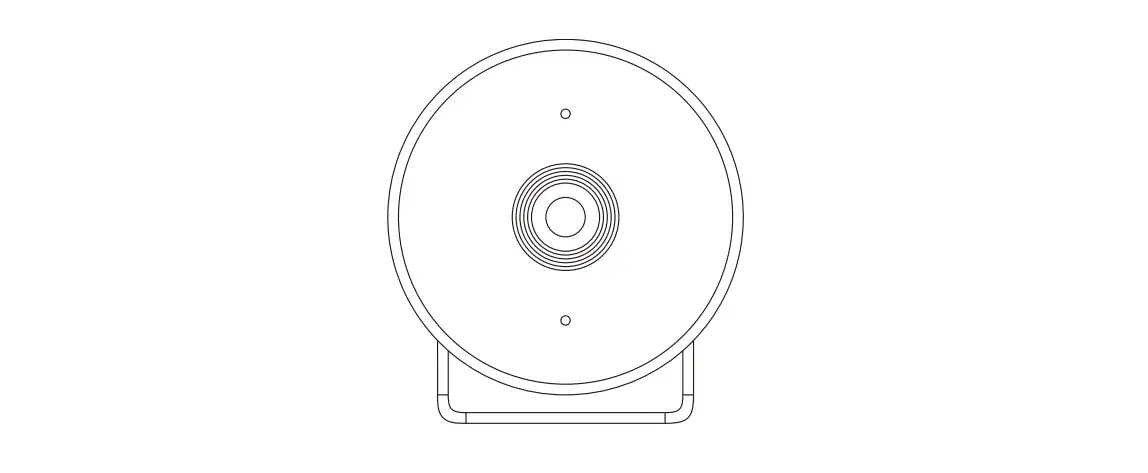
Microphone
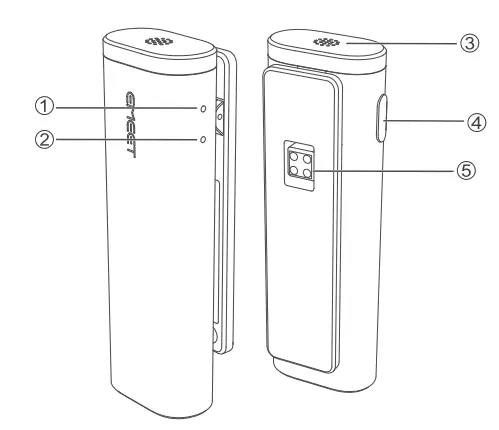
- Battery indicator
- Status Indicator
- MIC hole
- Mute button/Power-on/ Off button/Pairing button
- Charging contact
Download the eMeetStream Software
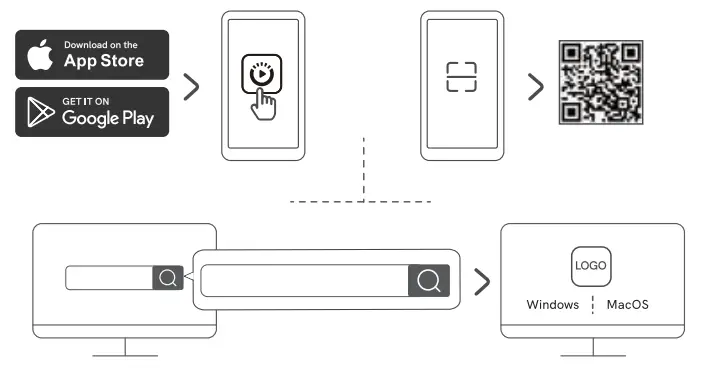
Note: You can visit www.emeet.com/erneetstream or scan the OR code above to download the EMEETSTREAM software.
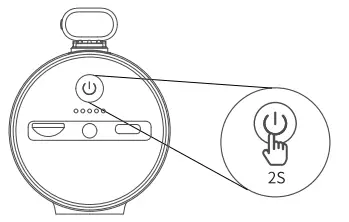
Power on the Device
Press and hold the power button for 2 seconds to turn it on, if the microphone is placed on the camera, they will both be powered on.
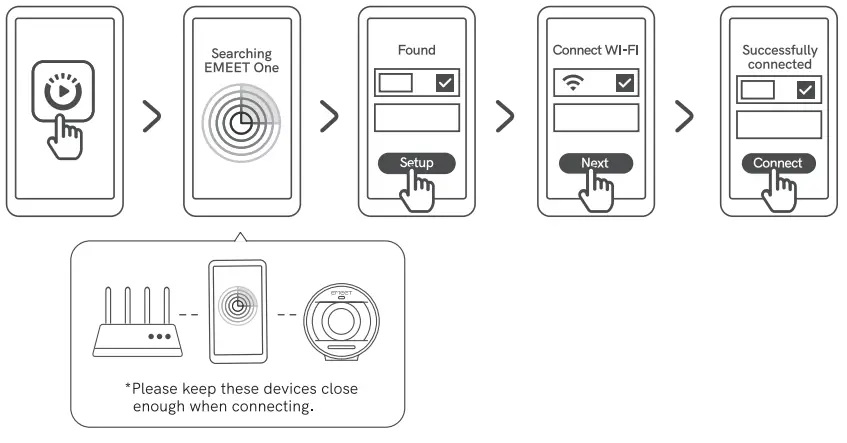
Connect the Camera to the App
After downloading the eMeetStream APP, you can follow the operation instructions to connect the camera to the app.
Indicators
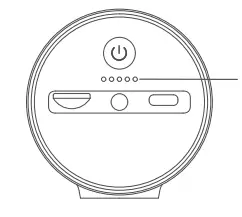
| Indicator | Status | LED |
| Battery indicator | Battery display | The remaining battery capacity is displayed when the light shows steady red |
| Network signal display | The light is steady green for 2 seconds (you need to set it in the app) |
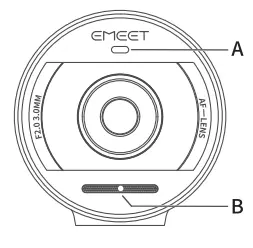
| Indicator | Status | LED |
| A:Status indicator | Waiting for network configurations to be completed | Flashes blue |
| Network configurations are completed | Steady blue | |
| USB camera mode | Steady white | |
| Live/Record mode Steady red | Steady red | |
| An error occurs during recording | Flashes yellow | |
| B:Audio source indicator | The wireless microphone is picking up sounds. | Flashes blue |
| The built-in microphone is picking up sounds. | Steady green | |
| The external microphone is picking up sounds. | Steady white | |
| MIC muted | Steady red |
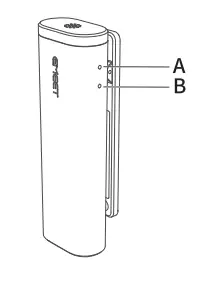
| Indicator | Status | LED |
| A:Status indicator | Bluetooth pairing | The Bluetooth indicator flashes |
| Bluetooth closed | Steady white | |
| The Bluetooth connection is established | Steady blue | |
| MIC muted | Steady red | |
| B:Battery indicator | Battery power ≤20% | Steady red |
| Battery power >20% | Off | |
| Charging | Flashes red |
Product Parameters
| Type-C charging input | 5V 2A 2A |
| Type-C external power supply | 5V lA |
| Charging time | 3 to 4 hours (this is the test outcome when a 5V-2A adapter is used to charge the device in power-off state.) |
| BLuetooth version | V5.0 |
| Bluetooth range | 20m (in an open environment) |
| Product size | 96mm*59mm*76mm |
- Note: In case of any changes in the specifications, official website information shall prevail.
Contact Us
For more information about StreamCam One, please visit our official website at: www.emeet.com/support/streamcamone