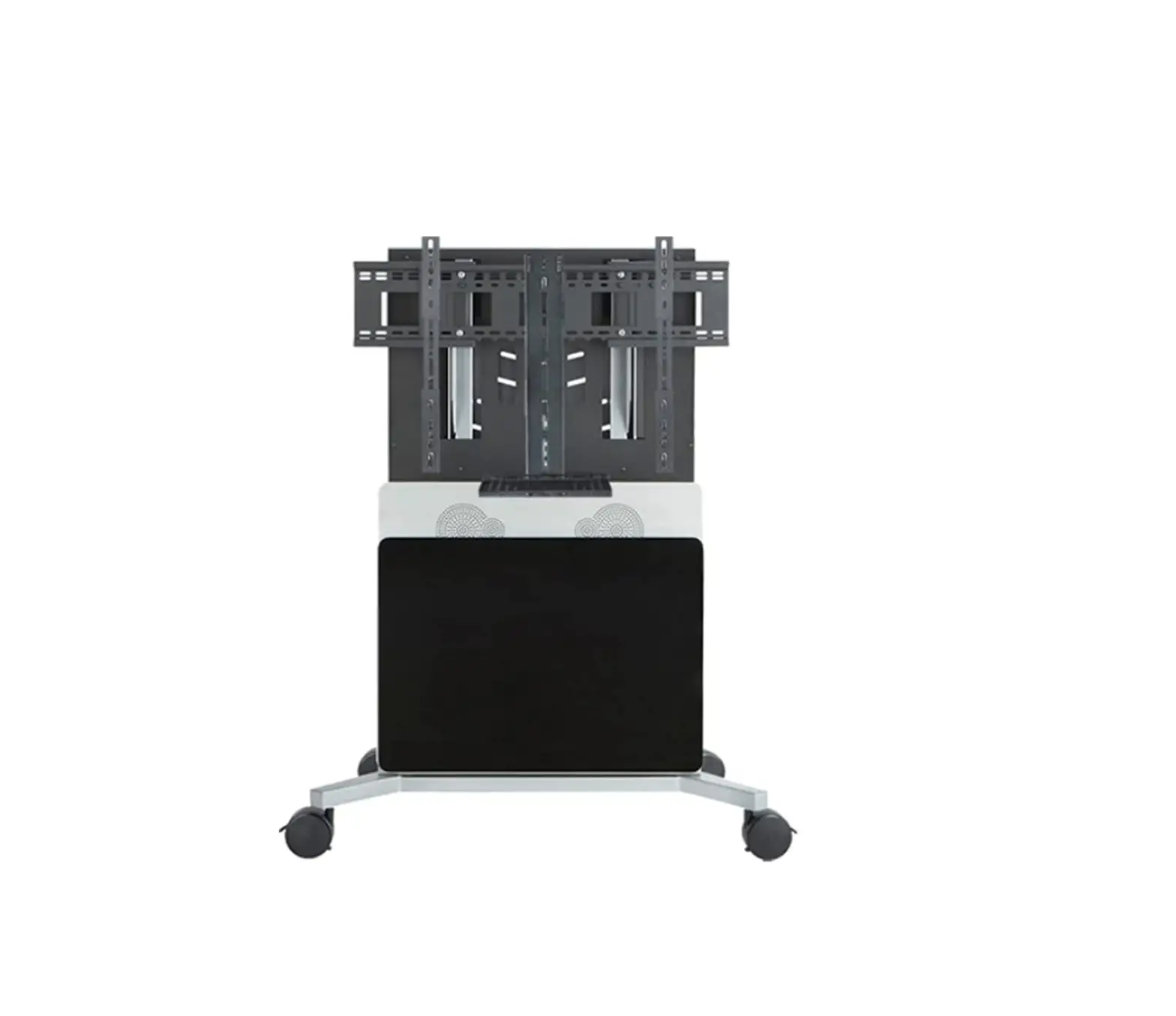
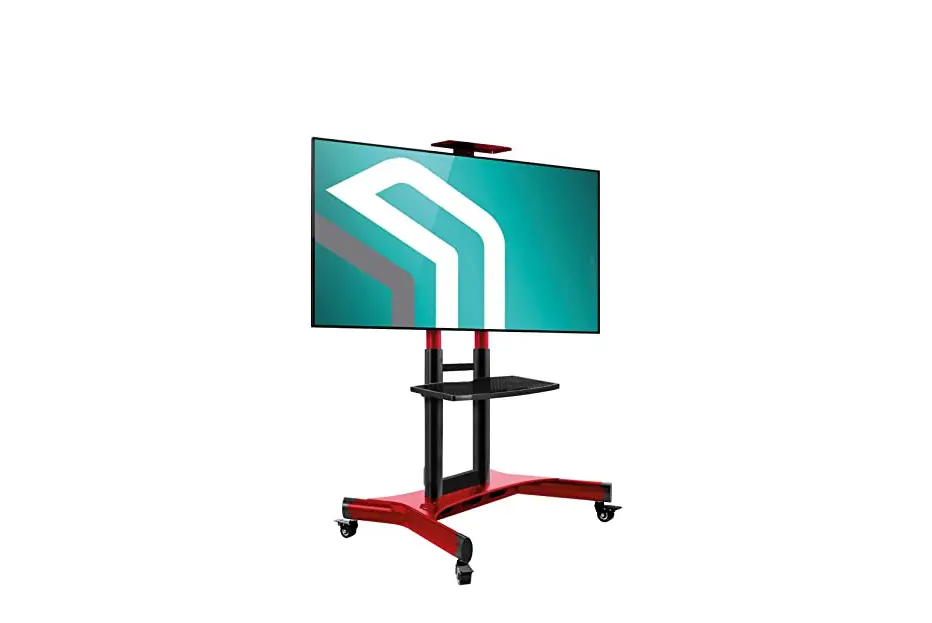
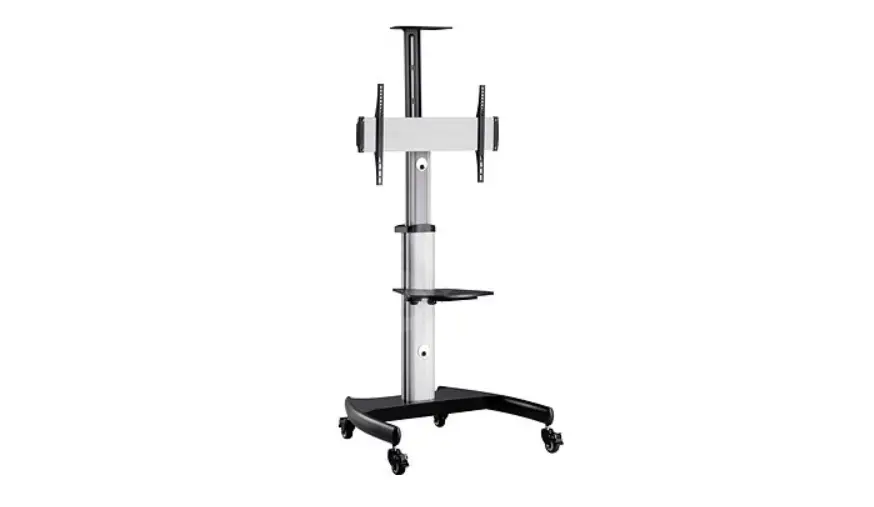
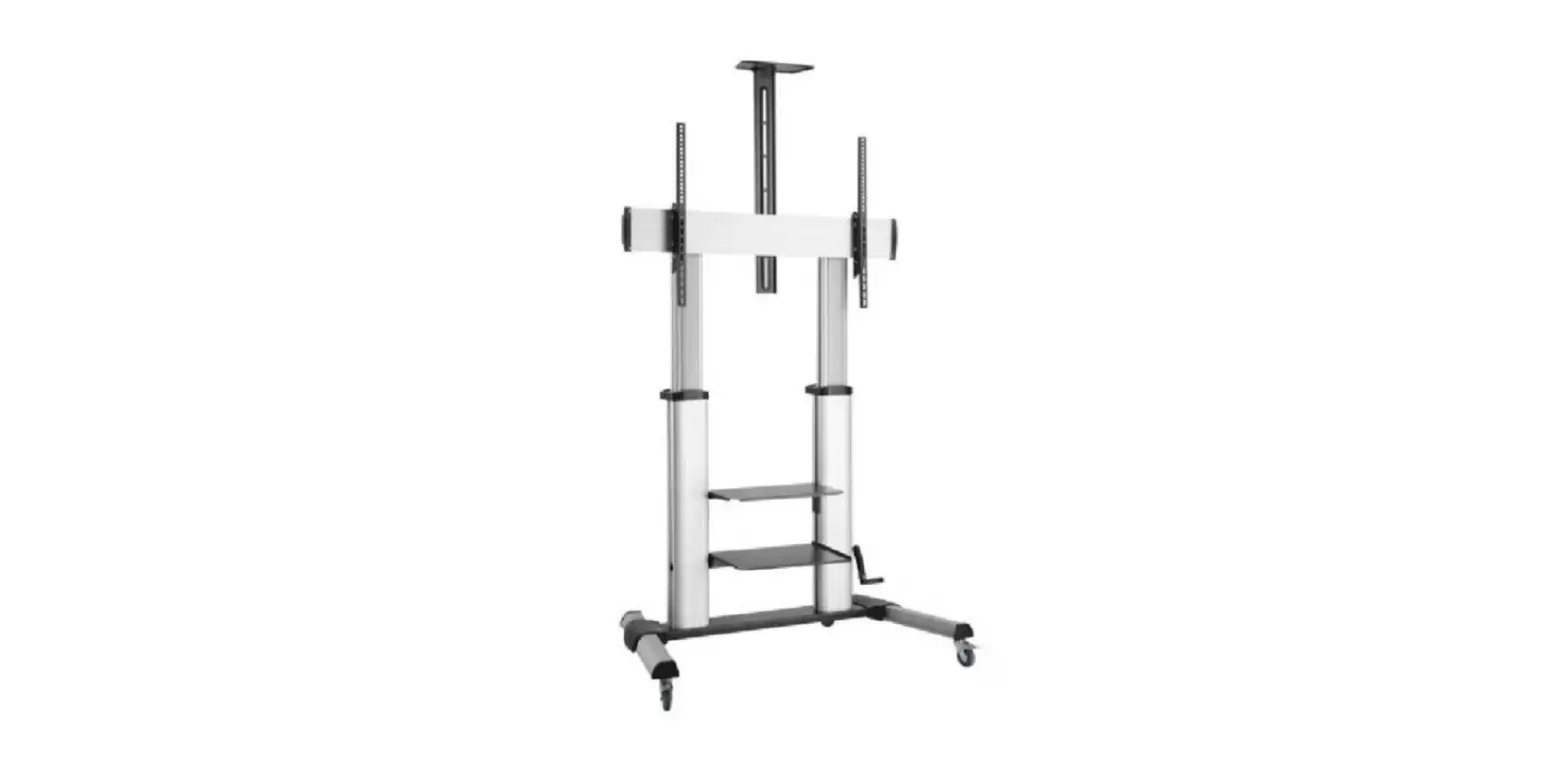
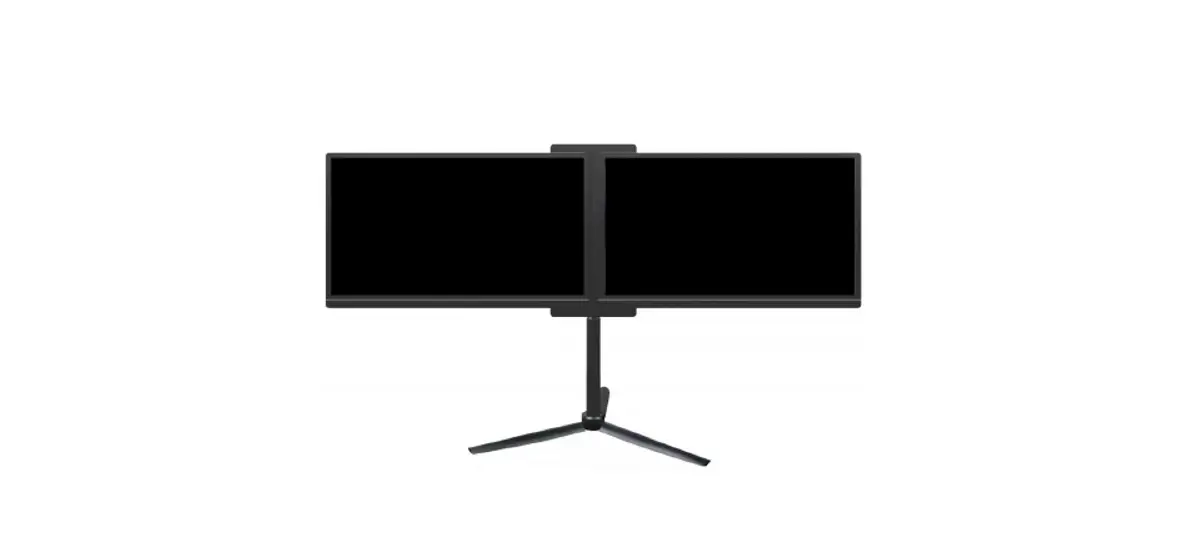
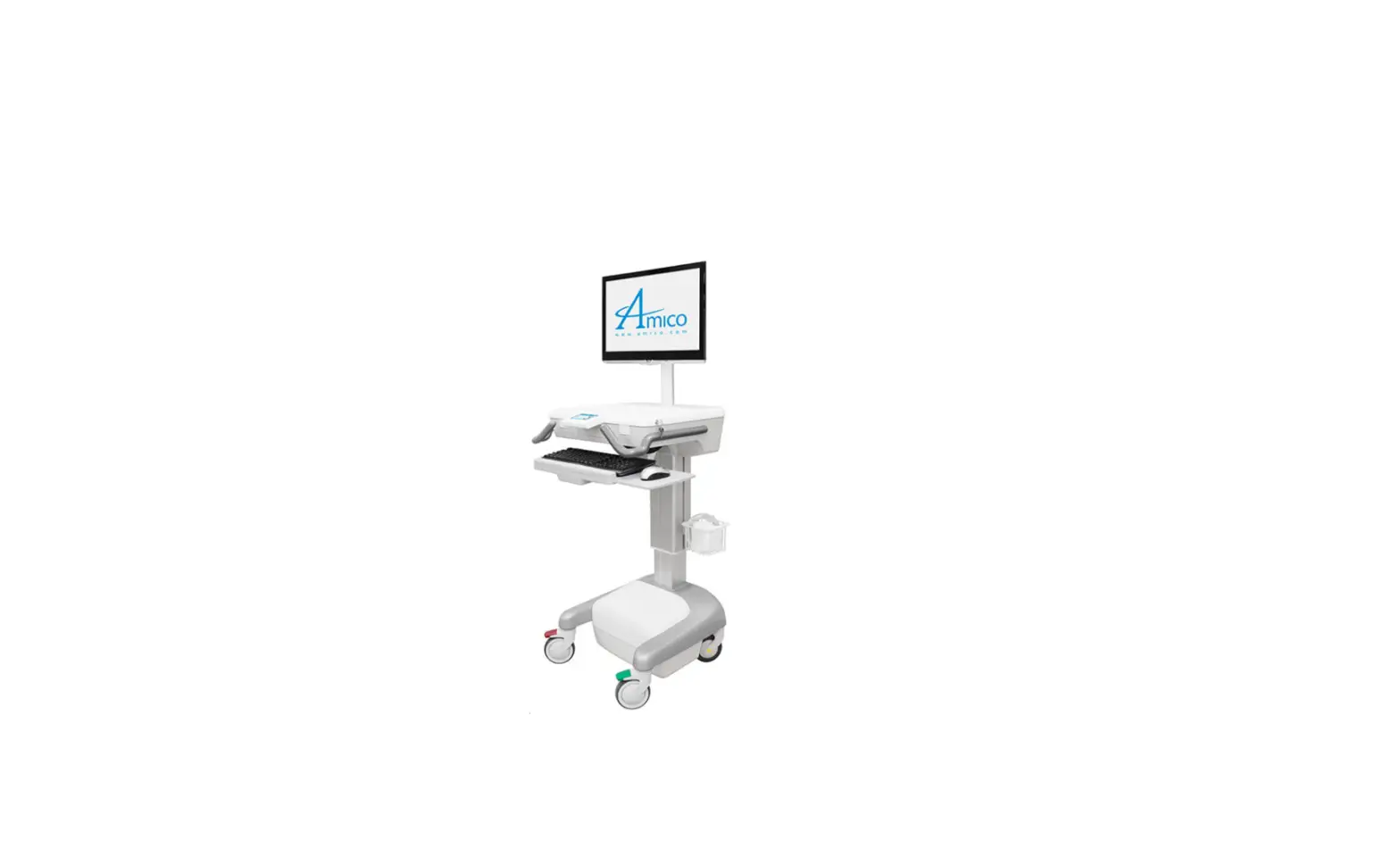
RPS 1000 Dual 50-82 Inch Displays Mobile Cart
Product Information: RPS 1000
The RPS 1000 is a mobile cart designed to hold a single or dual
monitor display, camera support, and camera platform. It comes with
all the necessary hardware for installation including a Phillips
screwdriver, 5/16 x 3/4 screws (x8), 5/16 x 1 (Axl8le)n (x1) screw,
upright (x2) for single monitor (x4) for dual monitor, display
mount (x1), camera support (x1), camera platform (x1), socket flat
head screws (x4), blind nut 1/4 (x4), lock washer 1/4 (x4), Philips
head bolt 1/4x 1/2 (x4), Philips head bolt 5/16x 1 1/4 (x4), nut
5/16 (x4), flange nut 1/4 (x4), and handle (x2).
Product Usage Instructions
- Attach the camera platform (E) to camera support (D) using 4
socket flat head screws (F) and 4 blind nuts (G). - Secure camera support (D) to cart (A) at the desired height
using lock washers (H) and bolts (I). - Before installing the display mount, measure the VESA pattern
on the back of the display to make sure any adjustments to the
display mount are done prior to mounting it to the cart. - Secure the display mount (C) to cart (A) as shown.
- Using the display mount hardware, bolt the hanging brackets to
the rear of the display. - Assemble the handles (O) to the support screen mount (C) using
the screws on the handle and 4 flange nuts (N).
EASY SETUP GUIDE
RPS 1000
Items needed for install
Items Included – Phillips screw driver
A
Cart (x1)
K
L
5/16″ x 3/4″ (x8)
5/16″ x 1 (Axl8le)n (x1)
B
Upright (x2) for single monitor (x4) for dual monitor
E
C
Display Mount (x1)
F
D
Camera Support (x1)
G
Camera Platform (x1)
Socket Flat Head (x4)
Blind Nut 1/4″ (x4)
H
I
J
Lock Washer 1/4 (x4)
Philips Head Bolt 1/4″x 1/2″ (x4)
Philips Head Bolt 5/16″x 1 1/4″ (x4)
M
N
O
Nut 5/16″ (x4)
Flange Nut 1/4″ (x4)
Handle (x2)
1
E
D
F
Attach Camera Platform (E) to
Camera Support (D). using 4
Socket Flat Head Screws (F)
and 4 Blind Nuts (G).
G
A
800-285-8315
D
H Secure Camera Support
I
(D) to Cart (A) at desired height using Lock Washers
(H) and Bolts (I).
AVTEQ.net
2 Install Tip: Before installing the Display Mount, measure the VESA pattern on the back of the display to make sure any adjustments to the Display Mount are done prior to mounting it to the cart.
M L
Secure the Display Mount (C) to Cart (A) as shown.
C K
J
3 Using the Display Mount hardware, bolt the hanging brackets to the rear of the display.
4
Hang display on Display Mount (C)
800-285-8315
AVTEQ.net
5
L O
O C
K N
N
Assemble the handles (O) to the
O
Support Screen Mount (C) using
the screws on the handle and 4
Flange Nut (N).
800-285-8315
AVTEQ.net
 AVTEQ | Collaborative AV Furniture Designed for Today's Technology