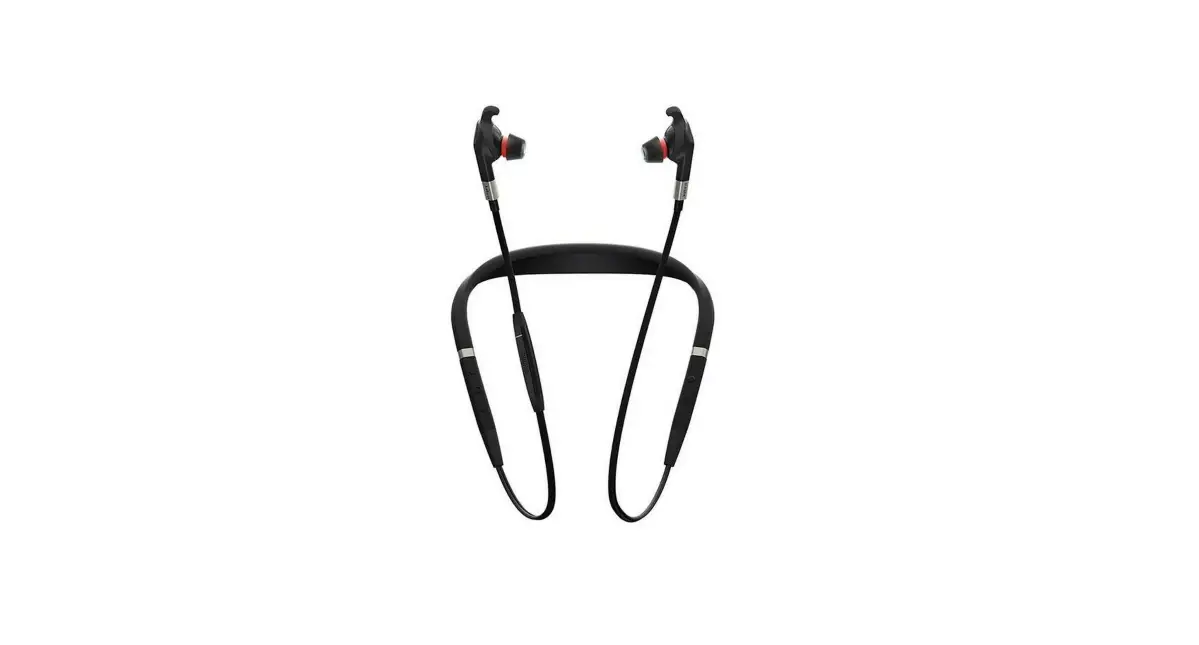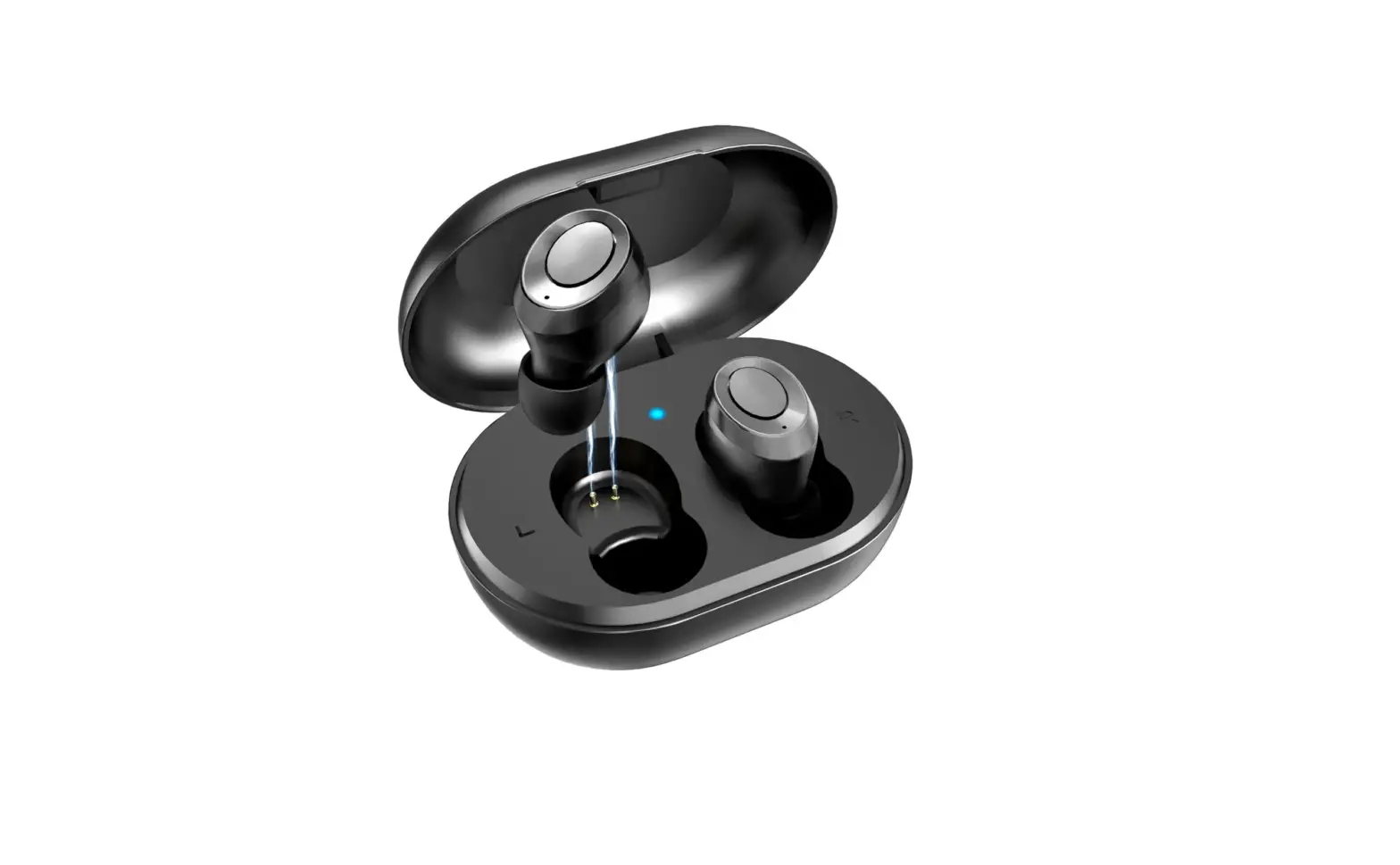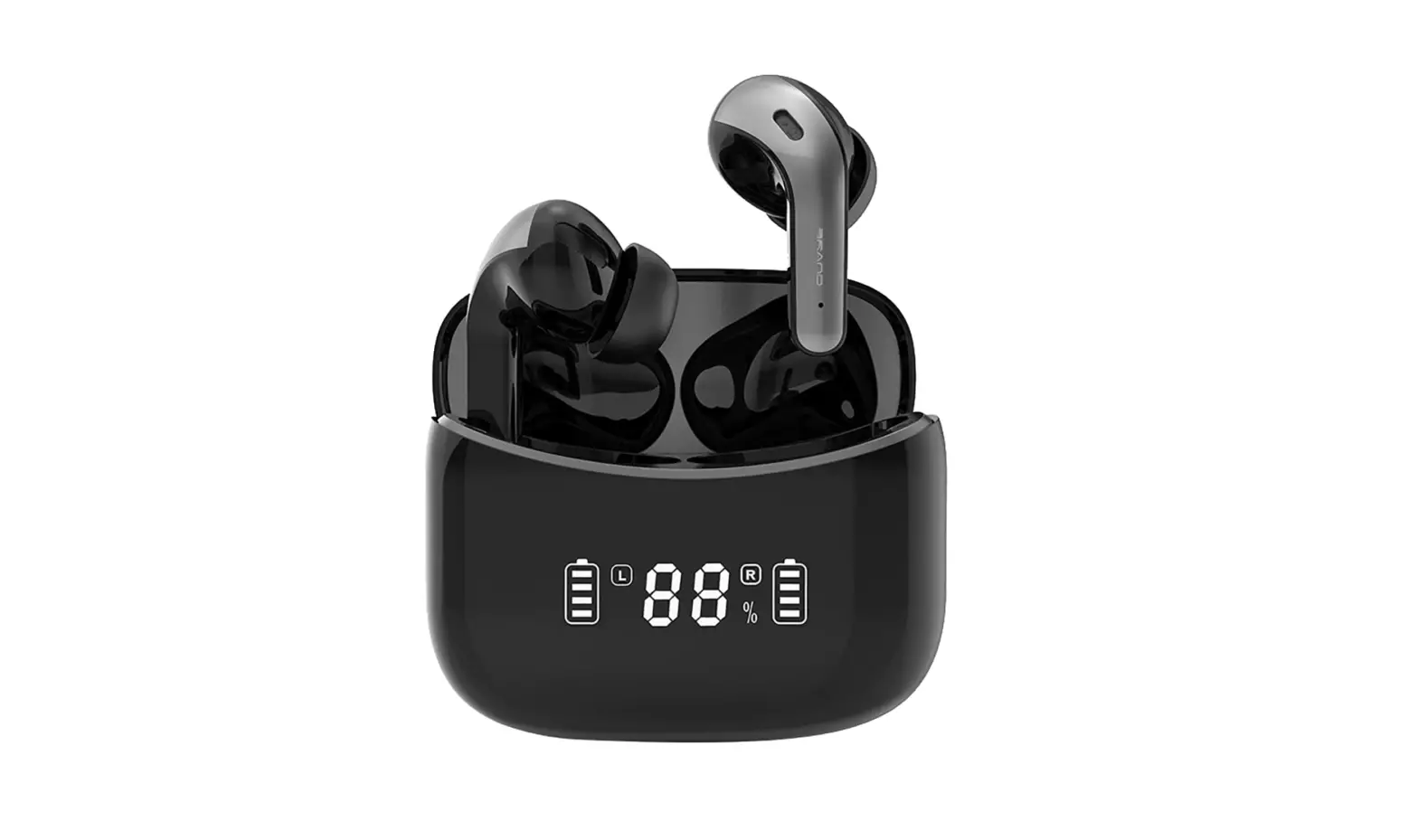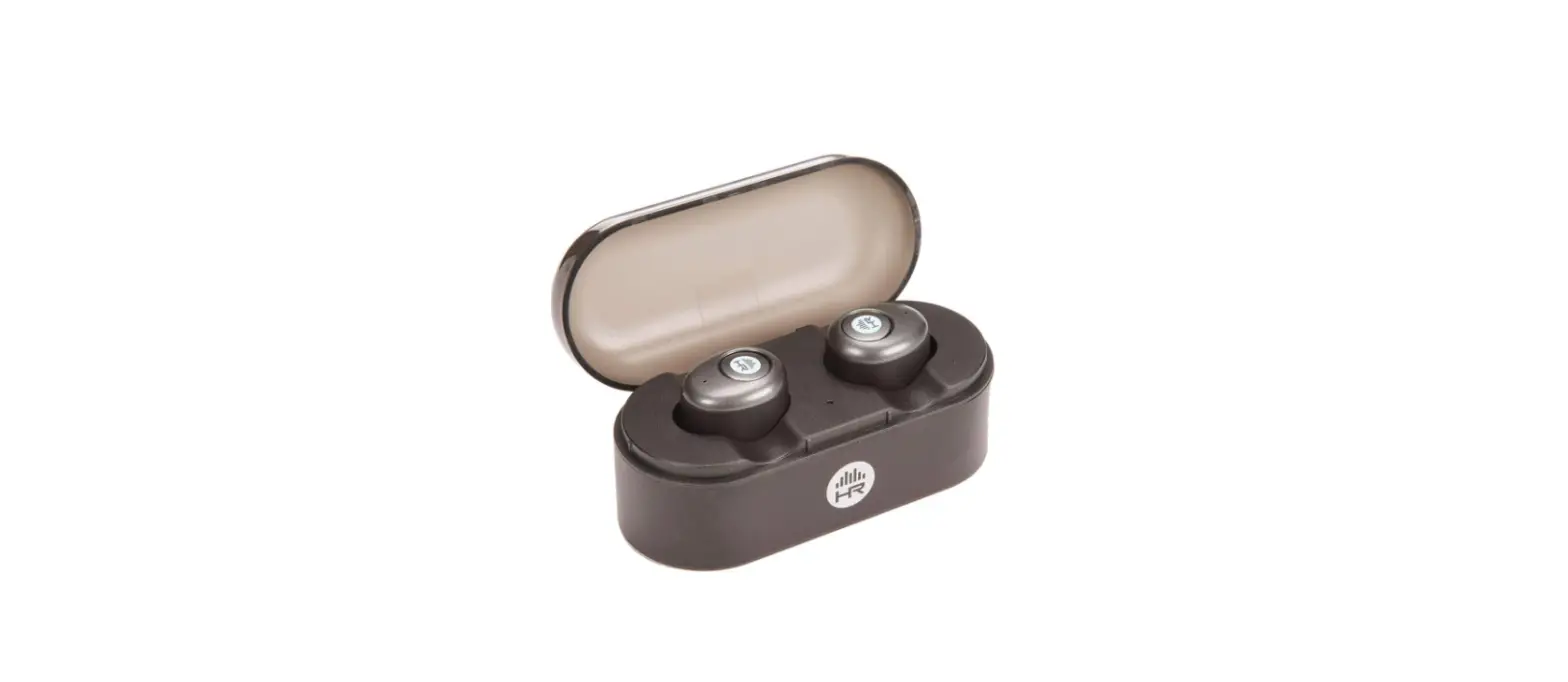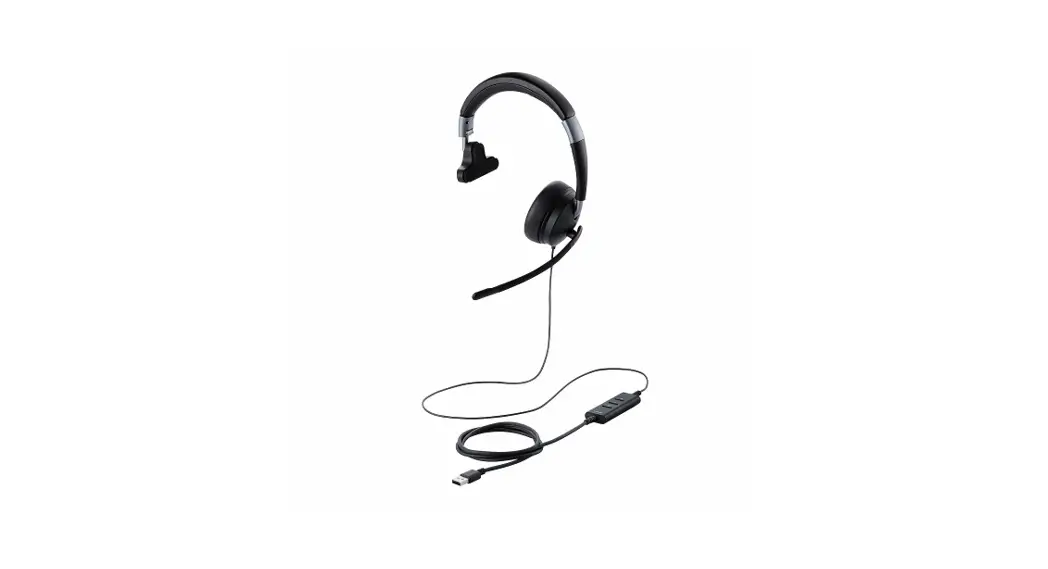
 HS-HP100UNC True Wireless Earbuds
Instruction Manual
Headset
Name and function of each part
* This is an illustration of when the earpiece is worn over the right ear.
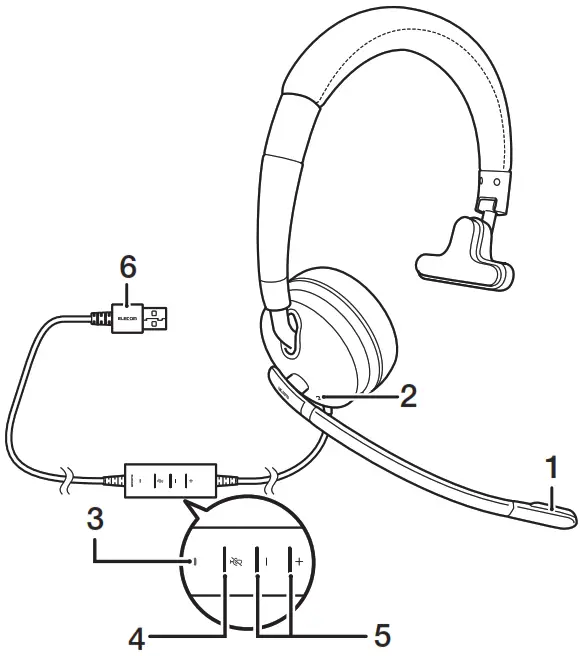
- Microphone
- Noise-canceling microphone
Covering the noise-canceling microphone will cause the noise reduction function to decrease. Please do not cover the microphone. - LED light
- Power ON/OFF button
- Volume button
- USB connector
• You can adjust the length of the headband and turn the microphone to your preferred position.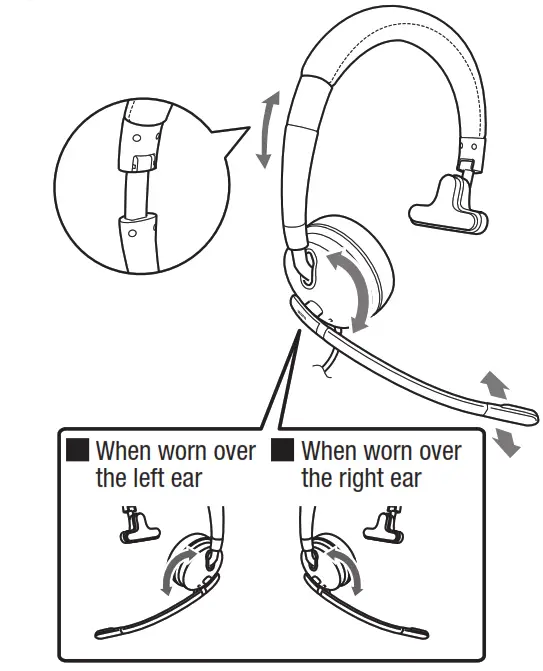 * Turn the microphone counter-clockwise if you are wearing the earpiece over your left ear.
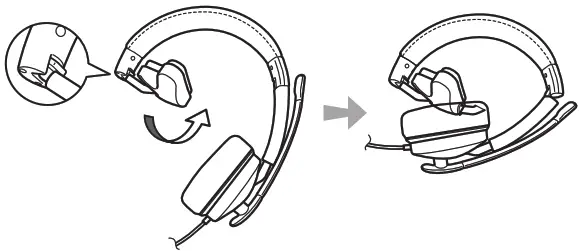
• The headset can be folded.
 How to connect
 How to connect
Connect this product to the USB port of your device, e.g. PC. Please refer to your device manual for instructions on how to operate your device.
Connect the USB connecter (USB A) to the PC USB port.
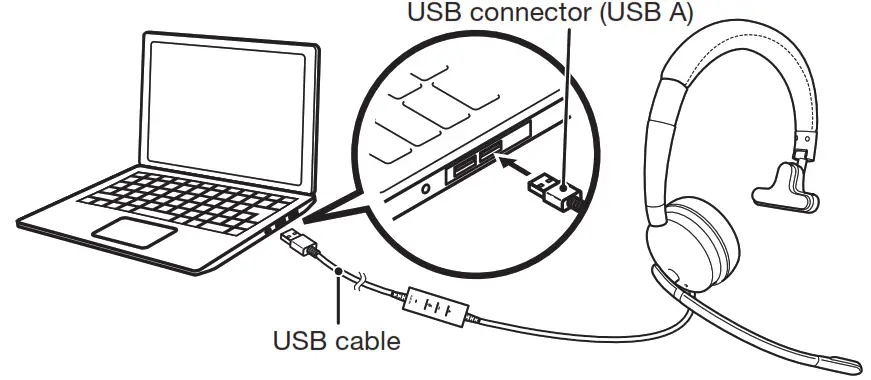
 Plugging the USB connector in after starting up an application may cause the application to function incorrectly.
- Please refrain from plugging the connector in or changing settings while the application is starting up. Close the application and then restart it.
- Depending on the application you are using, you may need to setup the audio device in the application.
- When connecting this product, connect it directly to the USB port of a PC. If you connect it to a USB hub, it may not work properly.
 Basic operation instructions
 Basic operation instructions
Adjusting the volume
 This function may not be available, depending on the connected device or application.
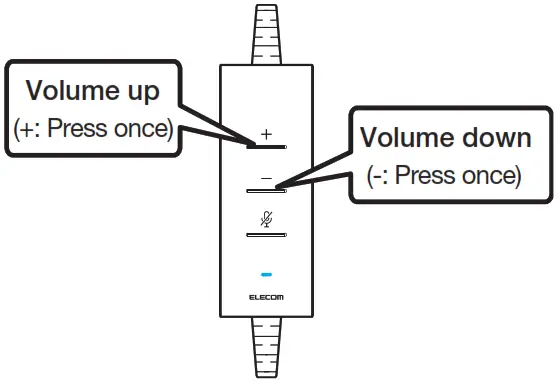 This function may not be available, depending on the connected device or application.
Turning off the microphone (Mute mic)
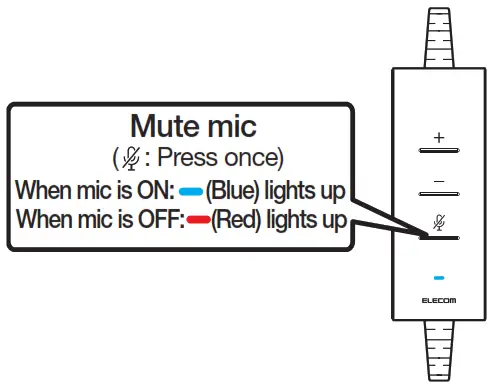 If the mic mute function does not work on this product, try operating the mute function from your software or application.
Turning off the noise reduction function
 This function may not be available, dependingon the connected device or application.
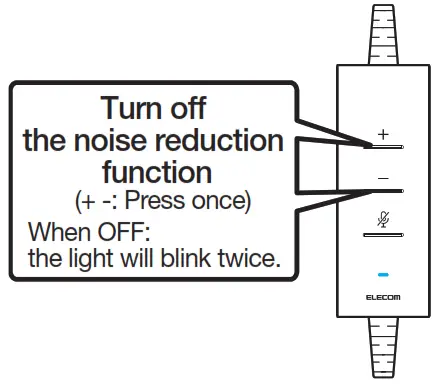 This function may not be available, dependingon the connected device or application.
Specifications
| Compatible models | PC equipped with USB-A terminal, PlayStations4/5 and NINTENDO SWITCH TM. Functions cannot be guaranteed for all devices. |
| External dimensions (W x D x H) | Approx. 180 x 70 x 190mm F.1″ x 2.8″ x 7.5″] (excluding cable) When folded: Approx. 180 x 70 x 120mm F.1″ x 2.8″ x 4.7″] (excluding cable) |
| Cable length | Approx. 1.9m [6.2ft] |
| Weight | Approx. 165g [5.8oz] (excluding cable) |
Headset
| Speaker type | Dynamic type (monaural) |
| Driver unit | Diameter 40mm |
| Maximum input | 20mW |
| Impedance | 100 Q |
| Frequency response | 20 to 20,000Hz |
Microphone
| Microphone type | Electret condenser |
| Directionality | Unidirectional |
| Input sensitivity | -42dB ± 3dB |
| Impedance | 2.2k Q |
| Frequency response | 100 to 8,000Hz |
| Arm length | Approx. 145mm [5.7″] (length from pivot to mic hole) |
Safety Precautions
 Prohibited action
 Mandatory action Situation that needs attention
Safety Precautions
Please adjust your device to a suitable volume before using.
Simulating the ears by playing loud sounds over a long period of time may affect your hearing negatively. To protect your hearing, please ensure that the volume level is not too high.Please stop using this product and take a rest if you feel any extreme tiredness or discomfort where this product touches you.
If the discomfort does not improve after rest, please consult a doctor.Do not use this product when operating a car, motorcycle, bicycle, etc.Do not use this product in places where it is dangerous if you cannot hear sounds from the environment.Do not force yourself to wear this product for a long period of time.
Your ear may hurt or the product may become damaged as a result.Sound leakage may occur from this product if the volume is raised too much. Please adjust the volume so that it does not disturb others.The ear pads may deteriorate over long period of use or storage.
Precautions
Do not leave this product in a location subject to high humidity or large amounts of dust.
Injuries from fire, electric shock or malfunctions may result.Simulating the ears by playing loud sounds over a long period of time may affect your hearing negatively. To protect your hearing, please ensure that the volume level is not too high.Do not subject this product to strong impacts.
Injuries from fire, electric shock or malfunctions may result.Do not dissemble, repair, or modify this product by yourself.
Injuries from fire, electric shock or malfunctions may result.Do not pull or bend the cable with excessive force.
Injuries from fire, electric shock or malfunctions may result.Do not apply excessive force on the connector.
Injuries from fire, electric shock or malfunctions may result. When cleaning this product, wipe it gently with a soft, dry cloth.
Do not use benzene, thinner or a similar substance. If you find an abnormality with this product, please stop using it immediately and contact the retailer from whom you made your purchase.
Limitation of Liability
- In no event will ELECOM Co., Ltd be liable for any lost profits or special, consequential, indirect, punitive damages arising out of the use of this product.
- ELECOM Co., Ltd will have no liability for any loss of data, damages, or any other problems that may occur to any devices connected to this product.
Responsible party
(For FCC matters only)
Around The World Trading Inc.,
7636 Miramar Rd #1300,
San Diego, CA 92126
elecomus.com
Compliance status
 This device complies with Part 15 of the FCC Rules. Operation is subject to the following two conditios: (1) this device may not cause harmful interference, and (2) this device must accept any interference received, including interference that may cause undesired operation.
In order to make improvements to this product, the design and specifications are subject to change without prior notice.
 R-R-ELJ-HS-HP100UNC
 Importer EU Contact :
Around the World Trading, Ltd.
5th floor, Koenigsallee 2b, Dusseldorf, Nordrhein-Westfalen, 40212, Germany
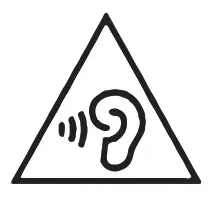 To prevent possible hearing damage, do not listen at high volume levels for long periods.
 Importer UK Contact :
Around the World Trading, Ltd.
25 Clarendon Road Redhill, Surrey RH1 1QZ, United Kingdom
 WEEE Disposal and Recycling Information
This symbol means that waste of electrical and electronic equipment (WEEE) should not be disposed as general household waste. WEEE should be treated separately to prevent possible harm to the environment or human health.
Consult your retailer or local municipal office for collection, return, recycle or reuse of WEEE.
Trademark and name of the manufacturer:
ELECOM CO., LTD.
www.elecom.co.jp/global/
| ELECOM Korea Co., Ltd. Dome-Bldg 5F, 60, Nambusunhwan-ro 347-gil, Seocho-gu, Seoul, 06730, South Korea TEL : +82 (0) 2 – 1588 – 9514 FAX : +82 (0) 2 – 3472 – 5533 www.elecom.co.kr | ELECOM Sales Hong Kong Ltd. 2/F, Block A, 2-8 Watson Road, Causeway Bay, Hong Kong TEL : +852 2806 – 3600 FAX : +852 2806 – 3300 email : [email protected] |
| ELECOM (SHANGHAI) TRADING Co.,Ltd Room 208-A21, 2nd floor, 1602 Zhongshanxi Road, Xuhui District, Shanghai, China, 200235 TEL : +86 021-33680011 FAX : +86 755 83698064 | ELECOM Singapore Pte. Ltd Blk 10, Kaki Bukit Avenue 1, #02-04 Kaki Bukit Industrial Estate, Singapore 417942 TEL : +65 6347 – 7747 FAX : +65 6753 – 1791 |
- ELECOM CO., LTD. owns the copyright of this manual.
- Unauthorised copying and/or reproducing of all or part of this manual is prohibited.
- If you have any suggestions or doubts about this Manual, please contact your deader.
- The specifications and appearance of this product may be changed without prior notice for product improvement purposes.
- We shall bear no responsibility for any device failure or malfunction of other devices resulting from the use of this product.
- To export the part of this product applicable to strategic goods or services, export or service trading permission according to foreign currency laws is necessary.
- NINTENDO SWITCH is a registered trademark of NINTENDO Co. Ltd. in Japan and other countries.
- “PlayStation” is a registered trademark or a trademark of Sony Interactive Entertainment Inc.
- Windows and Microsoft Teams are registered trademarks or trademarks of Microsoft Corporation in the United States and/or other countries.
- Google is a trademark or a registered trademark of Google LLC.
- Cisco Webex is trademarks or registered trademarks of Cisco Systems, Inc.
- Company names, product names, and other names in this manual are either trademarks or registered trademarks.
A customer who purchases outside Japan should contact the local retailer in the country of purchasefor enquiries.
In “ELECOM CO., LTD. (Japan)”, no customer support is available forenquiries about purchases or usage in/from any countries other than Japan. Also, no foreign language other than Japanese is available. Replacements willbe made under stipulation of the Elecom warranty, but arenot available from outside of Japan.
Headset
Manual, Safety precautions, and Compliance with regulations
1st edition, April 12, 2022
©2022 ELECOM Co., Ltd. All Rights Reserved.
MSC-HS-HP100UNC(EU) ver.111
 Elecom-shop
 ELECOM GLOBAL
 엘레컴 코리아(ELECOM KOREA)