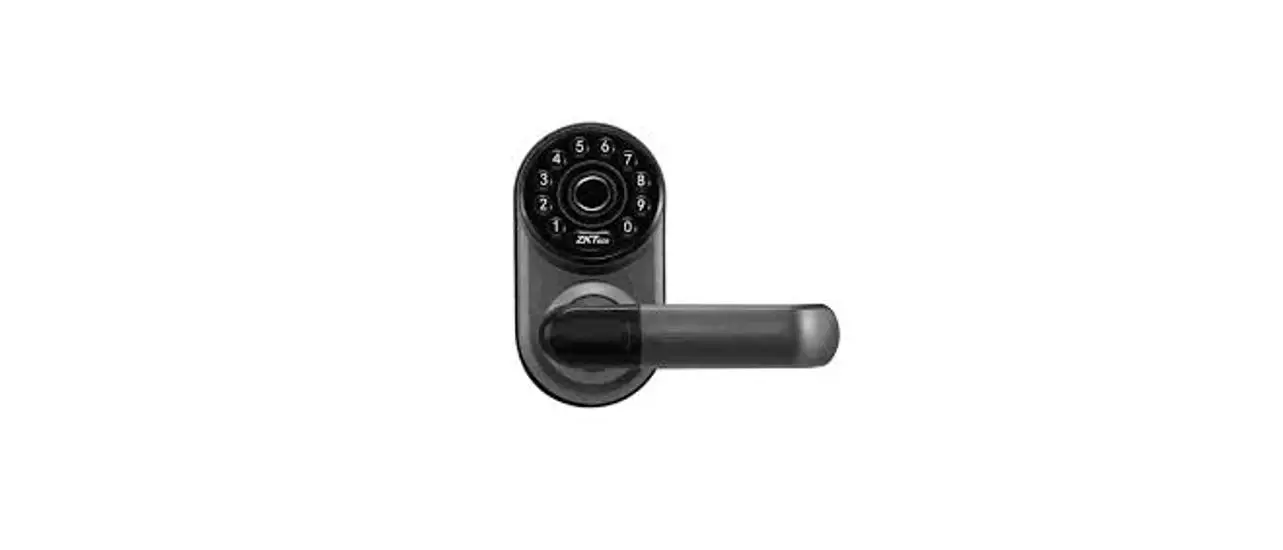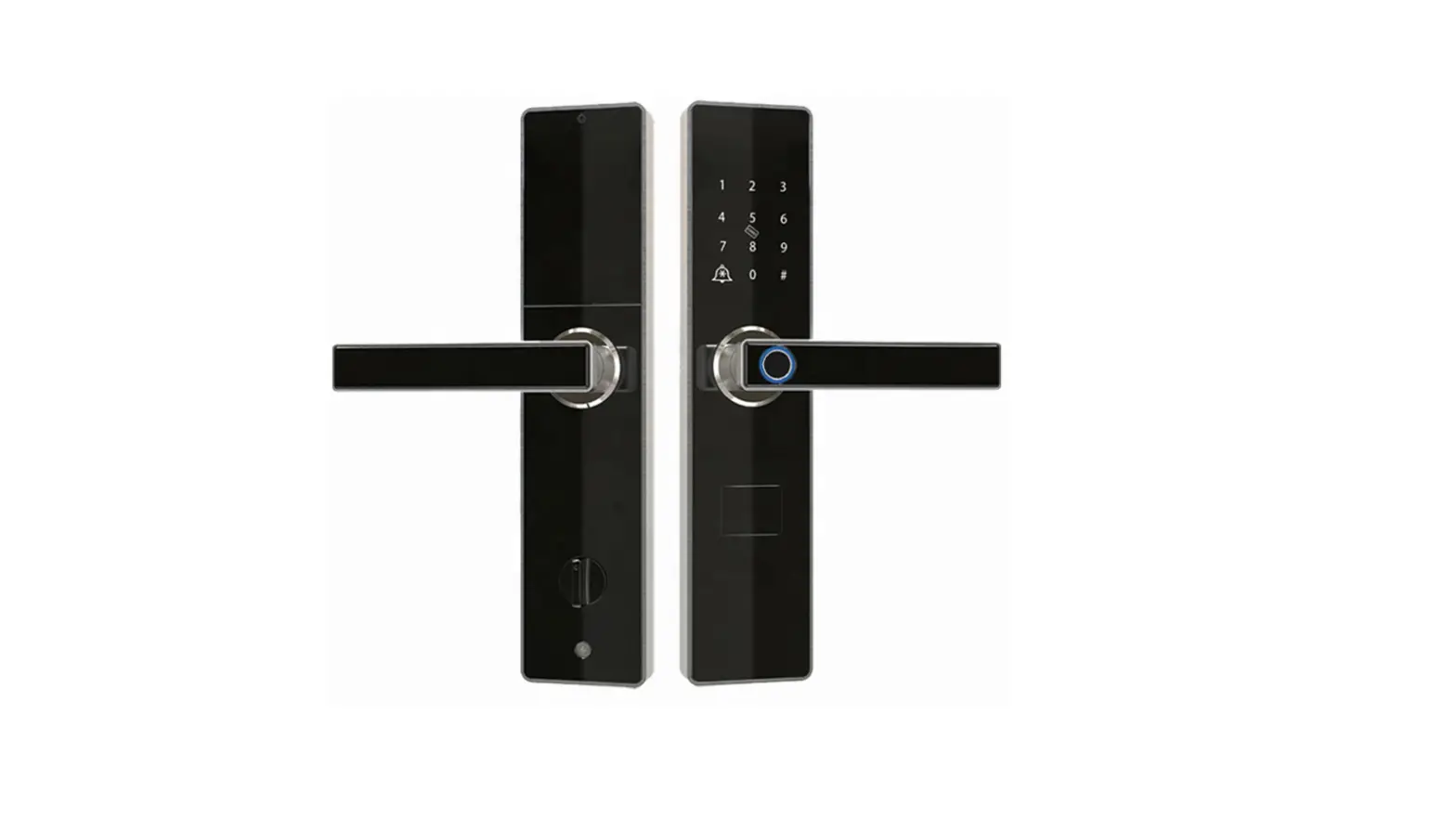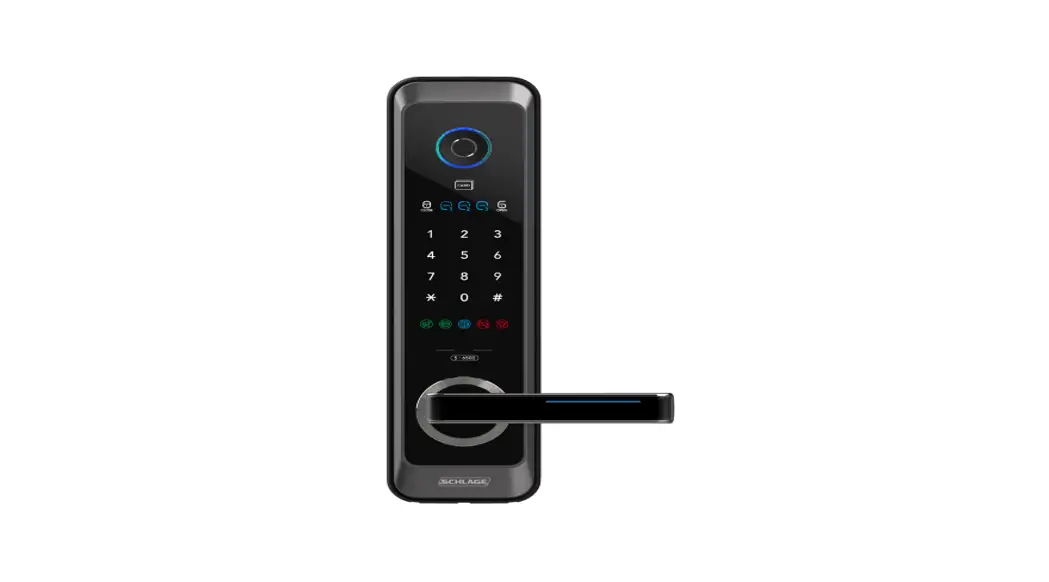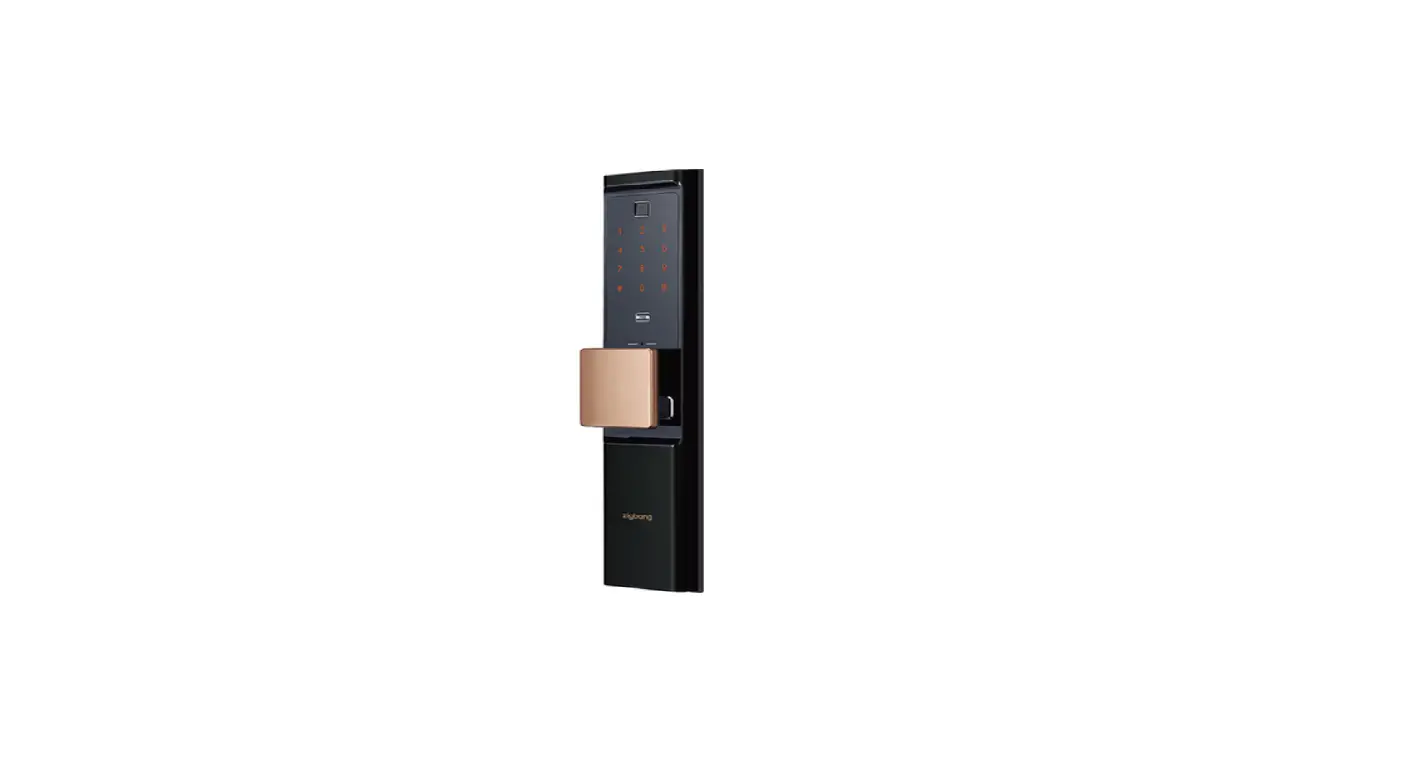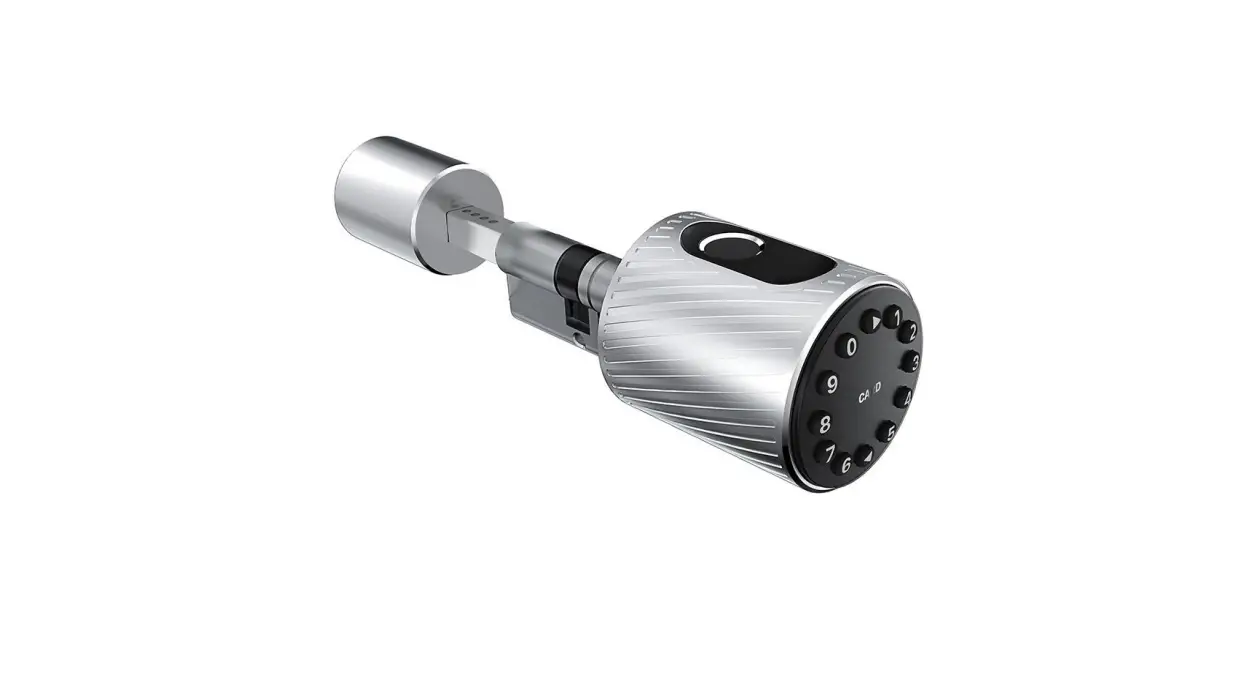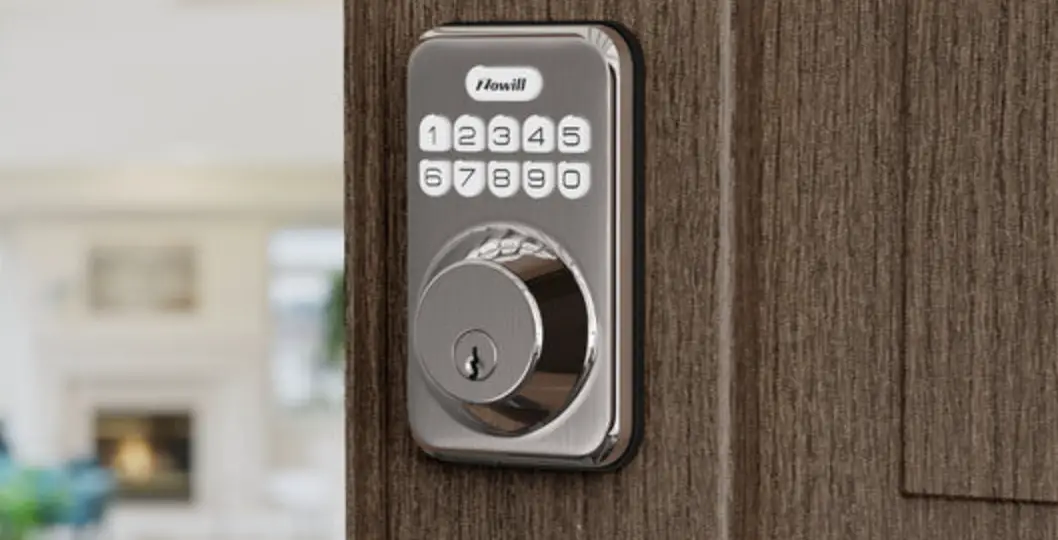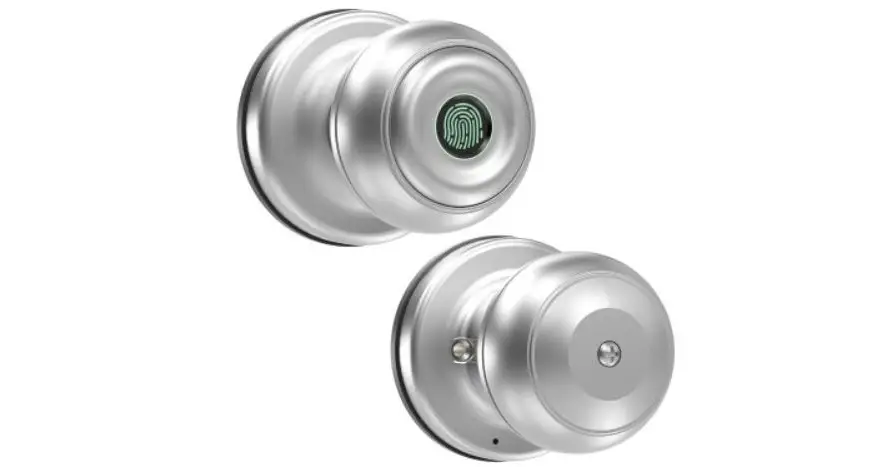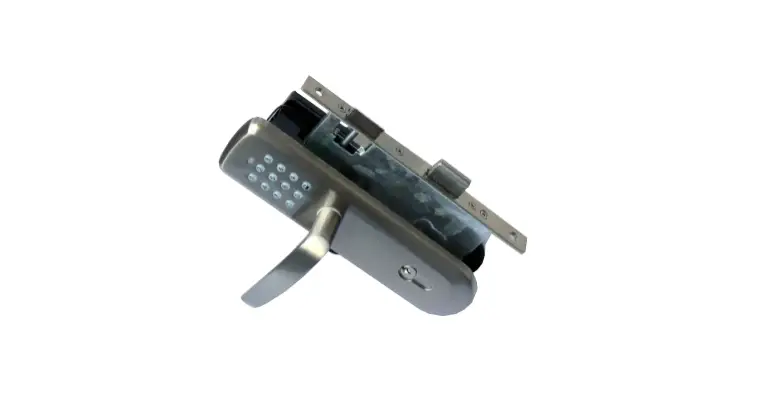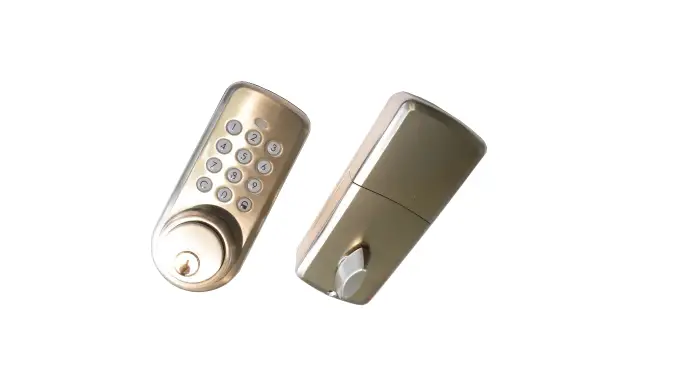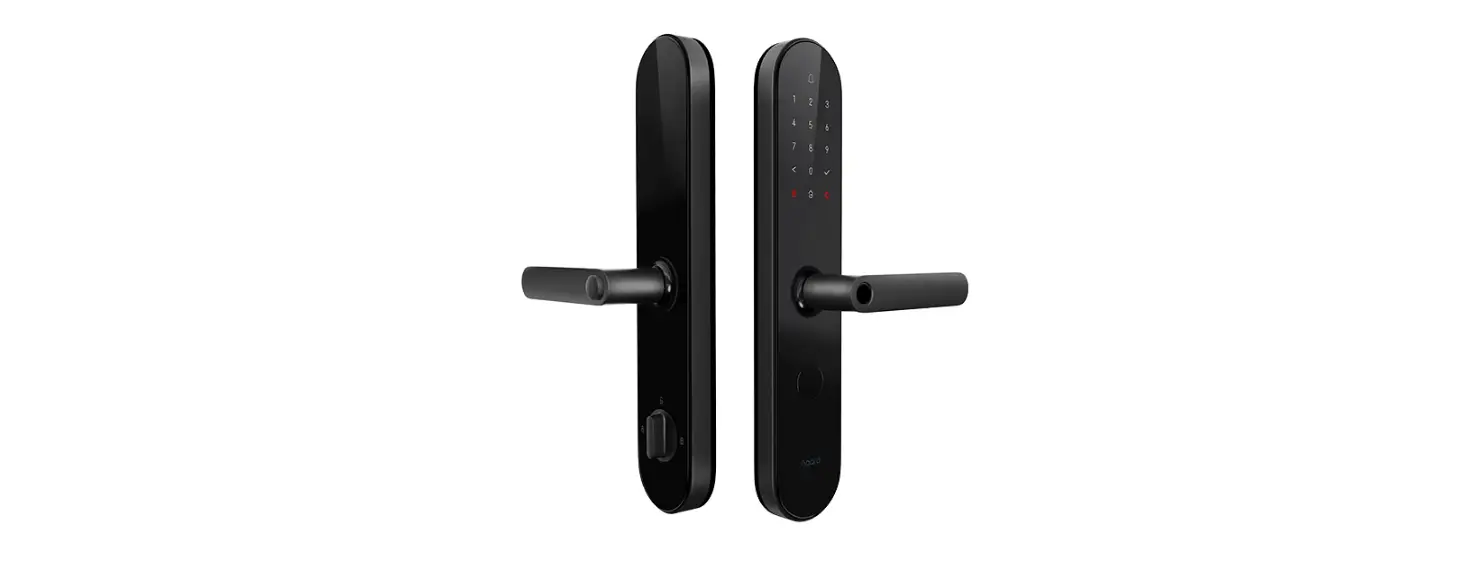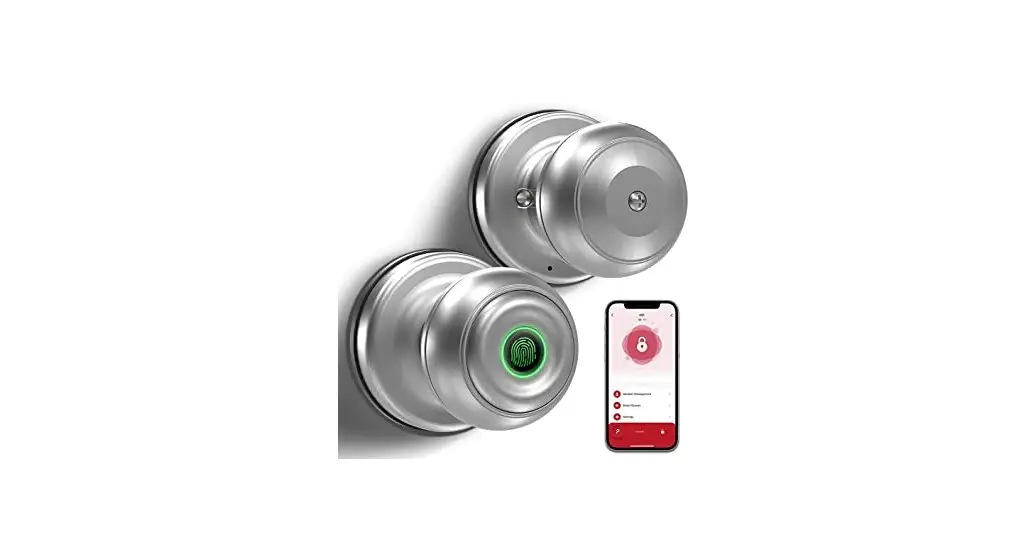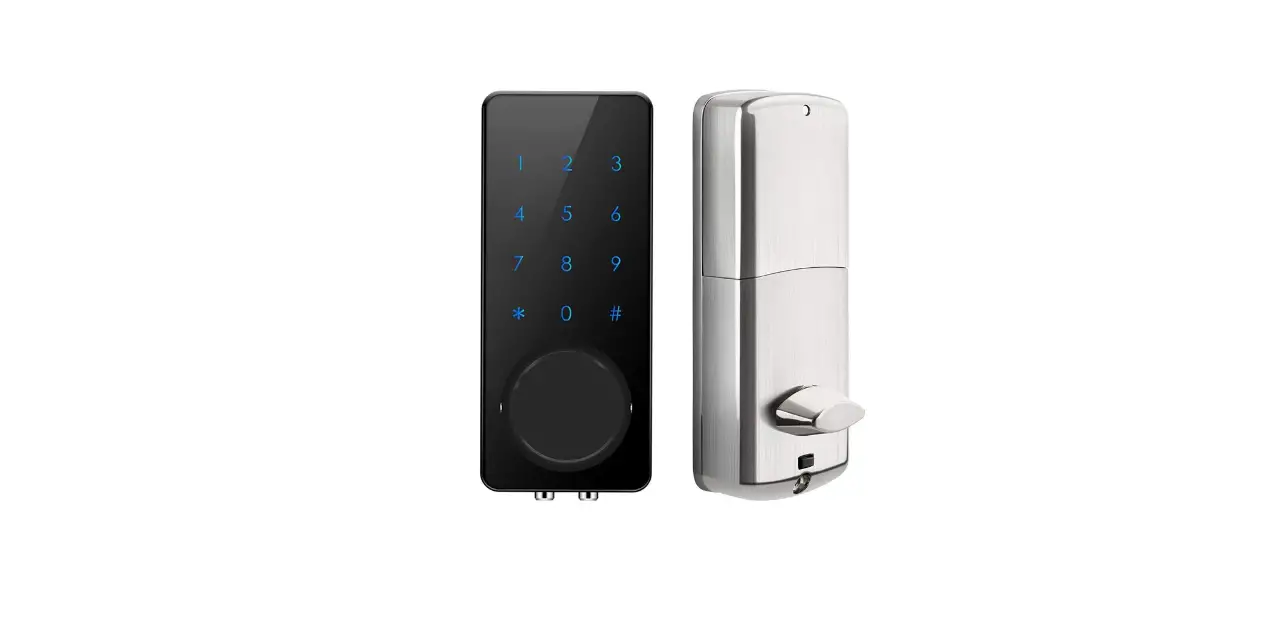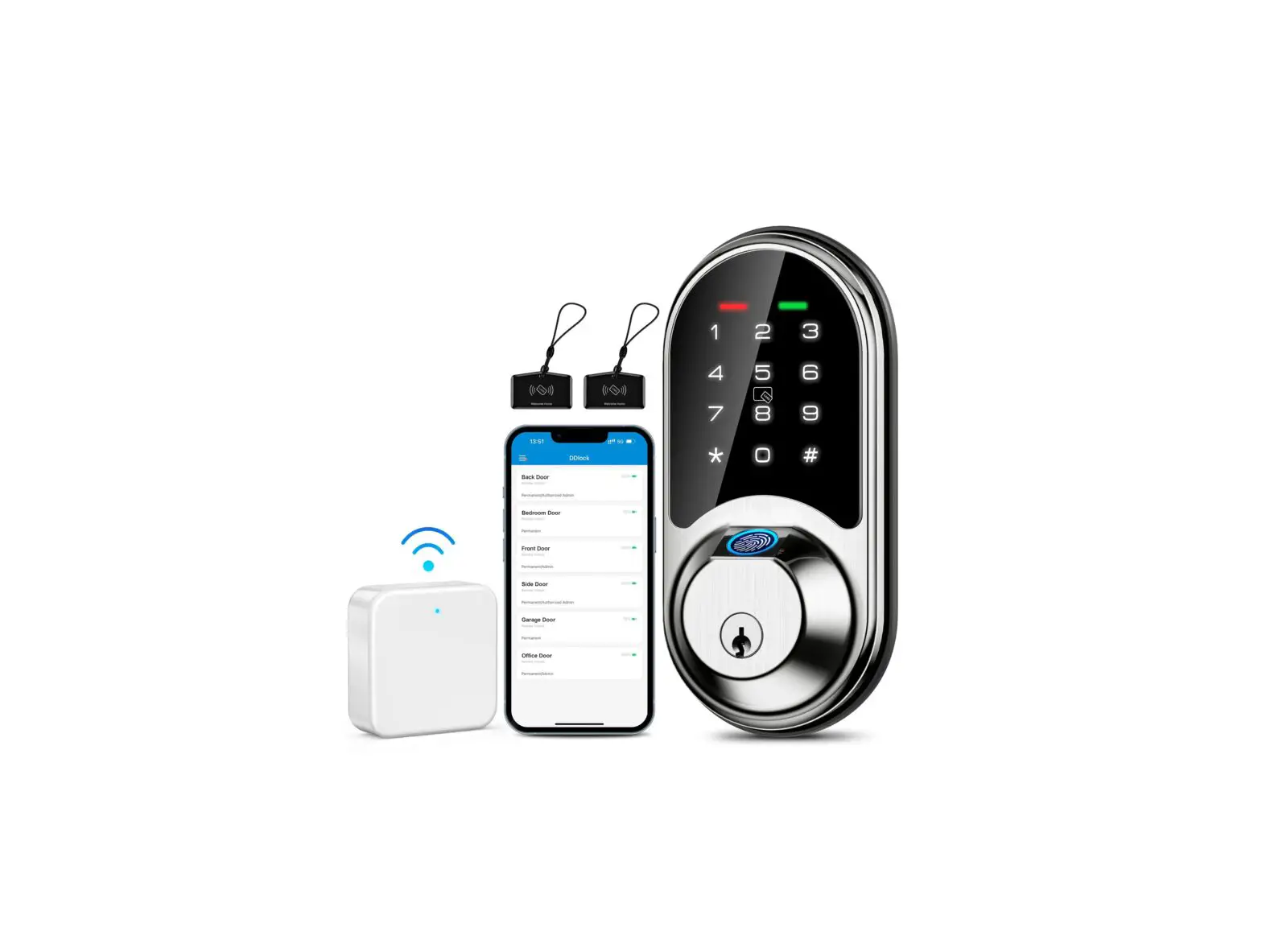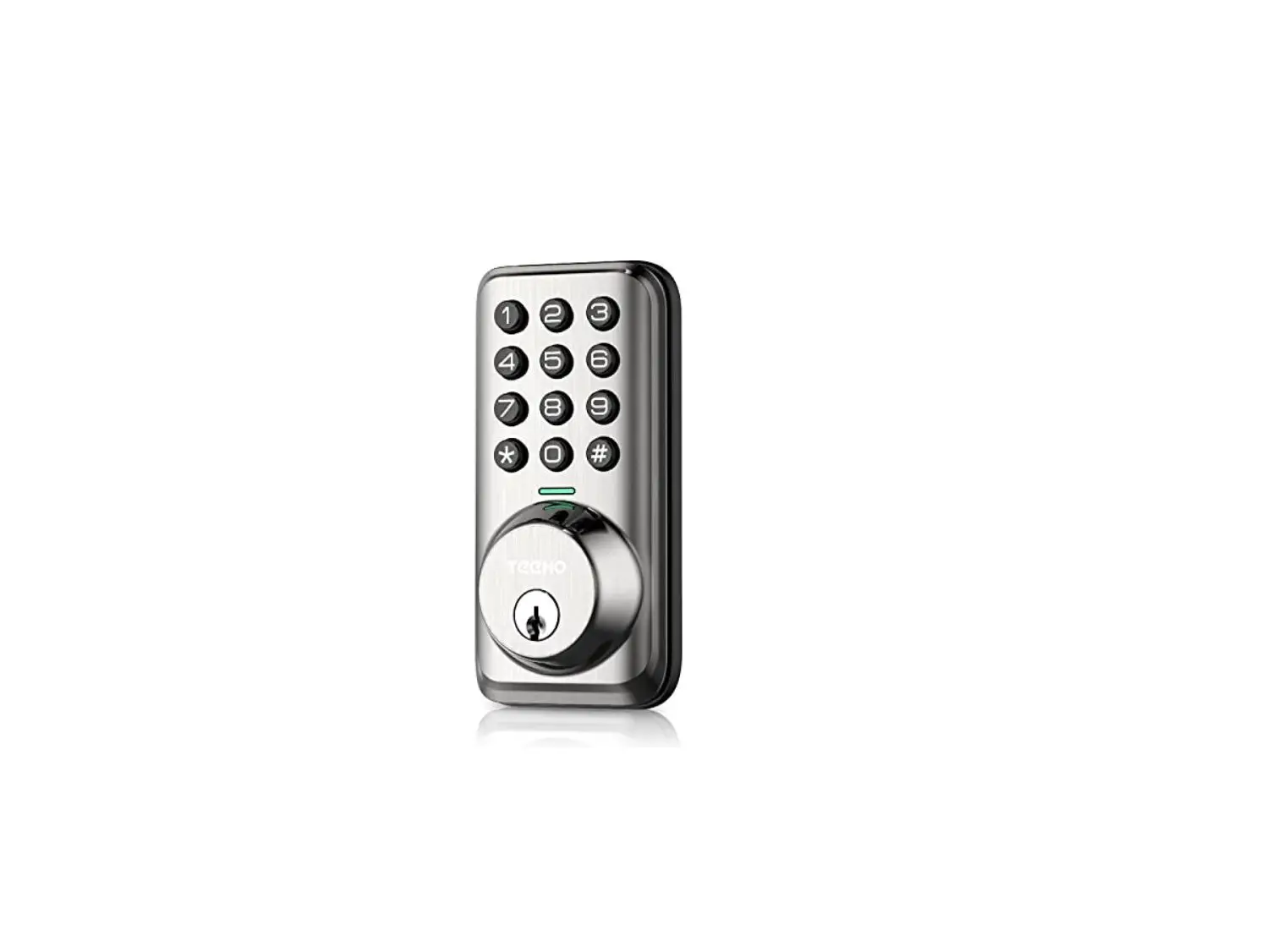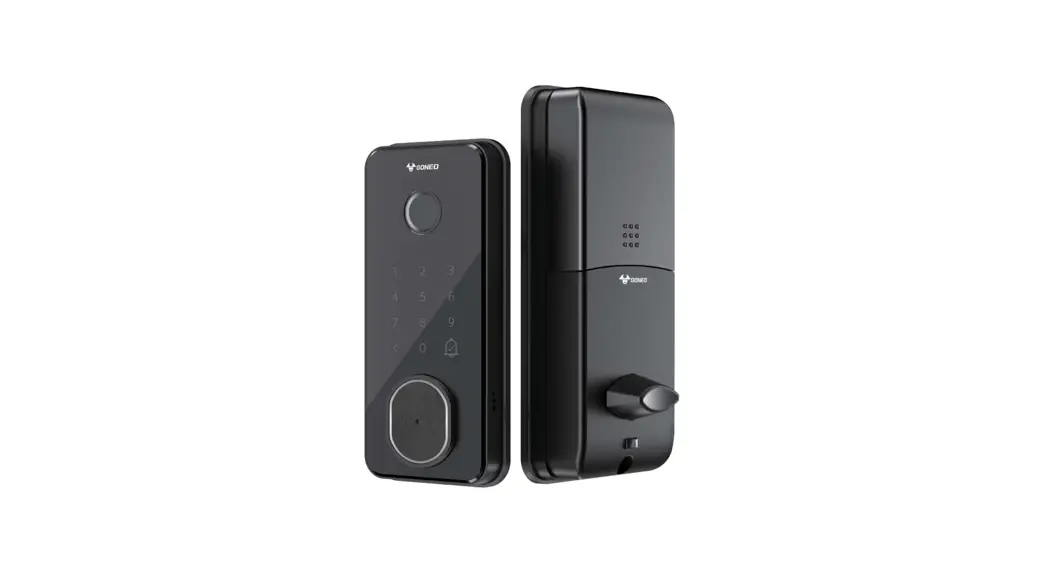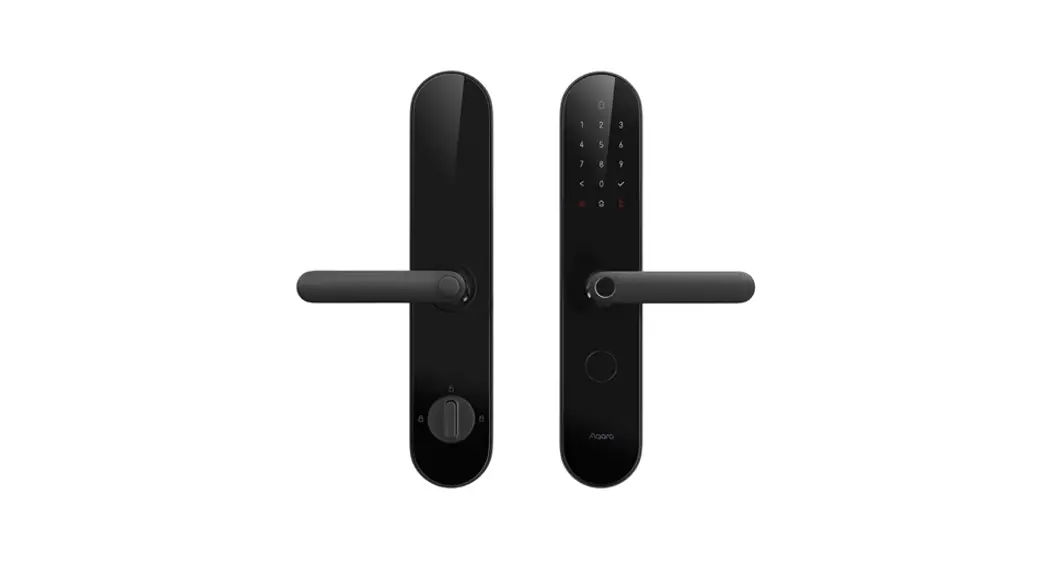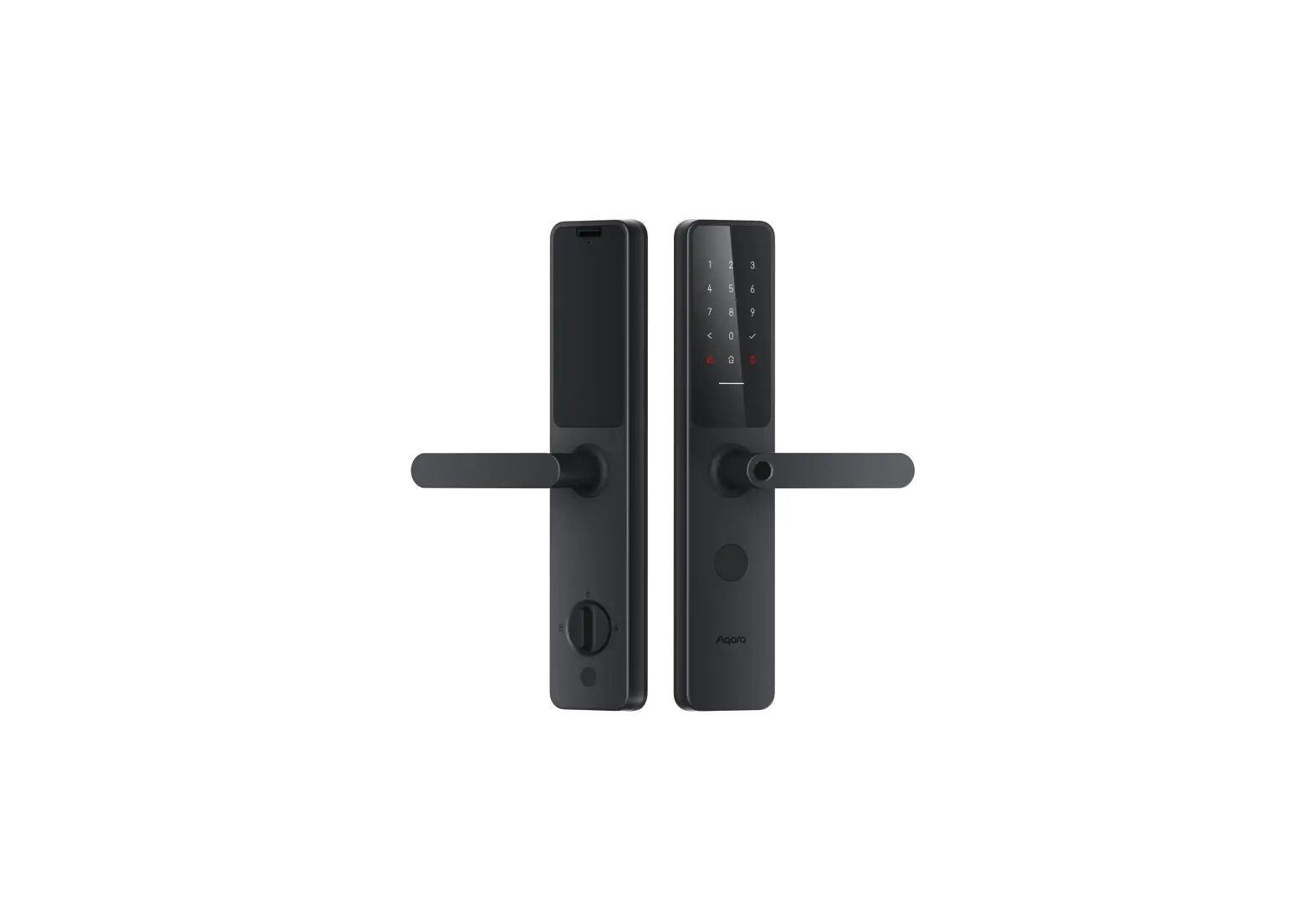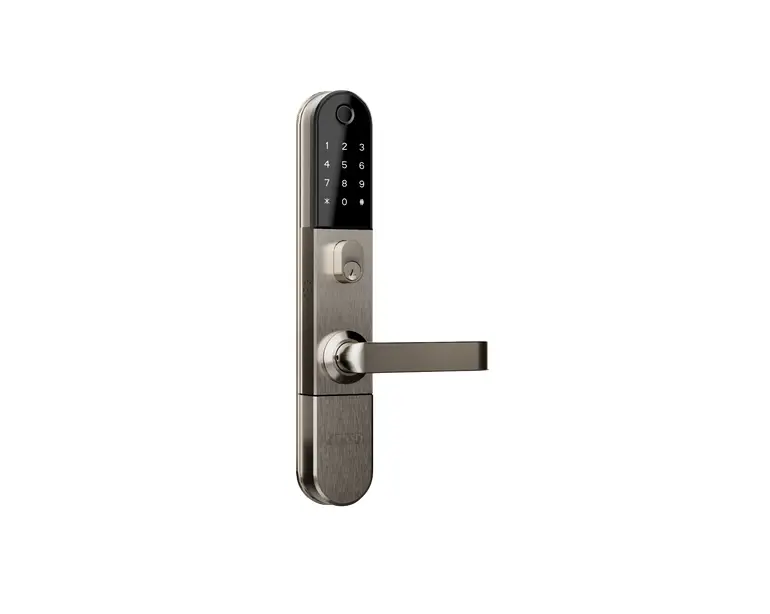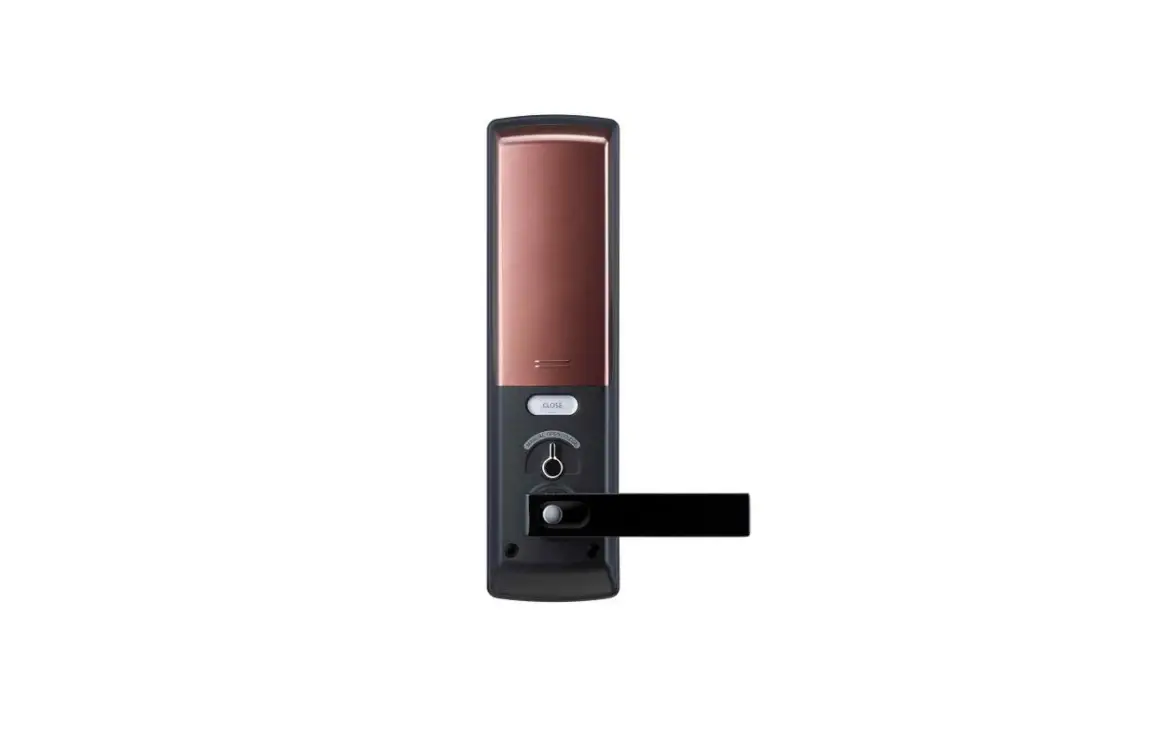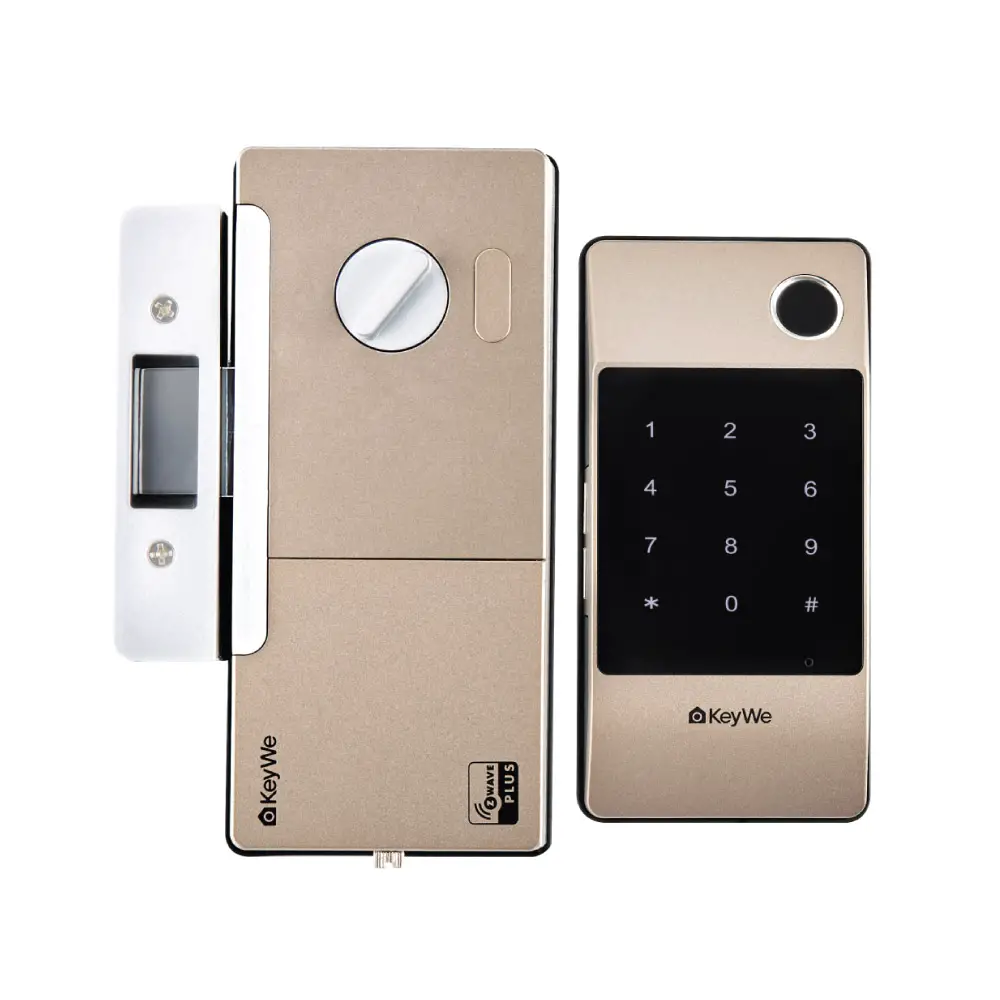

Z-Wave Smart Door Lock GKDL-5100Z
This product is a secure electronic door lock that supports the Z Wave Plus T M standard, which is compatible with earlier versions of Z Wave T M
This product can be included and operated in any Z Wave network with other Z Wave certified devices from other manufacturers and/or other applications. All mains operated nodes within the network will act as repeaters regardless of vendor to increase reliability of the network.
The device can be included in the ZWave network using S0 or S2 Access Control security. Inclusion can be via standard inclusion, SmartStart:
Z-Wave Specifications
- Device Type : Door Lock (SPECIFIC_ DOOR_LOCK
- Role Type : LSS Listening Sleeping Slave
- Command Cass Support/Control
Standard Network Inclusion / Exclusion
Please proceed with the door lock open.
To add or include this product into a Z Wave network
- Set the controller in inclusion mode.
- Open the battery cover of the in door body and press the REG button.
- Press the Master Pin [1][2][3][4] (Default value button after pressing the [#] button.
- Press the [8 8] button after pressing the [ [##]
- If the controller supports S2 security, you will be prompted to enter the first 5 digits of the DSK to complete the authentication, known as the Pin Code.
You can check the DSK and QR code by removing the battery cover of the product or package box
To remove or exclude the GKBC 3100Z into a Z Wave network
- Set the controller in exclusion mode.
- Open the battery cover of the in door body and press the REG button.
- Press the Master Pin [1][2][3][4] (Default button after pressing the [#] button.
- Press the [9 9] button after pressing the [ [##]
SmartStart
SmartStart enabled products can be added into a Z W ave network by scanning the Z W ave QR Code present on the product with a controller providing SmartStart inclusion. No further action is
required and the StartStart product will be added automatically within 10 minutes of being switched on in the network vicinity.
( You can check the DSK and QR code by removing the battery cover of the product or package box )
Factory Reset
Please proceed with the door lock open.
Please use this procedure only when the primary con troller is missing or otherwise inoperable.
To Factory Reset
- Open the battery cover of the in door body and press the REG button
- Press the Master Pin [1][2][3][4] (Default button after pressing the [#] button
- Press the [ 7 7 button after pressing the [ [##]
Battery Information
4 AA Alkaline 1.5V Batteries(6V)
Supported Command Class
| Command Class | Version | Not added | Non-Secure added | Securely added | |
| Non-secure CC | Secure CC | ||||
| Z-Wave Plus INFO | 2 | Support | Support | Support | |
| TRANSPORT SERVICE | 2 | Support | Support | Support | |
| SECURITY 0 | 1 | Support | Support | Support | |
| SECURITY 2 | 2 | Support | Support | Support | |
| ASSOCIATION | 2 | Support | |||
| ASSOCIATION GRP INFO | 3 | Support | |||
| BATTERY | 1 | Support | |||
| DEVICE RESET LOCALLY | 1 | Support | |||
| DOOR LOCK | 4 | Support | |||
| FIRMWARE UPDATE MD | 5 | Support | |||
| MANUFACTURE SPECIFIC | 2 | Support | |||
| NOTOFICATION | 8 | Support | |||
| POWERLEVEL | 1 | Support | |||
| SUPERVISION | 1 | Support | |||
| USER CODE | 2 | Support | |||
| VERSION | 2 | Support | |||
| INDICATOR | 3 | Support | |||
| CONFIGURATION | 3 | Support | |||
Association(V2) & Association Group Information(V1)
- The product supports one association groups:
- Group 1 is the Lifeline group. It can contain up to 5 nodes. The Lifeline group on this lock is used to report door lock operation report, and device reset locally notifications to nodes on the group list.
Battery CC (V1)
The Battery Get request can be used to get the status of the battery.
When battery level is low a battery warning is sent to the controller.
Door Lock(V4)
Door Lock Operation is used to lock and unlock this product.
- To Lock : Sending command class = COMMAND_CLASS_DOOR_LOCK, command =DOOR_LOCK_OPERATION_SET, mode = 0xFF (DOOR_SECURED) or BASIC_SET value 0xFF will lock the door. Notification Type Access Control, Event 0x03 (RF lock operation) is sent to the Lifeline and then one second later, a Door Lock Operation Report is sent to the Lifeline.
- To Unlock: Sending command class = COMMAND_CLASS_DOOR_LOCK, command = DOOR_LOCK_OPERATION_SET, mode = 0x00 (DOOR_UNSECURED) or BASIC_SET value 0x00 will unlock the door. Notification Type Access Control, Event 0x04 (RF unlock operation) is sent to the Lifeline and then one second later, a Door Lock Operation Report is sent to the Lifeline.
See table to see how the Door Lock Mode parameter affects the lock.
| Secured | Unsecured | |
| Door Lock Mode | 0xFF | 0x00 |
In a Door Lock Operation Report the GKBC-3100Z will report.
| Door Status | Unlocked | Locked | |
| Door Lock Mode | 0x00 | 0xFF | |
| Handles | 0x00 | 0x00 | |
| Door Condition | Bit 0 : Door | 0 : Open, 1 : Close | |
| Bit 1 : Deadbolt | 0 : Locked, 1 : Unlocked | ||
| Lock Timeout Minutes | 0xFE | ||
| Lock Timeout Seconds | 0xFE | ||
Firmware Update Meta Data(V5)
The GKBC-3100Z supports firmware update of the Z-Wave module over the air. The firmware upgrade takes ~20 min with S0 and ~20 min with S2
Firmware ID = 0x0102.
Firmware 0 ID = 0x0101.
Manufacture Specific(V2)
| Value | Comment | |
| Manufacturer ID | 0x037B | KeyWe Inc. |
| Product Type ID | 0x0010 | GKDL-5000Z |
| Product ID | 0x0001 | DoorLockKeyPad |
Notification(V8)
The Notification CC is implemented as a push only, which means only pushes notification to the controller.
Sequence number is not supported.
| Supported notifications | |||
| Notification Type | Event | State Parameters | Comments |
| Access Control (0x06) | 0x01 | Manual lock operation (Knob, Key, Button). | |
| 0x02 | Manual unlock operation (Knob, Key, Button). | ||
| 0x03 | 0x01 : Z-Wave 0x02 : BLE | RF lock operation (Z-Wave, Bluetooth, Remote controller) | |
| 0x04 | 0x01 : Z-Wave 0x02 : BLE 0x03 : Remote Controller | RF unlock operation (Z-Wave, Bluetooth, Remote controller) | |
| 0x05 | User Keypad lock operation | ||
| 0x06 | MASTER : 0x00 USER : 0x01 ~ 0x64 | User Keypad unlock operation | |
| 0x09 | Auto lock locked operation | ||
| 0x0B | Lock jammed. | ||
| 0x0C | All user codes deleted. | ||
| 0x0D | MASTER : 0x00 USER : 0x01 ~ 0x64 | Single user code deleted | |
| 0x0E | MASTER : 0x00 USER : 0x01 ~ 0x64 | New user code added. | |
| 0x0F | MASTER : 0x00 USER : 0x01 ~ 0x64 | New user code not added due to duplicated code. | |
| Emergency Alarm (0x0A) | 0x01 | Contact police | |
| 0x02 | Contact fire service | ||
Power Level(V1)
Can be used under inclusion to test signal strength from the controller and to the device.
Security(V1)
See Z-Wave documentation.
Security(V2)
This product support S2_ACCESS security class.
Supervision(V1)
See Z-Wave documentation.
Transport Service(V2)
See Z-Wave documentation.
User Code(V2)
Lock will accept maximum 100 pin codes that has 4-10 digits in length.
- Support Users : 100
- ID Range : 1 ~ 100
Version(V2)
This command Class is used to get information about which version of the different command classes the GKBC-3100Z supports and the software version of the GKBC-3100Z.
| Version Report | |
| Z-Wave Library Type | ZW_LIB_SLAVE_ENHANCED(0x03) |
| Z-Wave Protocol Version | 0x07 (SDK v7.12.02) |
| Z-Wave Protocol Sub Version | 0x0C (SDK v7.12.02) |
1) Firmware 0 Version
Version of the firmware on the Z-Wave module
| Version | Subversion | Comments |
| 1 | 0 | First Release |
2) Firmware 1 Version
Version of the firmware on the Host
| Version | Subversion | Comments |
| 1 | 0 | First Release |
3) Hardware Version
| 0x01 | GKDL-5100Z |
Z-Wave Plus Info(V2)
| Z-WAVE Plus Info | |
| Role Type | 0x07 ROLE_TYPE_SLAVE_SLEEPING_LISTENING |
| Node Type | 0x00 NODE_TYPE_ZWAVEPLUS_NODE |
| Icon Type | 0x0300 ICON_TYPE_GENERIC_DOOR_LOCK_KEYPAD |
| User Icon Type | 0x0300 ICON_TYPE_GENERIC_DOOR_LOCK_KEYPAD |
Product Wake up
To wake up the product, the following actions are required.
1. Touch the keypad on outdoor body.
2. Push the button on Indoor body.
3. Turn the knob on Indoor body.
Configuration Parameters
Parameter 1:
Name : VOLUME
Description : It means door lock’s volume Default : 0x02 (Normal)
Min : 0x01
Max : 0x03
Parameter 2:
Name : DOOR LOCK MODE
Description : It means door lock’s locking mode(auto/manual) Default : 0x01 (auto)
Min : 0x01
Max :0x02
Parameter 3:
Name : RE-LOCK TIME
Description : It means door lock’s re-lock time Default : 0x07 (7 seconds)
Min : 0x01
Max : 0x1E