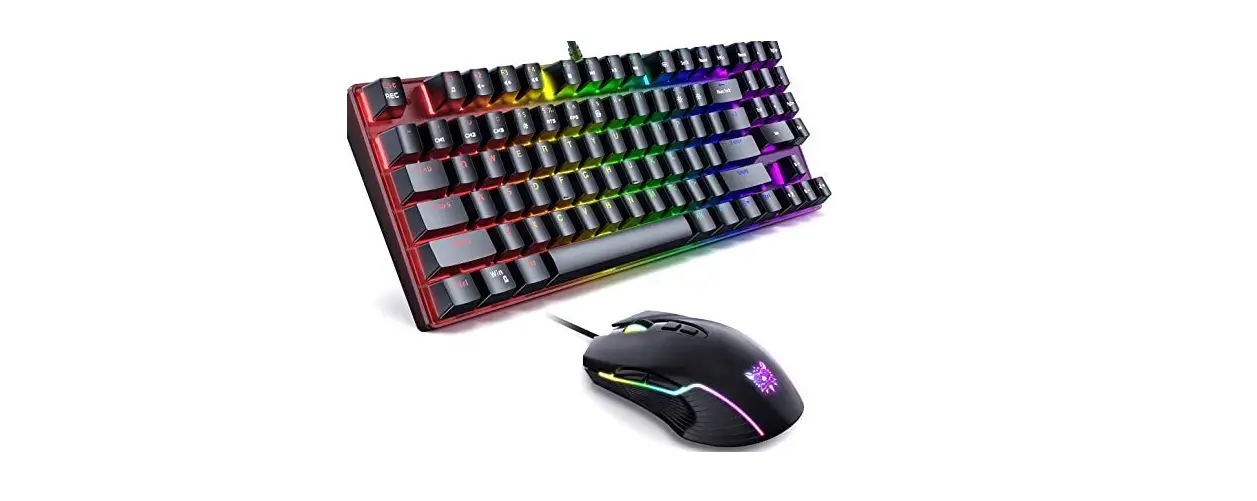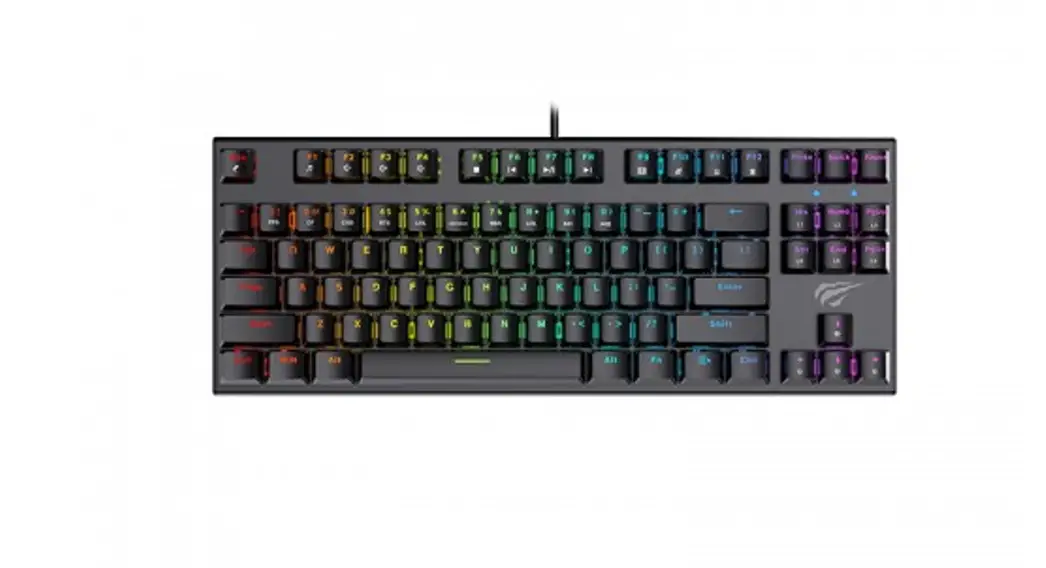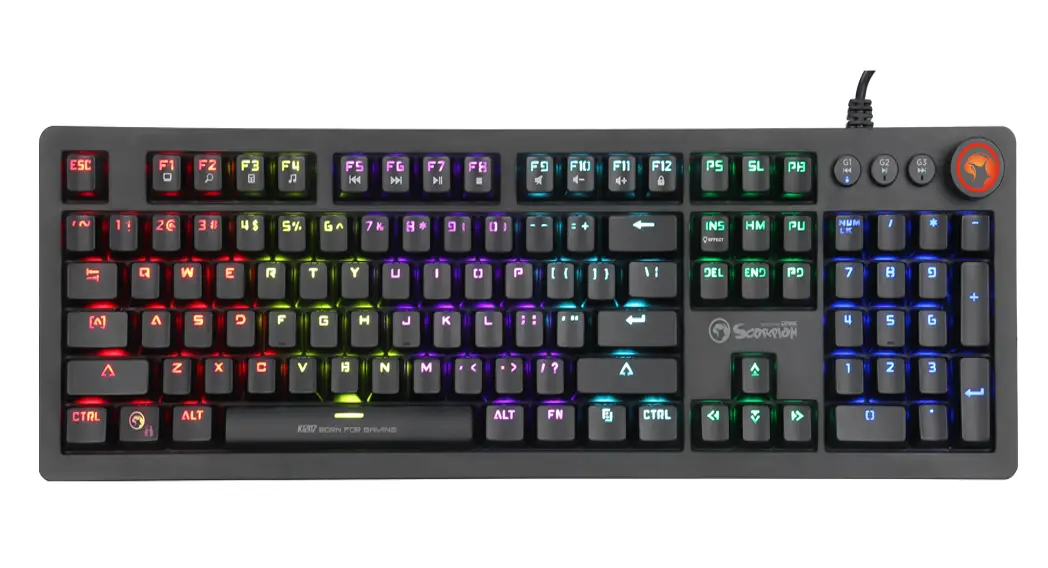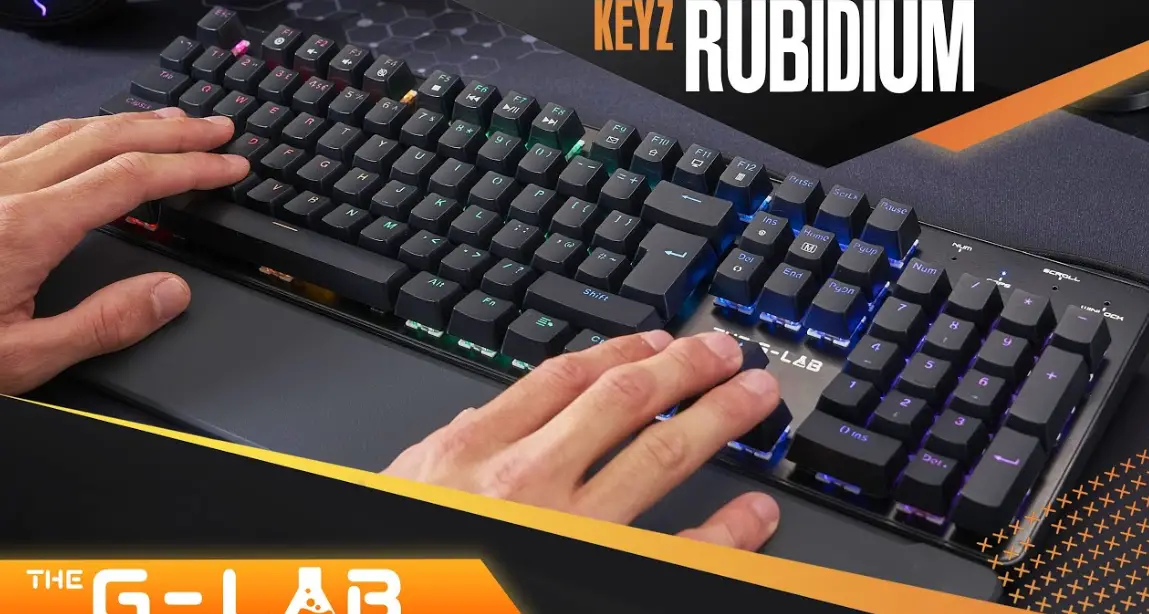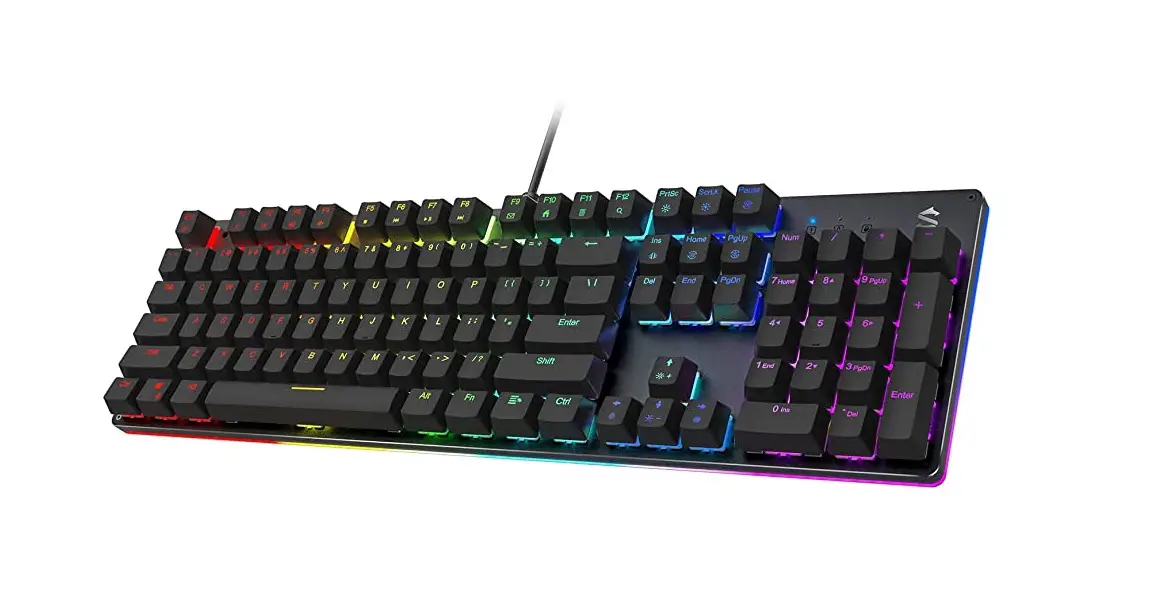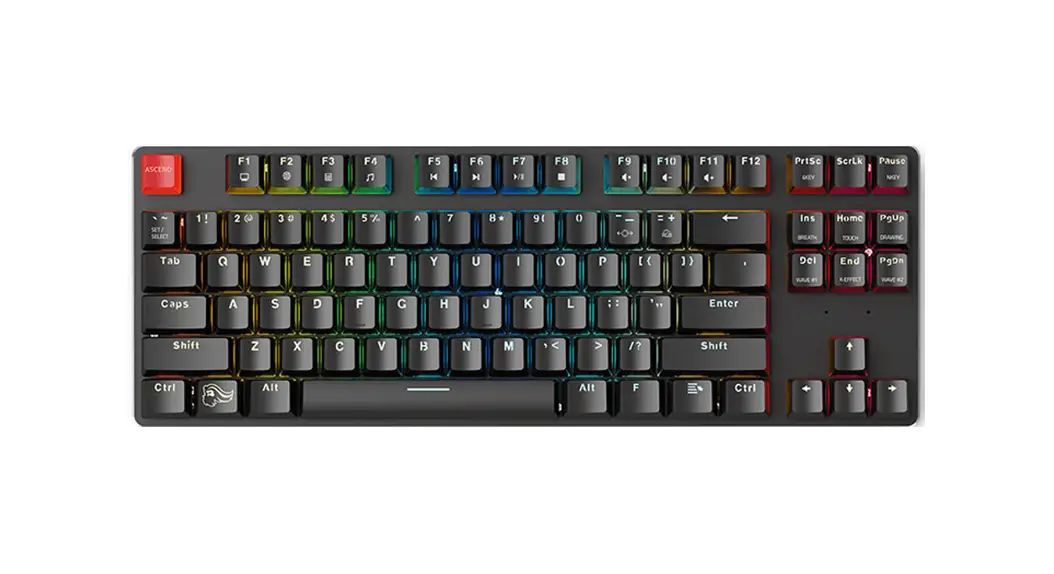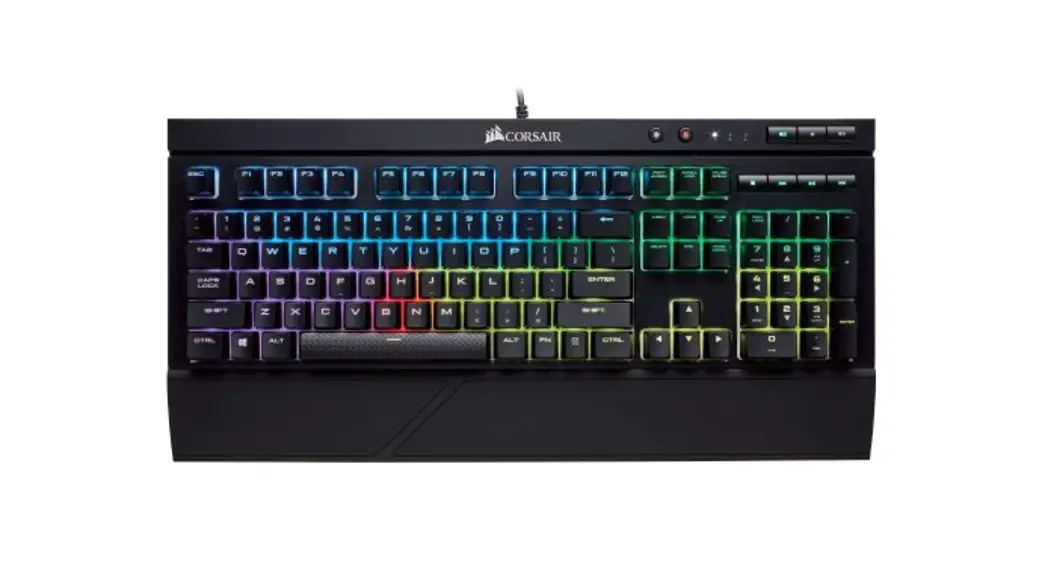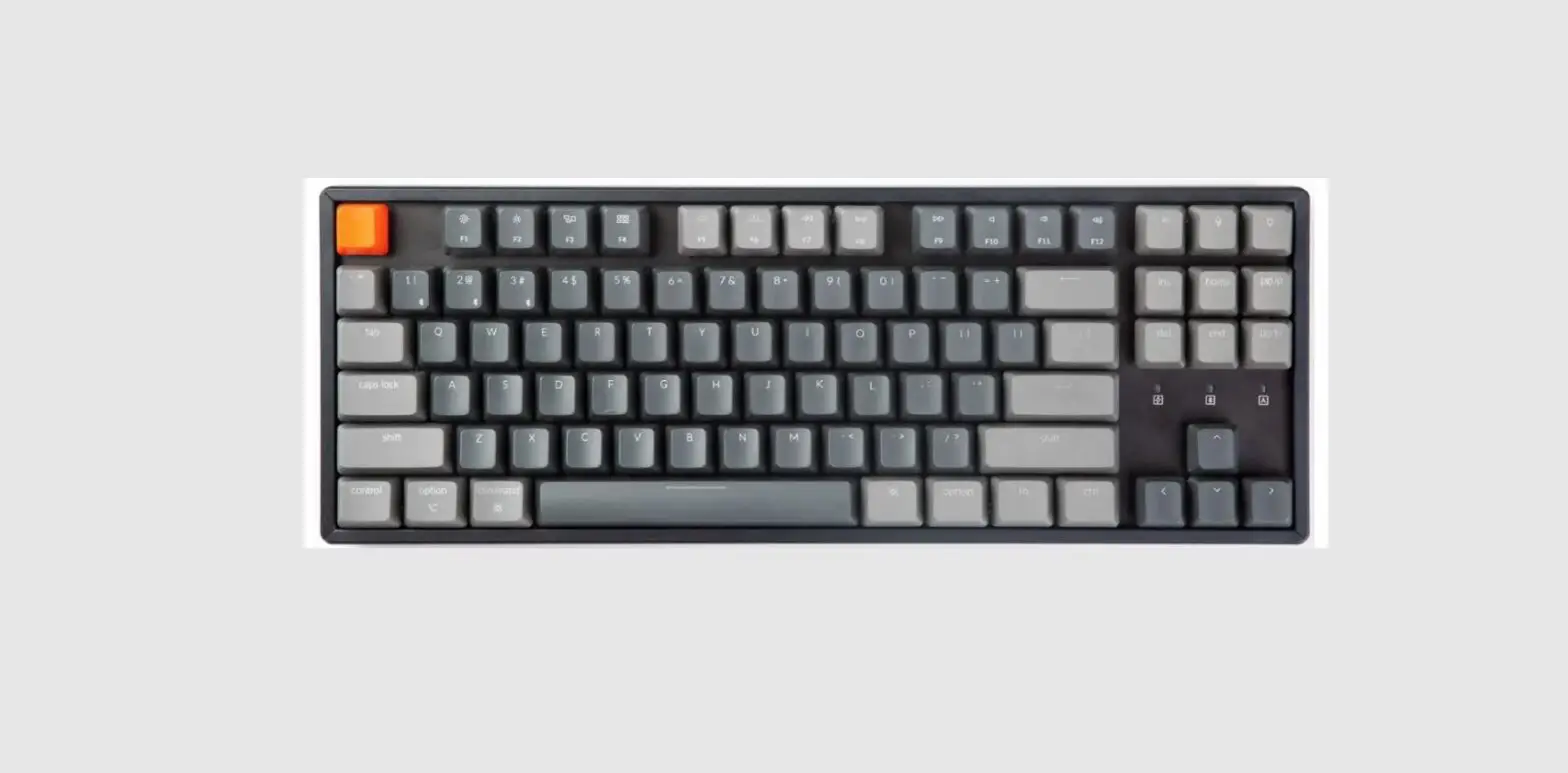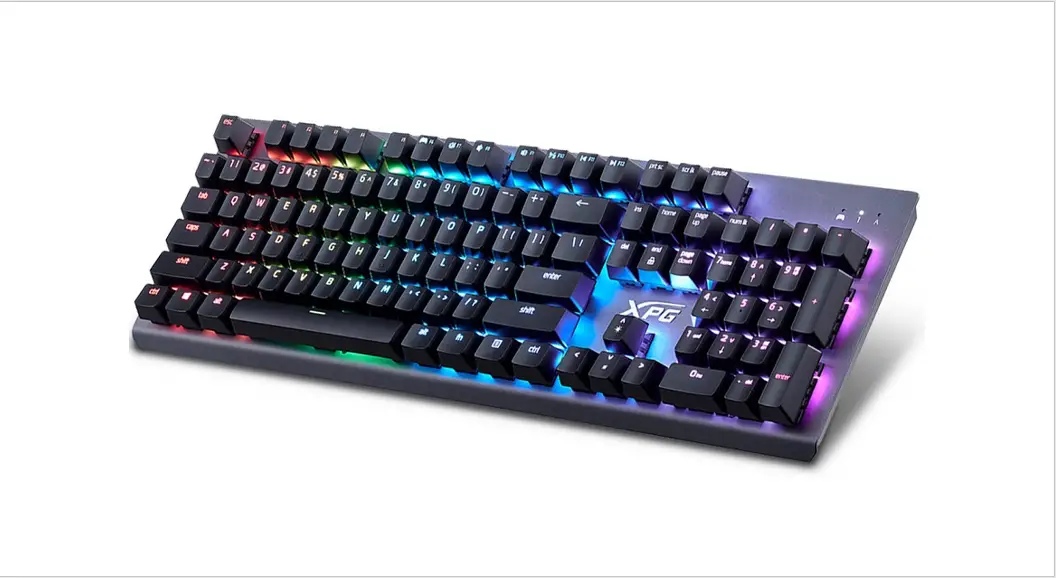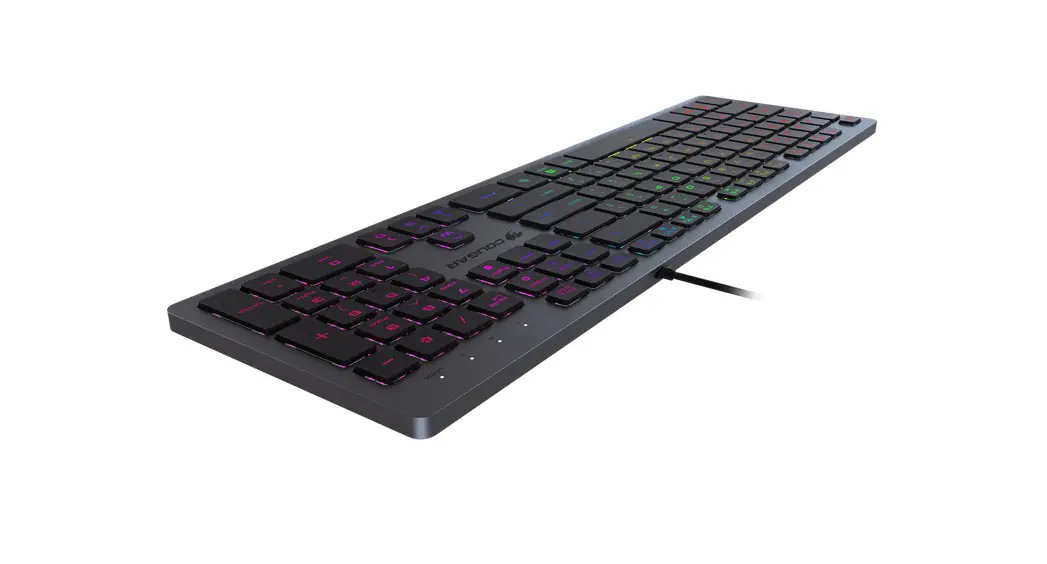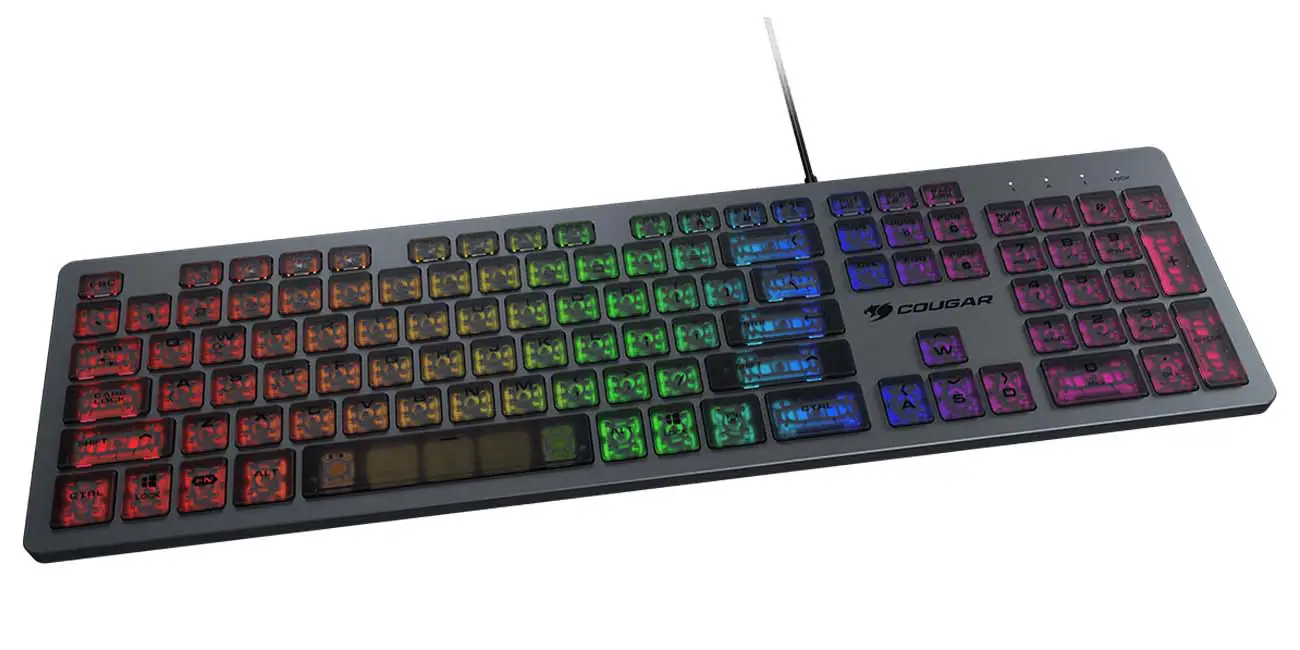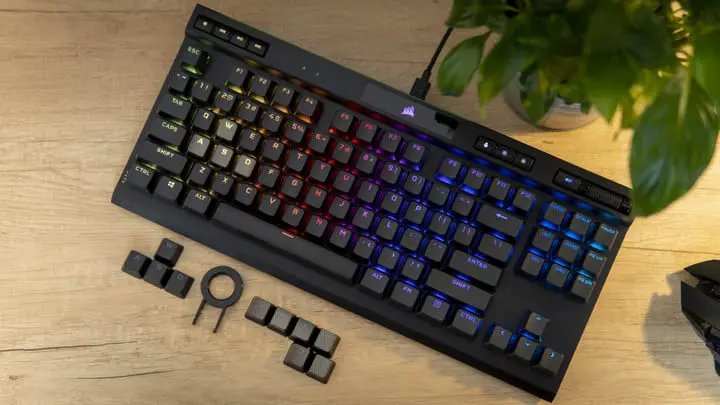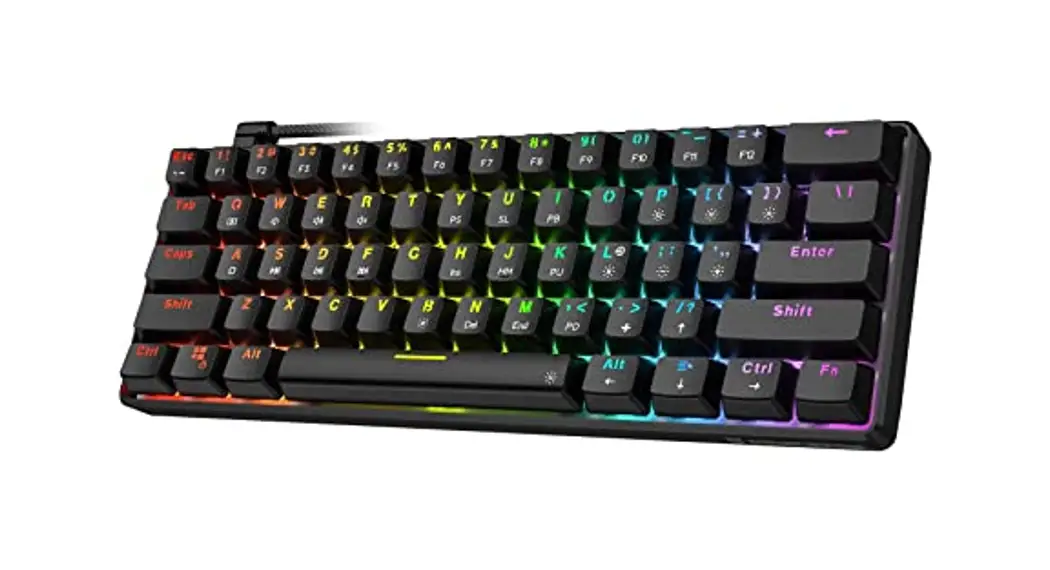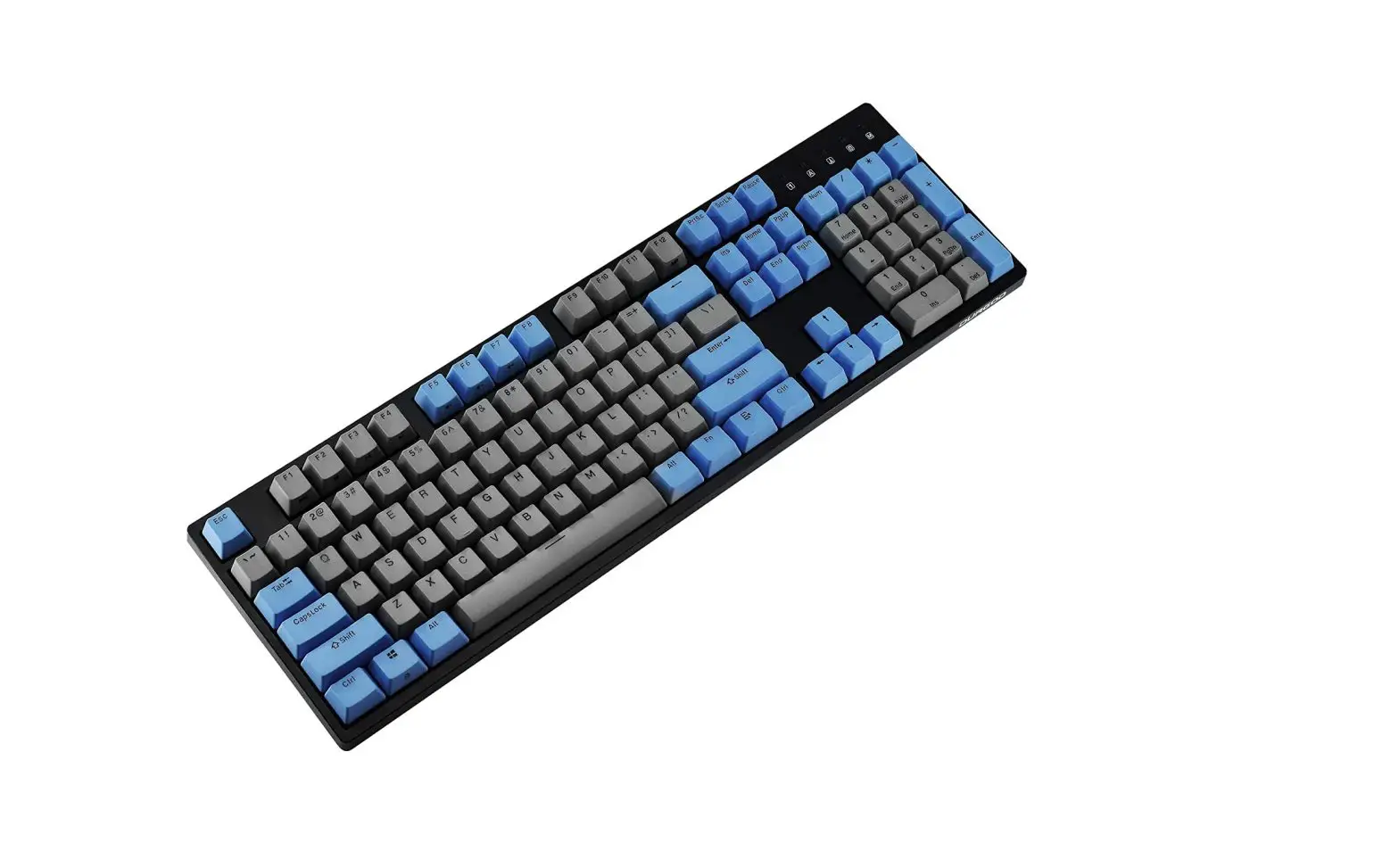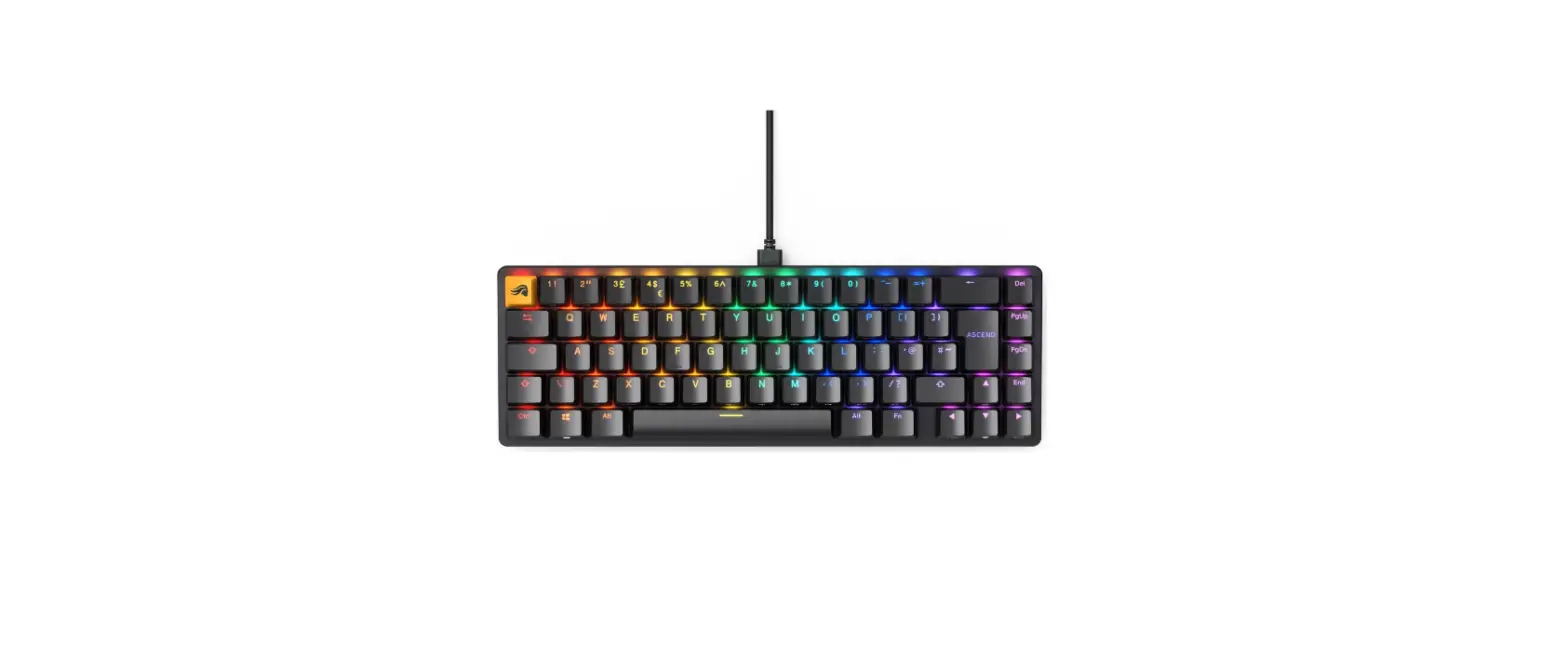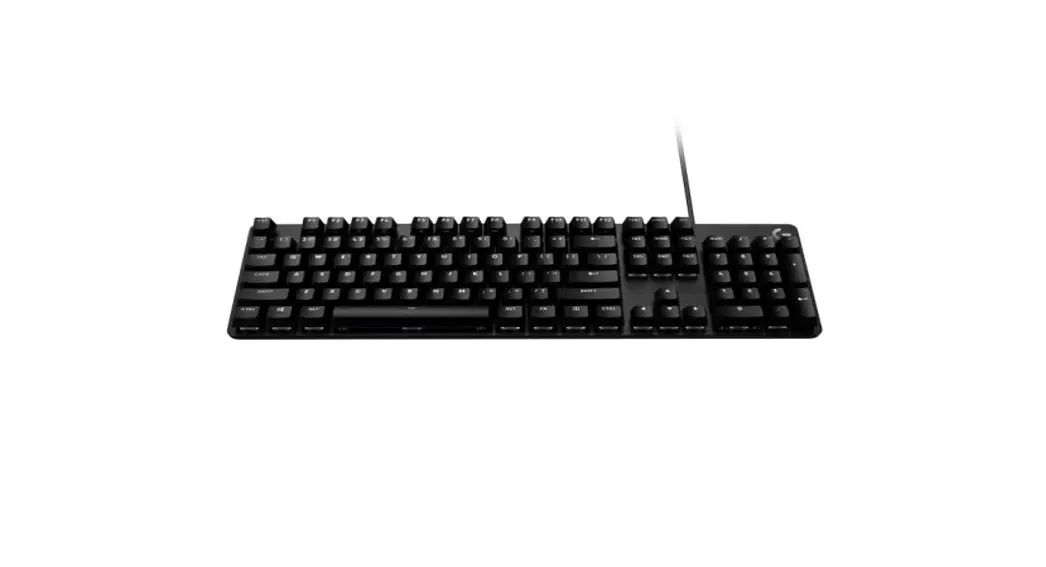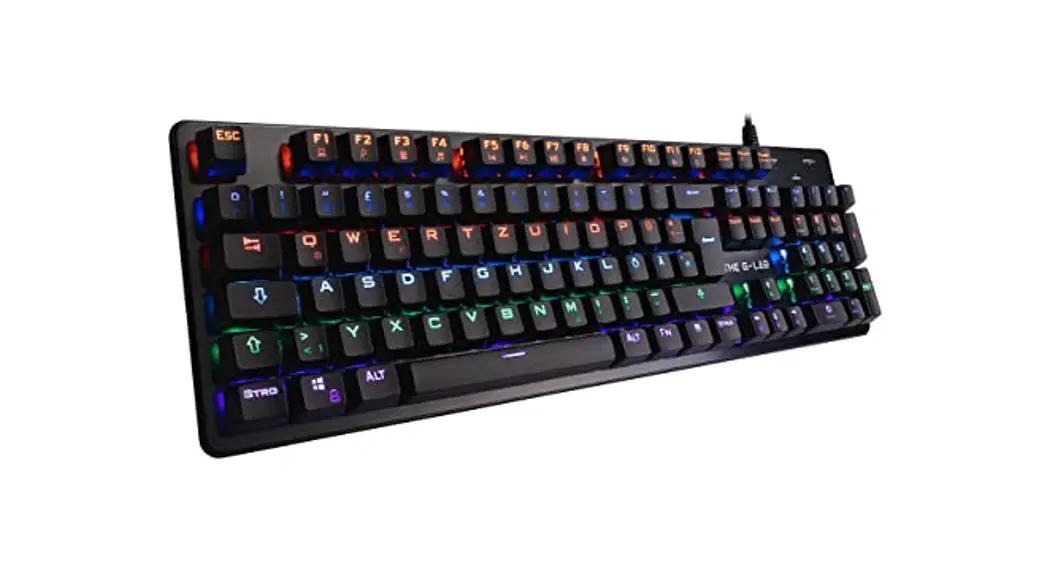
 Keyz Carbon Mechanical Gaming Keyboard
User Guide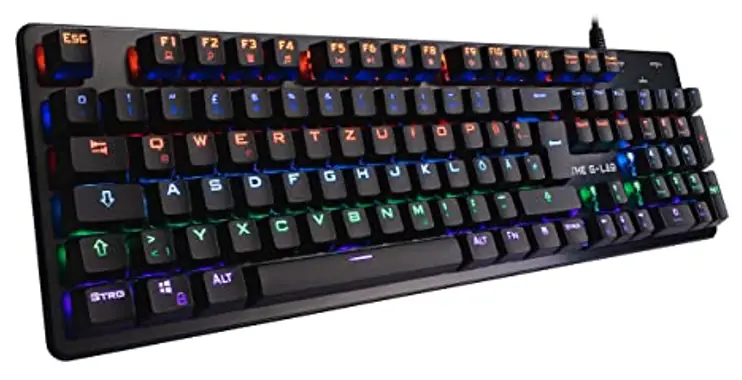
Keyz Carbon Mechanical Gaming Keyboard
Mechanical Gaming Keyboard blue switches
JOIN THE LAB
Check out our website to become a brand ambassador and test our latest releases
Plug & play

It’s not necessary to install a driver. It is automatically recognized by your system
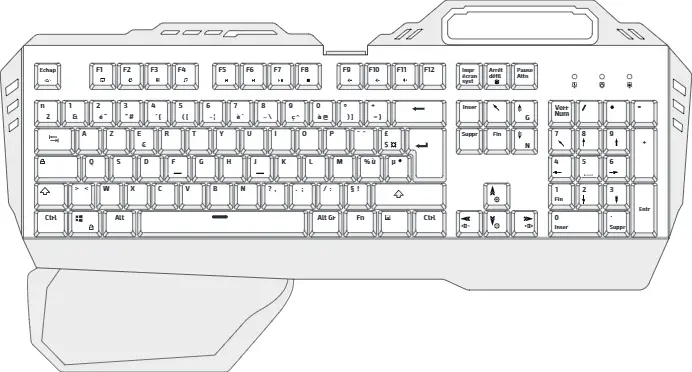
MULTIMEDIA SHORTCUTS
 | FN +Fl |  | FN +FB |
| FN+F2 | FN + F9 | ||
| FN + F3 | FN + Flo | ||
| FN +F4 | FN + Fl 1 | ||
| FN +F5 | FN + F12 | ||
| FN +F6 | REP+ ↑ | ||
| FN +F7 | AVP+ ↓ |
Technical specifications
| Keyboard type | Mechanical |
| Switch type | Blue |
| Activation force | 2 mm |
| Anti-Ghosting keys | N-Key Rollover |
| Backlight | 6 Game Modes + 10 effects |
| Cable length | 1,8 m |
| Multimedia shortcuts | 12 |
| Connector | USB |
| Compatibility | Windows |
| Dimension | 450 x 135 x 30 mm |
| Weight | 1030 g |
 This symbol indicates that this product must not be disposed of with your other household waste, but must be taken to a designated collection point for the recycling of waste electrical and electronic equipment.
Game Mode
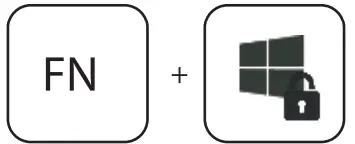 | windows lock mode |
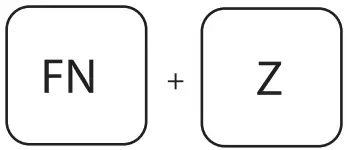 | ASD to arrow switch |
BACKLIGHT
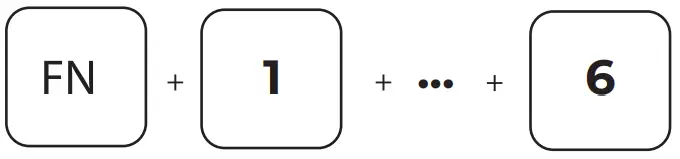 | Game Mode backlight |
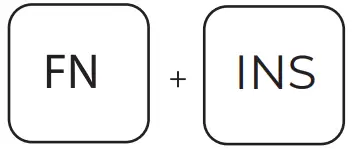 | Change backlight effects 10 Different effects are available |
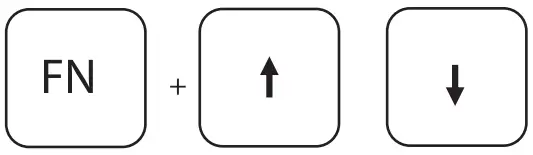 | Increase or decrease backlight brightness |
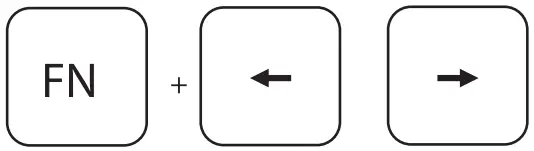 | Increase or decrease backlight speed |