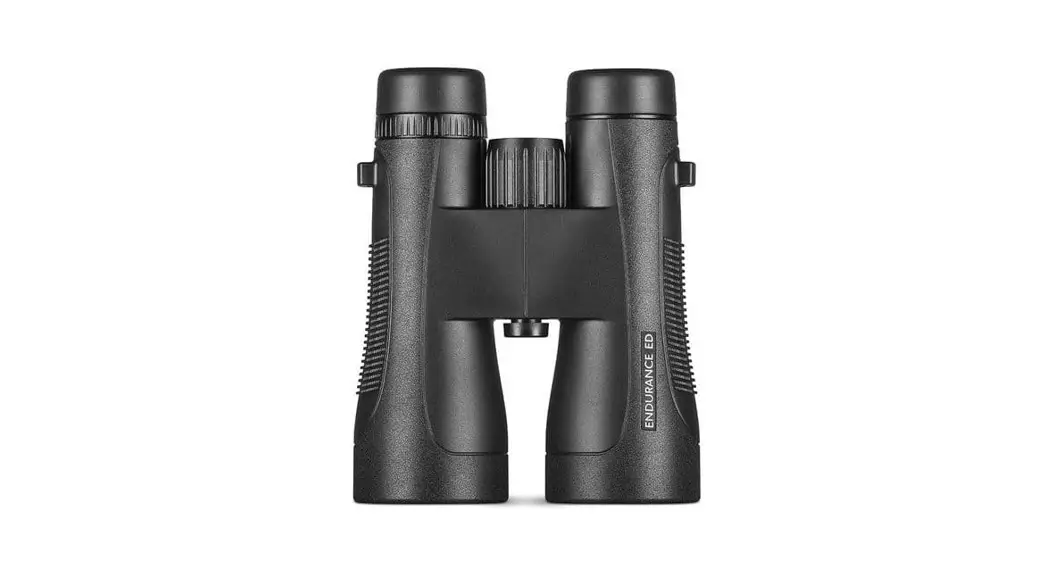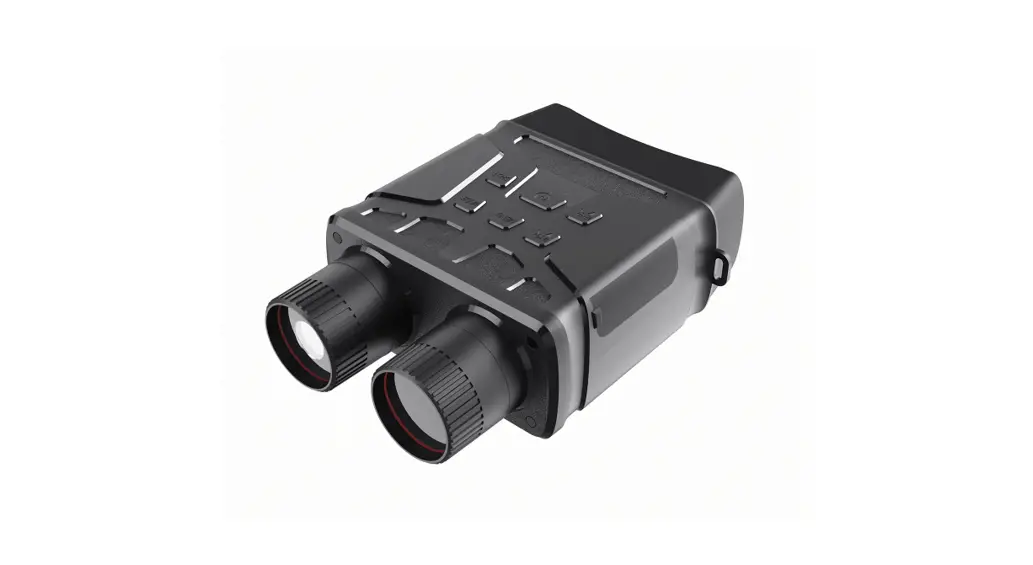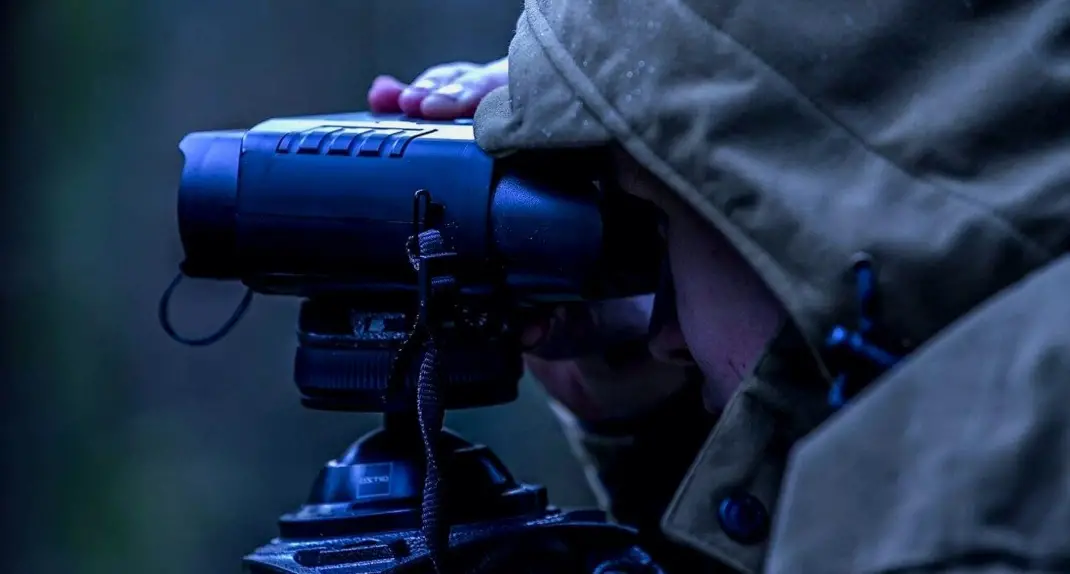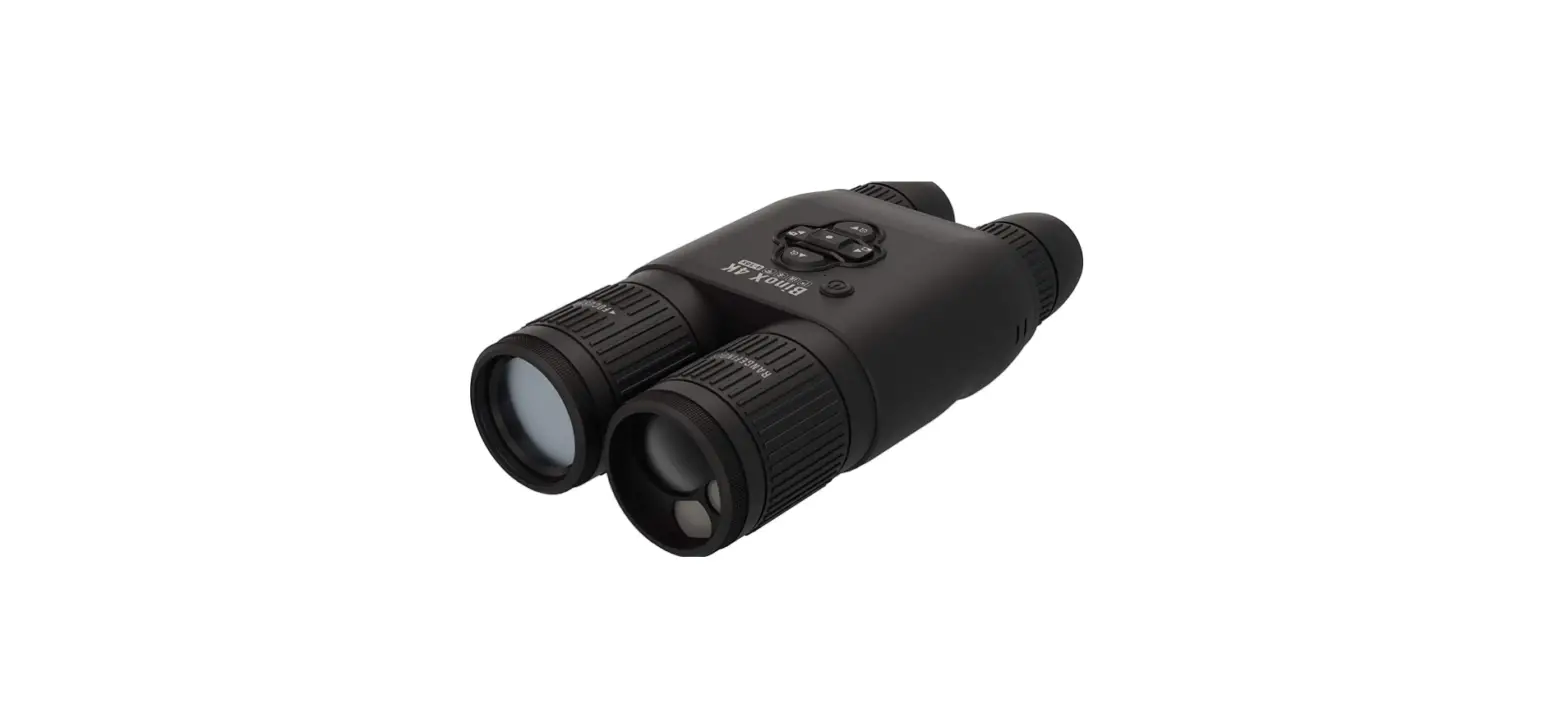

ATN Binox 4K Day And Night Smart Binoculars
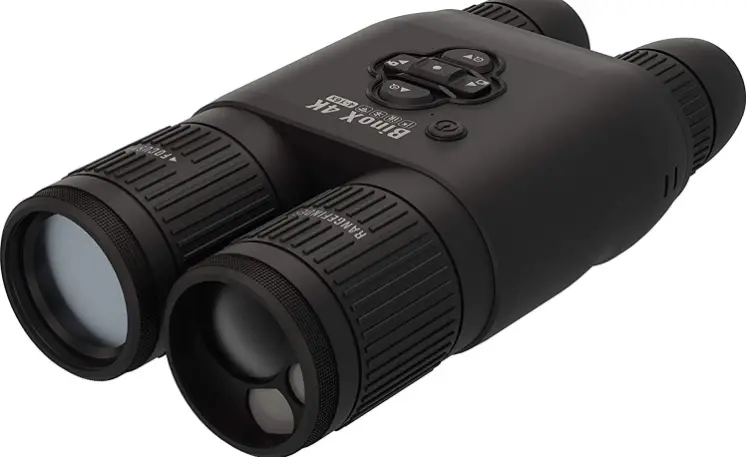
Product Image
FEATURES
 RECORD
FULL HD VIDEO
WIFI DUAL STREAM VIDEO
BLUETOOTH
SMOOTH ZOOM
E-COMPASS
3D GYROSCOPE
DAY/NIGHT MODE 3D ACCELEROMETER
LASER RANGE FINDER
BUILT-IN MICROPHONE
OBSIDIAN USER INTERFACE
ULTRA HI-RES OPTICS
ULTRA-LOW POWER CONSUMPTION
DUAL CORE PROCESSOR
SIMPLE TOGGLE SWITCH OPERATION
APPLICATION
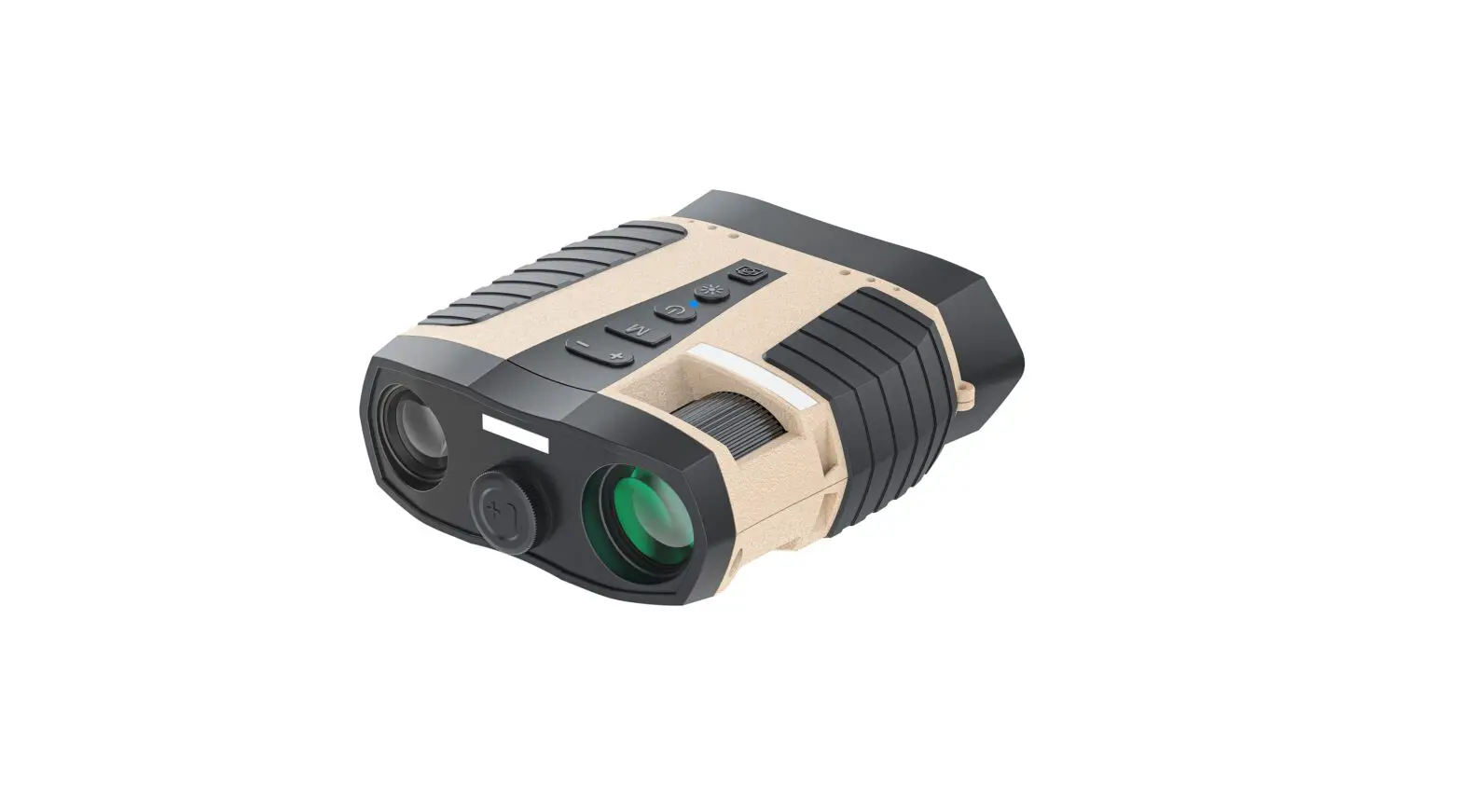
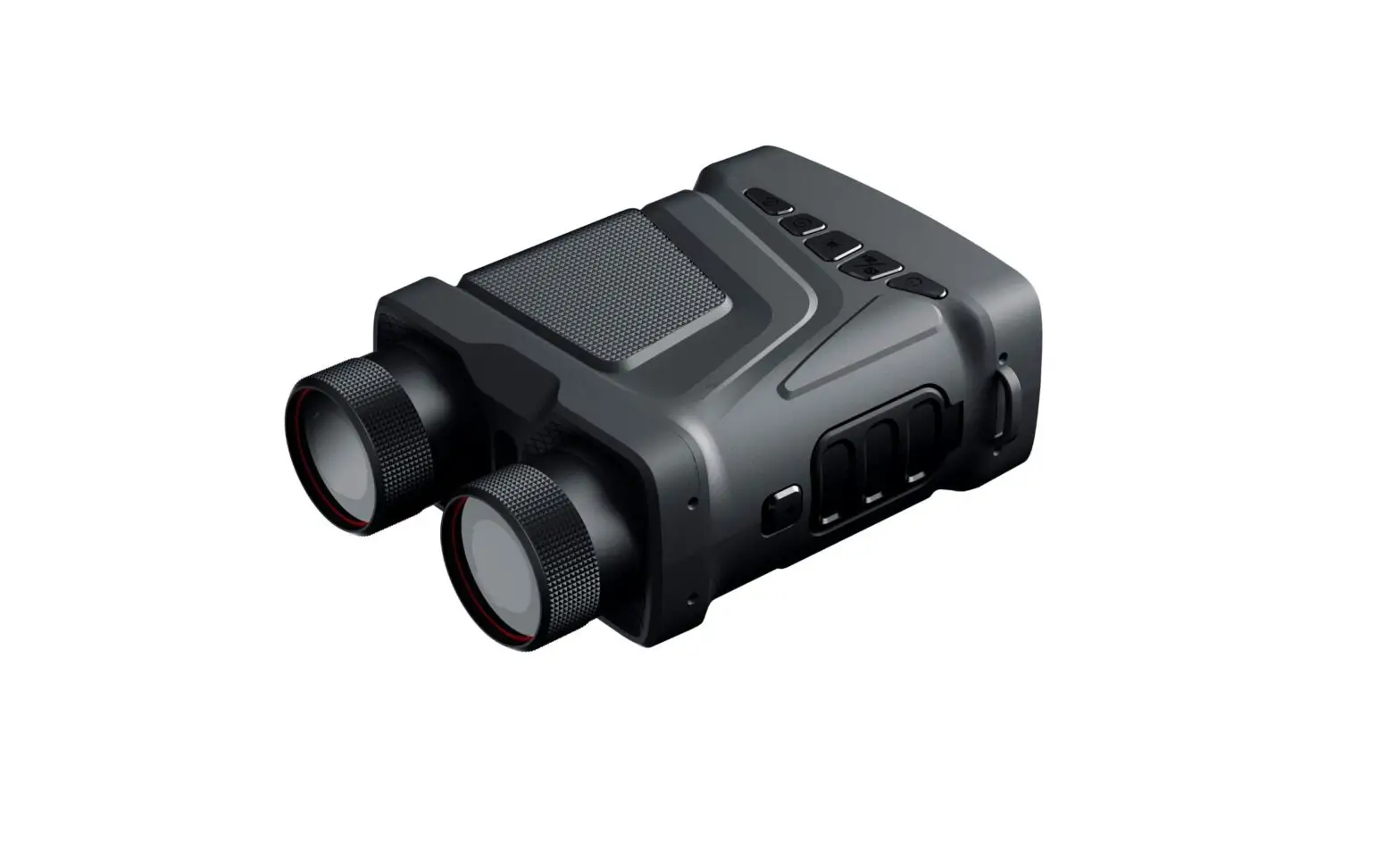
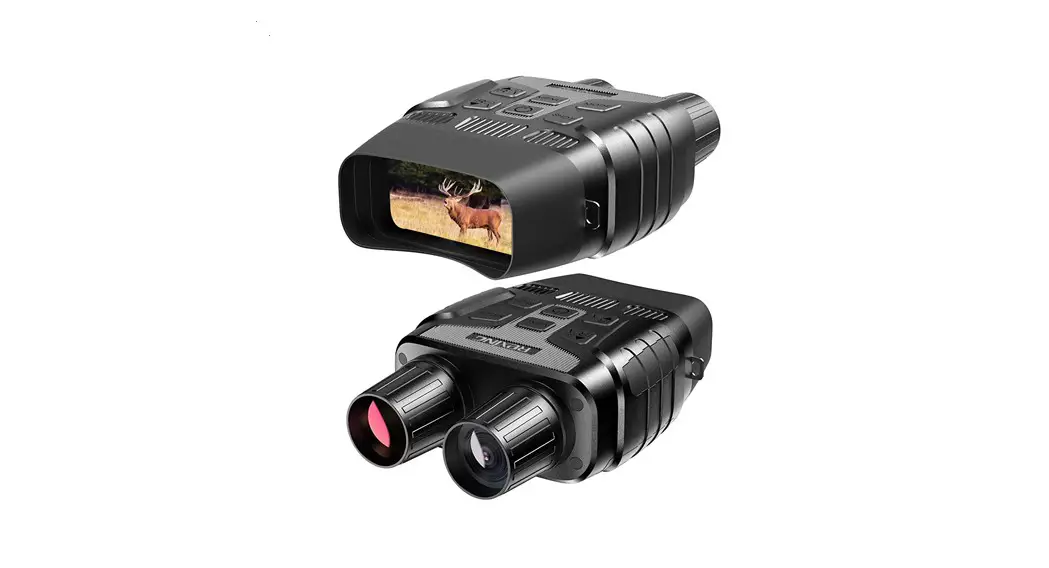
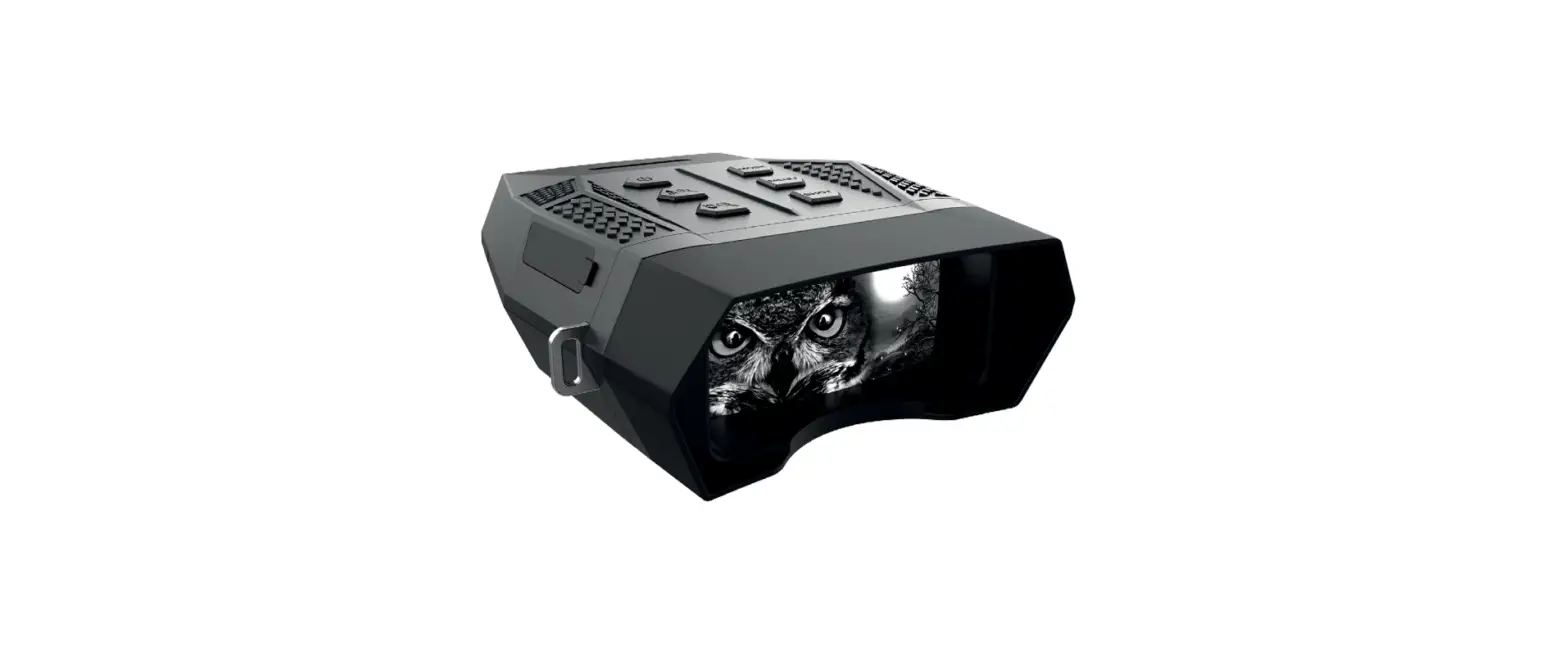
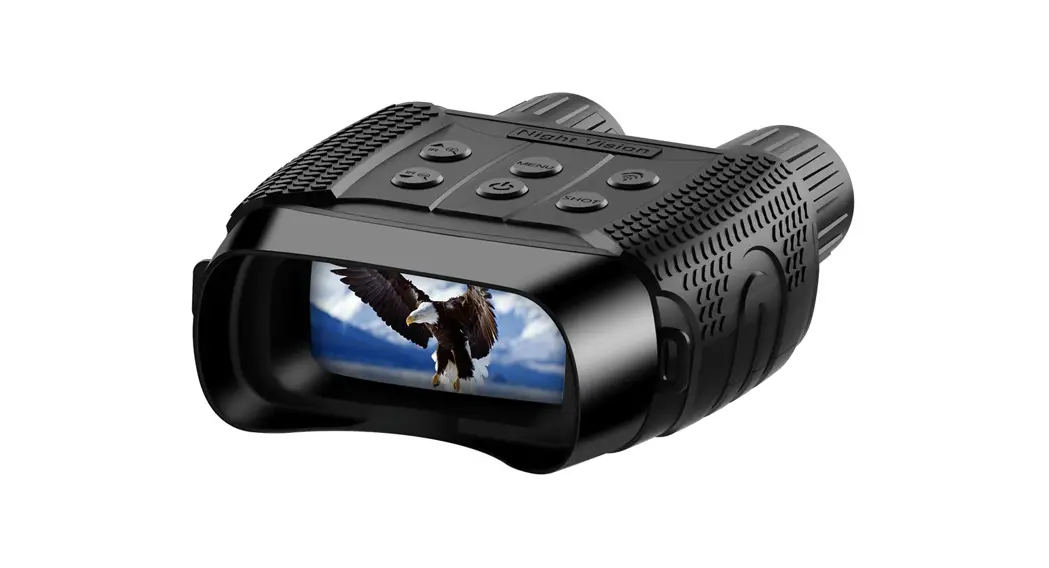
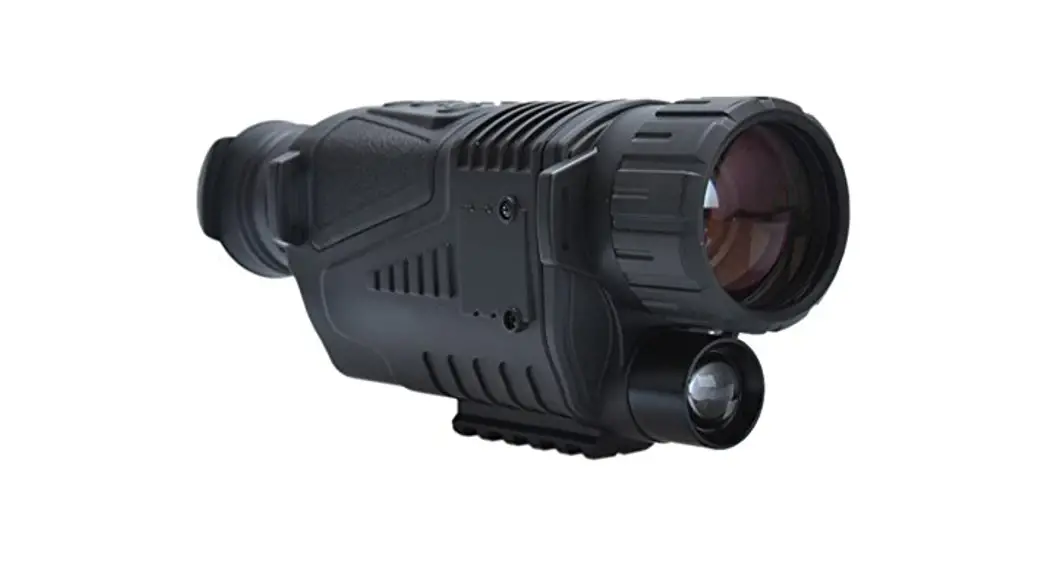
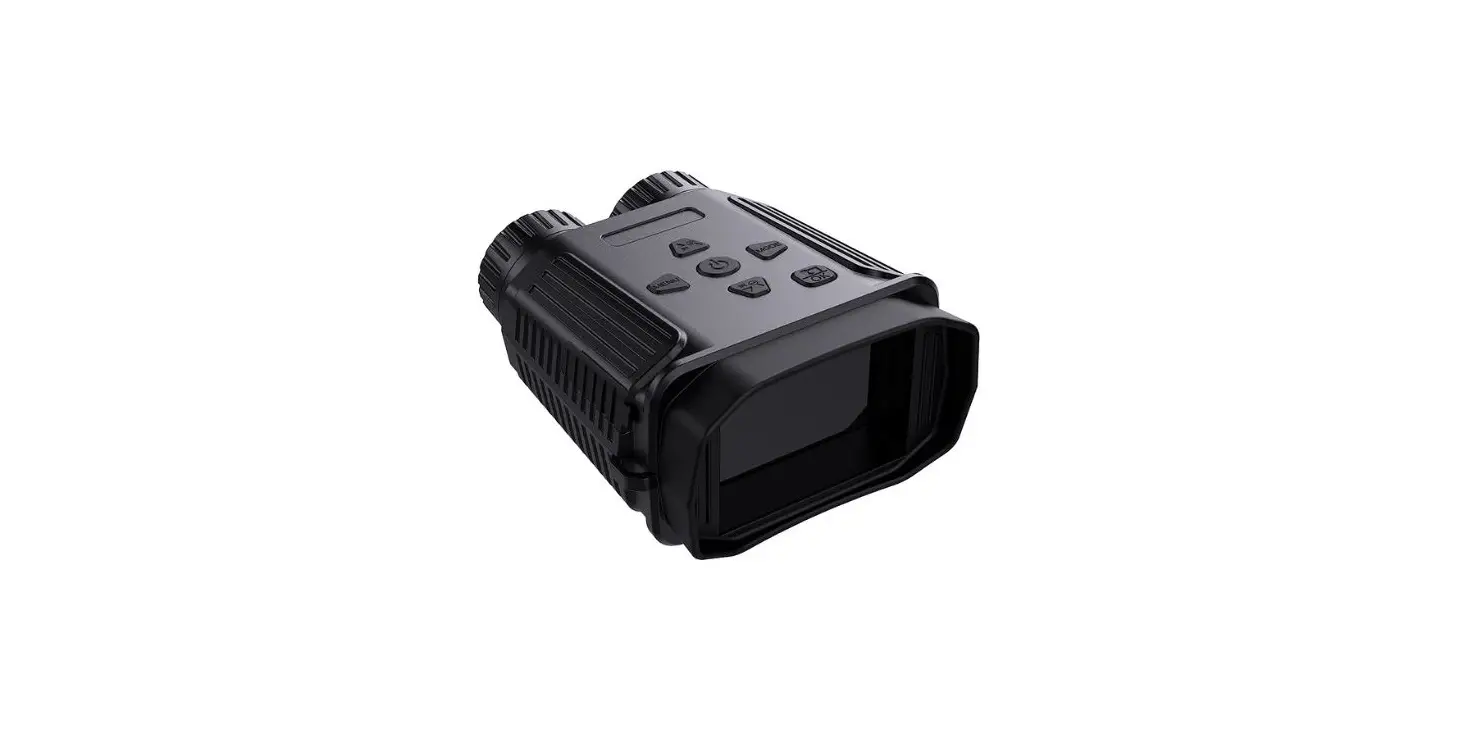
ATN’s revolutionary SMART HD 4K Ultra HD Sensor and Dual Core Processor technology was introduced to our binocular line! Scanning and recovery efforts will be a breeze with the BinoX 4K 4-16x Day & Night Smart HD Binocular. This is the tool that will change your next outdoor adventure. Integrating a laser rangefinder allows you have the convenience, speed, efficiency and valuable dual-purpose functionality of a high definition binocular, perfectly paired with an angle compensated rangefinder. The control keypad is simple to use and easily manipulated with a single hand, leaving your other hand free. Using the built in E-Compass and laser range finder will help you to know the direction and distance you need to travel in the field. The new internal battery provides up to 15+ hours of battery life, and the other included features will aid in your recovery efforts and keep you target ready! Plus, you can easily record video and take photos directly to your micro SD card to share with friends and family or on social media. The BinoX 4K 4-16x Day & Night Smart HD Binocular is the revolutionary optic that will aid in your search and rescue efforts or game recovery.
SPECIFICATIONS
| Item | Value |
| Sensor | ATN 4K M265 Sensor 3864 (H) x 2218 (V) |
| Magnification | 4-16x |
| Field of view @ 1000 yards | 220 ft |
| Objective lens | 40 mm |
| Display Resolution | 1280x720x2 |
| Interpupillary adjustment range | 60-70 mm |
| Eye relief | 10-30 mm |
| Focus Range | 10 ft – Infinity |
| Laser Range Finder | Yes |
| Video Record Resolution | 1080p @ 30/60/120 fps** |
| IP rating | Weather Resistant |
| Charging | USB, type C |
| WiFi (Streaming, Gallery, & Controls) | iOS & Android |
| Bluetooth | Yes |
| 3D Accelerometer | Yes |
| 3D Gyroscope | Yes |
| 3D Magnetometer | Yes |
| E-Barometer | Yes |
| E-Compass | Yes |
| Smooth Zoom | Yes |
| Night Vision Mode | Yes |
| Microphone | Yes |
| Micro SD Card | 4 to 64 GB |
| Battery life (Li-ion) | 15+ hrs |
| Dimensions | 9.4” x 5” x 2.6” / 240 x 128 x 67 mm |
| Weight | 2.5 lb / 1.12 kg |
| Warranty | 2 years |
PREPARING THE DEVICE
The following steps must be performed before using the device
UNPACKING
- Open the BinoX 4K box packaging.
- Verify your box has the following: soft carrying case, neck strap, USB-C charging cable, lens cover, and lens tissue.
- Inspect the device for damage to optical surfaces, body, eyecups, operation buttons, etc.
- Ensure that all optical surfaces are clean and ready for use
CHARGING THE DEVICE
The device is equipped with a USB (type C) port. You will find it under the rubber cap on the right side of the device (caps are marked with appropriate icon). Use the included USB (type C) charging cable with your binocular. Plug the cable into a USB wall charger that has an output of 2 amps (Wall Charger not included)
MICRO SD AND USB C PORTS
The device is equipped with a microSD Card port and USB (type C) port. You can find them under the rubber cap on the right side of the device (we marked the cap with appropriate icons). To open the rubber port cover, gently lift the rubber cover and move it out of the way.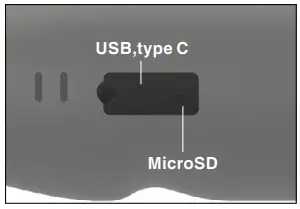
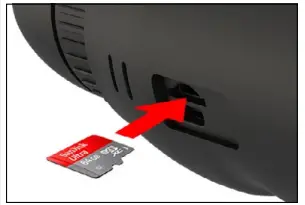
NOTE There is only one correct direction to insert the microSD Card. Do not force the microSD Card into the port doing so may cause damage to both the binocular and the card itself. To remove the microSD Card from the port, push the card slightly in using the same thin object you did before. When the card pops up a few millimeters, pull the card out with your fingers or tweezers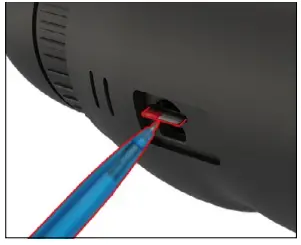
FIRMWARE UPDATE Before operating your device, update the firmware to the latest version. All firmware updates can be found on at https://www.atncorp.com/firmware. To update the firmware you will need a microSD Card and fully charged internal battery. To receive a notification concerning new firmware updates, please register your device on our website. An email notification will be sent when a new firmware update becomes available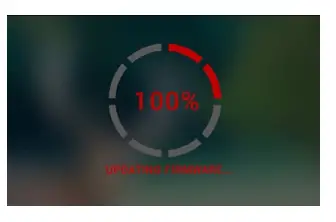
Update the new firmware as follows:
- Download the ***.bin file and copy to your microSD Card — root directory.
- Insert the card into the binocular.
- Turn ON the binocular.
- In the “Firmware Update” dialog box select “Yes” to start the update.
- When the update counter reaches “100%” the device will automatically restart.
- Once the device is powered up it will enter self configuration mode.
- After completing it will automatically restart.
- Motion Sensing platform will be configured when first turned on.
- Once the Firmware update completes, please do a factory reset before using the product.
ON/OFF
To TURN ON the device, press the POWER button. To TURN OFF the device, press and hold the POWER button, until “Shut down the device?” appears in the dialog box. Choose “Yes” to turn off. If the binocular freezes or stops responding to the control panel. Press and hold the Power button for 15 seconds to reboot the binocular.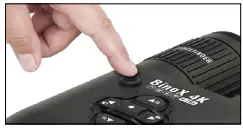
USING YOUR KEYPAD
- The KEYPAD is programmed to be used in two different ways.
- Short and Quick Taps — used for most functions and to get around the menu.
- Press and Hold — designed to be used in the following situations — ON/OFF,

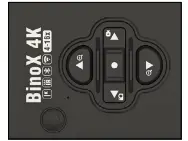
SHORTCUT MENU.
- You can use the forward and rearward keys (zoom keys ), while in the System Menu, as UP and DOWN buttons.
FOCUSING
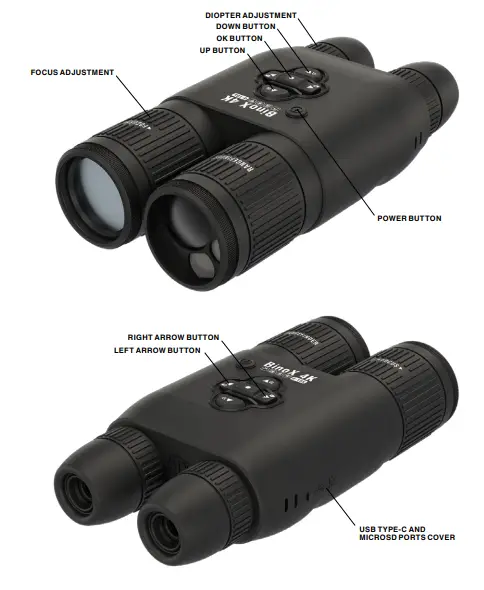
DIOPTER ADJUSTMENT
By rotating the Diopter Adjustment Ring you will achieve optimal sharpness for your vision. Look through the eyepiece while focusing on the widgets on the screen.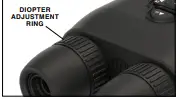
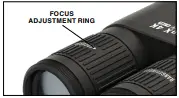
DISTANCE FOCUS
Rotate the Adjustment Ring, as necessary, to achieve the proper focus at various distances.
INTERPUPILLARY ADJUSTMENT
Each eyepiece moves laterally to adjust for interpupillary spacing.

MOUNTING ON A TRIPOD
The BinoX 4K is tripod mountable and can be mounted on tripods with a 1/4-20 thread mount.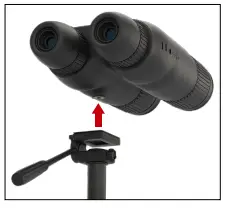
COMPASS CALIBRATION
When the compass needs to be calibrated the word “CAL” appears instead of the Compass Scale. To calibrate you should rotate the device on three axis as pictured on the right.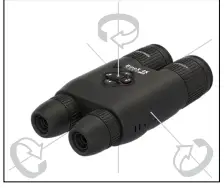
SYSTEM SETTINGS
NIGHT VISION
LIGHT SENSITIVITY There are two options for Light Sensitivity; Low or High. On the Low setting, you will get 30 fps. On the High setting, you will get 15 fps. Your selection will depend on the amount of ambient light needed for optimal performance.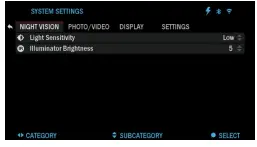
PHOTO/VIDEO
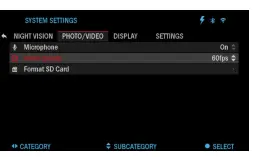
MICROPHONE — sound recording (ON/OFF). VIDEO QUALITY — can be 1080p @ 30/60/120 fps. The ATN BinoX 4K is capable of recording in day mode at 120 fps. This feature allows for post production editing for slow motion purposes. Please note that the 120 fps mode is available in daytime setting only and it does not improve your image quality. It should only be used if you plan on doing post production video editing.
DISPLAY
SCREEN BRIGHTNESS
gives you a 1 to 5 numerical selection, with 1 being the dimmest and 5 the brightest. It is recommended that you use the brightest setting during the day for optimal performance.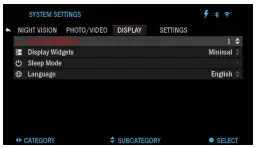
SETTINGS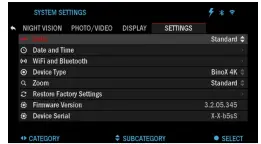
- UNITS — can be Metric or Standard system.
- DATE AND TIME
- Clock Source — al – lows you to choose different types of sources to improve the accuracy (Manual, WiFi).
- Date Format — can be
- YYYY-MM-DD, MM-DDYYYY,
- DD-MM-YYYY.
- Time Format — form of stating the time (24-hour or 12-hour).
- Date — enter the date.
- Time — enter the time.
- WIFI AND BLUETOOTH — WiFi values are not changeable.
- Remote Controller — Allows for pairing of X-Trac remote.
- Remote Controller Orientation — Allows you to choose the orientation of the remote, changing the direction of Keypad buttons .
- Rangefinder mode.
- WiFi info.
- Broadcast LRF.
WARNINGS AND CAUTIONS
- Always remember to turn off the device when it is not in use.
- Do not disassemble, drop, open, crush, bend, deform, puncture, shred, microwave, incinerate, paint or insert foreign objects: it will void your warranty.
- Keep the binocular in the provided protective cover when not in use.
- Avoid contact with dust, steam, and gas.
- This product contains natural rubber latex which may cause allergic reactions.
- The binocular is a precision electro-optical instrument and must be handled carefully.
- Do not scratch the external lens surfaces or touch them with your fingers.
MOBILE APPLICATIONS
Control your device and view a live streaming feed with our ATN Obsidian 4 app. After connecting your phone or tablet via WiFi to your ATN device, you can see on your phone/ tablet screen what is shown in your optic’s viewfinder. Want to see what you’ve recorded so far? No problem open up the Gallery and playback your latest adventures. All your photos and videos are right at your fingertips. In order to download the latest version of the ATN Obsidian 4 app. Please visit the iOS store or Google Play store. Search for “ATN Obsidian 4” install the application. To connect your ATN device to your smart phone or tablet, you must first enable WiFi on your ATN device via the shortcut carousel. Once enabled, you can access your WiFi settings on your phone or tablet and select the respective SSID (DeviceName_XXXX) to establish the connection. The de- fault password is “atnsmarthd”. Once the connection has been successfully established, open your ATN Ob- sidian 4 app and your respective device should be shown on the home screen. Tap the button with your devices name to control your device, access live streaming as well as the gallery from your phone or tablet
WARRANTY
2 YEAR PRODUCT WARRANTY
This product is guaranteed to be free from manufacturing defects in material and workmanship under normal use for a period of 2 (two) years from the date of purchase. In the event a defect that is covered by the foregoing warranty occurs during the applicable period stated above, ATN, at its option, will either repair or replace the product, and such action on the part of ATN shall be the full extent of ATN’s liability, and the Customer’s sole and exclusive remedy. This warranty does not cover a product (a) used in other than its normal and customary manner; (b) subjected to misuse; (c) subjected to alterations, modifications or repairs by the Customer or by any party other than ATN without prior written consent of ATN; (d) special order or “close-out” merchandise or merchandise sold “as-is” by either ATN or the ATN dealer; or (e) merchandise that has been discontinued by the manufacturer and either parts or replacement units are not available due to reasons beyond the control of ATN. ATN shall not be responsible for any defects or damage that in ATN’s opinion is a result from the mishandling, abuse, misuse, improper storage or improper operation, including use in conjunction with equipment which is electrically or mechanically incompatible with or of inferior quality to the product, as well as failure to maintain the environmental conditions specified by the manufacturer. This warranty is extended only to the original purchaser. Any breach of this warranty shall be waived unless the customer notifies ATN at the address noted below within the applicable warranty period. The customer understands and agrees that except for the foregoing warranty, no other warranties written or oral, statutory, expressed or implied, including any implied warranty of merchantability or fitness for a particular purpose, shall apply to the product. All such implied warranties are hereby and expressly disclaimed.
LIMITATION OF LIABILITY
ATN will not be liable for any claims, actions, suits, proceedings, costs, expenses, damages or liabilities arising out of the use of this product. Operation and use of the product are the sole responsibility of the Customer. ATN’s sole undertaking is limited to providing the products and services outlined herein in accordance with the terms and conditions of this Agreement. The provision of products sold and services performed by ATN to the Customer shall not be interpreted, construed, or regarded, either expressly or implied, as being for the benefit of or creating any obligation toward any third party of legal entity outside ATN and the Customer; ATN’s obligations under this Agreement extend solely to the Customer. ATN’s liability hereunder for damages, regardless of the form or action, shall not exceed the fees or other charges paid to ATN by the customer or customer’s dealer. ATN shall not, in any event, be liable for special, indirect, incidental, or consequential damages, including, but not limited to, lost income, lost revenue, or lost profit, whether such damages were foreseeable or not at the time of purchase, and whether or not such damages arise out of a breach of warranty, a breach of agreement, negligence, strict liability or any other theory of liability.
PRODUCT WARRANTY REGISTRATION
In order to validate the warranty on your product, ATN must receive a completed Product Warranty Registration Card for each unit or complete warranty registration on our website at www.atncorp.com. Please complete the included form and immediately mail it to our Service Center: ATN Corporation, 1341 San Mateo Avenue, South San Francisco, CA 94080.
OBTAINING WARRANTY SERVICE
To obtain warranty service on your unit, End-user must notify ATN service department by calling 800-910-2862 or 650-989-5100 or via e-mail [email protected] to receive a Return Merchandise Authorization number (RMA). When returning please take or send the product, postage paid, with a copy of your sales receipt to our service center, ATN Corporation at the address noted above. All merchandise must be fully insured with the correct postage; ATN will not be responsible for improper postage or, missing or damaged merchandise during shipment. When sending product back, please clearly mark the RMA# on the outside of the shipping box. Please include a letter that indicates your RMA#, Name, Return Address, reason for service return, Contact information such as valid telephone numbers and/or e-mail address and proof of purchases that will help us to establish the valid start date of the warranty. Product merchandise returns that do not have an RMA listed may be refused or a significant delay in processing may occur. The estimated Warranty service time is 10-20 business days. End-user/customer is responsible for postage to ATN for warranty service. ATN will cover return postage/shipping to continental USA end-users/customers after warranty repair only if product is covered by the aforementioned warranty. ATN will return product after warranty service by domestic UPS ground and/or domestic mail. Any other requested, required or international shipping method the postage/ shipping fee will be the responsibility of the end-user/customer.
NEED HELP
For customer service and technical support, please contact
- American Technologies Network Corp. 1341 San Mateo Avenue, South San Francisco, CA 94080
- phone: 800-910-2862, 650-989-5100
- e-mail: [email protected]
- www.atncorp.com
FAQS
Is this helmet compatible?
we do not have a helmet
Can I use a power bank to power them instead of using the internal battery?
They are excellent and YES, you can use an external power bank…
How far can a coyote be identified with these ?
600 yds. 300 yds. at night.
What generation night vision is this 1 or 2 or 3?
It’s not amplified night vision. It uses a built in IR illuminator and you can also use a separate IR light if you want
Is this waterproof ?
No. There is usb plug to charge battery that is not waterproof. There is a cover but only resistant
with the binox 4k 4-16x is the IR illuminator in 850 nm or 940nm?
Go to their web sight and get a copy of the manual. The specs will be in there.
How far can you identify a coyote with these?
Probably 150-200 yards with built in IR. Further if you buy an extra IR light to use with it.
What is the working range? For example, could they identify a hog at 500 yards at night? 100 Yds?
Depend on light condition but up to 200yds yes
Is this rechargeable, or does it take batteries like the other one I had?
Yes these are rechargeable. I hadn’t turned mine on in over a year and they are still charged so battery life isn’t horrible either.
Does it also take photos?
Yes, but you need to buy a micro sd card too
What is the country of manufacture?
Box says they are made in China, definitely not American made.
Do you have to buy the scope want these for archery hunting with cross bow?
Yes you have to buy the scope want these for archery hunting with cross bow
Is the battery proprietary or does it use AA or other commercially available batteries ?
The new ones are rechargeable and have a great run time!
Are these in the wild yet ?
yes these in the wild yet