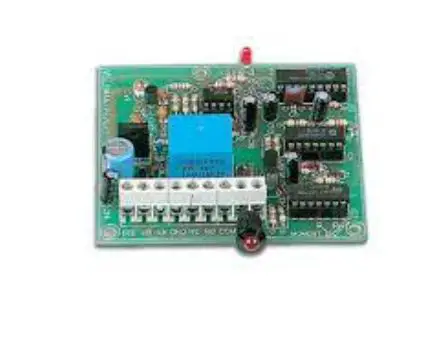
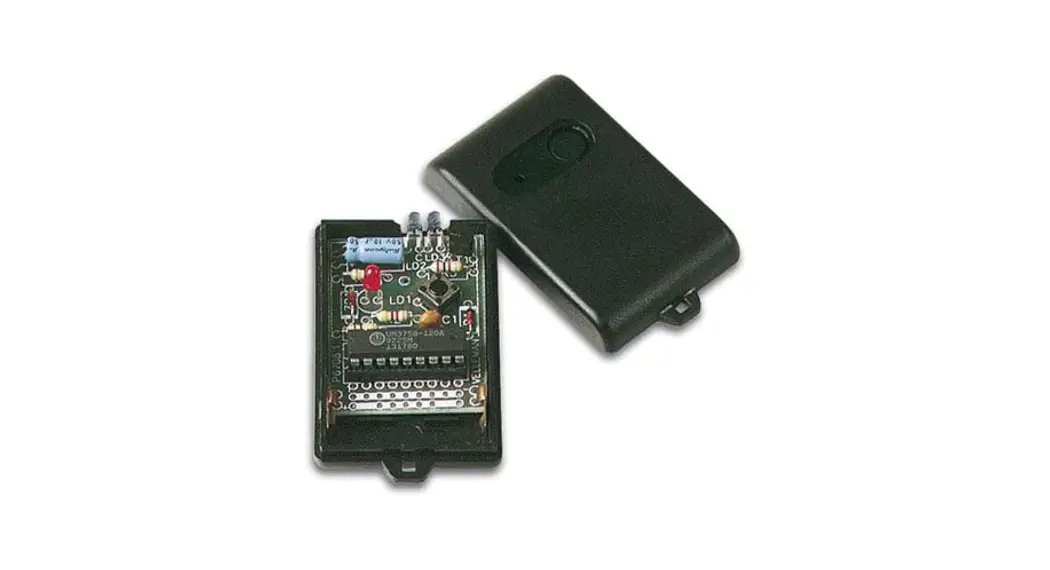
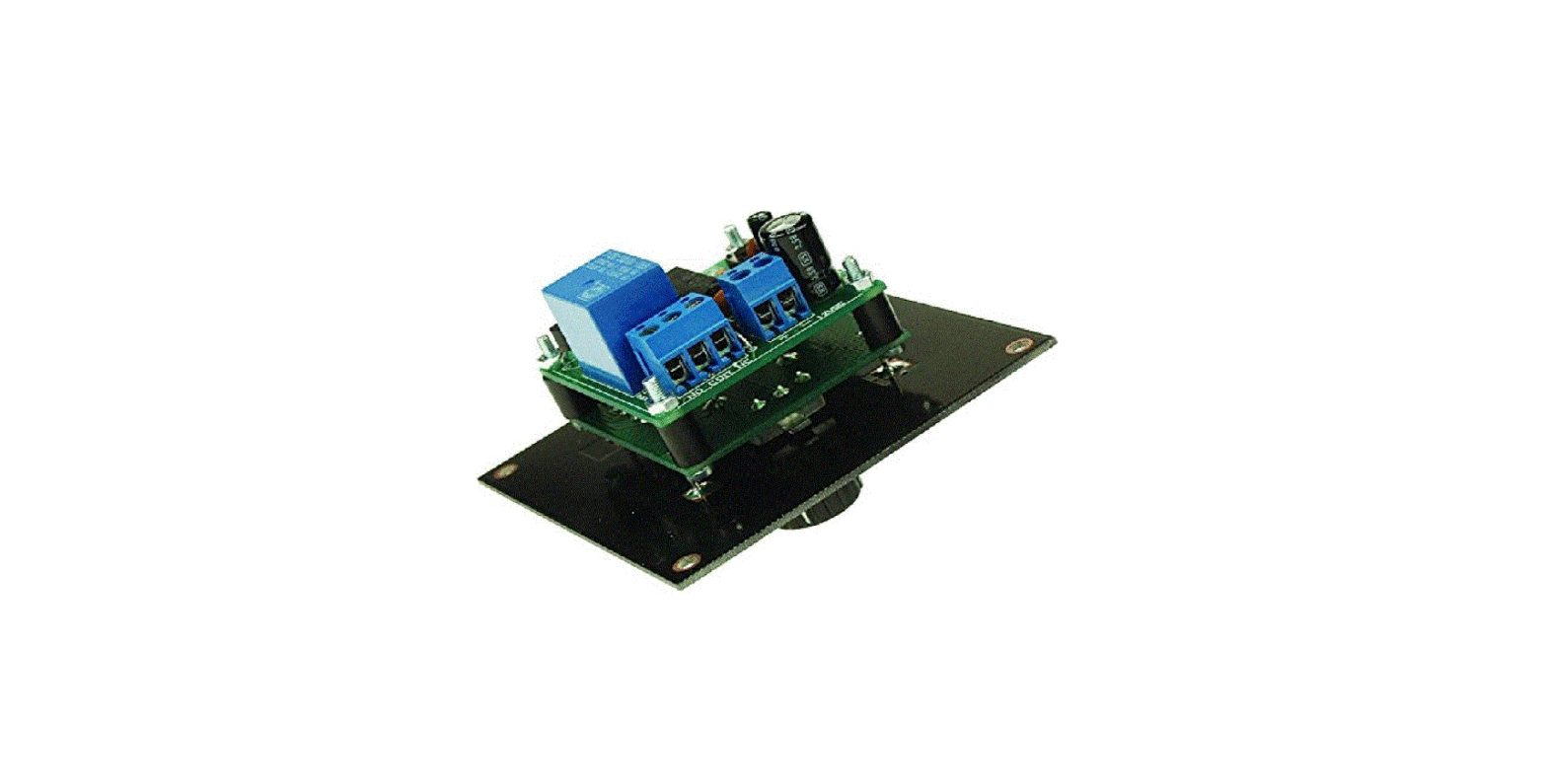
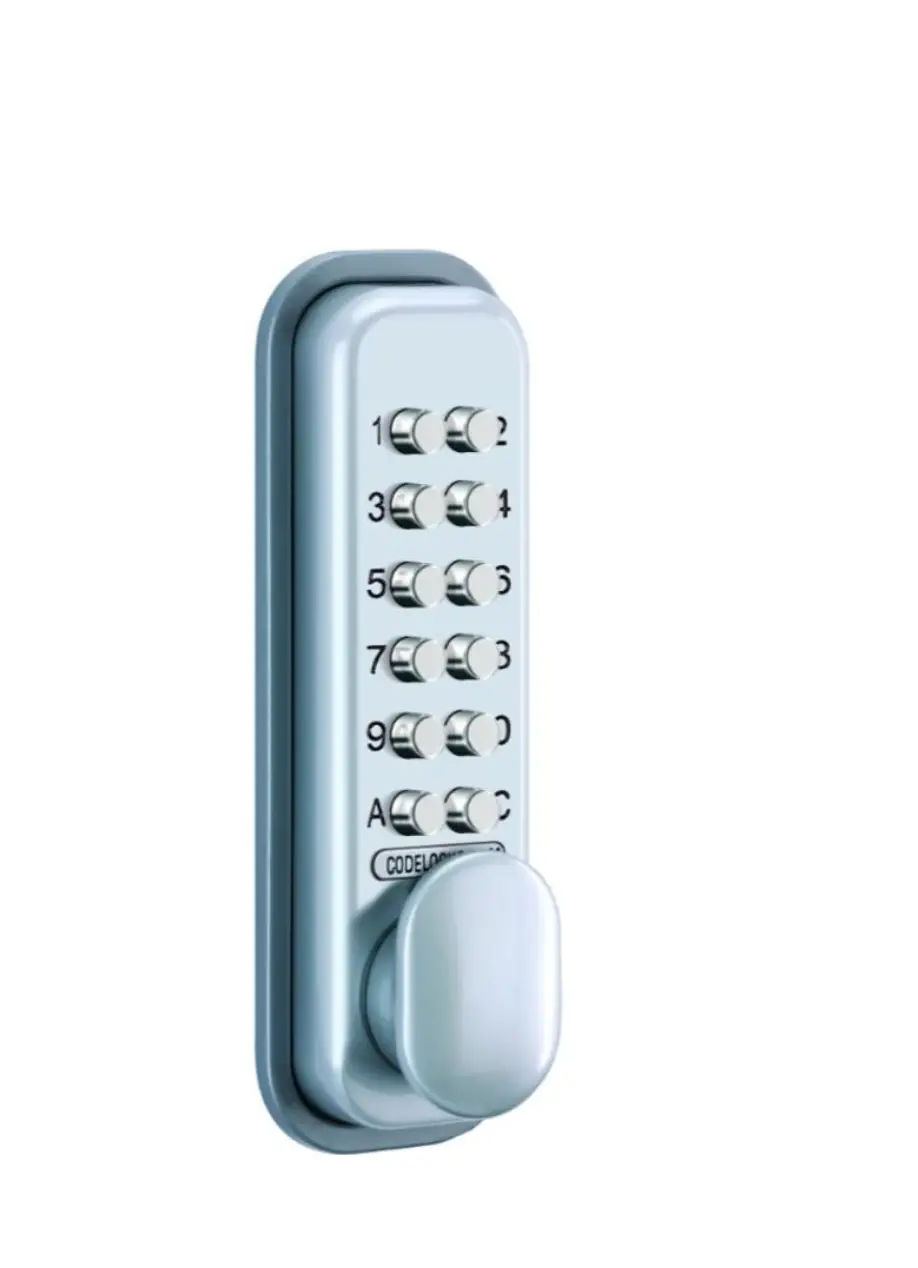
K6727 Two Channel Codelock Receiver
Product Information
The product is a Two Channel Codelock Receiver with the model
number K6727. It is an easy-to-build device that works together
with the K6706/K6706A two channel transmitter. The codelock
receiver is used for various purposes such as operating garage
doors, outdoor or indoor lights, electrical door locks, pool
lights, and fountains. It includes two power relays that can be
selected for toggle or pulse contact. Additionally, it allows for
cascading two receivers at the same location to achieve four
channel output when combined with two transmitters.
The product has two code channels and supports 8,748 possible
codes. Each channel has an on/off LED indication. It features two
10A relay outputs and has dimensions of 85 x 85mm. The power supply
options are 2x9VAC or 12 to 16VDC with a current consumption of
120mA.
It is important to note that the product is not suited to
operate machines or other equipment that could cause injuries.
Product Usage Instructions
- Ensure that you have the necessary tools, including a basic
multi-meter. - Follow the assembly hints provided in the manual for successful
project completion. - Solder the components to the PCB surface, making cone-shaped
and shiny solder joints. - Trim excess leads as close as possible to the solder
joint. - Refer to the correct mounting sequence when removing axial
components from the tape. - Pay attention to the polarity of diodes and zener diodes during
installation. - Install the SAW resonator, ensuring proper placement.
- Construct the resistors according to the specified values and
codes. - Insert the IC sockets, aligning the notch correctly.
- Install the capacitors and capacitive trimmer according to the
specified values and codes. - Set the tuning capacitor (CV1) to around the middle of its
adjustment range.
For further information and the complete conformity declaration,
you can visit http://www.velleman.be/downloads/doC/CE_K6727.pdf
Total solder points: 224 Difficulty level: beginner 1 2 3 4 5 advanced
Two channel codelock receiver
K6727
opOepnecraatrepolirgtsh,tiendtgci,s.a.t.armfnrocamel.aarmcsoymstfeomrtas,ble
ILLUSTRATED ASSEMBLY MANUAL
H6727IP-2 1
Features & Specifications
Features:
Easy to build: no coils to be made! Works together with the K6706/K6706A two channel transmitter. For operating garage door. Operating outdoor or indoor lights. Remote control of electrical door locks. Remote control of pool lights or fountain… Two power relays included. Each output selectable for toggle or pulse contact. It is possible to put two receivers in cascade at same location, for four channel output (in combination with two transmitters).
Specifications:
Two code channels. 8.748 possible codes. On / off LED indication for each channel. Two 10A relay outputs. Dimensions: 85 x 85mm Power supply: 2x9VAC or 12 to 16VDC / 120mA
* modifications reserved.
!
NOT SUITED TO OPERATE MACHINES OR OTHER EQUIPMENT THAT COULD CAUSE INJURIES.
2
Assembly hints
1. Assembly (Skipping this can lead to troubles ! ) Ok, so we have your attention. These hints will help you to make this project successful. Read them carefully.
1.1 Make sure you have the right tools:
· A good quality soldering iron (25-40W) with a small tip. · Wipe it often on a wet sponge or cloth, to keep it clean; then apply solder to the tip, to give it a wet look. This is called `thinning’ and will
protect the tip, and enables you to make good connections. When solder rolls off the tip, it needs cleaning. · Thin raisin-core solder. Do not use any flux or grease. · A diagonal cutter to trim excess wires. To avoid injury when cutting excess leads, hold the lead so they
cannot fly towards the eyes. · Needle nose pliers, for bending leads, or to hold components in place. · Small blade and Phillips screwdrivers. A basic range is fine.
0.000
For some projects, a basic multi-meter is required, or might be handy
1.2 Assembly Hints :
Make sure the skill level matches your experience, to avoid disappointments. Follow the instructions carefully. Read and understand the entire step before you perform each operation. Perform the assembly in the correct order as stated in this manual Position all parts on the PCB (Printed Circuit Board) as shown on the drawings. Values on the circuit diagram are subject to changes. Values in this assembly guide are correct* Use the check-boxes to mark your progress. Please read the included information on safety and customer service
* Typographical inaccuracies excluded. Always look for possible last minute manual updates, indicated as `NOTE’ on a separate leaflet.
3
Assembly hints
1.3 Soldering Hints : 1- Mount the component against the PCB surface and carefully solder the leads
2- Make sure the solder joints are cone-shaped and shiny
3- Trim excess leads as close as possible to the solder joint
REMOVE THEM FROM THE TAPE ONE AT A TIME !
AXIAL COMPONENTS ARE TAPED IN THE CORRECT MOUNTING SEQUENCE !
Velleman hereby certifies that the device K6727 meets the essential requirements and all other relevant stipulations of directive 1999/5/EG and 1995/5/EC.
For the complete conformity declaration check out :http://www.velleman.be/downloads/doC/CE_K6727.pdf
4
1. Jumper wires
J1 J2
2. Diodes. Watch the polarity !
D…
CATHODE
D1 : 1N4148 D2 : 1N4148 D3 : 1N4148 D4 : 1N4007 D5 : 1N4007
3. Zener diodes Watch the polarity !
ZD… CATHODE
ZD1 : 4V3 ZD2 : 4V7 (5V1) 4. SAW resonator.
L2
L…
L1 : 1µH (1-0-B)
5. Resistors
R…
Construction
R1 : 270 (2-7-1-B) R2 : 18K (1-8-3-B) R3 : 18K (1-8-3-B) R4 : 33K (3-3-3-B) R5 : 5K6 (5-6-2-B) R6 : 2K7 (2-7-2-B) R7 : 6K8 (6-8-2-B) R8 : 6M8 (6-8-5-B) R9 : 1K (1-0-2-B) R10 : 1K (1-0-2-B) R11 : 100K (1-0-4-B) R12 : 100K (1-0-4-B) R13 : 100K (1-0-4-B) R14 : 100K (1-0-4-B) R15 : 10K (1-0-3-B) R16 : 10K (1-0-3-B) R17 : 10K (1-0-3-B) R18 : 10K (1-0-3-B) R19 : 10K (1-0-3-B) R20 : 2K2 (2-2-2-B) R21 : 2K2 (2-2-2-B) R22 : 2k2 (2-2-2-B)
5
Construction
6. IC sockets. (check the position of the notch)
8. Capacitors
1 IC…
IC1 : 18p IC2 : 18p IC3 : 8p IC4 : 14p
7. Capacitive trimmer
C1 : 1p C2 : 2p (2p2) C3 : 22p C4 : 82p C5 : 330p (331) C6 : 330p (331)
C7 : 330p (331) C8 : 330p (331) C9 : 100n (104) C10 : 100n (104) C11 : 100n (104)
CV…
CV1 : 5pF Set the tuning capacitor to around the middle of its adjustment range.
9. Transistors
T1 : BF199 T2 : BC557B T3 : BC557B T4 : BC547B T5 : BC547B
6
10. LED’s. Watch the polarity!
C…
LD1 LD2
3mm Red
LD3
LD1
CATHODE
11. Screw connectors
First slide the connectors together one by one.
SK1 : 3p SK2 : 3p SK3 : 3p
12. Capacitors. Watch the polarity !
C12: 1µ C13: 1µ C14: 470µ
13. Voltage regulaMind the orientation !
VR1 : 7809
Construction
14. Relays
RY1 : VR15 RY2 : VR15
16. Sticker
Affix the supplied sticker to the housing.
Velleman
RY…
433,92 MHz SRFCE
C…
15. ICs. (check the position of
the
notch)
1
PIN 1
IC…
VR…
IC1: UM3758-120A
IC2: UM3758-120A
IC3: RV4558 – LM258 – 2904
IC4: CD4013
7
Personal code
17. Create your code
You can select your own code for a transmitter/receiver combination. There is a 9 row jumper island located directly next to IC1 for setting the code. The code is set by connecting one or more code points to a neighboring `+’ or `-` point using the small jumpers. Code points may also be left unconnected (open): see figure.
a) No connection
c) Code connection to `+’
b) Code connection to `-‘ c) Example of a possible code
Note: certain points cannot be connected to `+’ 8
18. Operating mode
Operating mode
By using the jumpers JM1 or JT1, channel 1 of the receiver can be set up for two output possibilities: 1. Output channel 1 is on while the transmitter is pressed (MOMENT), this is mostly used for operating a door lock,
garage door, etc. JM1
2. Output channel 1 switches (on/off) every time the transmitter is pressed (TOGGLE), this setting is mostly used for switching alarms in and out, for operating central door locking systems, for switching a lamp on and off, etc. JT1
By using the jumpers JM2 or JT2, channel 2 from the receiver can be set up for two output possibilities:
1. Output channel 2 is on while the transmitter is pressed (MOMENT). JM2
2. Output channel 2 switches (on/off) every time the transmitter is pressed (TOGGLE). JT2
9
Test & set-up
19. Test and set-up
IMPORTANT: · For adjusting the receiver, a completely plastic tuning screwdriver (including plastic blade) is needed. This is
supplied with the receiver. · The transmitter must be in its housing with the cover on, and fitted with a new battery type V23GA or GP23A.
Check the polarity which is shown in the housing. · The receiver may not be in the vicinity of any metal objects. · The transmitter and receiver must have the same code.
1) Use of the new K6706A transmitter: · Set the tuning capacitor CV1 of the receiver to around the middle of its adjustment range (see fig. 7).
Check that the tuning LED of the receiver is not lit up, or is just on the verge of lighting up. If not, the tuning capacitor will have to be adjusted a little. Do not touch the circuit with your hand. · Activate the transmitter and very carefully turn the tuning capacitor CV1 on the receiver until the tuning LED lights up. If all is well, one of the relays should now switch, if of course the codes of the transmitter and receiver are the same. · For more precise tuning, get someone else to activate the transmitter from a few meters away and then finetune the receiver. · Once the receiver has been set to a transmitter, then it will also be set for other transmitters of the K6706A type.
2) Use of the old K6706 transmitter: · Remove capacitor C1 from the transmitter. · Set the tuning capacitor CV1 of the receiver to around the middle of its adjustment range (see fig. 7).
Check that the tuning LED of the receiver is not lit up, or is just on the verge of lighting up. If not, the tuning capacitor will have to be adjusted a little. Do not touch the circuit with your hand.
10
Test & set-up
· The transmitter must be in its housing with the cover off. · Activate the transmitter (do not touch any other parts other than the push button) and then very carefully turn
the tuning capacitor CV on the transmitter until the tuning LED of the receiver lights up. If all is well, one of the relays should now switch, if of course the codes of the transmitter and receiver are the same. · For more precise tuning, activate the transmitter from a few meters away and then fine-tune the transmitter.
If the transmitter cannot be tuned to the receiver, then it might be that the tuning capacitor of the receiver needs to be adjusted.
3) Use of a new K6706A transmitter together with an old K6706 transmitter: · Do the receiver set-up and adjustment as in point 1 together with the new transmitter type K6706A. · When using the old K6706 transmitter type, capacitor C1 of the transmitter must be removed. · The transmitter must be in its housing with the cover off. · Activate the transmitter (do not touch any other parts other than the push button) and then very carefully turn
the tuning capacitor CV on the transmitter until the tuning LED of the receiver lights up. If all is well, one of the relays should now switch, if of course the codes of the transmitter and receiver are the same. · For more precise tuning, activate the transmitter from a few meters away and then fine-tune the transmitter.
REMARK: When a new receiver K6727 is used in conjunction with a one channel receiver K6707, then on the K6707 capacitor C1 must be a 1pF type.
11
Connection
20. Connection DC supply:
AC supply:
CHANNEL 2 RELAY
OUTPUT CHANNEL 1
RELAY OUTPUT
K6727
NC2 COM2
NO2 NC1 COM1
NO1 VB
GND VA
–
12…16VDC
+
CHANNEL 2 RELAY
OUTPUT CHANNEL 1
RELAY OUTPUT
K6727
NC2 COM2
NO2 NC1 COM1 NO1
VB GND
VA
TRANSFO L
9VAC 9VAC
MAINS
N
Other connections: When using the relay output there is a choice between a normally closed contact (NC) or a normally open contact (NO). The common output is at COM.
12
21. Using 2 receivers at the same place
Connection
K6727 Rx J1 GND J2
K6727 Rx J1 GND J2
J1 & J2 CLOSED ADJUST ONLY THIS RECEIVER
J1 & J2 OPEN DO NOT ADJUST THIS RECEIVER
From one receiver, the jumpers J1 and J2 must be cut, this receiver must not be adjusted with the transmitter.
22. About the housing
The circuit can also be installed in a plastic housing (NOT A METAL BOX) e.g. WCAH2851. Place the housing in a place where there are few metal parts. It may be the case that after installation, the circuit will have to be retuned. This is because of the influence of metal parts in the vicinity of the circuit.
13
PCB 23. PCB layout.
14
24. Diagram
+V R1
C2 2p
R 2 270
R8
82p C4
C3
R4
22 p
33K
18 K
R3
R7
L2
18 K
6K 8
5p CV1 330p C7
T 1 1p
C12 1u
6M8 2
A1 1
3 1/ 2 RV4 558
+V
5
87
A2
6
4
1/ 2 RV4558
J1
R22 2K2
Rx IN
Rx GND
+V VDD
+V
+V
Rx IN
VDD
C1
R5 5K6
C8
330p
BF199
L1
1u H
+V
R9 1K
+V
R1 0 1K
LD3 RED 3mm
+V
16 18
A1
1
A2 2
+V
A3 3
16 18
A1
1
A2 2
A3 3
R6 2K 7
4V3 ZD1
+V
4V7 ZD2 +V1
100K R11
OSC 13
C5 33 0p
IC1
A4 4
A5 5
A6 6
C6 330p
100K R12
OS C
13 IC2
A4 4
A5 5
A6 6
R13 100K
R15 10K
T2
BC557B D
CLK
9
11
12
FF1
8 13 10
SE T
Q
Q RST
+V
R20 2K 2
C11 100n
1N4148
RED 3mm
L D1
D1
R17 10K
1N 4 14 8 D3 R18
JT1: TOGGLE
10 K
RY1 VR15M12I’C
T4 BC5 47B
NC NO
COM1 OUT 17
A7 7
A8 8
A9
9
A10
10
NC
A11
11
NC
A12
12
OUT 17
A7 7
A8 8
A9
9
A1 0
10
NC
A11
11
A12
12
NC
JM1: MOMENTARY
14 15
VS S
MODE
14 15
VSS
MODE
R14 100K
+V
R16 10K
T3
BC557B D
CLK
5
3
Q 2
FF2 RST
61 4
SE T Q JT2: TOGGLE
JM2: MOMENTARY
+V1
R 21 2K 2
1N4148
L D2
D2
RED 3mm
R19
10 K
RY2 VR15M12I’C
T5 BC5 47B
IC1, IC 2 (UM3758-120A ) A1,A2 = IC3 (RV4558) NC FF1,FF 2 = IC4 (CD4013) NO
VA
COM2
G ND VB
1N 4 00 7
D4 D5
7809 VR1
C9 C1 0 C14 100n 100n
1N4007 470u
+V1 J2
+VR
+V
C13 1u
Diagram 15
VELLEMAN Components NV Legen Heirweg 33 9890 Gavere Belgium Europe www.velleman.be
www.velleman-kit.com
Modifications and typographical errors reserved © Velleman Components nv. H6727IP – 2004 – ED2
16
5 410329 291426
 Velleman – Wholesaler and developer of electronics