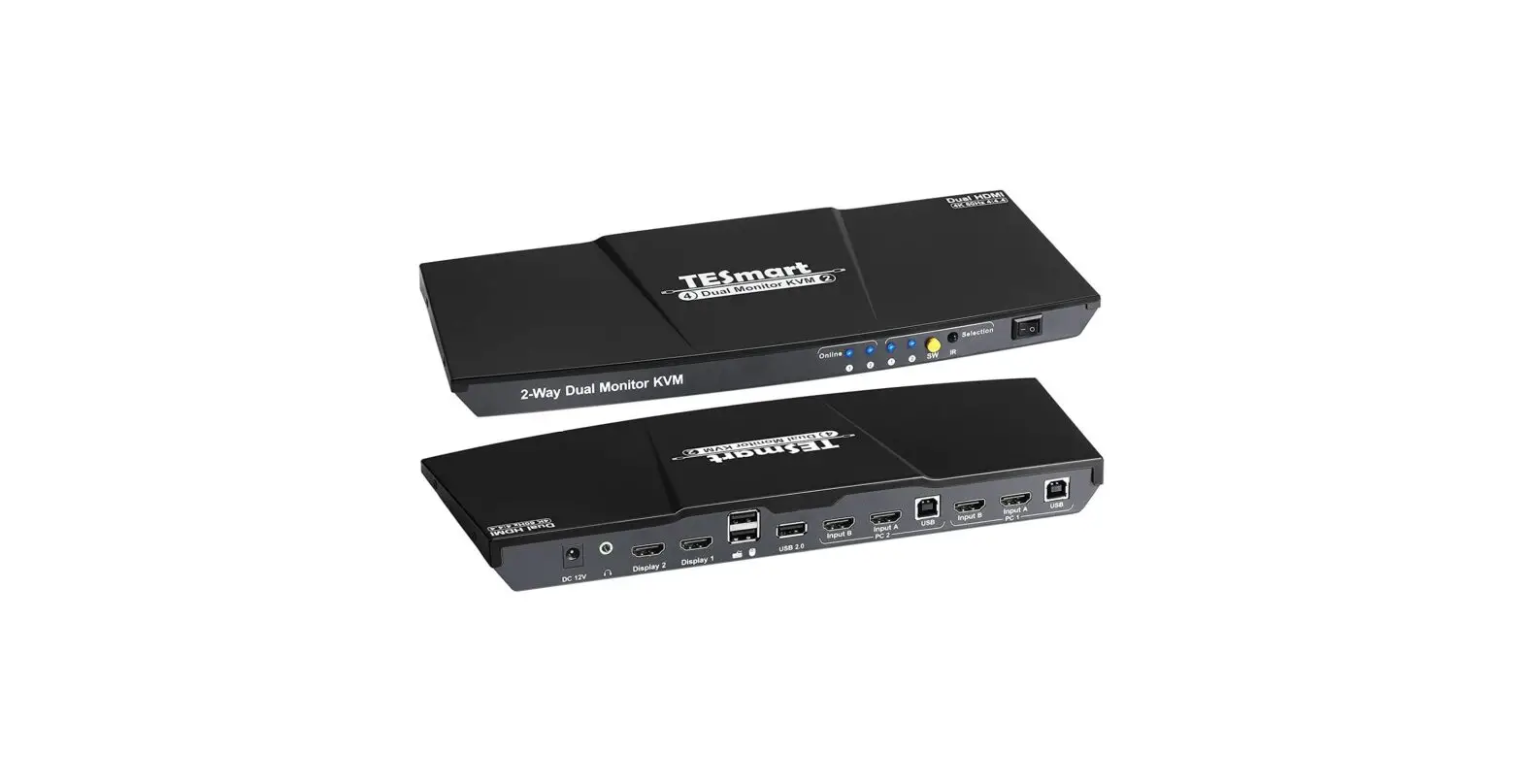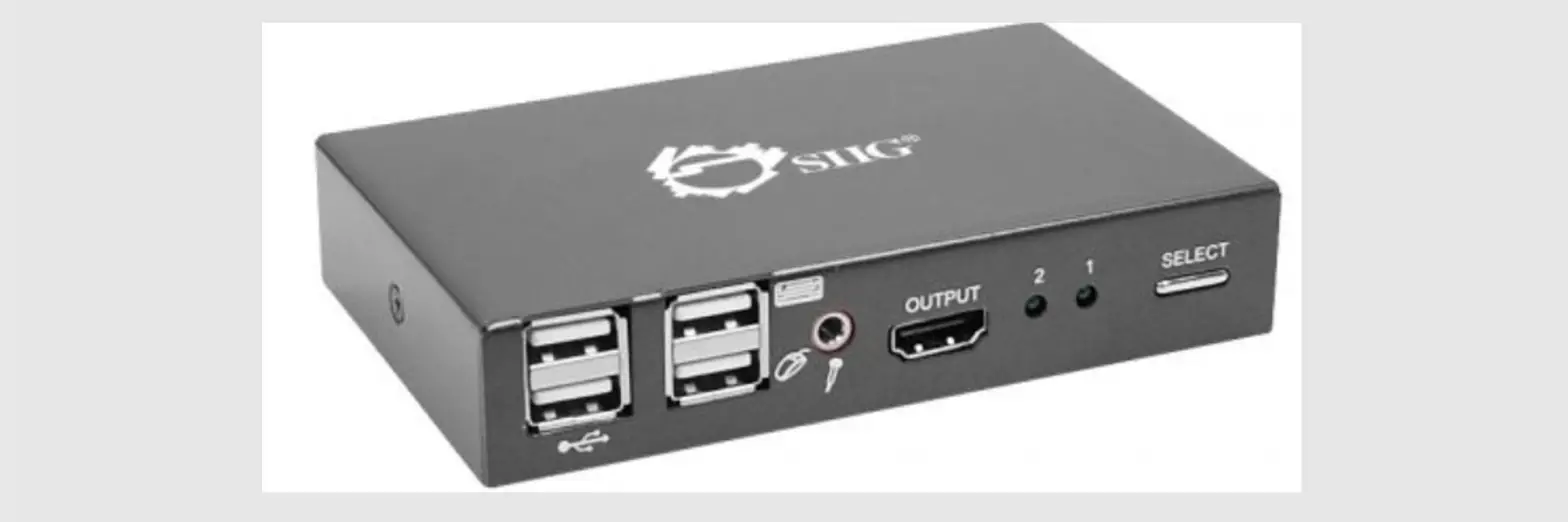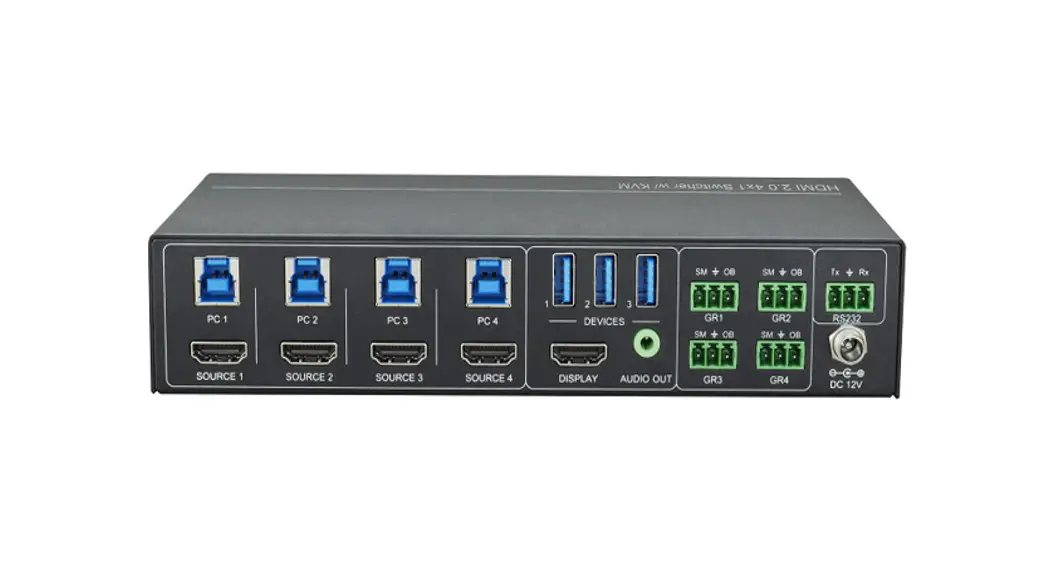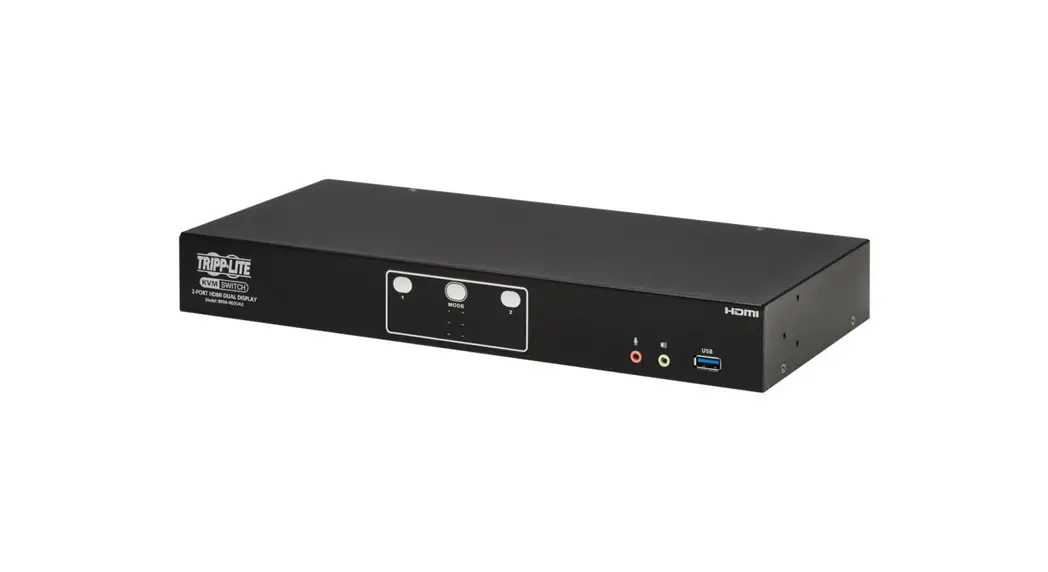
 B006-HD2UA2 2-Port HDMI Dual-Display KVM Switch|
Instructions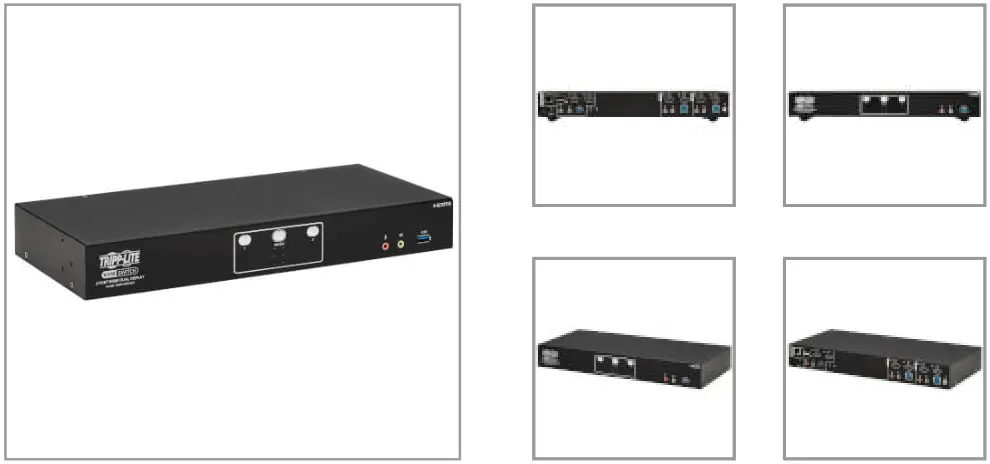
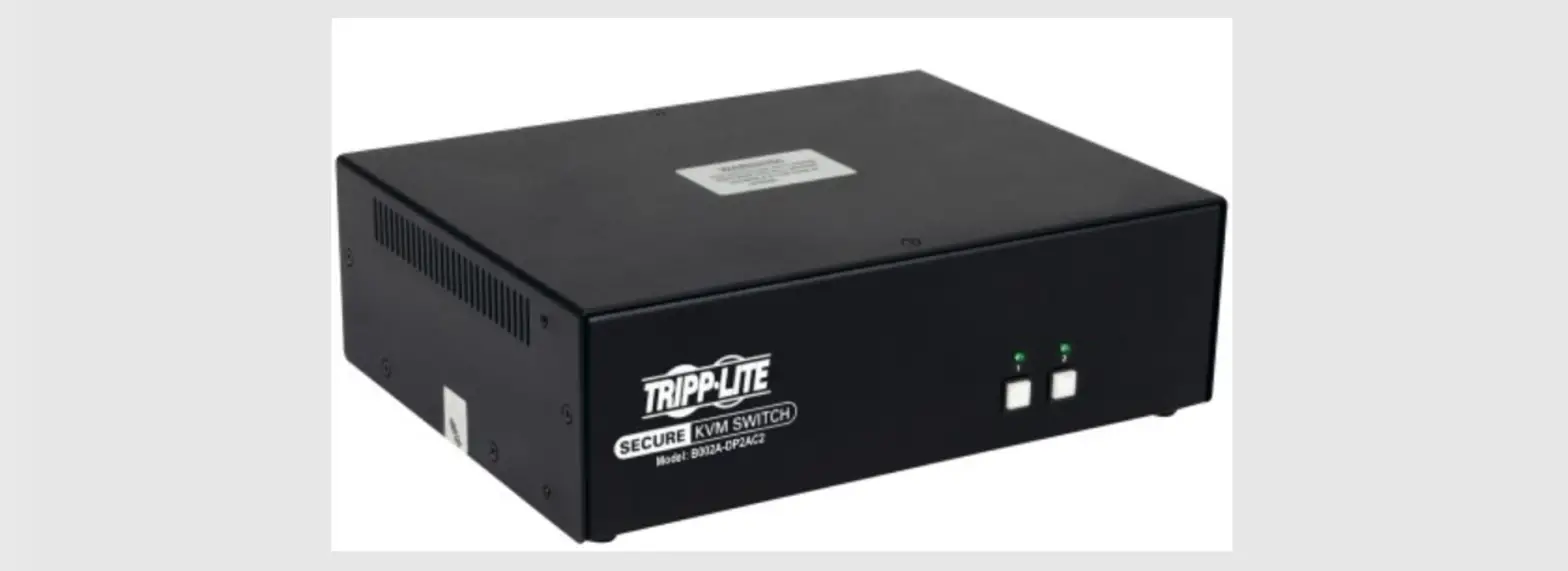
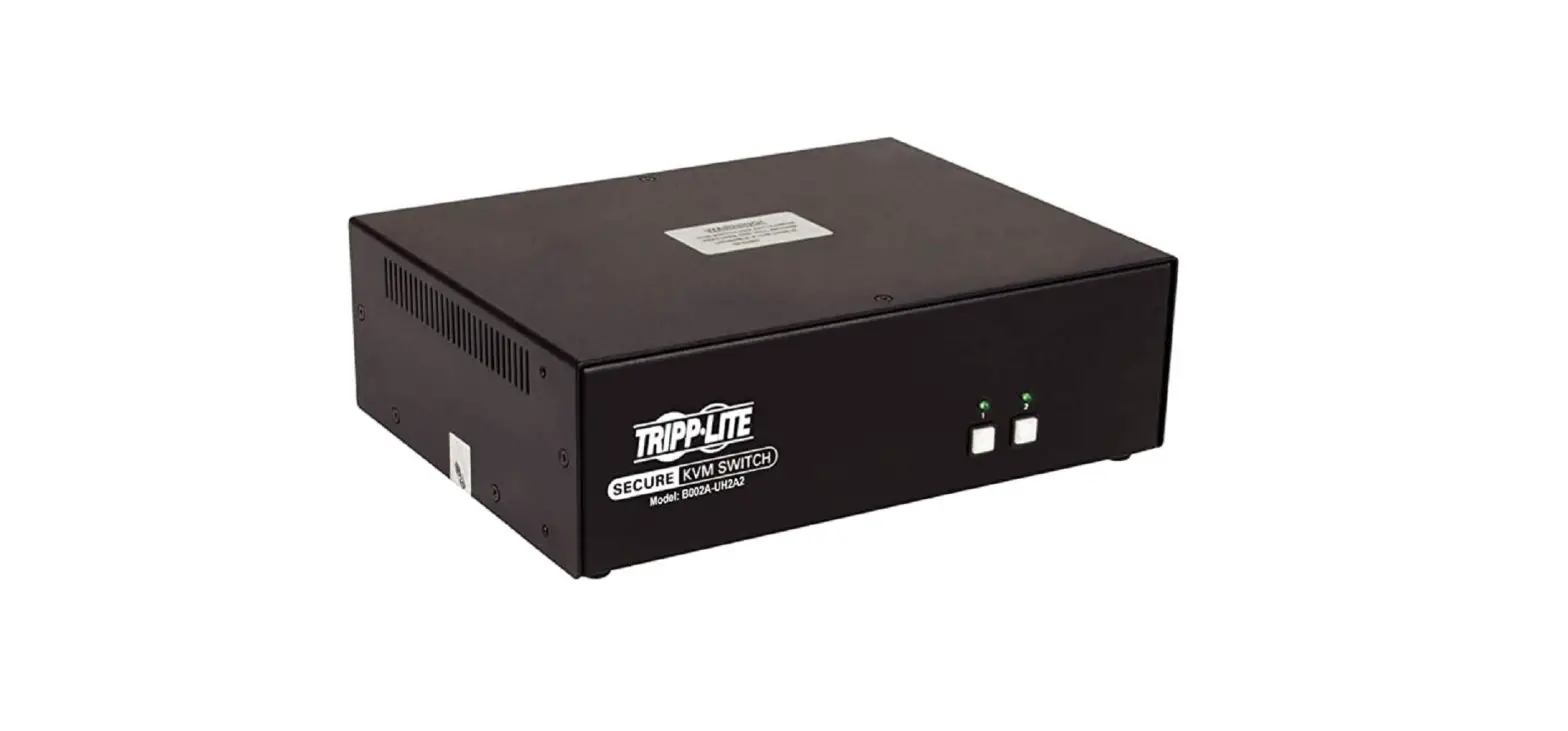
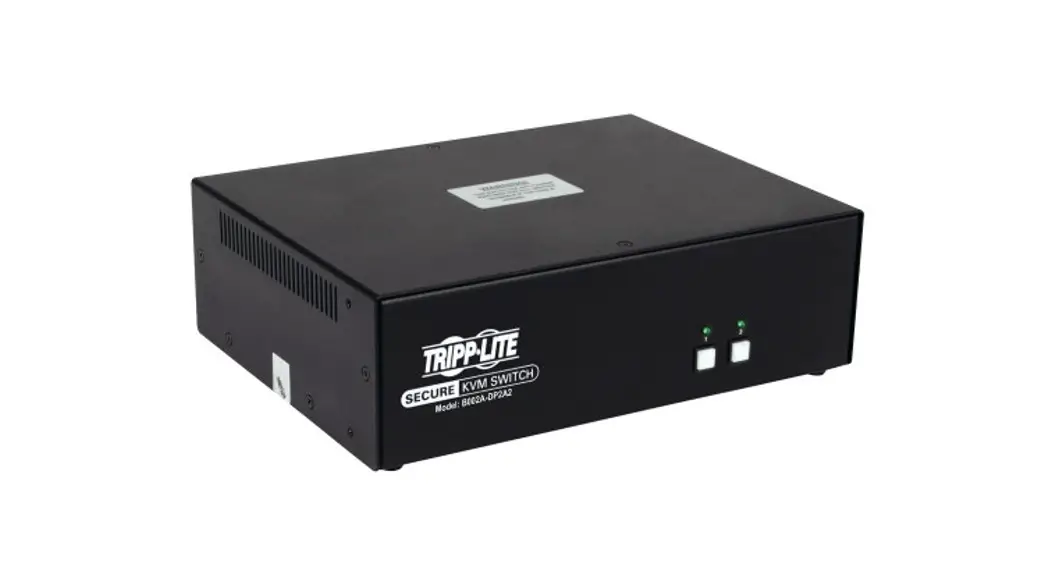
Lets you control 2 PCs or laptops using 2 monitors and one USB keyboard/mouse, as well as share 2 USB peripherals among the computers.
Features
Connects Two Computers to Two 4K Monitors and a Single Keyboard/Mouse
This dual-monitor KVM switch lets you access, control, boot and reboot two computers or other devices with HDMI ports and switch back and forth between them. It’s ideal for work-from-home applications in which you’d like to share two monitors between your home and work computers. Both computers share two HDMI 4K monitors and one USB keyboard/mouse, which saves space on your desk or workspace.
Switching Between Computers Is Fast and Easy
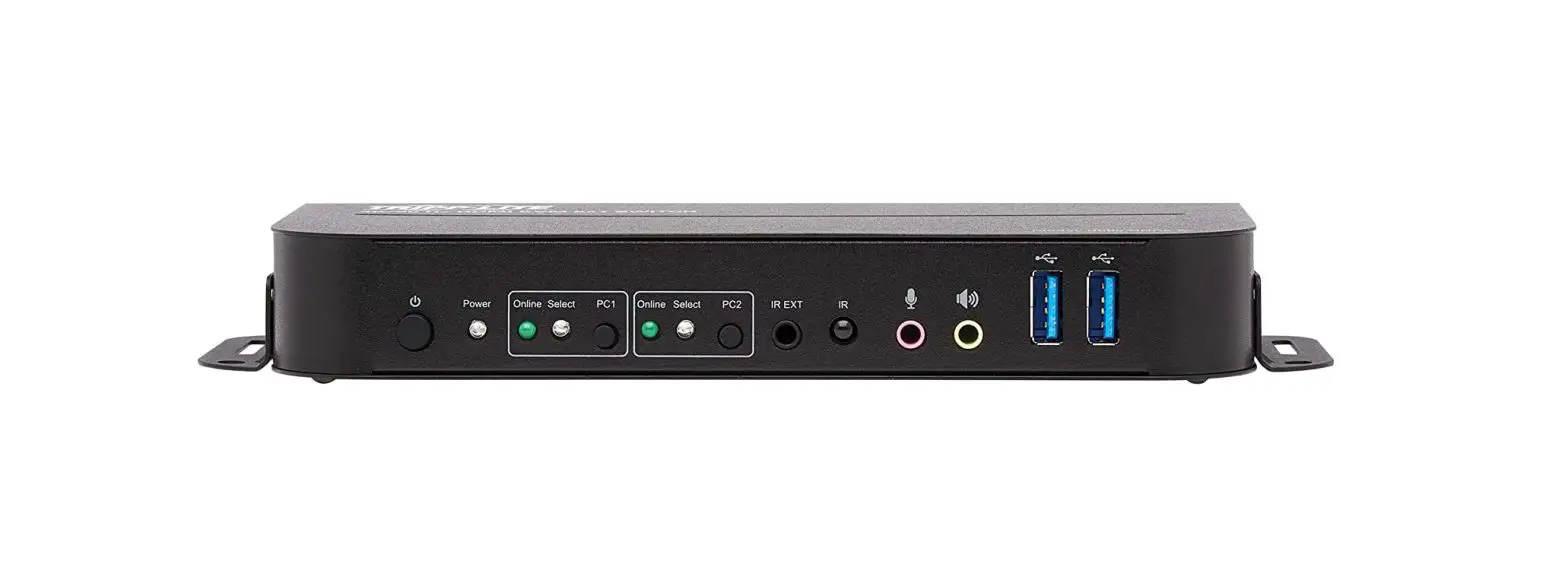
Use the front-panel push buttons, hotkey commands, mouse movement, RS-232 commands or the included remote port selector for quick and easy toggling between computers. You can also use the Auto Scan feature to scan all connected computers in five-second intervals automatically. LEDs indicate which computer is currently selected.
Transmits Crystal-Clear 4K Video with Digital Audio
The B006-HD2UA2 supports video resolutions up to 4K UHD (3840 x 2160 @ 60 Hz) and 4K DCI (4096 x 2160 @ 60 Hz) on two HDMI monitors, as well as 2.1-channel surround sound for music, movies and games. Independent audio switching lets you listen to music or a podcast on one computer, while simultaneously working on a second computer. Front-panel audio jacks have priority over the rear-panel jacks. A DCC (Daisy Chain Control) port lets you connect two B006-HD2UA2 KVM switches for a quaddisplay installation.
USB Hub Lets You Share Peripherals between Computers
Two USB 3.2 Gen 1 hub ports allow you to share USB peripherals, such as printers, hard drives, scanners, webcams and flash drives, between all connected computers. This lets you avoid the expense and clutter of separate USB hubs. The USB-A ports support data transfer speeds up to 5 Gbps and are backward compatible with previous USB generations.
Designed for Convenient Mounting with Included Brackets
The heavy-duty metal housing can be placed on a desktop or other level surface that can safely support the weight of the KVM switch and attached cables. It can also be mounted at the front or rear of a standard 19-inch rack with user-supplied hardware. The included DC power supply connects to any standard AC power source.
Highlights
- Supports both 4K UHD and 4K DCI resolutions @ 60 Hz for superior video quality
- Dual USB 3.2 Gen 1 hub ports let you share USB peripherals with all computers
- Push buttons, hotkeys and remote port selector allow easy toggling between computers
- Dual-monitor support enables convenient multitasking and increased productivity
- Works with all major operating systems, including Windows, macOS and Linux
System Requirements
- HDMI monitors
- USB mouse/keyboard
- Computers with HDMI and USBA ports (audio ports optional)
- Windows 7 or 10, macOS 10 or higher, Linux with kernel .15 or higher
Package Includes
- B006-HD2UA2 HDMI DualDisplay KVM Switch
- External power supply (Input: 100–240V, 50/60 Hz, 1.2A; Output: 12V 3.33A)
- Remote port selector
- (4) Rubber foot pads
- Quick Start Guide
Specifications
| OVERVIEW | |
| UPC Code | 37332265944 |
| Console | No |
| Max CPU | 2 |
| Technology | HDMI; Stereo Audio; USB 2.0 (High Speed) |
| VIDEO | |
| Max Supported Video Resolution | 4K UHD @ 60Hz (3840 x 2160); 4K DCI @ 60Hz (4096 x 2160) |
| AUDIO | |
| Audio Specification | 2.1 Surround Sound |
| INPUT | |
| External Power Supply Plug(s) | IEC-320-C14 |
| POWER | |
| External Power Supply Input Specs (V / Hz / A) | 100-240V / 1.2A / 50-60Hz |
| External Power Supply Output Specs (V / A) | 12V / 3.33A |
| External Power Supply Cord Length (ft.) | 3.93 |
| External Power Supply Cord Length (m.) | 1.2 |
| DC Barrel Plug | OD: 5.5 x 2.5 x 9.5mm, Positive Pin, Negative Sleeve |
| External Power Supply Certifications | BSMI; CCC; CE; China RoHS; DOE; FCC; GS; PSE; RCM; RoHS; TUV; UL; WEEE; cUL |
| USER INTERFACE, ALERTS & CONTROLS | |
| LED Indicators | Solid White – Current KVM, Audio or USB Link Half-lit White – KVM, Audio or USB Link Connected Dimmed White – Audio or USB Link Connected but not focused |
| PHYSICAL | |
| Color | Black |
| Material of Construction | Metal |
| Rackmountable | No |
| Shipping Dimensions (hwd / cm) | 11.60 x 54.00 x 23.30 |
| Shipping Dimensions (hwd / in.) | 4.56 x 21.25 x 9.17 |
| Shipping Weight (kg) | 3.14 |
| Shipping Weight (lbs.) | 6.92 |
| Unit Dimensions (hwd / in.) | 13.189 x 1.732 x 6.06 |
| Unit Dimensions (hwd / cm) | 33.5 x 4.4 x 15.4 |
| Unit Packaging Type | Box |
| Unit Weight (lbs.) | 3.52 |
| Unit Weight (kg) | 1.6 |
| ENVIRONMENTAL | |
| Operating Temperature Range | 32 to 104 F (0 to 40 C) |
| Storage Temperature Range | -4 to 140 F (-20 to 60 C) |
| Relative Humidity | 0 to 80% RH, Non-Condensing |
| BTUs | 57 |
| Power Consumption (Watts) | 3.17 |
| COMMUNICATIONS | |
| IP Remote Access | Yes |
| CONNECTIONS | |
| Ports | 4 |
| PC/Server Connections | HDMI |
| Side A – Connector 1 | (4) HDMI (FEMALE) |
| Side A – Connector 2 | (2) USB B (FEMALE) |
| Side A – Connector 3 | (4) 3.5MM (FEMALE) |
| Side B – Connector 1 | (2) HDMI (FEMALE) |
| Side B – Connector 2 | (4) USB A (FEMALE) |
| Side B – Connector 3 | (4) 3.5MM (FEMALE) |
| Side B – Connector 4 | RJ45 (FEMALE) |
| Computer Keyboard and Mouse Interface | USB |
| Computer Monitor Interface | HDMI |
| PORT EXPANSION | |
| Daisy-chainable or Cascadable | Daisy chainable |
| FEATURES & SPECIFICATIONS | |
| Number of Users | 1 |
| NIAP-Certified Secure | No |
| Port Selection | Hotkey; Mouse; Pushbutton; Remote Selector |
| HDCP Specification | 2.2 |
| USB Hub Ports | Yes |
| Number of USB Hub Ports | 2 |
| USB Specification | USB 3.2 Gen 1 (up to 5 Gbps) |
| Driver Required | No |
| Cat5 KVM Switch | No |
| Recommended Category Cable | Cat6/6a |
| STANDARDS & COMPLIANCE | |
| Certifications | RoHS, REACH, CE, NOM |
| WARRANTY | |
| Product Warranty Period (Worldwide) | 3-year limited warranty |
© 2021 Tripp Lite. All rights reserved. All product and company names are trademarks or registered trademarks of their respective holders. Use of them does not imply any affiliation with or endorsement by them. Tripp Lite has a policy of continuous improvement. Specifications are subject to change without notice.
Tripp Lite uses primary and third-party agencies to test its products for compliance with standards. See a list of Tripp Lite’s testing agencies:
https://www.tripplite.com/products/product-certification-agencies
 Product Certification Agencies | Eaton