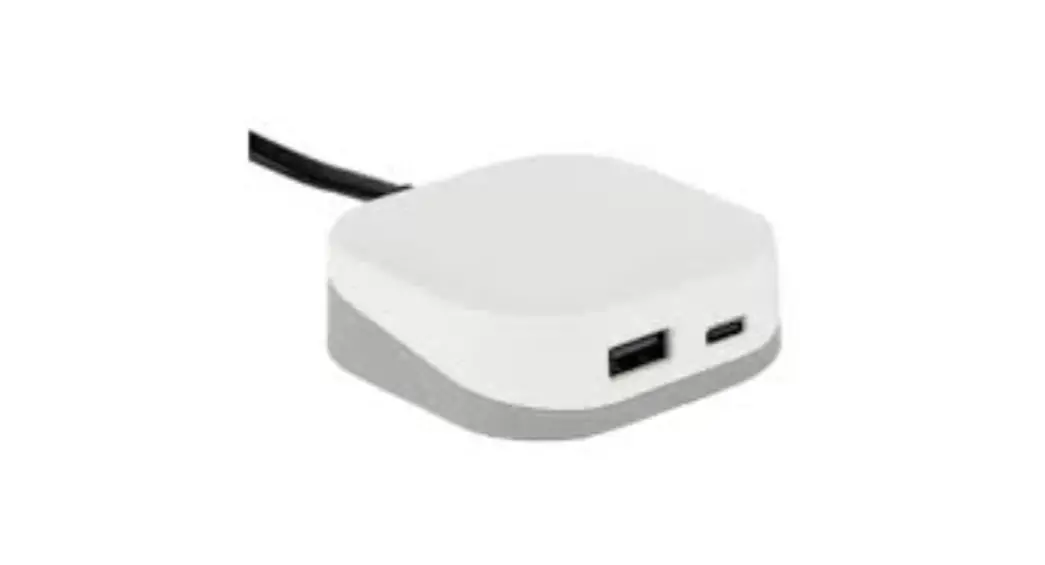
 Vi™ USB Charger
Part#: VUSB
INSTALLATION INSTRUCTIONS
PARTS/TOOLS NEEDED:
| Vi USB Charger | Mounting Kit | Power Supply | Power Drill (Bracket mount only) |
 |  | 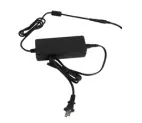 | 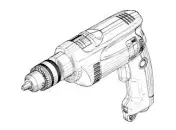 |
IMPORTANT SAFETY INSTRUCTIONS
Interior use only
Electrical ratings:
24V AC | 1.2A
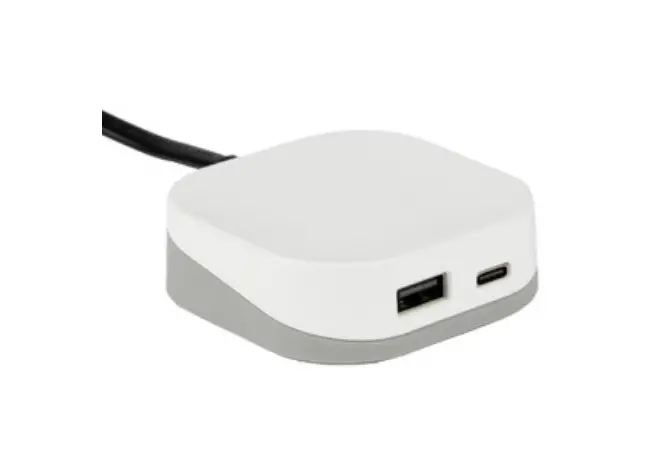
Charging Capacity: USB-A – 5V / 2.4A / 12W
USB-C – 5V, 9V, 12V, 20V / 3A / Max 60W
- Determine installation location and desired mounting method.
The Vi USB charger comes with a mounting kit that includes a metal mounting bracket or double stick mounting pad. The charger can also just sit on the worksurface for greater flexibility in placement.
Metal Bracket Installation:
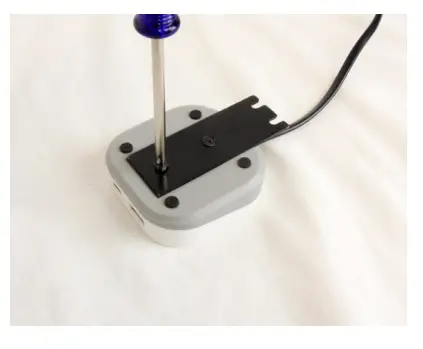
Insert the provided screws and attach the mounting bracket to the USB charger.
Attached the bracket to the underside of the desk using the longer screws.
Mounting Pad Installation:
Remove the double sided tape and attach to the back of the USB charger.
Use the rubber feet on the bottom to center the pad, note, you may need to remove the small circles in the mounting pad before attaching.
Press the other side of the mounting pad onto the back of the charger.
Remove the paper backing and press to the surface or underside of the desk.
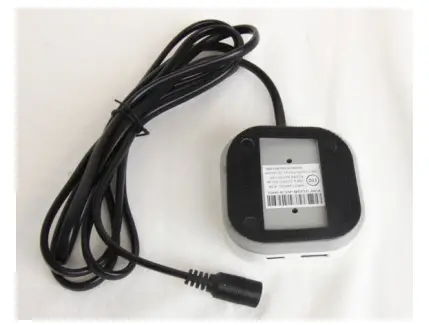
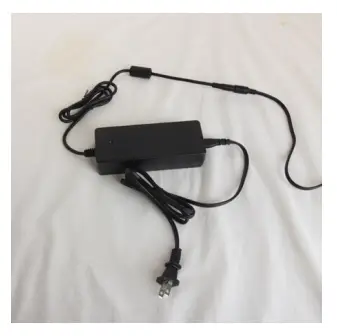
- Plug in the AC plug to the power supply and then plug the power supply cord into the USB charger.
Plug the USB charger into the wall and begin charging devices. Note, the USB-C port is capable of charging cell phones, tablets or lap tops.
3030 Corporate Grove Dr.
Hudsonville, MI 49426
Phone: 616.396.1355
itc-us.com
For warranty information please visit www.itc-us.com/warranty-return-policy
DOC #: 710-00222 • Rev A • 07/26/2023
 ITC Warranty & Return Policy