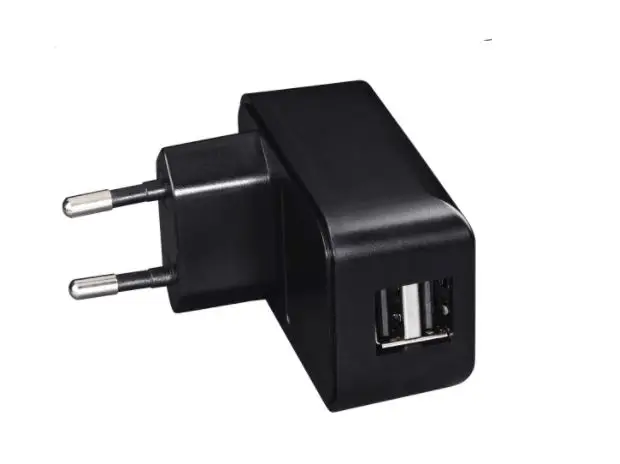
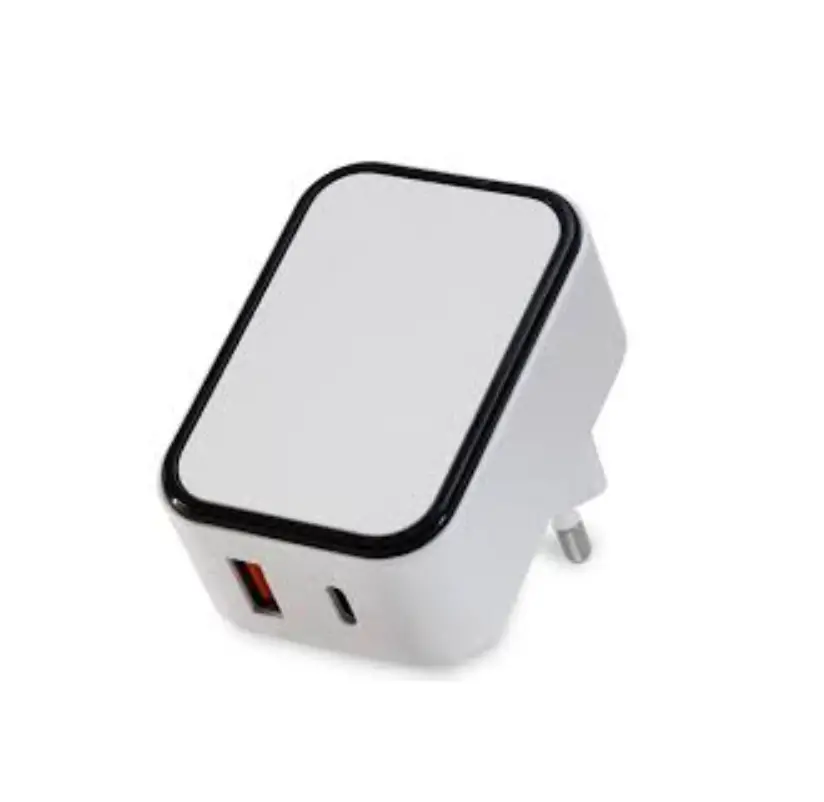
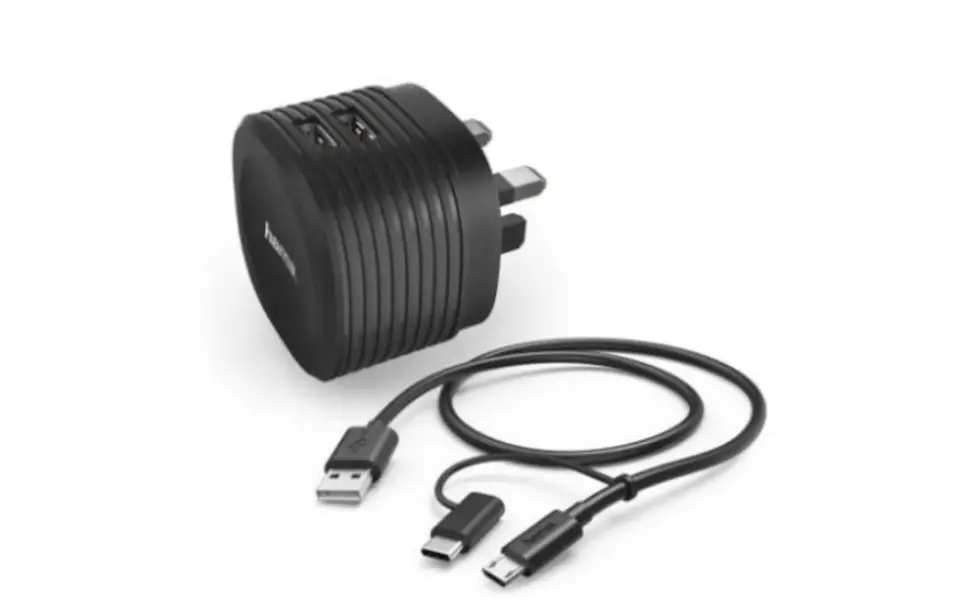
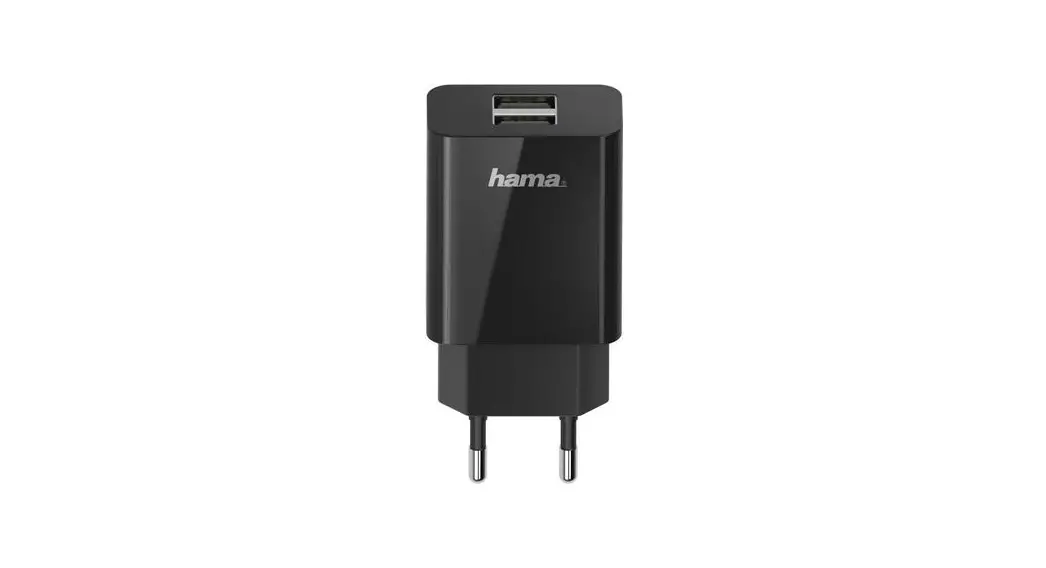
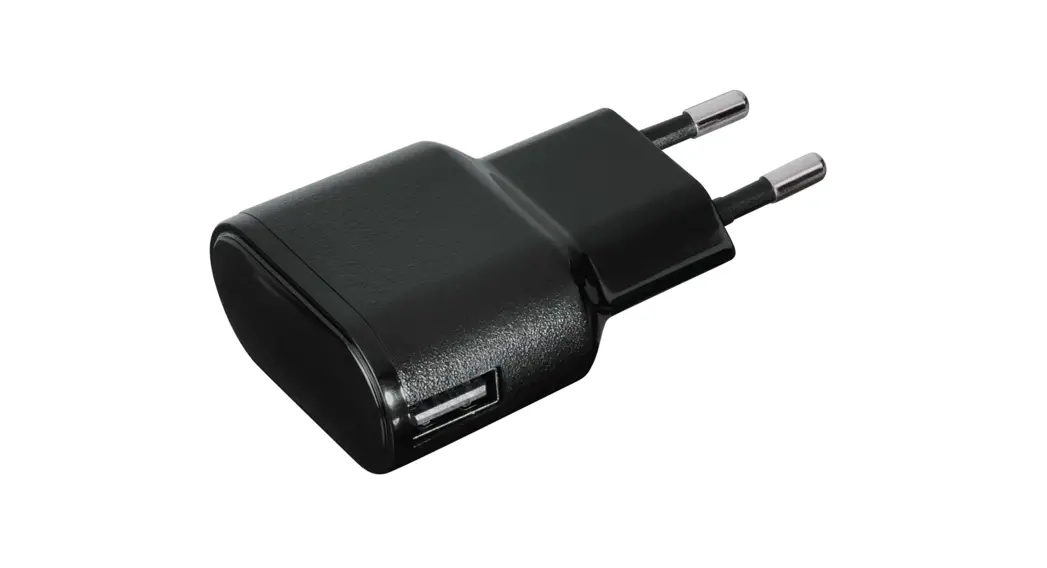
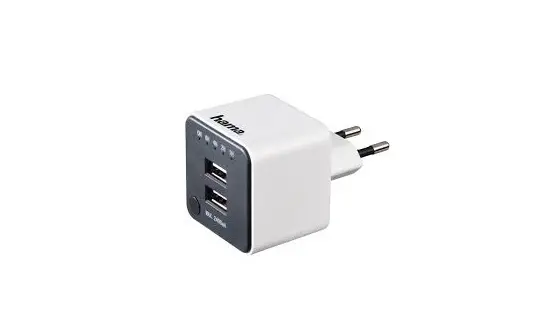
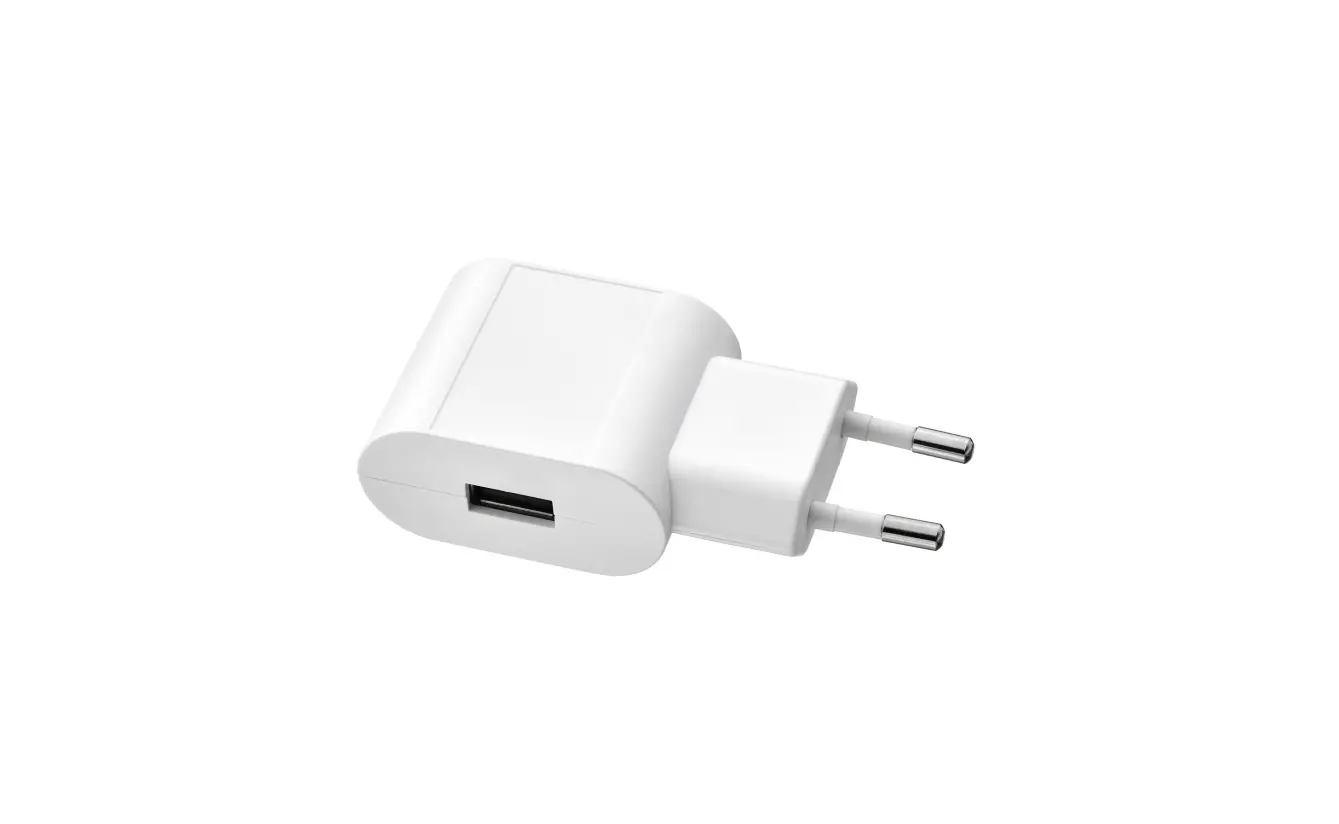
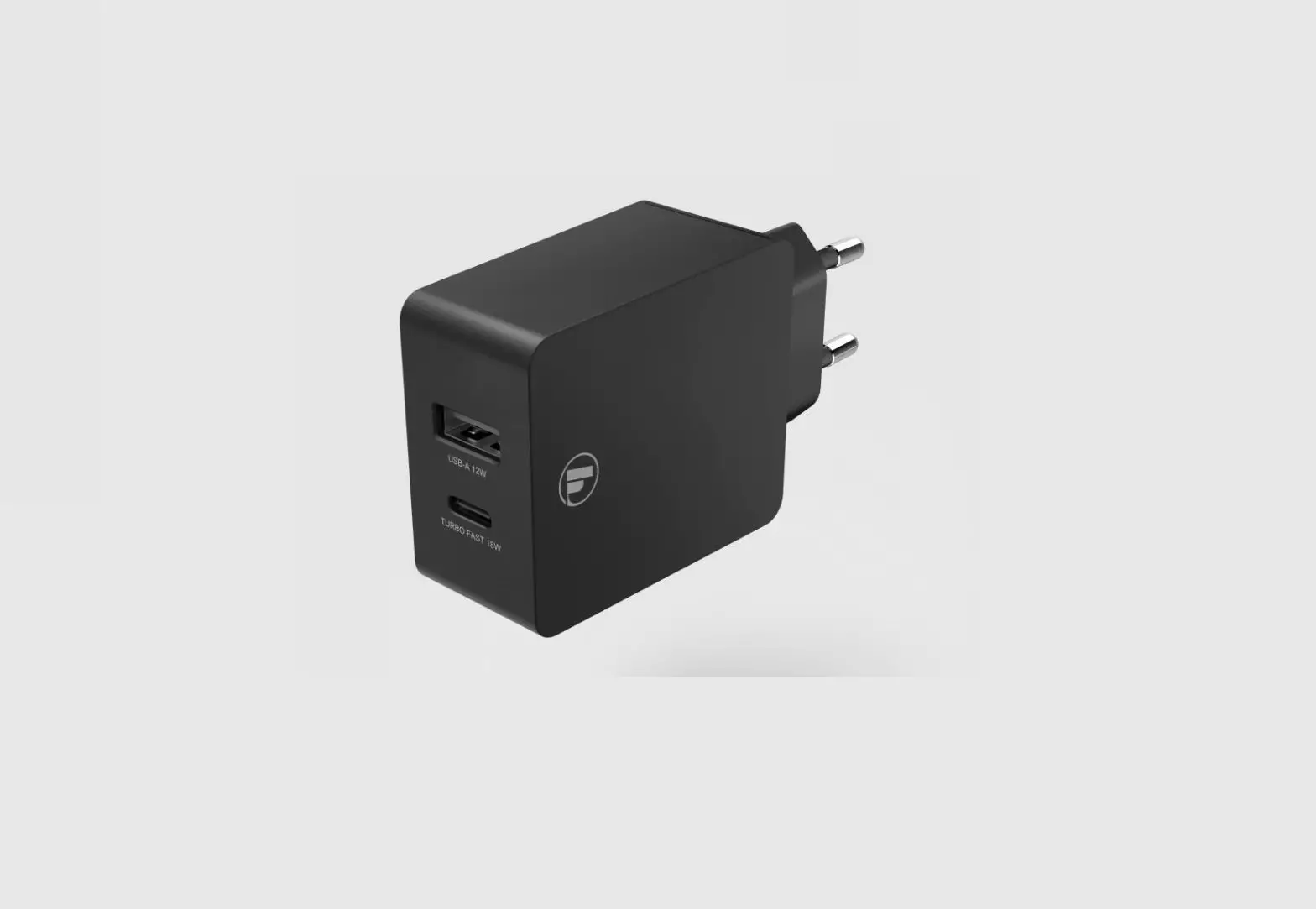
ICUSB-7 Double USB Charger
Product Information: ICUSB-7 Double USB Charger
The ICUSB-7 charger is designed to charge electronic devices
such as smartphones, tablets, and other similar devices. It has two
USB ports (type C) that can be used to charge two devices
simultaneously. The charger has a maximum output power of 20W and a
maximum power consumption of 0.1W in idle mode. It has an ingress
protection degree of IP20 and can detect available charger
protocols for various devices.
- Number of USB ports (type C): 2
- Nominal input voltage: 100-240 V~ 50/60Hz
- Nominal output current: 5V/3A, 9V/2.22A, 12V/1.67A (when device
is connected to only one USB output); 5V/3.1A (when two devices are
connected to both USB outputs) - Maximum output power: 20 W
- Maximum power consumption in idle mode: 0.1 W
- Operating temperature and humidity: 1 I 3
- Storage temperature and humidity: -10°C to +45°C, up to 95% RH
(non-condensing) - Ingress protection degree: IP20
The charger comes with a warranty of 12 months from the date of
purchase. The warranty covers defects in materials and workmanship
but does not include mechanical damages, defects resulting from
unauthorized repairs, or improper use of the product. The warranty
period will be extended for the duration of the repair.
Product Usage Instructions: ICUSB-7 Double USB Charger
- Before connecting a device, check the compliance of the charger
with the charging parameters of the device. - Connect the charger to a power source using the provided
cable. - Connect your device(s) to one or both of the USB ports using a
compatible cable. - The charger can detect available charger protocols for various
devices. Refer to the user manual for a list of compatible devices
and charging protocols. - When using only one USB-C output, refer to the user manual for
the available charging protocols such as APPLE, BC 1.2, DCP,
SAMSUNG AFC, HUAWEI FCP, SCP, QC 2.0, and QC 3.0. - When using both USB-C outputs, refer to the user manual for the
available charging protocols such as APPLE, BC 1.2, SAMSUNG AFC,
HUAWEI FCP, SCP, QC 2.0, and QC 3.0. - Ensure that the charger is properly connected to the power
source and your device(s) before turning on the power. - When not in use, disconnect the charger from the power source
and your device(s).
Note: The installation of the charger should be done by a person
with sufficient qualifications and must comply with national safety
standards. Improper connection may damage the charger or cause it
to work incorrectly. Refer to the user manual for assembly
instructions and proper connection details.
USER MANUAL – ICUSB-7 DOUBLE USB CHARGER
Specification of ICUSB-7 double USB charger The ICUSB-7 charger is intended to charge devices like smartphones, tablets and other electronic equipment. Before connecting the device, check compliance of the charger with charging parameters of the given device.
53,90
53,90
45,50
Specification Number of USB ports (type C) Nominal input voltage Nominal output current
Maximum output power Maximum power consumption in idle mode Operating temperature and humidity Storage temperature and humidity Ingress protection degree
2
100-240 V~ 50/60Hz
5V/3A, 9V/2.22A, 12V/1.67A (when device is connected to only one USB output)
5V/3.1A (in the case of connecting devices to two outputs, the output current is divided equally between each USB socket)
20 W
0.1 W
-10 ÷ +400C; 20~90% RH
-20 ÷ +850C; 10~95% RH
IP 20
1 I 3
Detection function of available charger protocols:
– when using only one USB-C output
APPLE
5V 2.4A
BC 1.2
DCP 5V 1.5A
SAMSUNG AFC
9V
HUAWEI FCP
5V, 9V, 12V
SCP
–
QC 2.0
5V, 9V, 12V
QC 3.0
11.70V max
– when using both 2 x USB-C outputs APPLE BC 1.2 SAMSUNG AFC HUAWEI FCP SCP QC 2.0 QC 3.0
DCP 5V 1.5A 9V 5V, 9V, 12V –
Warranty conditions Warranty is granted for a period of 12 months of the date of purchase. The defective MCUSB-7 charger along with the proof of purchase should be sent to the manufacturer or to the seller. Warranty does not include mechanical damages, defects resulting from unauthorised repairs and improper use of the product. Warranty period will be extended for the duration of the repair.
2 I 3
ASSEMBLY INSTRUCTIONS
1. Remove the glass panel (1) with the label applying a knife or a flat screwdriver in the recess (3). 2. Unscrew the screw (2) and pull out the adapter (3) together with the USB charger module (4). If necessary, you can detach the USB charger module (4) from the adapter (3) by simultaneously pressing the two movable clips on the USB charger module (4). 3. Dismantle the USB charger modules (4). 4. Remove the spacer frame (5) from the assembly block (7). Pull away the block tabs or pull the frame tightly to do this. 5. Set the assembly block in the box (9) with tabs or screws at the box (8). 6. Connect the power cable to the terminal block of the USB charger module (see figure 2), respectively the phase wire under the “L” terminal, the neutral wire under the “N” terminal. 7. Insert the intermediate with the USB charger module (4) into the intermediate frame (5) and screw it onto the mounting block (7) with the screw (2). 8. Attach the label and glass pane.
98
7 6
5
4 32 1
Fig. 1
Fig. 2
NOTE! The installation must be done by a person with sufficient qualifications, with power supply disconnected, and must comply with national safety standards. The connection to the installation should be done as shown in Figure 2. With improper connection, the charger may be damaged or may work incorrectly.
3 I 3