Chargers Desktop Rapid Charger Instruction Manual
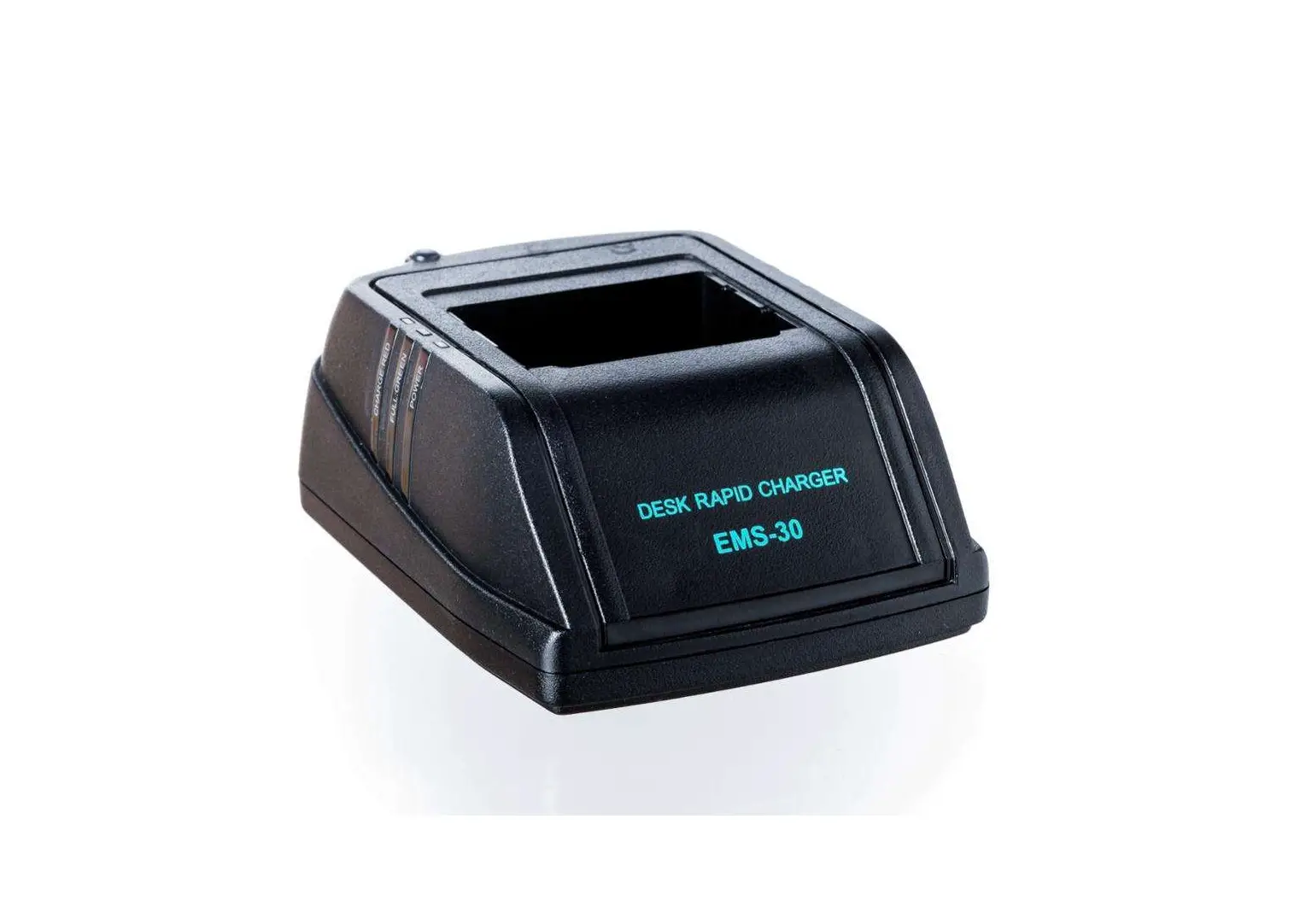
EMS-30
Thanks for purchasing our products. Please kindly read detailed instruction manual before using the product.
Function
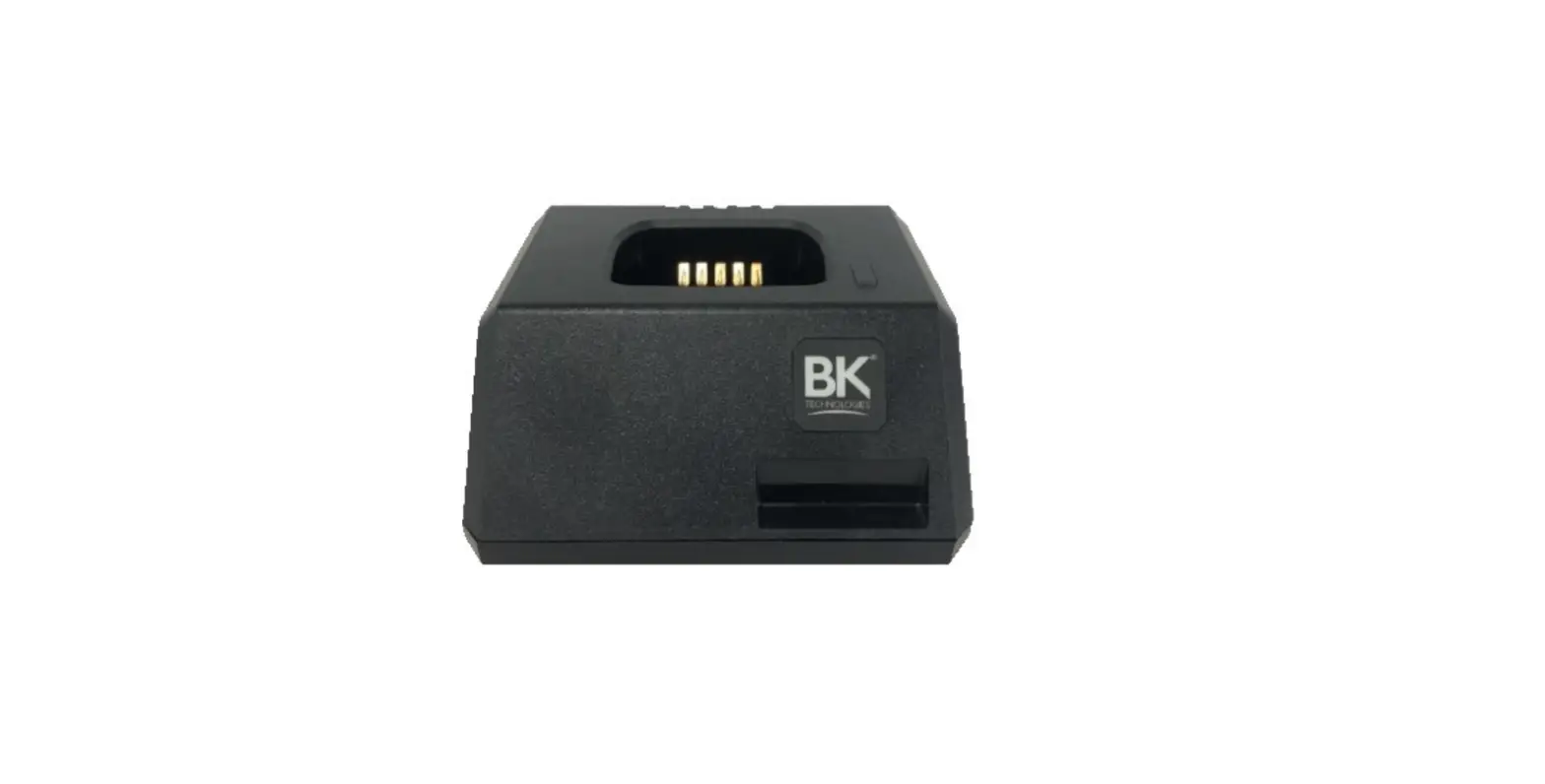
The battery charger is designed exclusively for use with Ni-CD and Ni-MH battery pack when either attached to or removed from the transceiver.
CHARGING PROCEDURE
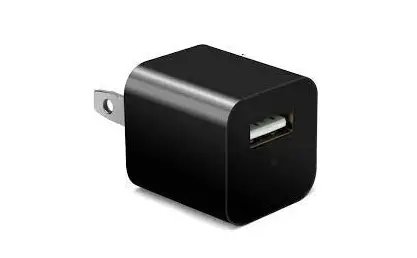
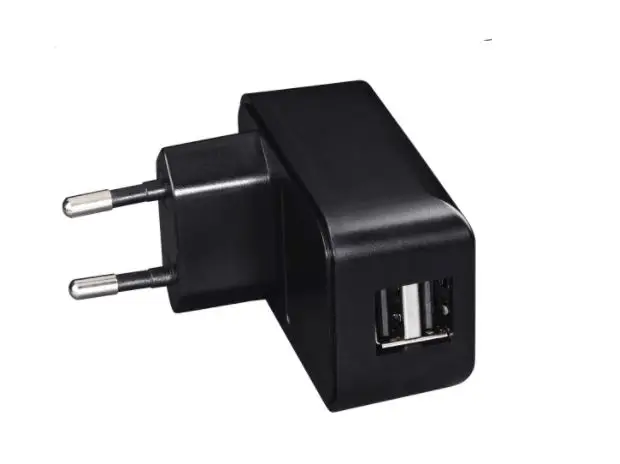
- Plug the AC adapter into the adapter jack on the back of the charger.
- Plug the AC adapter into an AC outlet.
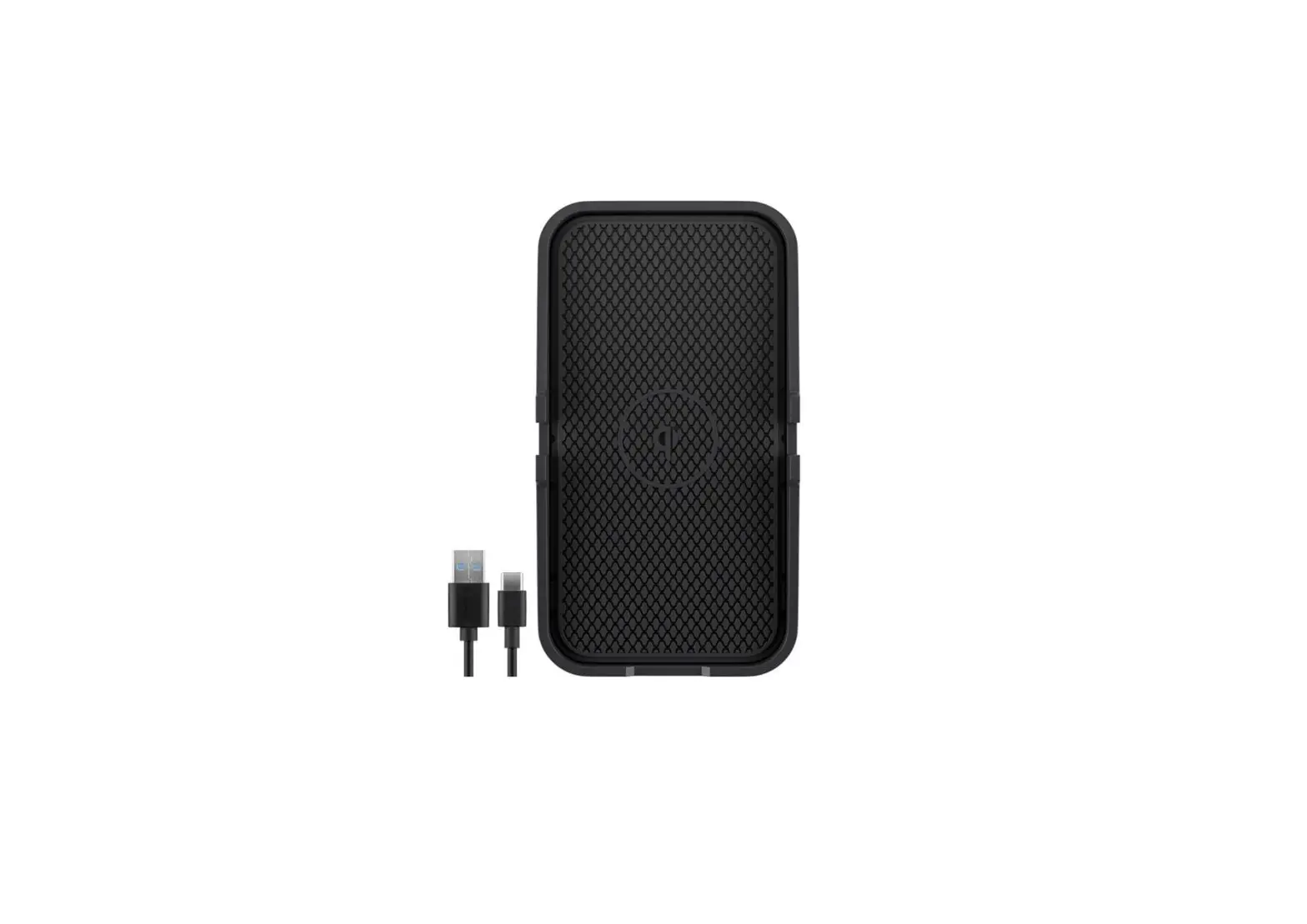
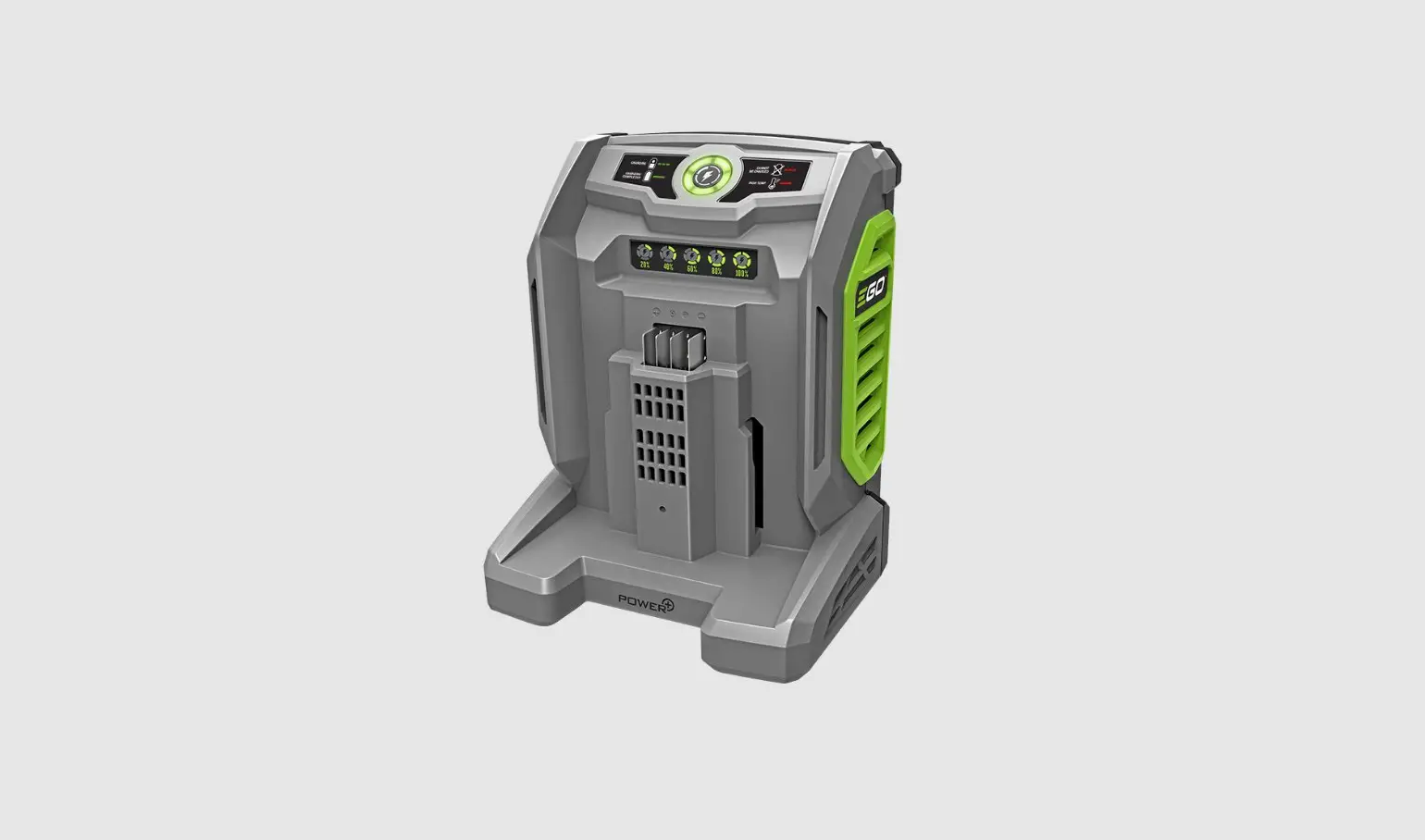
- Along the guides provided on both sides of the charger slot , insert a battery pack or transceiver attached a battery pack into the charger. The charging LED illuminate in red , and charging starts.
- When charging is completed , the color of the FULL LED change to green, remove the battery pack or transceiver from charger slot.
- Unplug the AC adapter from the AC outlet.
CONSTRUCTION
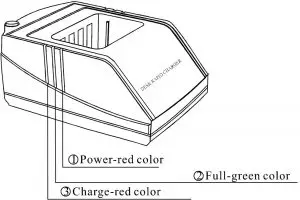
INDICATOR DESIGNATION
Charger Operation Status | Charge LED | Full LED | Power LED |
Power connection | Red flash | Green flash | Red |
Without battery | Off | Off | Red |
| Charge | Red | Off | Red |
Full charged | Off | Green | Red |
| Function failure | Red flash | Off | Red |
WARNING
- The battery charger is designed exclusively for use with Ni-CD and Ni-MH battery pack. Do not use it to charge any other rechargeable battery or dry cell.
- Do not expose the charger to high/low temperature and damp places.
- Do not use the battery charger as a power source for any appliances.
- Do not disassemble the charger. Incorrect reassembly can cause fire or electric shock.
- During charging cycles it is normal for the battery to become warm. If the battery become too hot to touch during charging, unplug the charger and discontinue using.
- If the battery charger is not used for a long period of time, disconnect the AC adapter from the wall socket and remove the battery pack from the battery charger.