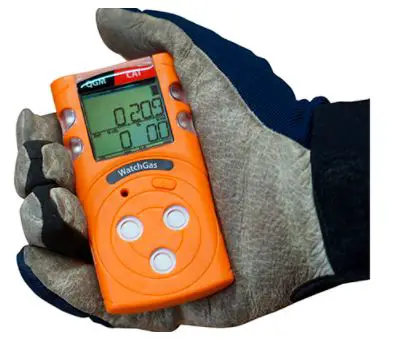
WatchGas Application
WatchGas App
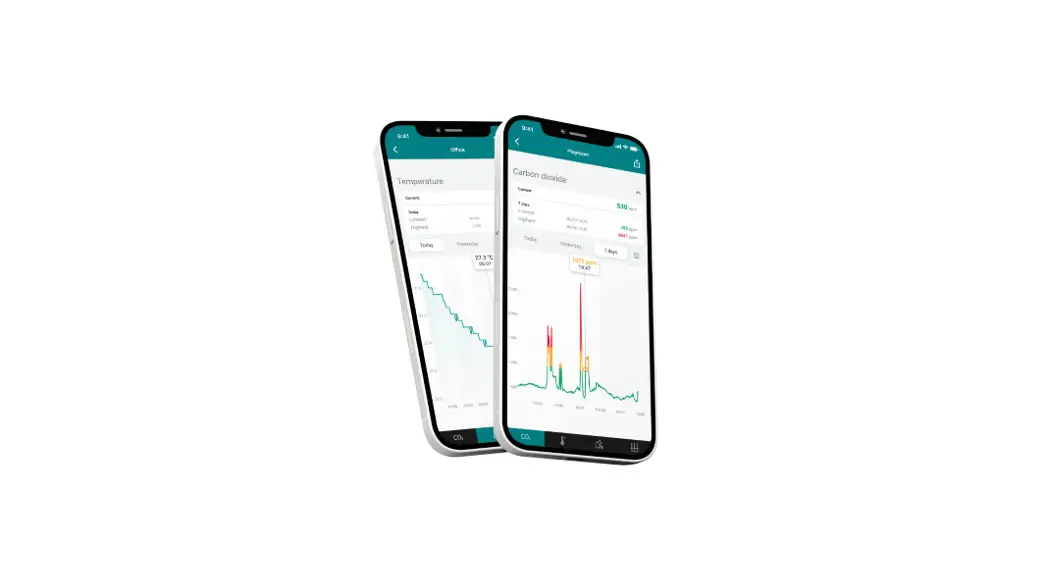
The WatchGas App is a mobile application designed for Android
phones that allows users to connect their device to the compliance
software and monitor gas levels.
Installation Instructions
Follow the below steps to install the WatchGas App:
- Download or copy the APK file to your Android phone.
- Install the app on your phone.
- Select the Device Link option.
Connecting to Compliance Software
If you wish to connect to the compliance software, follow these
additional steps:
- Activate the software.
- Type in your Site Unique ID (provided by WatchGas).
- Check the server status. A green light indicates that you are
connected to the software. - Select the Station name and Company name.
Once you have successfully connected to the compliance software,
you can monitor gas levels and receive alerts when levels are too
high or low.
WatchGas App installation instruction
Step 1. Download or copy the APK file to your android phone
Step 2. Install the app
Step 3. Select Device link option
If to be connected to the compliance software: 1. Activate software 2. Type in your Site
Unique ID (provided by WatchGas)
Server green means connected to software
Step 4. Select Station name and Company name
Step 5.
Step 6.