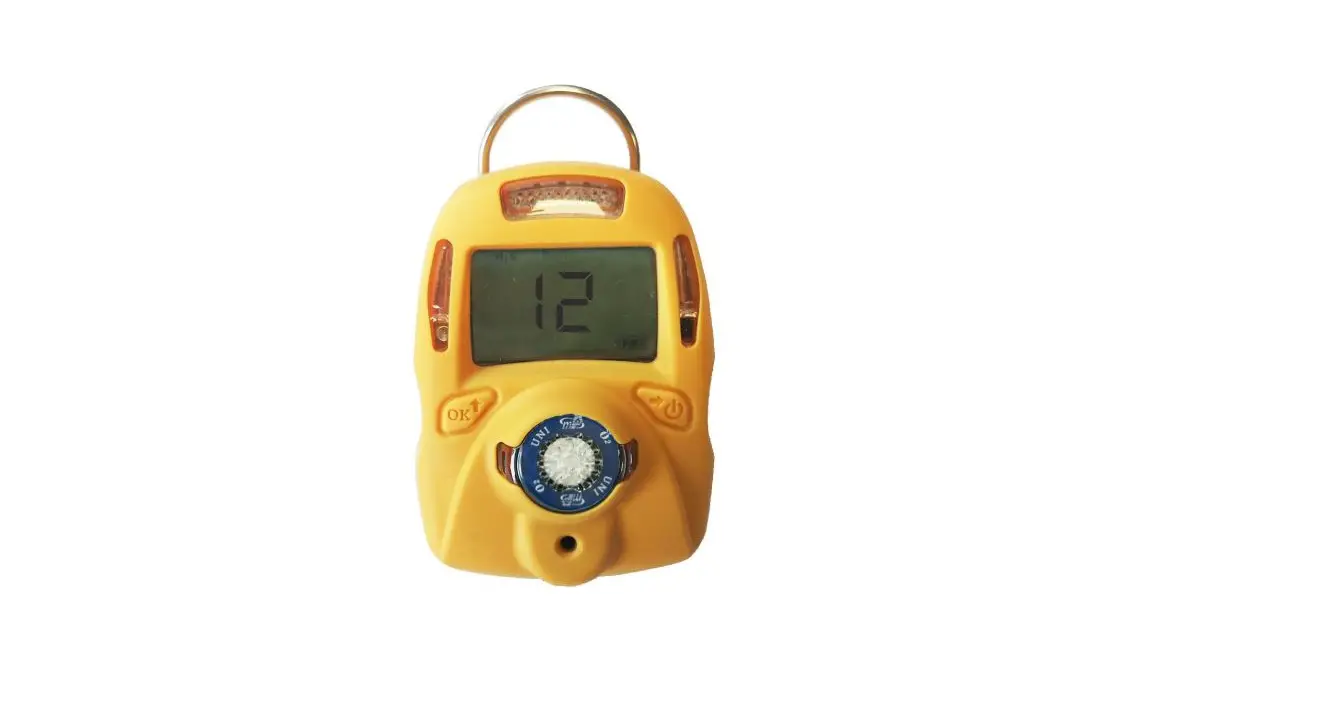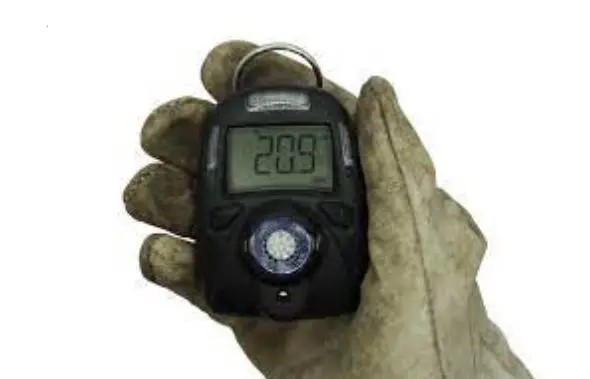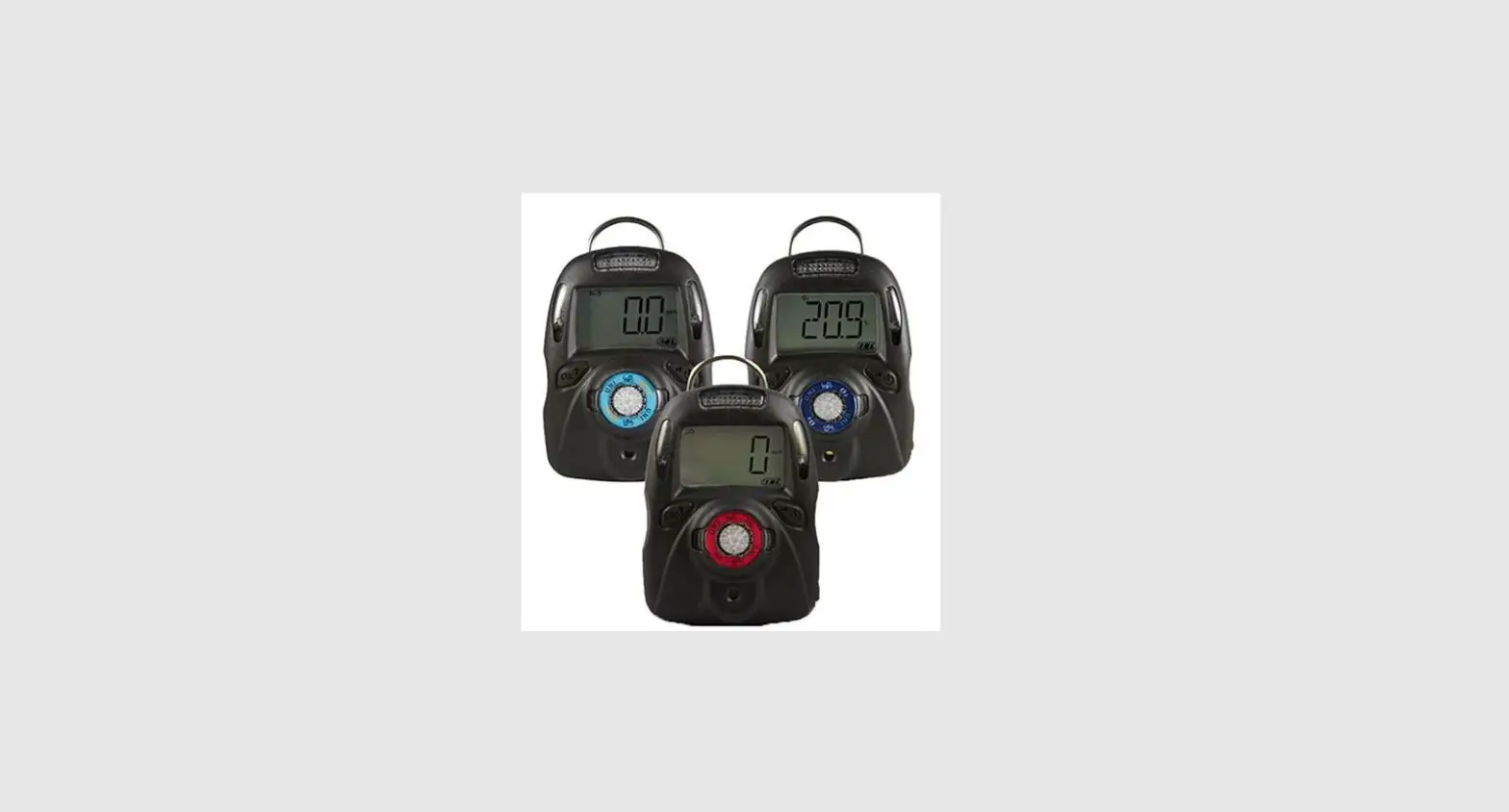
WatchGas Airwatch MK1.2 Flexible Gas Detection User Guide

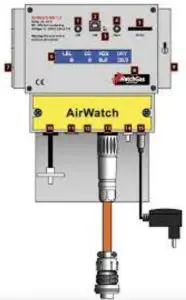
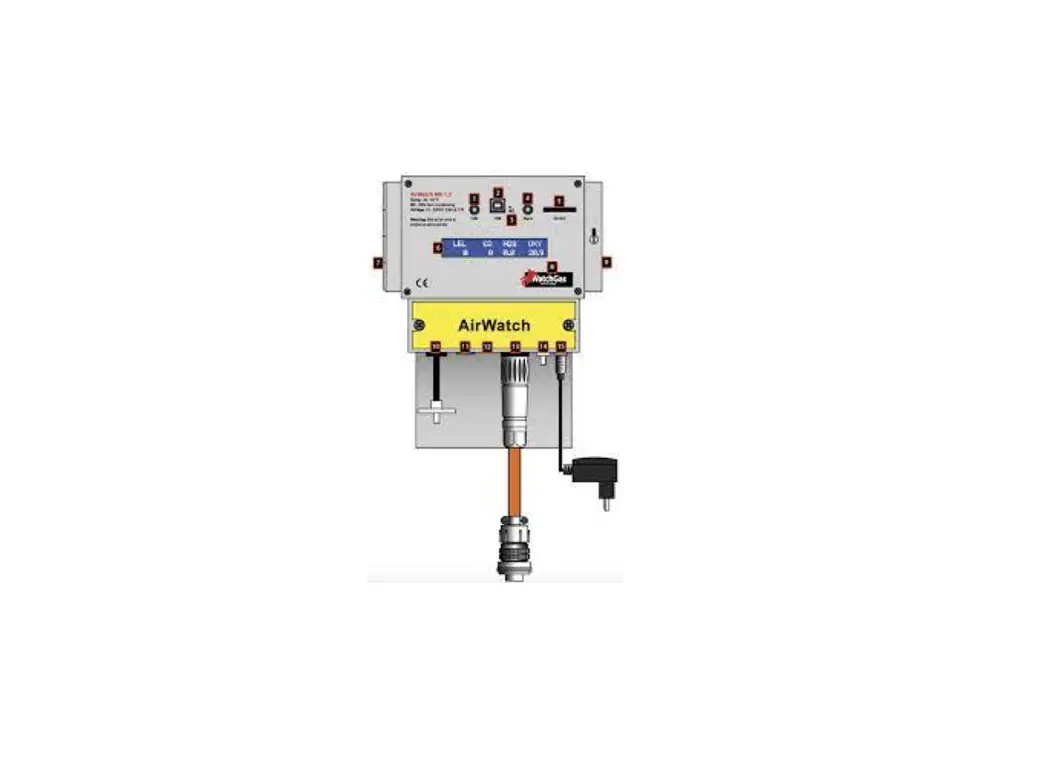
AirWatch components
1.Status LED Green / 2.USB / 3.Status LED Wireless / 4.Status LED Red / 5.SD Card Slot / 6.LCD display / 7.On/Off and contact A (with use of magnetic key) / 8.SN / 9. Alarm reset and contact B (with use of magnetic key) / 10.Gas Inlet / 11.Modbus / 12.Cable gland Precut / 13.7 Pins DC Power in Relay out / 14.Gas Outlet / 15.DC Desktop (only use for maintanance)
Warnings
Read Before Operating
The AirWatch by WatchGas is a multigas detector that can turn machines on or off. It is suitable for almost every application. The AirWatch, which can be used as a safe area monitor.
The basic use of the device is the monitoring of machines in safe zones and turning them off if gasses are detected.
 The AirWatch MUST NOT be used in a potentially explosive atmosphere!
 The AirWatch MUST NOT be used in a potentially explosive atmosphere!
Check whether the AirWatch has a calibration sticker showing when it needs to be checked and recalibrated. We recommend having it checked and calibrated every six months. Test prior to use!
In order to turn the AirWatch on, it must always be provided with a power source using the 5-pin Amphenol connection (cable type 1) or a 3-pin with battery clamps (cable type 2).
Never open the device when its running. Shut off power and de-energize 15 minutes before opening the AirWatch.
AirWatch Sensor Specifications
| Gas | 0-2000 ppm | Resolution | Response T90 |
| CO | 0-2000 ppm | 1 ppm | < 30s |
| CO LR | 0-200 ppm | 20 ppb | < 20s |
| CO HR | 0-10000 ppm | 5 ppm | < 50s |
| CO comp. H2 | 0-2000 ppm | 1 ppm | < 30s |
| H2S | 0-100 ppm | 0.1 ppm | < 30s |
| H2S HR | 0-2000 ppm | 1 ppm | < 25s |
| SO2 | 0-50 ppm | 0.1 ppm | < 35s |
| NH3 | 0-100 ppm | 0.1 ppm | < 80s |
| HCN | 0-100 ppm | 0.1 ppm | < 70s |
| PH3 | 0-10 ppm / 0-2000 ppm | 0.01 ppm | < 60s |
| CL2 | 0-50 ppm | 0.01 ppm | < 60s |
| NO2 | 0-20 ppm | 0.01 ppm | < 50s |
| NO | 0-250 ppm | 0.2 ppm | < 45s |
| LEL-Cat | 0-100% | 1% | <10s for CH4 |
| LEL-NDIR | 0-100% | 1% | <10/30s CH4 |
| CO2-NDIR-LR | 0-10000 ppm | 10 ppm | <30s |
| CO2-NDIR | 0-5% | 0.01% | <30s |
| CO2-NDIR HR | 0-100% | 0.1% | <30s |
| O2 | 0-25% | 0.01% | <15s |
| PH3-HR* | 0- 2000ppm | 1ppm | Response unknown |
| SO2-LR | 0-50ppm | 0.01ppm | <30s |
| THT | 0-50mg3 | 0.3mg3 | <60s |
| PID | 0-20ppm | 0.01ppm | <5s |
| PID | 0-1000ppm | 0.2 ppm | <3s |
| PID | 0-10000ppm | 2ppm | <3s |
| H2* | 0-2000ppm | 1 ppm | <35s |
| ETO* | 0-100ppm | 1ppm | <300s |
Check AirWatch sensor specification for detailed sensor information.
*For PH3 HR , H2 , ETO , please contact for availability.
How to use magnetic keys
- Hold a magnetic key on the left side (contact A) against the AirWatch in order to turn the AirWatch on and off.
- Hold a magnetic key on the right (contact B) side against the AirWatch in order to activate Alarm reset on the Airwatch.

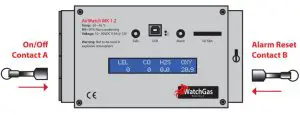
Turning the AirWatch on
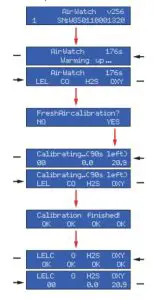
- Activate ‘on/off’ for three seconds to start the AirWatch automatically. Starting takes a maximum of 180 seconds and will stop earlier if the sensors are warm.
- Then you will get the message ‘Fresh air calibration’. When you are sure that you are in a safe environment, activate ‘Yes’ (use contact B).
Warning!
If you are not sure, select “No” (use contact A).
- The AirWatch will carry out, if selected, a fresh air calibration for up to 90 seconds.
- Activate ‘alarm reset’ to switch the AirWatch to measurement mode.
- After the startup procedure you can test the pump by blocking the filter inlet.
The AirWatch will make three attempts to start the pump before generating a pump alarm.
To cancel the alarm, unblock the inlet and activate ‘alarm/reset’.
The AirWatch is ready to use.
Turning The AirWatch off
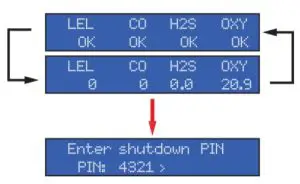
The AirWatch may only be turned off when no concentrations of explosive or toxic substances are present.
- Keep the ‘on/off’ activated for approximately two seconds.
- Enter code 4321 (use contact A and contact B to navigate).
- Select > and press the confirmation button ‘on/off’.

Alarm
When a dangerous concentration of gas is detected by the AirWatch, it will break a potential-free contact which, by means of a M.S.A. (Motor Stop Automatic) plug, can turn off a diesel-operated or electrical switch cabinet. A red LED on the AirWatch indicates that there is an alarm.
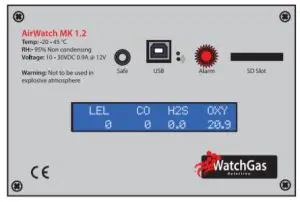
After an alarm, we recommend having the surroundings inspected by an authorized gas measurer/analyst. The AirWatch can only be reset after the concentrations measured have dropped below the alarm values. The red LED is on continuously and the green LED is flashing. This Alarm reset is achieved by holding the magnetic key against the right side (contact B) of the AirWatch.
The green LED will come on and the attached machine can be restarted.
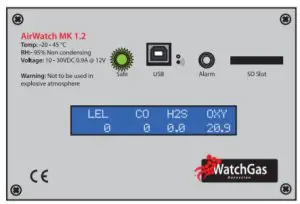
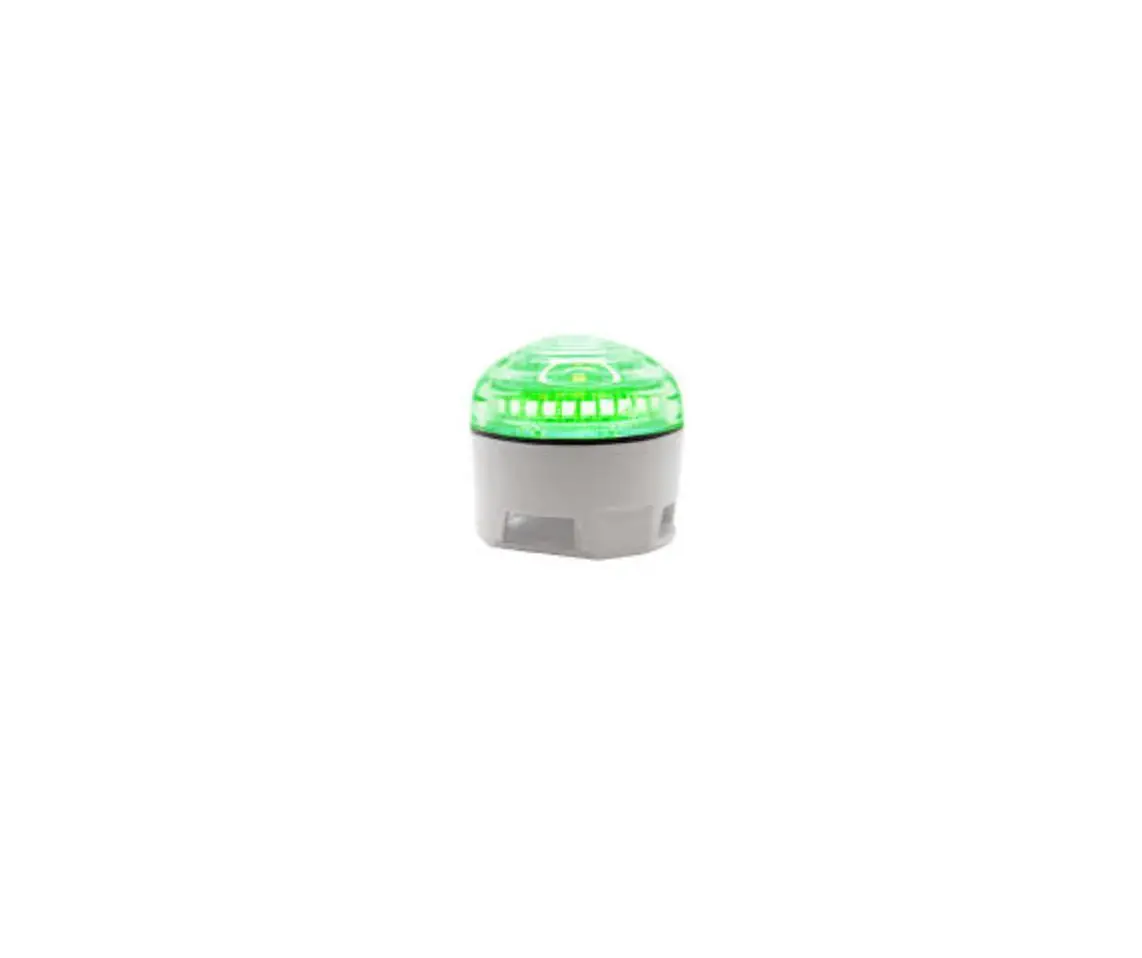
Green LED. The AirWatch is in measurement mode.
Flow Fault Adjustment
The AirWatch can detect if there is enough flow to perform a good reading.
To set the limits for under and upper flow you can adjust it, for example if there’s a new longer/shorter tube connected.
To adjust flow fault upper and lower settings follow the procedure below entering the manual menu.