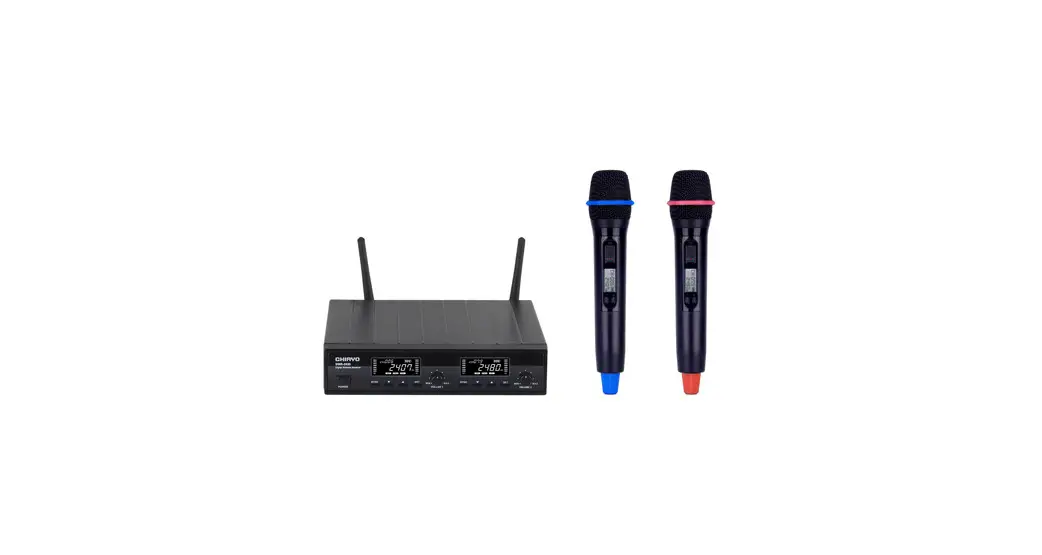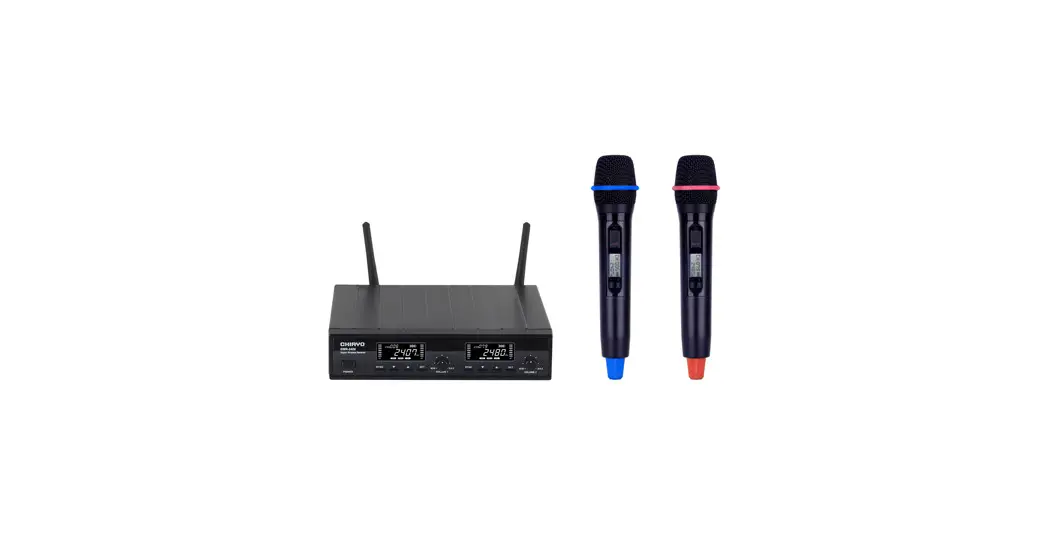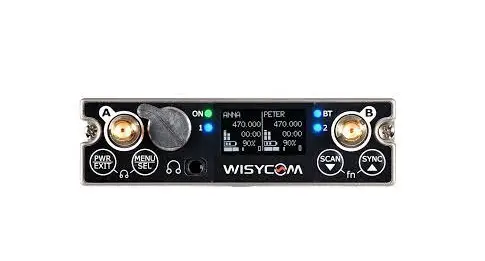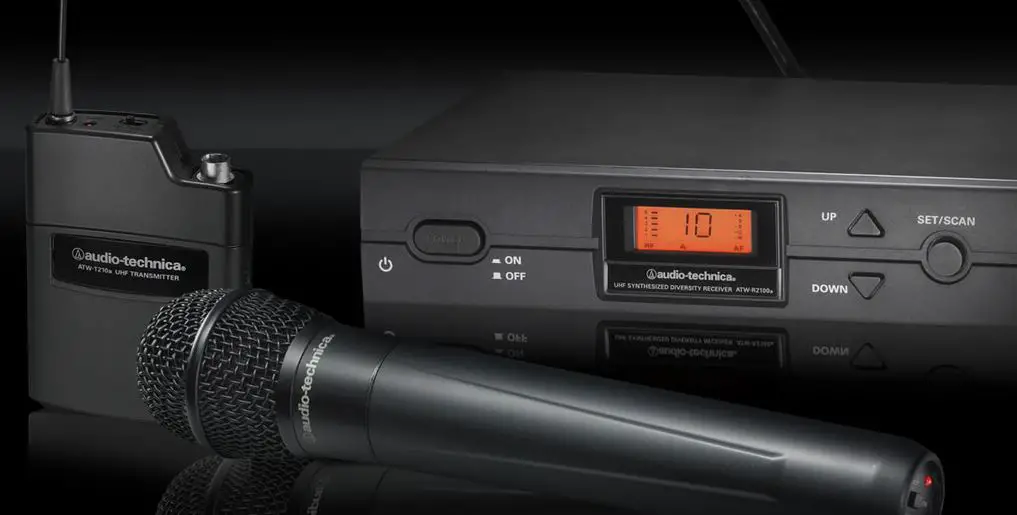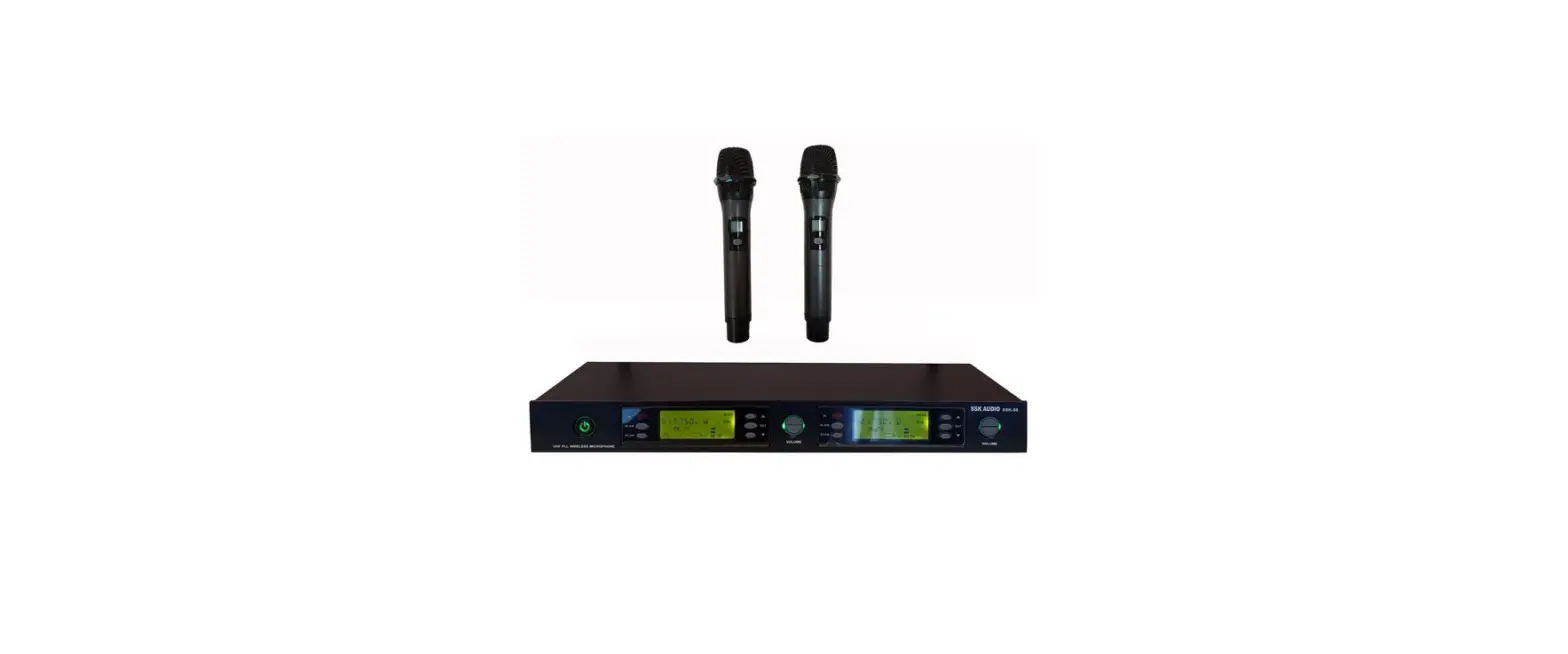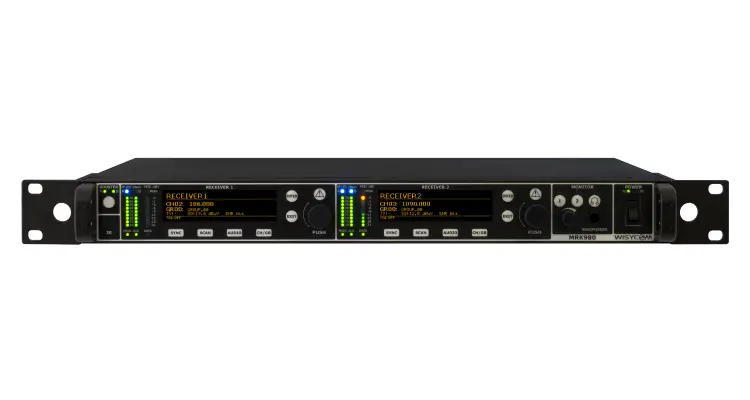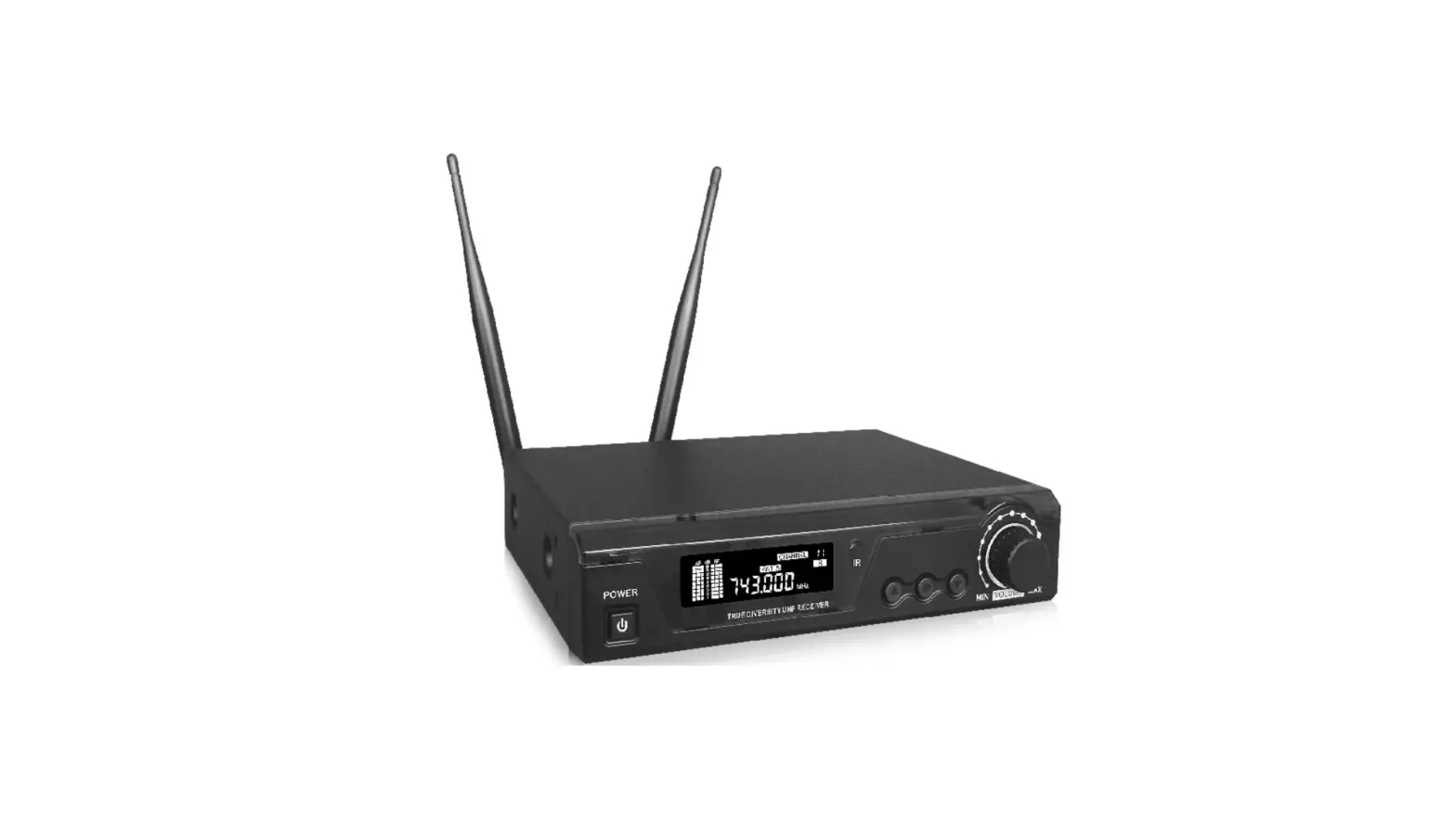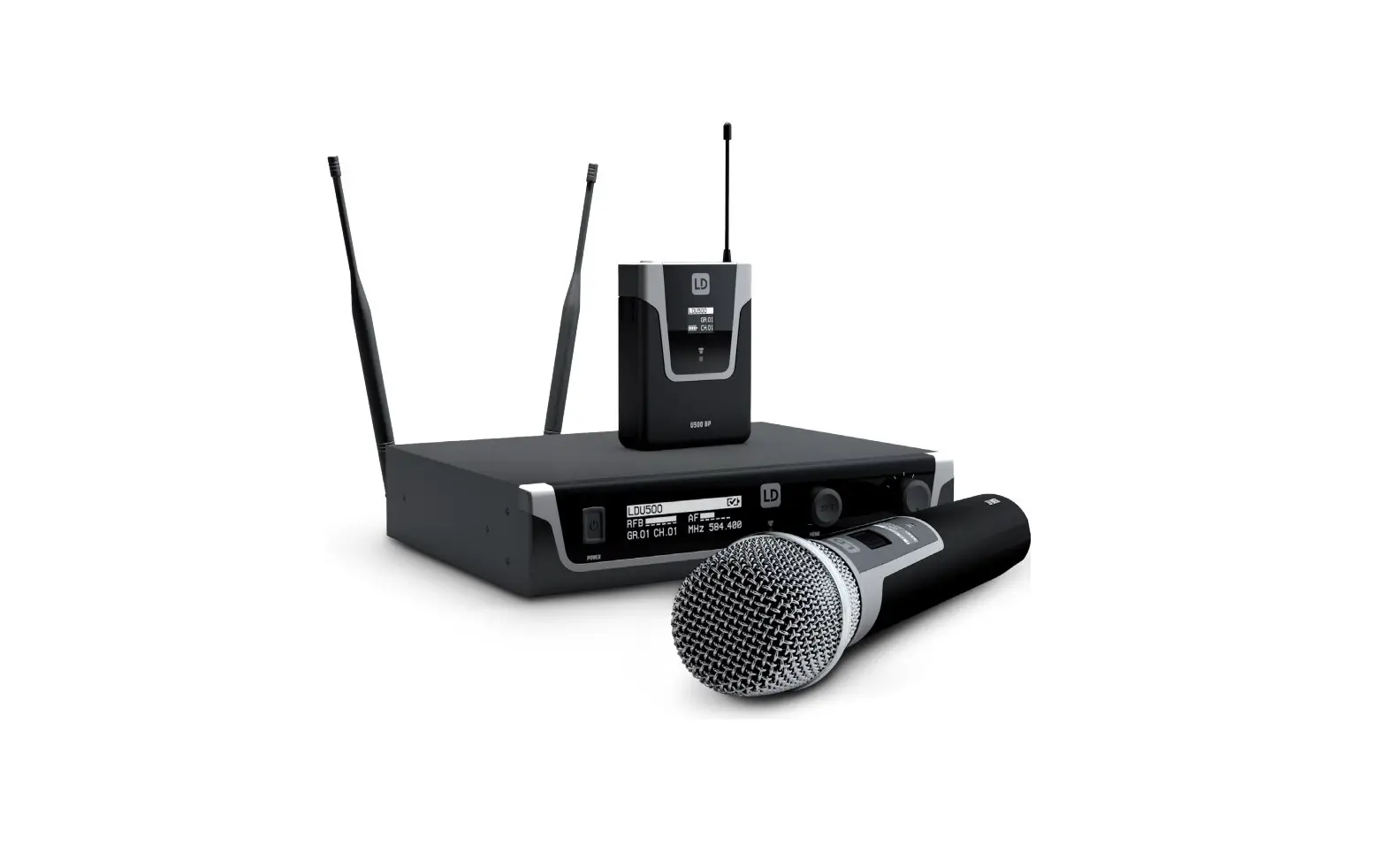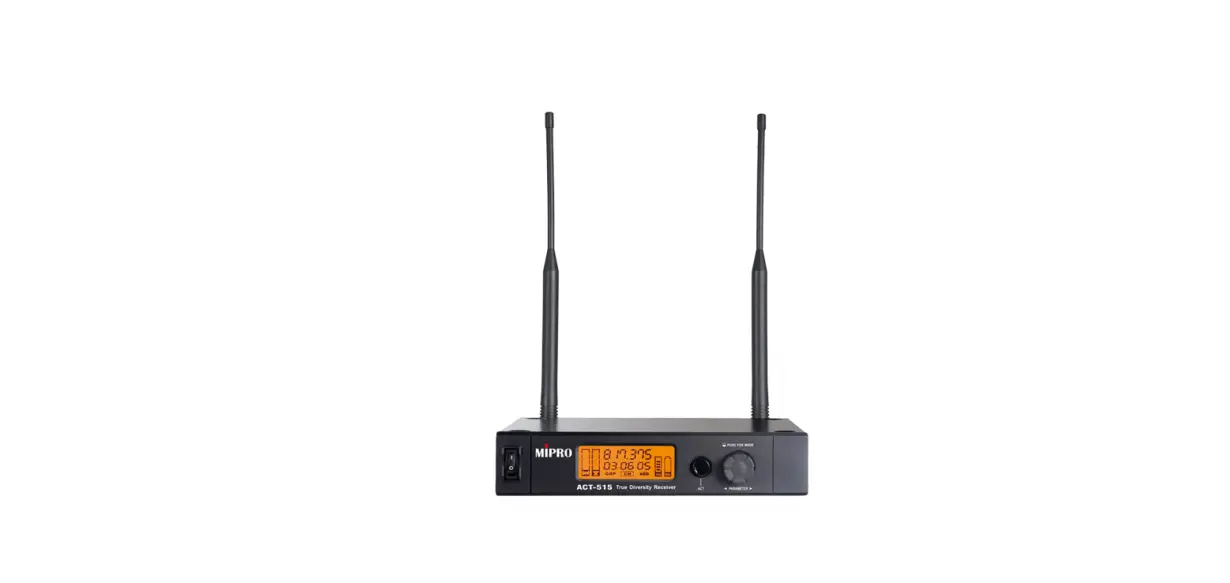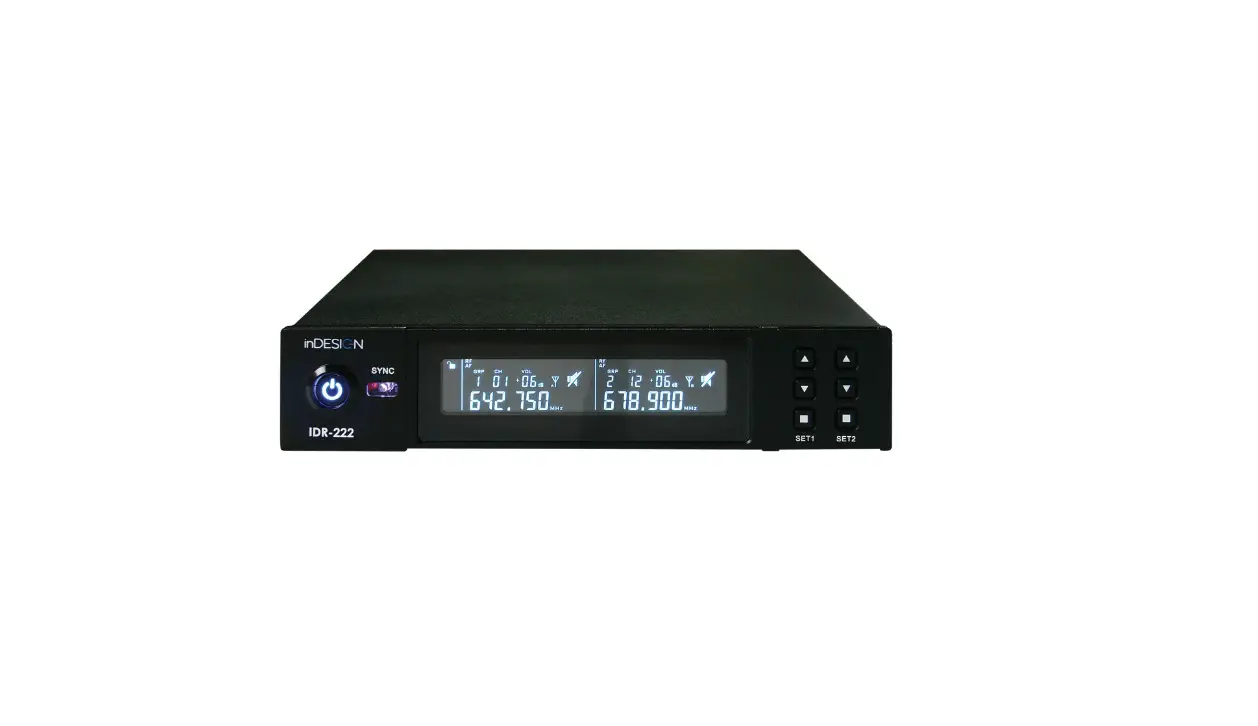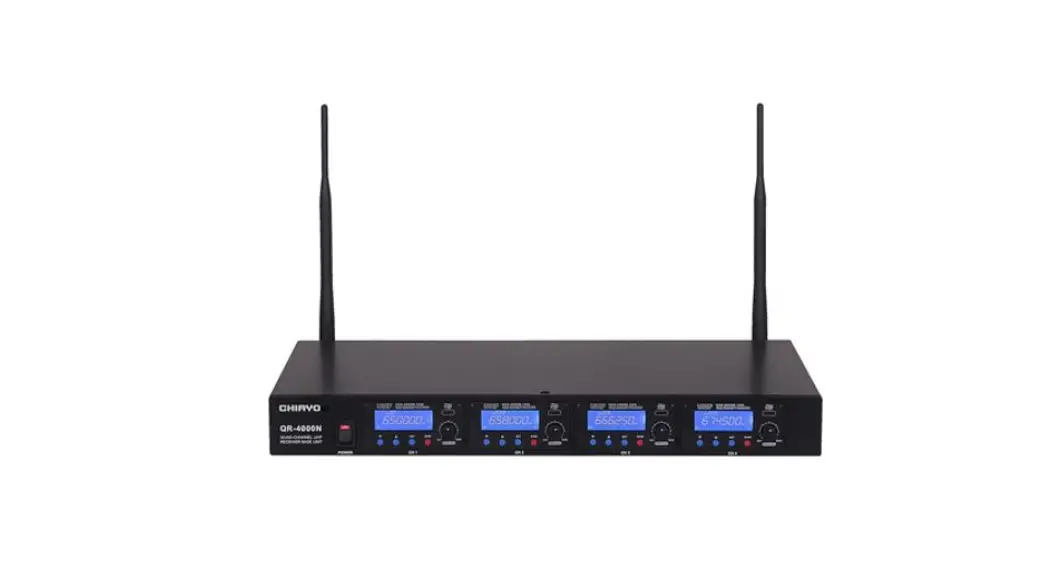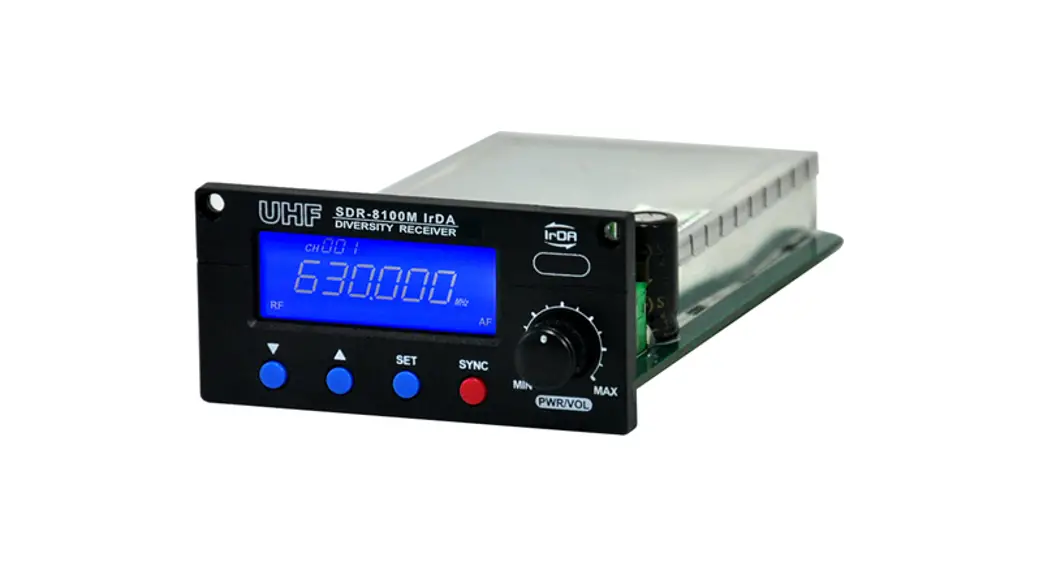
 SDR-8200M IrDA
SDR-8100M IrDA
UHF 2-Way Sync True Diversity /
Diversity Receiver Module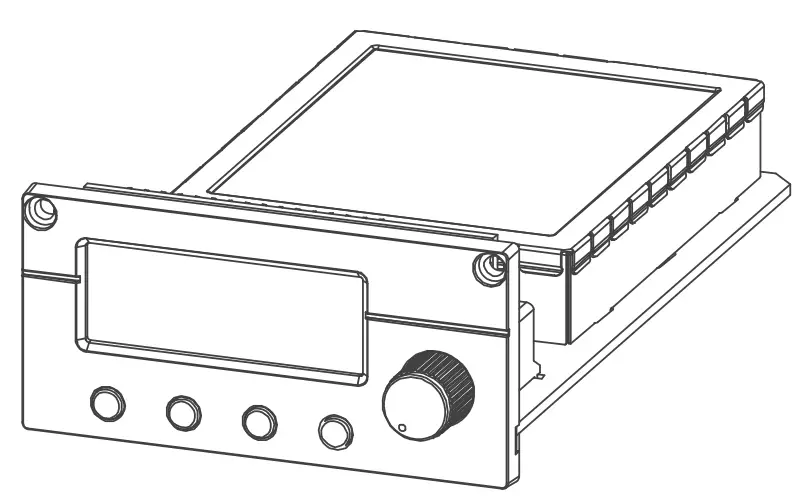

 CHIAYO ELECTRONICS CO., LTD.
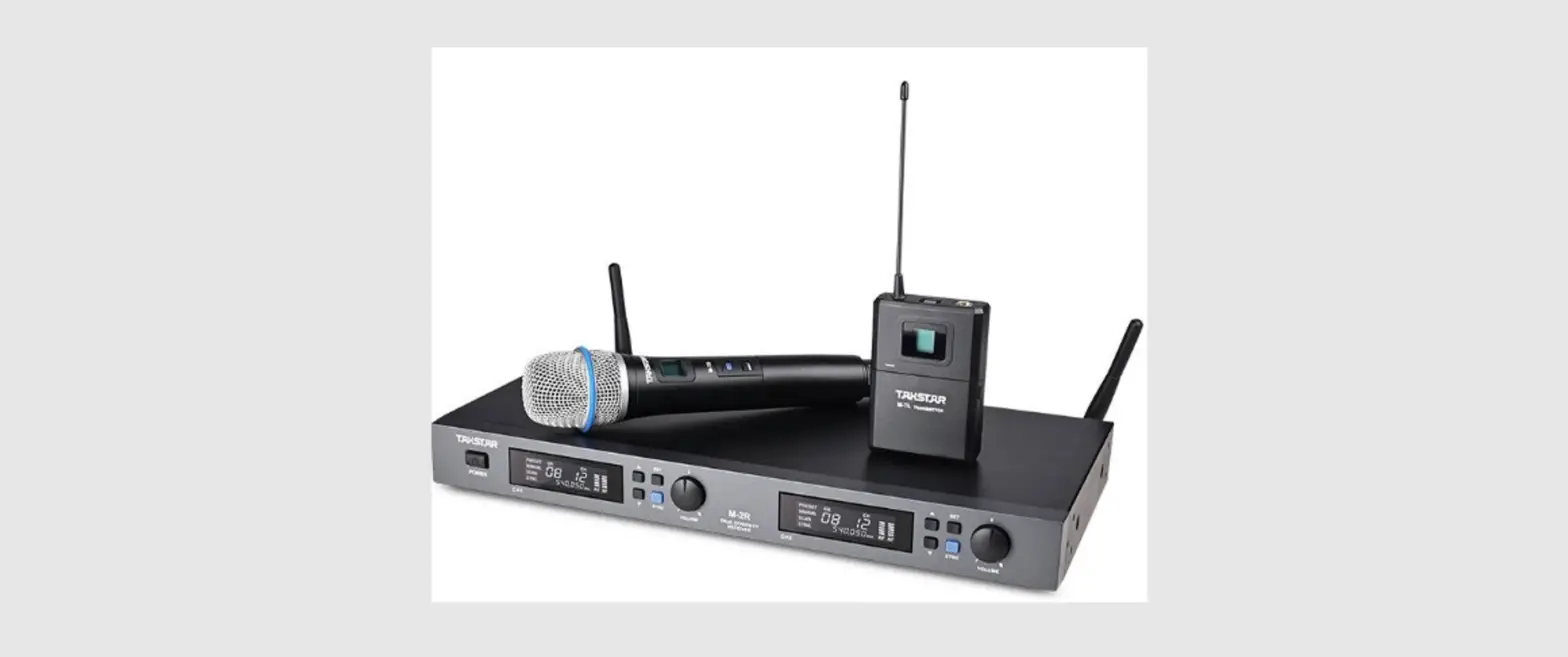
SDR-8200/8100M IrDA UHF 2-Way Sync True Diversity / Diversity Receiver Module
Parts and functions
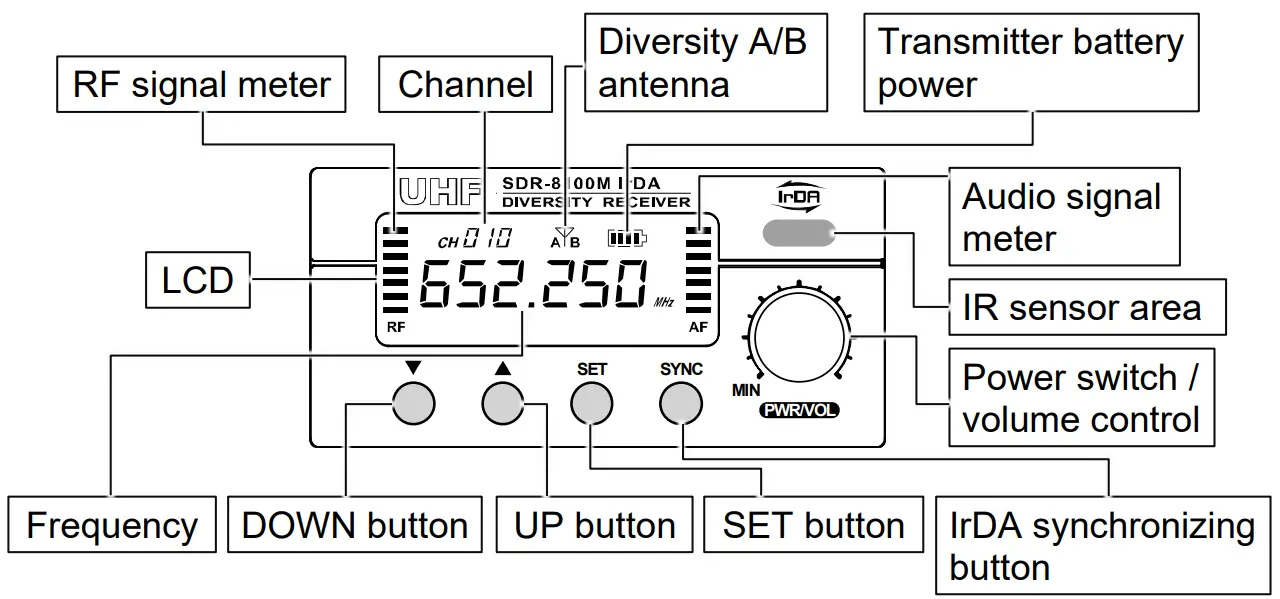
First turn on the power and the LCD display will show last stored channel and frequency. Select a channel that corresponds to the transmitter. When transmitter is turned on, the A/B diversity antenna will appear to denote that it is connected.
Channel synchronizing of the receiver and transmitter
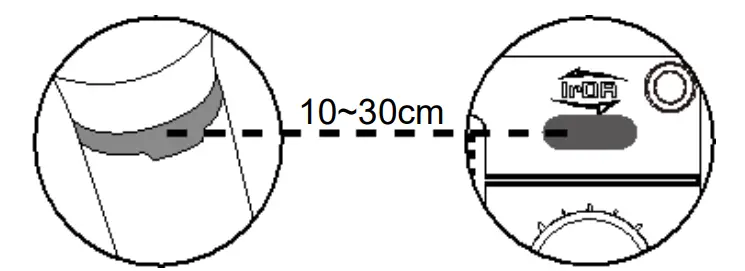
Align infrared areas of the receiver and transmitter within 10~30cm.
Changing receiver’s channel
- Press the synchronizing button of the transmitter.

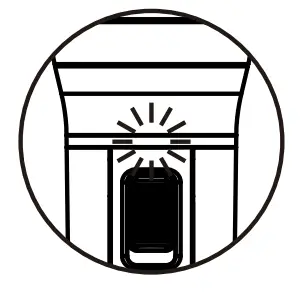
- The transmitter’s LED will grow to denote synchronizing signal transmitted.

- The channel number on the receiver’s LED will become the same as the transmitter’s, which means the receiver has been successfully synchronized.
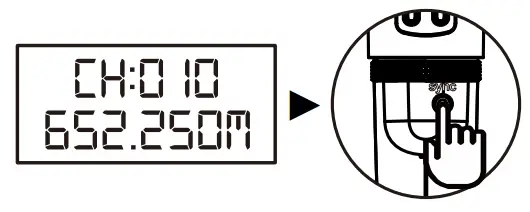
Changing transmitter’s channel
- Press the SYNC button othe receiver.

- The transmitter’s LED will grow to denote synchronizing signal received.

- The channel number on the transmitter’s LCD will become the same as the receiver’s, which means the transmitter has been successfully synchronized.

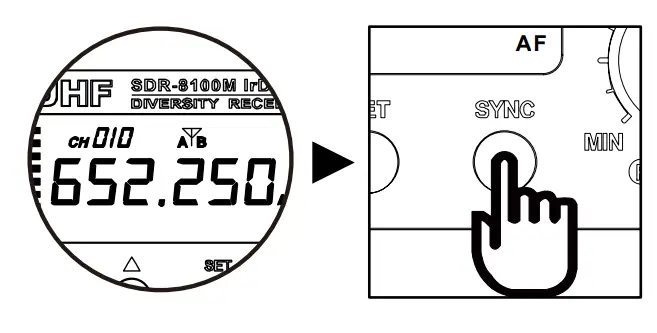
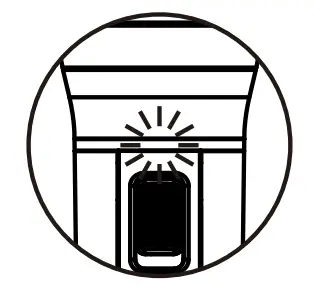
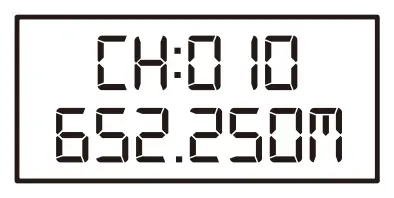
If it doesn’t work check that you have the IR sensor panels aligned, that they are facing each other, devices are within 10~30cm of each other, and try again.
CHANNEL scanning
For an interference- free operation, a cleaner channel might be necessary if the current one receives too much interference. To operate the scanning:
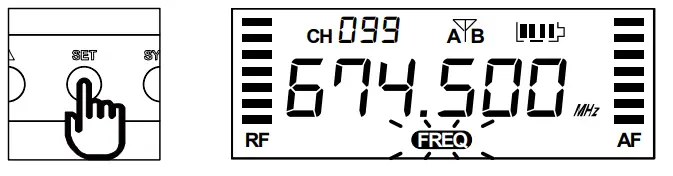
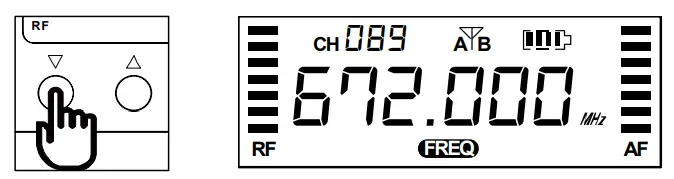
- Press ▲(up) or ▼(down) button to makethe frequency icon
 appear on the bottom.
- Hold SET button until this iconflashes to denote readiness for setting.

- Press ▲(up) or ▼(down) button to find and locate a clear, interference- free channel.

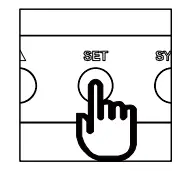
- After a channel is chosen, press SET button or wait 5 seconds to store the setting.

 appear on the bottom.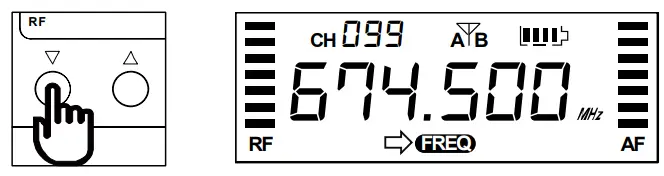
SQUELCH (SQ) setting
When interference is encountered try reducing the sensitivity of the receiver, thus less susceptible to interference. To operate the squelch setting:
- Press ▲(up) or ▼(down) button to turn to the squelch setting page.

- Hold SET button until this icon
 flashes to denote readiness for setting.
- Press ▲(up) or ▼(down) button to select anew squelch level between 1 and 10.

- After a level is chosen, press SET button or wait 5 seconds to store the setting.

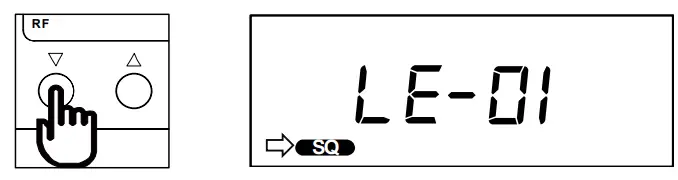
 flashes to denote readiness for setting.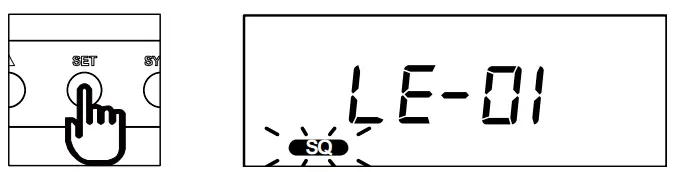
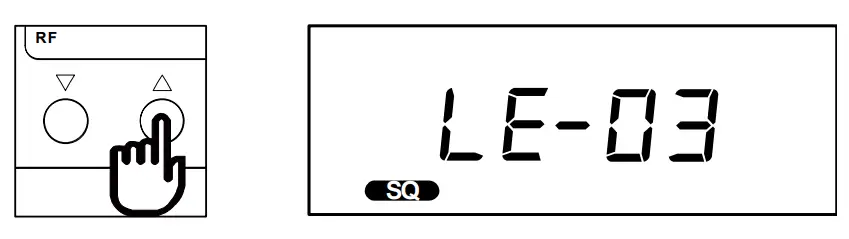
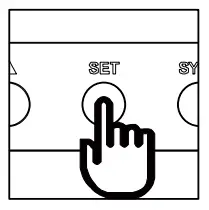
Since increasing the squelch level will also reduce the reception distance, it’s recommended to choose the lowest level that can eliminate the interference.
If this still does not solve the problem it means this frequency is not suitable. Adjust the squelch back to its default level and use the scan function to locate a clear, interference-free channel.
CHIAYO ELECTRONICS CO., LTD.
http://www.chiayo.com.tw|Email: [email protected]
Office: 30, Lane 27, Section 4, Jen-Ai Road, Taipei 10685, Taiwan
Tel: 886-2-27415741|Fax: 886-2-27525242
Factory: 88, Chung-Hsiao Street 2, Chiayi 60080, Taiwan
Tel: 886-5-2711000|Fax: 886-5-5767611
http://www.chiayo.com.tw