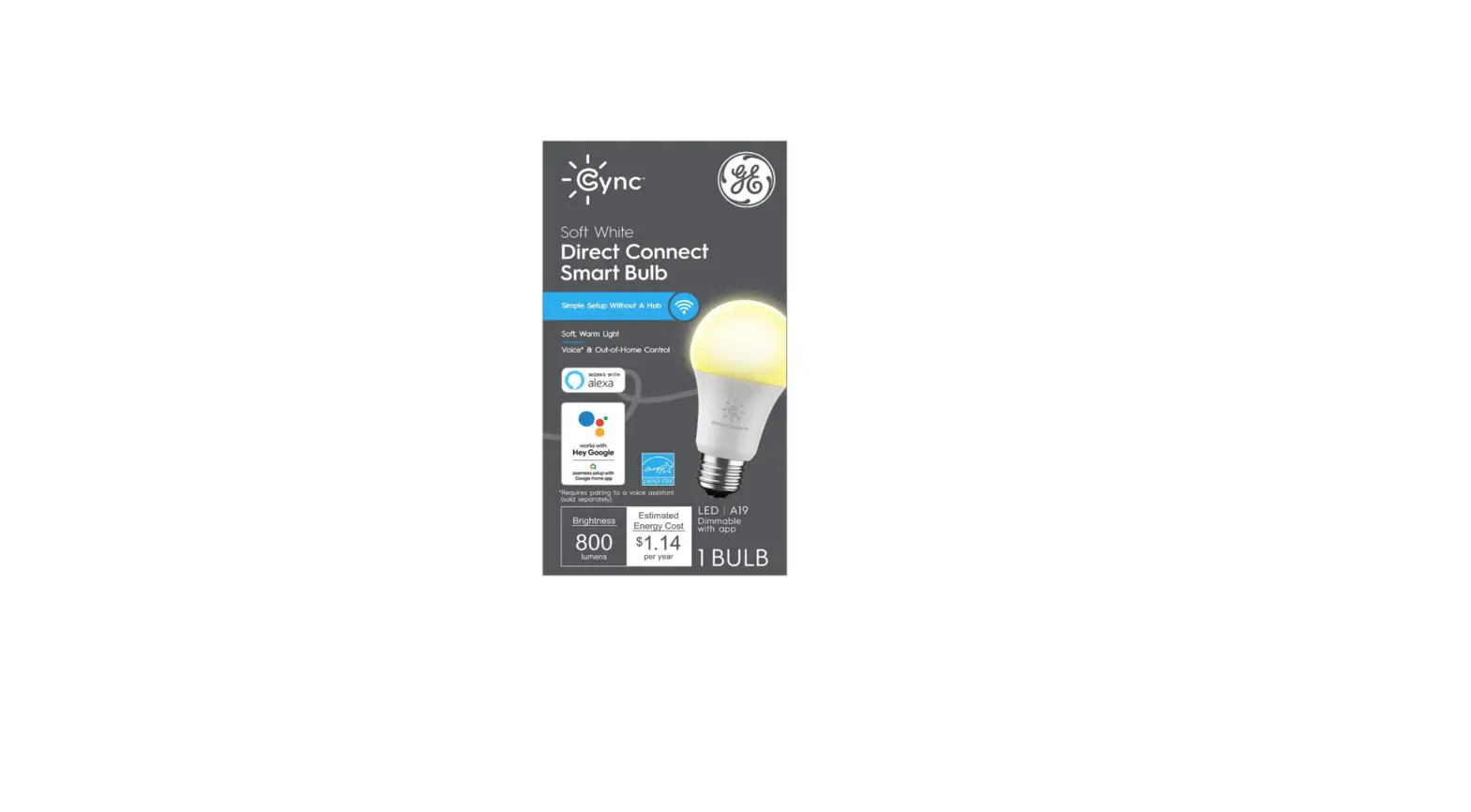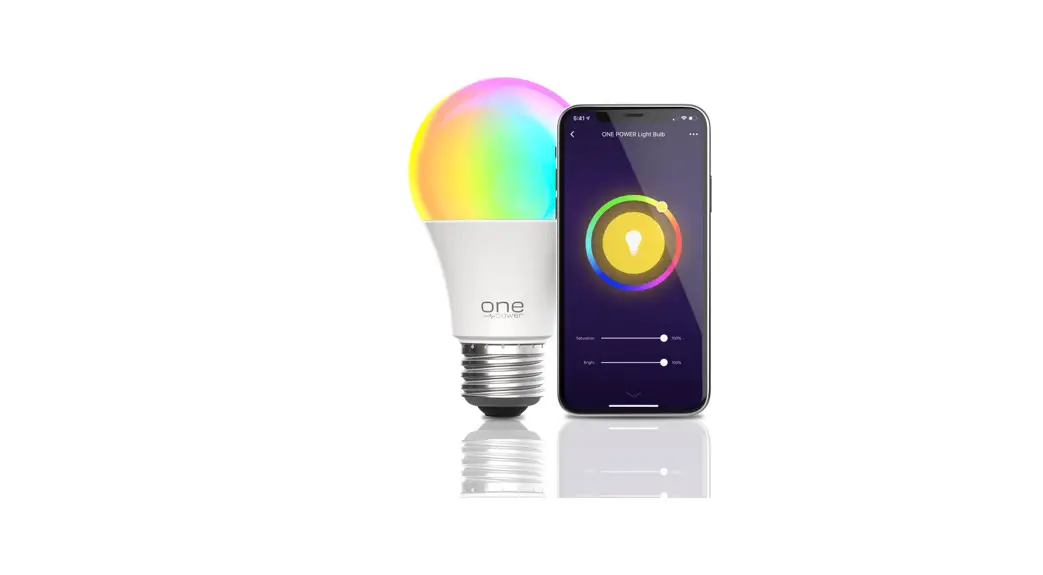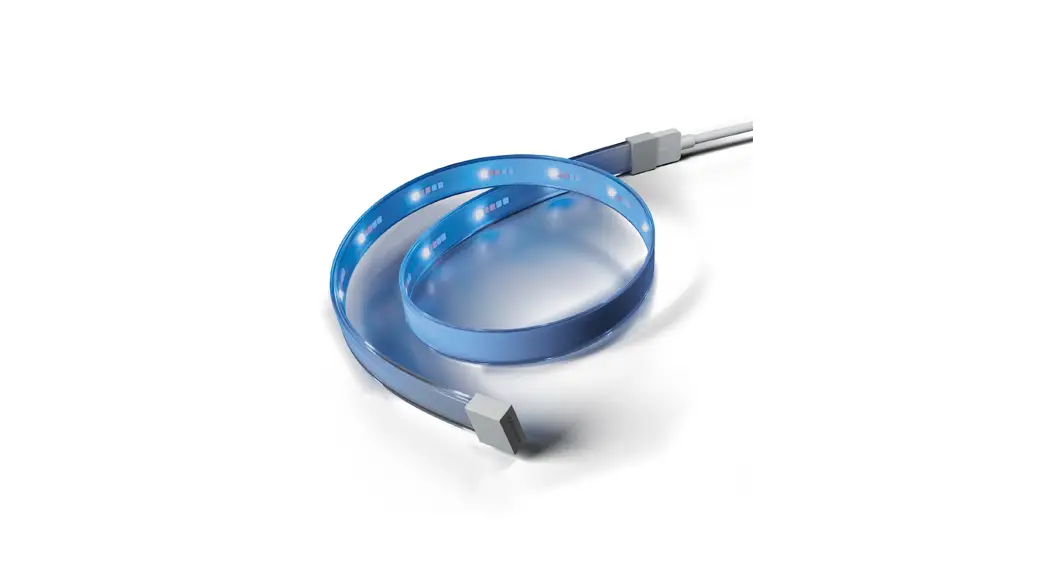
 93129088 Cync Smart Bulb and Motion Senso
Installation Guide
Installation & Set up
 Press Wake Button on the side of Wire-Free Sensor to initiate setup. LED indicator light on front of sensor will flash blue until app setup is complete.
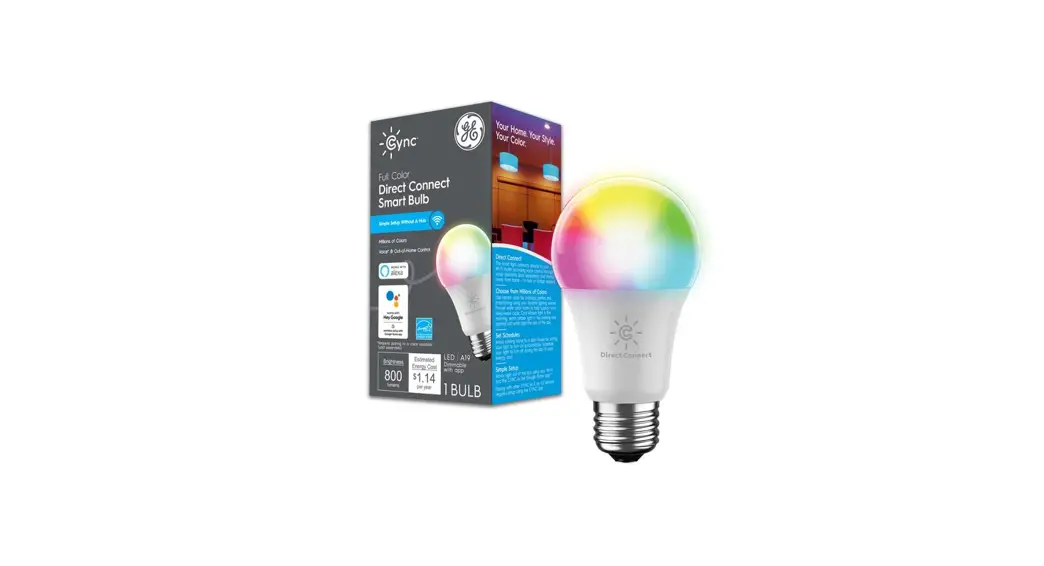
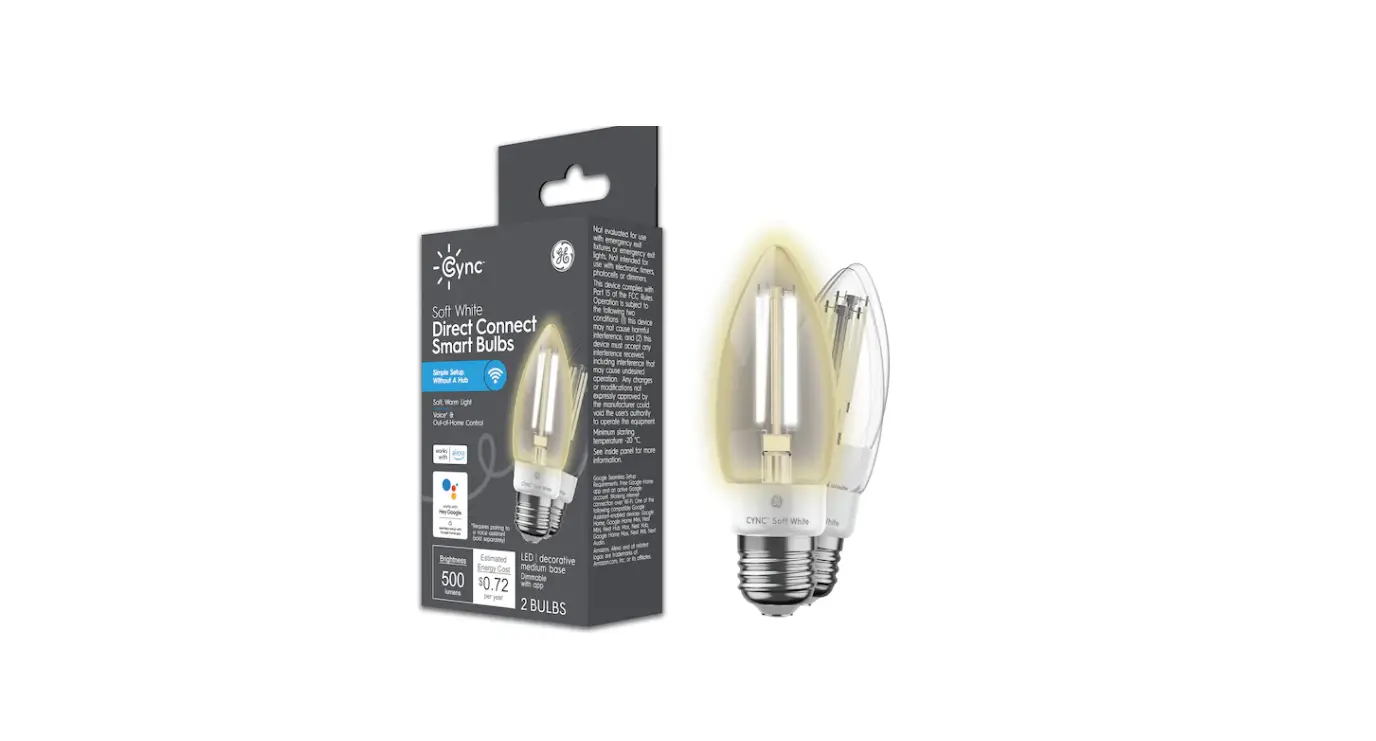
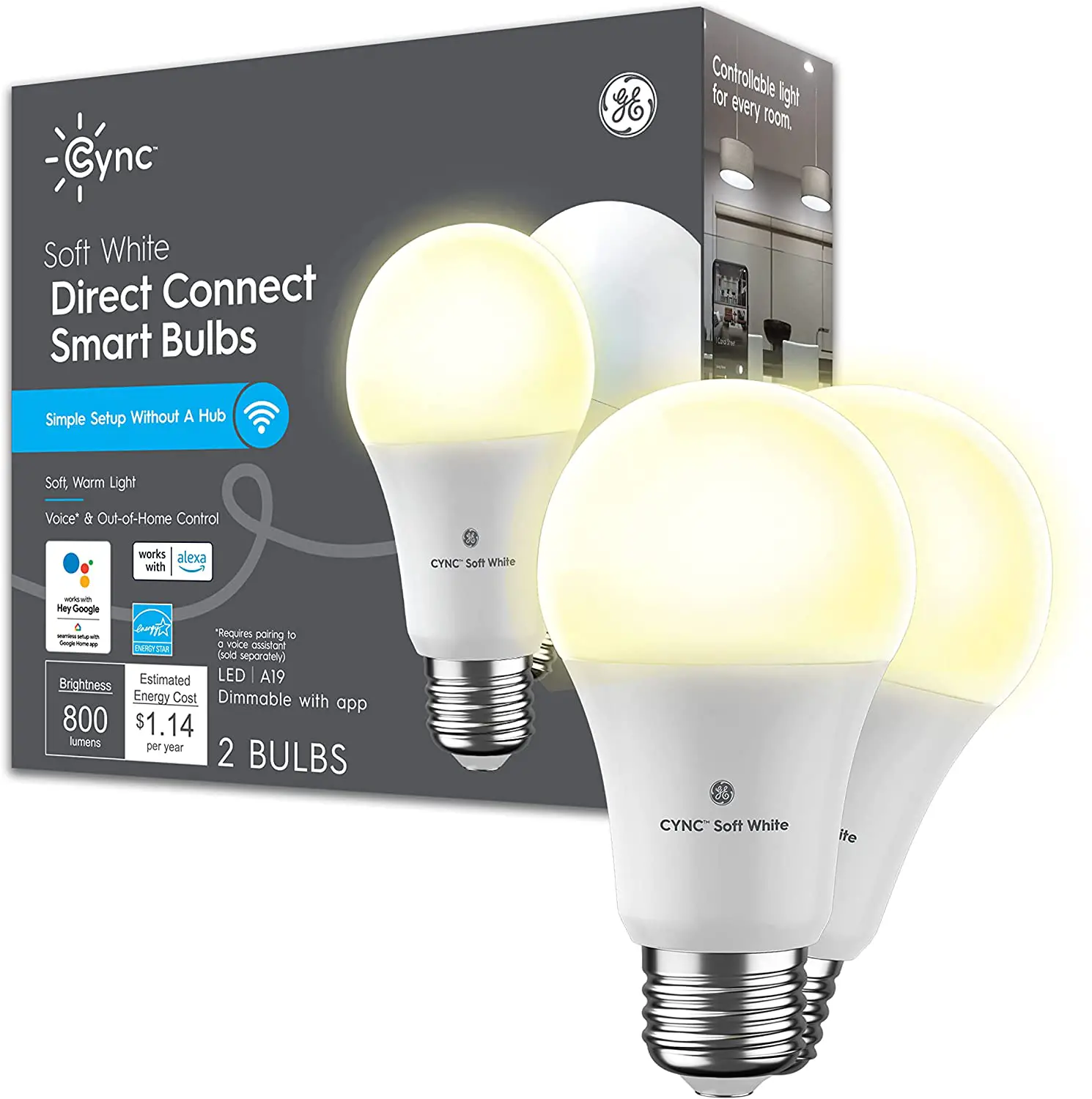
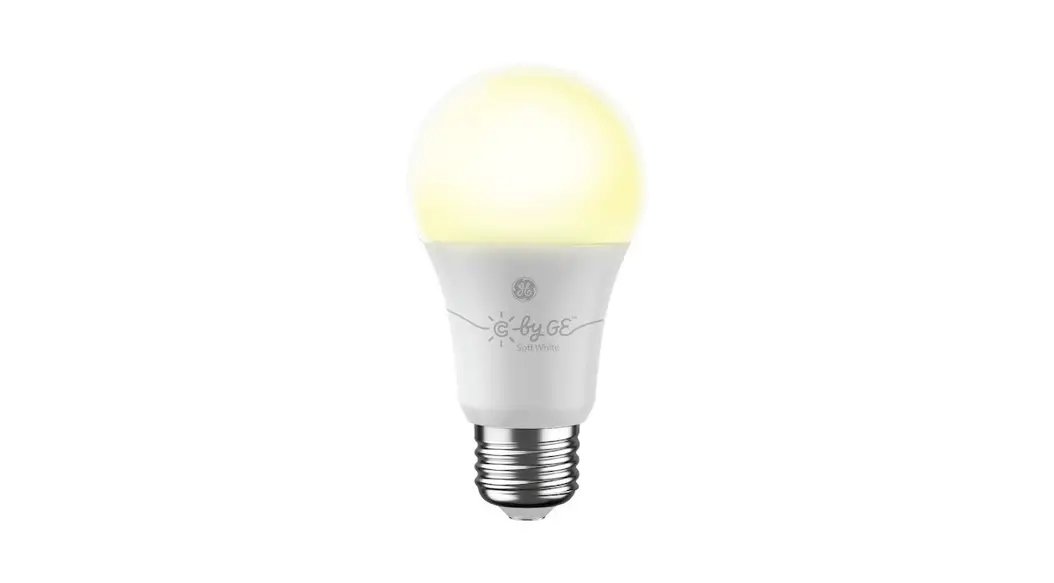
 Install your Smart Sensor and Smart Bulb
 Download the CYNC app
 Add your Smart Bulb then add your Smart Sensor to the same room in the CYNC app.
For set up help, visit gelighting.com/cync
What you can do with your smart sensor
 | Turn on entryway lights when you arrive home Go to CYNC app. Add Smart Sensor and Smart Light to a room under create a room. Enable motion sensor under room motion sensor. |
 | Turn on your desk fan when you enter the room Go to CYNC app. Add Smart Sensor and Smart Plug to a room under create a room. Plug your fan into the Smart Plug. Enable motion sensor under room motion sensor. (plug sold separately) |
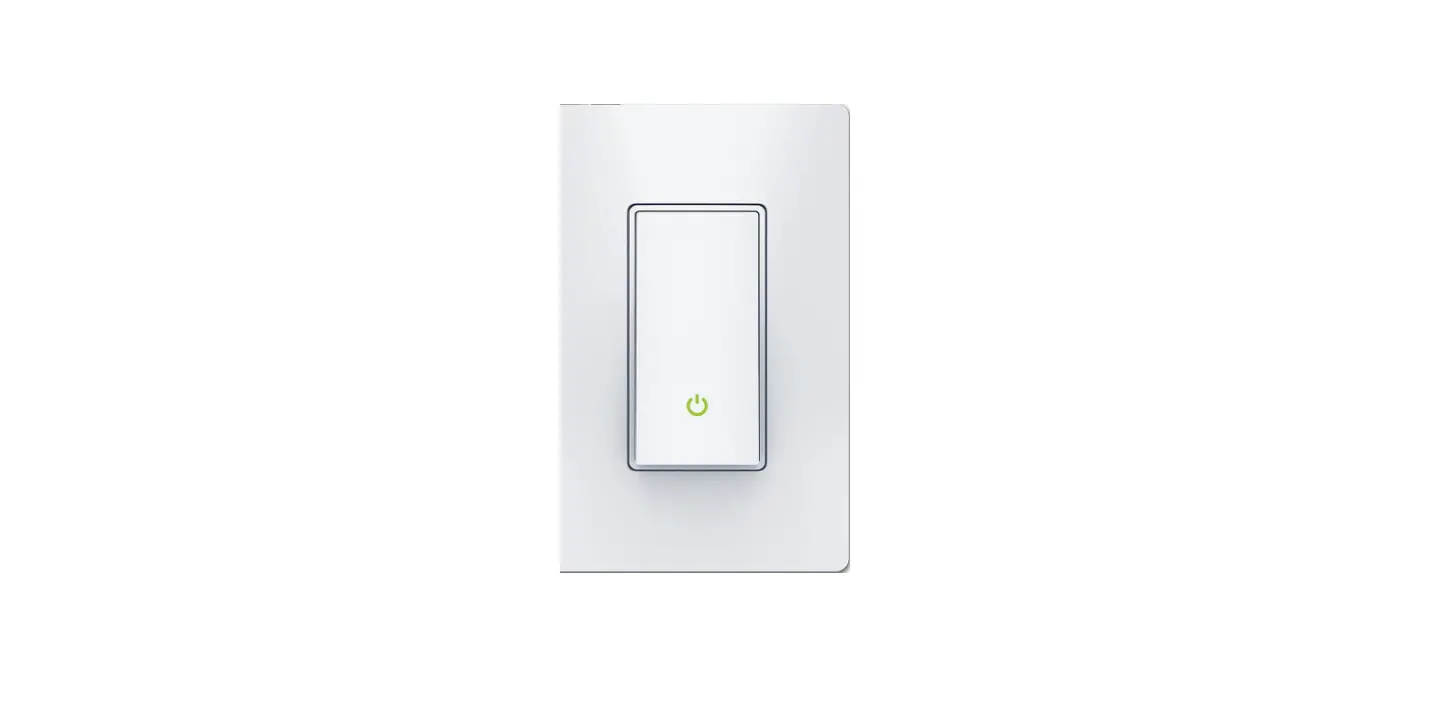
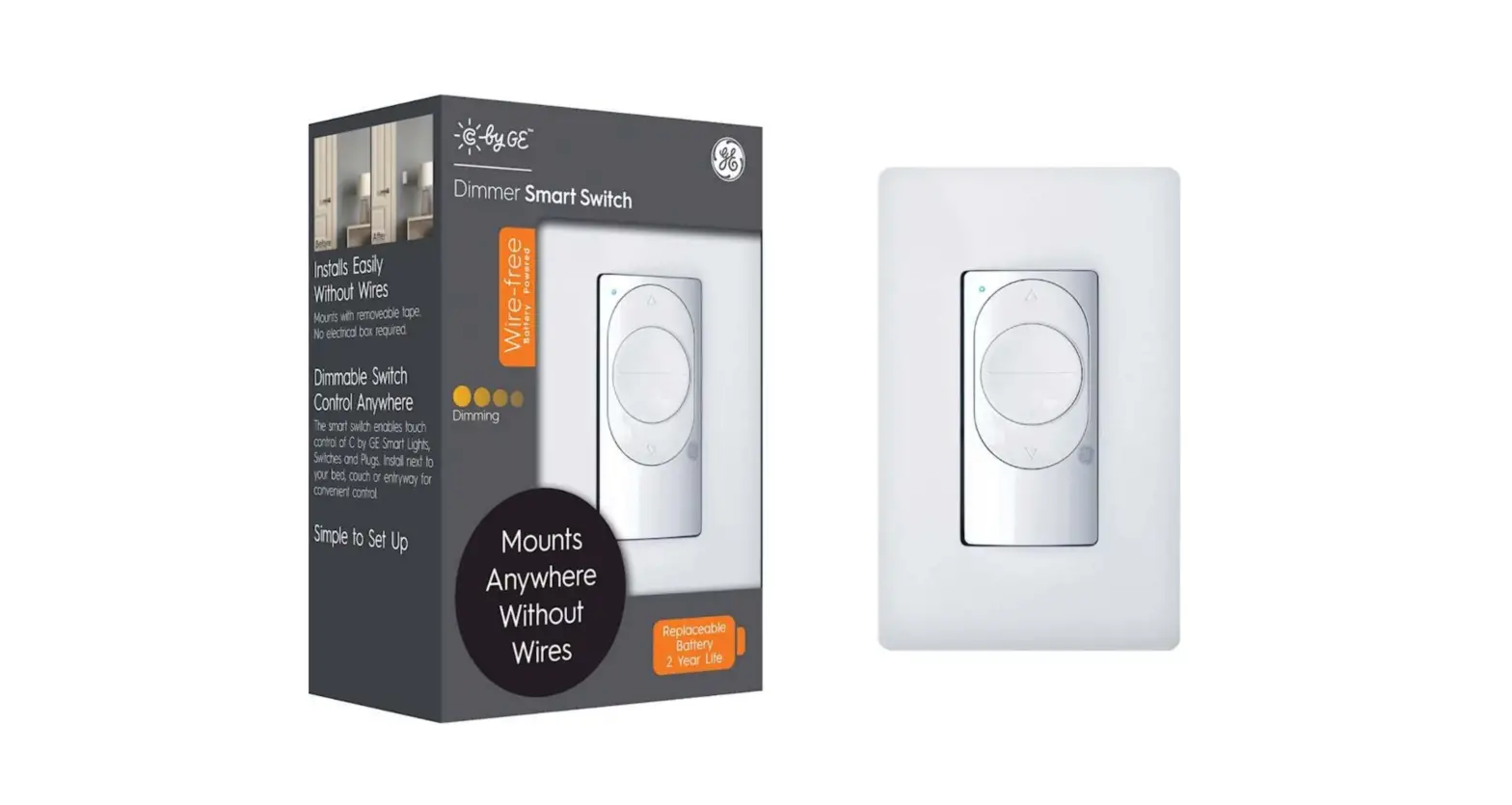
 | Turn off bathroom lights when unoccupied Go to CYNC app. Add Smart Sensor and Smart Switch to a room under create a room. Enable motion sensor under room motion sensor. (switch sold separately) |
PK-00105608-2