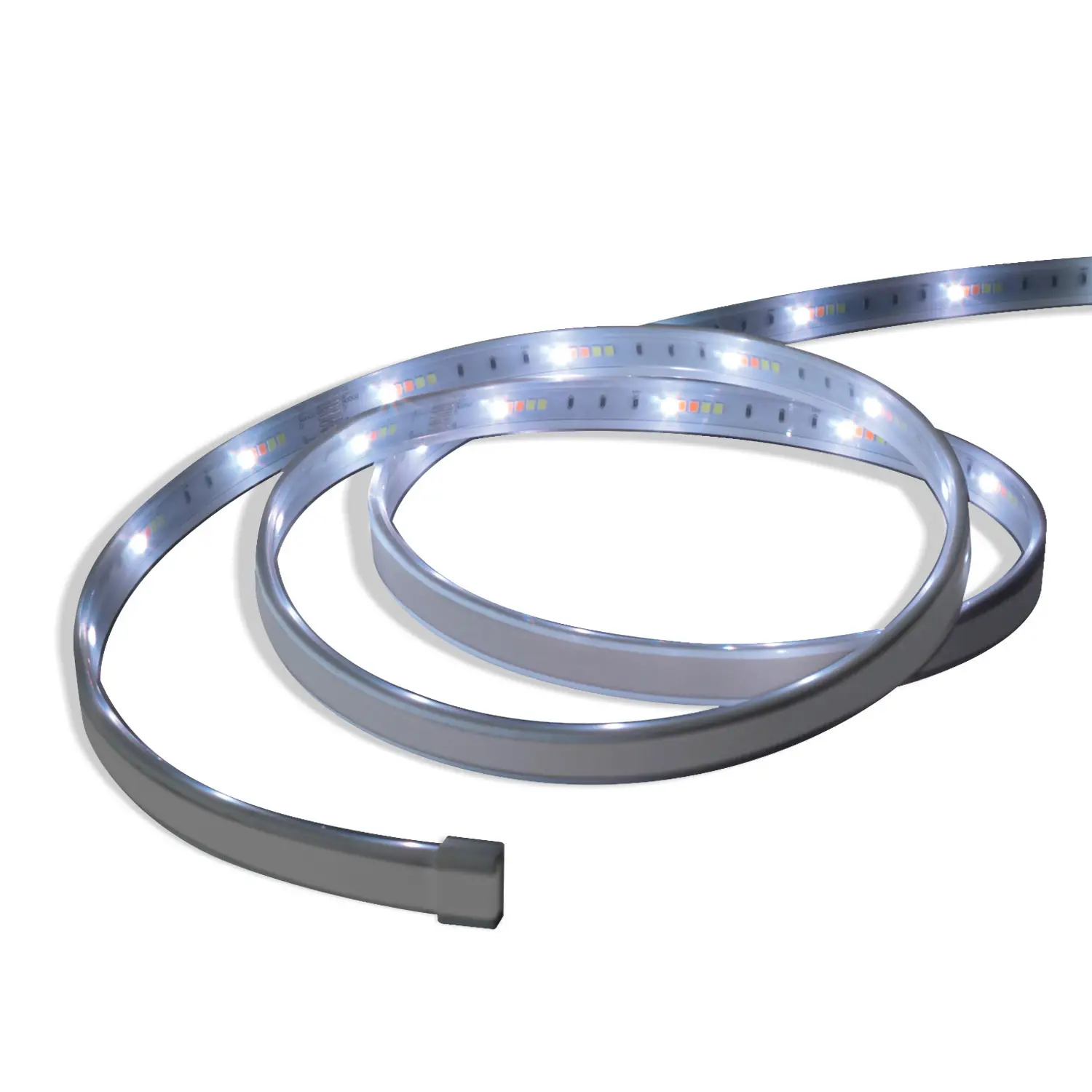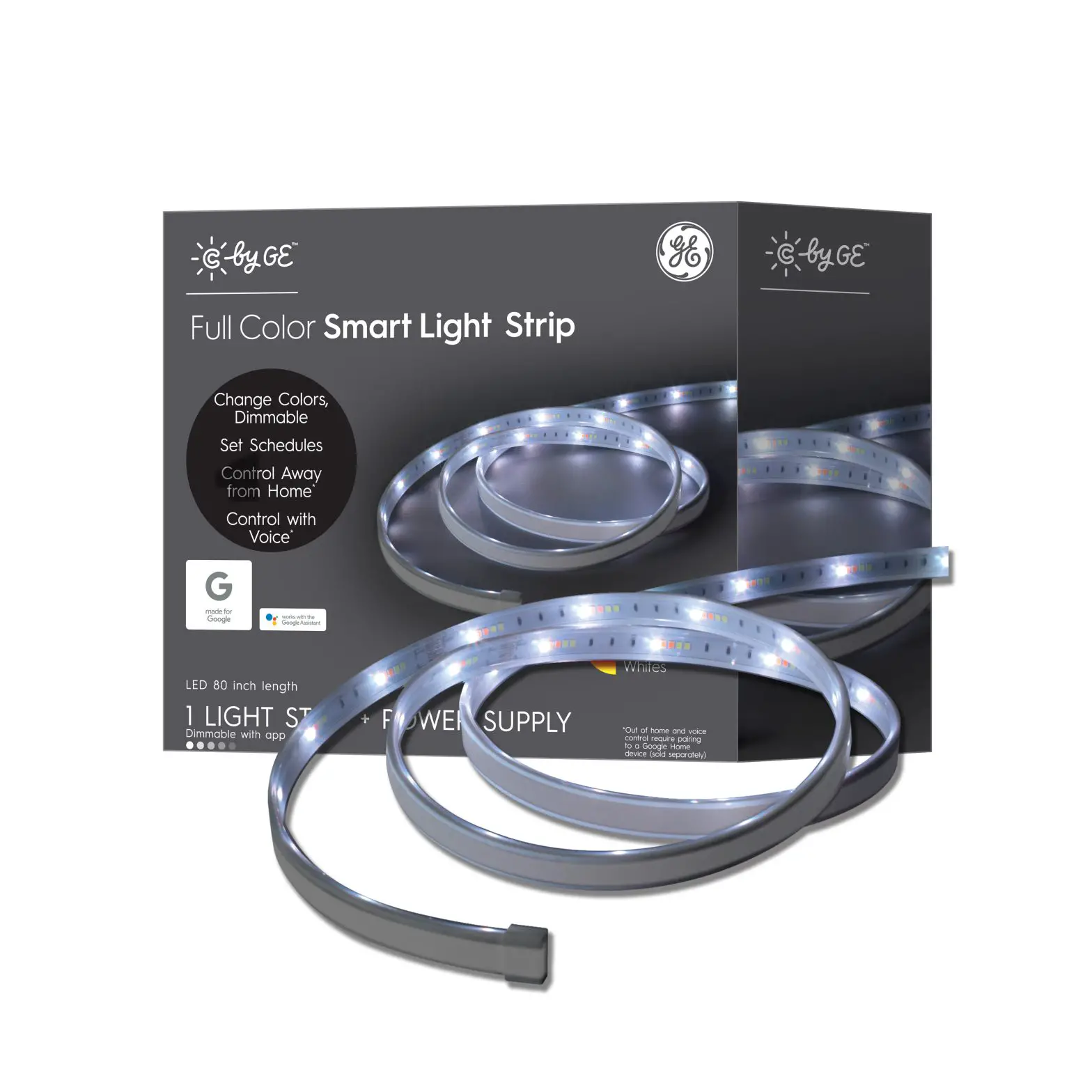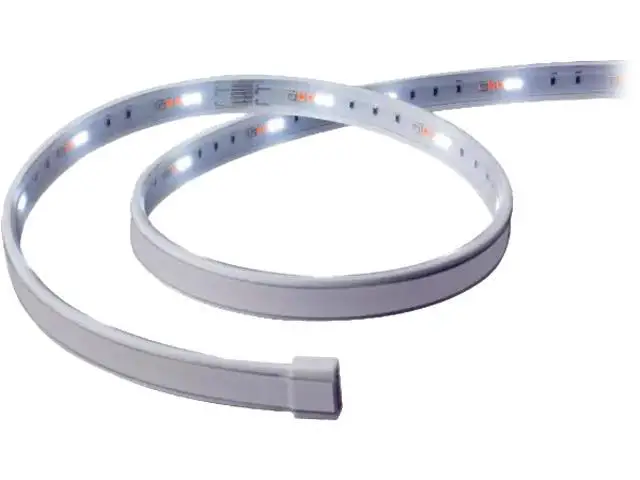
 GE Lighting 93105000 Cync Indoor Full
Color Premium Light Strip
Installation Guide
What’s included
(Devices each sold separately)
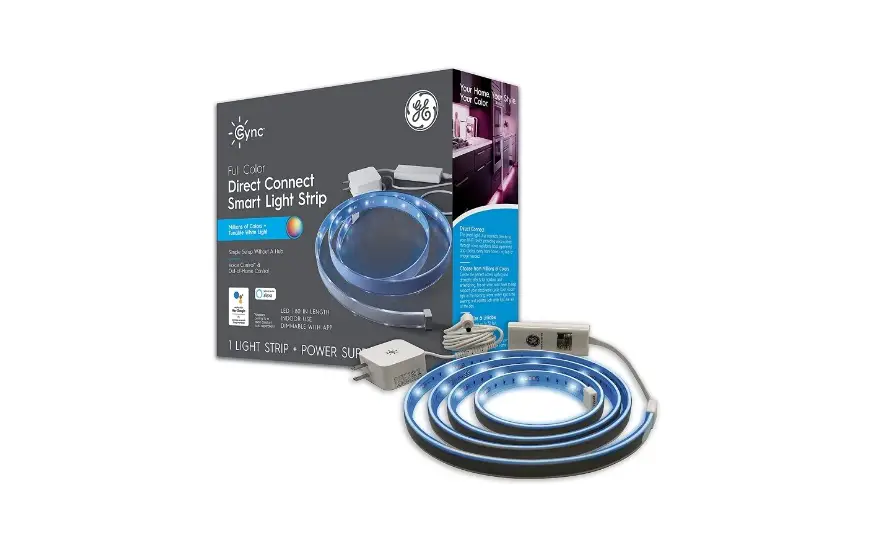
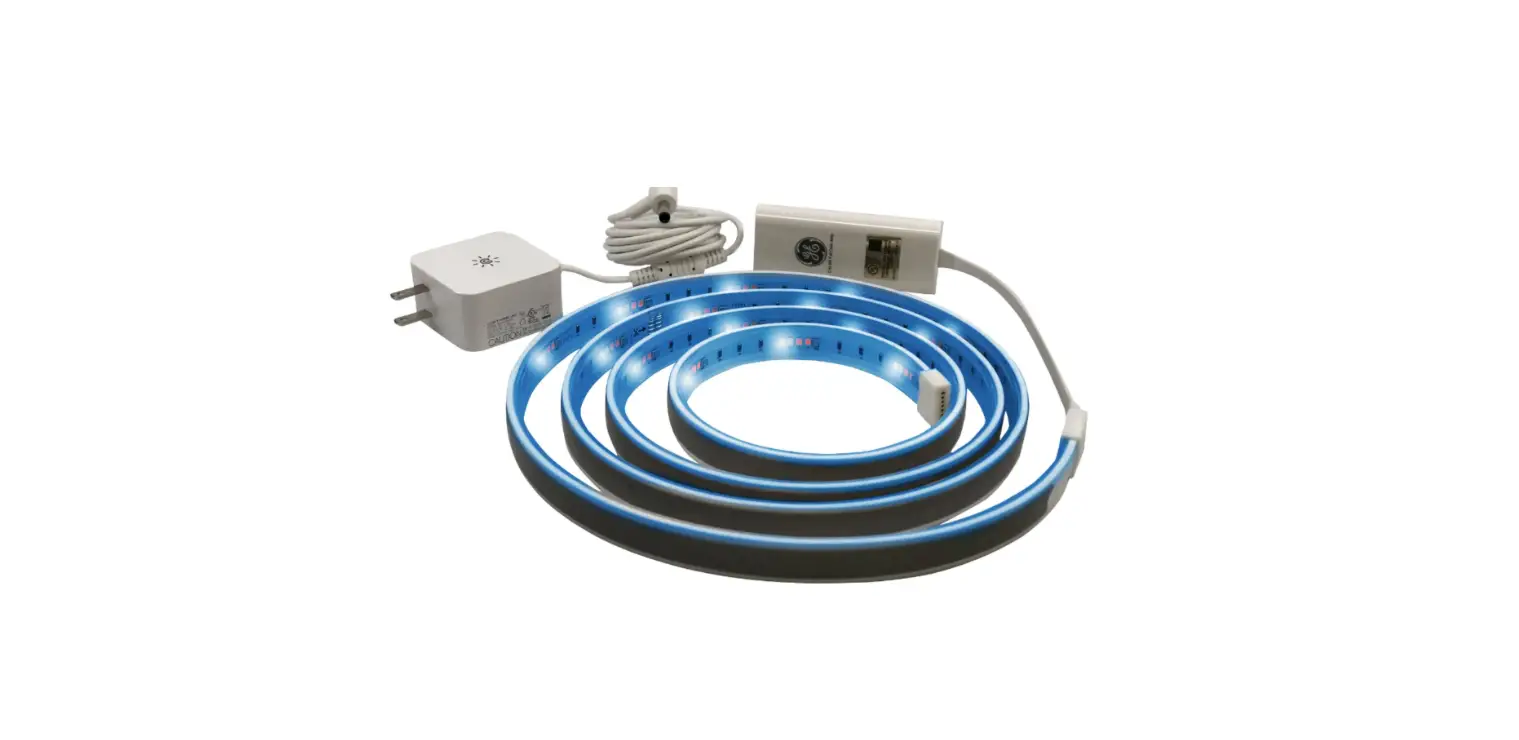
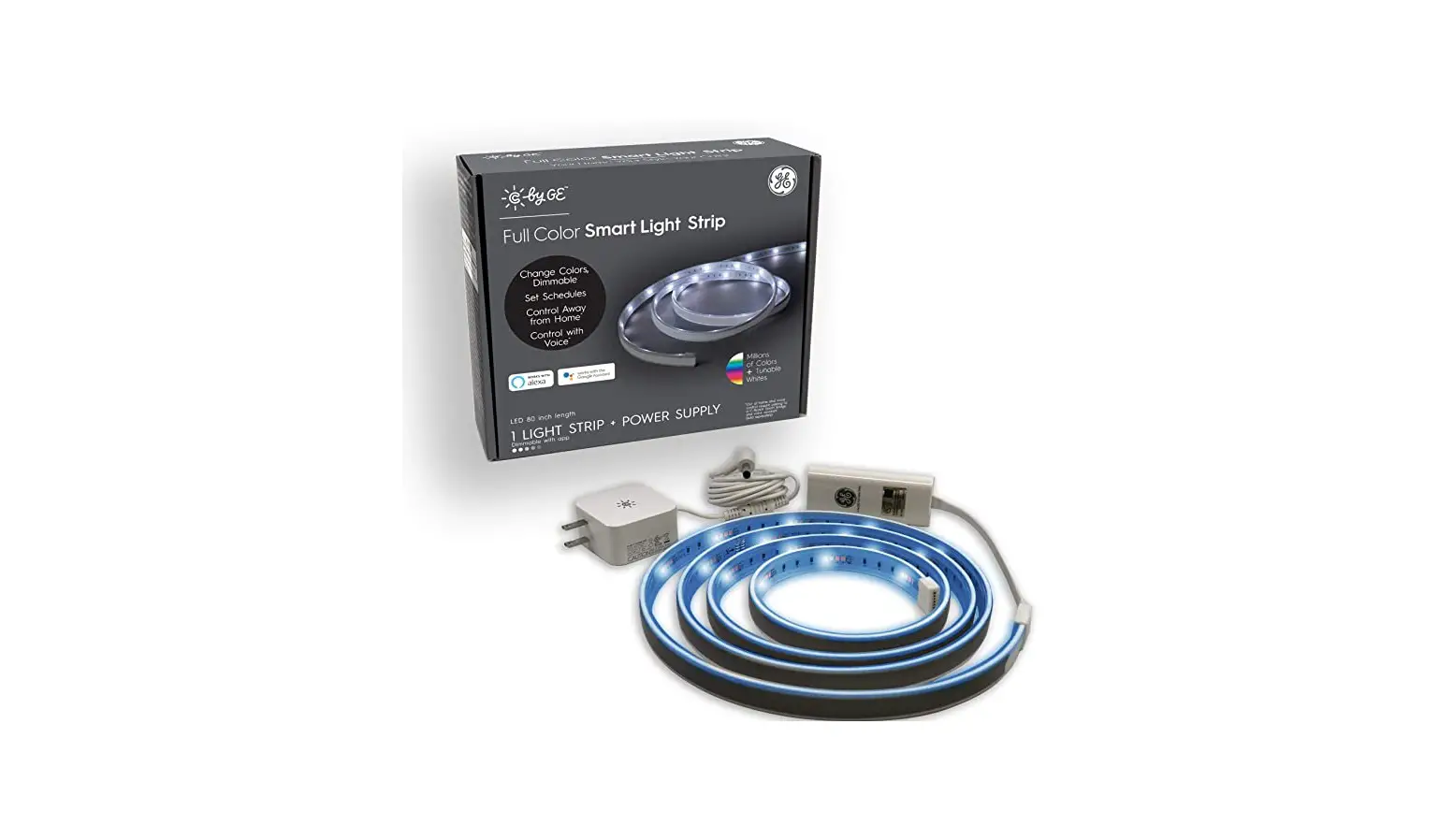
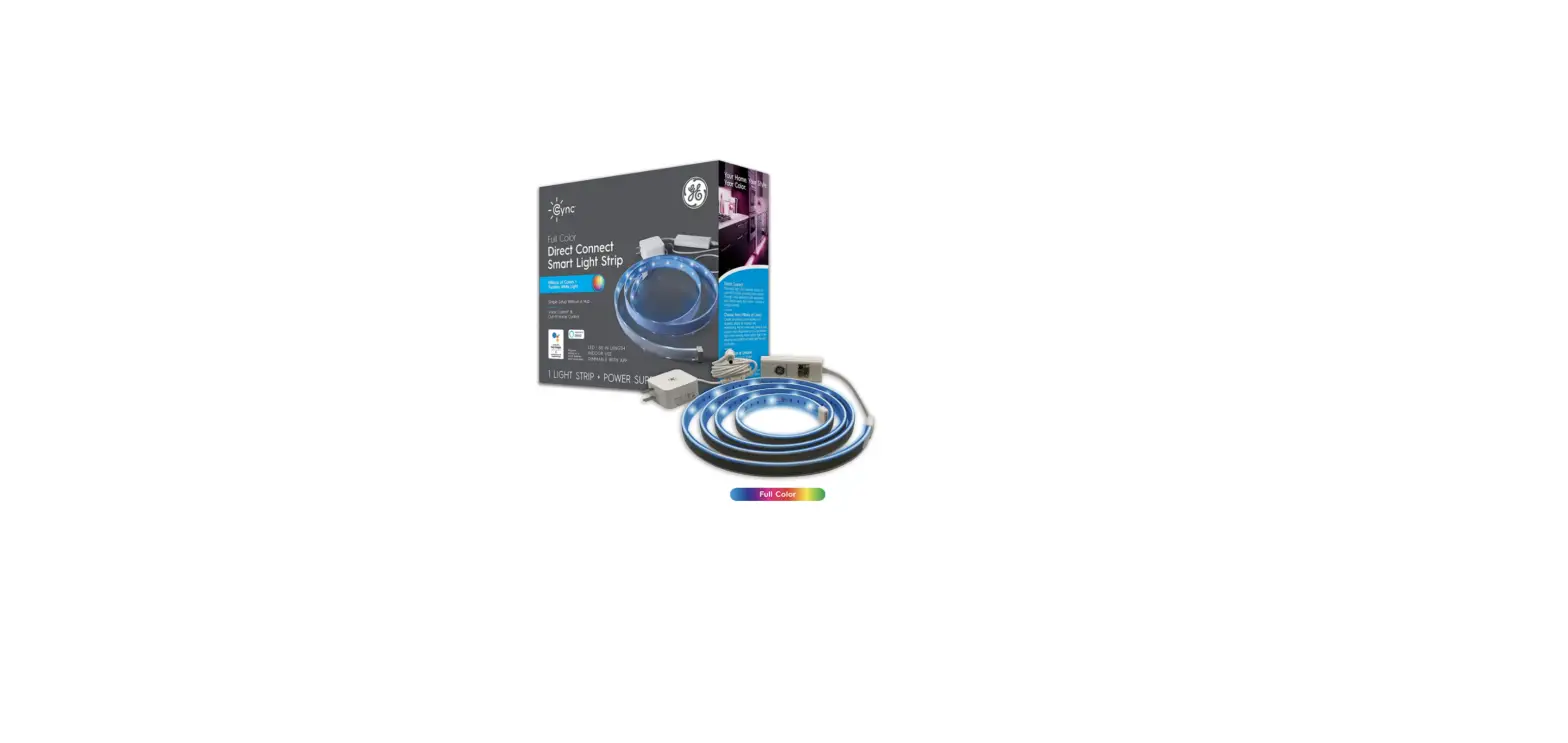
Light Strip Contents
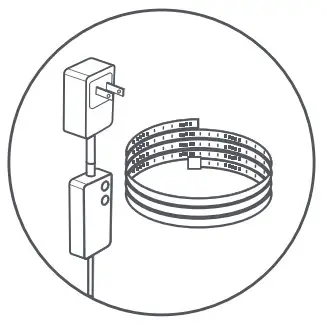 Light Strip + Power Supply
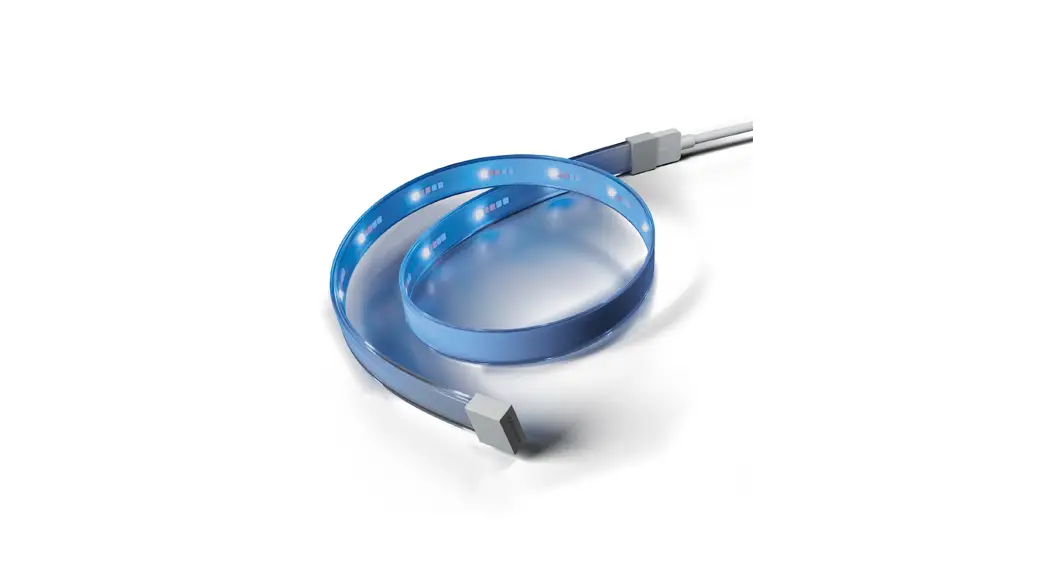
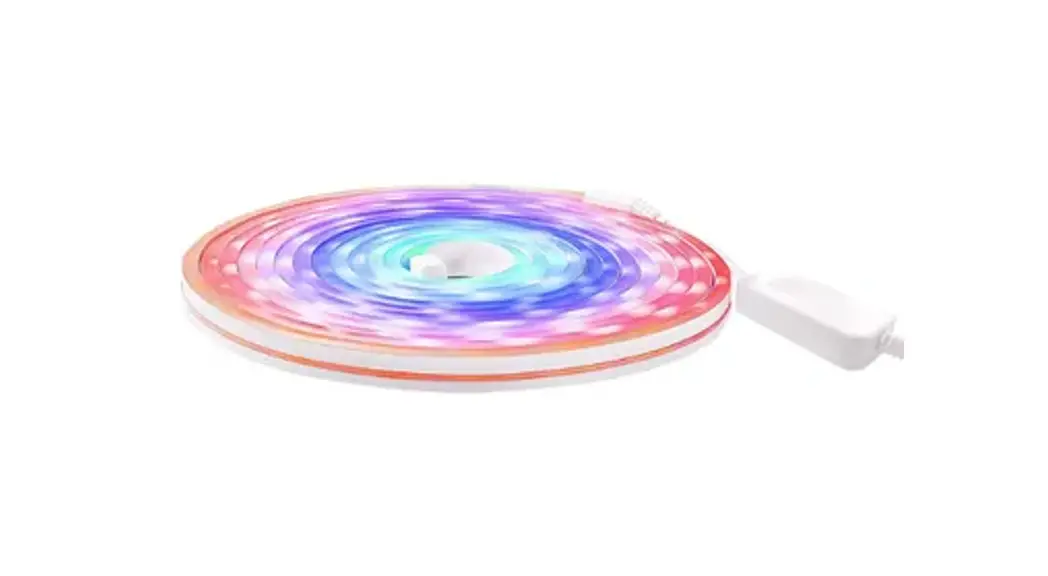
- 16ft Full Color Light Strip
- Power supply with plug
- Re-connector wire
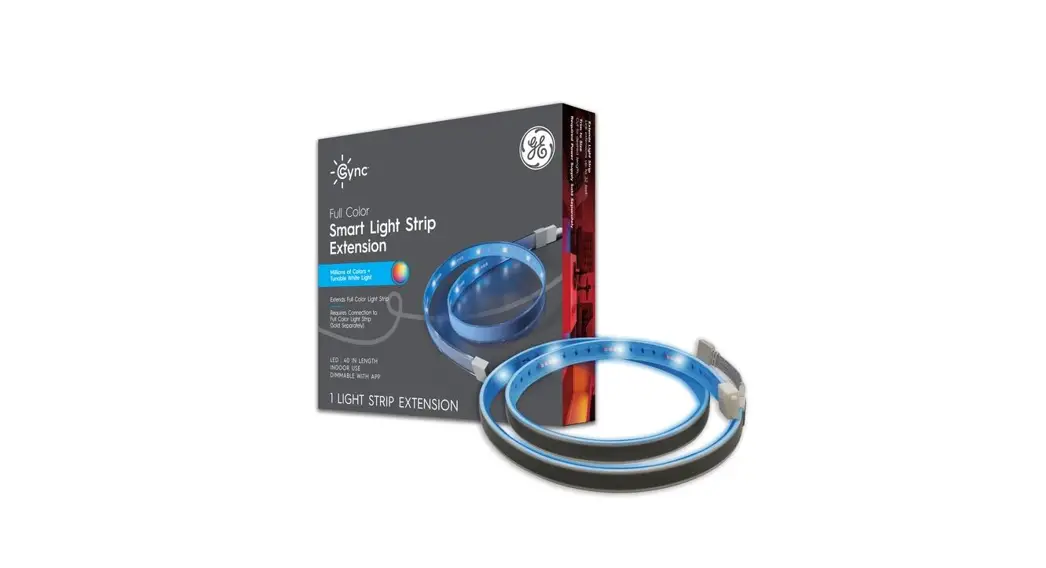
Light Strip Extension Contents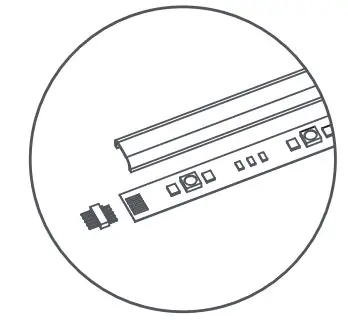 Light Strip Extension
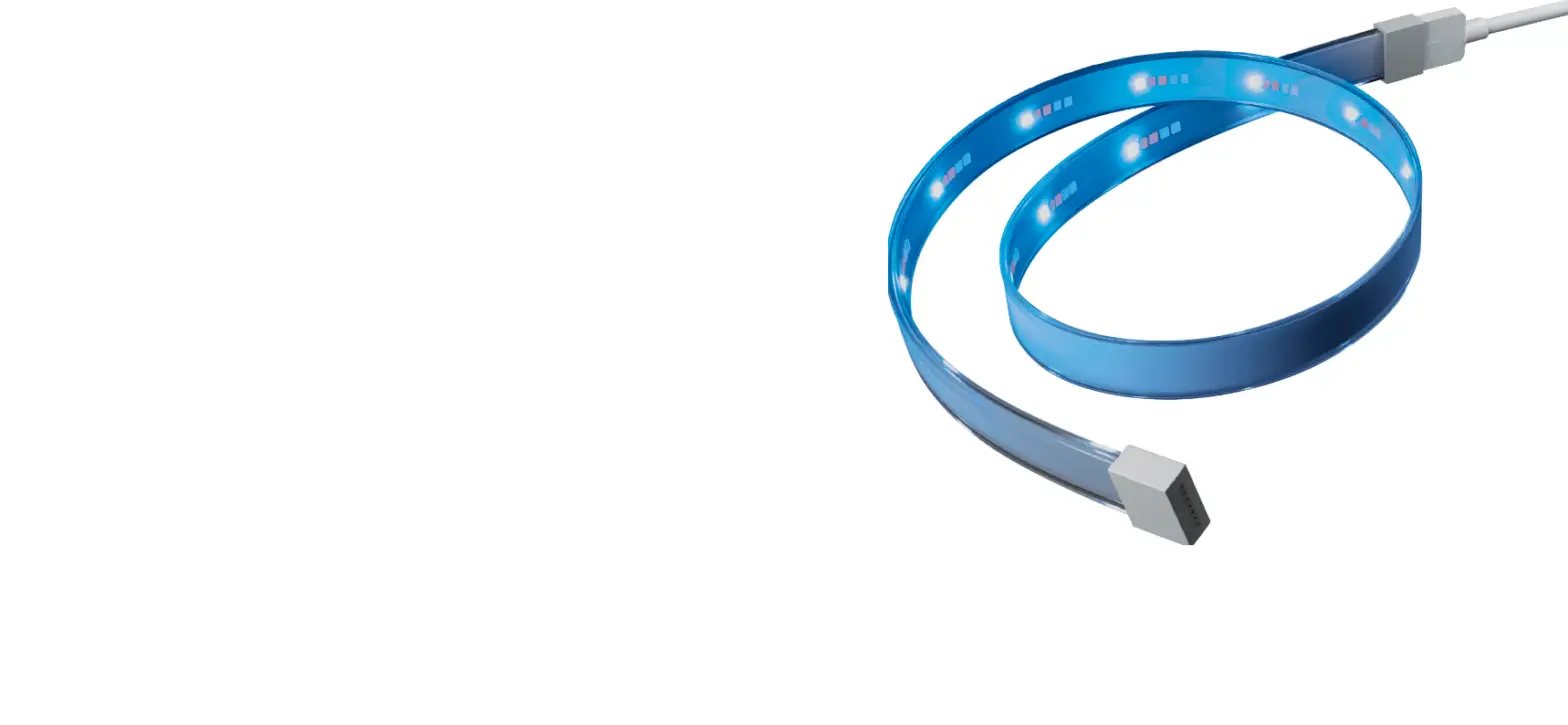
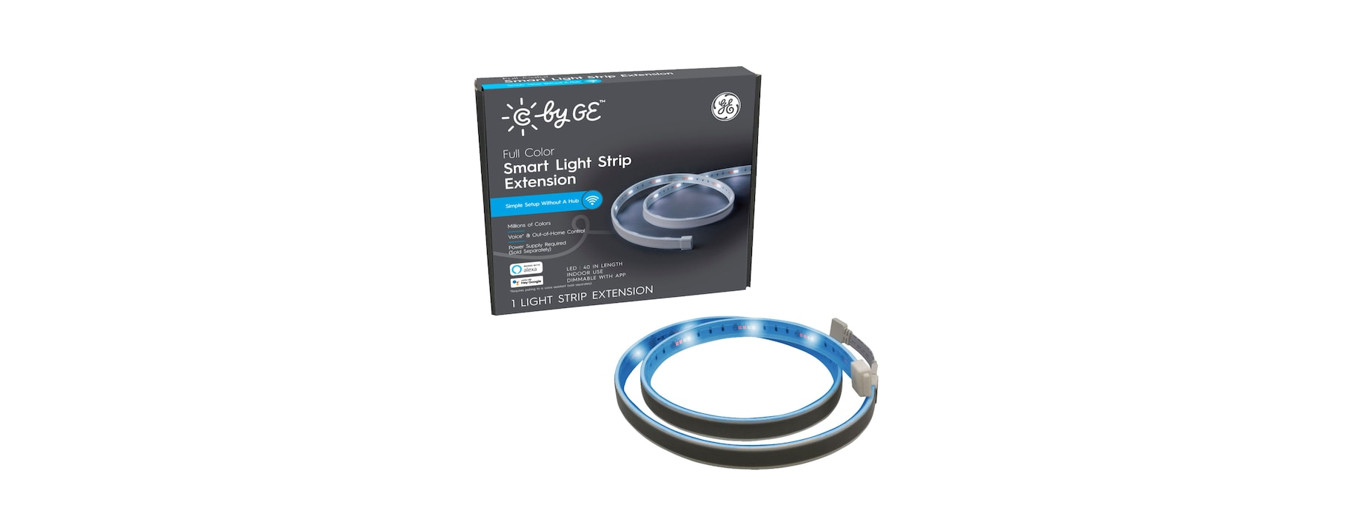
- 8ft Full Color Light Strip
- Extension cable (power supply sold separately)
- Snap connector
Easy setup
Set up your Lights with three easy steps:
STEP 1
Connect to the Sync App, powered by Savant
STEP 2
Trim to the desired length
STEP 3
Prep surface and install
Setup in the CYNC App
STEP 1
Plugin and power on your light strip by pressing the on/off button on the power supply.
STEP 2
Download the Sync App, powered by Savant on your smartphone
STEP 3
Add your smart lights to the Sync App
For set up help, visit cyncsupport.gelighting.com or call 1-844-302-2943
GE and C by GE are trademarks of General Electric Company. Used under trademark license.
Amazon, Alexa, and all related logos are trademarks of Amazon.com, Inc. or its affiliates.
Google and other related marks and logos are trademarks of Google LLC.
Measure & Trim to Size (If desired)
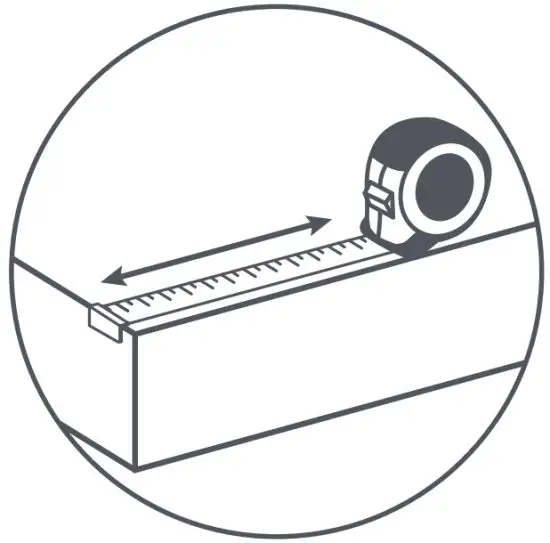
STEP 1
Measure where you’re planning to install your lights. If your space requires Light Strip Extensions, make sure to attach them before trimming your strips.
STEP 2
With your Light Strip unplugged, safely cut where the trim points are indicated.
Make sure the strip is not plugged in at the wall when cutting. NOTE: Cutting anywhere else will permanently damage the strip.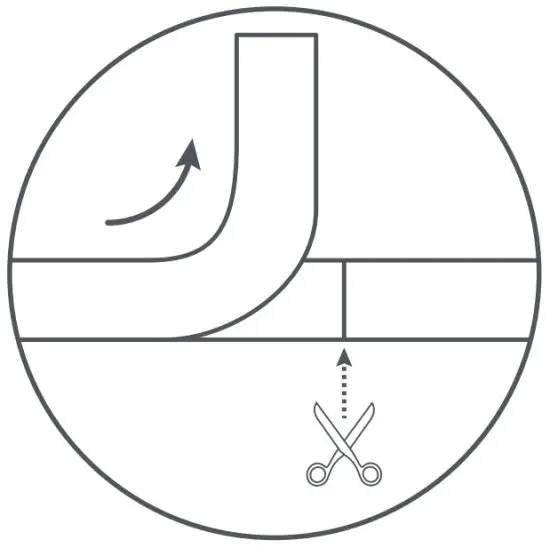
STEP 3
Add re-connector wire to extend the strip after it is cut.
Prep the Surface & Install Your Strip
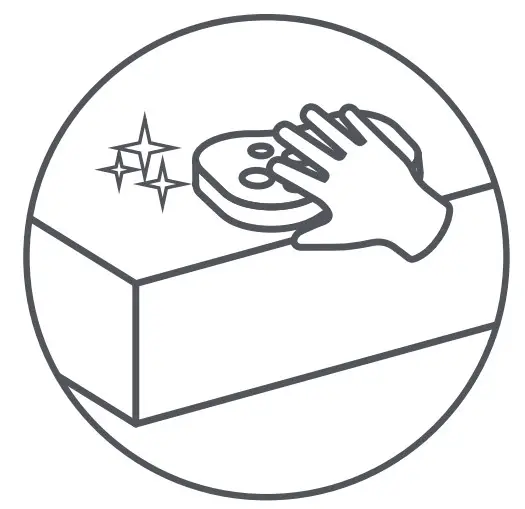
STEP 1
Clean & dry surface.
NOTE: Make sure the surface is dry & free of oil contamination. For best results, tape the strip in temperatures above 50°F/10°C.
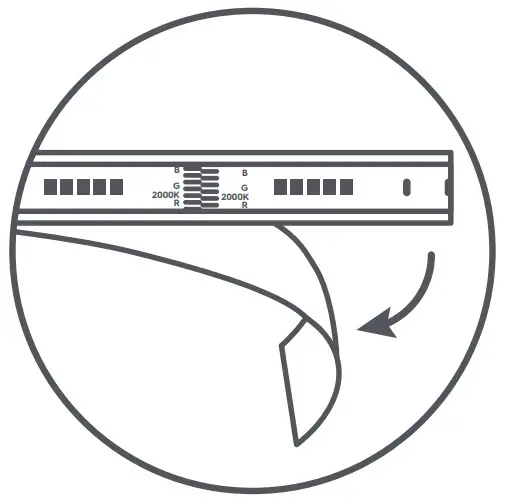
STEP 2
Working in 6-inch sections, peel off the adhesive backing.
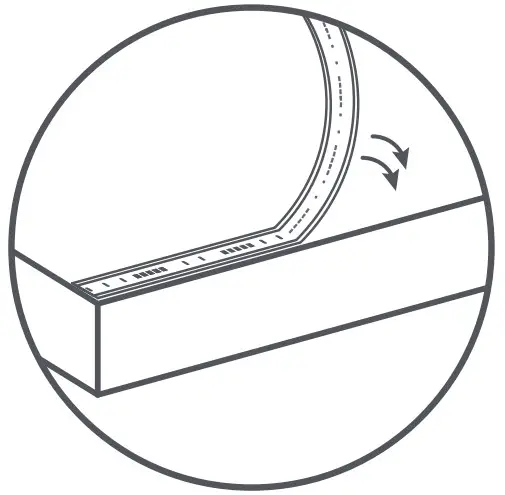
STEP 3
Stick to the surface, 6 inches at a time, pressing and holding each section for 10 seconds.
NOTE: Adhesive may damage walls or painted surfaces if removed. The adhesive is single-use, so don’t peel lights and try to re-stick to the wall.
You will need to use double-sided tape if re-application is needed.
Strip Bending Options
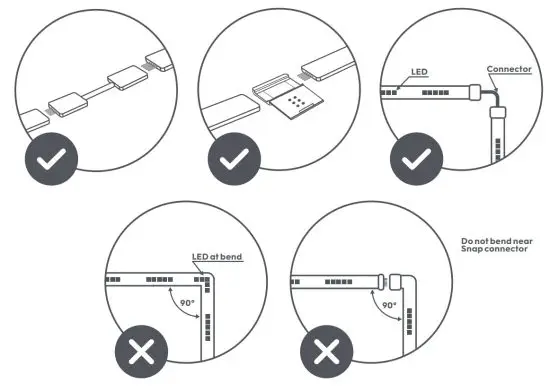
Extend Strip & Manually Enable Light Shows (If applicable)
STEP 1
Unplug the power supply and remove the plastic end cap cover. Attach the extension to the light strip.
Remove plastic cover from end to link strips.
NOTE: Use the Snap connector to strengthen the connecting point. Extend up to 32ft.
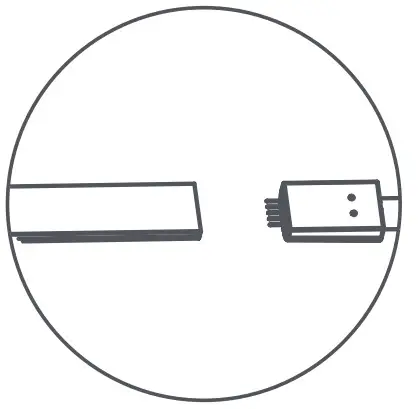
STEP 2
Unplug/Plug your strip back in to detect its new length. This is important for Light Effects.
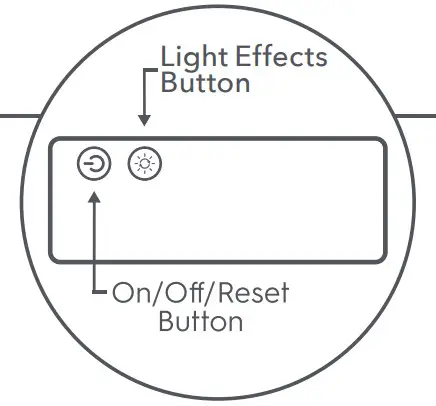
ENABLE LIGHT EFFECTS
Cycle through light show modes by pressing the Light Effect button .
.
FCC Statement
Warning: Changes or modifications to this unit not expressly approved by the party responsible for compliance could void the user’s authority to operate the equipment.
NOTE: This equipment has been tested and found to comply with the limits for a Class B digital device, pursuant to Part 15 of the FCC Rules. These limits are designed to provide reasonable protection against harmful interference in a residential installation. This equipment generates, uses and can radiate radio frequency energy and, if not installed and used in accordance with the instructions, may cause harmful interference to radio communications.
However, there is no guarantee that interference will not occur in a particular installation. If this equipment does cause harmful interference to radio or television reception, which can be determined by turning the equipment off and on, the user is encouraged to try to correct the interference by one or more of the following measures:
- Reorient or relocate the receiving antenna.
- Increase the separation between the equipment and receiver.
- Connect the equipment into an outlet on a circuit different from that to which the receiver is connected.
- Consult the dealer or an experienced radio/TV technician for help
- The device must not be co-located or operating in conjunction with any other antenna or transmitter.
This device complies with Part 15 of the FCC Rules. Operation is subject to the following two conditions:
(1) this device may not cause harmful interference, and (2) this device must accept any interference received, including interference that may cause undesired operation. FCC RF Radiation Exposure Statement Caution: To maintain compliance with the FCC’s RF exposure guidelines, place the product at least 20cm from nearby persons.
IC statement
This device complies with RSS247 of Industry Canada. Cet appareil se conforme à RSS247 de Canada d’Industrie.
This device complies with Industry Canada license-exempt RSS standard(s).
Operation is subject to the following two conditions:
(1) this device may not cause interference, and (2) this device must accept any interference, including interference that may cause undesired operation of the device. appareils radio exempts de licence.
This equipment complies with IC RSS-102 radiation exposure limits set forth for an uncontrolled environment. This transmitter must be installed to provide a separation distance of at least 20cm from all persons and must not be collocated or operating in conjunction with any other antenna or transmitter.
Like your new Indoor Full Color Premium Light Strip? Share your experience!
Leave a review of where you purchased the product. PK-00104672
 Cync Product Support Help Center