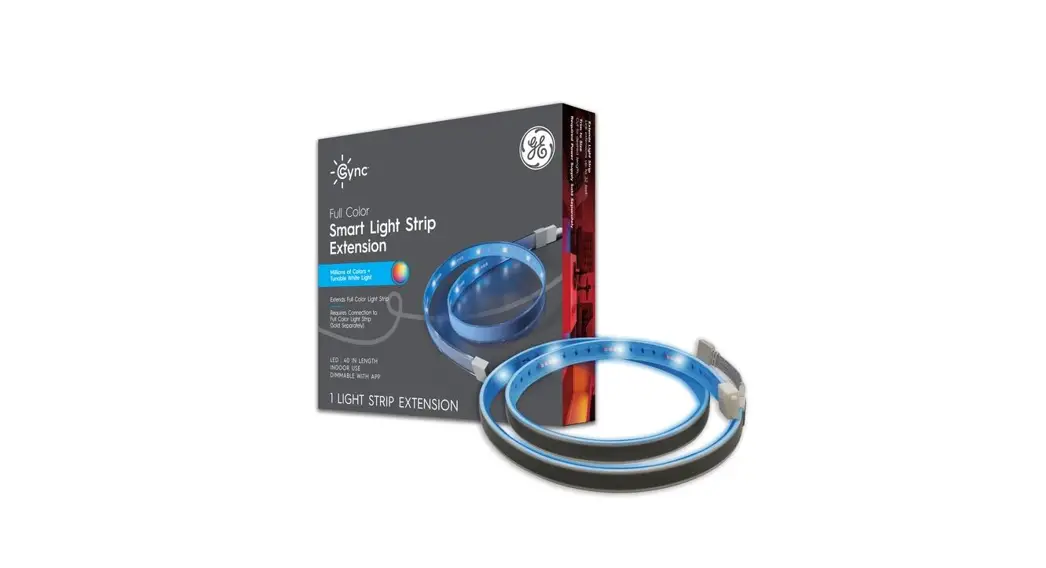

Installation Guide
Outdoor Dynamic Effects
Light Strip & Extension
Installatio n Guide
93130387 Cync Outdoor Dynamic Effects Light Strip and Extension
What’s Included
(Devices each sold separately)
Light Strip Contents
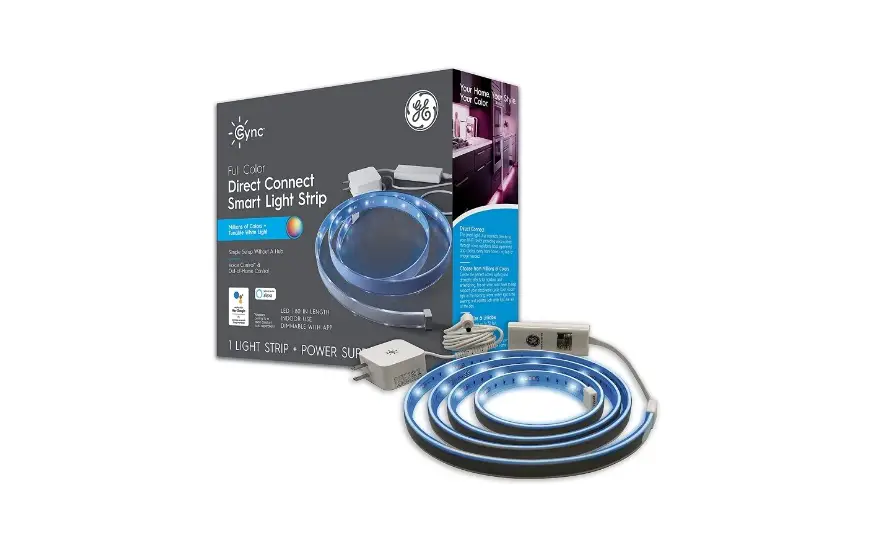
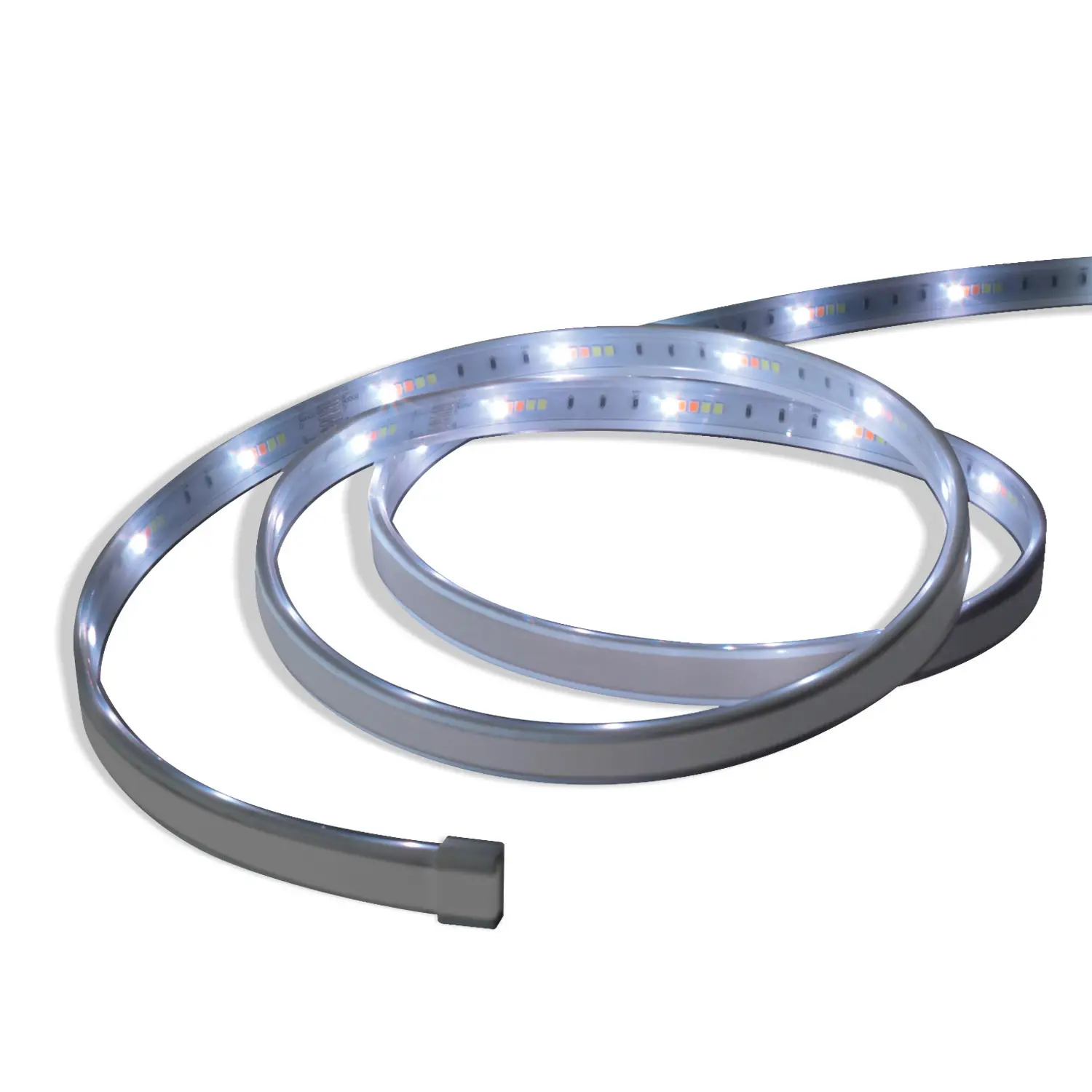
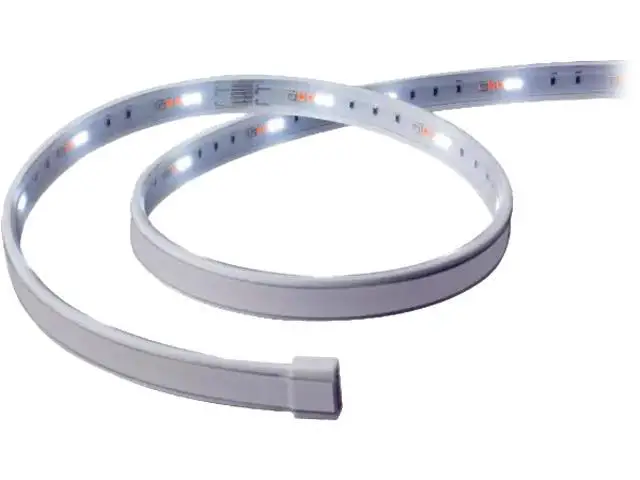
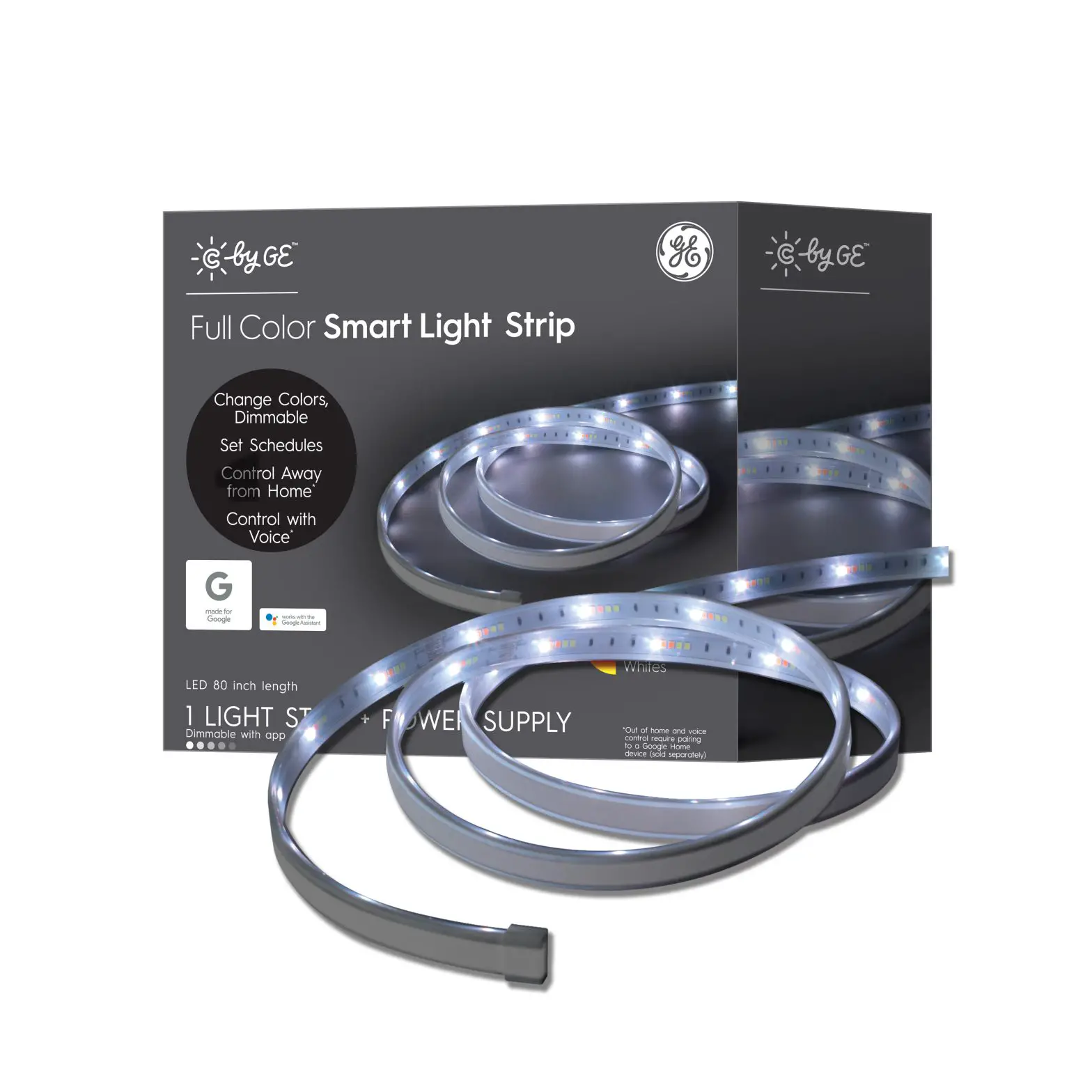
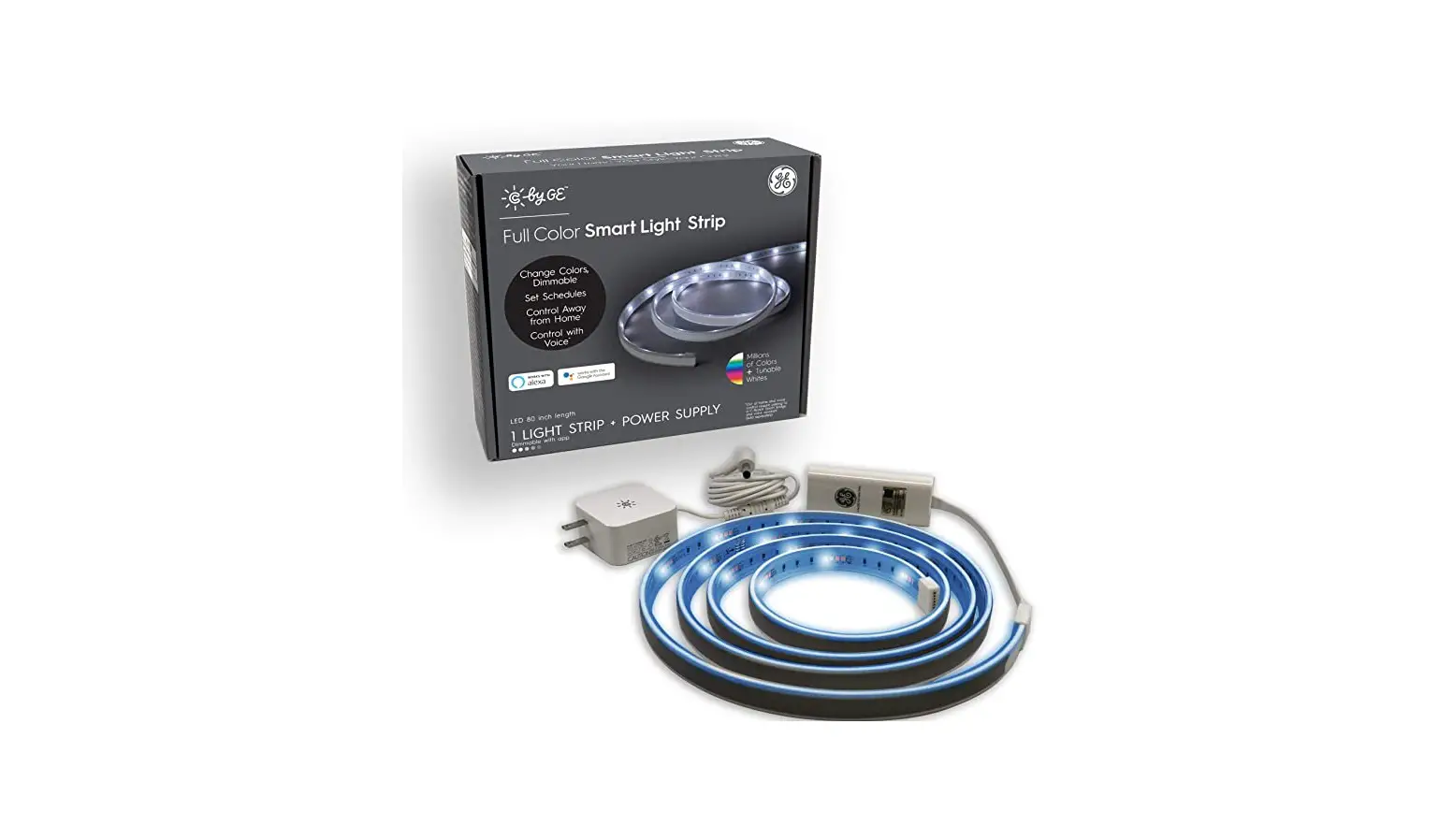
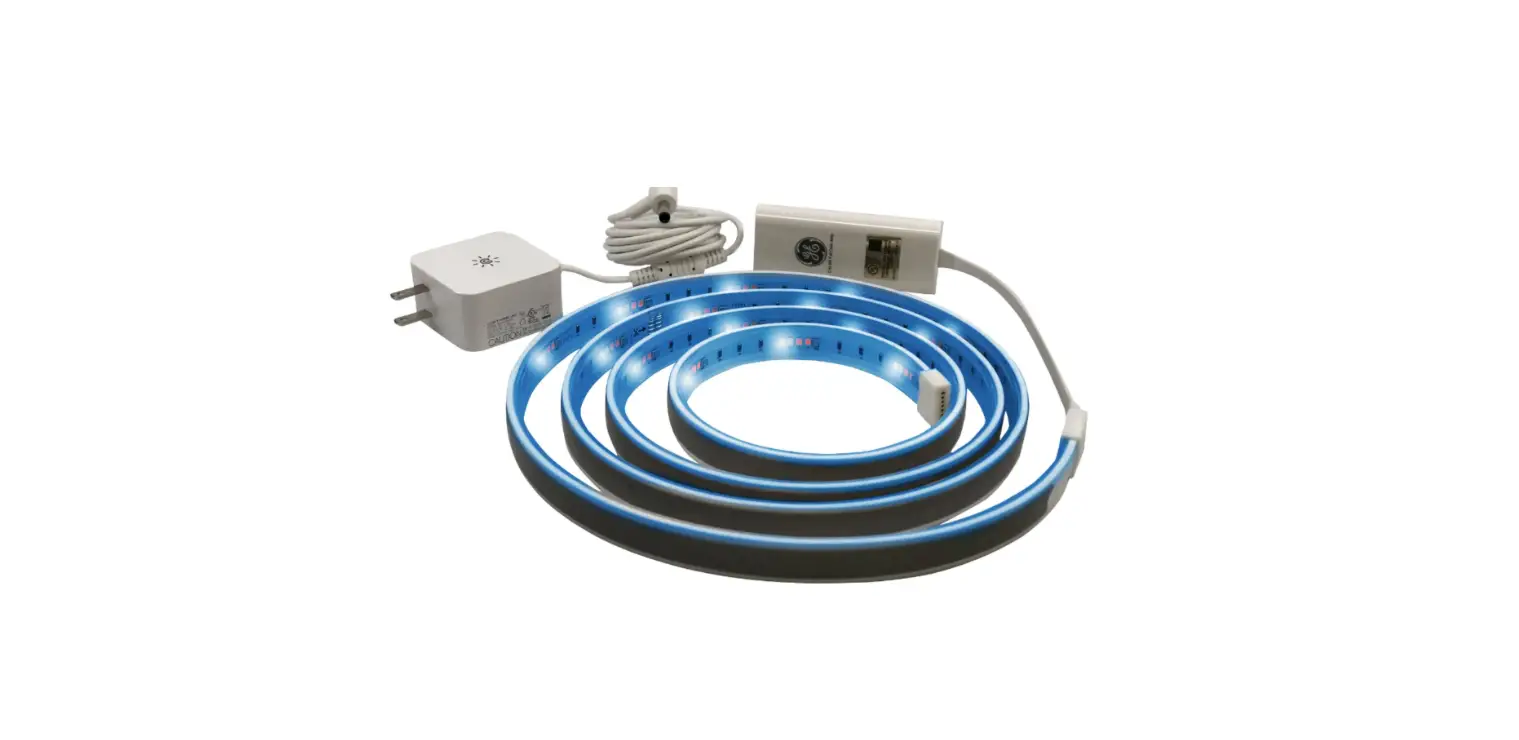
16 ft. Full Color Light Strip 1. 16 It FW Color Light Strip 2. Power supply with plug 3 (15) Mounting clips 4 05) Mounting strews 5 (I) End cop and gue
32 it Full Color light Strip 1 32 ft Full Color Light Strip 2 Power supply with plug 3 (30) Mounting clips 4 (30) Mounting screws 5. (0 End cop and glue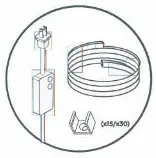 Light Strip Extension Contents
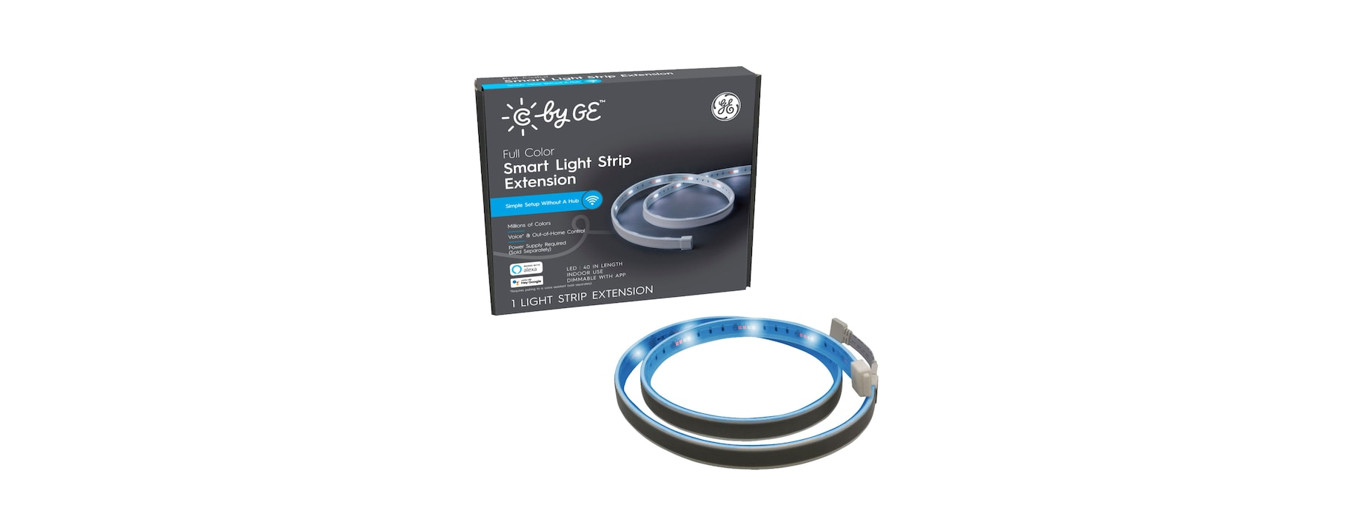
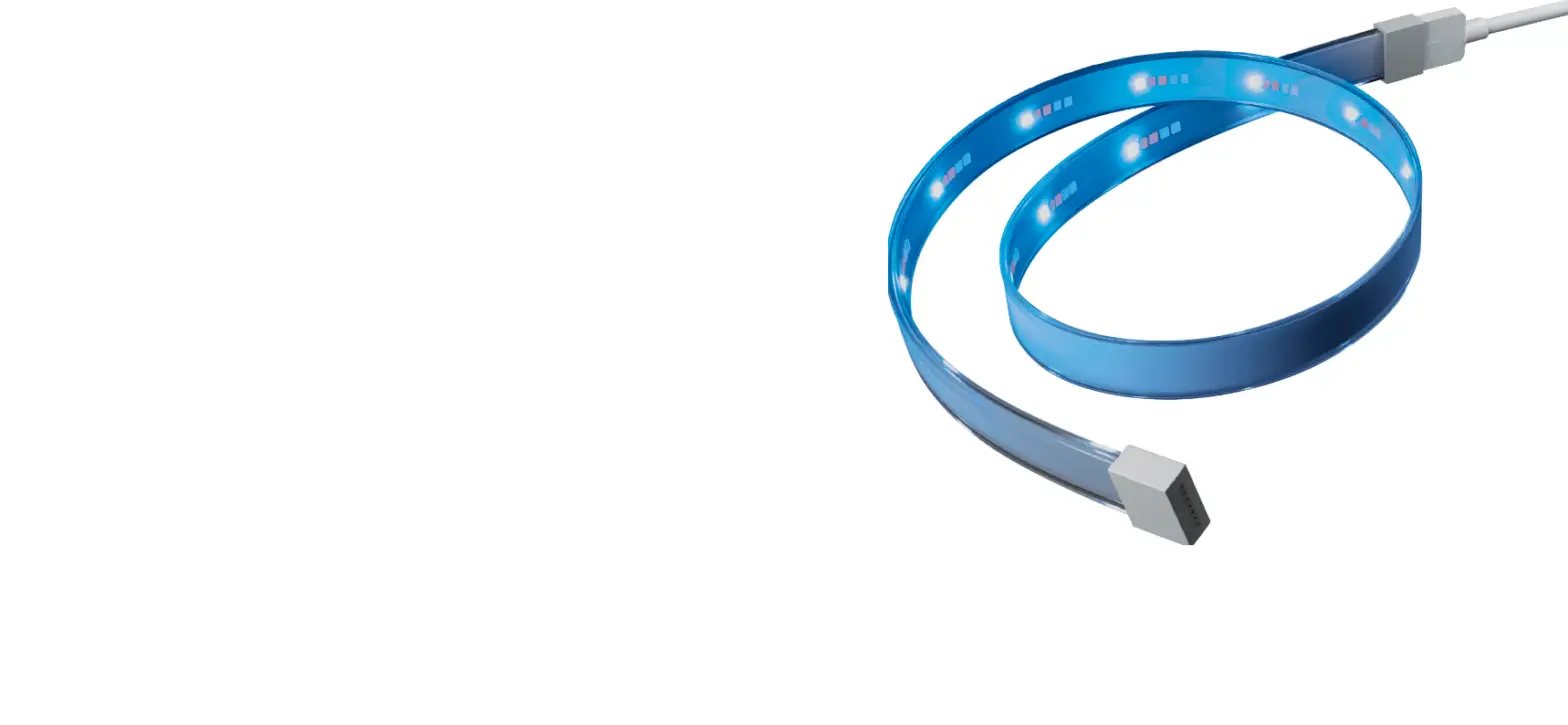
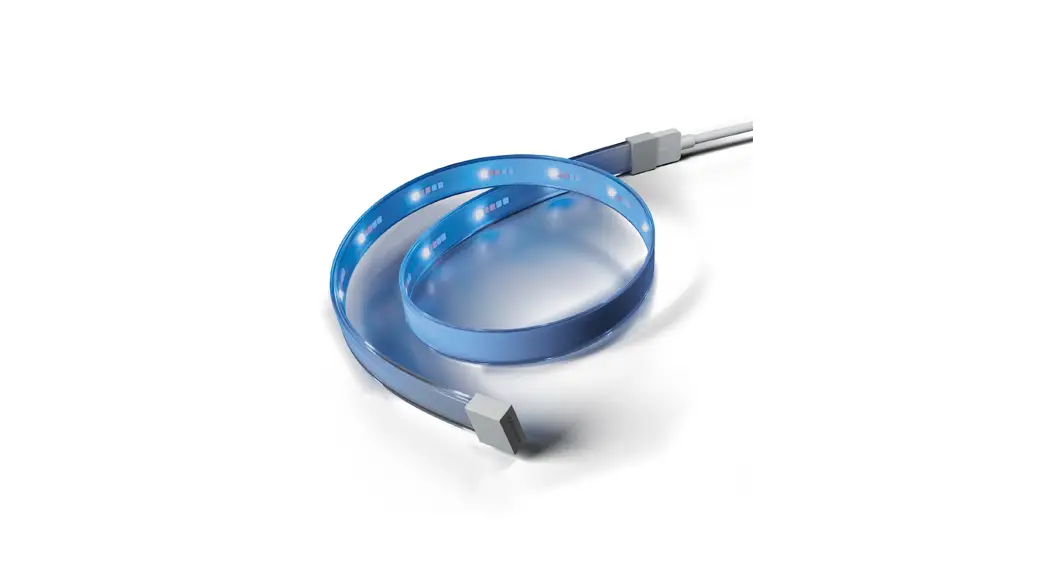
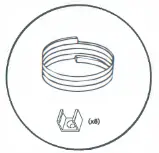
Light Strip Extension
- 8 ft. Full Color Light Strip
- (8) Mounting clips
- (8) Mounting screws
What You’ll Need
- Drill with 1/8″ drill bit
- Screwdriver
- Tape measure
- Scissors

Easy to Set Up
Set up your Light Strips with three easy steps:
STEP 1
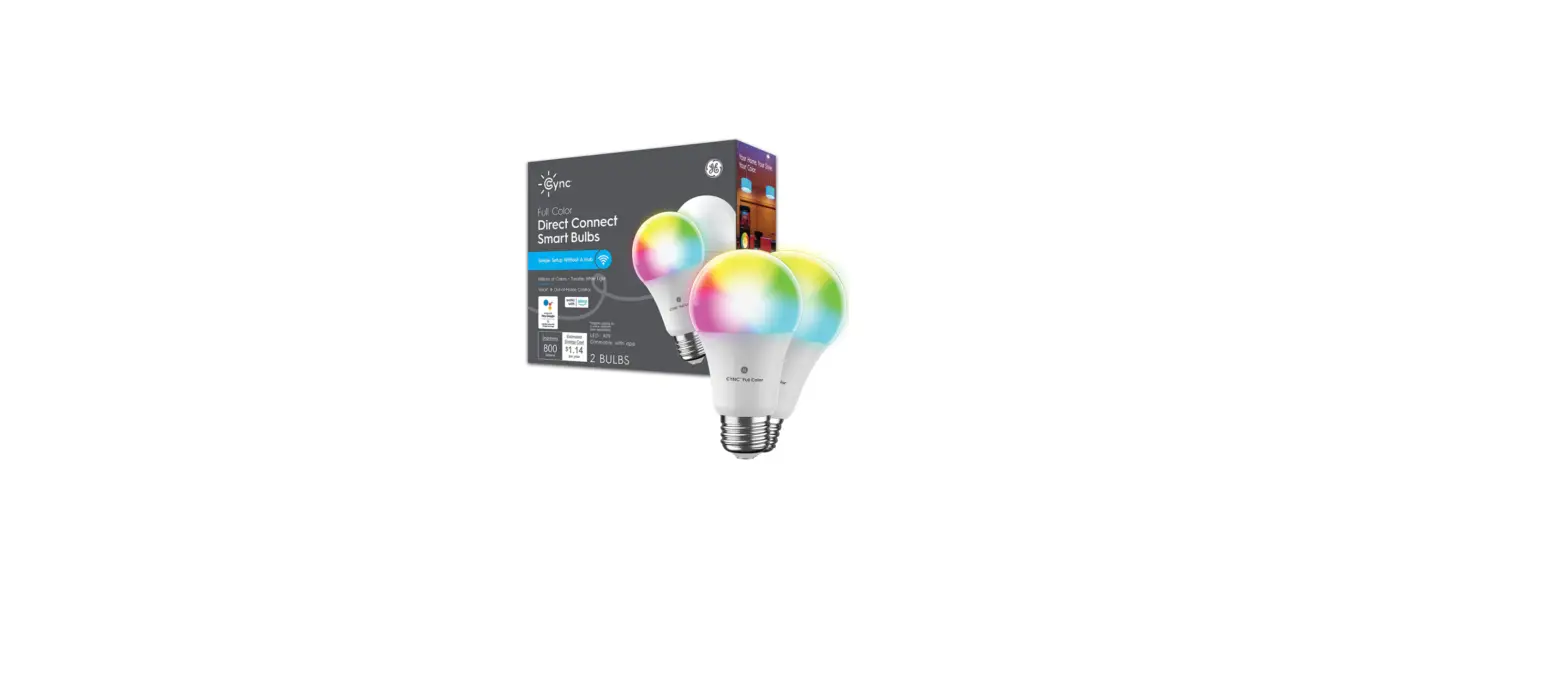
Connect to the Cync App, powered by Savant
STEP 2
Trim to desired length
STEP 3
Prep surface and install
Set Up in the CYNC App
STEP 1 Plug in and power on your Light Strip by pressing the On/Off button on the power supply.
STEP 2 Download the Cync App, powered by Savant, on your smartphone.
STEP 3 Add your smart lights to the Cync App, then connect to Hey Google or Amazon Alexa voice assistants (sold separately) in the Cync App.
For set up help, visit cyncsupportgelighting.com or call 1-844-302-2943
GE and C by GE are trademarks of General Electric Company Used under trademark license. Amazon, Alexa, and all related logos are trademarks of Amazon cam, Inc or its affiliates. Google and other related marks and logos are trademarks of Google LLC
Measure & Trim to Size (If desired)
STEP 1
Measure where you’re planning to install your lights. If your space requires Light Strip Extensions, make sure to attach them before trimming your strips.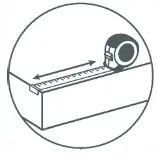
STEP 2
With your Light Strip unplugged, safely cut where the trim points are indicated. Make sure the strip is not plugged in at the wall when cutting.
NOTE: Cutting anywhere else will permanently damage the strip.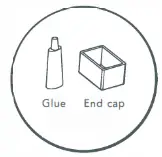 STEP 3
Using the end cap and adhesive, put a bead of glue around the inside edge of the end cap and insert on the end of the Light Strip. Let dry for 30 minutes.
Strip Bending Options

Prep the Surface & Install Your Strip
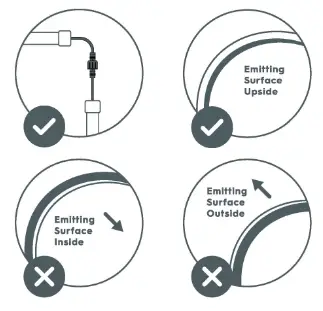
STEP 1 Locate the starting point to install your Light Strip. Install the first clip by drilling a 1/8-inch hole and screwing in the provided screw. The open ends of the clip should follow the desired direction of your strip.
STEP 2 Install mounting clips every 13 inches until you reach the end of your Light Strip.
STEP 3 Mount the Light Strip into the clips by snapping the Light Strip into each clip. To reposition the strip, unsnap the Light Strip and reinstall the mounting clip in the desired location.
NOTE: The mounting clips/screws will damage walls.
STEP 4 Connect the adapter to a waterproof outlet box and turn on the lights to complete setup.
Extend Strip & Manually Enable Light Shows (If applicable)
STEP 1
Unplug the power supply. Screw on the waterproof connector to attach the extension to the Light Strip.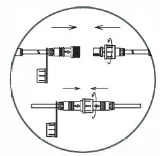 NOTE: 16 ft. Outdoor Strip can be extended up to 32 ft. total. 32 ft. Outdoor Strip can be extended up to 64 ft. total. If not extending the Light Strip, apply glue and install the end cap for waterproof protection.
STEP 2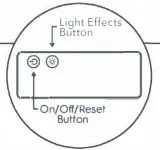 Unplug, then plug your strip back in to detect its new length. This is important for Light Effects.
ENABLE LIGHT EFFECTS
Cycle through light show by pressing the Light Effect button 
FCC Statement
Warning: Changes or modifications to this unit not expressly approved by the party responsible for compliance could void the user’s authority to operate the equipment.
NOTE: This equipment has been tested and found to comply with the limits for a Class B digital device, pursuont to Part 15 of the FCC Rules. These limits are designed to provide reasonable protection ogolnst harmful interference in a residential installation. This equipment generates, uses and can radiate radio frequency energy and, if not installed and used in accordance with the instructions, may cause harmful interference to radio communications.
However, there Is no guarantee thot interference will not occur In o porticular installation. If this equipment does cause harmful interference to radio or television reception, which can be determined by turning the equipment off and on, the user Is encouraged to try to correct the Interference by one or more of the following measures:
Reorient or relocate the receiving antenna.
Increase the separation between the equipment and receiver.
Connect the equipment into an outlet on a cn:uit different from that to which the receiwr is comecled.
Consult the dealer or an experienced radio/TV technician for help
The device must not be co-located or operating in conjunction with any other antenna or transmitter.
This device complies with Part 15 of the FCC Rules. OperaHon is subject ta the following two conditions:
- this device may not cause harmful interference, and
- this device must accept any interference received, Including Interference that may cause undesired operation.
FCC RF Radiation Exposure Statement Caution, To maintain compliance with the FCC’s RF exposure guidelines, place the product at least 20cm from nearby persons.
IC Statement
This device complies with RSS2Lo7 of Industry Canada. Cet appareil se conforme c’J RSS2Lo7 de Conada
This device complies with Industry Conada license-exempt RSS standard(s).
Operation is subject ta the following two conditions:
- this device may not cause interference, and
- this device must accept any interference, including interference that may cause undesired operation of the device. Appareils radio exempts de licence.
This equipment complies with IC RSS-102 rodlatlon exposure limits set forth for on uncontrolled environment. This transmitter must be installed to provide a separation distance of ot least 20cm from all persons and must not be collocated or operating In conjunction with any other antenna or transmitter. 
Like your new Outdoor Dynamic Effects
Light Strip or Extension?
Share your creations!
See the possibilities
at gelighting.com/cync
PK-00109001-1
 Amazon.com. Spend less. Smile more.
 Cync Product Support Help Center