 QUICK START GUIDE
External Storage to Host Connection
USB Data Transfer Cable
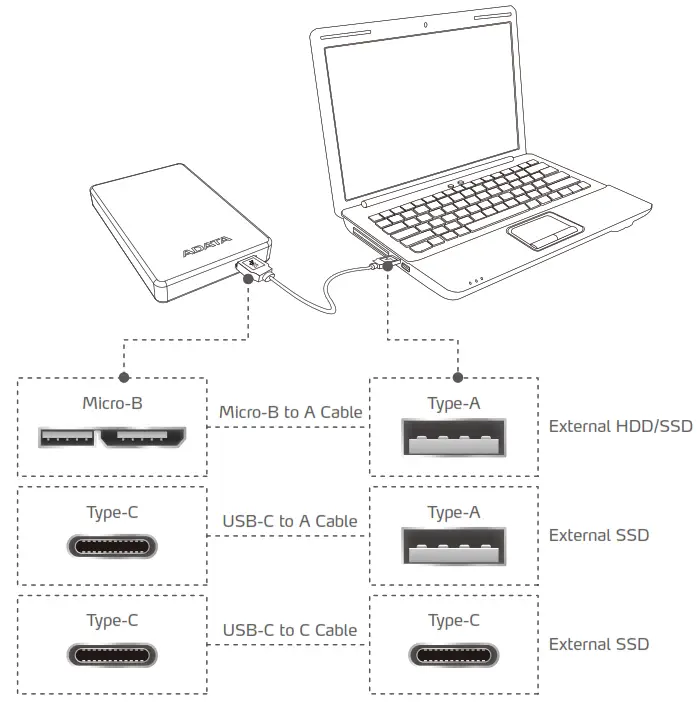
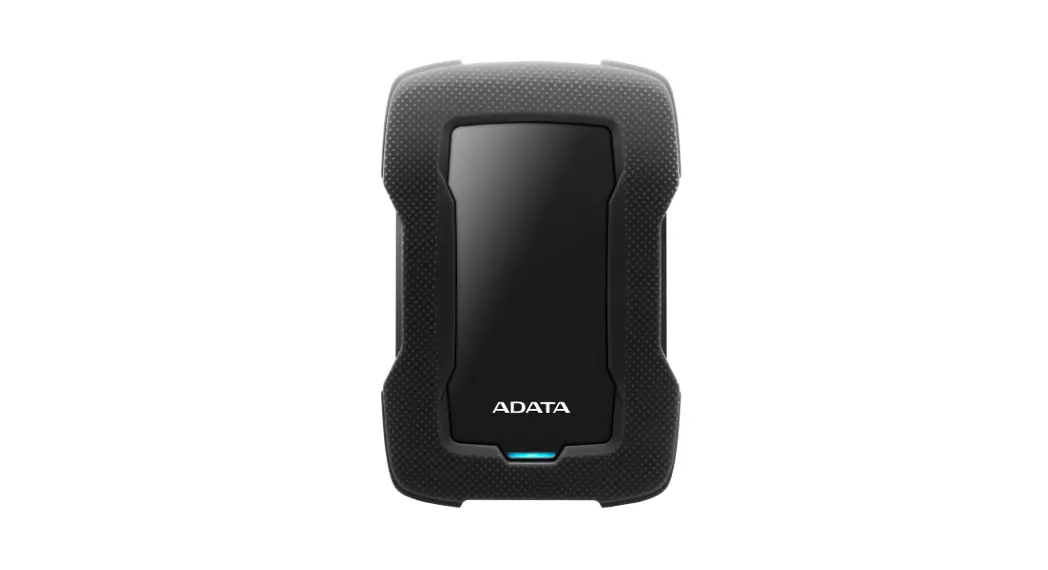
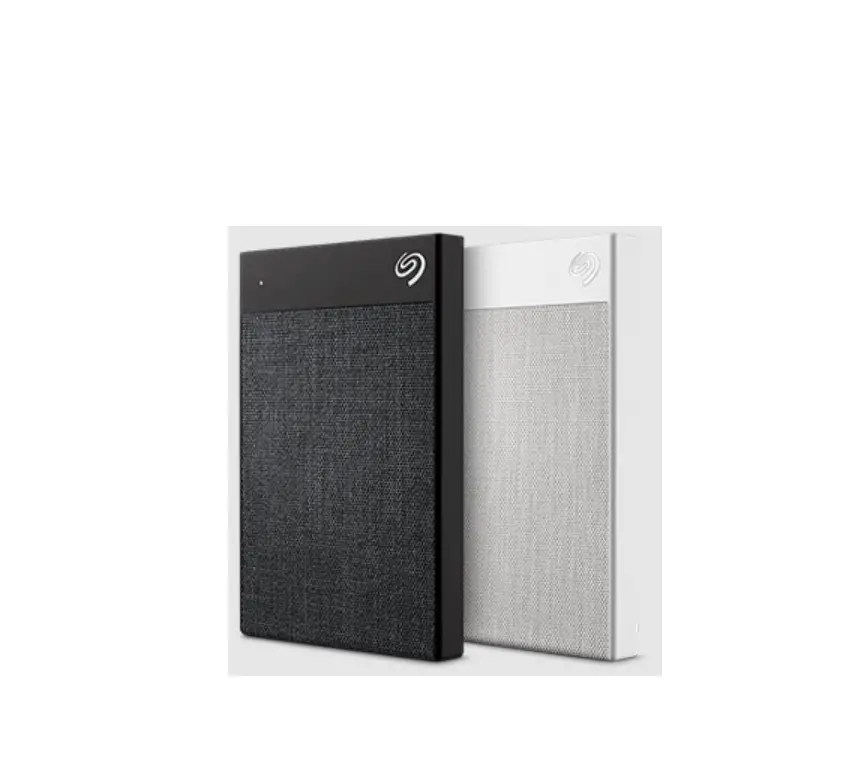
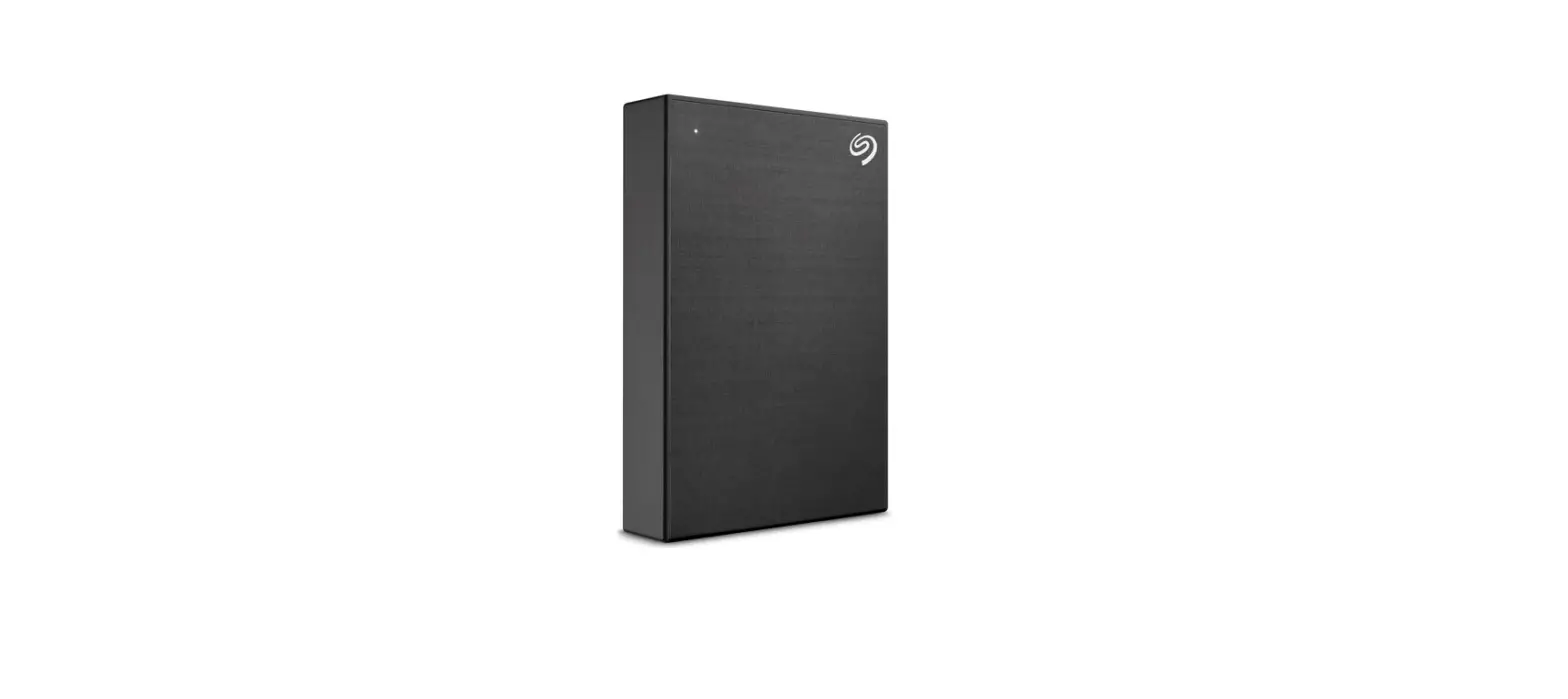
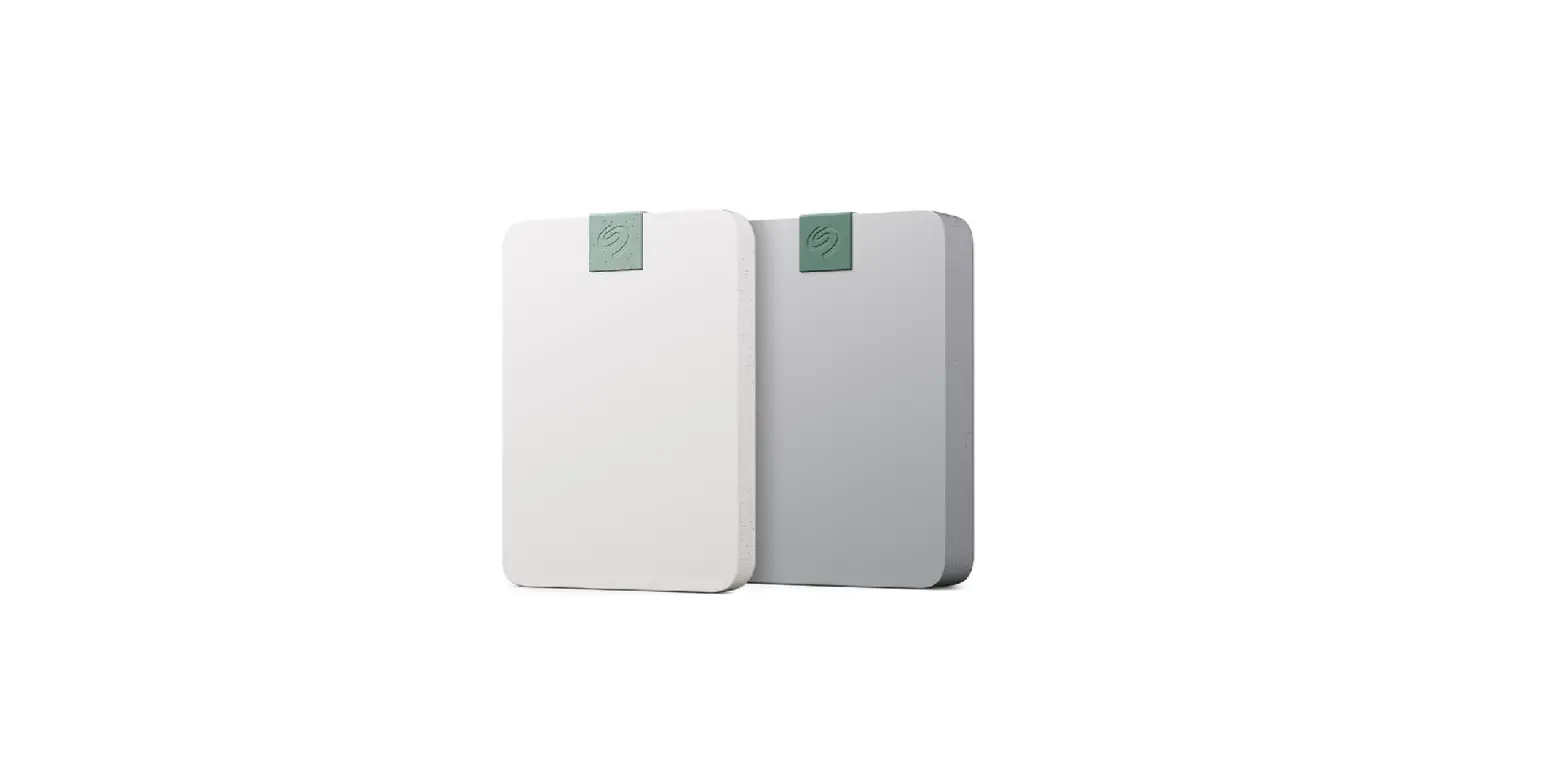
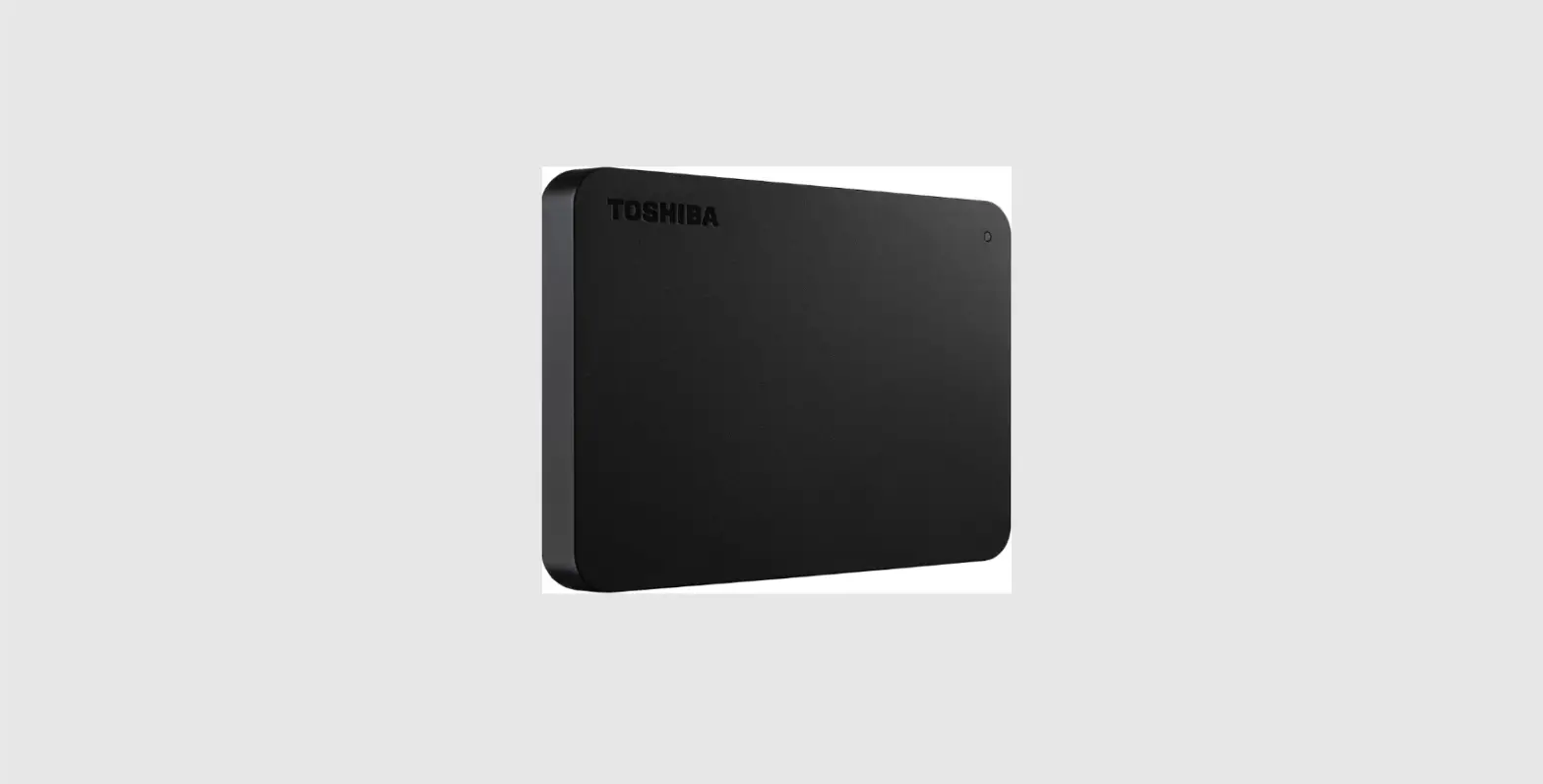
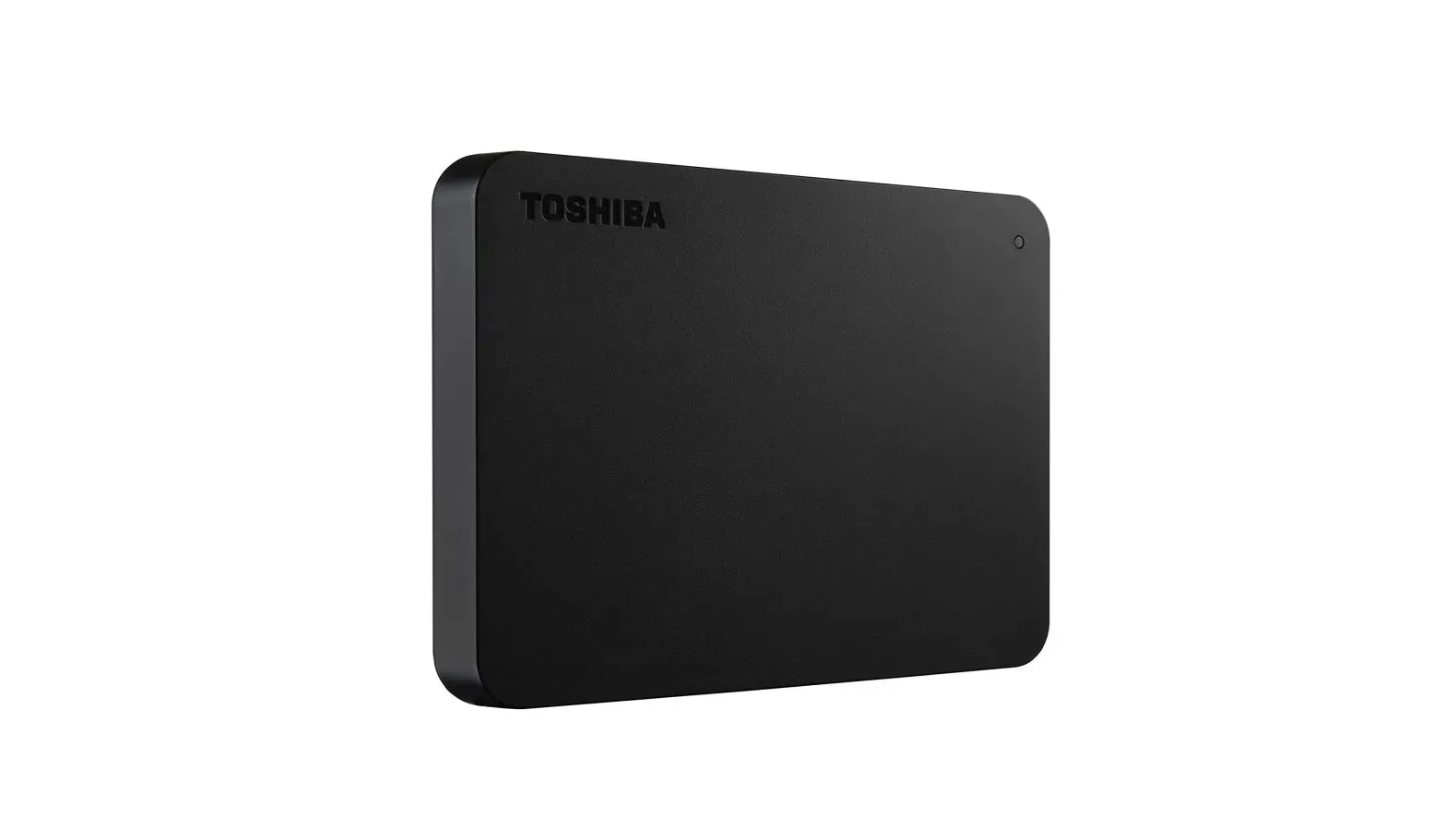
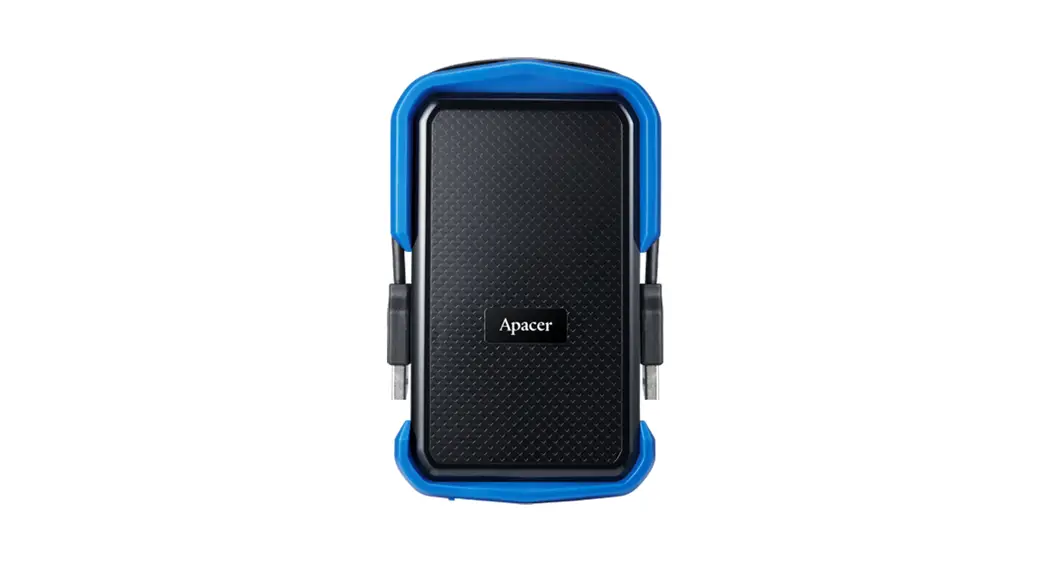
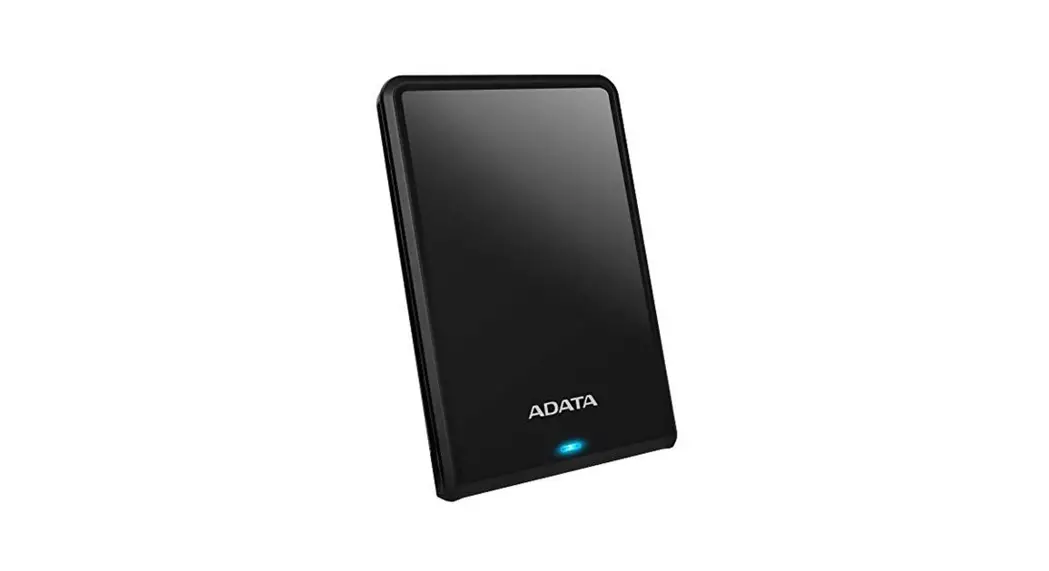
AHV620S Ultra Slim 1TB USB 3.1 Scratch Resistant External Hard Drive
Note
Compatibility between external storage devices and host devices may vary due to factors such as system configurations.
There may be insufficient power when connecting to a USB 2.0 host device. This may cause it to be unusable. In this case, please purchase a USB Y-cable.
If your are connecting to a Mac OS host device, you may need to reformat the external storage device.
Operating Environment
External Hard Drive
Operating temperature 5°C to 50°C
Storage temperature -40°C to 60°C
Storage humidity 10% to 90% RH
External Solid State Drive
Operating temperature 5°C to 35°C
Storage temperature -40°C to 60°C
Value-Added Software – Backup ToGo
 Connect the external device to your PC
http://www.adata.com/redirect/812- Go to ADATA’s website to register your product and download the software and operation guide
 For technical support and warranty information please visit www.adata.com
 - Perform installation according to the requirements
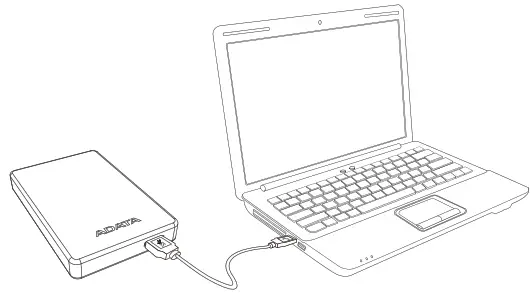 Connect the external device to your PC
 For technical support and warranty information please visit
 Warranty Statement
ADATA provides replacement or repair services for defective products to our customers within the applicable warranty period. Please note that ADATA is not responsible for providing free repair services if the product defect is caused by any of the following factors:
- Damage caused by natural calamity or inappropriate usage.
- The product has been repaired or taken apart by unauthorized personnel.
- The warranty label is altered, damaged, or missing.
- The product serial number does not conform to records in our system or the label has been altered.
- Products purchased from unauthorized agents.
This limited warranty covers only the repair or replacement of defective ADATA products.
ADATA is not liable for and does not cover under warranty, any loss of data or any cost associated with determining the source of system problems or removing, servicing or installing ADATA products. ADATA warranty policy applies only to the repair or replacement of ADATA products.
 Online Customer Support
For warranty information and technical support, please visit:
http://www.adata.com/redirect/827
20220110 – start guide
References
 A Leading Storage Device Provider | Defining the Future | ADATA Technology
-
Support | ADATA
-
å®¢æˆ·æ”¯æŒ | ADATA
-
Support | ADATA
-
Support | ADATA
-
Support | ADATA
-
Support | ADATA
-
Support | ADATA
-
Support | ADATA
-
Support | ADATA
-
Support | ADATA
-
Support | ADATA
-
Support | ADATA
-
Support | ADATA
-
æœå‹™æ”¯æ´ | ADATA
-
Support | ADATA
-
Soporte | ADATA
-
Support | ADATA
-
å®¢æˆ·æ”¯æŒ | ADATA
-
Podpora | ADATA
-
Support | ADATA
-
Soporte | ADATA
-
Assistance | ADATA
-
Supporto | ADATA
-
サãƒãƒ¼ãƒˆ | ADATA
-
ì§€ì› | ADATA
-
Wsparcie | ADATA
-
Suporte | ADATA
-
поддержка | ADATA
-
Destek | ADATA
-
æœå‹™æ”¯æ´ | ADATA
-
Support | ADATA
 A Leading Storage Device Provider | Defining the Future | ADATA Technology