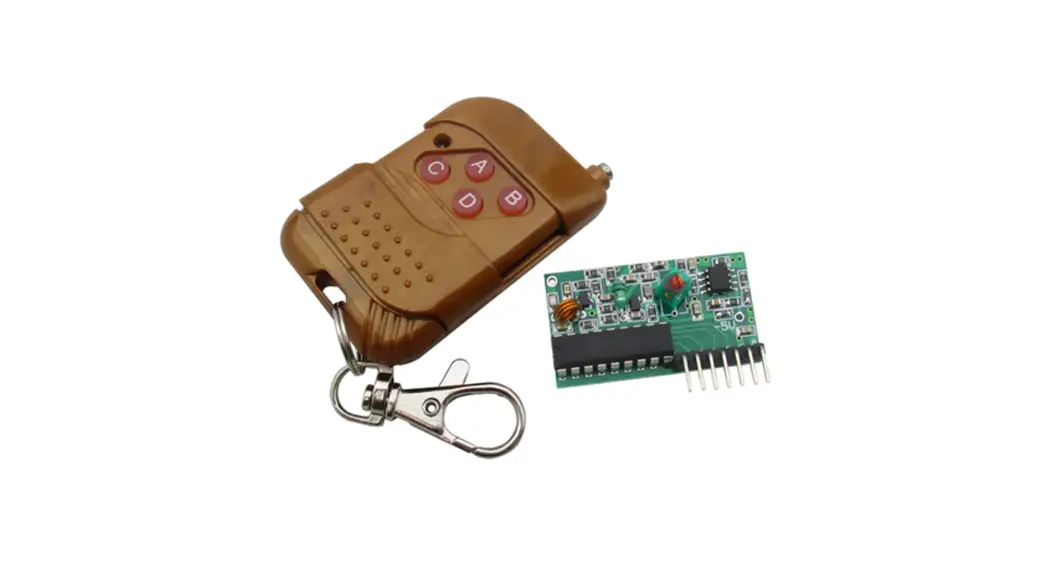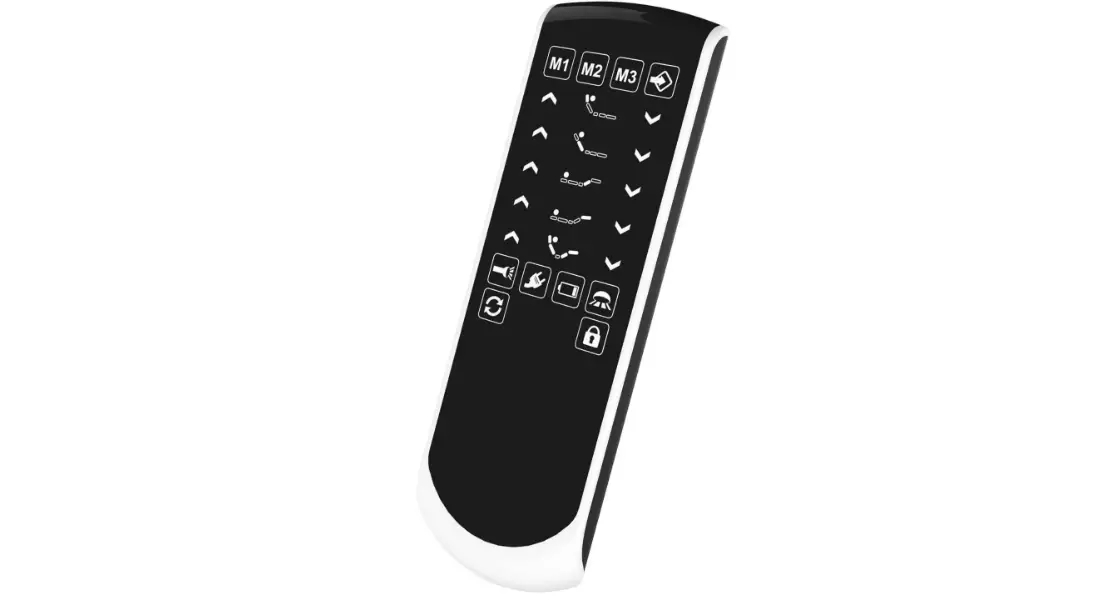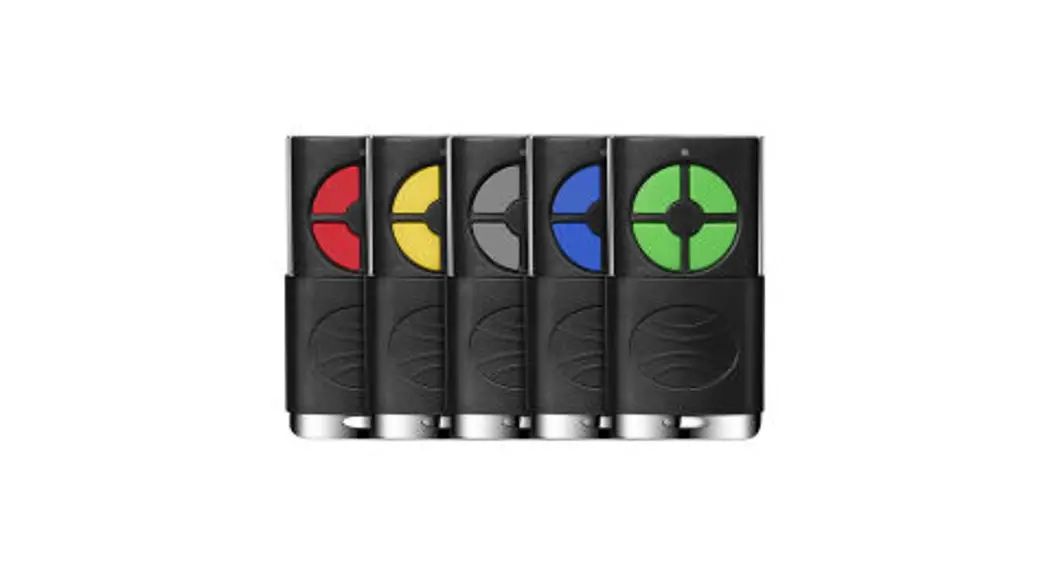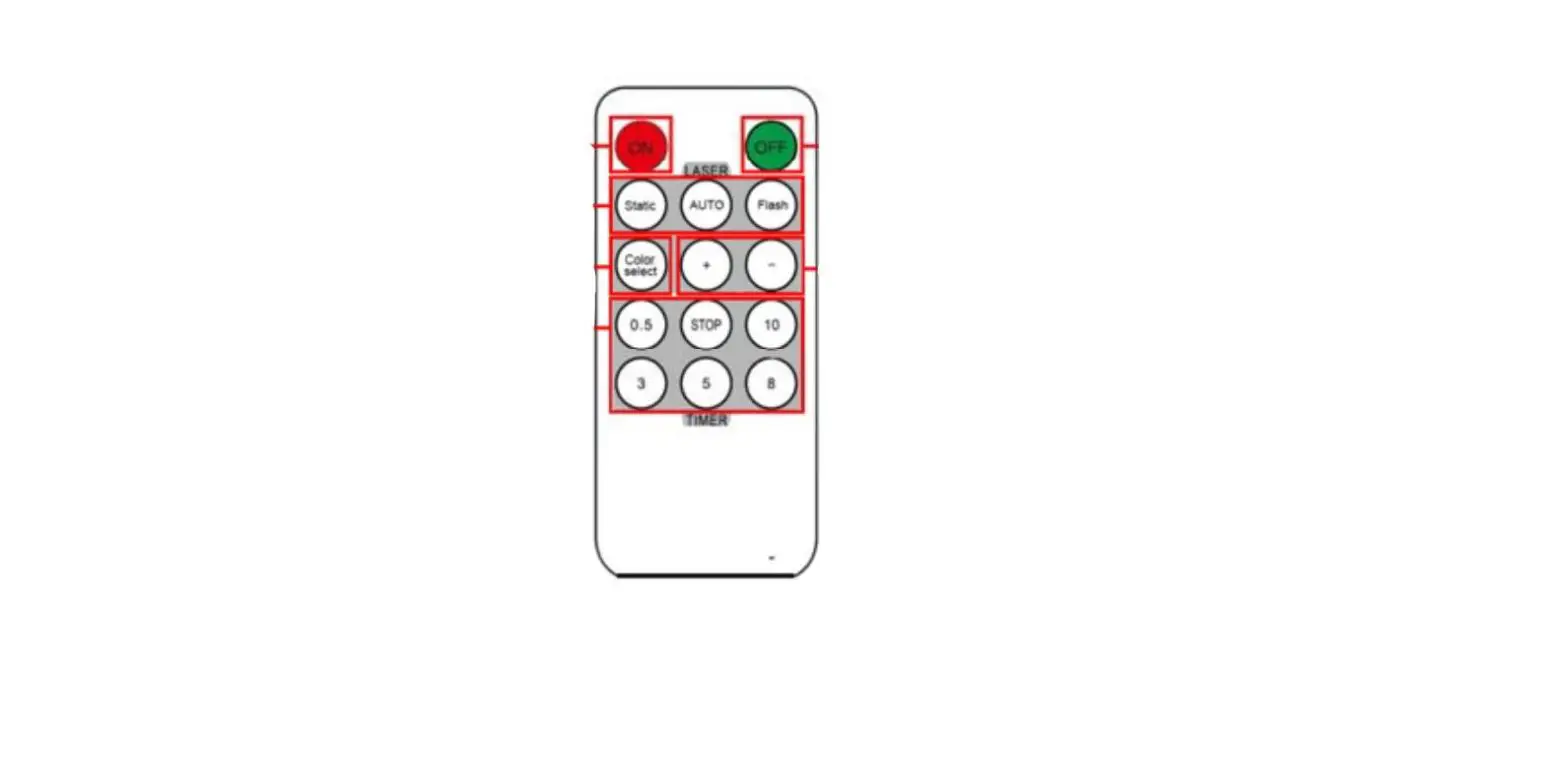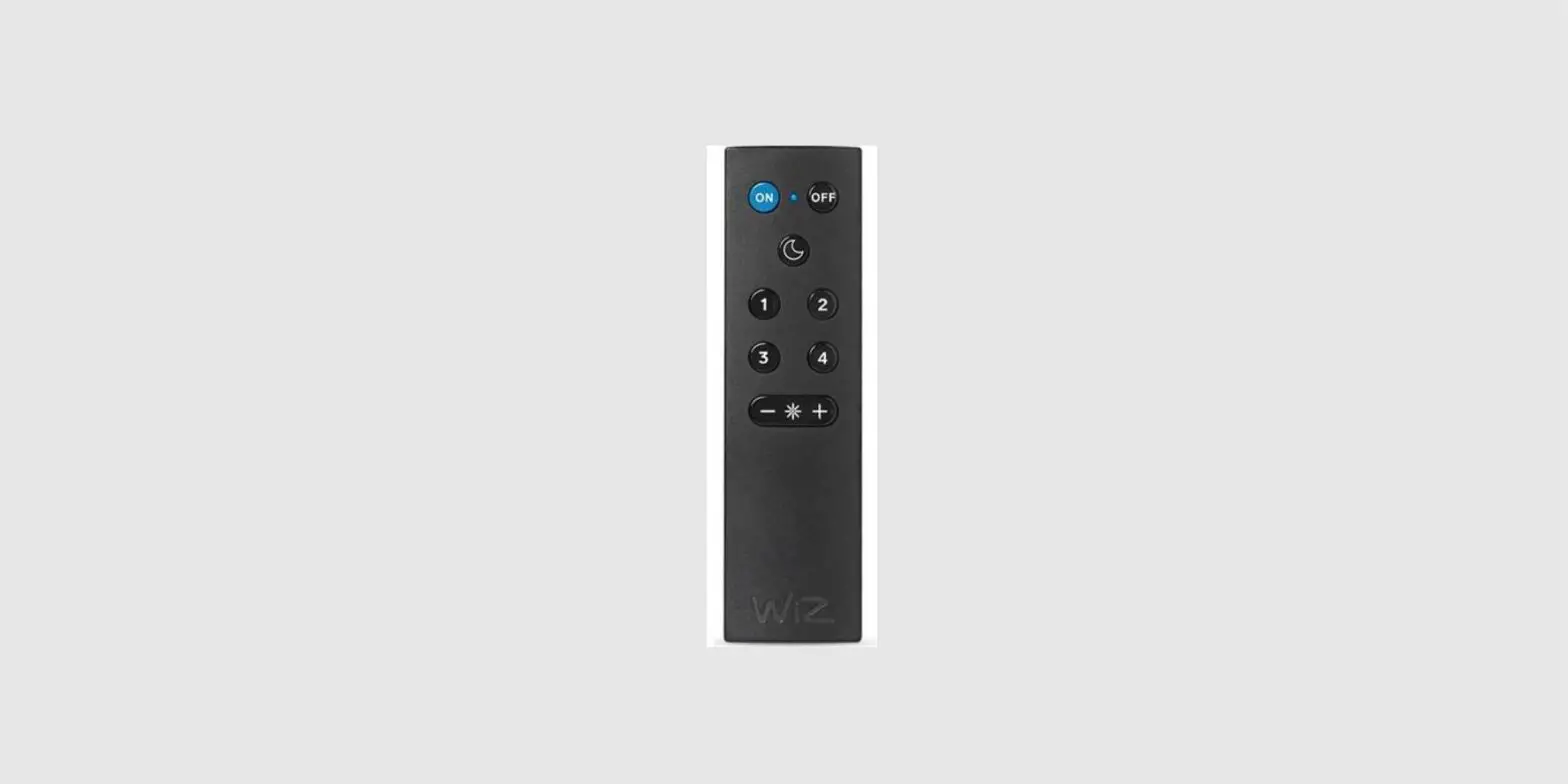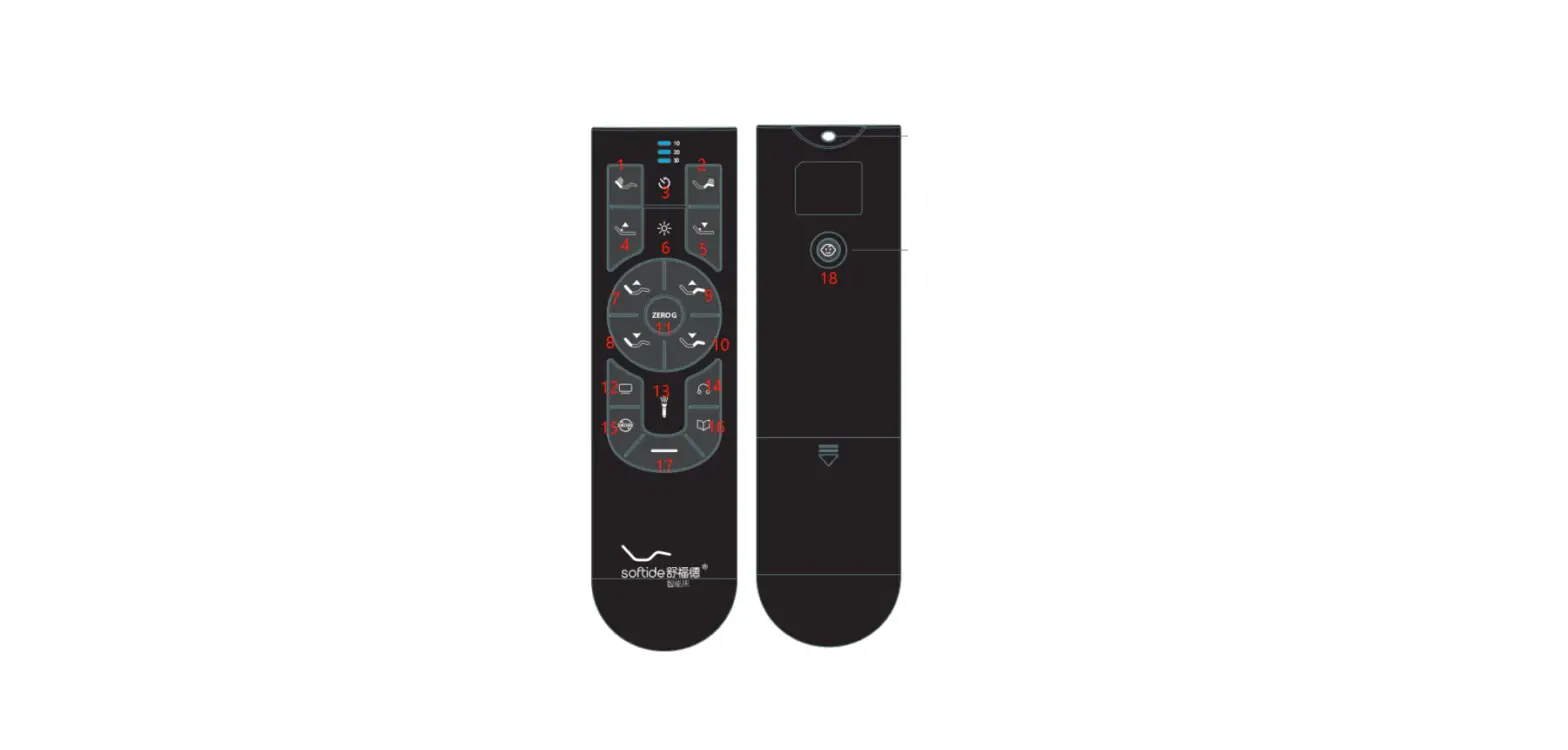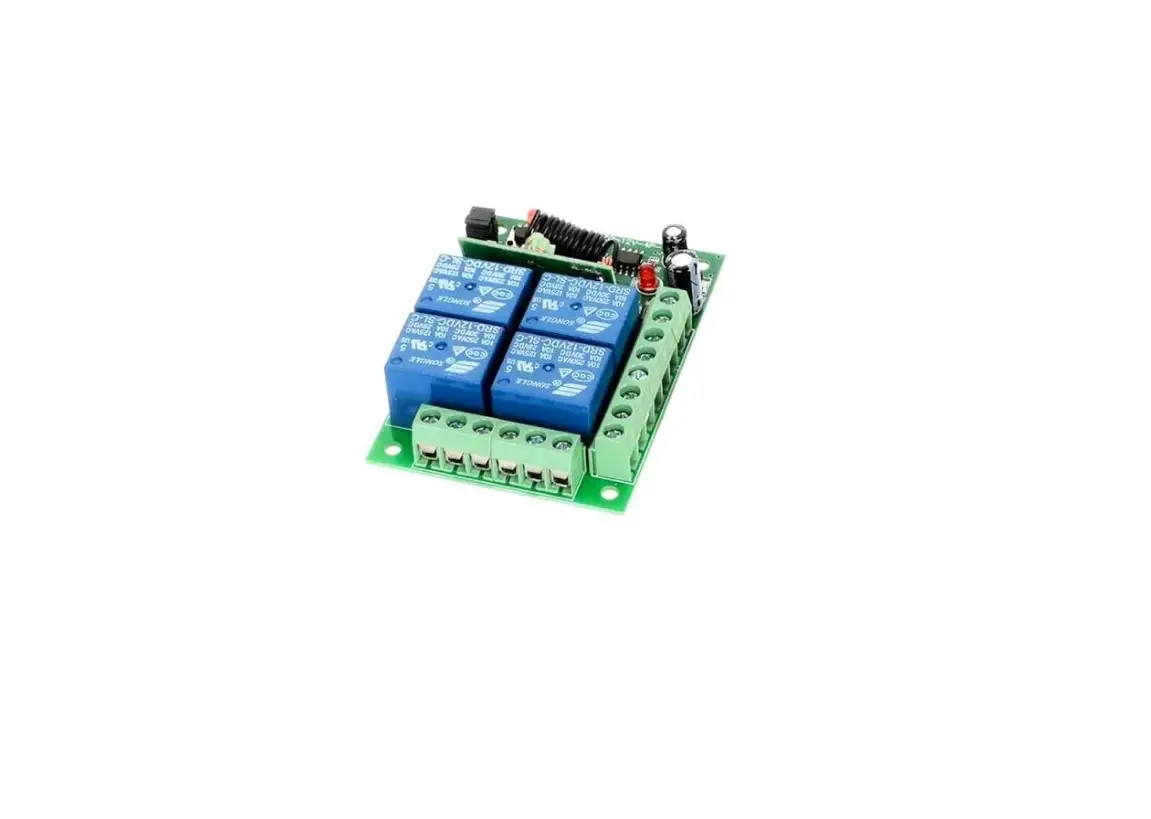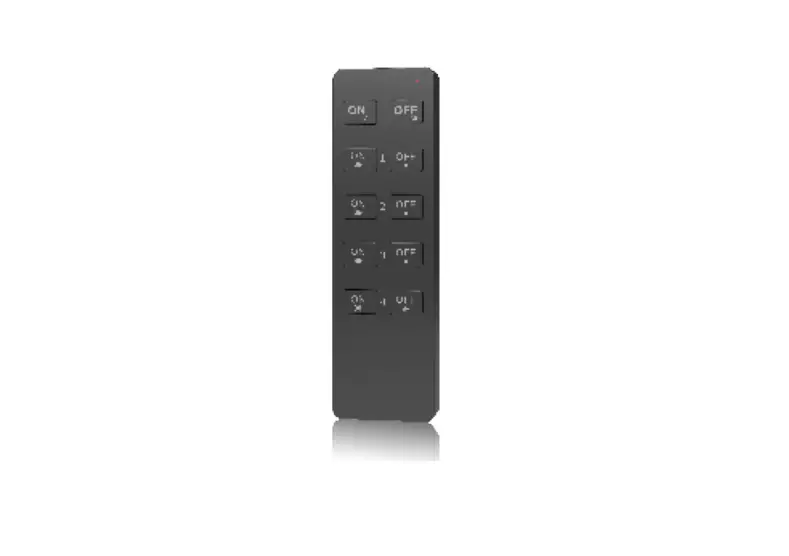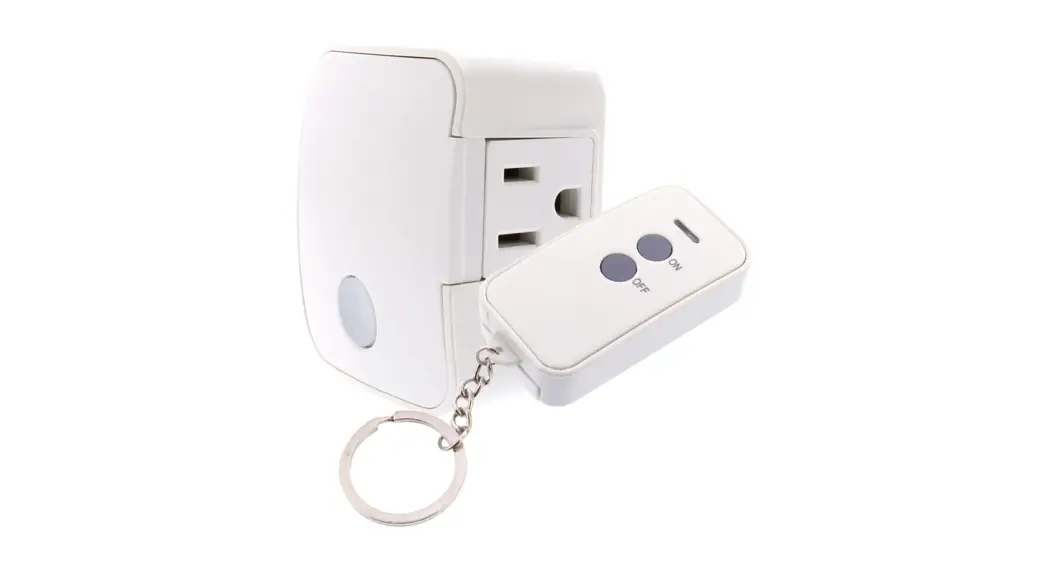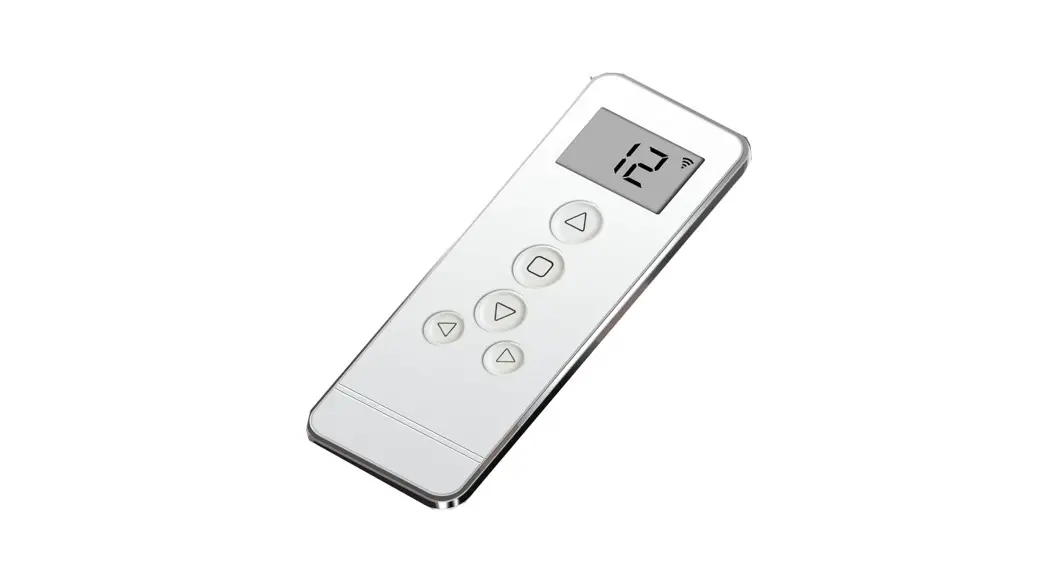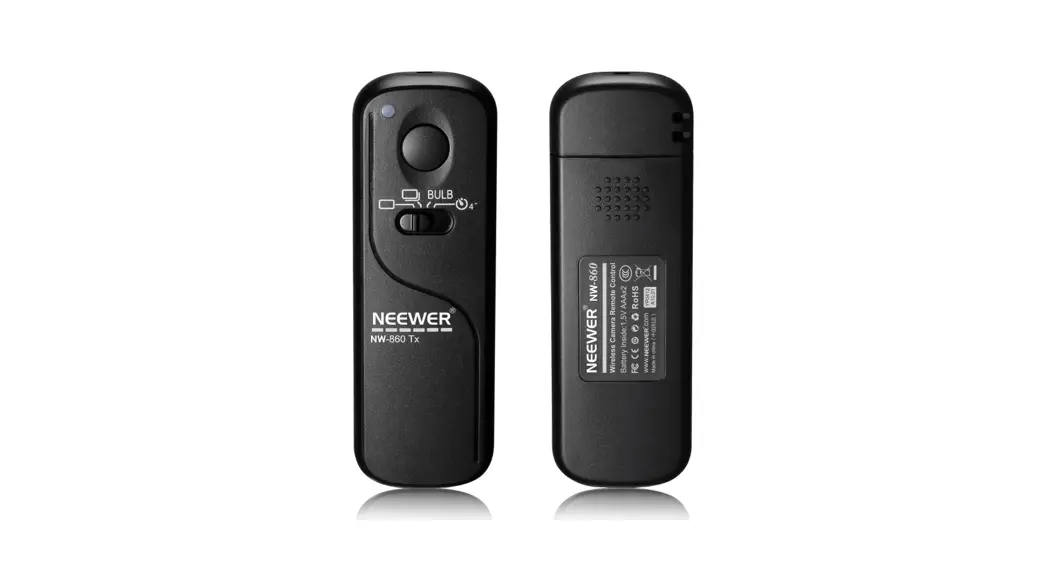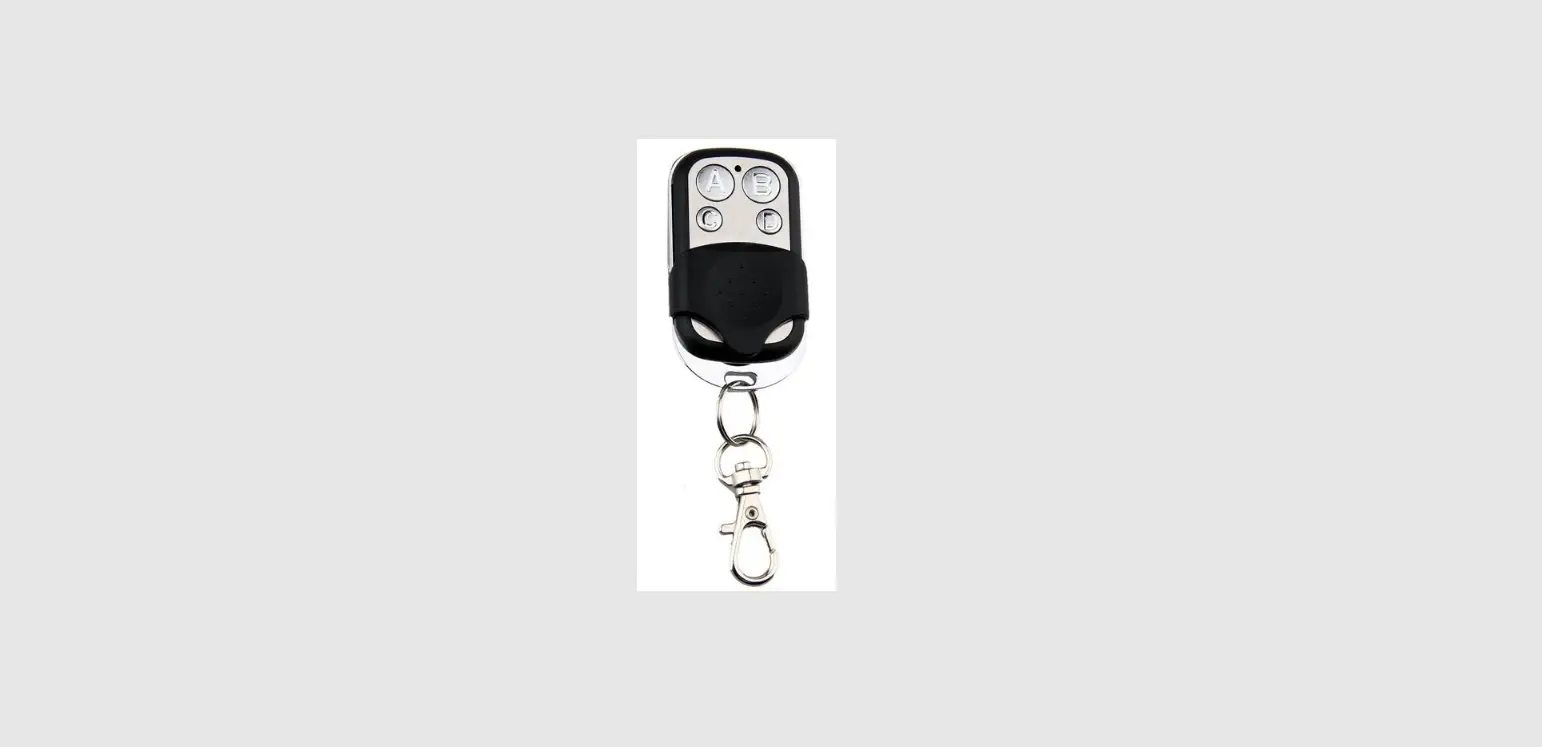
 Bonrich 433MHZ 4 Channel Wireless RF Remote Control
 Bonrich 433MHZ 4 Channel Wireless RF Remote Control
INSTALLATION
- Connect your device to a power source. If your device does not have a power cord to plug into an outlet, there will be a battery for you to connect to the camera.
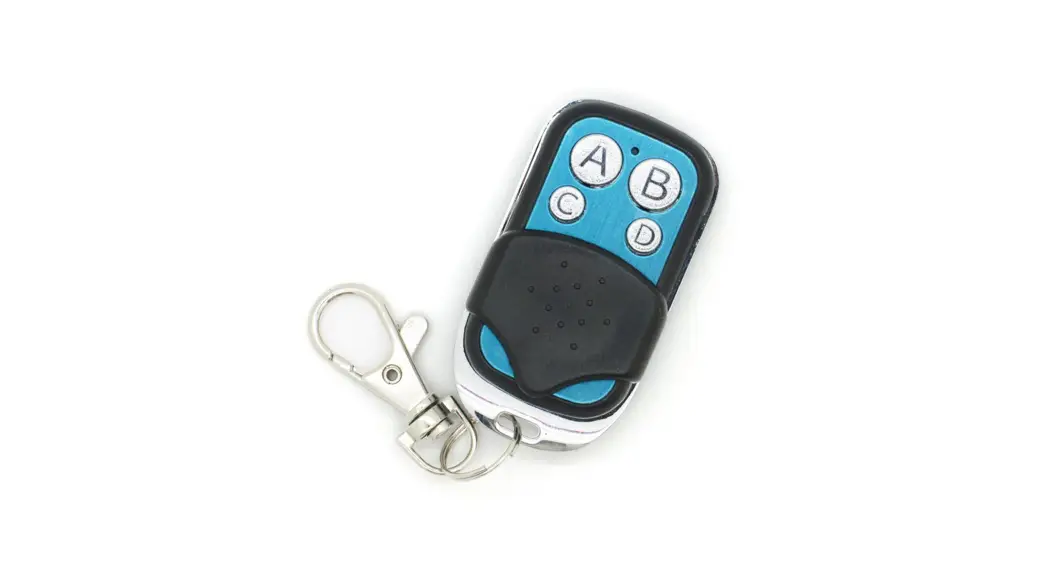
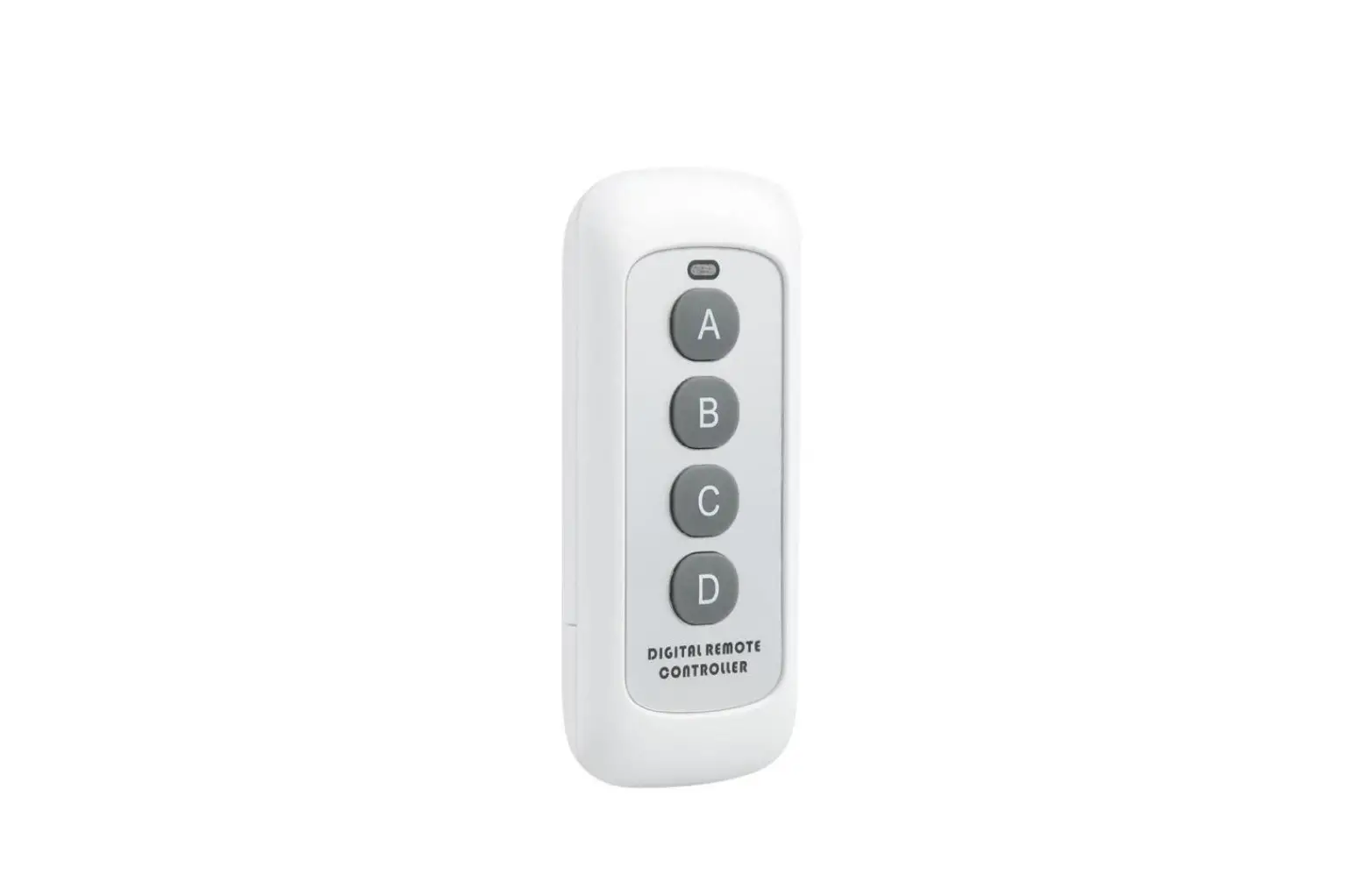
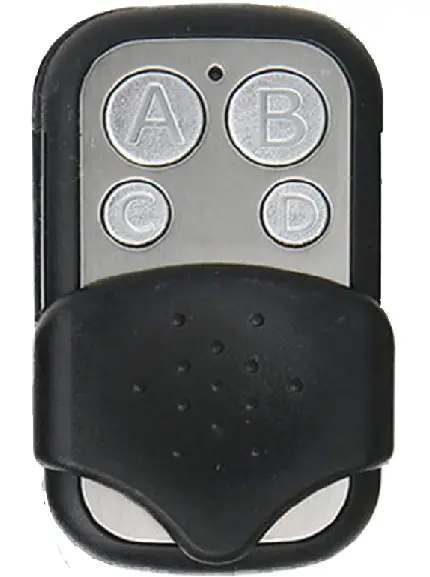
- Power the device on using the included remote. Hold the A button for 1s and let go. The unit will vibrate and power on into standby mode.
- To enter motion detection mode, press the D button once quickly. The unit will vibrate three times and will begin recording video once motion is detected. There will not be any vibrations to indicate when motion is detcted and recording begins.
- Press the D button once quickly again and the unit will vibrate twice to indicate it is exiting motion detection mode and returning to standby mode.
OVERVIEW
Quick Tips
- While in standby mode, hold the C button for 3s and let go. The unit will vibrate 3 times to indicate it is entering continuous recording mode (1920x1080P resolution video).
- Press the C button once quickly to take a photograph.
- If your device is battery-powered, make sure to charge it for at least 4 hours prior to initial use.
Save Paper, Save Trees! Please scan the QR code on the included checklist authorization sheet for the full product manual, or visit www.mgidownloads.com > Product Manuals > Bush Baby Stealth
 Index of /