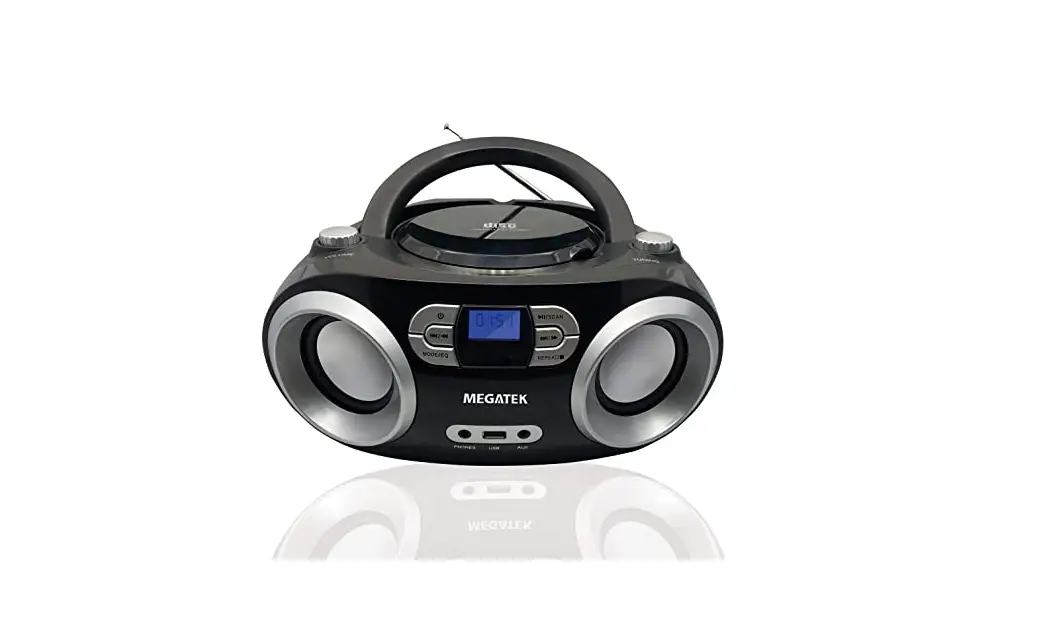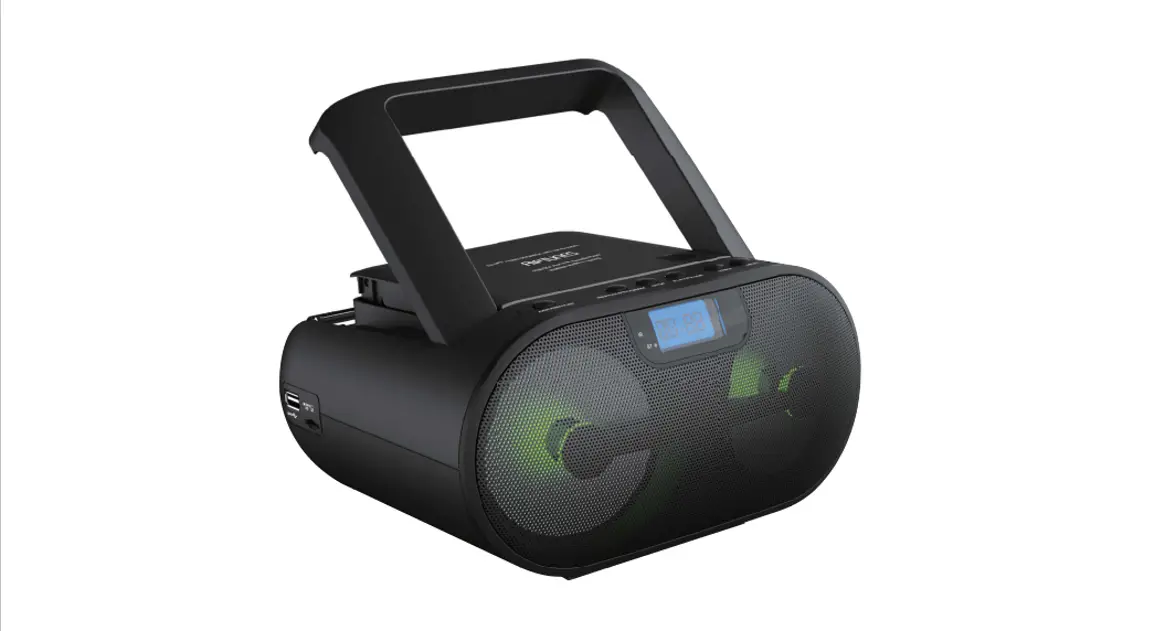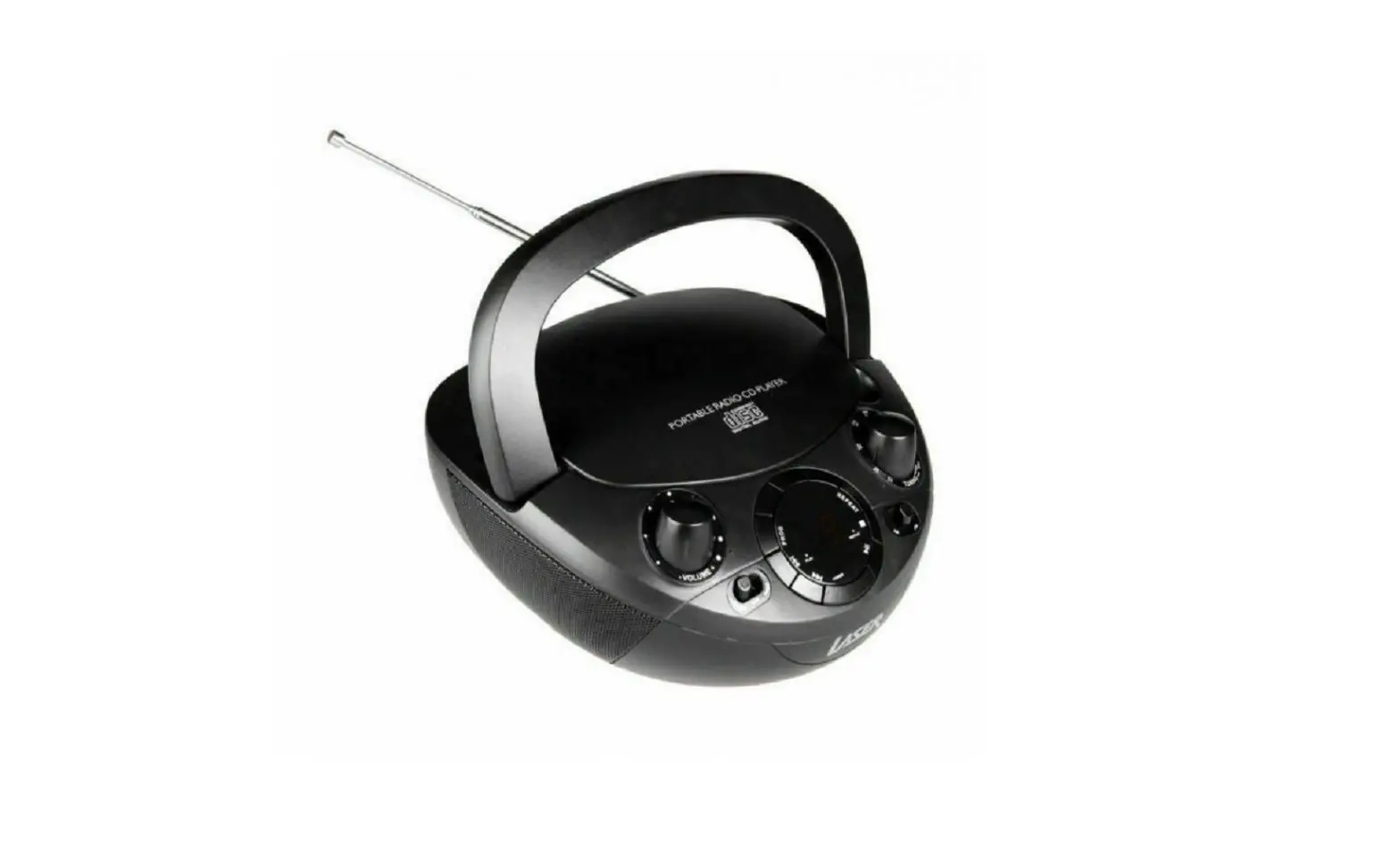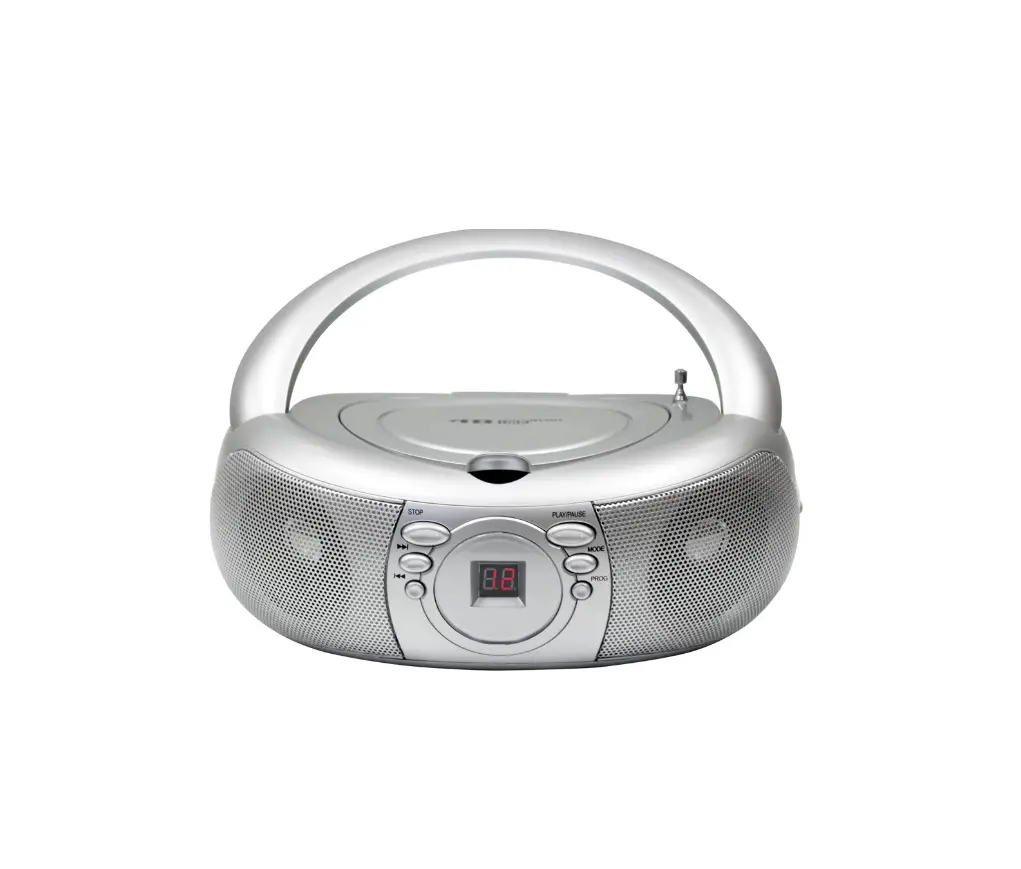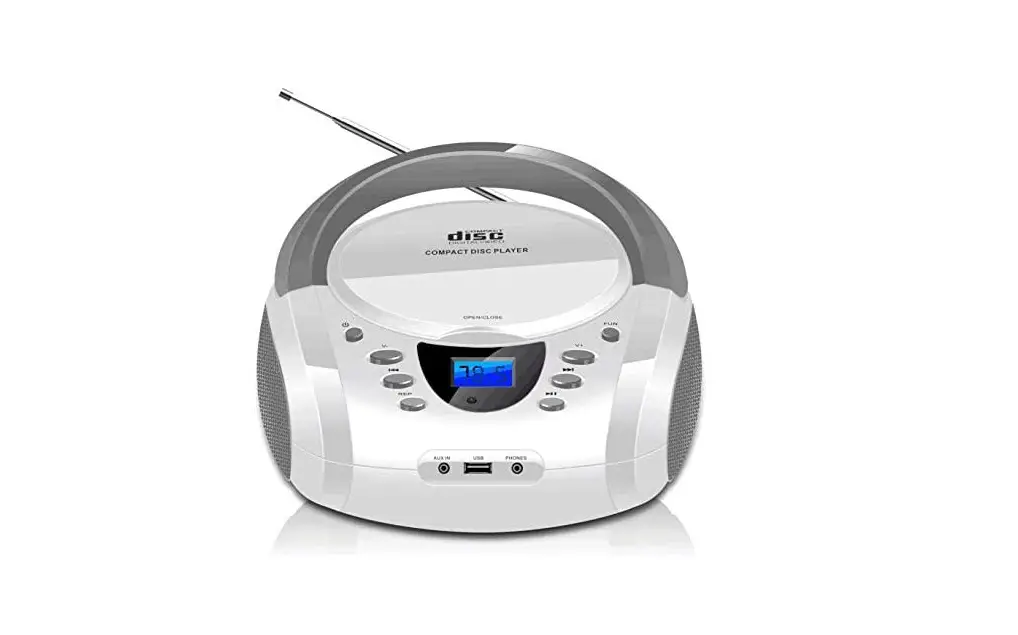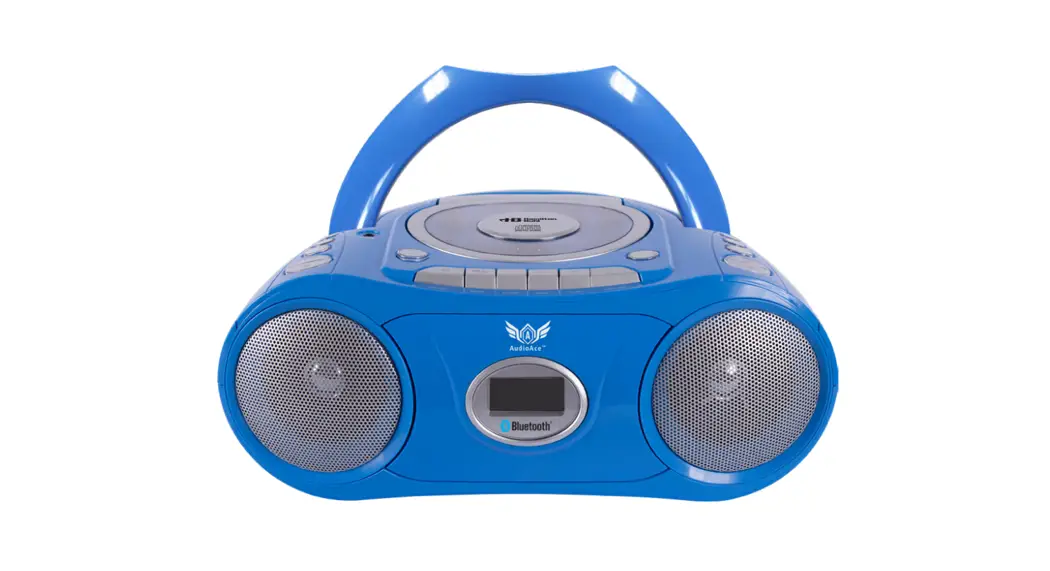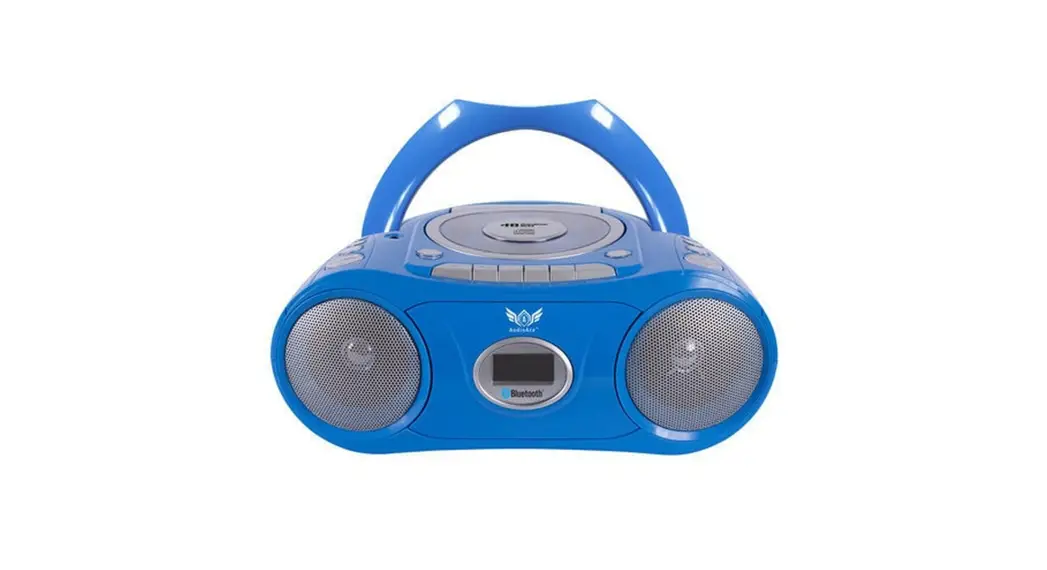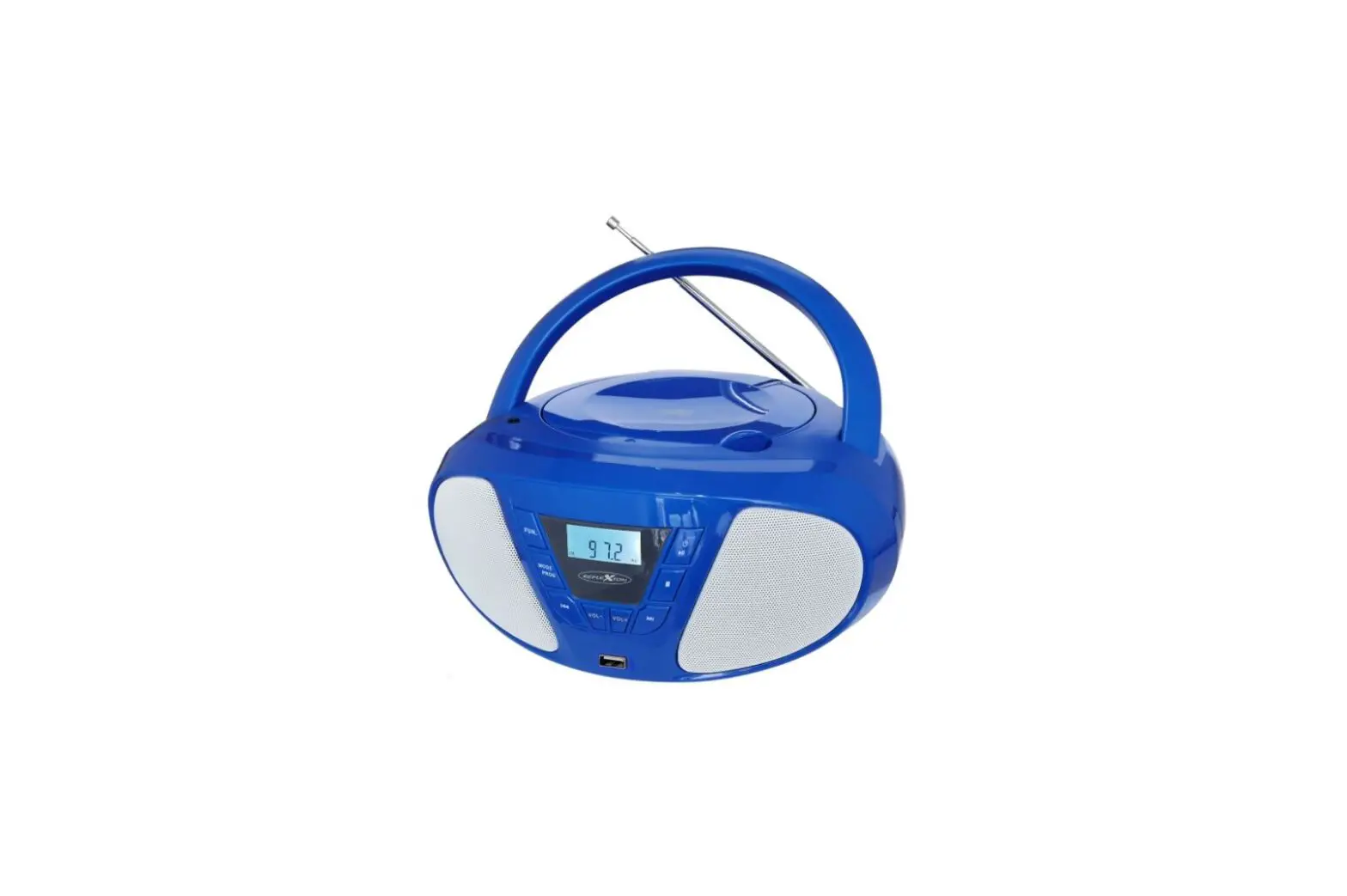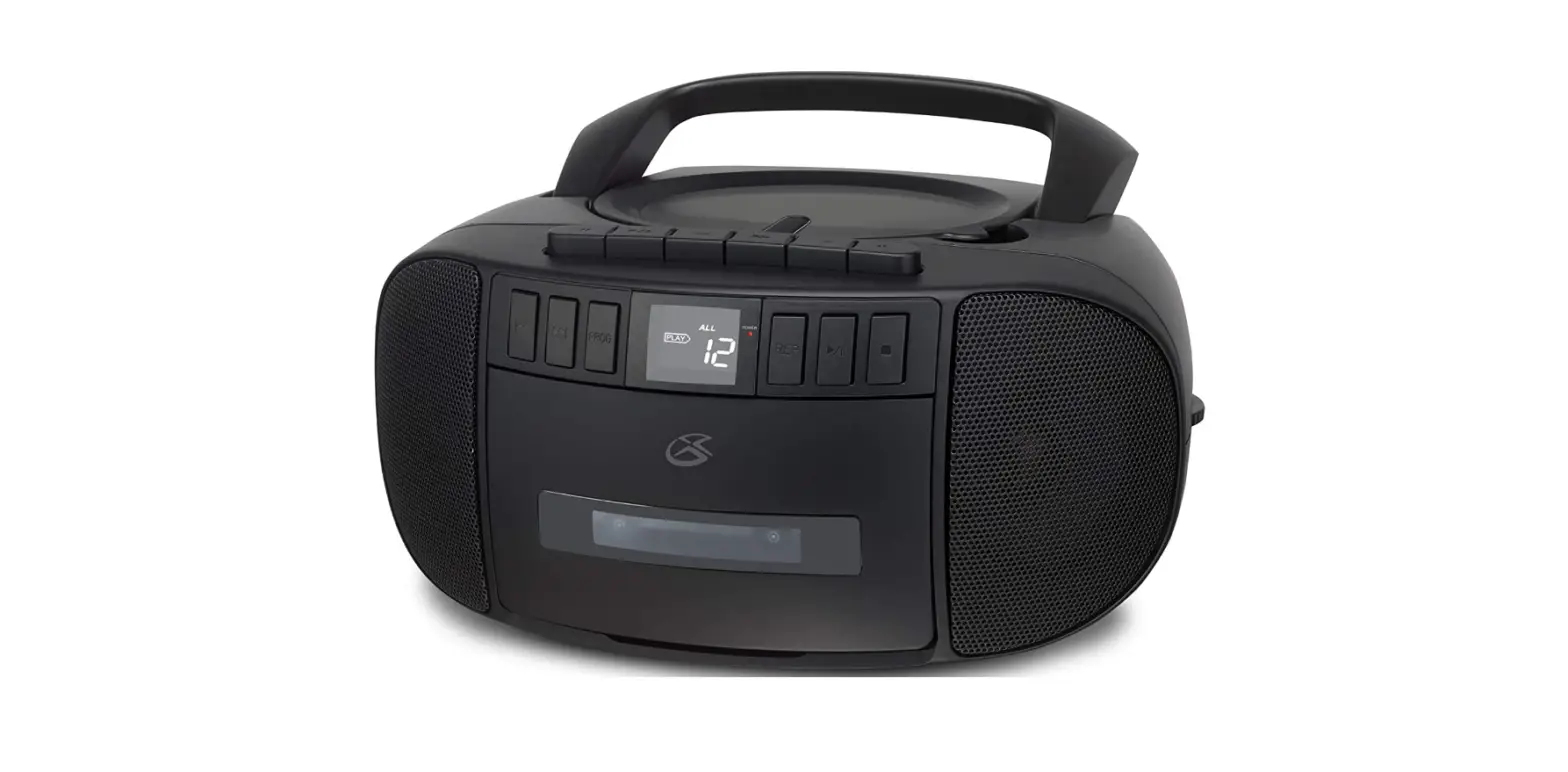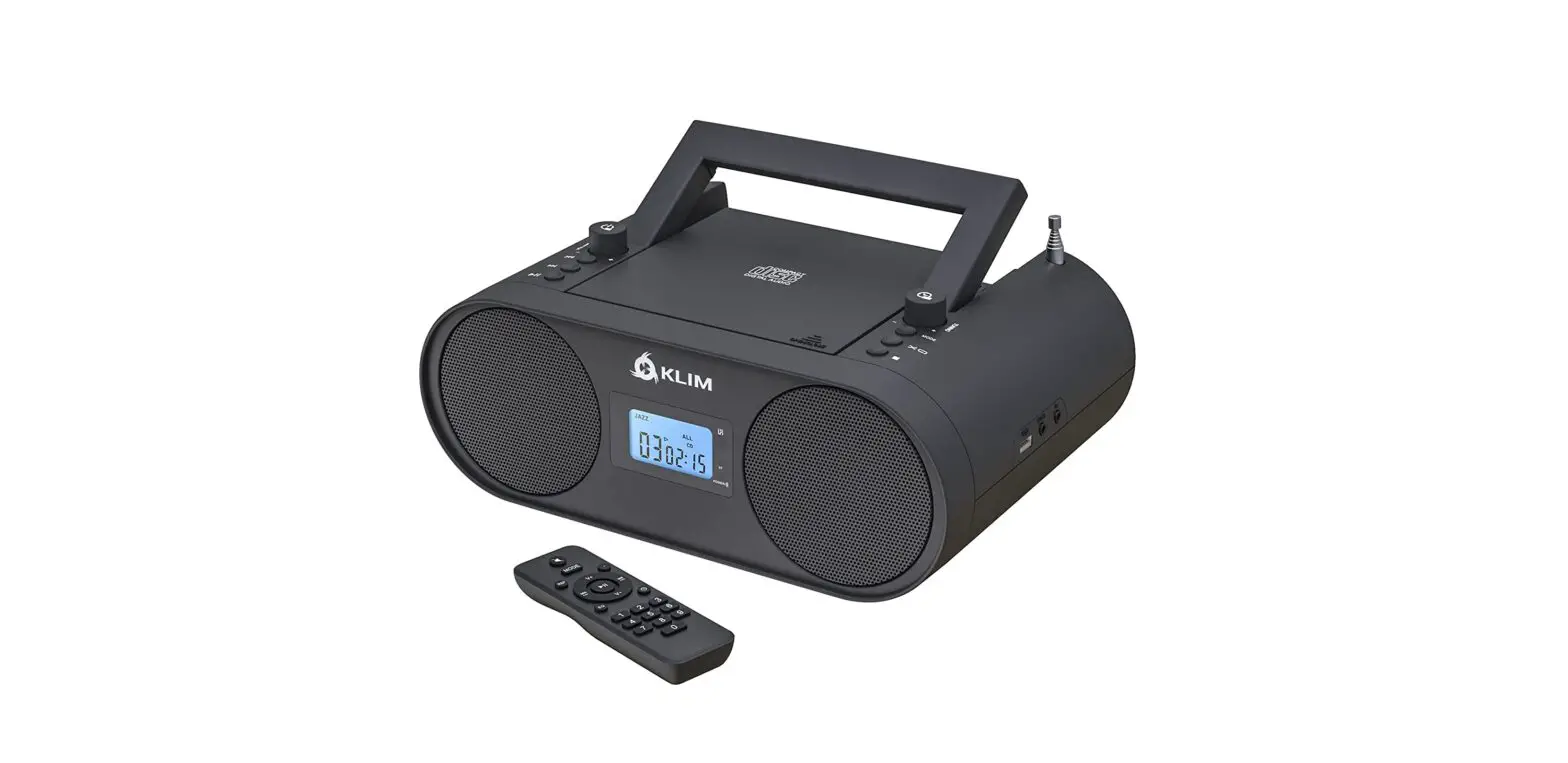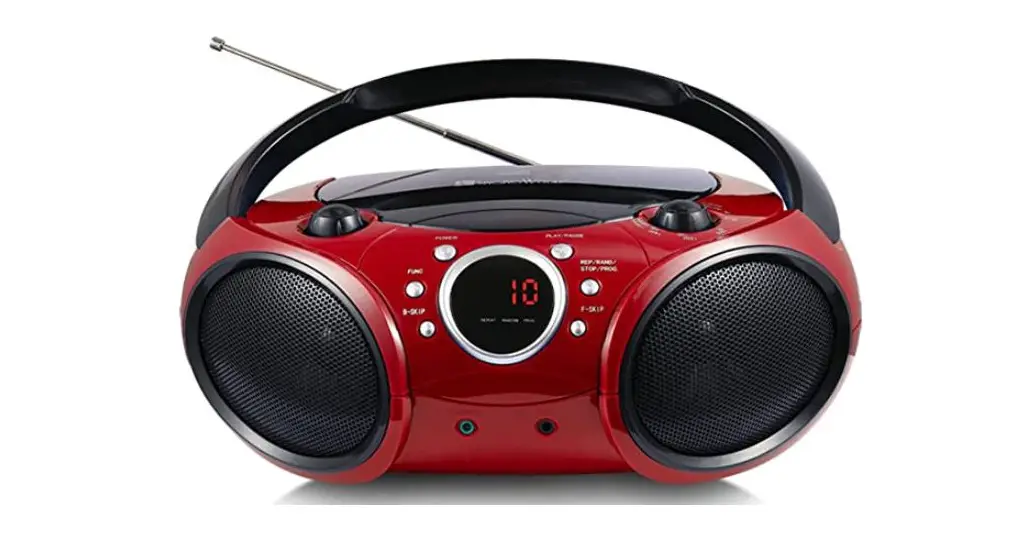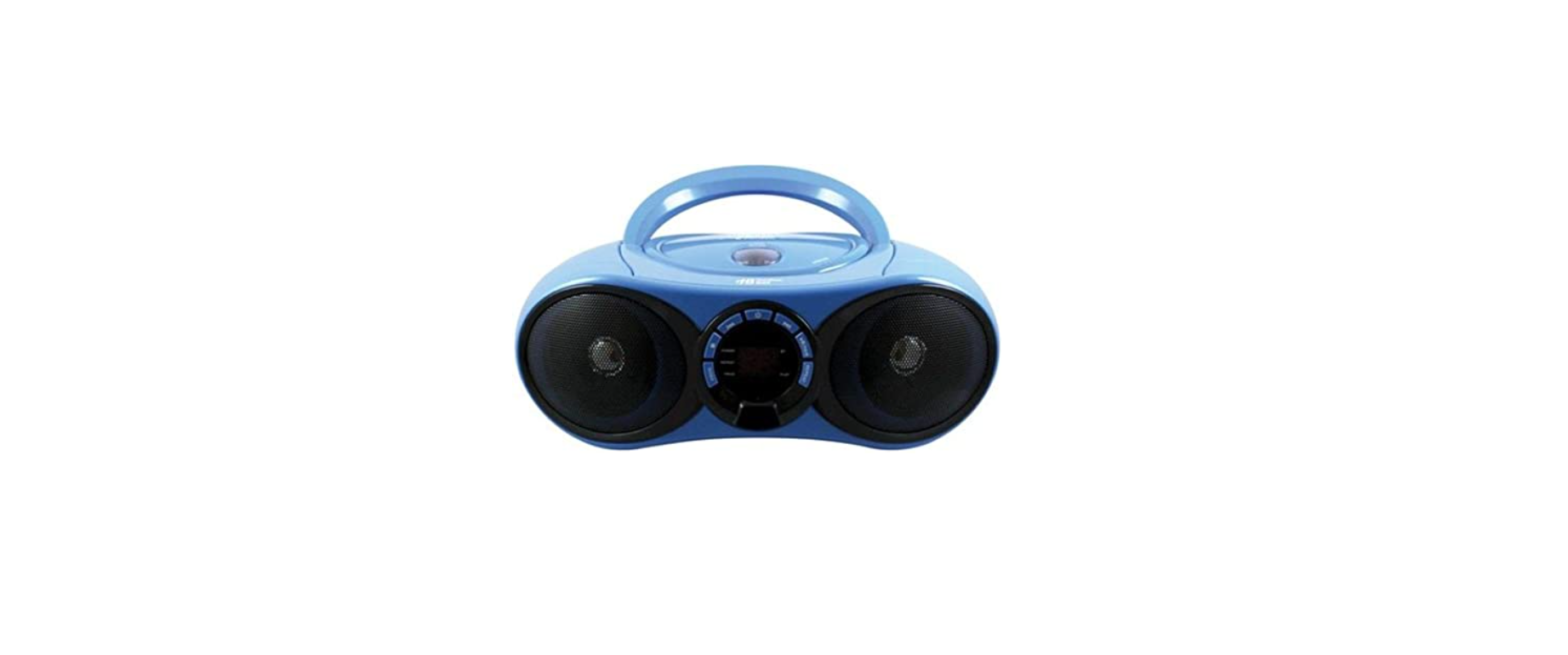
 HamiltonBuhl HB-100BT2 Boombox CD-FM Media Player
 HamiltonBuhl HB-100BT2 Boombox CD-FM Media Player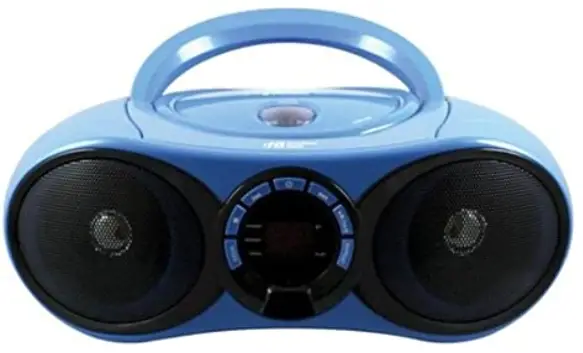
Important Safety Instructions
- Please read, follow and keep these instructions and comply with all recommended cautions.
- Do not use this unit near water.
- Clean with a dry cloth only.
- Do not block ventilation openings.
- Do not place the unit near any heat sources such as radiators, heat registers, stoves, or other apparatus (including amplifiers) that produce heat.
- Follow safety precautions and use a polarized or grounded-type plug.
a polarized plug has two blades with one prong wider than the other.
A grounded-type plug has two prongs and a third grounding prong.
The wide blade or the third prongs are provided for your safety.
If the provided plug does not fit your outlet, consult an electrician for replacement of the obsolete outlet. - Protect the power cord from being walked on or pinched, particularly at plugs, or where they exit the unit.
- Only use attachments and accessories specified by the manufacturer.
- Unplug the unit during lightning storms or when unused for long periods of time.
- Refer all service needs to qualified service personnel. Servicing is required if the unit has been damaged in any way, such as power cord (or plug damage), if liquid has been spilled or objects have fallen into the unit, if exposed to rain or moisture, or if dropped and not working properly.
Warnings and Precautions
Caution:
- TO PREVENT ELECTRIC SHOCK, FULLY INSERT THE PLUG INTO THE OUTLET, ENSURING THE WIDE PRONG IS IN THE CORRECT SLOT.
- Use of any controls or adjustments or performance of procedures other than those herein specified may result in hazardous radiation exposure.
- There is a danger of explosion if batteries are placed incorrectly.
Warning: - To reduce the risk of fire or electric shock, do not expose this apparatus to rain or moisture.
- Changes or modifications to this unit not expressly approved by the party responsible for compliance could void the user’s authority to operate the equipment.
- Do not place the unit on top of any soft, porous, or sensitive surfaces to avoid damaging the surface. Use a protective barrier between the unit and surface to protect the surface.
- Use of this unit near fluorescent lighting may cause interference.
- There is a danger of explosion if you attempt to charge standard alkaline batteries in the unit. Only use rechargeable NiMH batteries.
- Shock hazard – Do Not Open.
- Mains plug is used as disconnect device and it should remain readily operable during intended use. In order to disconnect the apparatus from the main completely, the mains plug should be disconnected form the mains socket outlet completely.
- Do not mix old and new batteries. Do not mix alkaline, standard
WARNING: TO REDUCE THE RISK OF ELECTRIC SHOCK, DO NOT
REMOVE COVER (OR BACK). NO USER-SERVICEABLE PARTS INSIDE.
THIS UNIT MUST BE SERVICED BY QUALIFIED SERVICE PERSONNEL.
The lighting flash with an arrowhead symbol, within an equilateral triangle, is intended to alert the user to the presence of uninsulated “dangerous voltage” within the product’s enclosure that may be of sufficient magnitude to constitute a risk of electric shock.
The exclamation point within an equilateral triangle is intended to alert the user to the presence of important operating and maintenance (servicing) instructions in the literature accompanying the appliance.
This product utilizes a Class 1 laser to read Compact Discs. The laser Compact Disc Player is equipped with safety switches to avoid exposure when the CD door is open and the safety interlocks are defeated.
Invisible laser radiation is present when the CD Player’s lid is open and the system’s interlock has failed or been defeated. It is very important that you avoid direct exposure to the laser beam at all times. Please do not attempt to defeat or bypass the safety switches.
Features
- CD Player: Supports CD-R/RW
- FM Radio
- Bluetooth® 2.1
- LED Display
- Headphones Jack
- Built-in Speakers
- DC Power: Requires DC batteries for DC power (not included)
- AC Power: Requires AC/DC Adapter (included)
In the Box
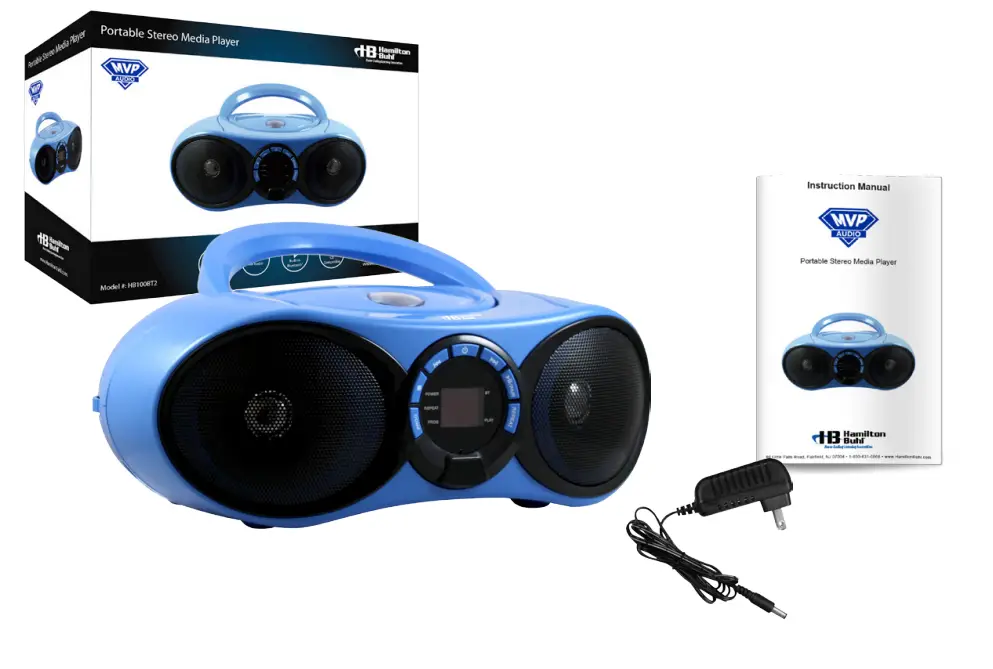
- AudioMVP™
- Power Supply
- Instruction Manual
Feature Controls
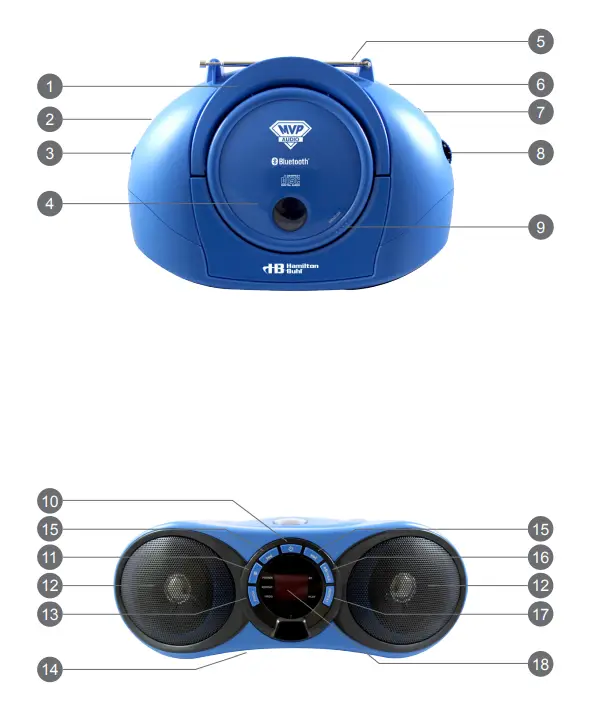
- Carry Handle: Pull up the handle to carry unit.
- Headphone Jack: Connect to earbuds or headphones.
- Volume Dial: Rotate to adjust volume level.
- CD Door: Open the door to insert disc.
- ROD Antenna: Extend the antenna for better FM reception.
- DC Input Jack: Connect power adapter for power.
- Source Selector: Switch the selector between FM/CD/BT (Bluetooth®).
- Tuning Knob: Rotate knob to search for radio frequency.
- Open CD Door Tab: Press tab to open CD door.
- Power Button: Press to power On/Off.
- Stop Button: Press to stop playing CD.
- speakers: Built-in speakers.
- Prog (Program): Press to program tracks in desired order.
- Batteries Compartment: Insert DC batteries for DC power.
- Skip/Search: Press to skip between CD tracks. Press and hold to fast-forward or fast-rewind the current track on CD.
- Play/Pause/Pair Button: Press to play or pause CD. Hold the button to start Bluetooth® pairing.
- Repeat: Press to repeat playback of single track or all tracks on CD.
- Display and Indicator: Show CD track and status.
Indicator Messages
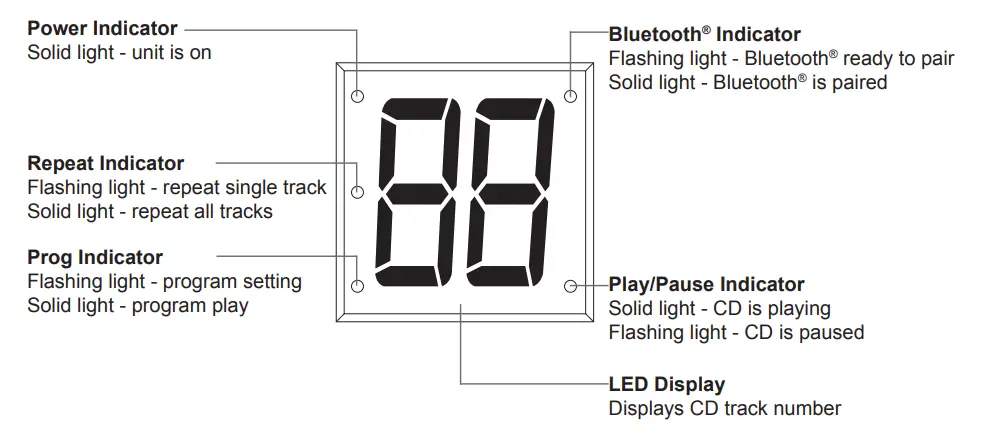
Setup Power
Connect Power Adapter:
Plug the included AC adapter into the standard AC power outlet to power the AudioMVP™ (HB100BT2). Connect small end to DC Input jack on the unit. After connecting the adapter, press the Power button to turn unit on. Press same Power button to turn off.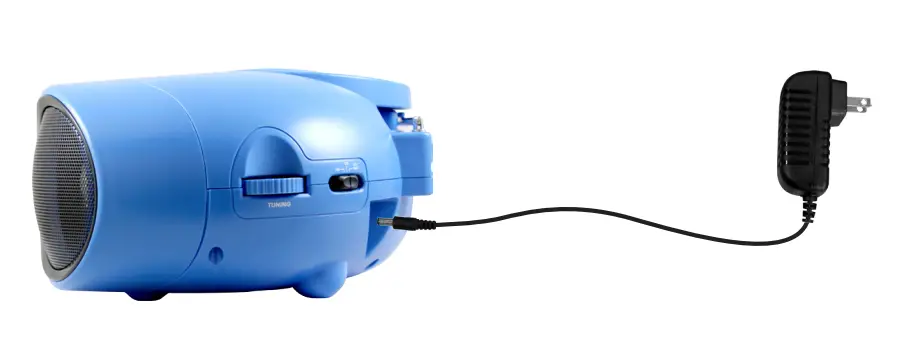
Connecting Batteries:
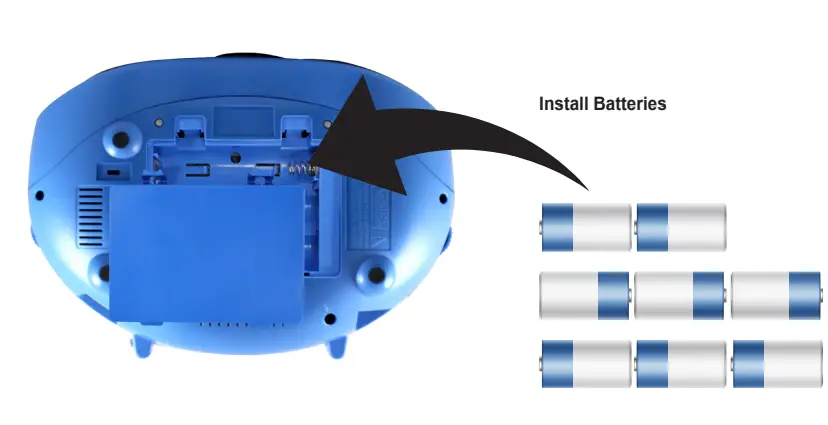
Remove the battery compartment cover on the bottom of the unit by lifting up the two tabs on the battery cover and lifting away. Insert eight (8) “C” batteries (not included) according to the polarity markings and replace cover. Press the Power button to turn unit on.
- For battery operation, unplug the adapter first and remove the DC plug from the DC jack of the unit.
- Batteries should not be exposed to excessive heat such as sunlight or fire.
- Be sure the batteries are installed in the correct polarity.
- Do not mix old and new batteries.
- Only same or equivalent type batteries are recommended.
- If unit is not used for an extended period of time, remove batteries.
- Do not dispose bof atteries in fire, as they may explode or leak. Do not try to recharge batteries.

Connecting Headphones or Ear Buds
If you would like to listen to your music privately with a headphone, simply plug your headphone into the Headphone jack, located on the left side of the unit. Compatible headphones have a 3.5mm diameter stereo plug and an impedance of 8-32 Ohms. When your headphone is connected, the stereo speakers are automatically disconnected.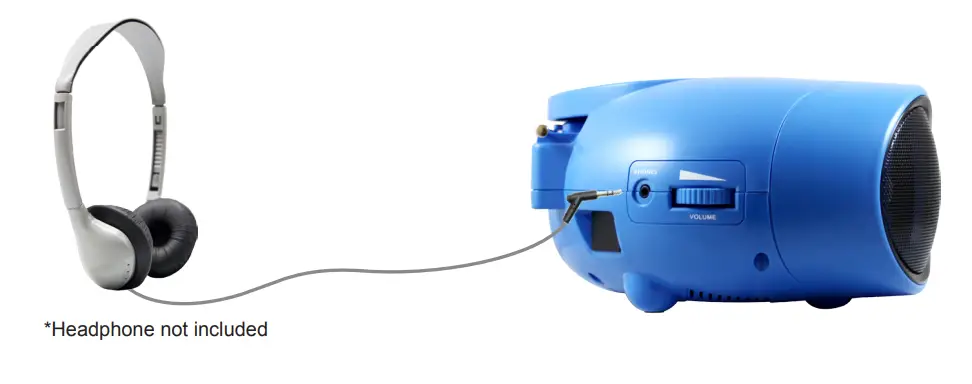
Using the Radio
Built-in Radio Receiver for FM band.
- Connect power (follow Setup Power page 10.)
- Slide Source selector to FM position.
- Rotate the Tuning knob to search the desired station.
- Rotate the Master Volume dial to select the sound level.
Note: To obtain the best FM reception, fully extend the FM antenna.
Using CDs
Loading CDs
- Connect power (Follow Setup Power page 10.)
- Press the CD Door Open Tab to open the CD Door.
- Place a CD into the CD compartment. Close the CD Door.
Note: This unit can play CD Disc formats only. - Switch Source selector to CD position, in a few seconds total number of tracks will appear on the display.
Playing CDs:
- Follow the instructions for Loading a Disc.
- Press the Play/Pause button to begin playing the loaded disc.
The Play/Pause indicator will light up. - Rotate the Master Volume dial to select the sound level.
- To temporarily stop playing, press the Play/Pause button once.
To resume play, press the Play/Pause button again. - Press Skip/Search buttons to skip between tracks.
- Hold the Skip/Search buttons to fast search through the track.
- Press the Stop button to stop playing.
Track Programming (Up to 20 Tracks):
- Load a CD.
- Press the Prog button, the Prog indicator will turn on and a flashing programmable number will show on display.
- Press the CD Skip buttons to select the track.
- Press the Prog button to confirm.
- Repeat steps 3 and 4 to program to play in a specific order.
Repeat Source:
- Follow the instructions for Loading CDs and Playing CDs.
- Press the Repeat button, the Repeat indicator will turn on and flash.
The unit will play the current track repeatedly. - Press the Repeat button until the Repeat indicator is a solid light, unit will play the entire disc repeatedly.
- To cancel the repeat function, press and hold the Repeat button until the Repeat indicator light turns off or press the Stop button twice to stop.
Pairing to Bluetooth® Enabled Device
- Enable Bluetooth® scanning feature on your device.
- Press the Power button to turn AudioMVP™ on, switch the Source selector to BT position – Bluetooth® indicator will flash for approximately 15 seconds. If no Bluetooth® device is detected, it will go into sleep mode.
- Once your device detects HB100BT2 on the Bluetooth® scan, select it.
Note: If you cannot connect, press and hold Pairing button on AudioMVP™ to reconnect again. - When successfully paired (Bluetooth® indicator light will stay solid), you are now ready to play music wirelessly from your Bluetooth® enabled device.
- Press the Play button of your AudioMVP™ or external Bluetooth® device to start music playback. Press again to pause.
- Press the Skip/Search button on AudioMVP™ or external Bluetooth® device to switch between music tracks.
Specifications AC/DC Power Adapter AC input 120/60 Hz DC output 9V 0.8A Battery DC 12V, LR14, “C” size or UM2 Batteries x 8 pcs CD Player Supports 4.75, 3.25 inch CDs Bluetooth® Supports v2.1+EDR FM Frequency 88-108MHz Power Output 1.2W x2 (RMS) Loud Speakers Spec 3 inch, 2 watt, 8 Ohm *Specifications are subject to improvements without notice.
Product Registration Instructions
Visit: www.HamiltonBuhl.com
- Click on Customer Care
- Click on Product Registration Icon
- Please fill out all fields marked with * to register
WARRANTY
Warranty
Warranty begins the date item ships from our warehouse. All products, except for metal carts, have a one year warranty from original date of shipment, unless otherwise noted. Metal carts have a limited lifetime warranty on all housing components; however, carts have a one year warranty on any electrical / mechanical components.
Our Mission
Since our founding in 1933, HamiltonBuhl continues to evolve as a leader in technology products for education and industry. Our products are embraced by educators, corporate trainers, presenters, government agencies, and hospitals for their daily presentation, from the classroom to the boardroom, HamiltonBuhl has the presentation product for you.
FCC Warnings
NOTE: This equipment has been tested and found to comply with the limits for a Class B digital device, pursuant to Part 15 of the FCC Rules. These limits are designed to provide reasonable protection against harmful interference in a residential installation. This equipment generates, uses, and can radiate radio frequency energy and, if not installed and used in accordance with the instructions, may cause harmful interference to radio communications. However, there is no guarantee that interference will not occur in a particular installation. If this equipment does cause harmful interference to radio or television reception, which can be determined by turning the equipment off and on, the user is encouraged to try to correct the interference by one or more of the following measures:
- Reorient or relocate the receiving antenna.
- Increase the separation between the equipment and receiver.
- Connect the equipment into an outlet on a circuit different from that to which the receiver is connected.
- Consult the dealer or an experienced radio / TV technician for help.
Additional Warnings
- The apparatus shall not be exposed to dripping or splashing and that no objects filled with liquids, such as vases, shall be placed on the apparatus.
- Main plug is used as a disconnect device and it should remain readily operable during intended use. In order to disconnect the apparatus from the mains completely, the mains plug should be disconnected form the mains socket outlet completely.
- Battery shall not be exposed to excessive heat such as sunshine, fire or the like
- Caution marking is located at the rear or back of the apparatus.
- The marking information is located at the rear or back of apparatus.
This symbol indicates that this product incorporates double insulation between hazardous mains voltage and user-accessible parts.
80 Little Falls Road Fairfield, NJ 07004
1-800-631-0868
www.HamiltonBuhl.com
FAQS
A boombox is a device typically capable of receiving radio stations and playing recorded music (usually cassettes or CDs usually at a high volume). Many models are also capable of recording onto cassette tapes from radio and other sources.
Power Requirements. Boomboxes come packaged with AC adapters for use with wall outlets. …
Sound. Boomboxes are developed for mobility and not for the home theater experience. …
Station Memory Preset. …
AM/FM Tuner. …
CD Player. …
Bluetooth. …
iPod or MP3 Compatible. …
Satellite Ready.
Before portable speakers, before the ipod, before the Walkman and MP3 players there was the boombox. The name of the portable, battery operated radio/cassette player was partly due to its heavy, box like aesthetic, and its bass enhancing power speakers (boom).
Even though it’s large and heavy at 11.5+ lbs, the built-in ergonomically rounded handle makes the Boombox easy to carry for short distances before its weight becomes bothersome. Plus, it weighs much less than either the similar Braven XXL (18 lbs) and Monster Blaster (16.8 lbs) speakers.
The first option on this list and our pick for the best Bluetooth boombox is the JBL Boombox that doesn’t just give you impressive sound quality but also doubles up as a power bank if you need to charge your phone while it is playing music
Out of all the products, if you want to invest in the best-sounding speakers, suitable for parties, and listening to music, we recommend you pick the JBL Boombox – Waterproof Portable Bluetooth Speaker since it has got the most powerful 60W RMS audio output and offers monstrous bass as well.
A boombox is a portable speaker system that combines the power of a subwoofer with the high-quality audio of a mid-range speaker. The result is a system that can deliver deep bass and clear treble in a small package.
While CD players don’t show up the effects of vibrations as obviously as, say, turntables, simple things like footfall or even the sound from your speakers, especially at loud volumes, can make the player’s data-reading mechanisms work harder, which can affect the sound.
All CD players do not sound the same. Many are built differently and have different audio outputs, and that means that some are going to be louder or quieter. Better built speakers will often have higher and clearer sound quality.
Hi-fi systems–or at least the speakers, turntable, and amplifier parts of those systems–should last a good deal longer, figure 10 to 20 years. CD players aren’t as long-lived, though they can deliver 5 to 10 years of service.
Add Bluetooth to an Old DVD Player. …
CD-ROM Into Vintage Speaker. …
Macro Lens From an Old Player. …
A USB Player From a DVD Player. …
DVD Player Becomes an Audio Amplifier. …
Arduino Mini Laser Engraver. …
Make a Burning Laser.
Gramophones reached the market in 1896 as a Victrola, the first commercially available record player that played disks of recorded music.
A disc is not protected from the effects of heat buildup if left in a case that is exposed to direct sunlight or other sources of heat. Extreme heat buildup can also cause warping of the disc.
Standard CDs have a diameter of 120 millimetres (4.7 in) and are designed to hold up to 74 minutes of uncompressed stereo digital audio or about 650 MiB of data. Capacity is routinely extended to 80 minutes and 700 MiB by arranging data more closely on the same sized disc.
CD-quality bitrate, which is high, sounds its best on a professional stereo system that is able to adequately express the very high and very low frequencies 1,411Kbps is able to accommodate. Most earbuds, and many desktop speakers, will not be able to express those frequencies.
The truth of the matter is records in good condition have a higher sound quality than any other medium – even better than a modern CD or DVD. This is because the vinyl can pick up every single part of the sound wave. No information is lost. The records will hold the scale of the sound and you will get everything.
The causes include oxidation of the reflective layer, physical scuffing and abrasion of disc, reactions with contaminants, ultra-violet light damage, and de-bonding of the adhesive used to adhere the layers of the disc together.
The first CD player, released by Sony on Oct. 1, 1982. It originally cost $1,000 in 1982 (about $2,230 today).