Apple iPhone SE 2020 – Access voicemail
INSTALLATION
- Before you start
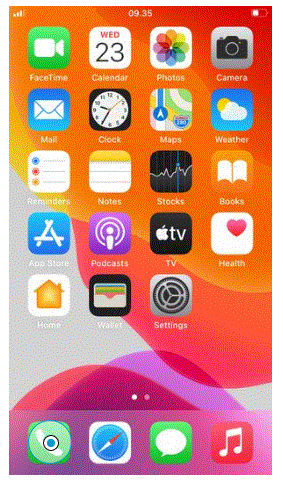
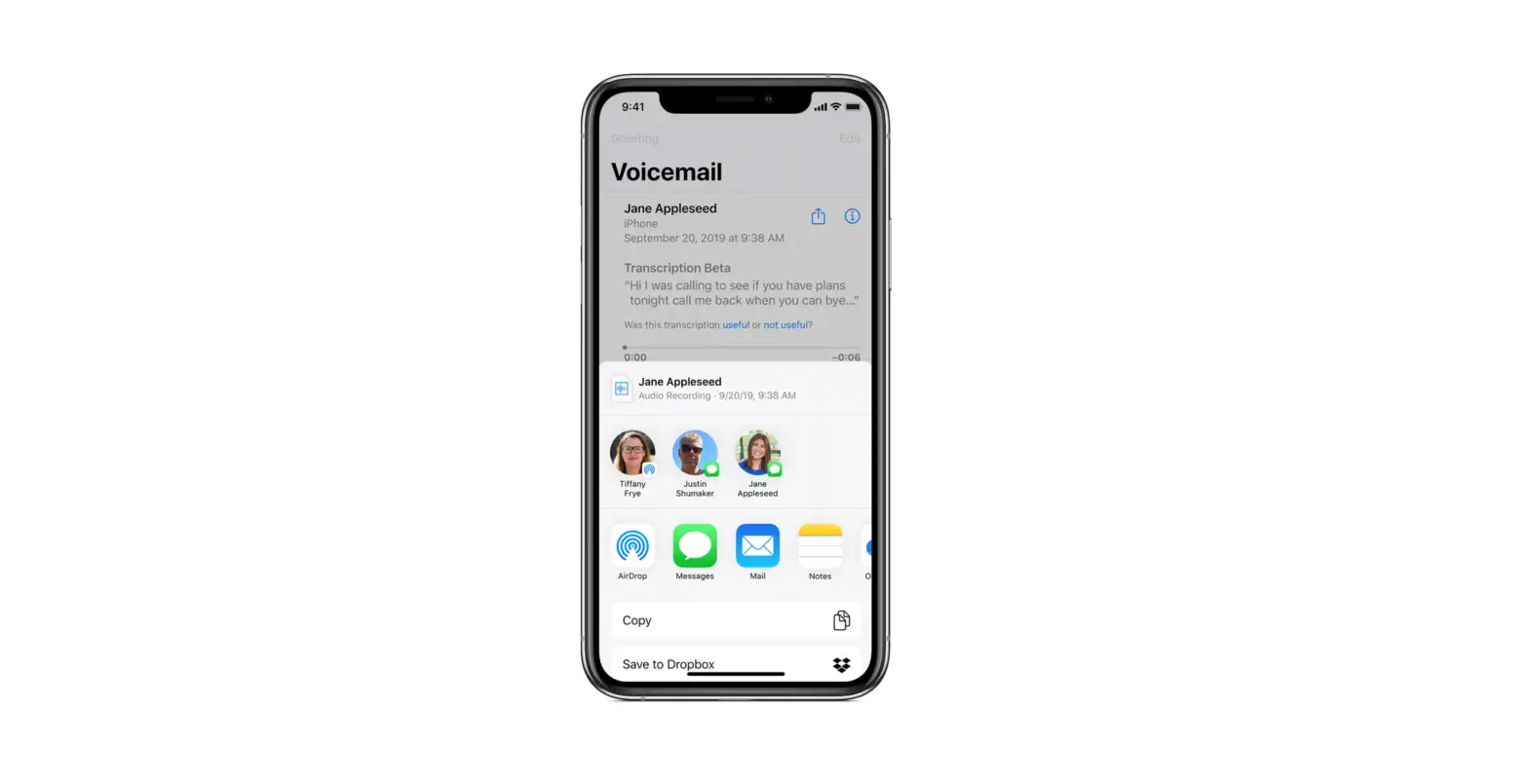
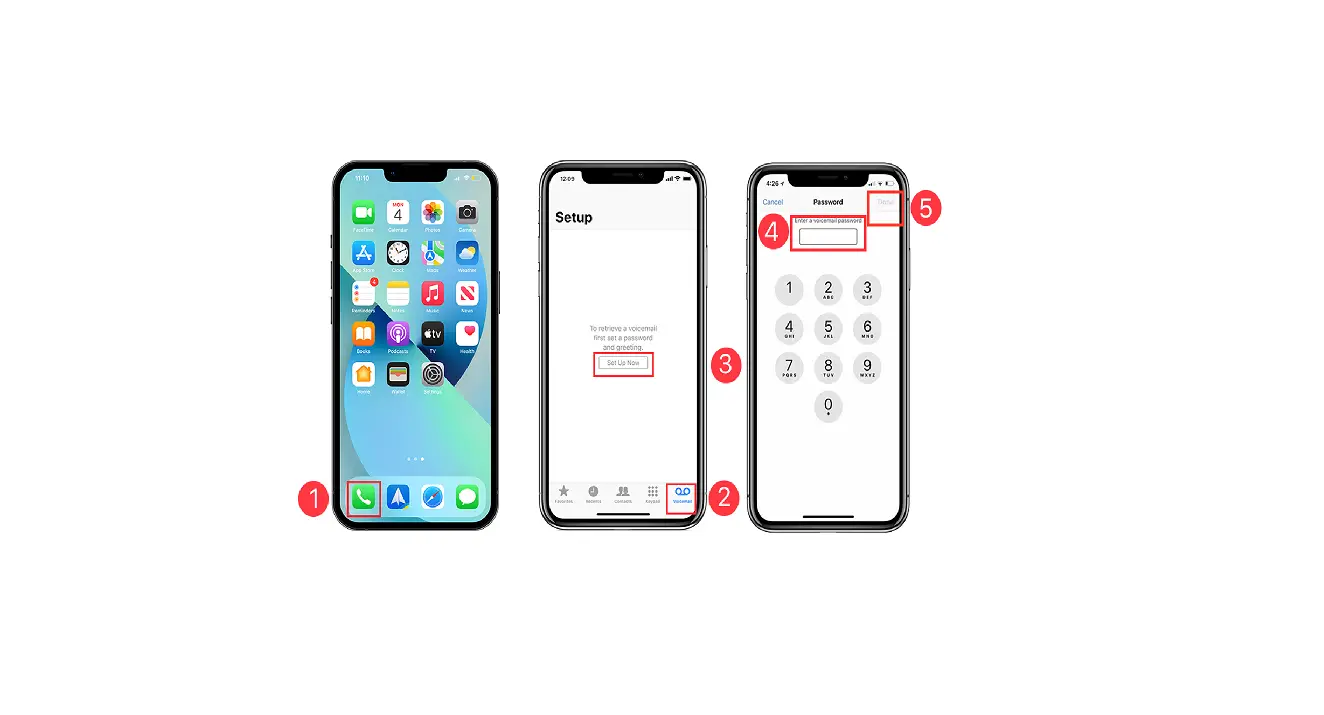
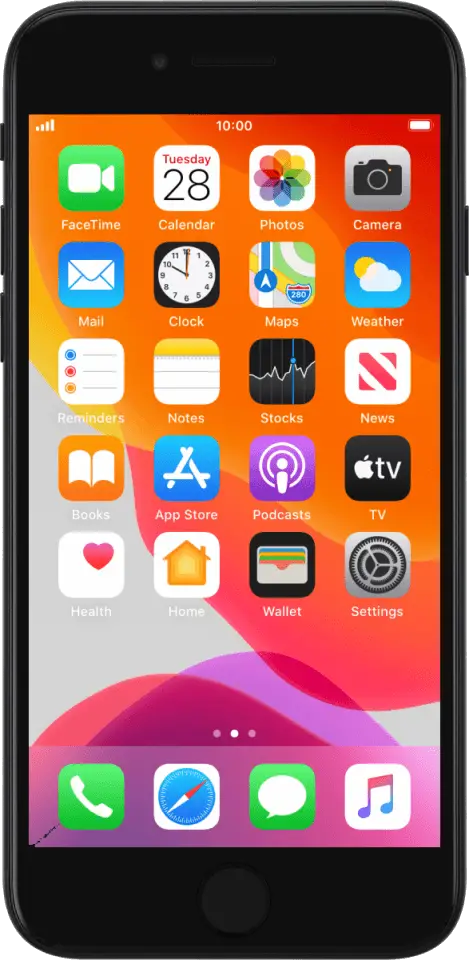
This guide will show you how to access your voicemail and activate call forward to your voicemail. - Select Phone

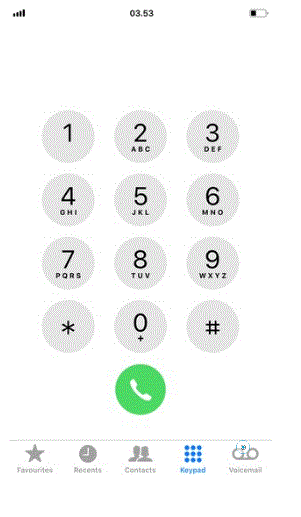
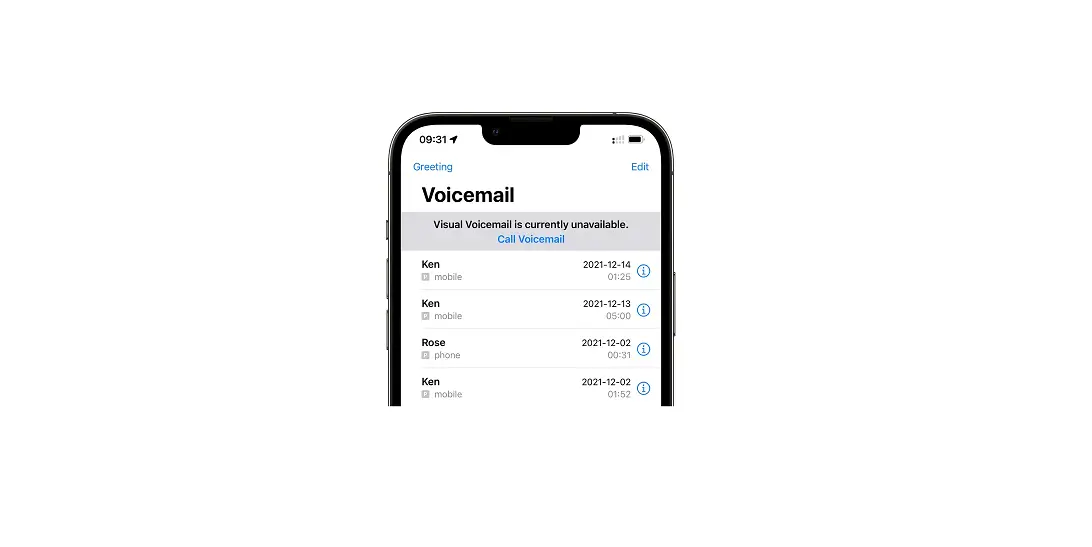
- Select Voicemail

- Select Call Voicemail

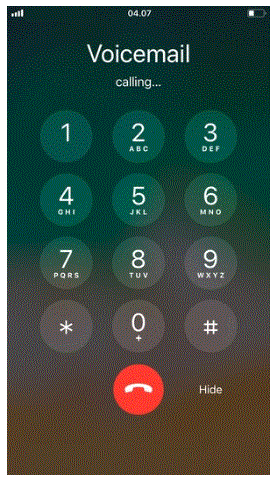
- Calling Voicemail
If your voicemail is calling like on this screen, your phone is set up correctly.
If not, follow the next few steps.
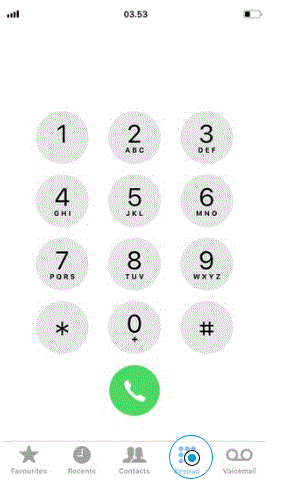
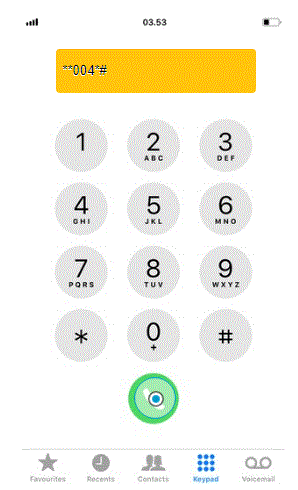
- Select Keypad

- Enter the Voicemail number and select Call

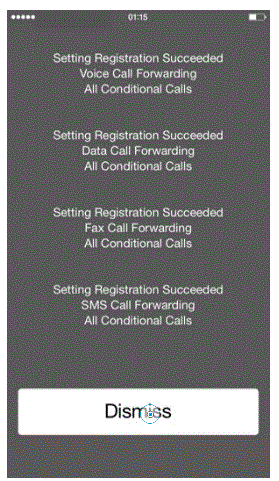
- Select Dismiss

- Call forwarding to your Voicemail is set up
You can easily deactivate call forwarding to your Voicemail. Just go to step 6 and enter ##002#.