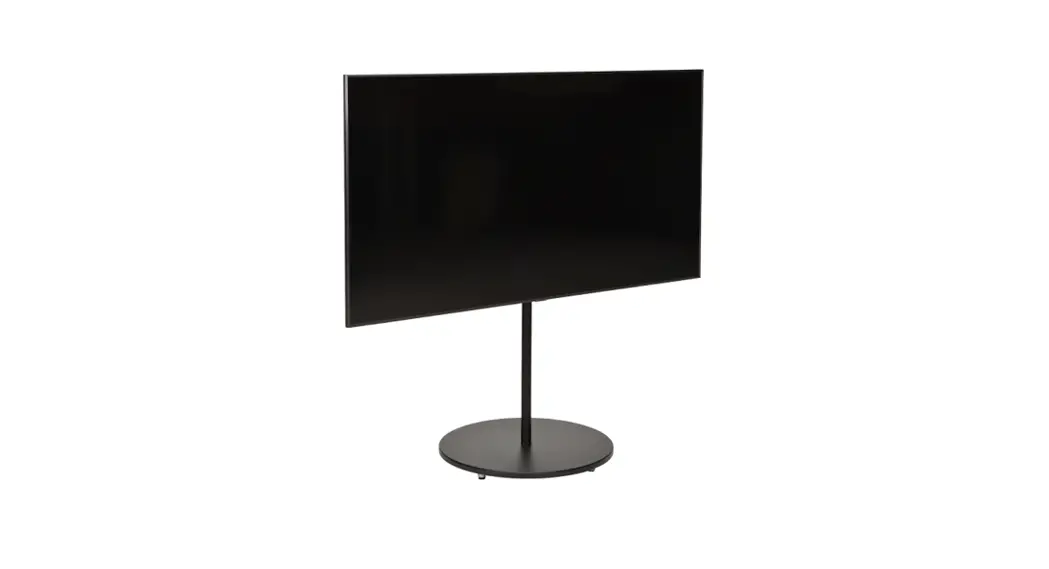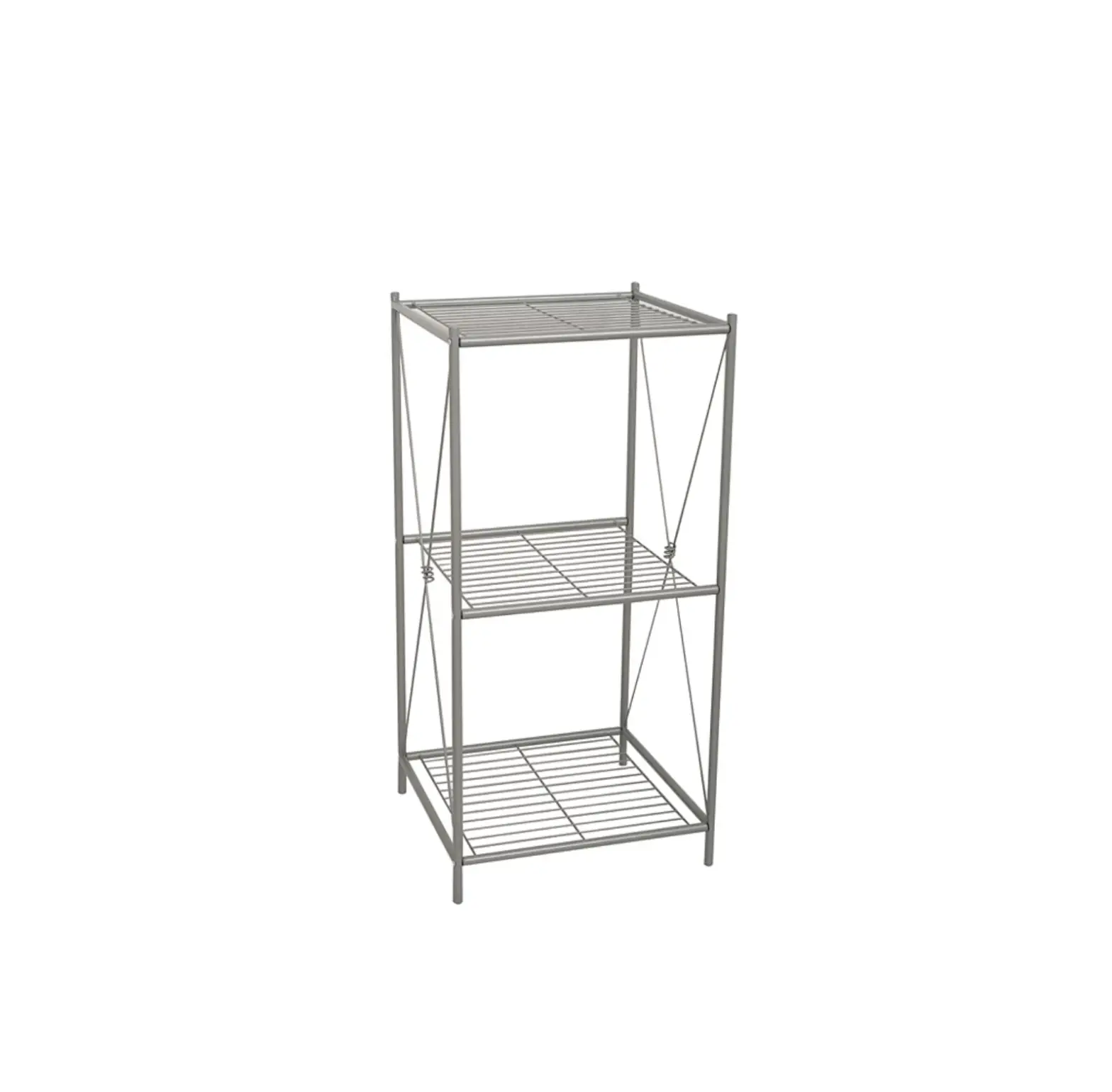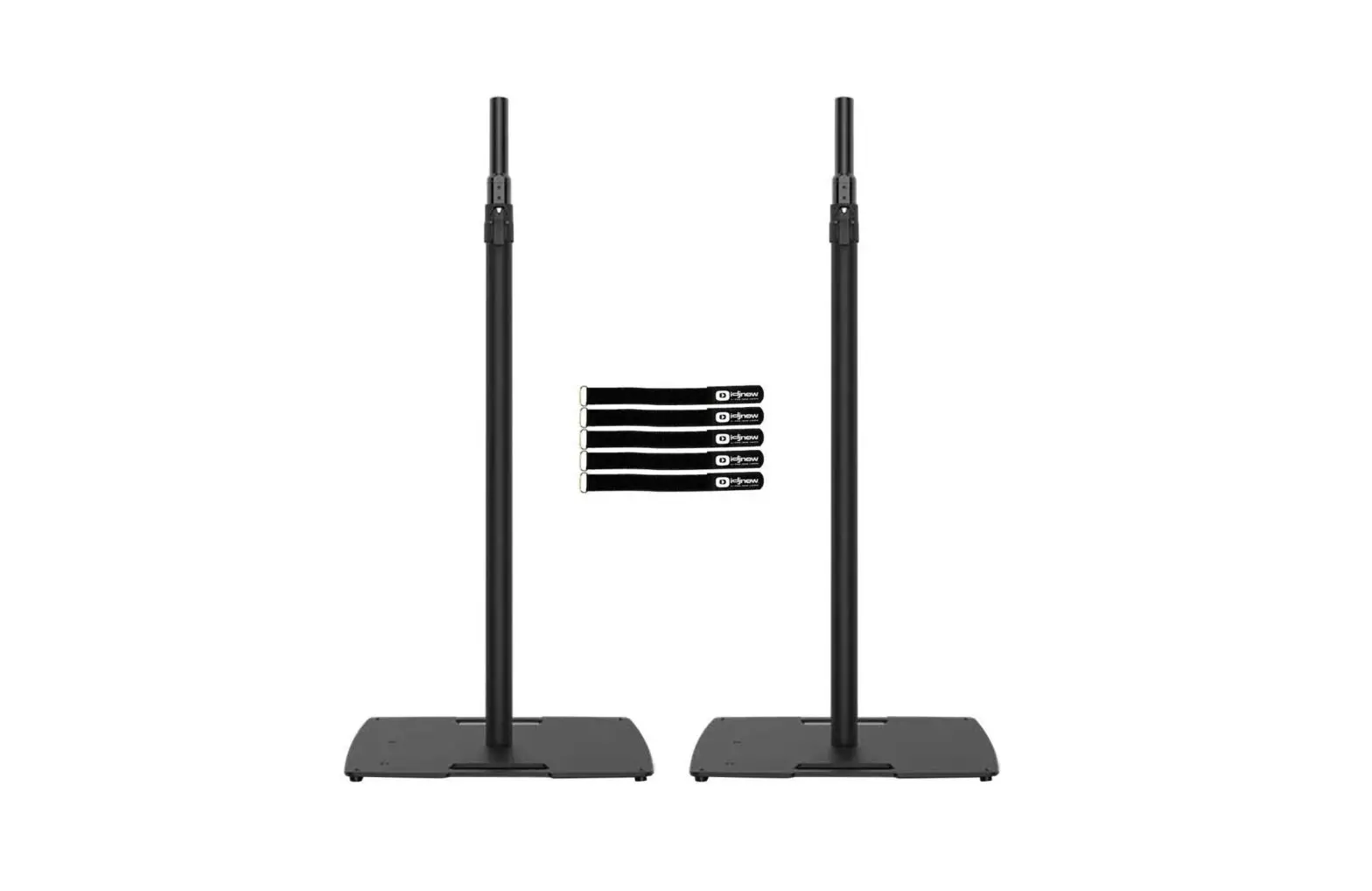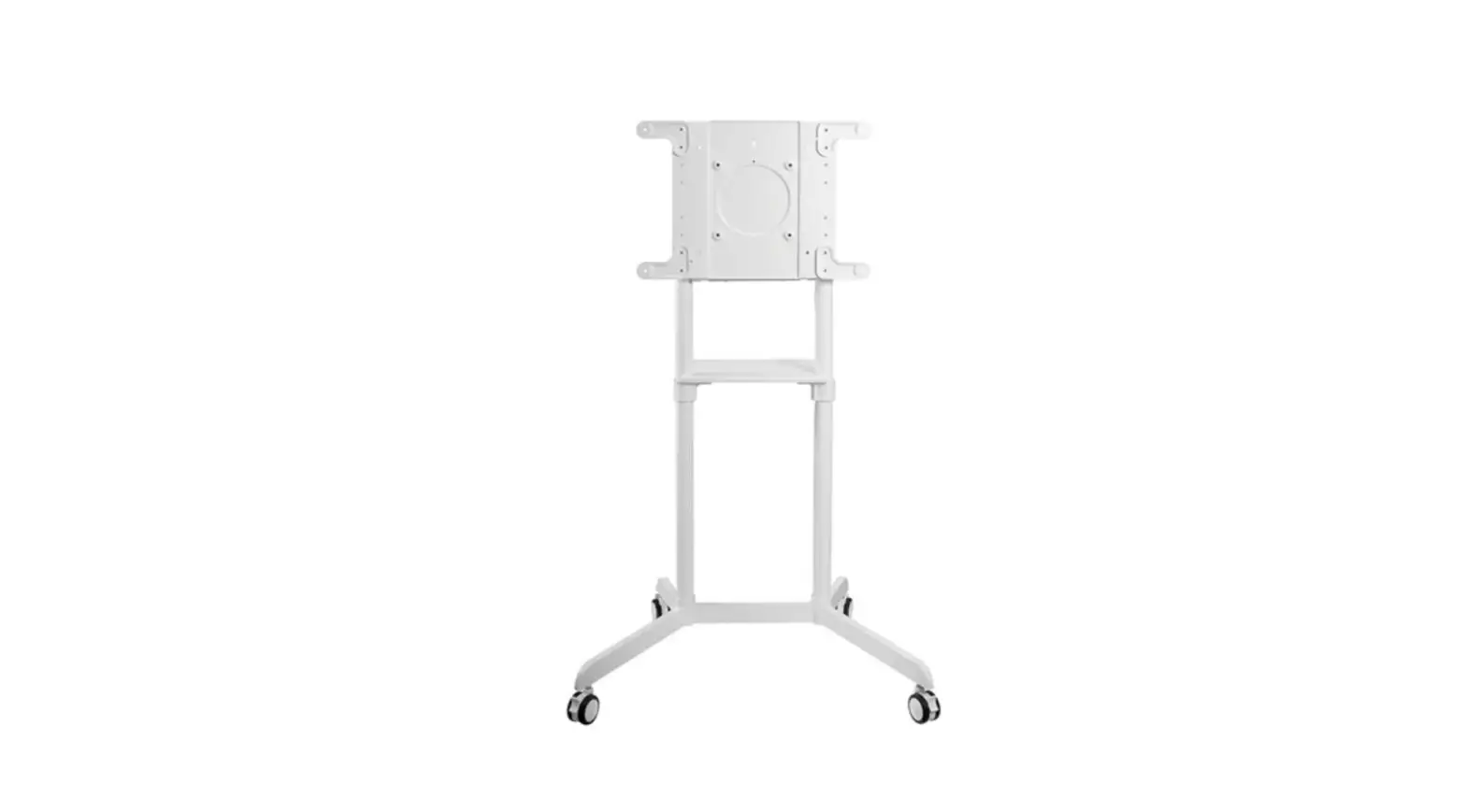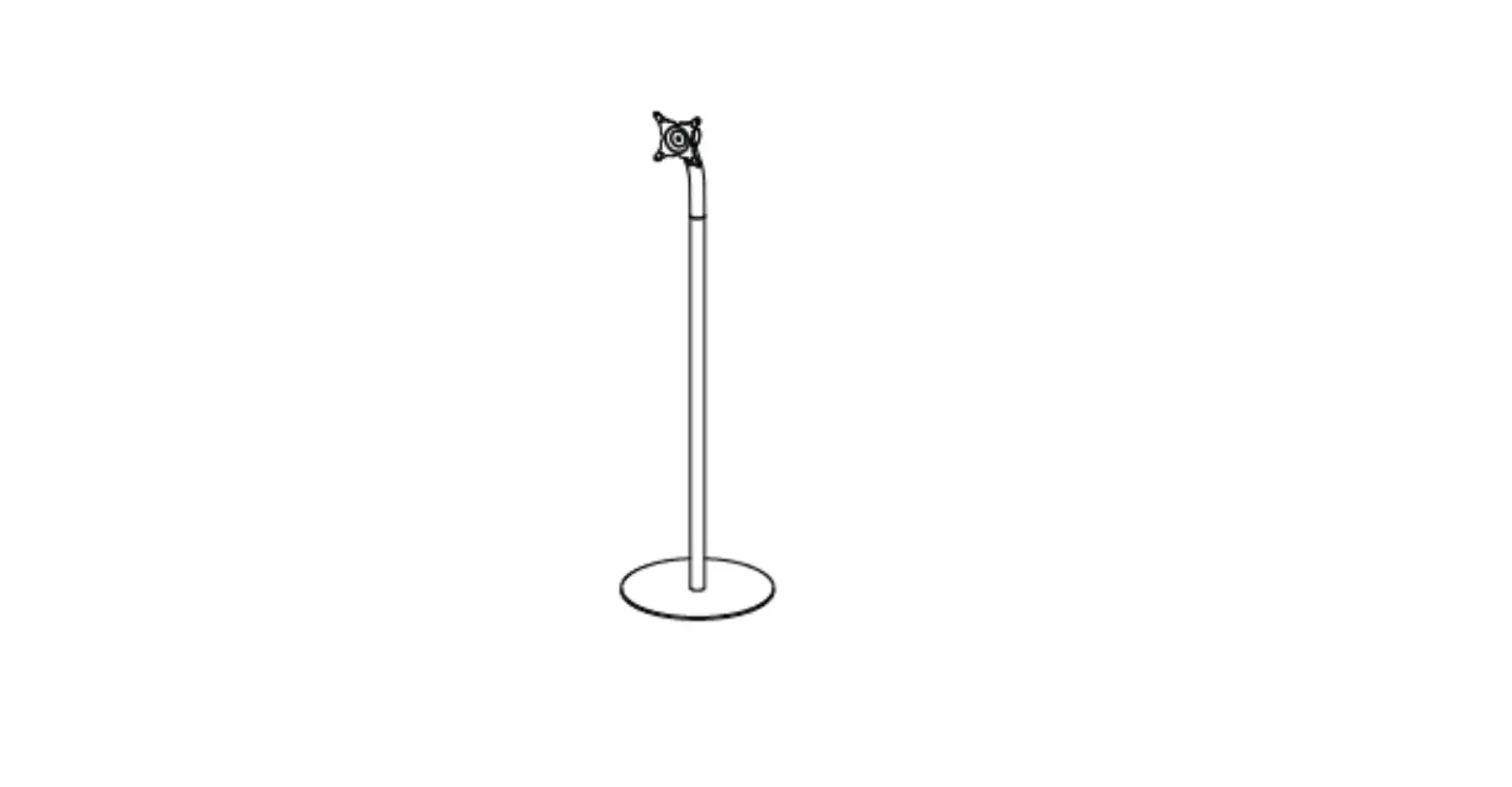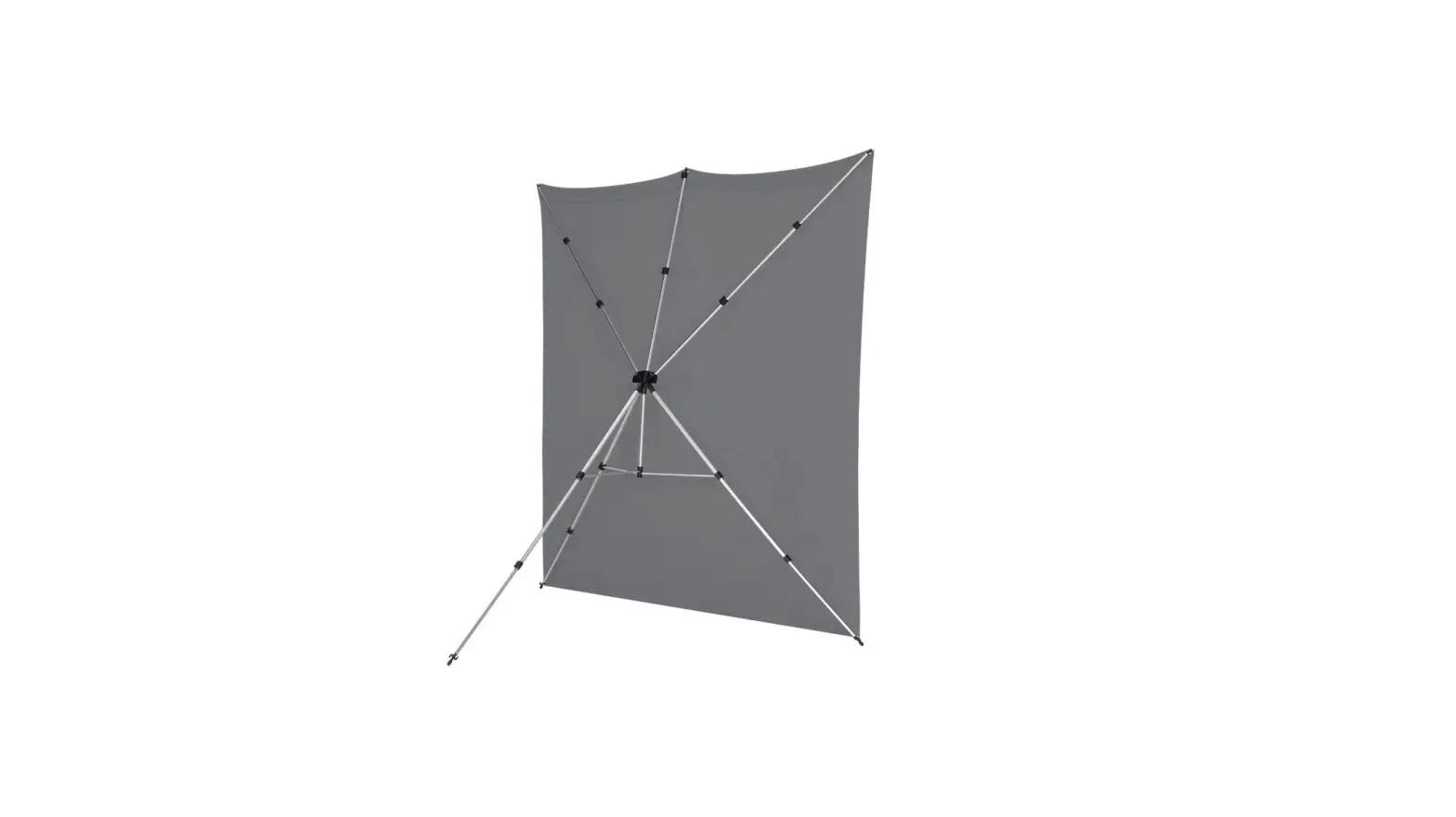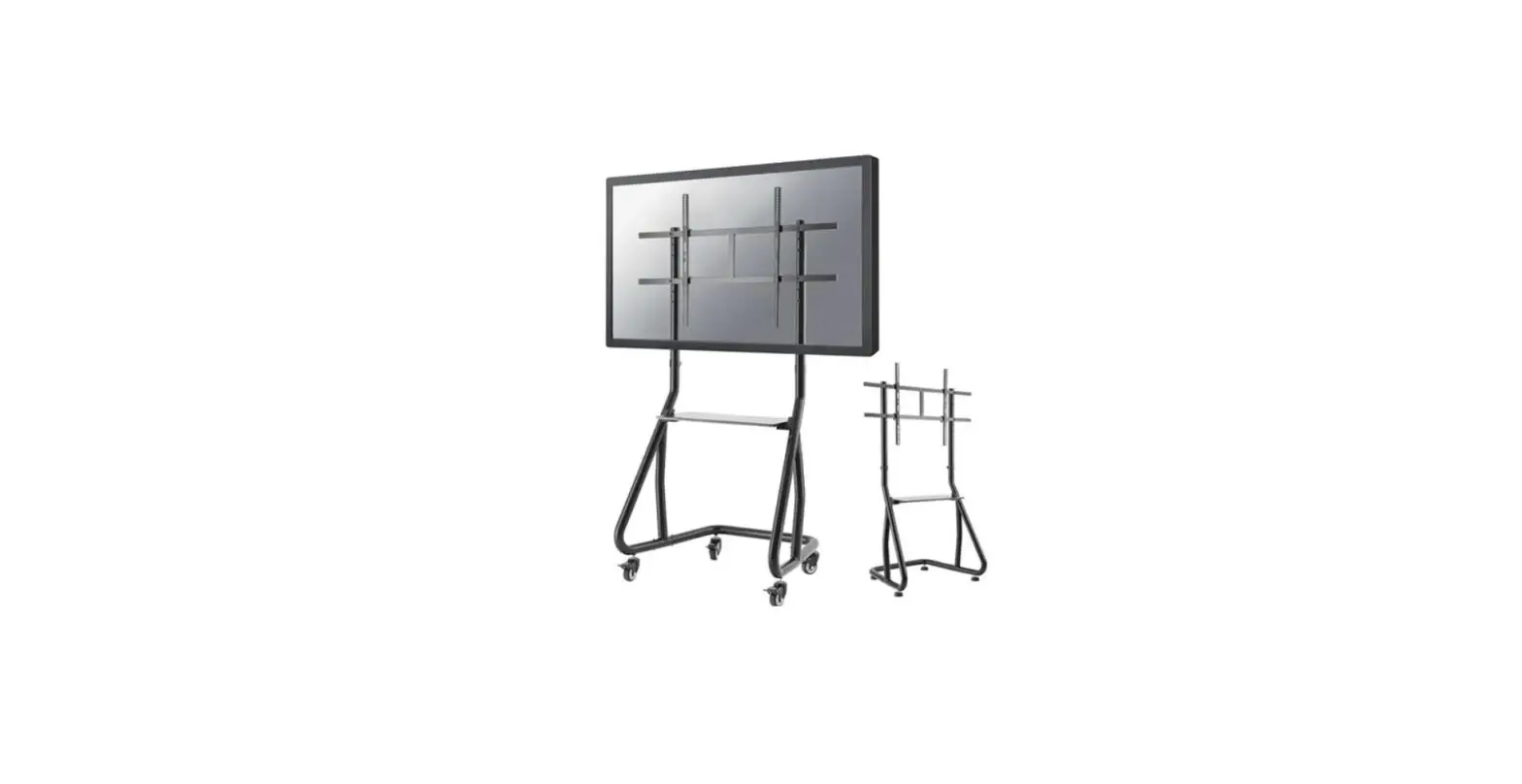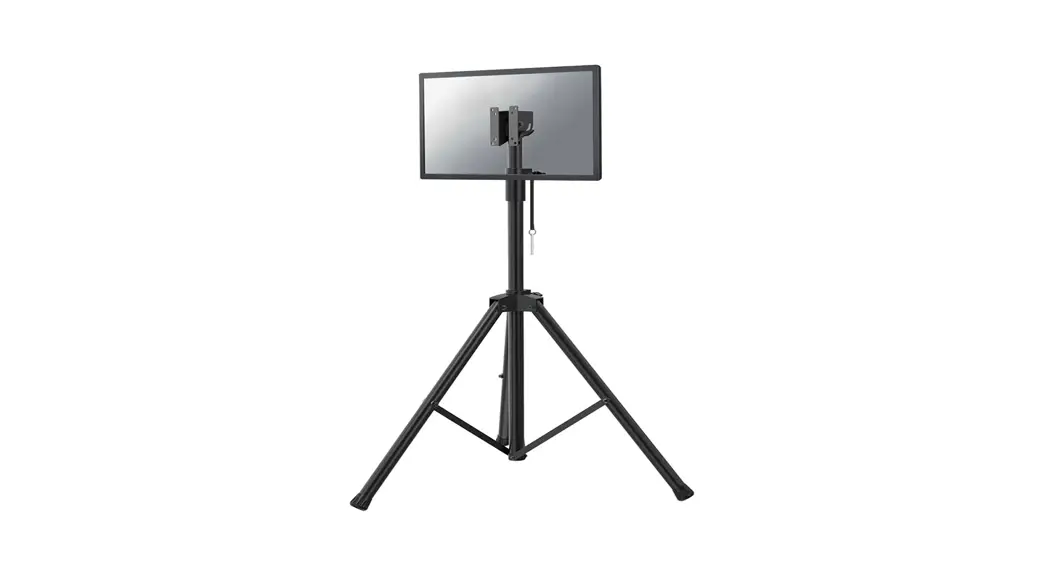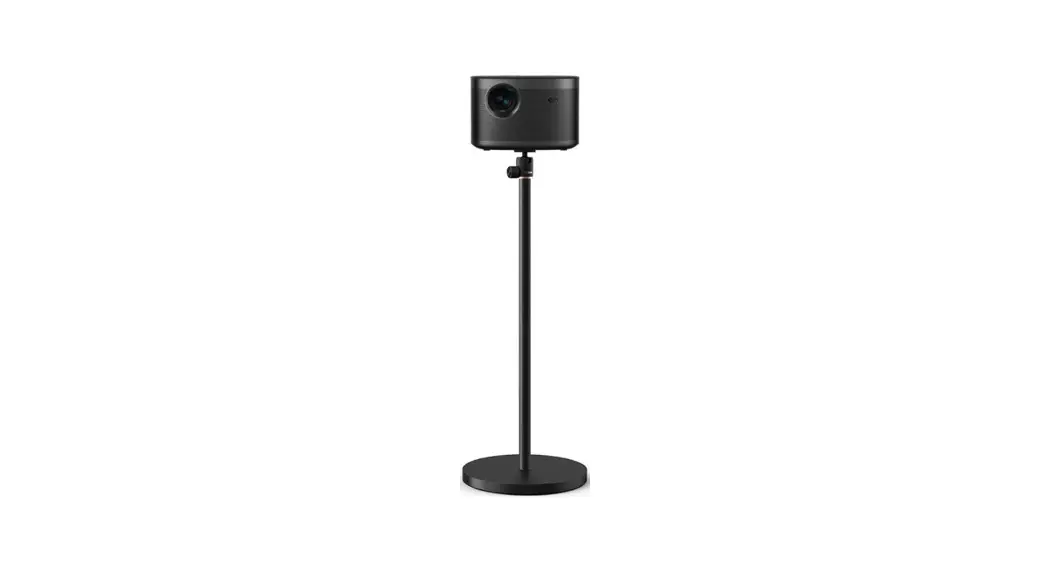
 X Floor Stand
User Guide
X Floor Stand
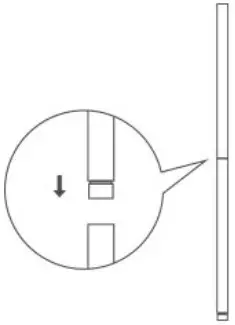
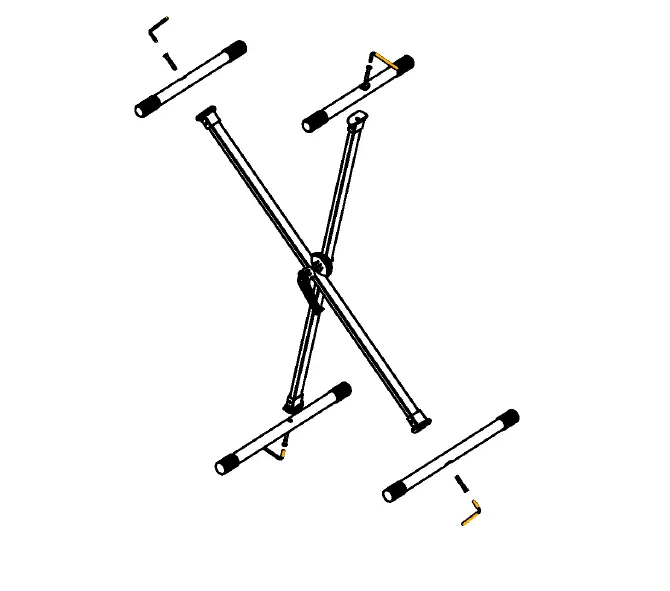
- Connect the two connecting rods

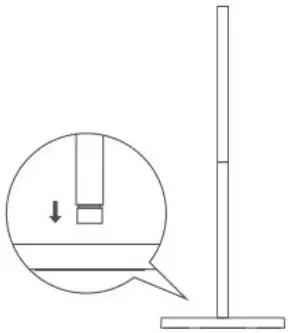
- Connect the rod and chassis connection

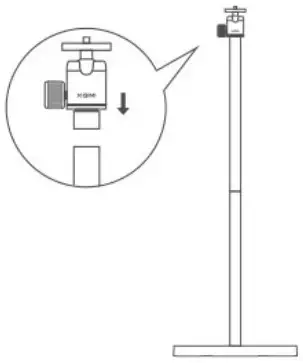
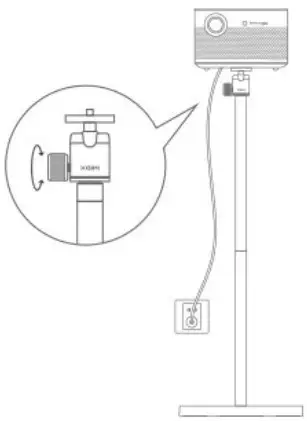
- Rotate the gimbal clockwise into the connecting rod

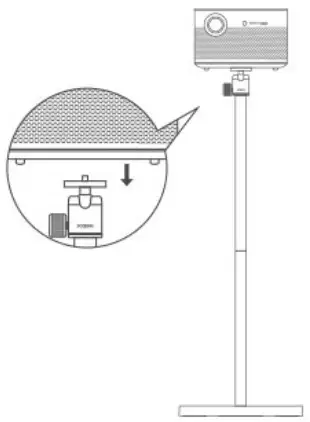
- Align the threaded hole at the bottom of the machine with the gimbal nut

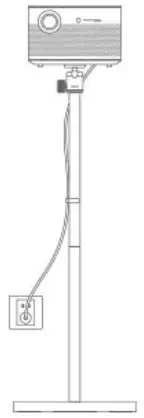
- Onnect the power supply,turn on the machine’s optical machine and rotate the gimbal knob, project the picture to a suitable

- Clip the line card on the connecting rod, and plug the power cord