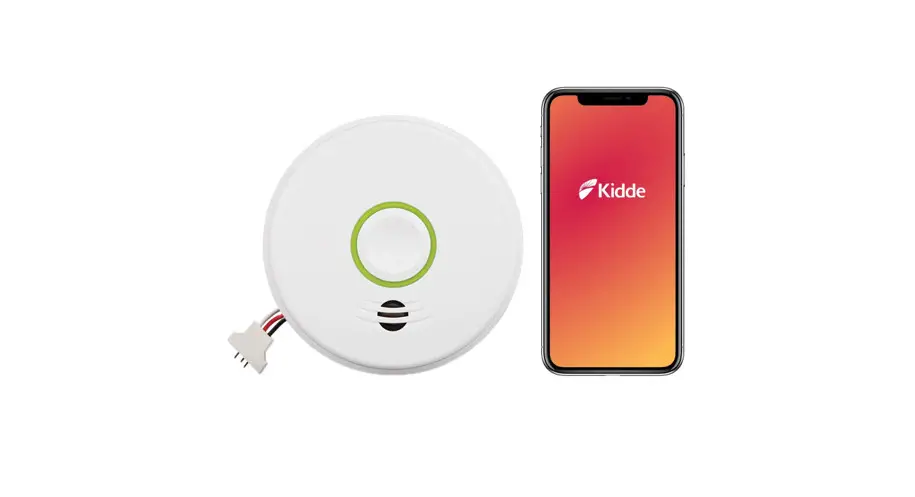
 quick Start Guide
 STEP 1: Scan QR code below with your mobile device. Install the Kidde app.
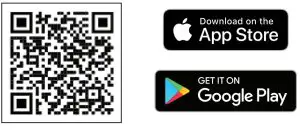
https://smarthome-files.s3.amazonaws.com/download.html
 STEP 2: Open the Kidde app.
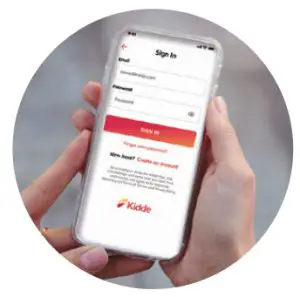
Create and log in to your account.
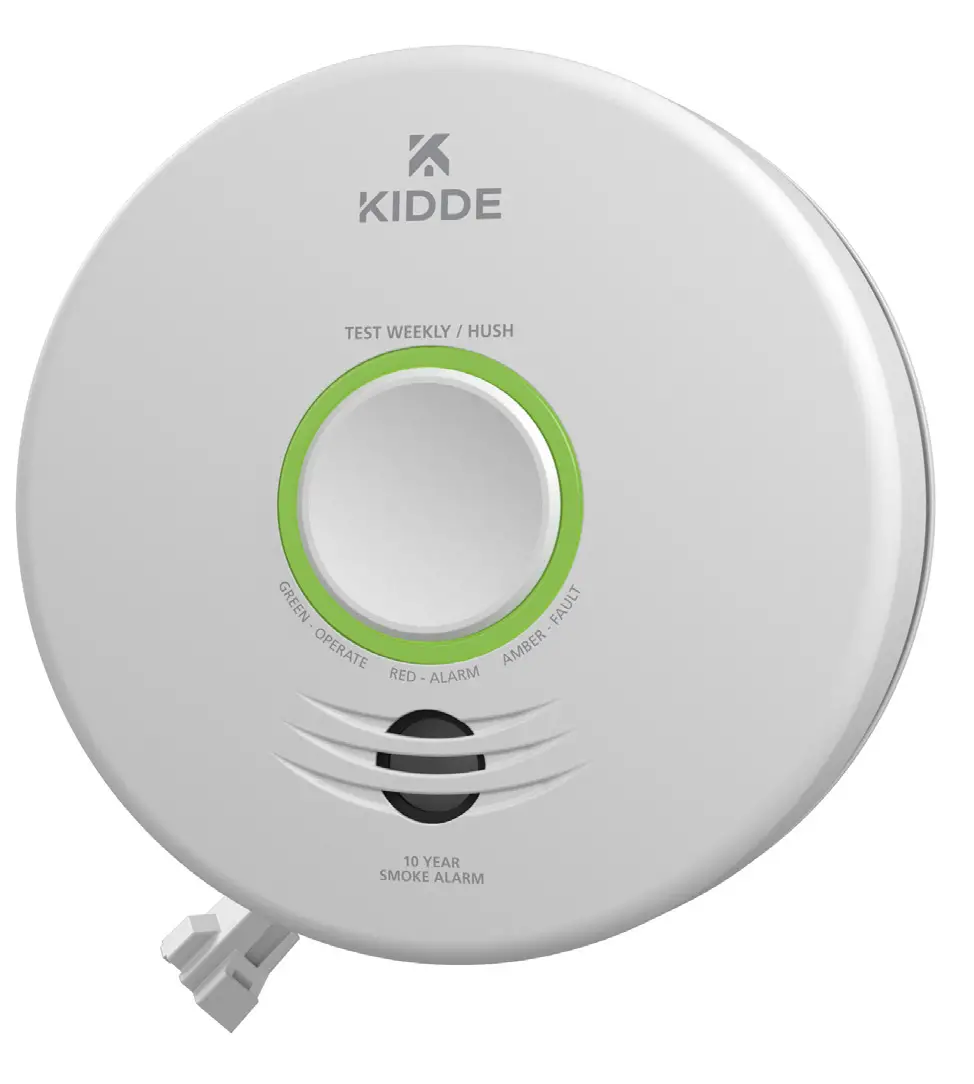
Tap “Add a device.” Select “SMART Smoke + Carbon Monoxide Alarm.” Follow in-app steps.
 STEP 3: Scan your unique QR code, below or on the back of your alarm.
Setup and connect the alarm to the app.
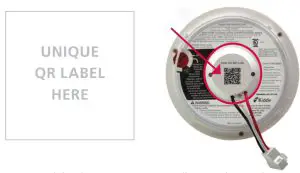
 STEP 4: Complete setup. by following in-app steps.
 WARNING: Mobile alert services are ancillary to the product and for informational purposes only. They are not intended or suitable for life safety or critical purposes nor do these services take the place of third-party life safety monitoring services. This product’s smartphone and tablet notifications require a stable Wi-Fi connection and are only as reliable as your home Wi-Fi network.
Connect with us:
Kidde.com

Questions?
Call customer support 800-880-6788

©2021 Carrier. All Rights Reserved.