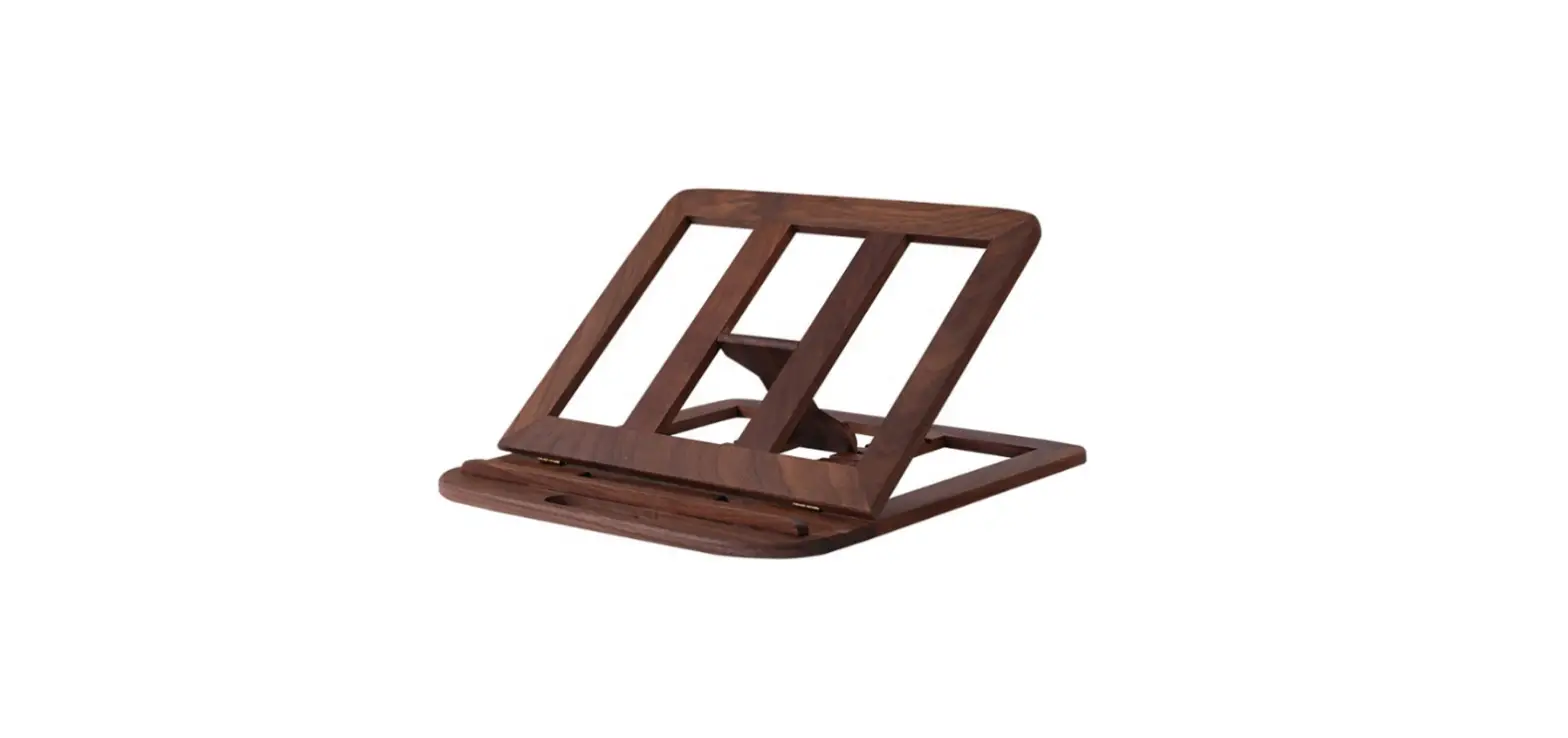
EasyClick BMB Computer Holder
Product Information
The EasyClick is a versatile and user-friendly device designed
to simplify various tasks. It features a compact and lightweight
design, making it easy to use and carry around.
Product Usage Instructions
- Before using the EasyClick, ensure that it is fully charged by
connecting it to a power source using the provided charger. - To turn on the device, press and hold the power button located
on the top of the EasyClick. - To perform Task 1, press the button labeled “1” on the front of
the device. - To perform Task 2, press the button labeled “2” on the front of
the device. - To perform Task 3, press the button labeled “3” on the front of
the device. - If you want to combine Task 1 and Task 3, press both buttons
labeled “1” and “3” simultaneously. - To perform Task 4, press the button labeled “4” on the front of
the device.
Note: Please refer to the comprehensive user manual for
additional information and safety precautions.
DE | Montageanleitung: EasyClick EN | Assembly Instructions: EasyClick IT | Istruzioni di montaggio: EasyClick FR | Instructions de montage: EasyClick NL | Montage-instructies: EasyClick CZ | Montázní návod: EasyClick SE | Monteringsanvisningar: EasyClick RO | Instruciuni de asamblare: EasyClick SK | Montázny návod: EasyClick
1
2
EasyClick
3
1
1
3
2
1 3
2
4