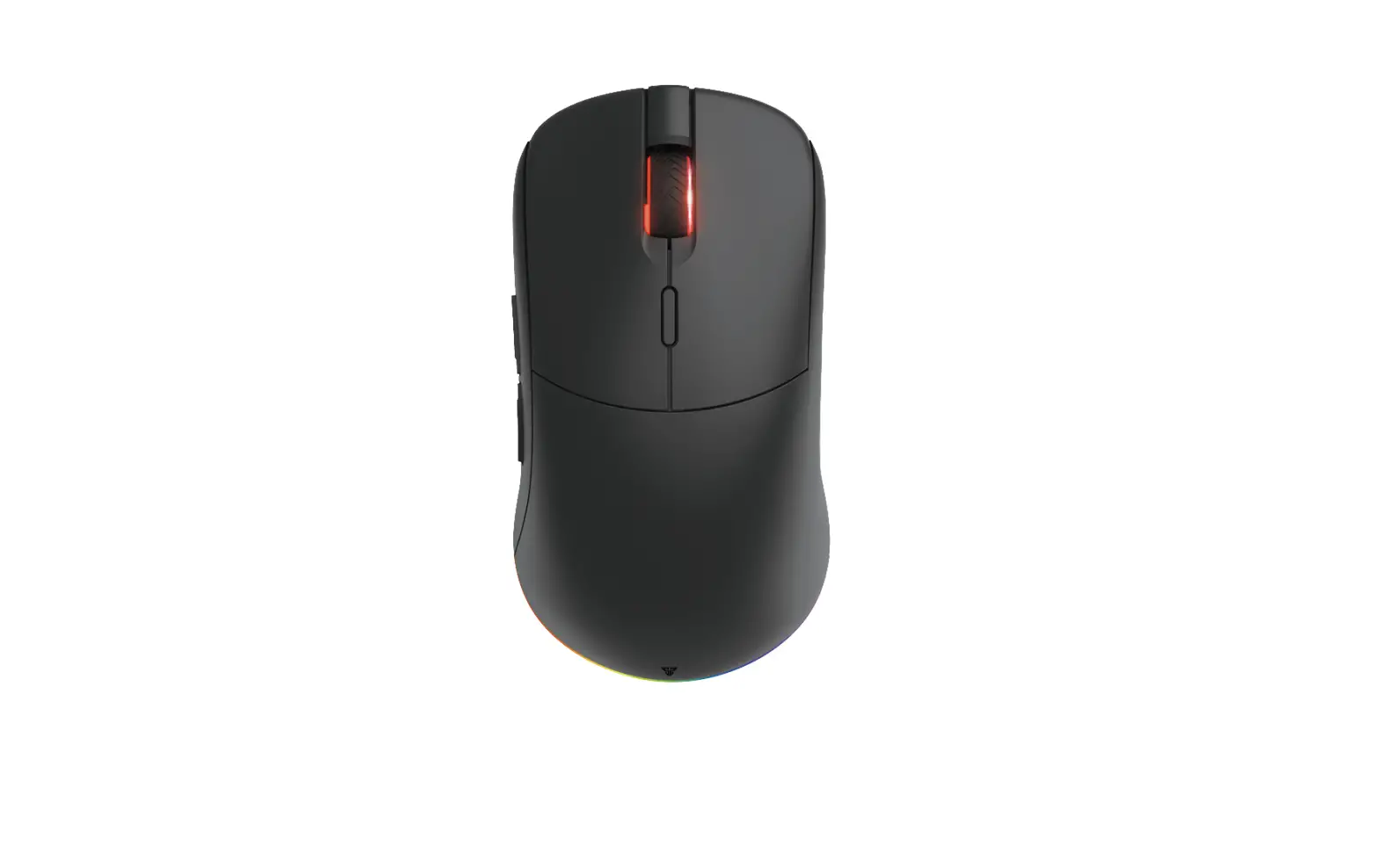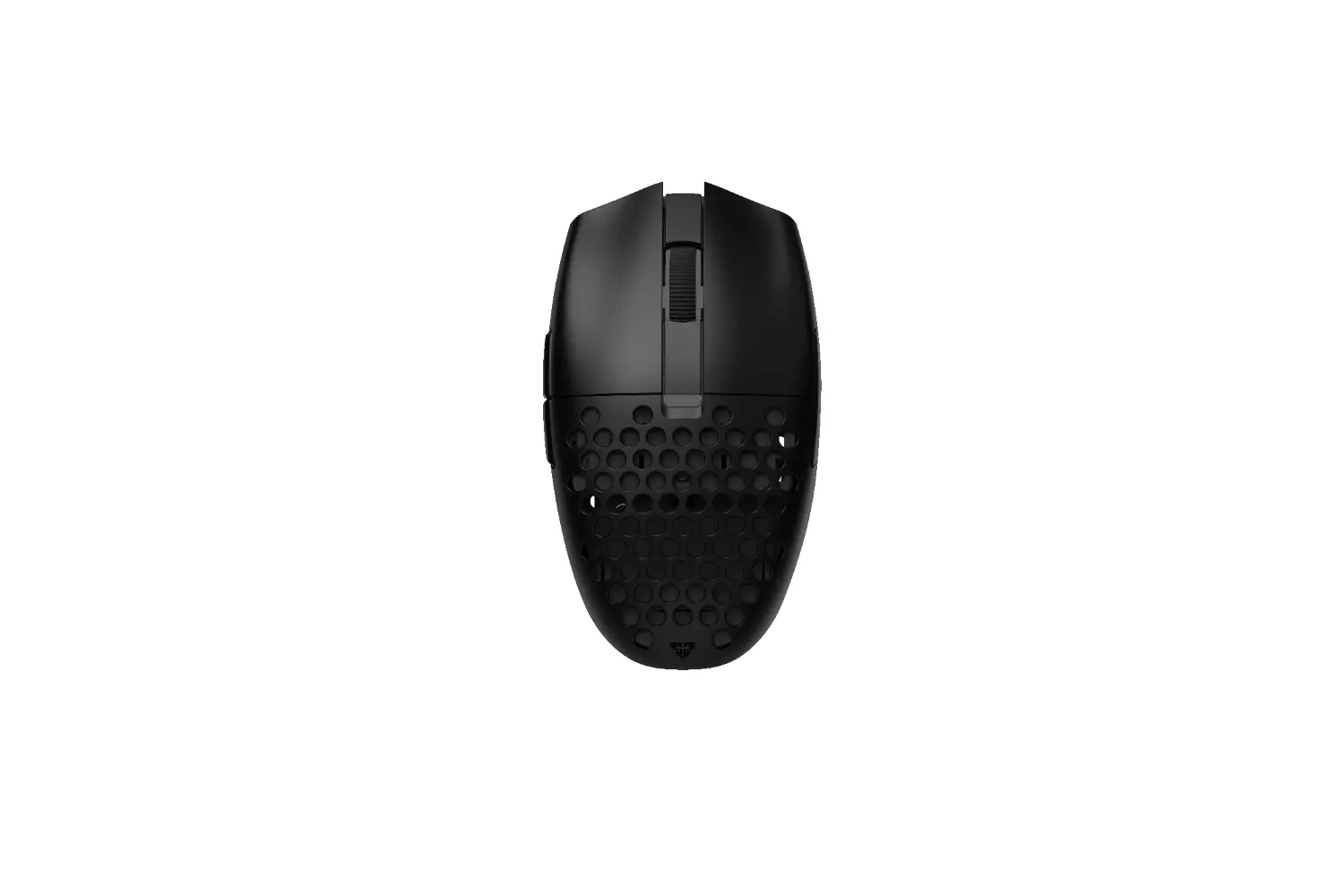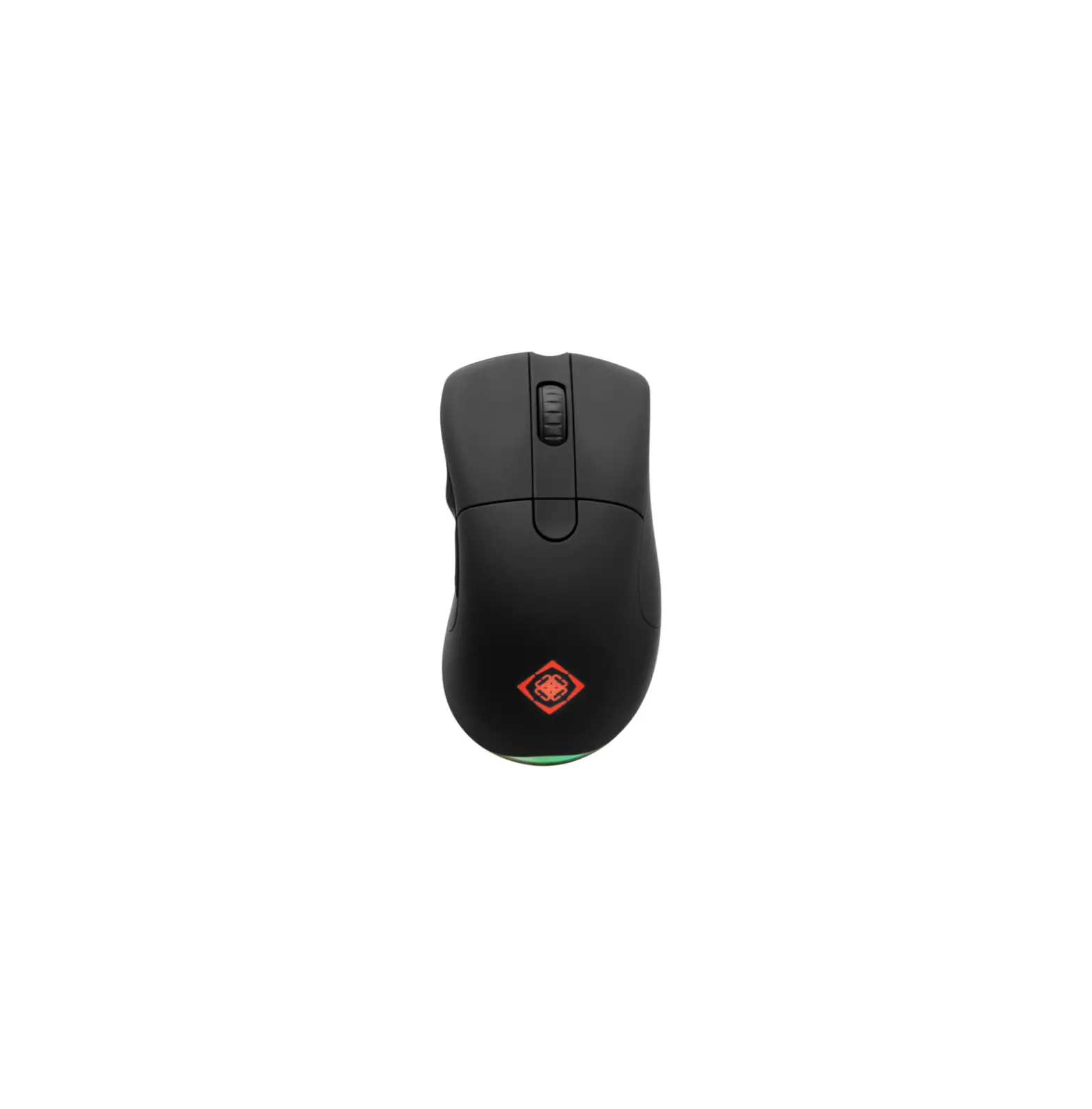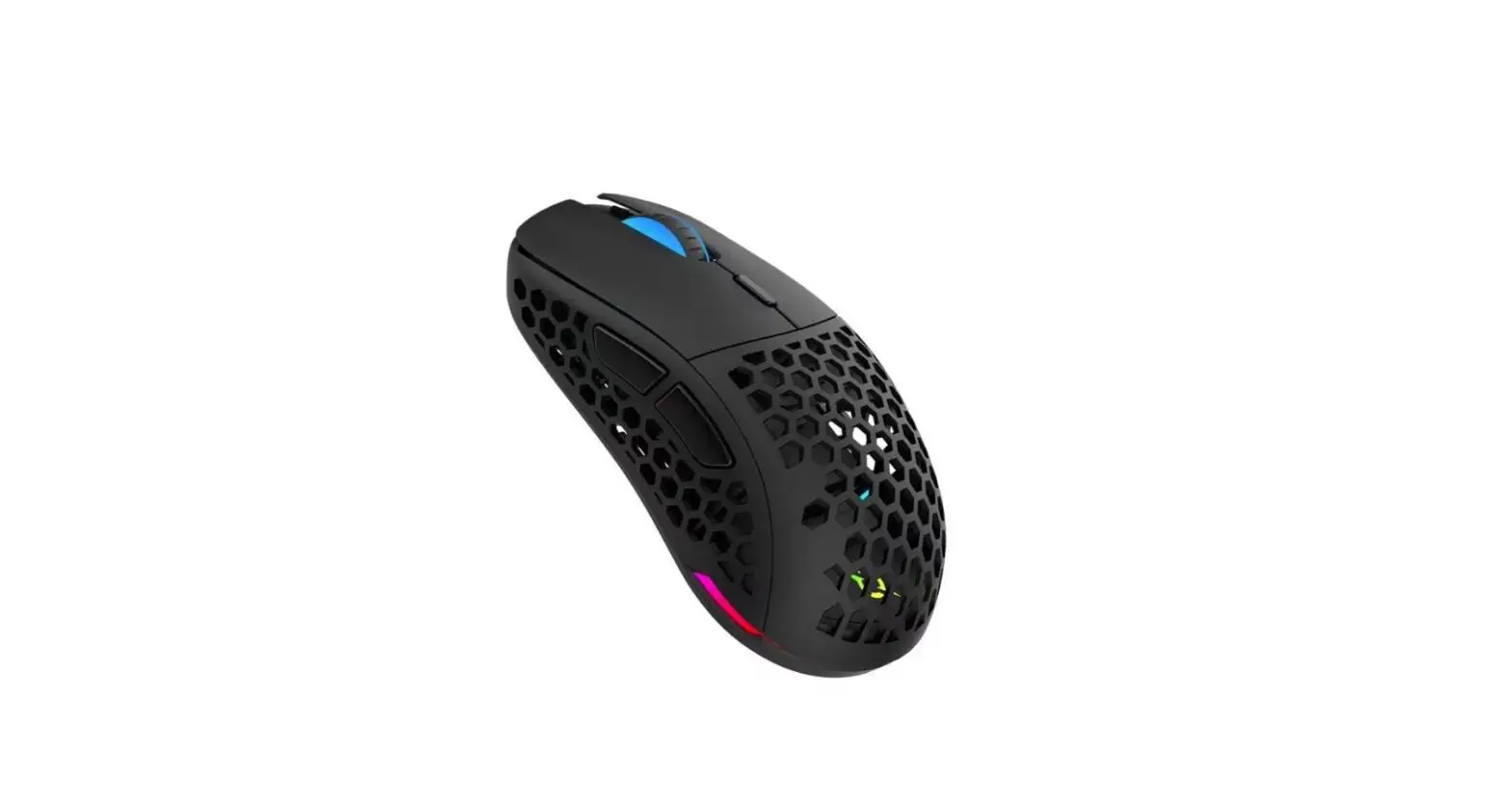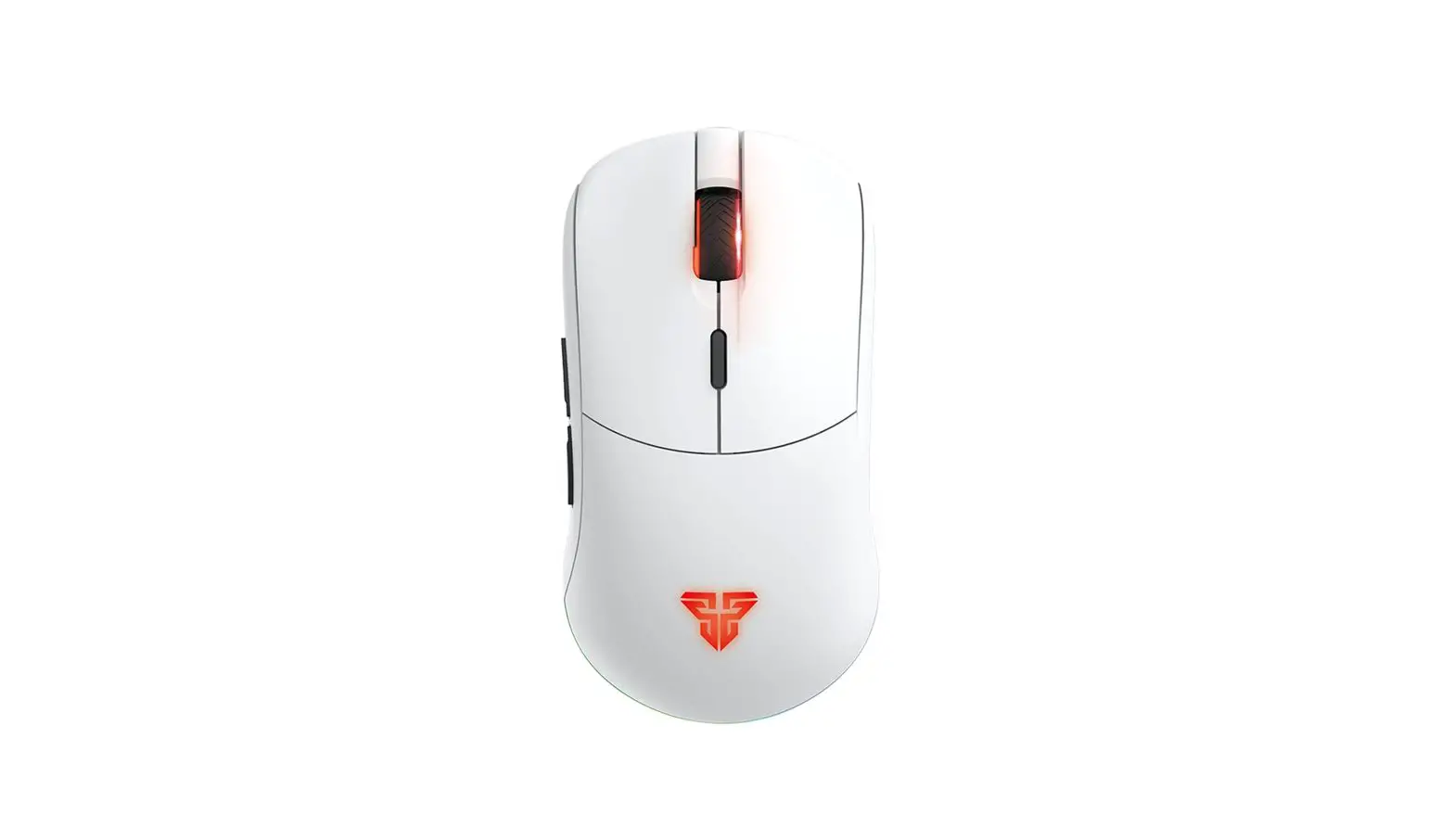

FANTECH VENOM II WGC2 Wireless 2.4GHZ Gaming Mouse
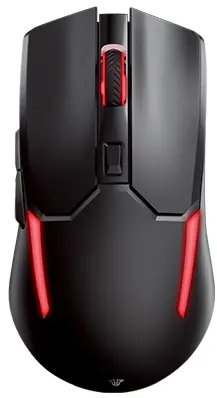
Instruction manual
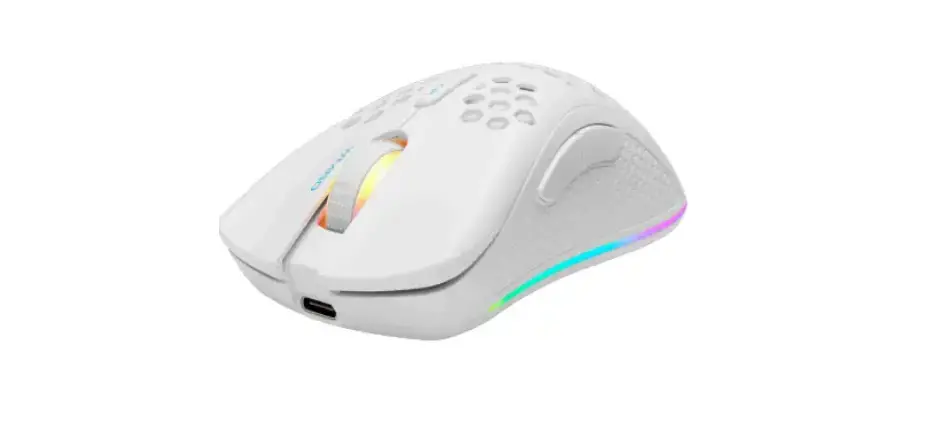
Thank you for purchasing FANTECH VENOM II WGC2 Wireless 2.4GHZ Gaming Mouse. FANTECH VENOM II WGC2 has 20 million switch and also supports up to 4000DP| with a DPI switch button, to make you pinpoint accurate and to land more killing blows when playing the game. FANTECH VENOM II WGC2 is a plug and play dual power USB mouse, no need to install any driver to Use
Technical specification
- Gaming Optical Sensor
- On-the-fly Adjustable DPI 800-4000DPI
- 250Hz Polling Rate
- Huano 20.000.000 Clicks Lifetime
- Up to 30ips 10G Acceleration
- Battery Capacity 300mAh
- Wireless distance: 10M
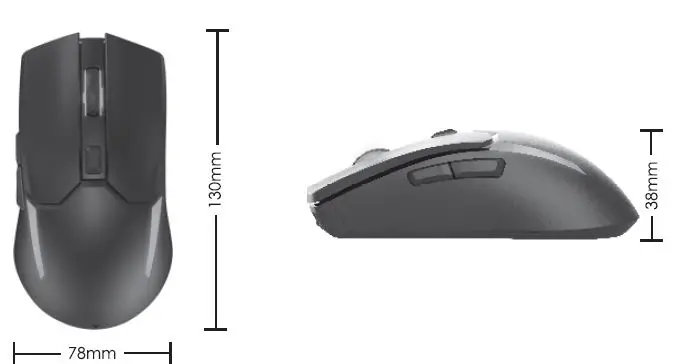
- Size: 130mm x 78mm X 38mm
Size
Keys function map
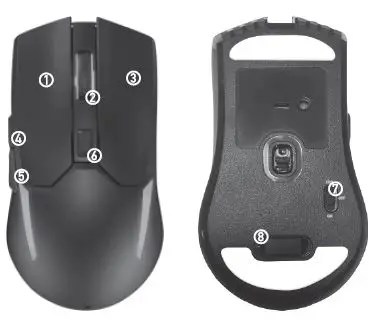
| KEY | KEY FUNCTION MAP |
| 1 | LEFT BUTTON |
| 2 | MID BUTTON |
| 3 | RIGHT BUTTON |
| 4 | FORWARD |
| 5 | BACKWARD |
| 6 | DPI |
| 7 | POWER SWITCH |
| 8 | USB RECEIVER |
How to charge
To charge the mouse just Connect the USB jack to any USB port and connect the Type-C cable to the mouse. When charging, the Power Indicator turns to blue color.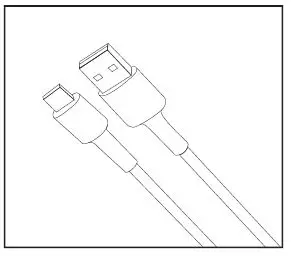
How to connect
Its plug and play. Connect the mouse receiver to a computer by inserting the USB receiver into your computer’s USB port.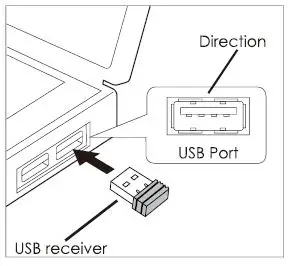
What’s included in the box
- VENOM II WGC2 wireless 2.4GHZ gaming mouse
- Type-C charging cable
- USB receiver
- User manual
System requirements
- Operating systems: Windows XP/7/8/10; MAC OS
- One USB 2.0/3.0 port