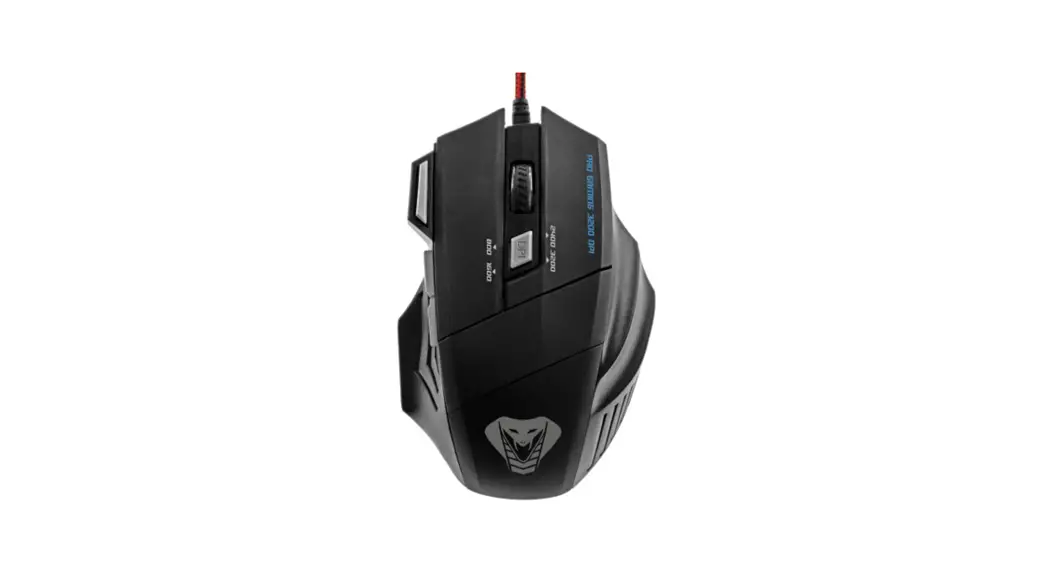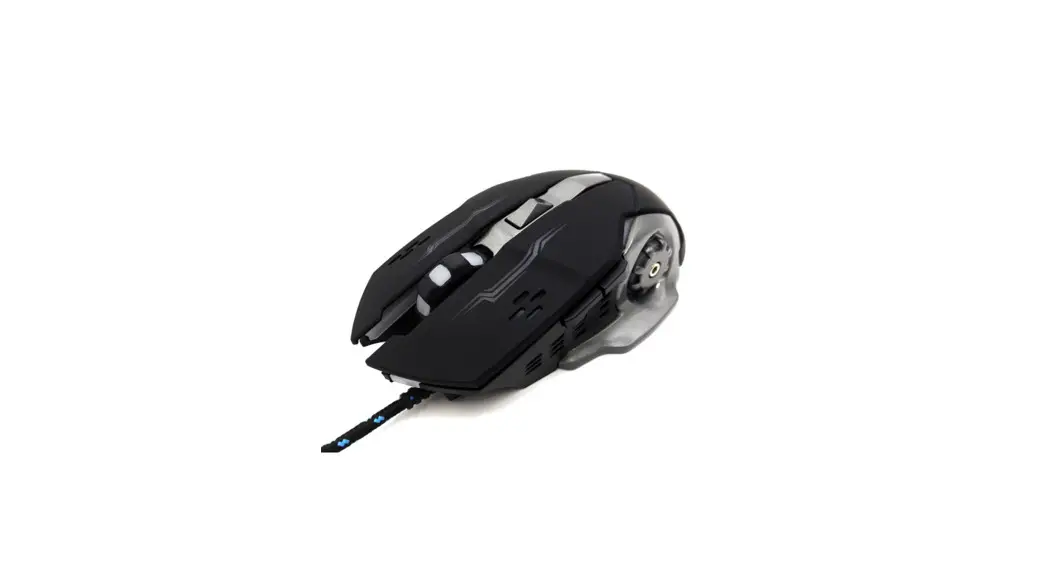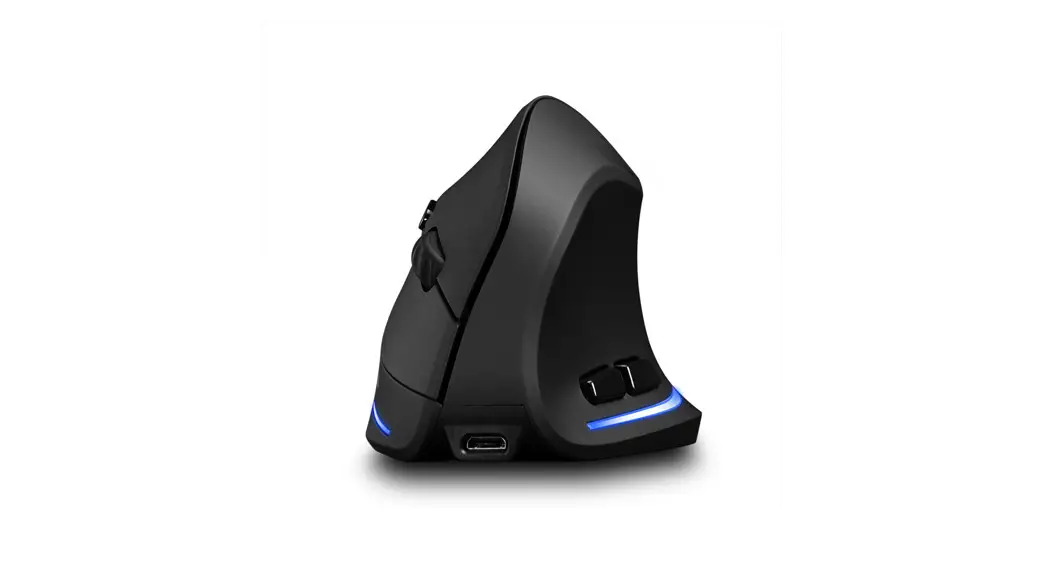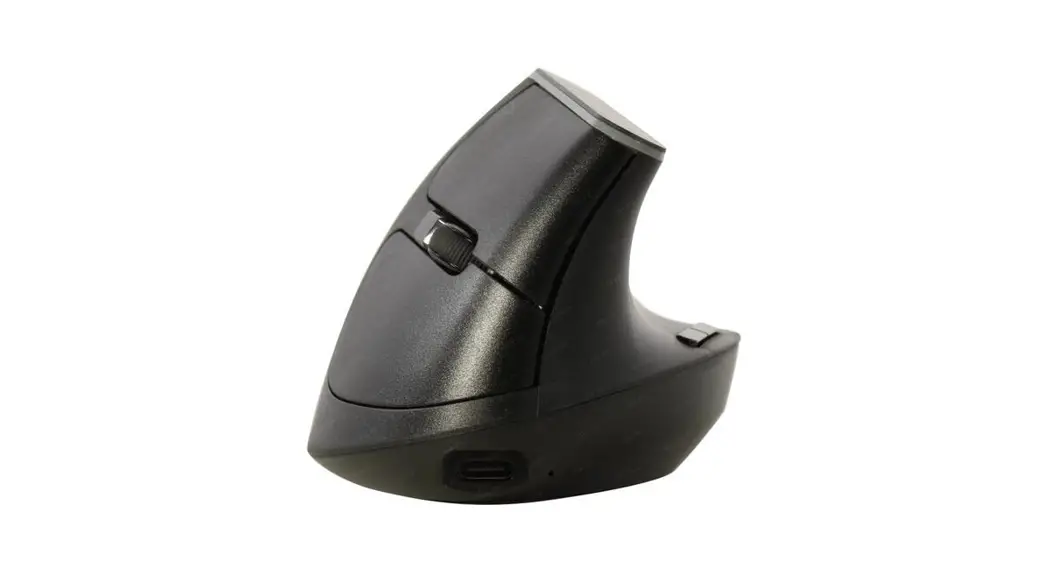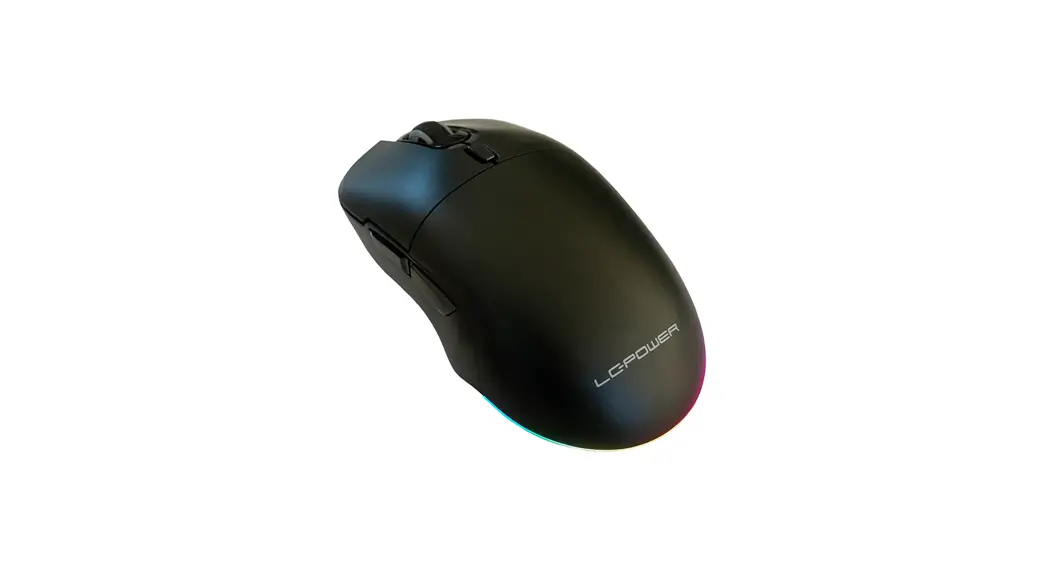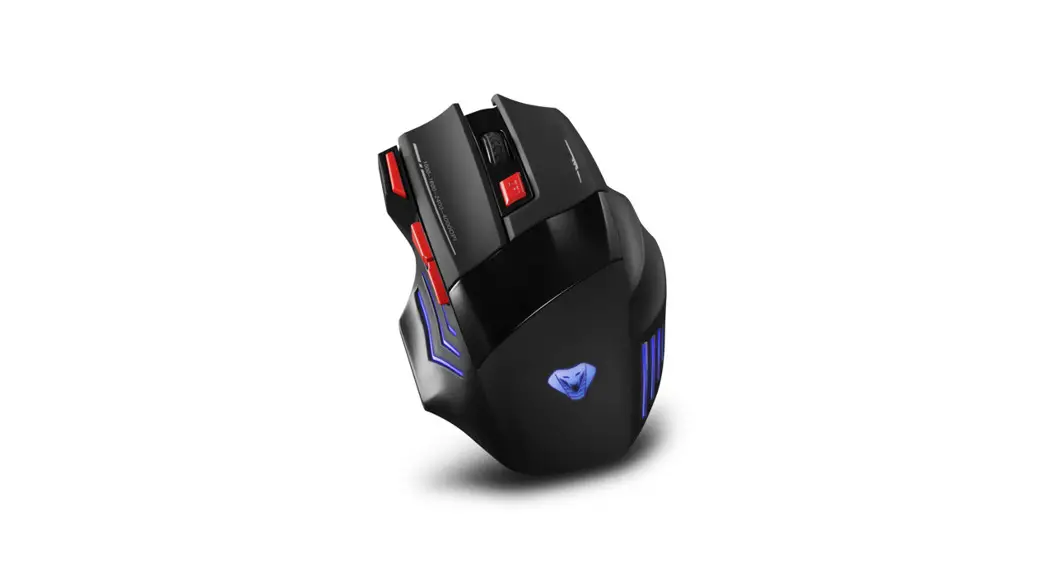
 OPTICAL GAMING WIRELESS MOUSE
MT1121
Instruction manual
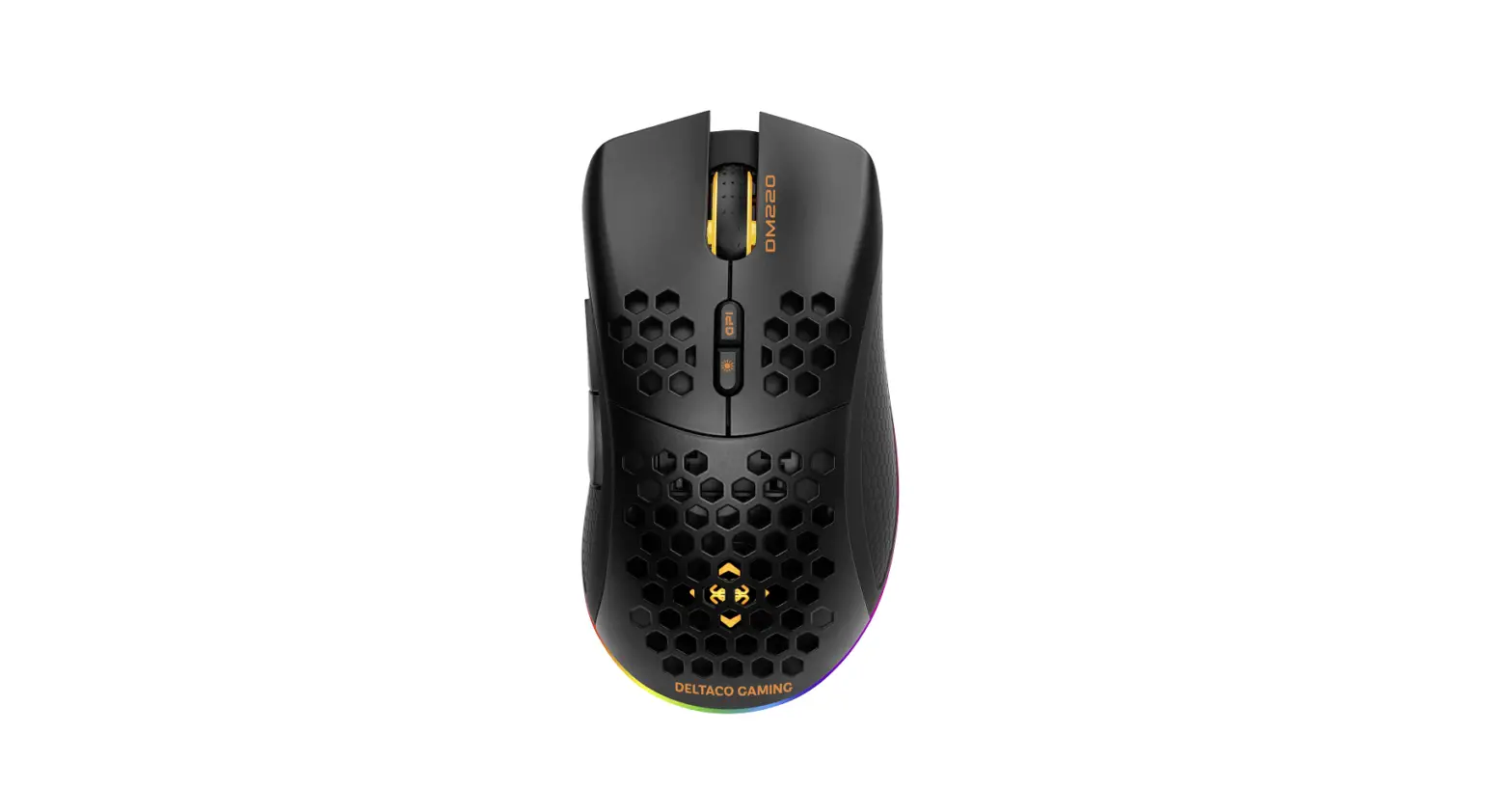
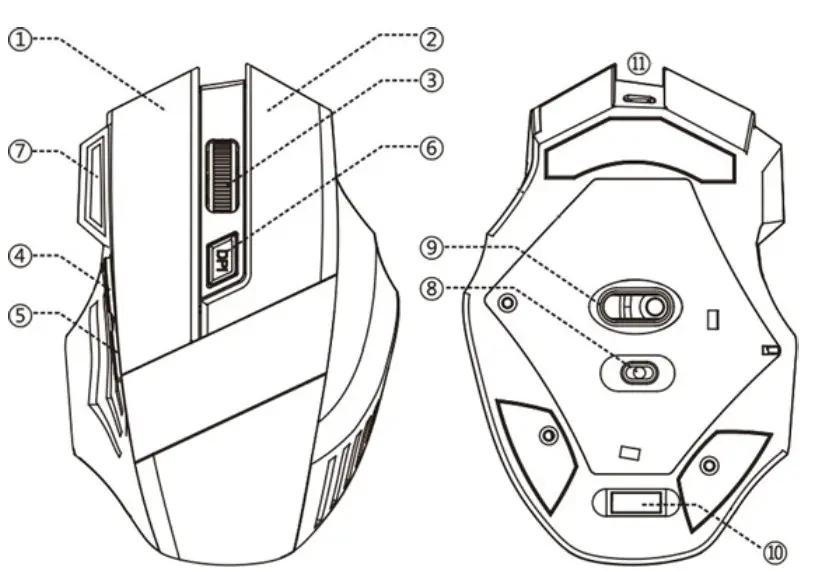
- Left button
- Right button
- Middle button, scrolling wheel, charging LED
- Forward button
- Back button
- DP! adjustment
- Special fire key
- Power & illumination switch
- Roptical sensor
- AF receiver
- Micropubs charging socket
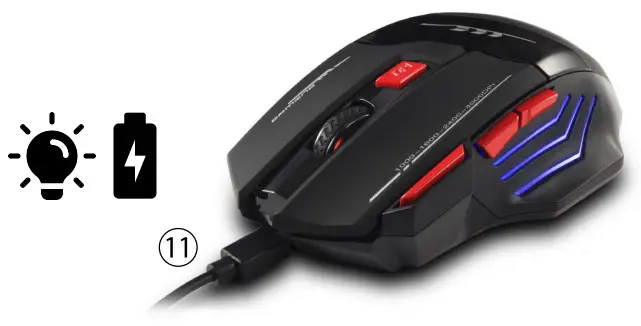
 Charging: BLUE LIGHT (3) > GREEN light > 100% charged
- DPI changing: press (6) button to set 1000, 1600, 2400, 4000DPI. Red light (3) will blink lx, 2x, 3x, 4x Times
- Illumination ON/OFF: use (8) switch to enable or disable mouse illumination
NOTE. Mouse illumination make higher battery consumption > need charging earlier.
 Charging: BLUE LIGHT (3) > GREEN light > 100% charged
Note on environmental protection: After the implementation of the European Directive 2012/19/UE in the national legal system, the following applies: Electrical and electronic devices may not be disposed of with domestic waste. Consumers are obliged by law to return electrical and electronic devices at the end of their service lives to the public collecting points set up for this purpose or point of sale. Details to this are defined by the national law of the respective country. This symbol on the product, the instruction manual or the package indicates that a product is subject to these regulations. By recycling, reusing the materials or other forms of utilizing old devices, you are making an important contribution to protecting our environment.