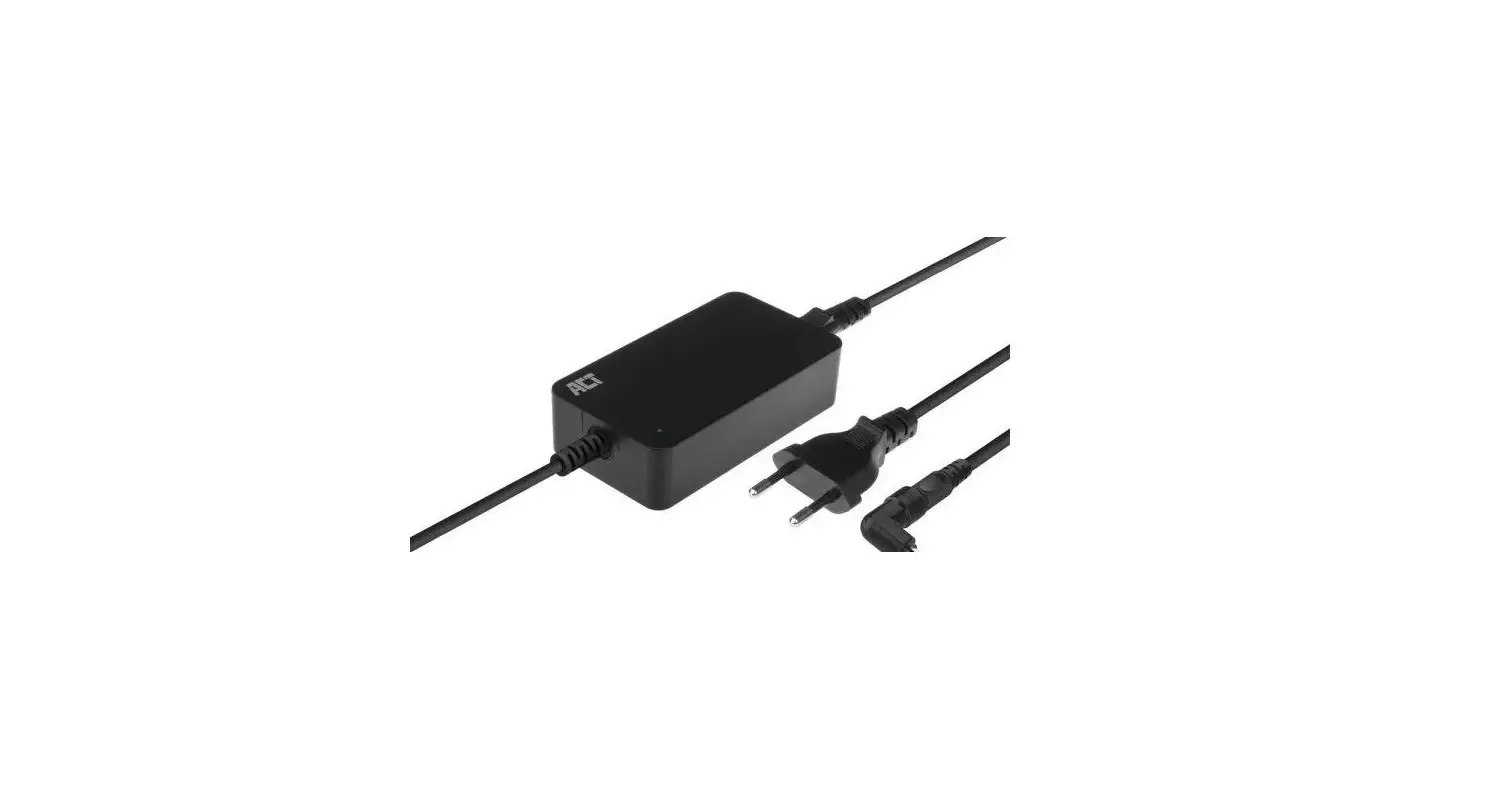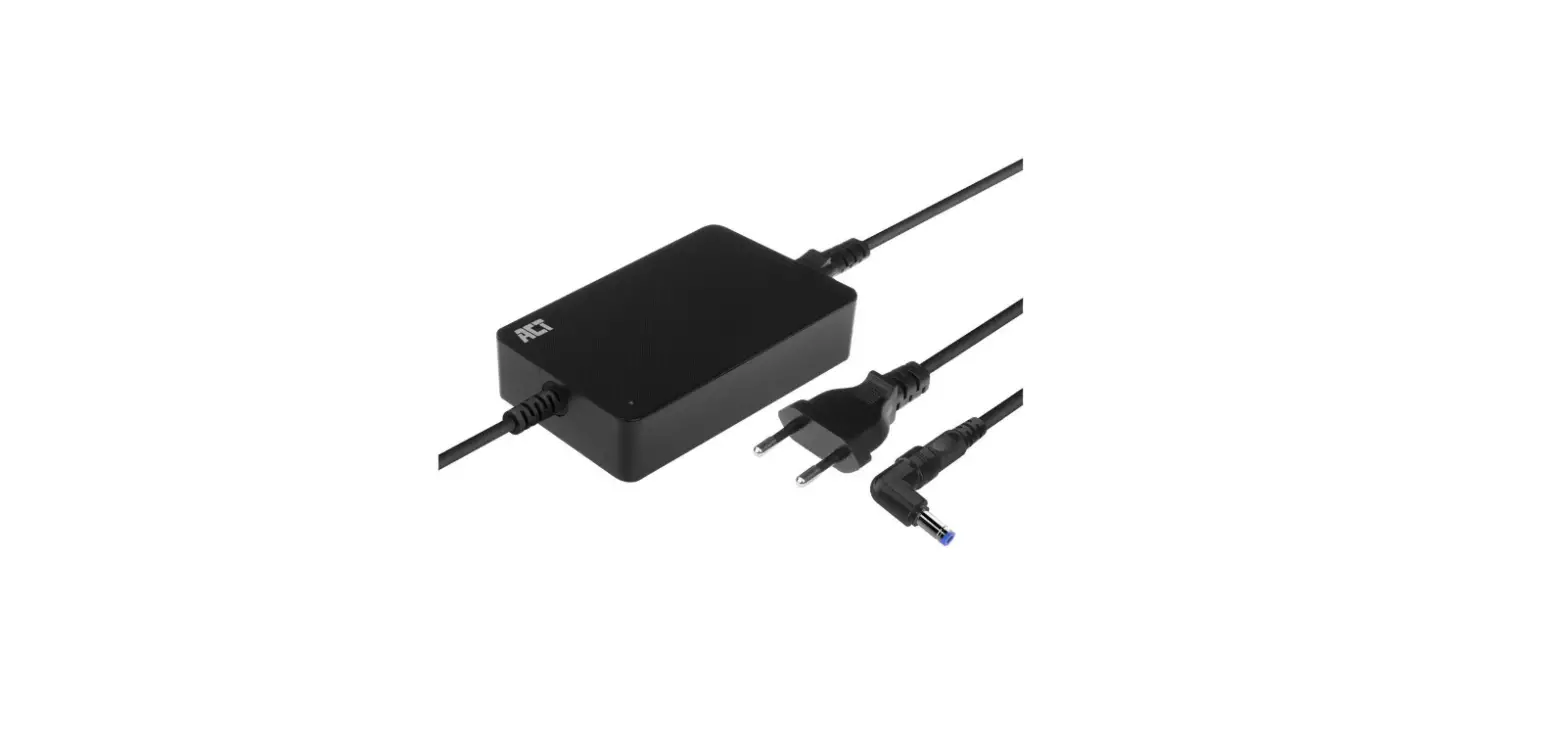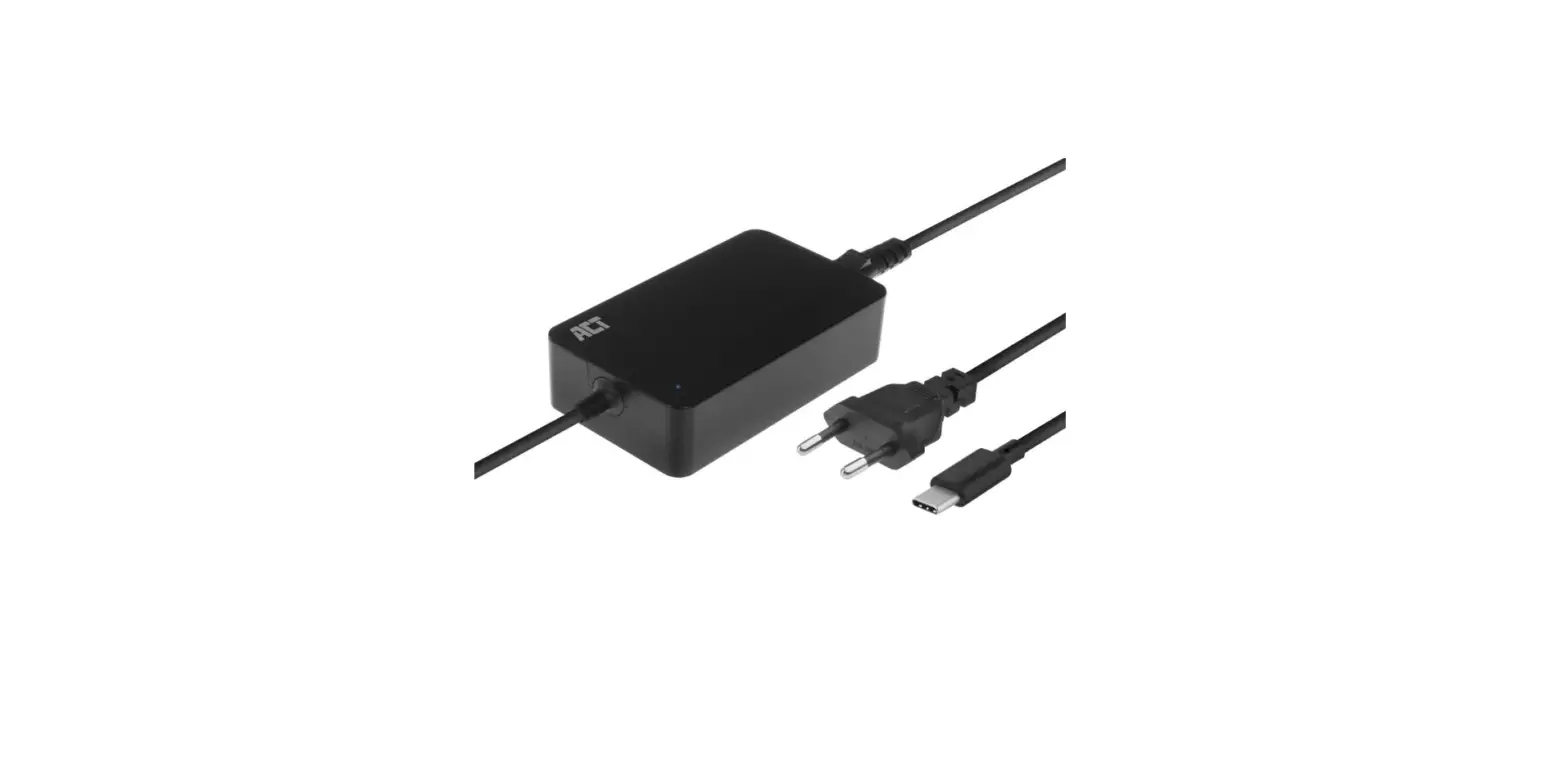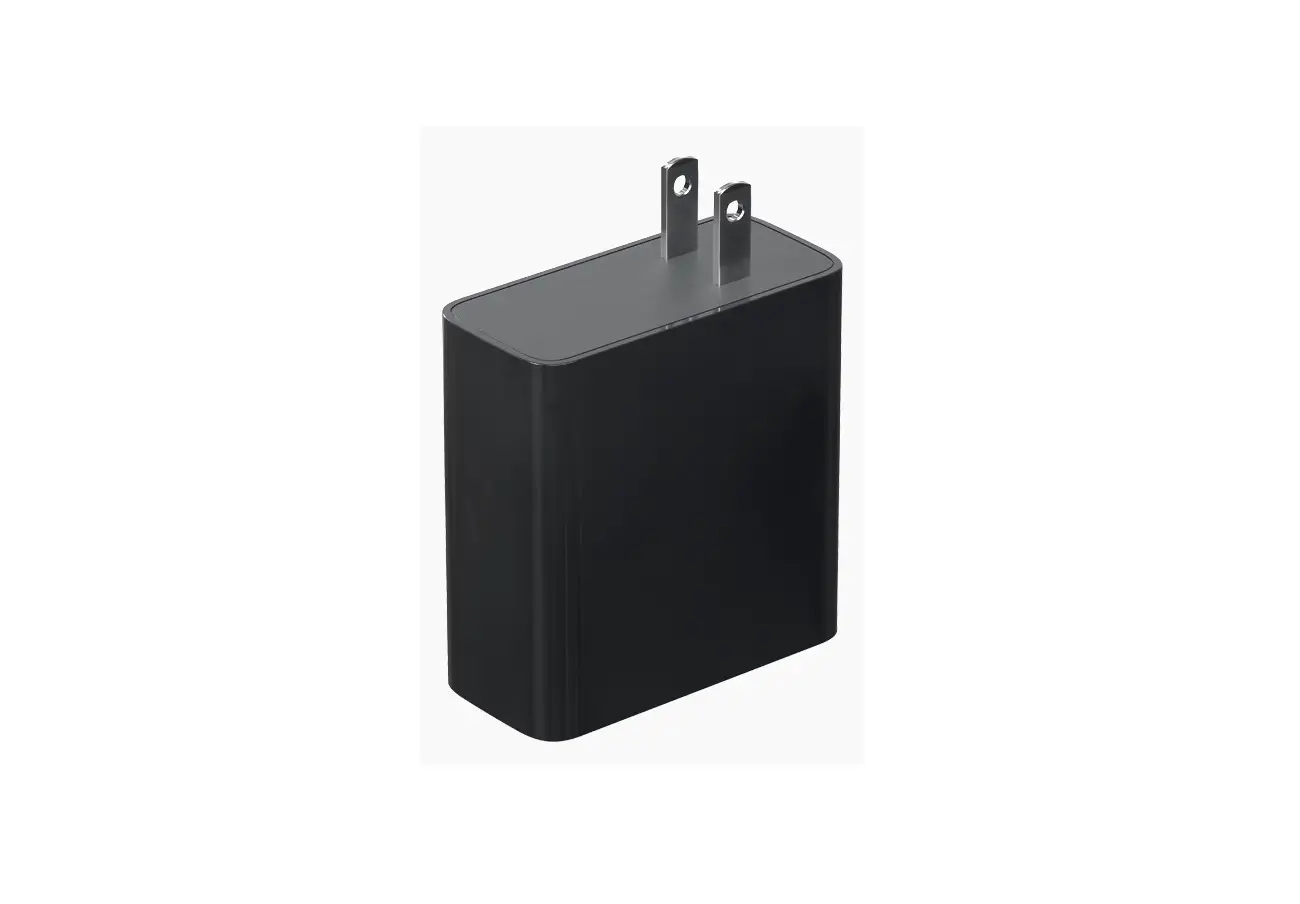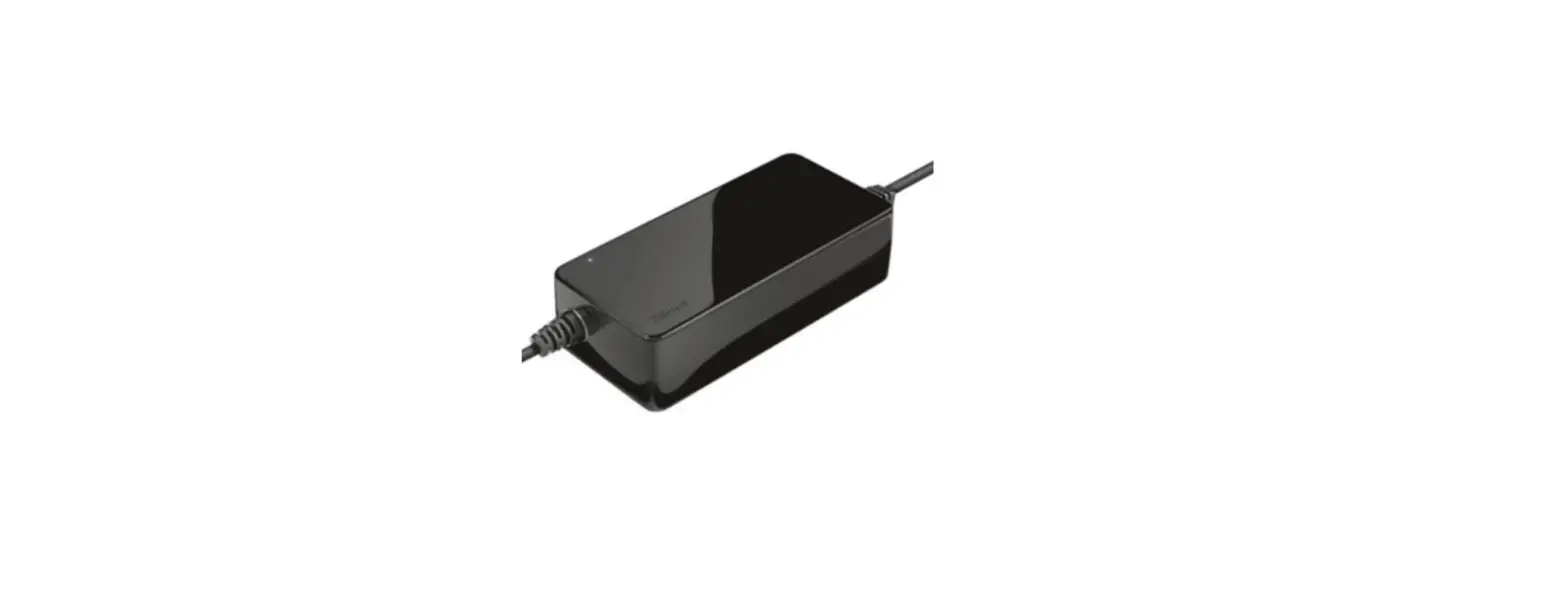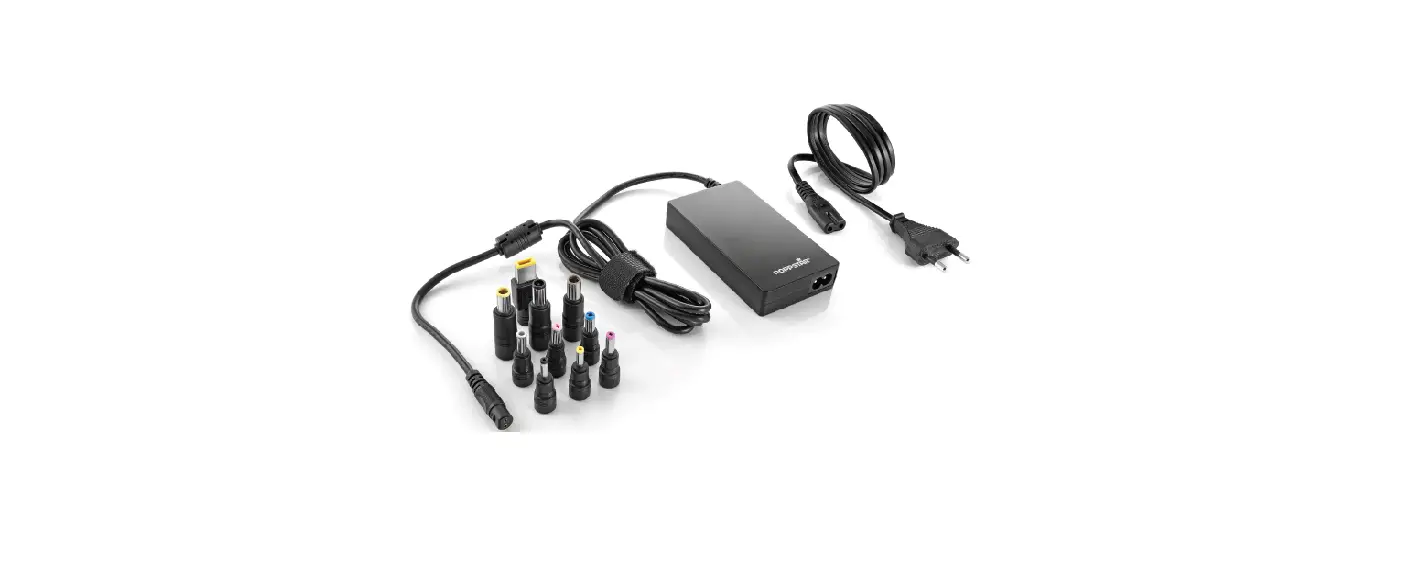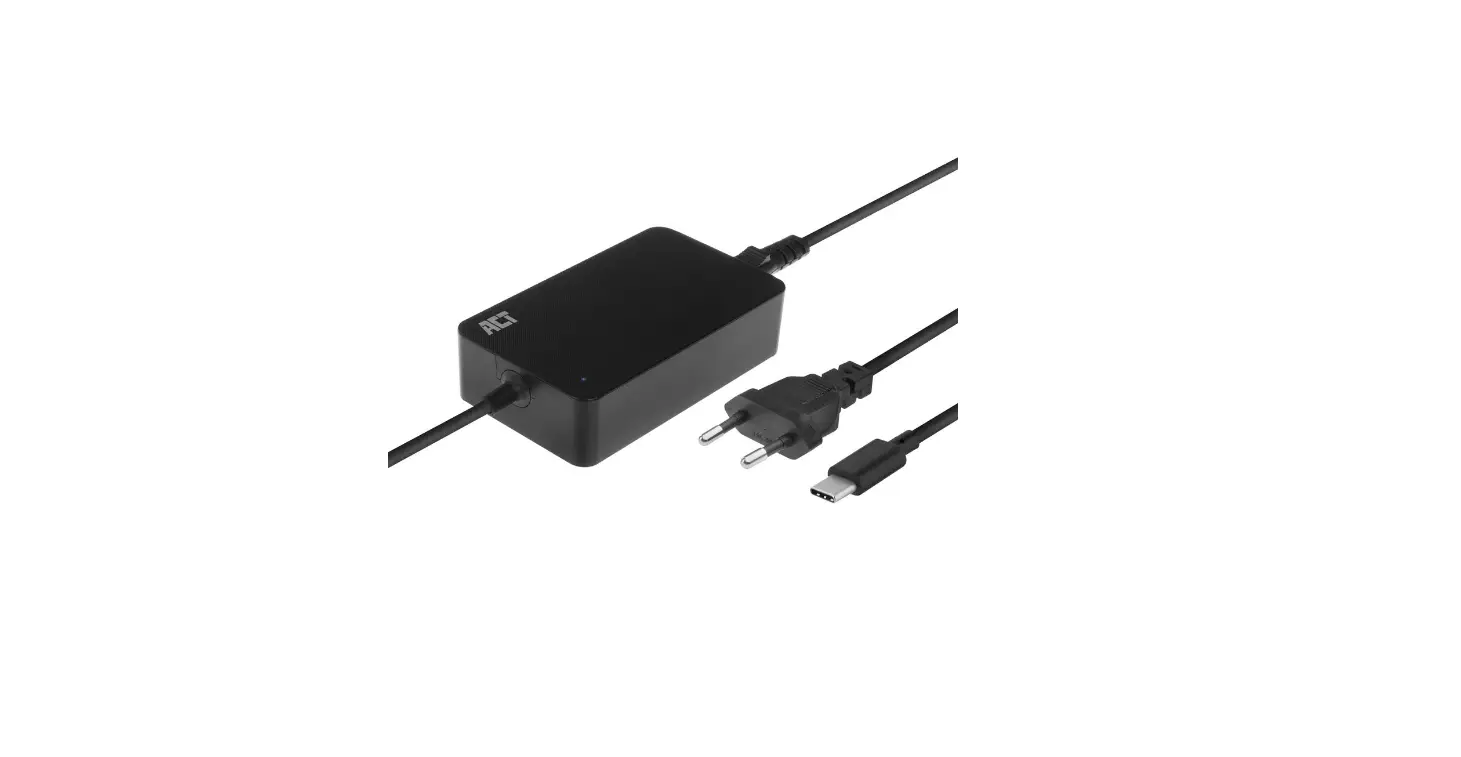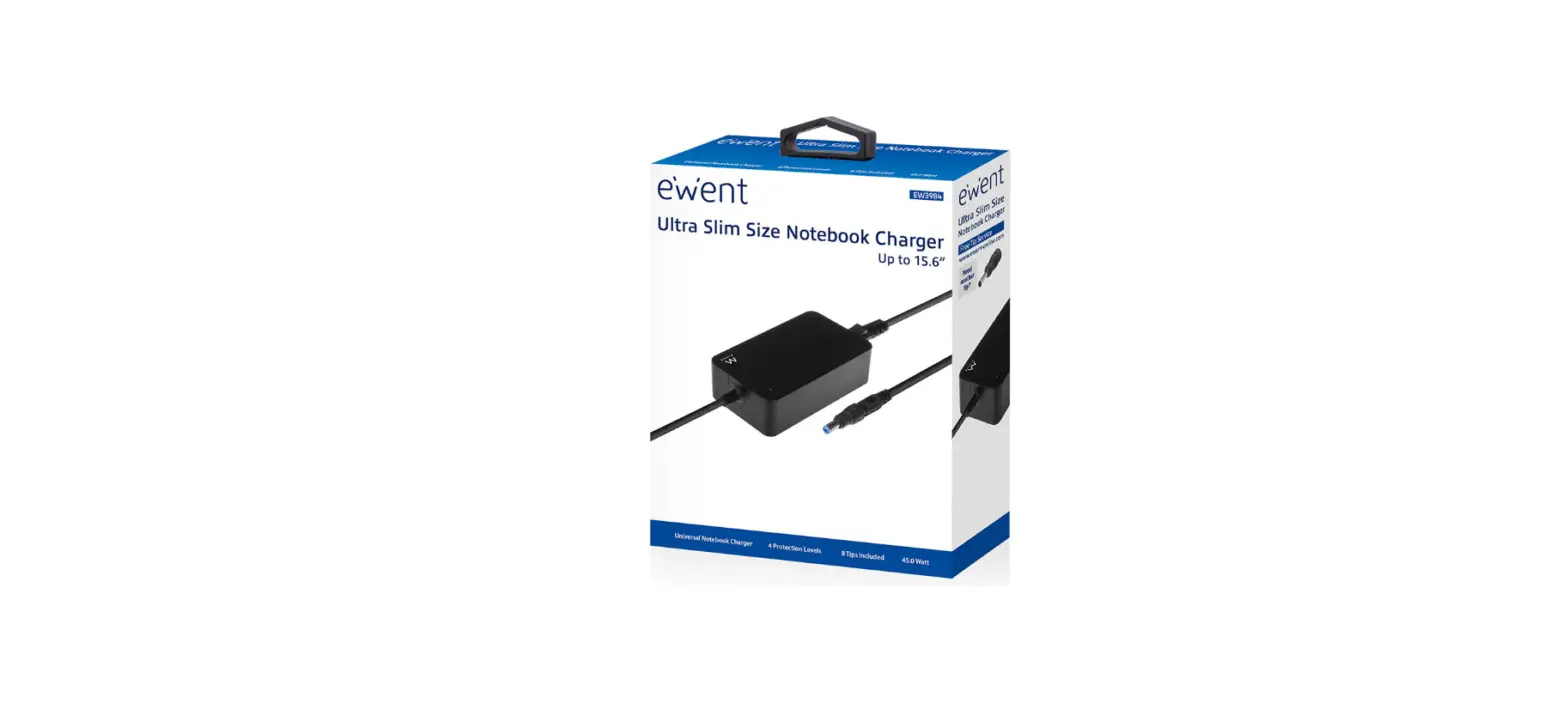

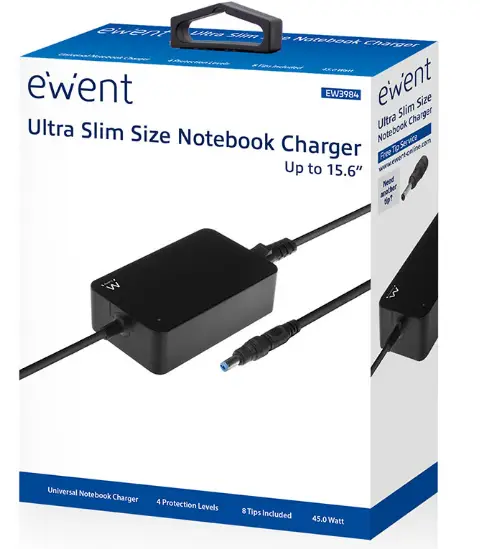
ewent EW3984 Ultra Slim Size Notebook Charger
INSTRUCTIONS
Remark:
For PLUGGABLE EQUIPMENT, the socket-outlet shall be installed near the equipment and shall be easily accessible
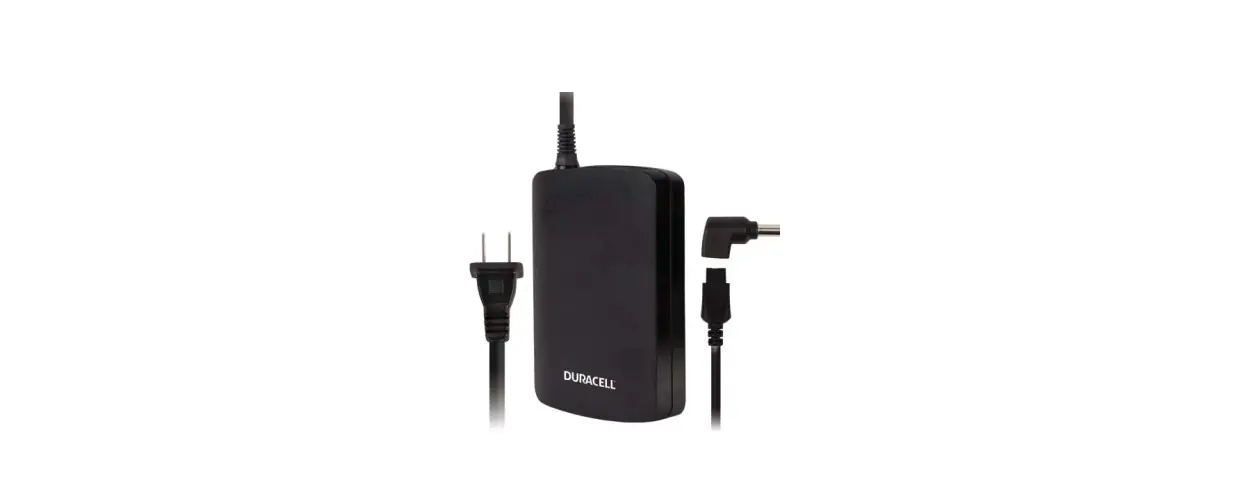
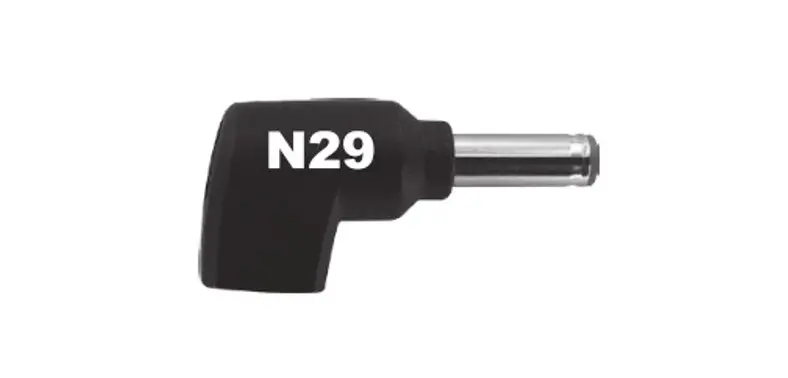
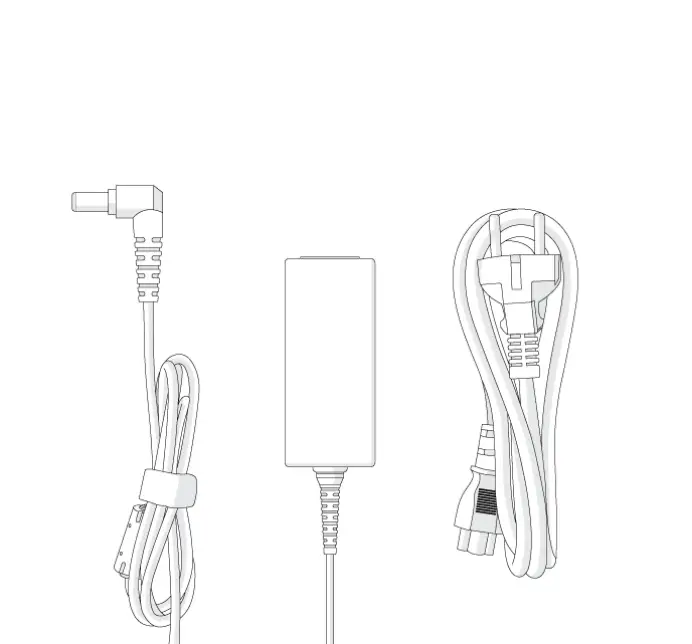
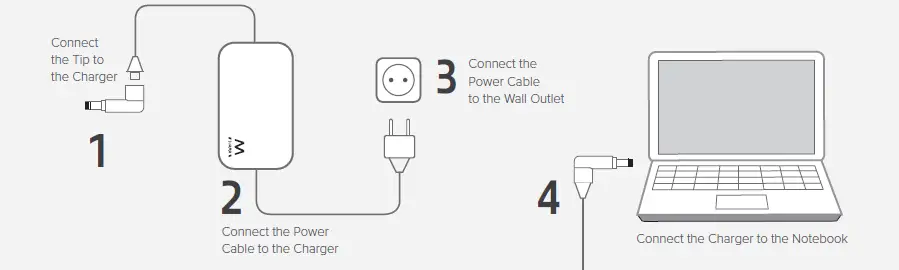
- Choose the power tip which fits the power input of your laptop. (Each power connector has it’s own voltage. Connecting the wrong power tip can result that you are using the wrong voltage. This can lead to damaging the laptop or other connected devices!)
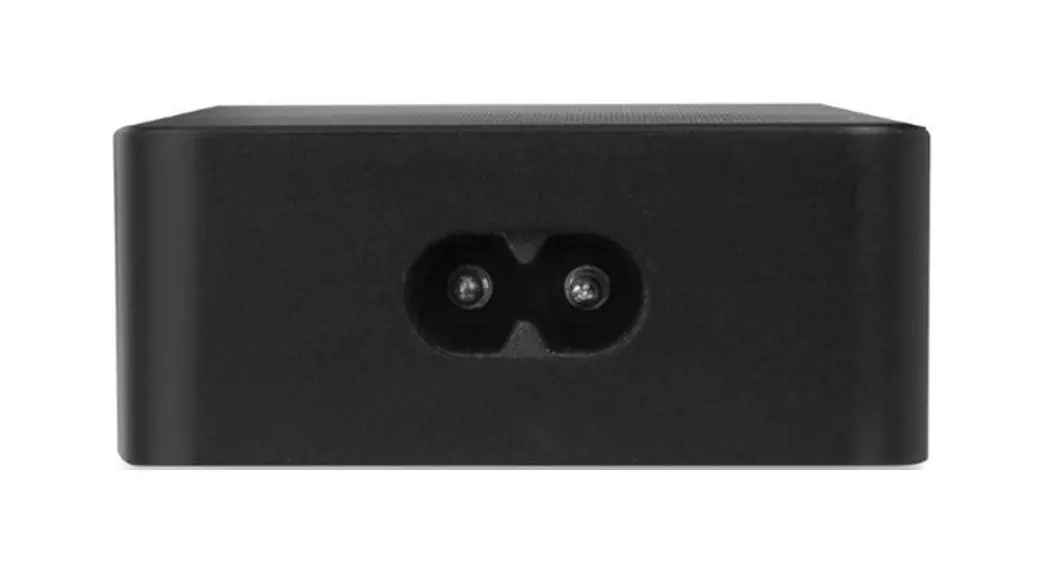
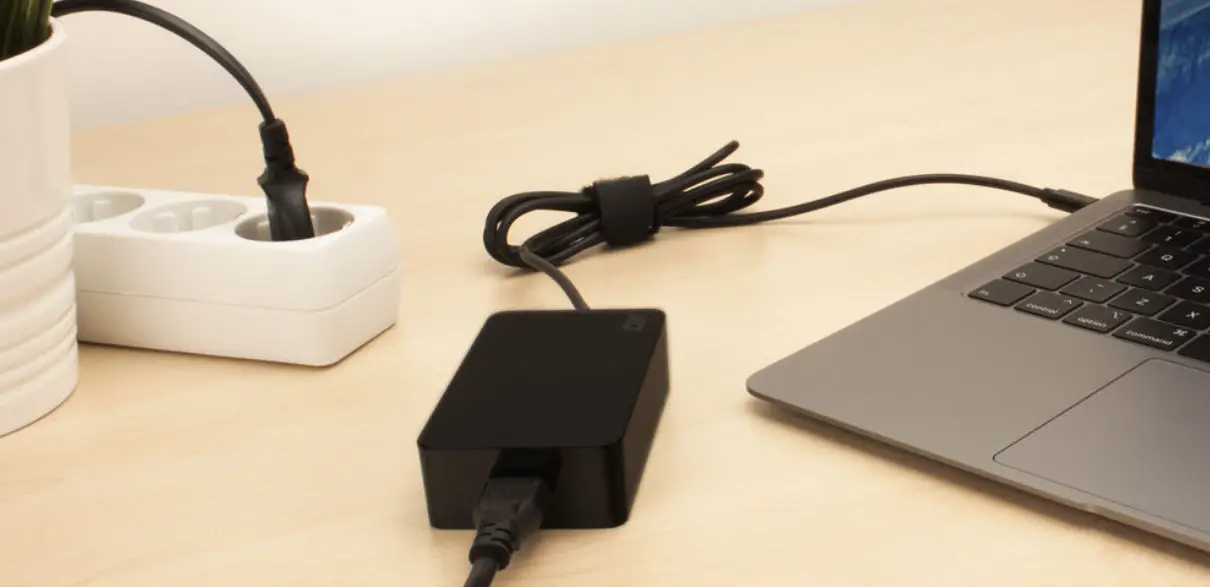
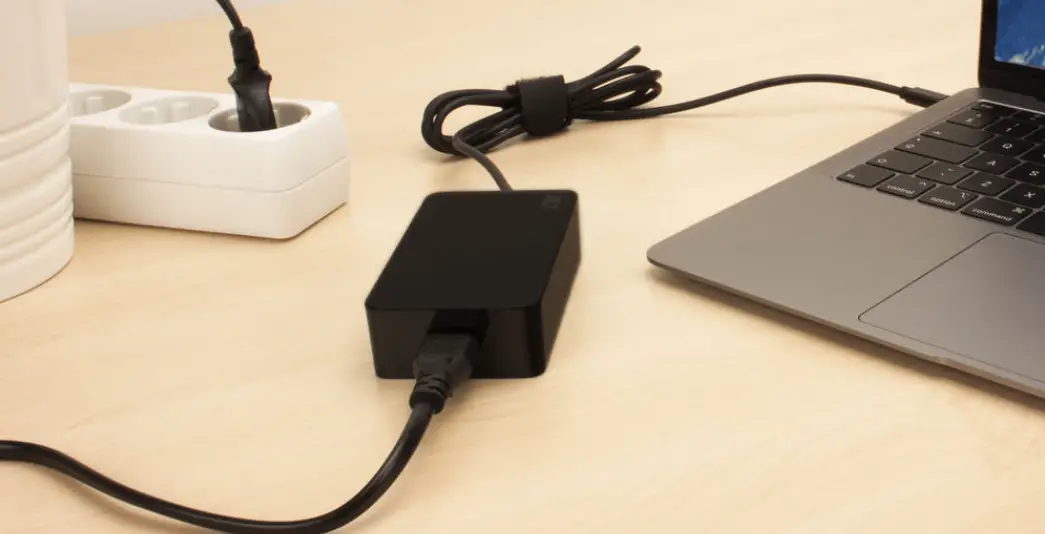
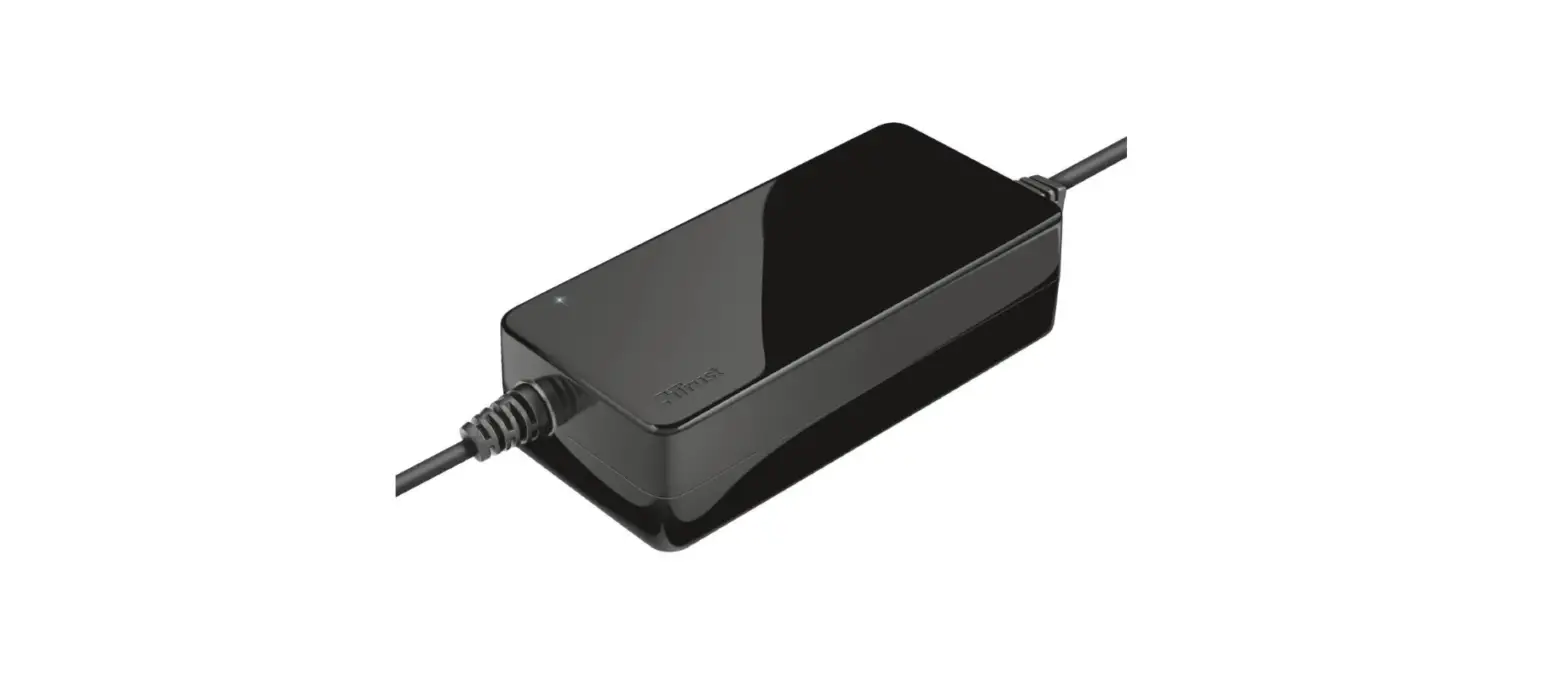
- Connect the power cable to the laptop charger
- Connect the other side of the power cable to a wall outlet
- Connect the power tip to your laptop
For service, manuals, firmware updates or support visit www.ewentonline.com
Multilingual manual
2 Years Warranty
FREE TIP SERVICE
www.ewent-online.com
www.EWENT-ONLINE.COM
 Ewent - Choose your country
 Ewent - Choose your country