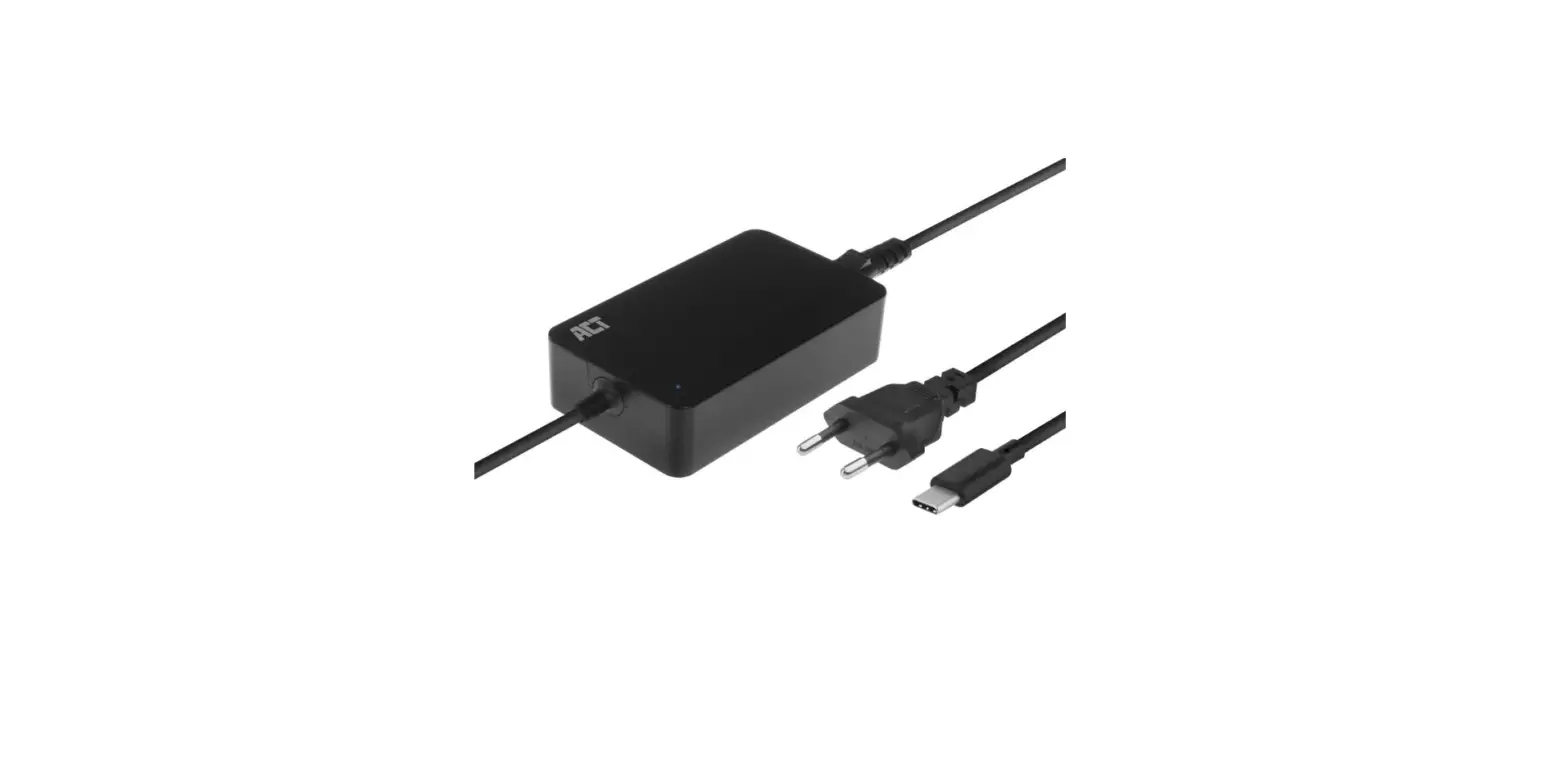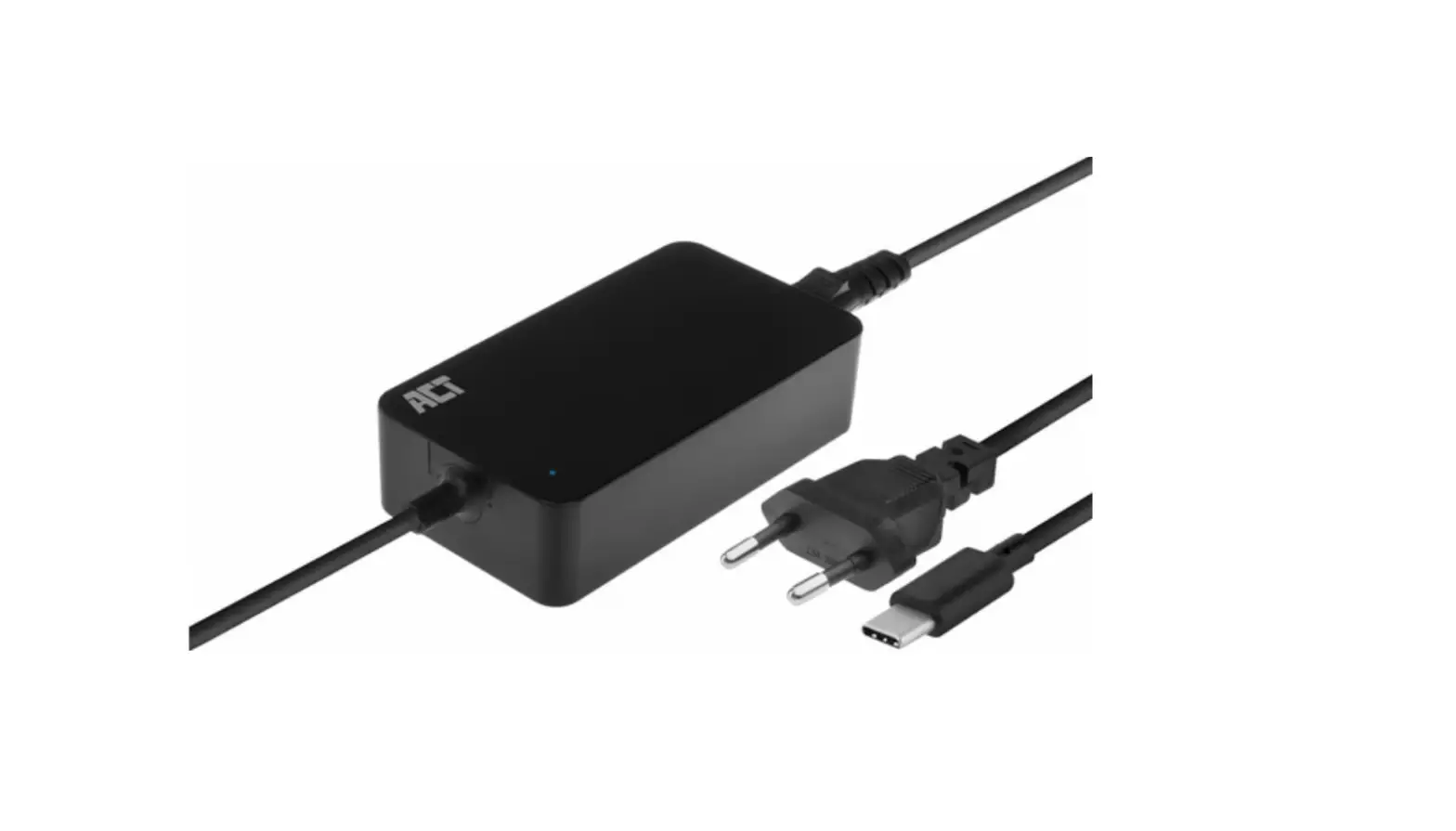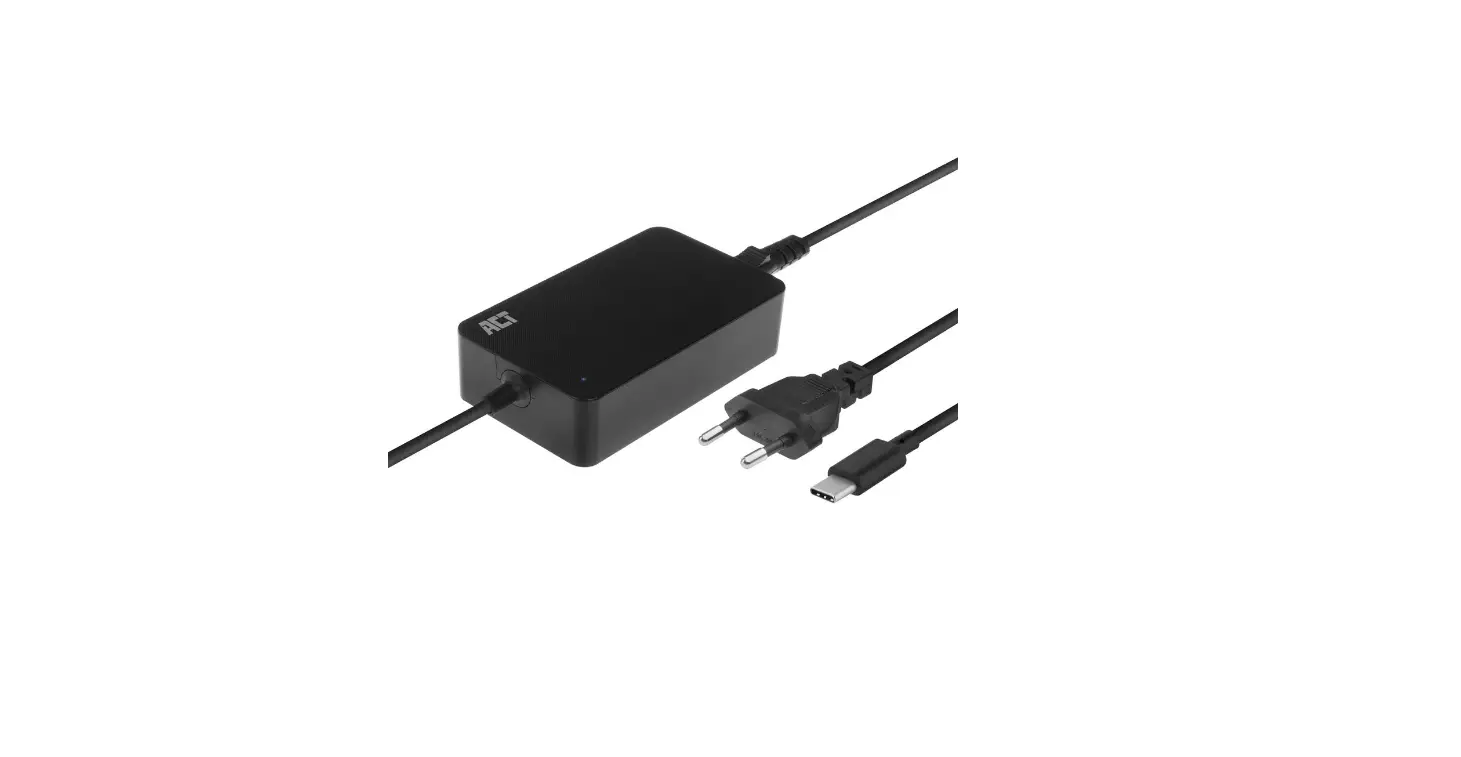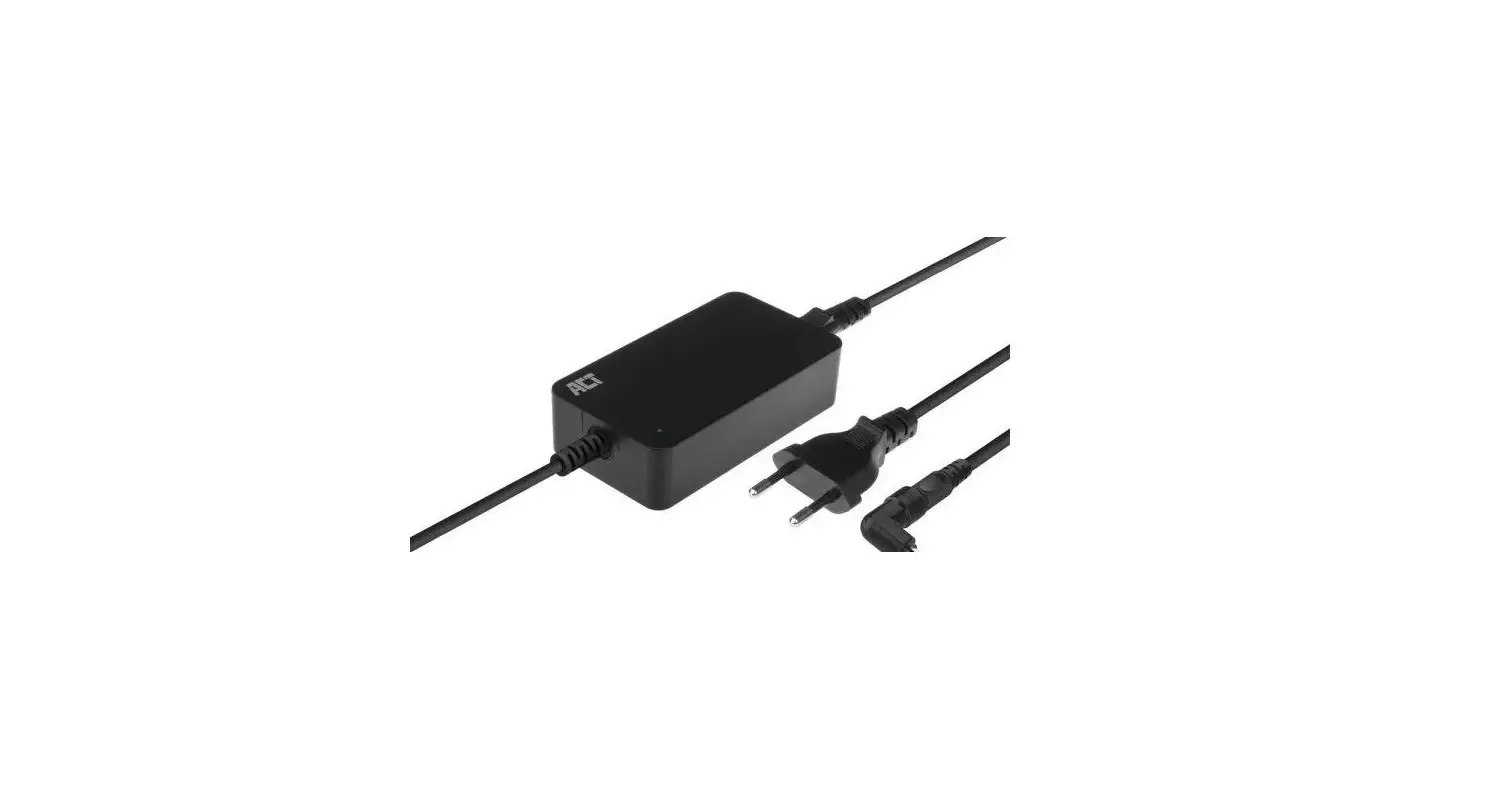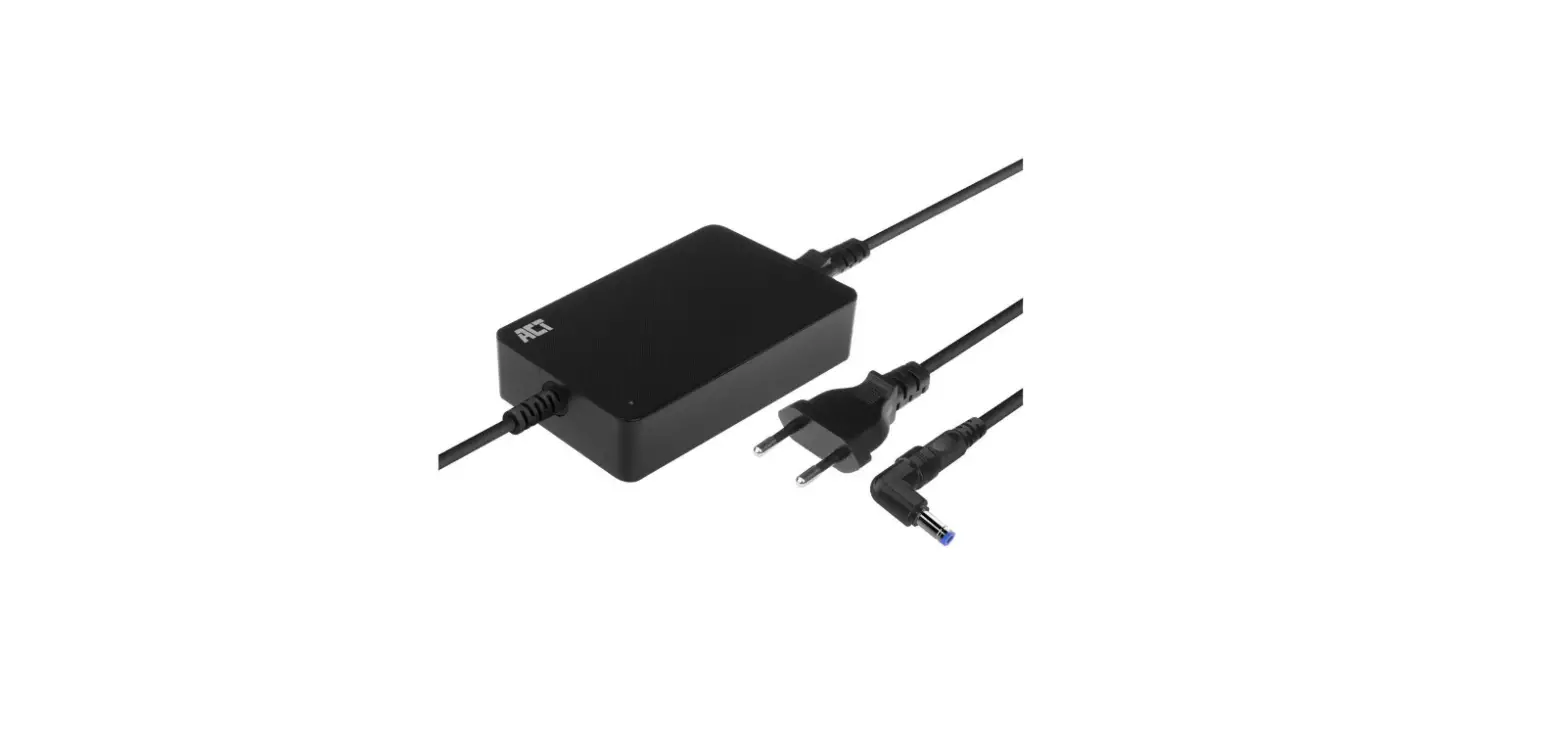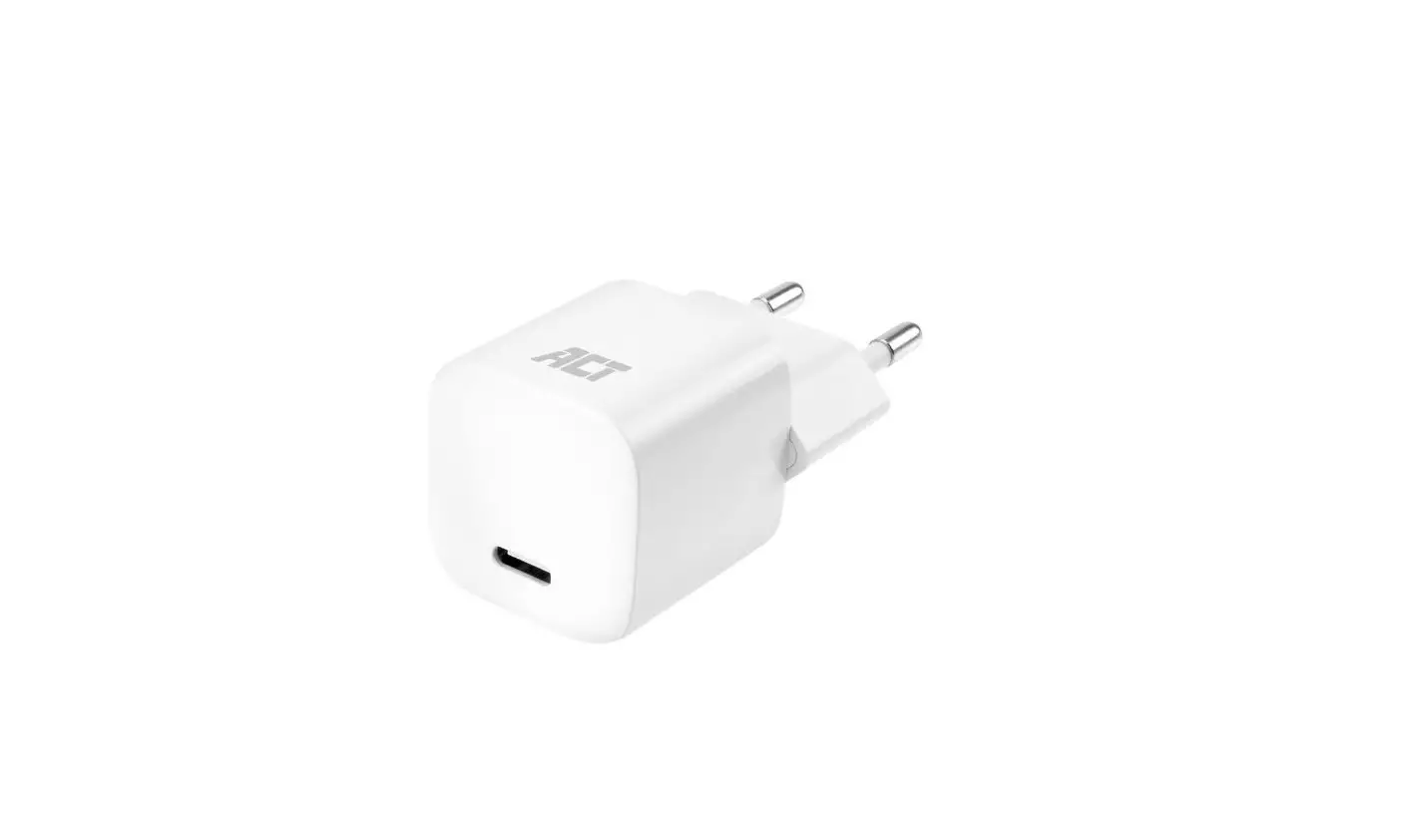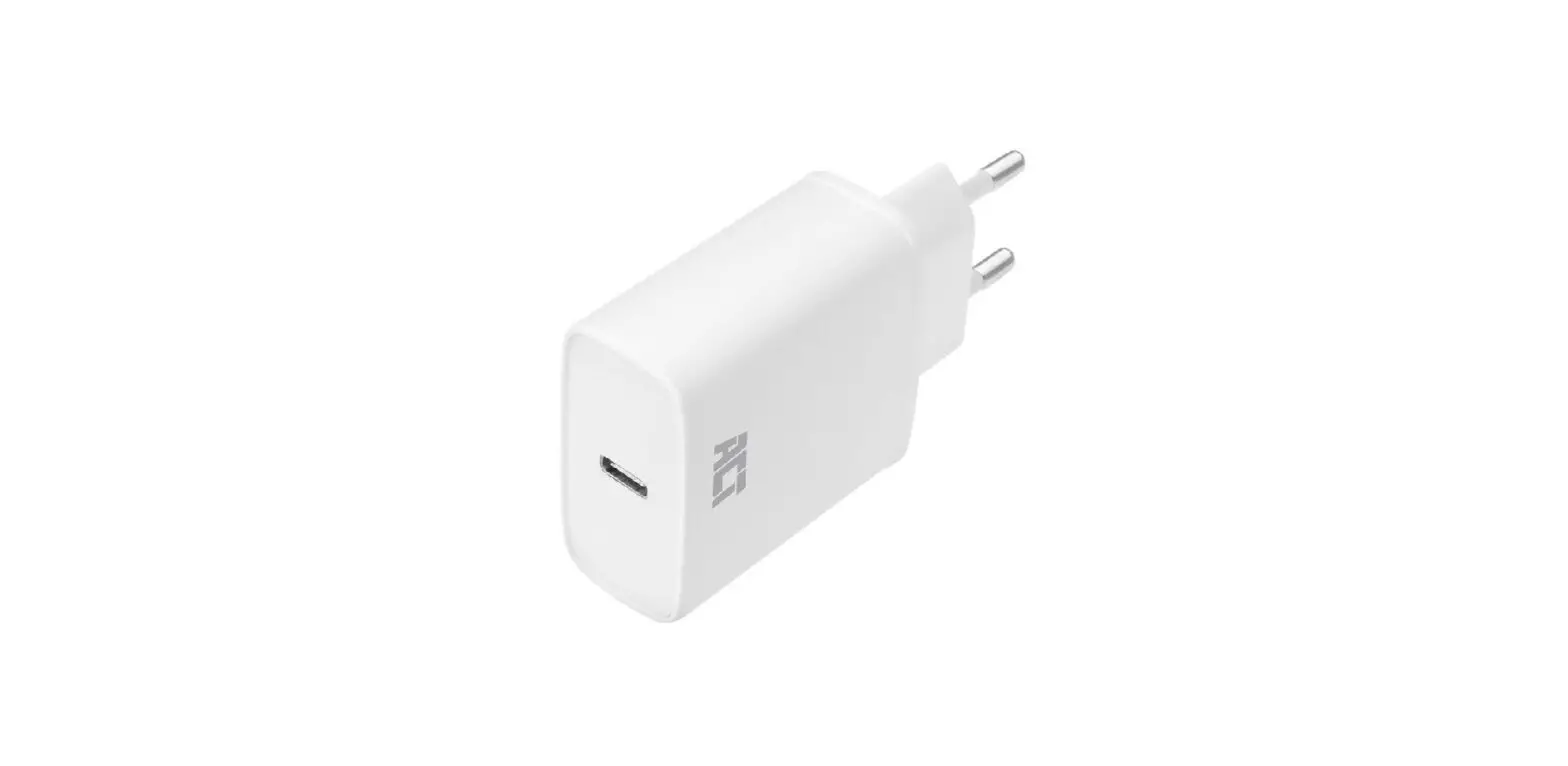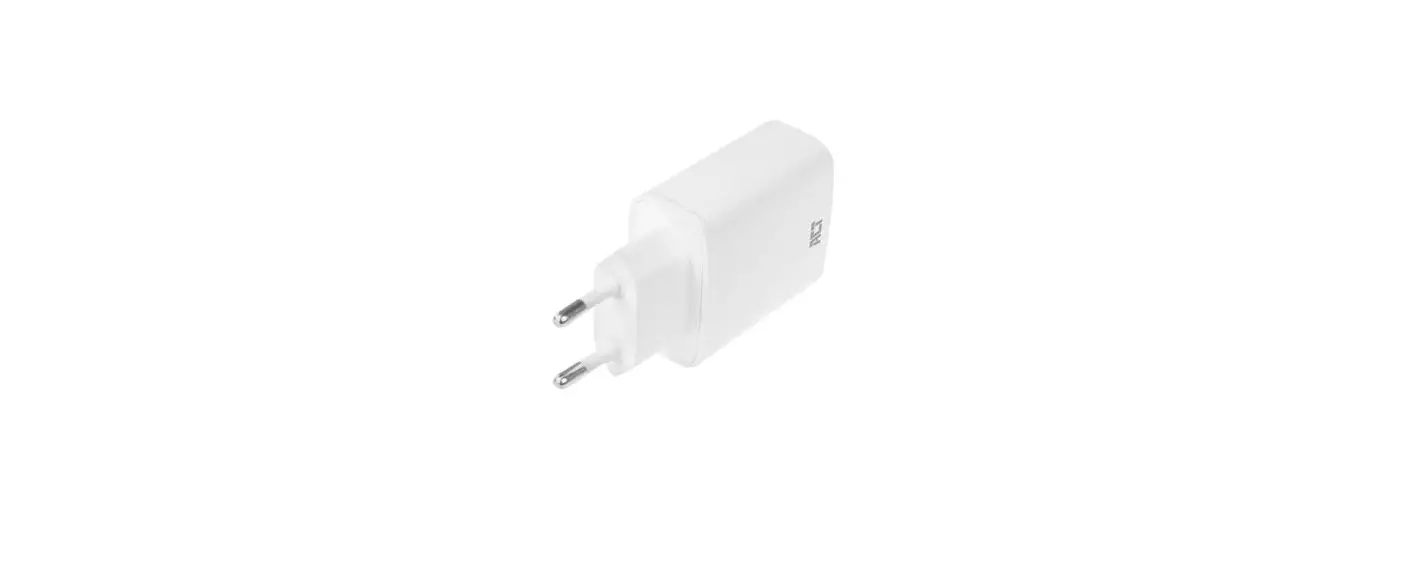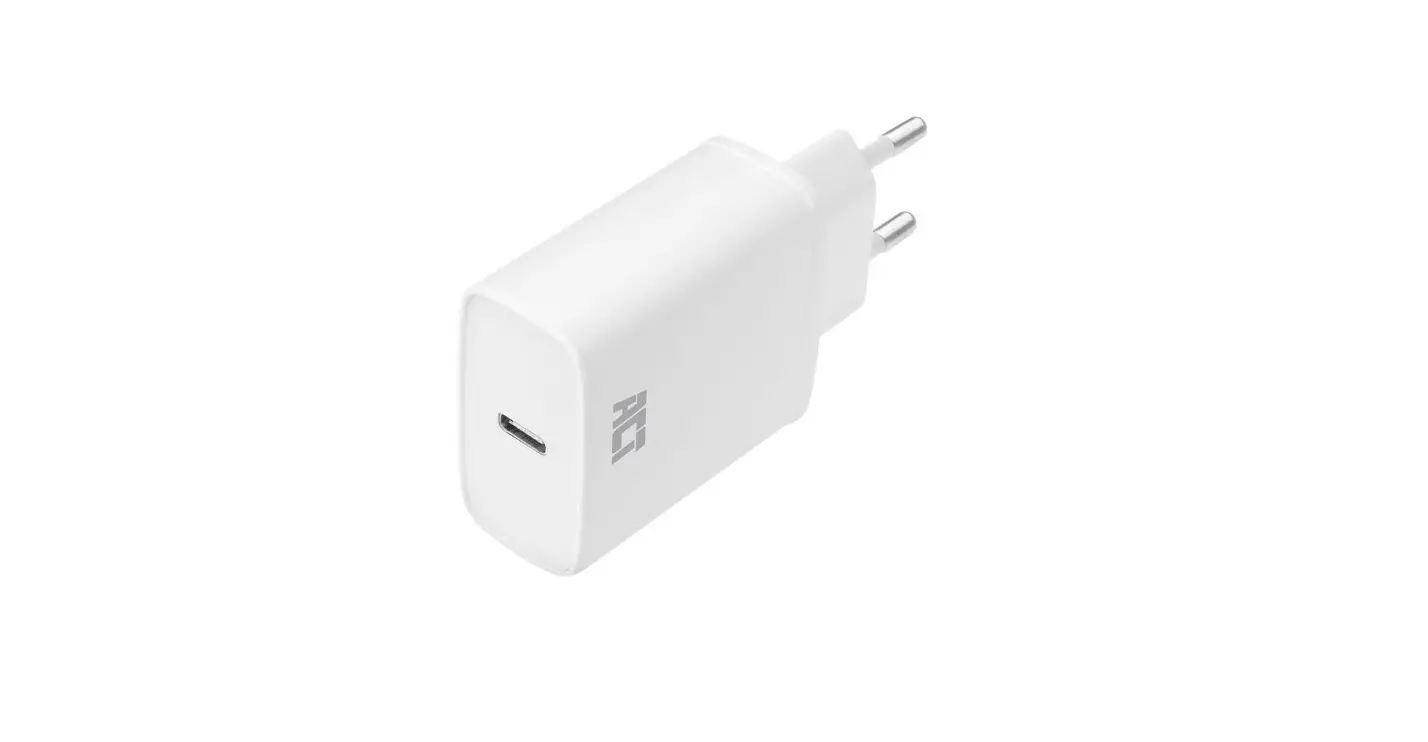

ACT AC2000 USB-C Laptop Charger Ultra Slim Design
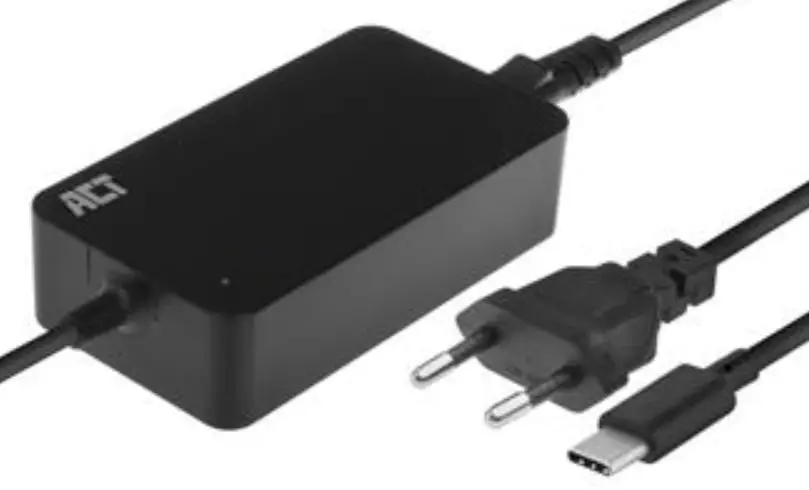
Product Information:
- Product: USB-C Laptop Charger Ultra Slim Design
- Model: AC2000
- Input: 110-240V~50/60Hz, 1.0A Max.
- Power: 45.0Watt
- Manufacturer: ACT
- Made in: China
- Warranty: 2 Years
- Manufacturer’s Address: Kool hoven strata 1E, 3772 MT Barneveld, The Netherlands
Product Usage Instructions:
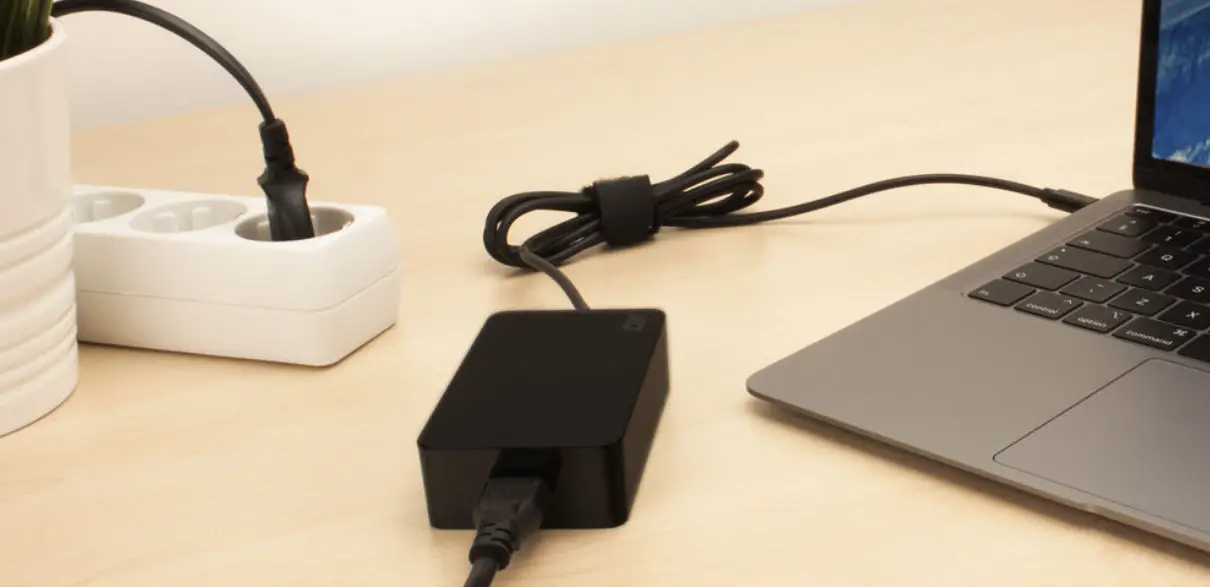
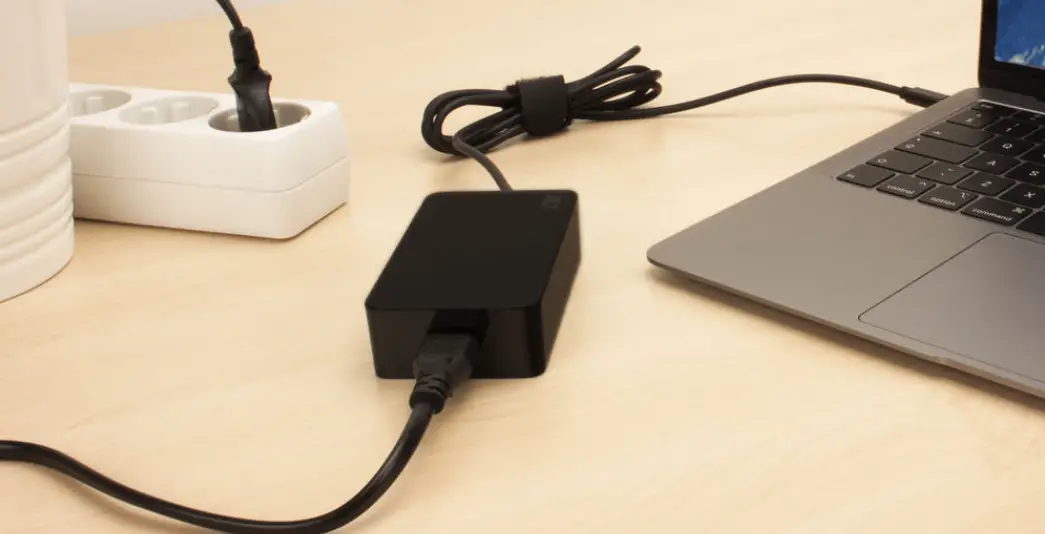
- Plug the USB-C Laptop Charger into a socket-outlet that is easily accessible and near the laptop.
- Connect the USB-C cable of the charger to the laptop’s USB-C port.
- The charger is suitable for indoor use only.
- Ensure that the input voltage of the charger matches thevoltage of your country or region’s power supply.
- The charger has a maximum power output of 45.0Watt.
Safety Instructions:
- Refer to www.act-connectivity.com/safety for safety information.
- The socket-outlet for pluggable equipment should be installed near the equipment and easily accessible.
Service and Support:
- Visit www.act-connectivity.com for service, manuals, firmware, or updates.
- Contact the manufacturer’s address in case of any warranty claim.
USB-C Laptop Charger Ultra Slim Design Quick Install
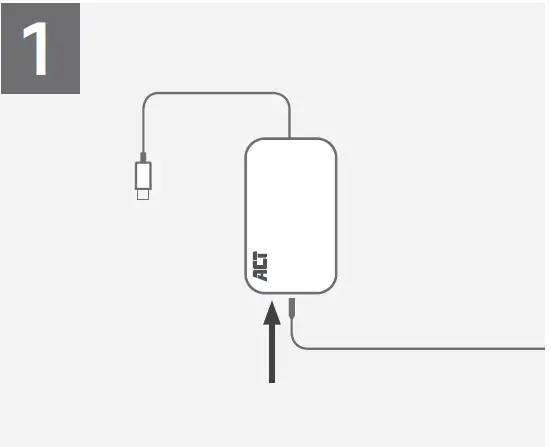
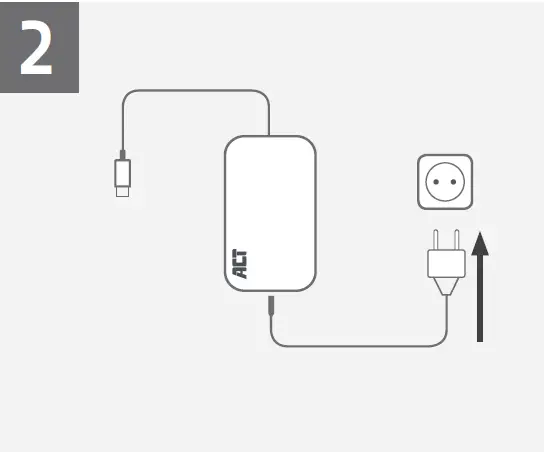
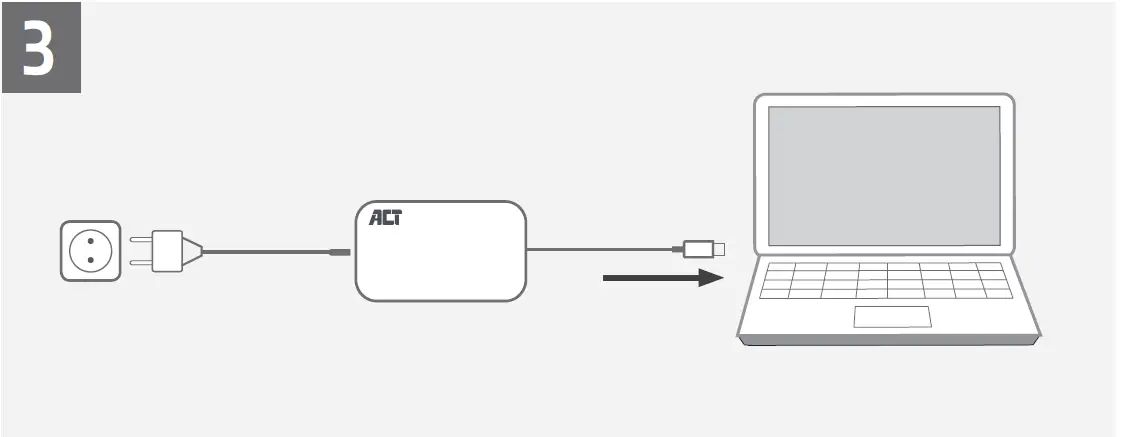
- You can find safety information at www.act-connectivity.com/safety
- N For service, manuals, firmware or updates visit www.act-connectivity.com
2 Year Warranty ACT, Koolhovenstraat 1E, 3772 MT Barneveld, The Netherlands
Safety Instruction
For PLUGGABLE EQUIPMENT, the socket-outlet shall be installed near the equipment and shall be easily accessible
Caution: For indoor use only

 Safety instructions | ACT
 Online Review & Business Listing Management | Connectivity
 Home | ACT