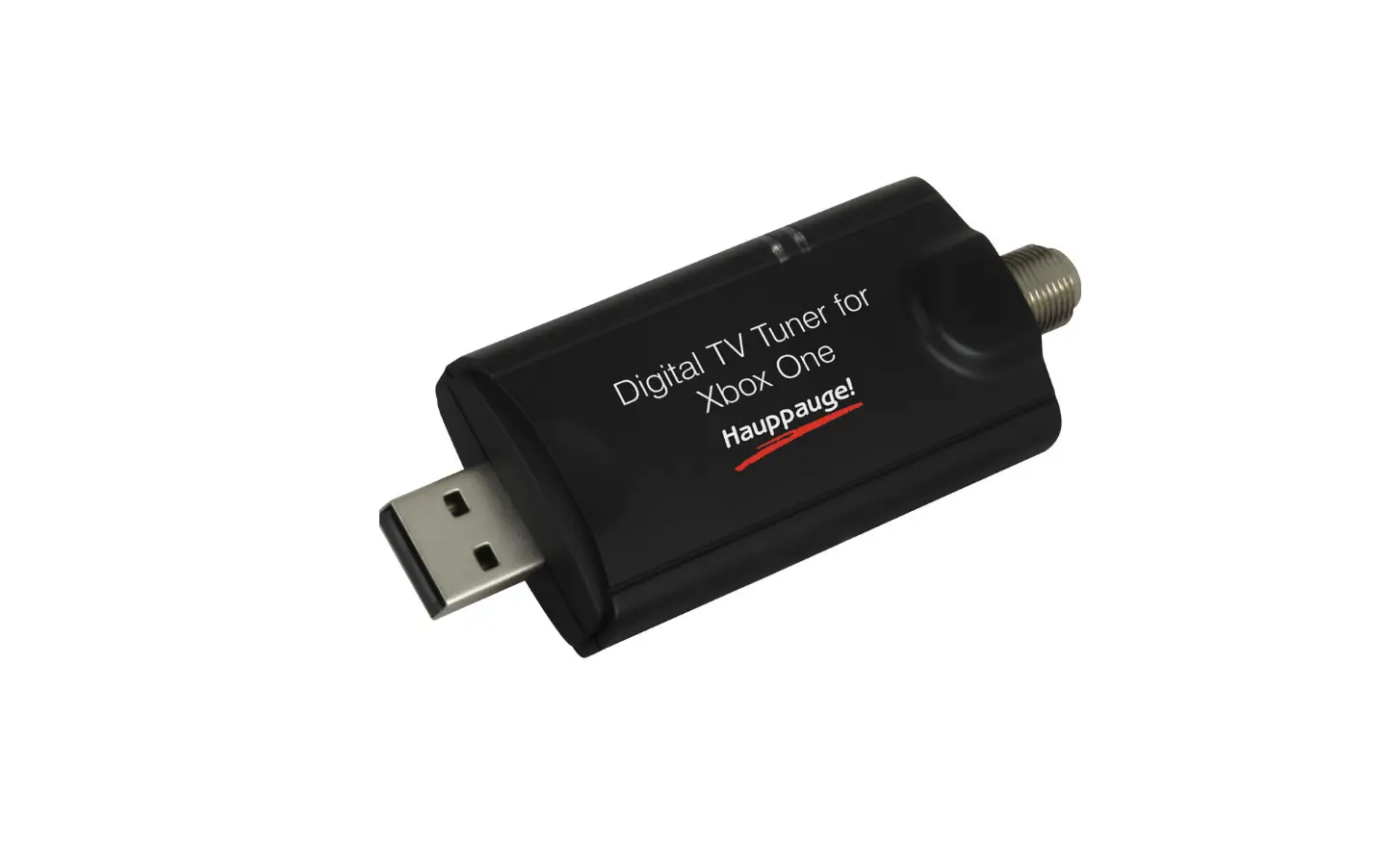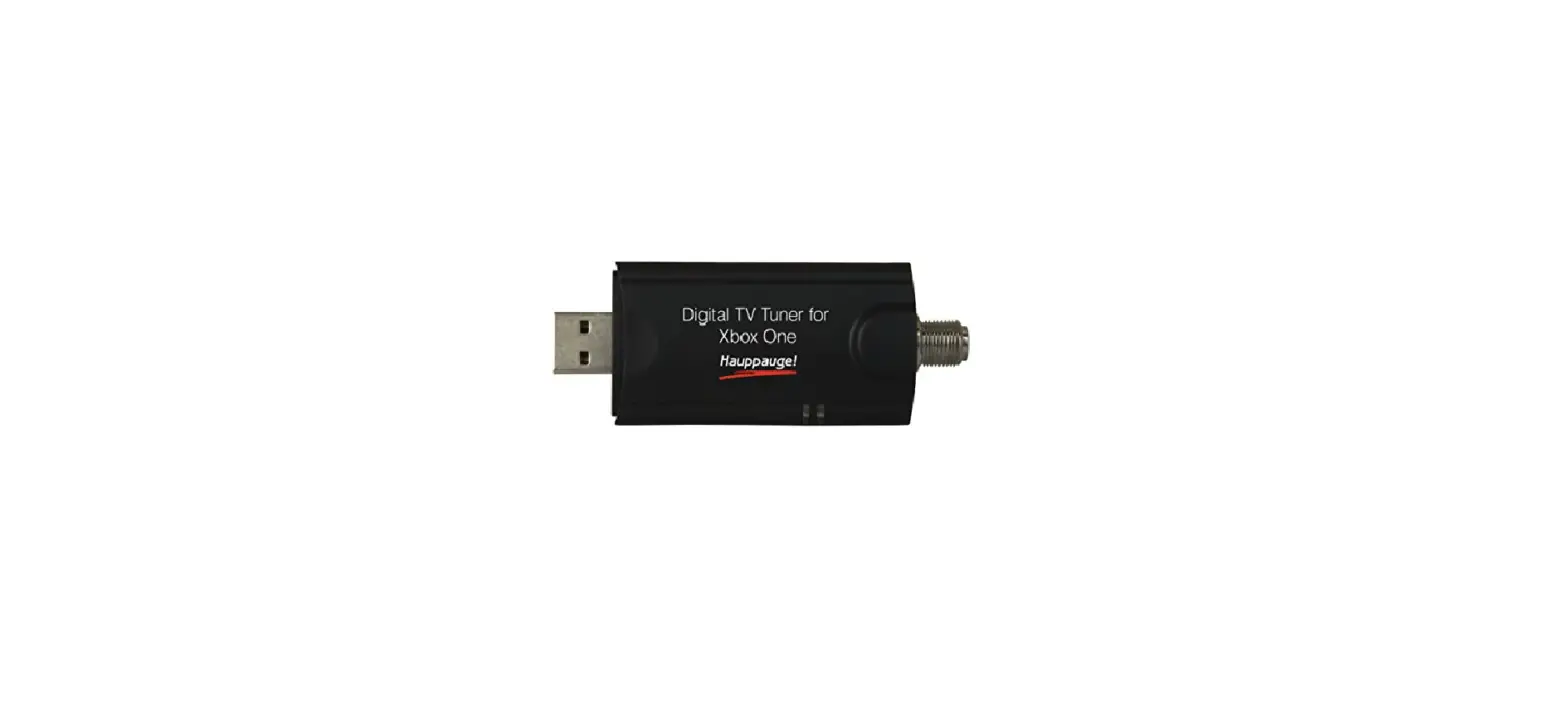
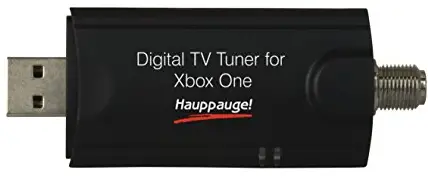
Hauppauge 1578 Digital TV Tuner for Xbox One
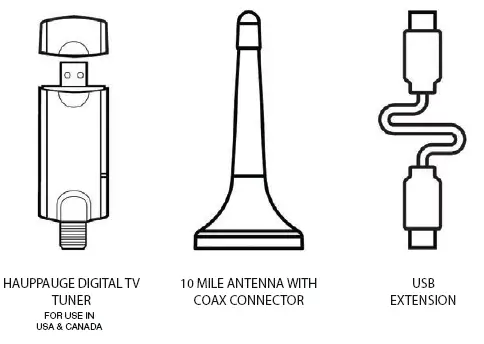
WHAT’S IN THE BOX
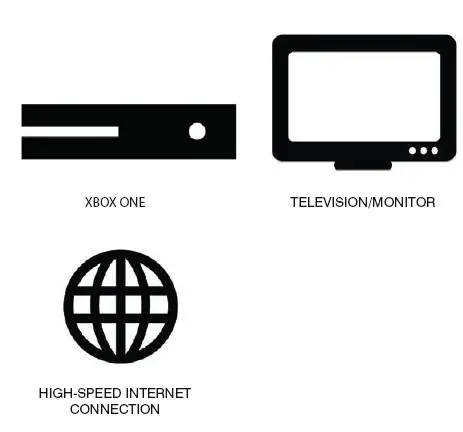
WHAT YOU’LL NEED
INSTRUCTION
STEP 1
CONNECT THE HAUPPAUGE DIGITAL TV TUNER TO THE TELESCOPING 10 MILE ANTENNA (INCLUDED) OR A HIGH POWERED ANTENNA (OPTIONAL) WITH A COAX CABLE.PLACE YOUR ANTENNA IN AN AREA LIKELY TO GET GOOD RECEPTION, SUCH AS A WINDOW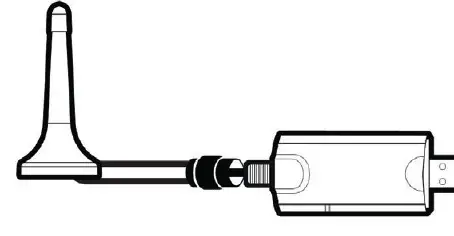
STEP 2
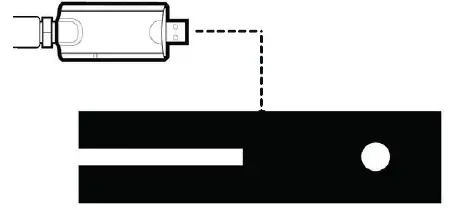
CONNECT THE USB EXTENSION CABLE ONTO THE HAUPPAUGE DIGITAL TV TUNER. THEN PLUG THE OTHER END OF THE USB EXTENSION CABLE INTO A USB PORT ON THE BACK OF YOUR XBOX ONE. ANY UNUSED XBOX ONE USB PORT CAN BE USED.
STEP 3
WHEN THE “TV TUNER DETECTED” NOTIFICATION POPS UP, HOLD THE XBOX BUTTON ON YOUR XBOX ONE CONTROLLER TO BEGIN SETUP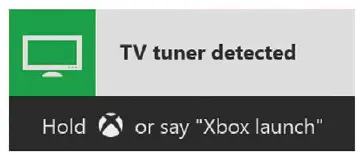
STEP 4
ENTER YOUR ZIP CODE TO SCAN FOR CHANNELS. THIS WILL TAKE A FEW MINUTES. REVIEW THE SCAN RESULTS AND SEE IF YOU’RE GETTING THE CHANNELS THAT YOU EXPECTED. IF YOU ARE MISSING CHANNELS, TRY REPOSITIONING YOUR ANTENNA AND SCAN AGAIN ONCE CHANNEL SCAN IS COMPLETE, FOLLOW THE ON-SCREEN INSTRUCTIONS TO BEGIN WATCHING TV.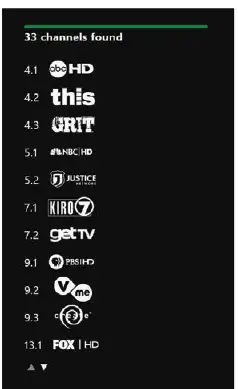
TIPS AND TRICKS
- You can hit X on your Xbox One Controller at any time while watching TV to pull up the OneGuide and see what’s on.
- If Live Pause is enabled, hit A to pause, rewind, and fast-forward while watching TV.
- Download the Xbox SmartGlass app for iOS, Android, or
- Windows devices to stream over-the-air TV anywhere in the home. Snap TV to watch TV while you play games
TROUBLESHOOTING
- The included antenna is capable of receiving a TV signal within 10 miles of a TV transmitter. However, this range can be affected by a variety of environmental factors including any obstructions between the antenna and the TV transmitter. Try experimenting with different antenna placements and rescanning if you are not achieving your desired results.
- Make sure you have extended the supplied 10 mile antenna. It will work much better if it is at full height!
- If you do not know the direction of your local TV broadcasters,
- Antennaweb.org has a good antenna selector which will help you find the direction to your local TV transmitter.
- The included 10 mile antenna may not be strong enough for your location, and you might need a more powerful antenna. For more information on antenna recommendations, go to www.hauppauge.com/xboxt
MY XBOX ONE IS NOT RECOGNIZING THE DIGITAL TV TUNER
- Ensure you are using the included USB extension cable.to connect the digital TV tuner to the back of the Xbox One.
- Make sure that your Xbox One is connected to the Internet and is up to date.
- Support for the Hauppauge Digital TV tuner is only in the U.S. and Canada And will not work outside these countries.
- For issues related to the digital TV tuner hardware, please contact
- Hauppauge support (contact details on the back of this guide). For issues related to the Xbox One, go to support.xbox.com
NEED MORE HELP
- WWW.HAUPPAUGE.COM/XBOXTV
- HAUPPAUGE SUPPORT IS AVAILABLE:
- MONDAY TO FRIDAY
- 9:00AM TO 6:30PM EST
- TELE: (631) 434-3198
- EMAIL: [email protected]
FAQS
Yes, but it is not identical to the HVR-955Q as others have mentioned. For digital over-the-air signals through an antenna
According to the product’s listing on Best Buy, it in fact can pick up clear QAM digital cable channels.
No! The unit requires software that can’t be entered into your tv.
Yes, any lag is solely due to the antenna alone from what I gathered
You should be able to split the signal before this tuner and run one directly to your tv’s coax input and the other to the Xbox tuner,
Best way to do that is to run hdmi for dish. The Xbox is compatible with cable and satellite out of the box but this is for HD TV.
No. The standard Xbox controller works great. But you may need a better HD antenna.
If you needed a cable box to get your signal, then no, the cable box is there to decode the signal on the line. If you plugged your coax directly into your
Yes, Mexico like Canada and the United States broadcasts ATSC over the air HD digital TV.
You plug the usb directly into the Xbox; or whatever you are using. The Xbox works as the amplifier for the antenna.
Yes it will also work for X box one X (the newest xbox model currently)V
This connects your XBOX to a antenna so you can receive TV channels.
If you have a more robust router or network attached storage capable of creating a VPN.
The number of channels doesn’t depend on the TV Tuner itself, it depends on the mileage of the antenna you have
If you have a more robust router or network attached storage capable of creating a VPN.