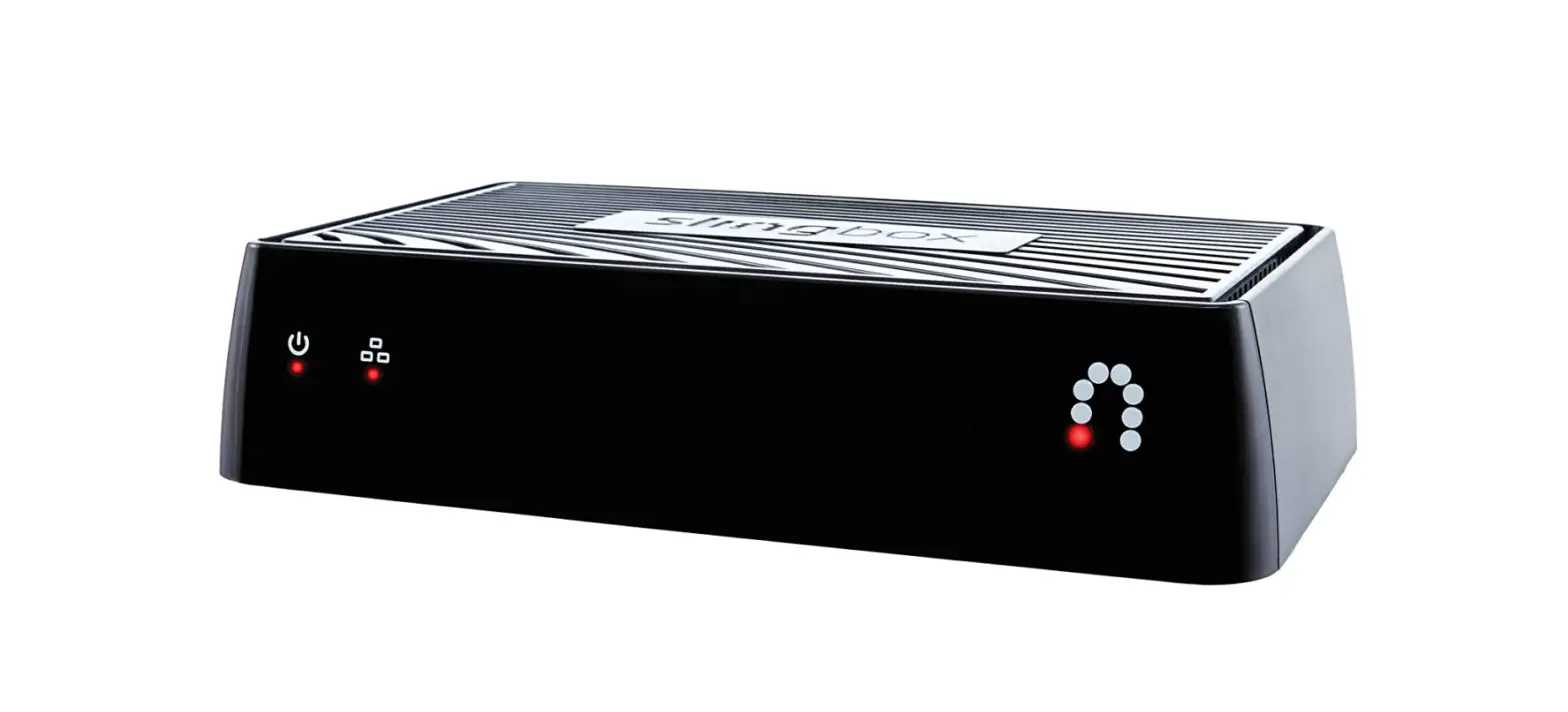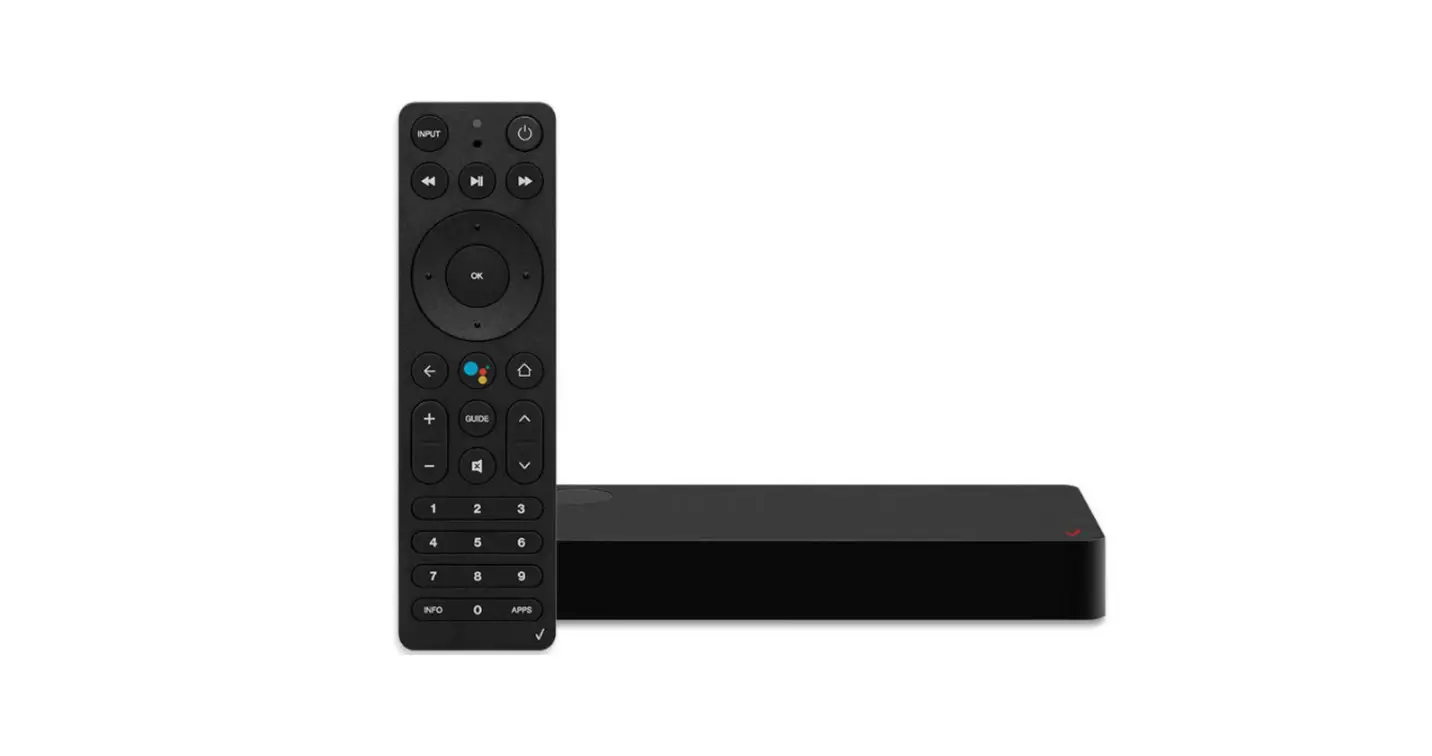
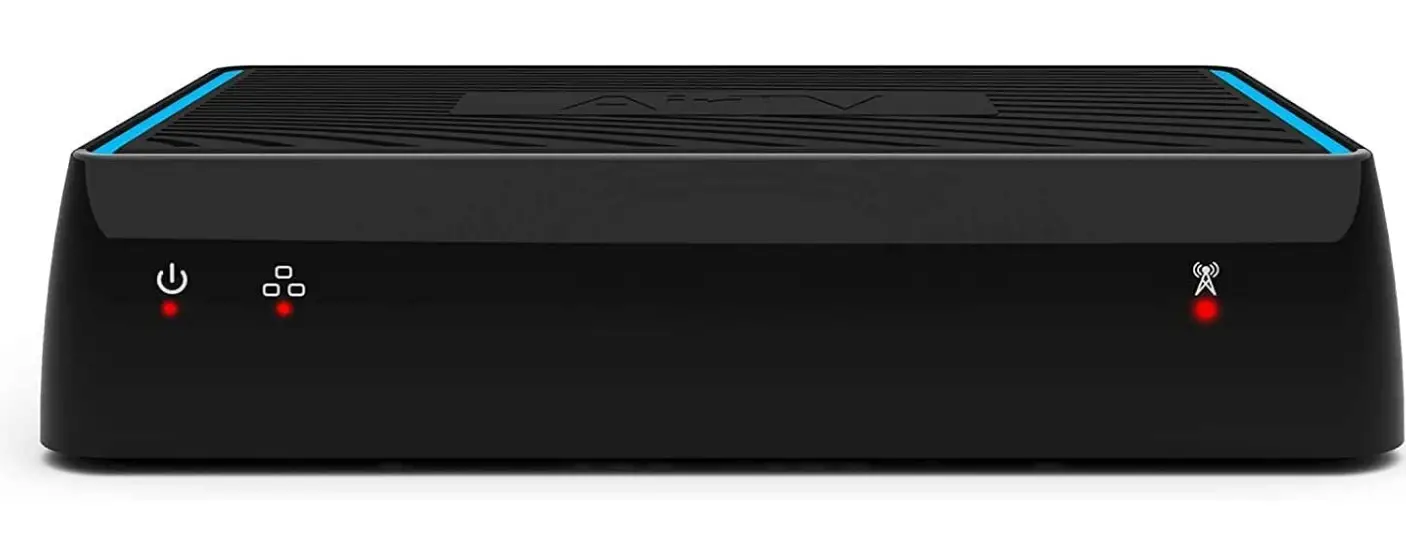
Sling Media 214877 AirTV Dual-tuner Local Channel Streamer
Introduction
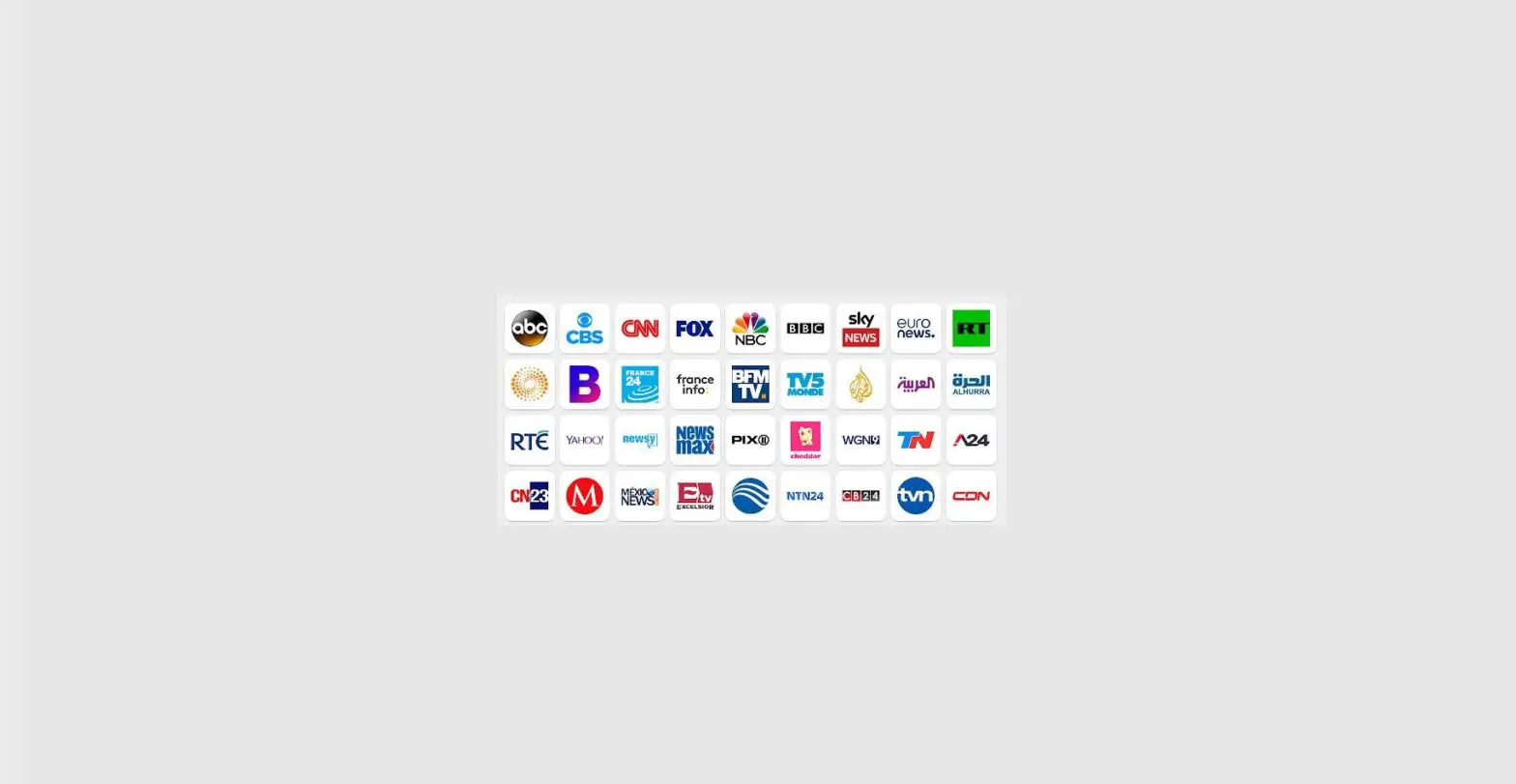
Your devices can stream local channels. Forget about paying a subscription each month to watch your preferred local channels. You may access local news, sports, and entertainment networks like ABC, CBS, NBC, and FOX through Air TV for nothing at all. In order to simultaneously record up to two local channels, add an external hard drive (available separately). The Sling TV app lets you combine your free local channels with the greatest streaming TV. To transmit local channels to your internet-connected TV or device inside and outside of your home, Air TV connects an HD antenna to your Wi-Fi network. Bid adieu to the major issues with antennas, such as wiring several rooms and awkward antenna placements. No matter where your antenna is mounted, Air TV allows you to quickly stream your favorite TV shows to any Internet-connected TV or device. Watch all of your favorite TV shows in HD, including news, sports, and entertainment, without having to pay a monthly fee or deal with complicated antenna setups.
What’s in the box?
- Air TV Box
- User Manual
FEATURES AND BENEFITS
- Watch local HD shows, sports and news anywhere Record shows with DVR functionality*
- Stream local channels over WiFi with one HD antenna Watch local channels on a TV or mobile device with the integrated Sling TV™ app
- Works with compatible media streamers and smart TVs
LOCAL CHANNEL DVR
AirTV now offers a whole home DVR solution. Using the Sling TV app (required) and an external hard drive, record and playback live content from any compatible device.
- Dual Tuner
Record up to two shows at once or watch one show live and record another. - Integrated DVR
Recorded content will appear alongside Sling TV’s Cloud DVR for seamless integration. - Functionality
Pause, rewind, or fast-forward recorded local channel content. A sling TV subscription is not required.
*Local Channel DVR requires an external storage device (sold separately) to record. Hard drives must be larger than 50 GBs, Air TV currently supports recording up to 2 TBs of storage for DVR. Sling TV’s Cloud DVR requires a monthly subscription.
WATCH ANYTIME, ANYWHERE
With Air TV and the free Sling TV app you can watch live or recorded* local channels at home or on the go with a mobile device.
AirTV also works with the free AirTV app
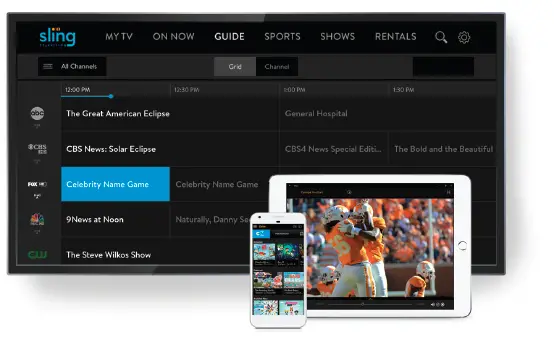
SUPPORTED STREAMING DEVICES

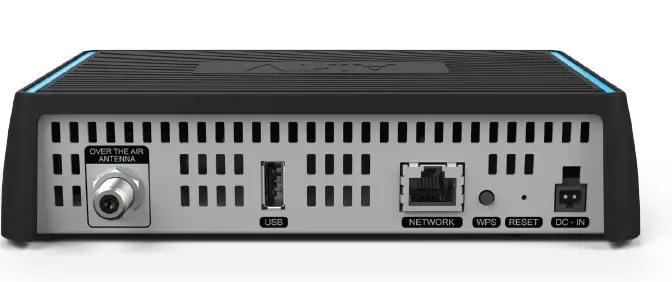
TECHNICAL SPECIFICATIONS
HARDWARE
- Connectivity: Internal WiFi 802.11ac 2X2 Dual-Band
- Memory: 512 MB of DDR
- NAND Flash: 128 MB NAND Flash (SLC) and 2 MB of NOR SPI Boot Flash
- CPU: Pixelworks XCode 5116
- OTA Tuners: 2 ATSC 8VSB
SUPPORTED PLATFORMS
- Sling TV App: iOS, Android (mobile and TV), Amazon Fire TV, Roku
- AirTV App: iOS, tvOS, Android (mobile and TV), Amazon Fire TV, Roku
MECHANICAL
- Dimensions(W x H x D) 180mm x 45mm x 110mm
- Weight: 2 lbs
- Color: Black
CONNECTIONS
- USB 2.0 Ports Yes
- Ethernet Port Yes
- Coaxial OTA Input Yes
- Power 12V 1.5A DC

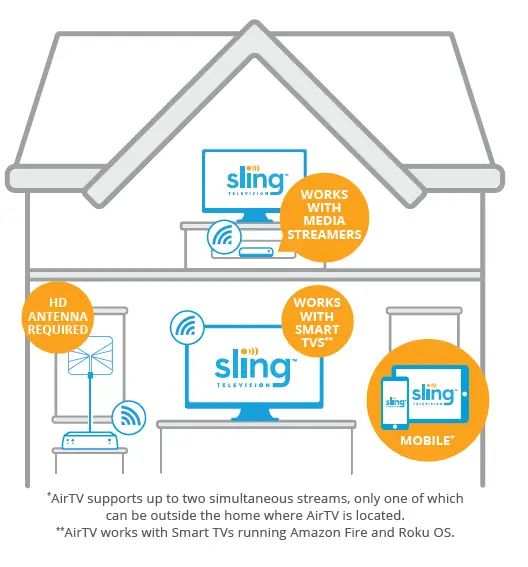
AirTV supports up to two simultaneous streams, only one of which can be outside the home where AirTV is located. AirTV works with Smart TVs running Amazon Fire and Roku OS. AirTV.net © 2018 AirTV, L.L.C. All rights reserved. Other products and companies mentioned are the trademarks of their respective owners and not of AirTV, L.L.C. Roku is a registered trademark of Roku, Inc. Android is a trademark of Google LLC. Apple is a trademark of Apple Inc. Amazon logo and Fire are trademarks of Amazon.com, Inc.
DVR Functions
- Set single-episode or series recordings and record up to two shows at once.
- the Sling TV app for iOS, Android, Amazon Fire, and Roku should incorporate recorded programmers from the Cloud DVR.
- All connected devices can access live and recorded content both inside and outside of the home.
- Rewind, fast-forward, or pause recorded programmed
On the go or at home, watch TV
Access your live local channels on your TV or mobile device with Air TV and Sling TV. You will be able to view your local news, sports, and favorite shows wherever you go as long as you have an Internet connection.
Take notice
Only one of the two simultaneous streams that Air TV allows can be located outside the house where Air TV is installed. No need to subscribe to Sling TV.
Stream to the devices of your choice.
You may watch HD local stations on your preferred streaming devices thanks to Air TV. For easy access, use the Sling TV app to effortlessly combine local stations with your preferred Sling TV channels.
Roku, Android TV, Amazon Fire TV, iOS, and Android devices are all supported with Air TV.
Your gadgets are all connected by one antenna.
To stream local channels in HD throughout your home and even outside the house on your mobile devices, Air TV connects a single antenna to your home Wi-Fi network.
DVR for local channel
Watch and capture regional HD programming, sports, and news
For those looking to combine free local channels and DVR with a streaming service like Sling TV, the Local Channel DVR offers the whole cord-cutting experience. With Air TV’s two tuners, you may record two episodes at once for viewing anywhere, anytime, while simultaneously watching your favorite primetime show.
Take notice for the purpose of storing and recording DVR content, Air TV needs to be connected to a specialized external USB hard drive (flash drives are incompatible). Currently, Air TV allows users to record up to 2 Terabytes of local content. (Hard drive not included)
PUT LIVE LOCAL CHANNELS ON RECORD
Set single-episode or series recordings for both inside and outside the house, and record up to two shows at once. You can pause, rewind, and fast-forward live TV while recording. Required external hard disc, available separately.
FAQs
I can record almost 700 hours of HD TV, according to the 2TB hard drive I connected. The recording from the antenna works incredibly well. When using the skip feature, you must travel in 30-second intervals and estimate how long the commercial breaks will be; however, there is a 10-second reverse skip for overshooting.
The AirTV has a range of zero miles. Your antenna will provide a signal for you. There are several factors that determine that range; visit the TVfool website.
An updated response to this query given the recent developments. Even if you are not a Sling member, you MUST utilize the Sling app for Airtv on Roku. It continuously tries to upsell you on a subscription and is sluggish and awkward. If you don’t want to have sling mixed with your locals, pick Tablo as your local streamer. The AirTv is a really awful choice, and Sling has done nothing to address the fact that an upgrade invalidated tens of thousands of hard discs.
You must use the Sling TV app to access all of AirTV’s functions, including the DVR. If you decide not to sign up for any Sling services, you may still create a free Sling TV account and pay nothing.
Yes, both iOS and Android users can download an app. 4g ought should be adequate. Yes, you will need a streaming device for the non-smart TV. Roku or a firestick are both options. According to their customer service, the Roku is the best option if you want to link this with Sling so you can use the DVR functionality. Nevertheless, I haven’t tested that. Less buffering
You would have to choose between the two; however, keep in mind that the Sling app has DVR features.
Yes, I do have a non-smart TV with a Roku connection. I prefer it that way, therefore I just bought a brand-new TV without any smart features in 2019. I watch local broadcasts using the SlingTV app and have an indoor antenna connected to AirTV at the top of the house. If you don’t have a Sling subscription, it could also be done with the AirTV app.
I just connected a drive and chose “format drive” from the setup menu. I might not remember this well because it’s been a while since I did it, but it wasn’t painful.
You do not connect your television to this. This is where you attach your antenna before connecting it to the internet. However, if your receiver (Roku, Amazon Fire, etc.) accepts and transmits the signal with Dolby 5.1 encoding to the device you are connected to, you will have it. Remember that whatever you connect to the speaker receiver must be supported by it.
Yes, you are able to watch local programming while it is being recorded on your hard drive.