PN 1525 PS Force Soccer Guard
Product Information
Product Name: Wheelchair Side Panels
Model Number: PN 1525
Product Usage Instructions
- Make sure you have all the necessary components: two side
panels, clamps, and two bolts. - Identify the left and right side panels.
- Position the left side panel near the leg rest of the
wheelchair. - Secure the left side panel to the leg rest using clamps and two
bolts. Insert the bolts through the holes on the side panel and
tighten them securely. - There are two sets of holes on the side panel: a single hole
and a line of four holes. These holes are used to adjust the guard
angle. Choose the appropriate hole based on your desired angle and
attach the clamps accordingly. - Attach the second side panel to the left front panel of the
wheelchair. Align the panels properly and secure them together
using clamps and bolts. - Ensure all connections are tight and secure before using the
wheelchair.
Please refer to the complete user manual for additional
information and safety guidelines.
Assembly Instructions
PN 1525
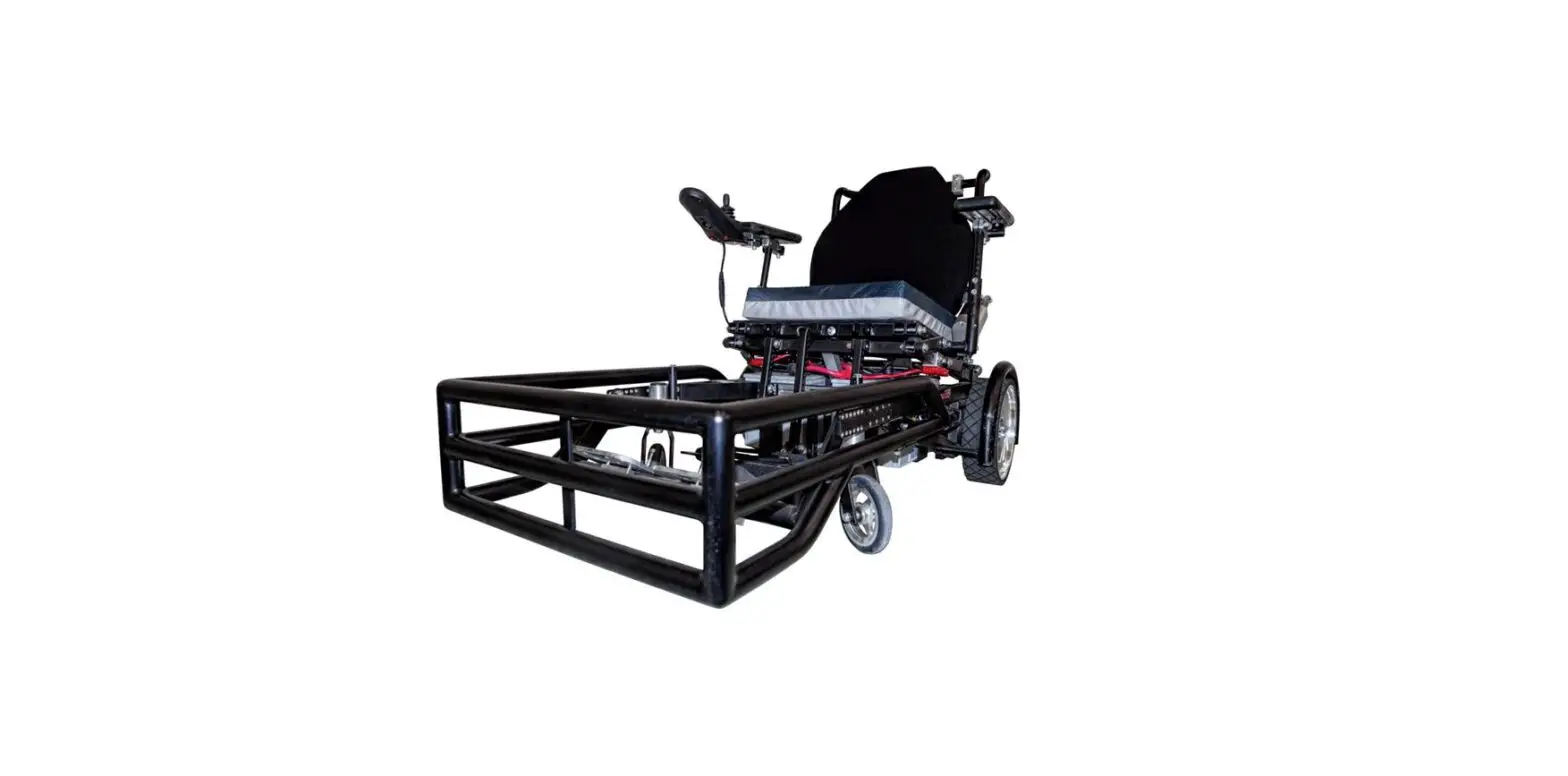
2. Use clamps and two 2″ bolts to attach each side panel to the wheelchair’s leg rest. The single hole and line of 4 holes are for the clamps to set the guard angle.
3. Attach 1 side panel to Right Front Panel. Insert four 1½” bolts in the row of holes in the side panel to attach the guard at the correct height (2 -5 inches from the ground).
4. Attach second side panel to Left Front Panel.
5. Select width of guard. Insert four 1½” bolts to attach Left Front Panel to Right Front Panel. Secure with one washer and hex nut for each bolt.