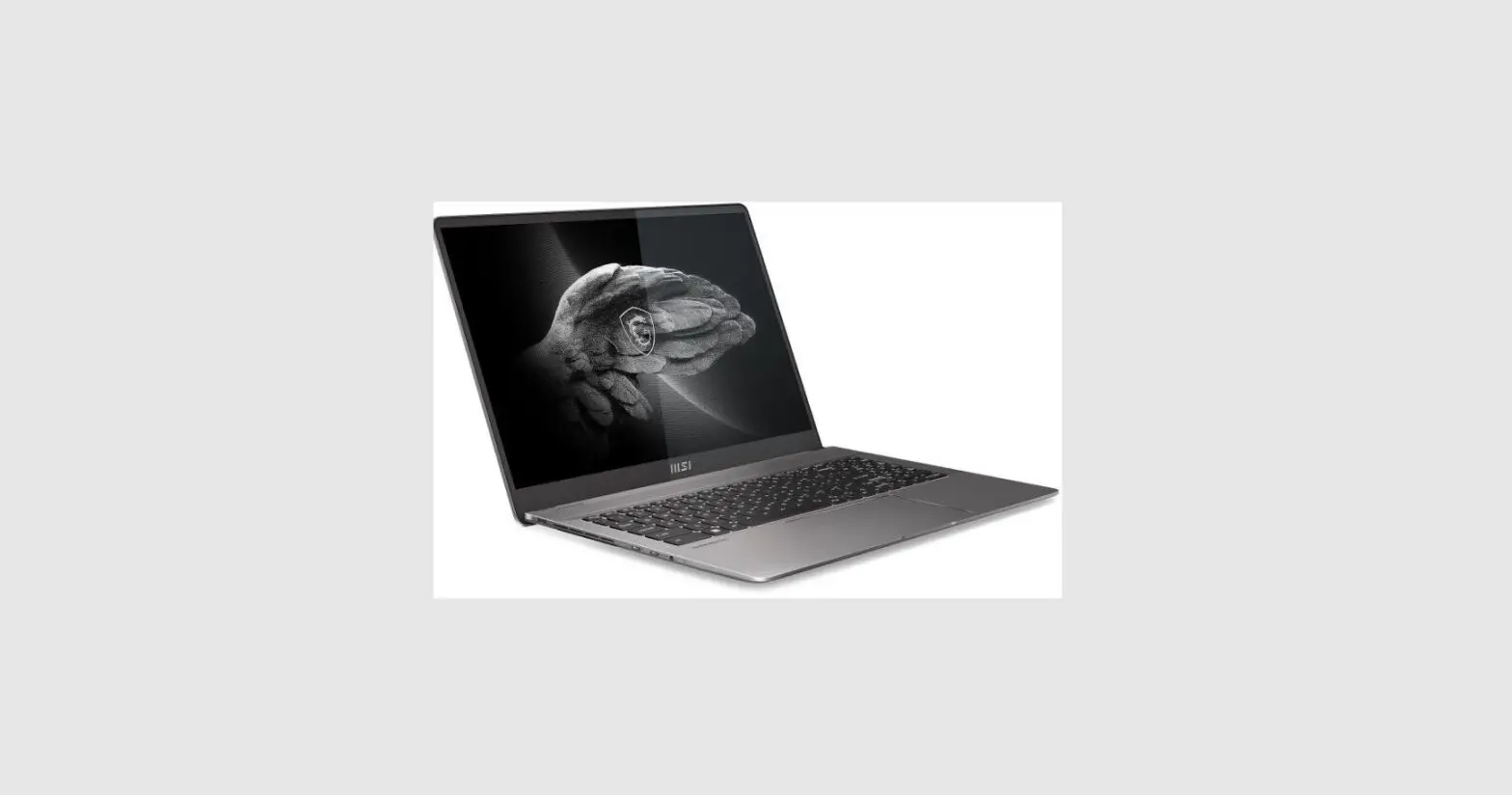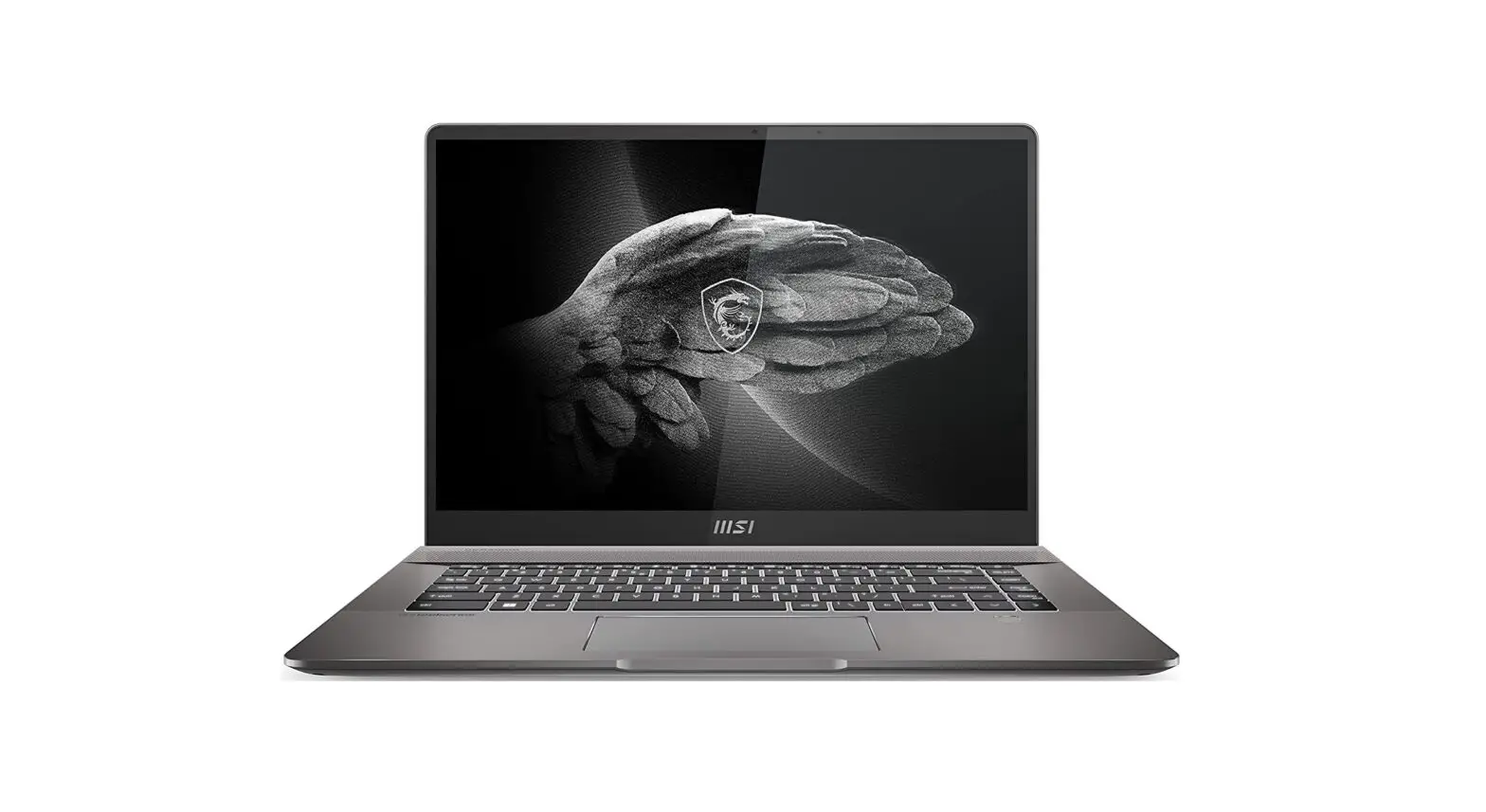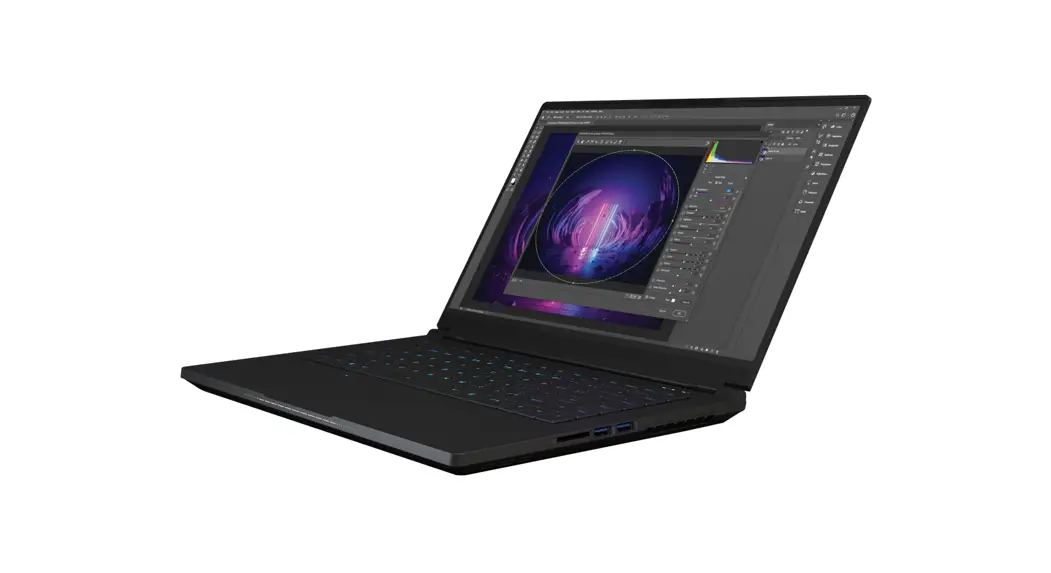
msi 4040 Summit E15 11th Gen Intel Core Processor Laptop User Guide
[How To] Intel Wireless LAN (WLAN) Driver Install/Update Guide
The latest Intel Wireless LAN driver require to be install/update by using . inf files, please refer to the instructions below to complete the process.
Download the driver installer package
Note: If you have downloaded the driver by using live update or MSI Driver & App Center, please skip Step 1
- Go to MSI website ad search the name of the products.

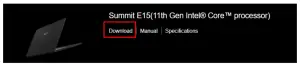
- Click “Download” to enter the download page.

- In the “Driver” tab, select “Wireless LAN” and find “Intel Wireless LAN Driver” and download the file.
- Save the file to the designated location and extract the downloaded file.


Install the driver
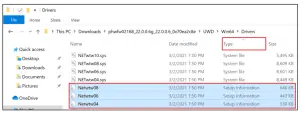
- In the extracted folder, select “UWD” > “Win64” > “Drivers”.
- Click on the “Type” column to sort the files.
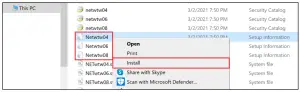
- Find .inf files “Netwtw0x.inf”. (to see the file extension, go to “View” and enable the “File name extension” option).

- Right click on all “Netwtw0x.inf” files one by one and select “Install”.

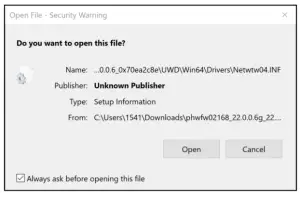
- Select “Open” and “Yes” to approve the UAC pop-up and continue the installation.

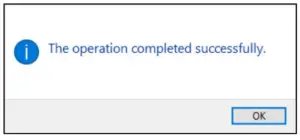
- Once the installation completes, the following message will show up.

- Repeat the install steps on all .inf files which shown in the folder.
Confirm the installed driver version
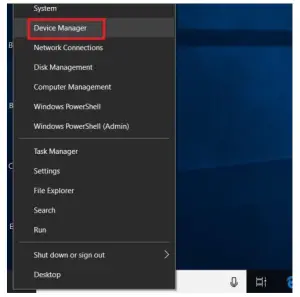
- Right-click on the “Start button” on the task bar and go to “Device Manager”.

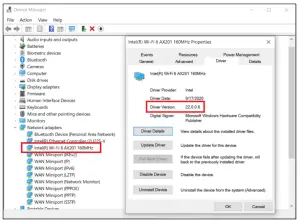
- Find “Wireless Adapter” under “Network devices”.
- Double click on the device, go to the “Driver” tab and check if the version matches the driver which was installed earlier