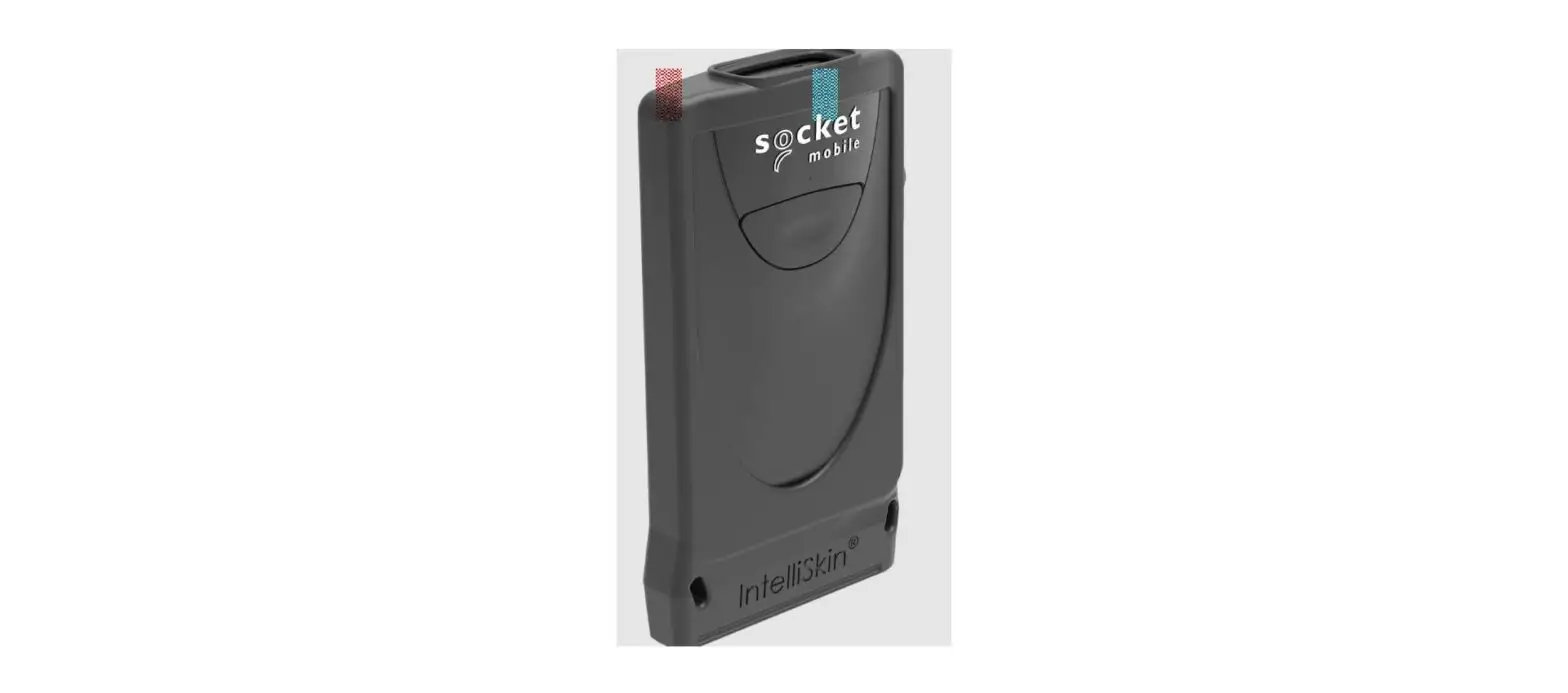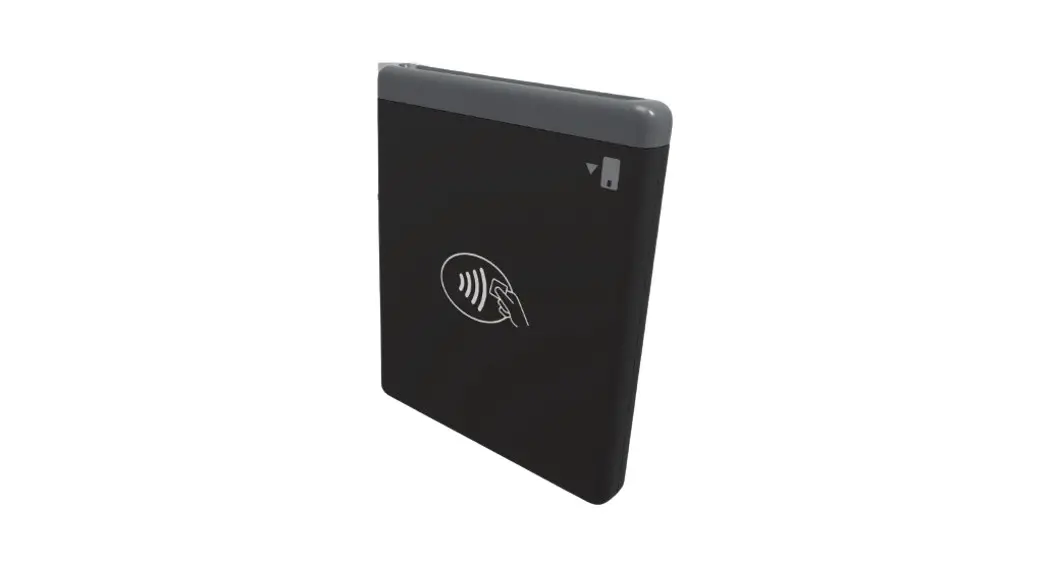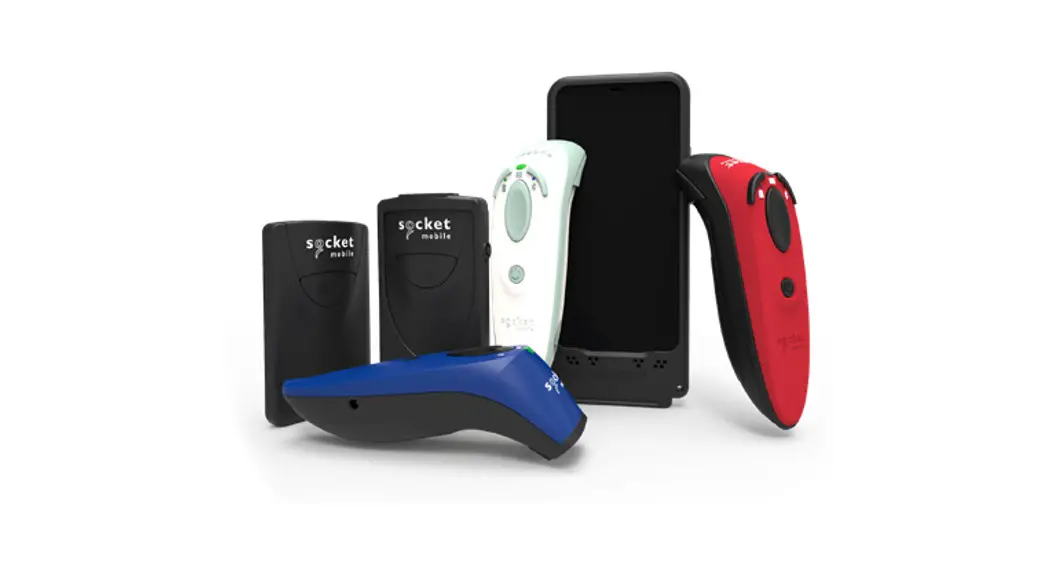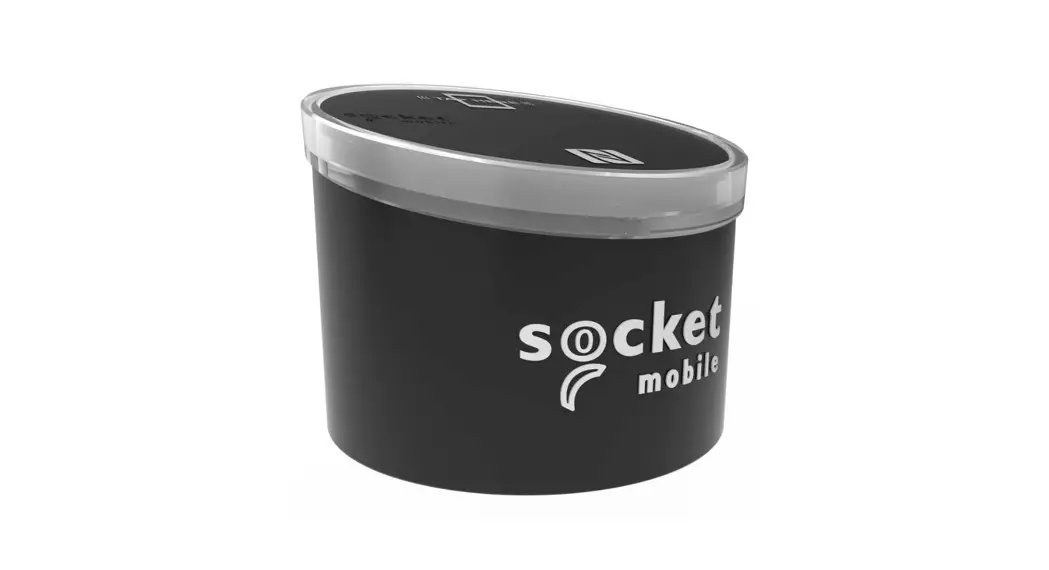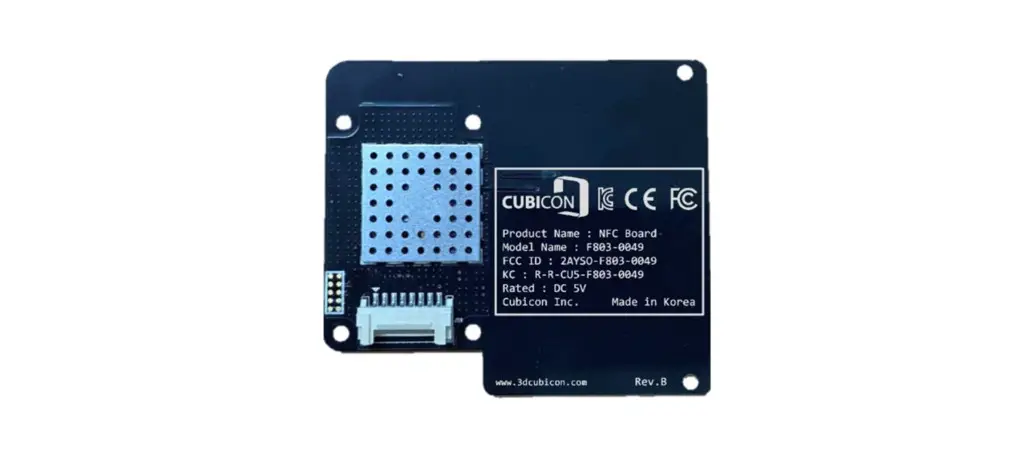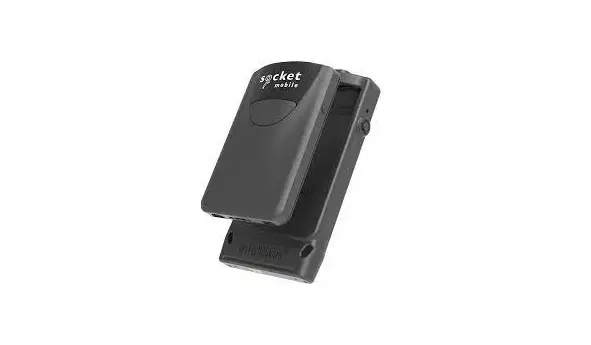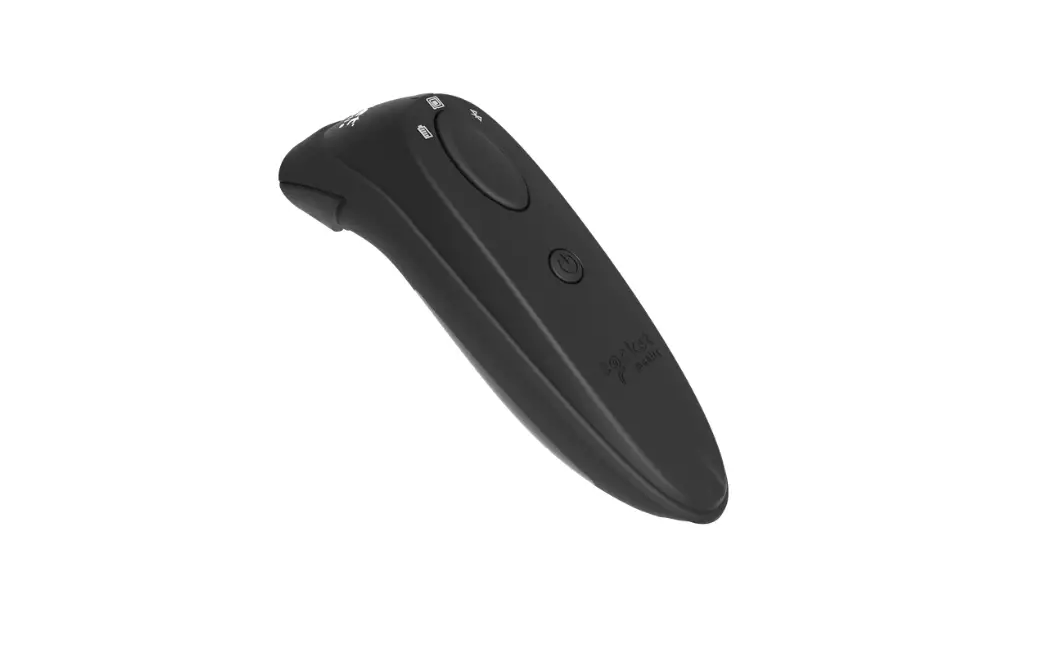
socket mobile DuraScan D600 NFC and RFID Contactless Refurbished Instructions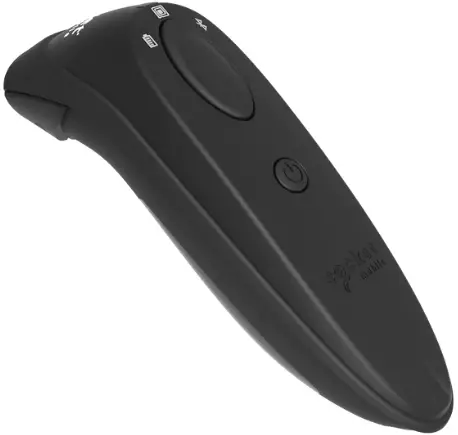
Instructions
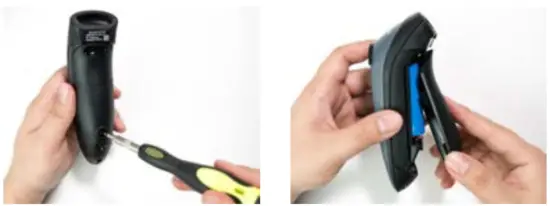
Step 1: Remove Battery Door
Use screw driver to loosen screw and remove battery door.
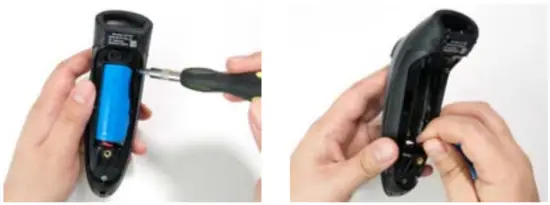
Step 2: Remove Battery
Use a flat head screw driver and place in the top right corner to gently push the battery out. Then, pull the connector to remove.
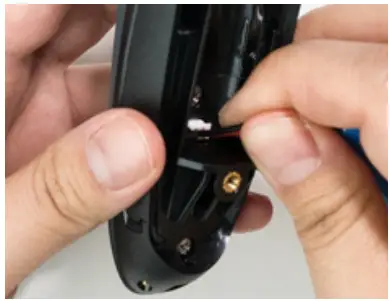
Step 3: Insert New Battery
Plug the connector on the new battery.
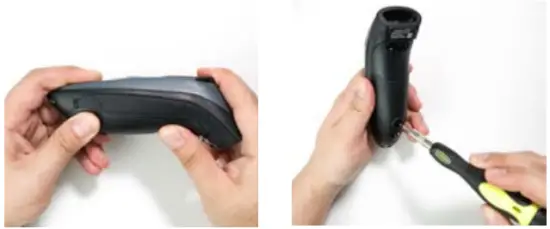
Step 4: Secure Battery Door
Ensure the battery door is properly placed, then screw the battery door back on.
Step 5: Use a wall charger to charge battery until the battery light turns solid green (up to 8 hours)
Charging Requirements:
Min 5.0 VDC, 1 AMP
Max 5.5 VDC, 3 AMPs