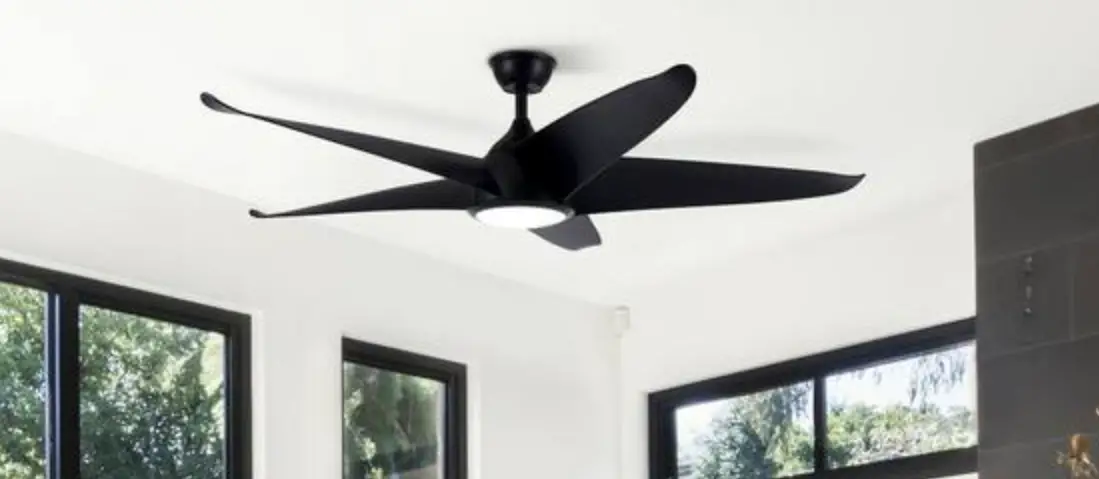
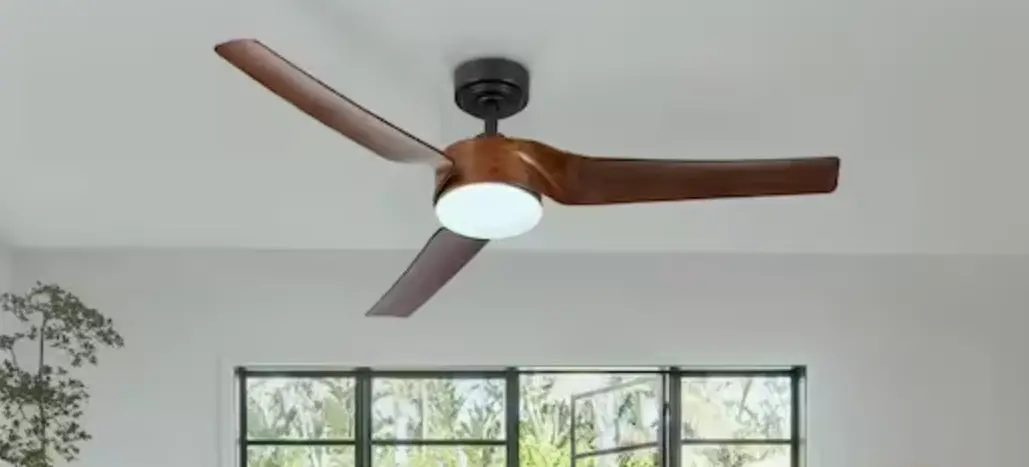
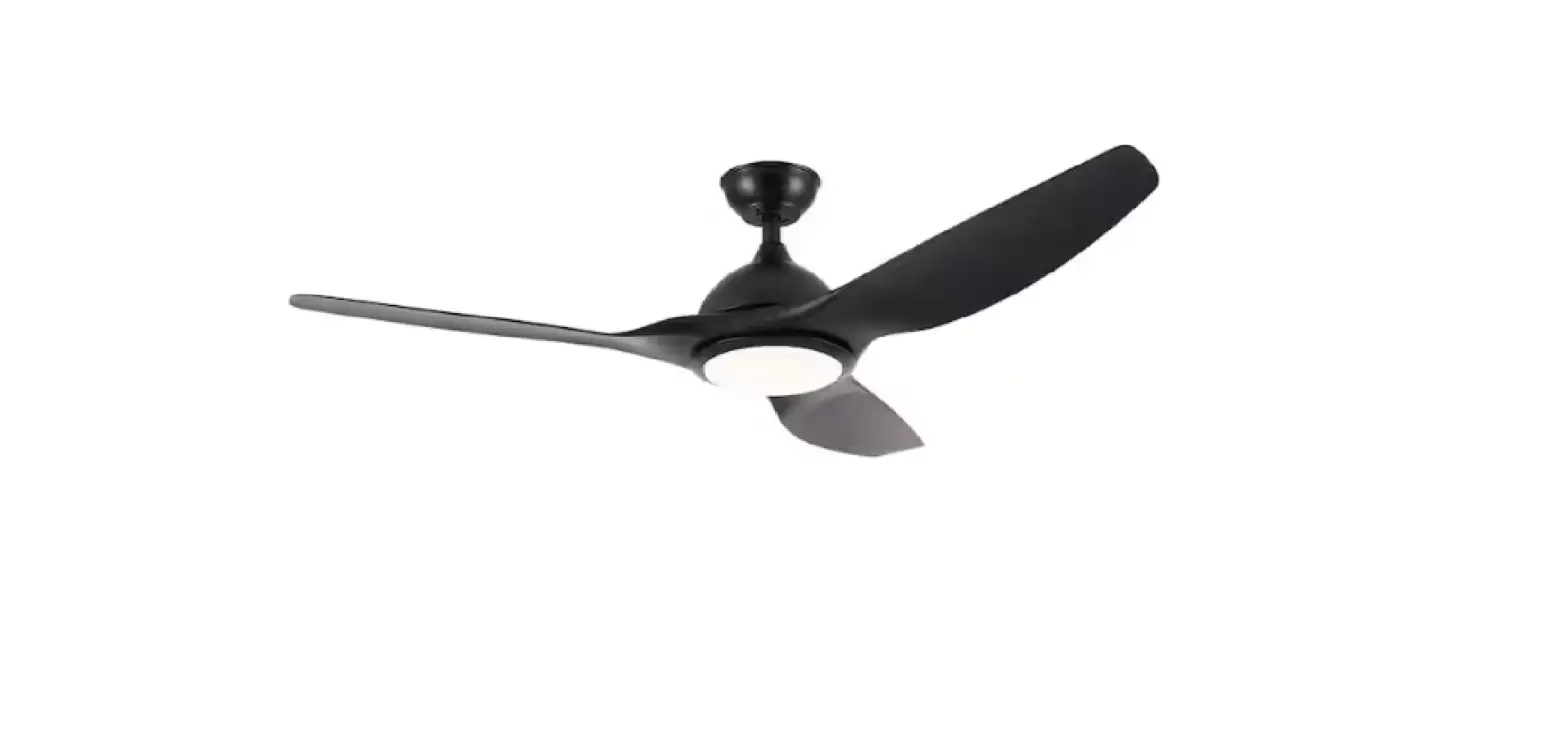
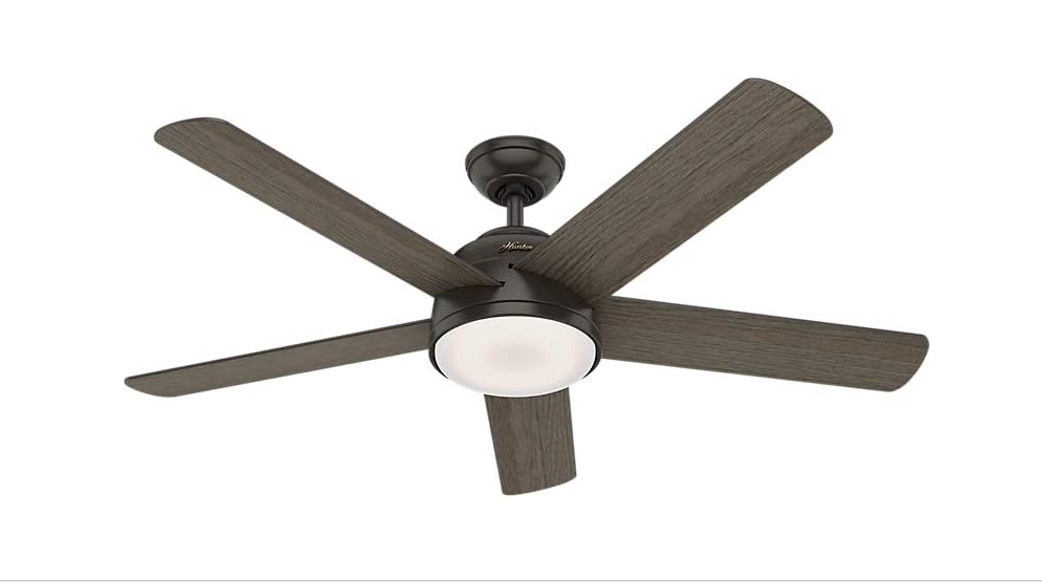
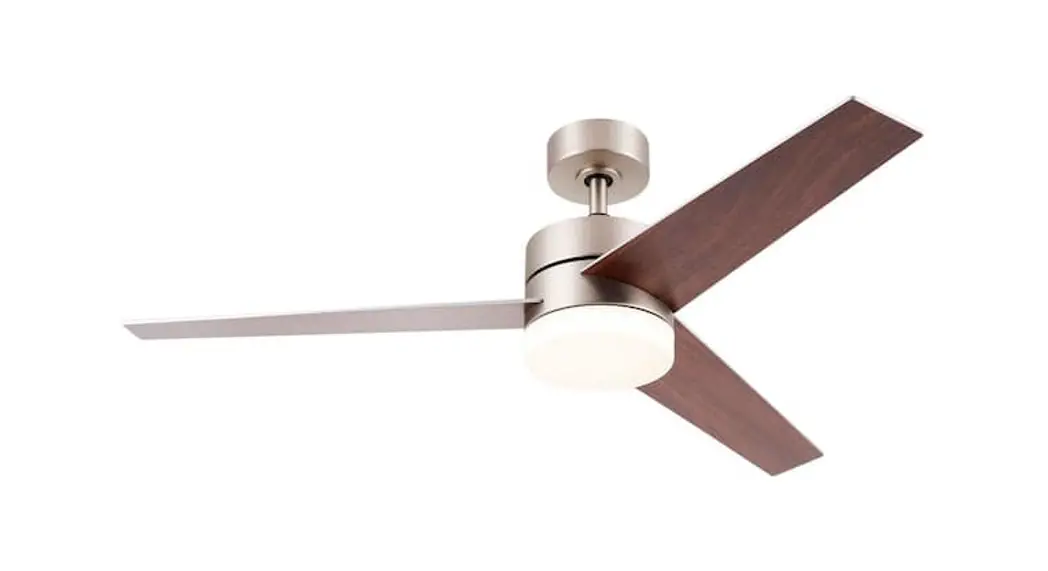
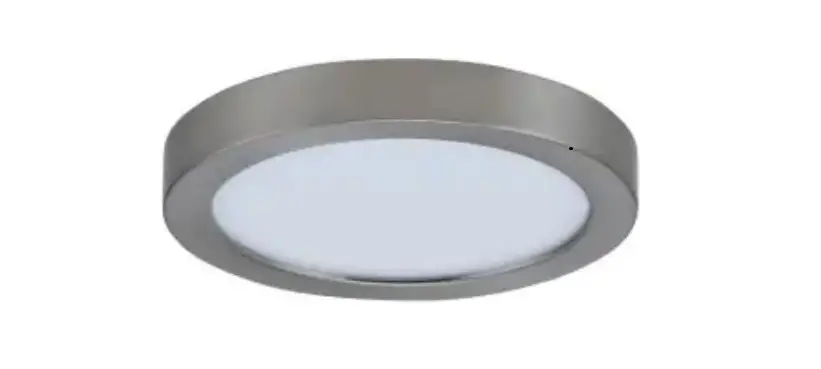
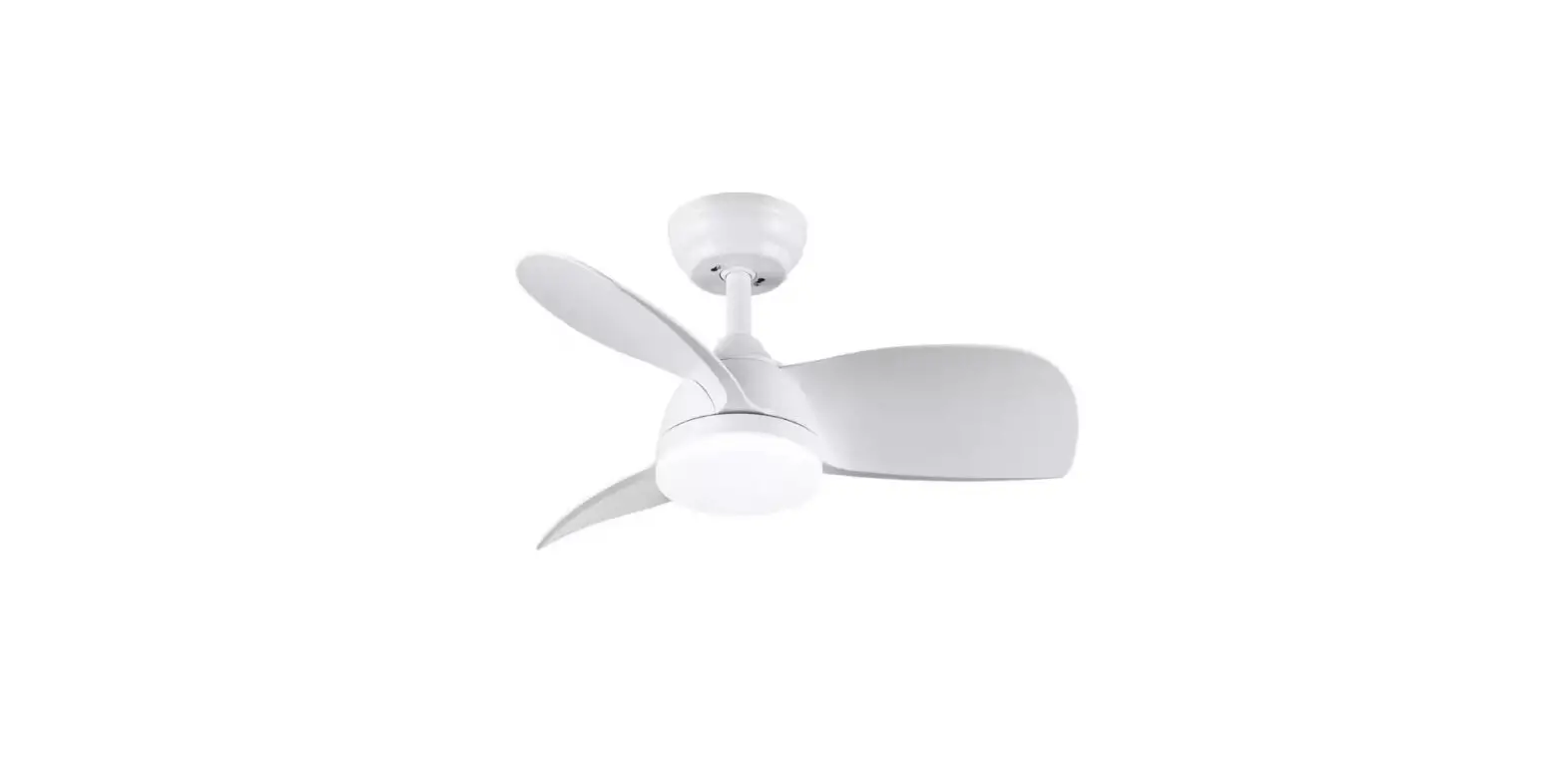
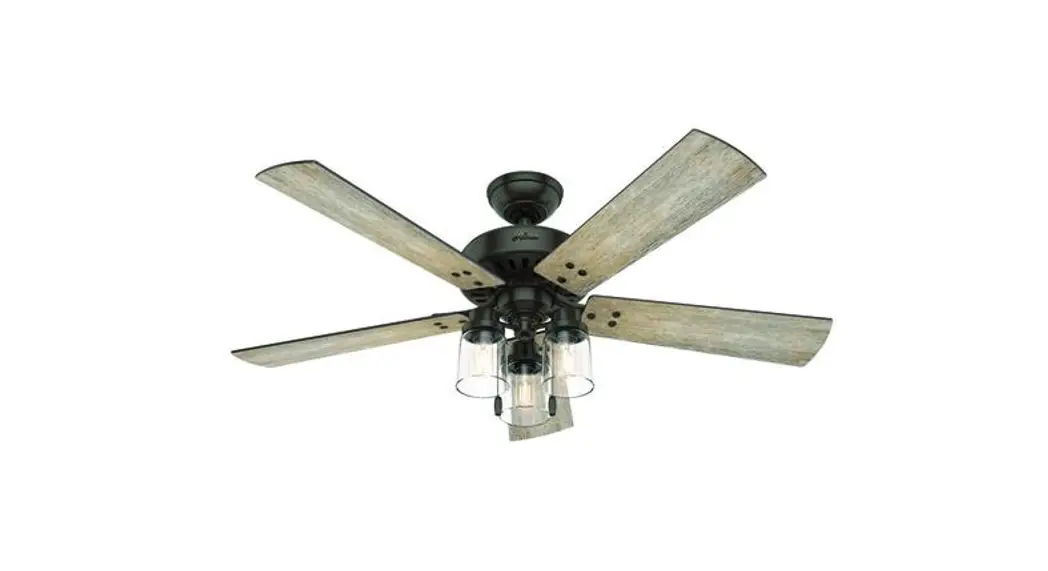
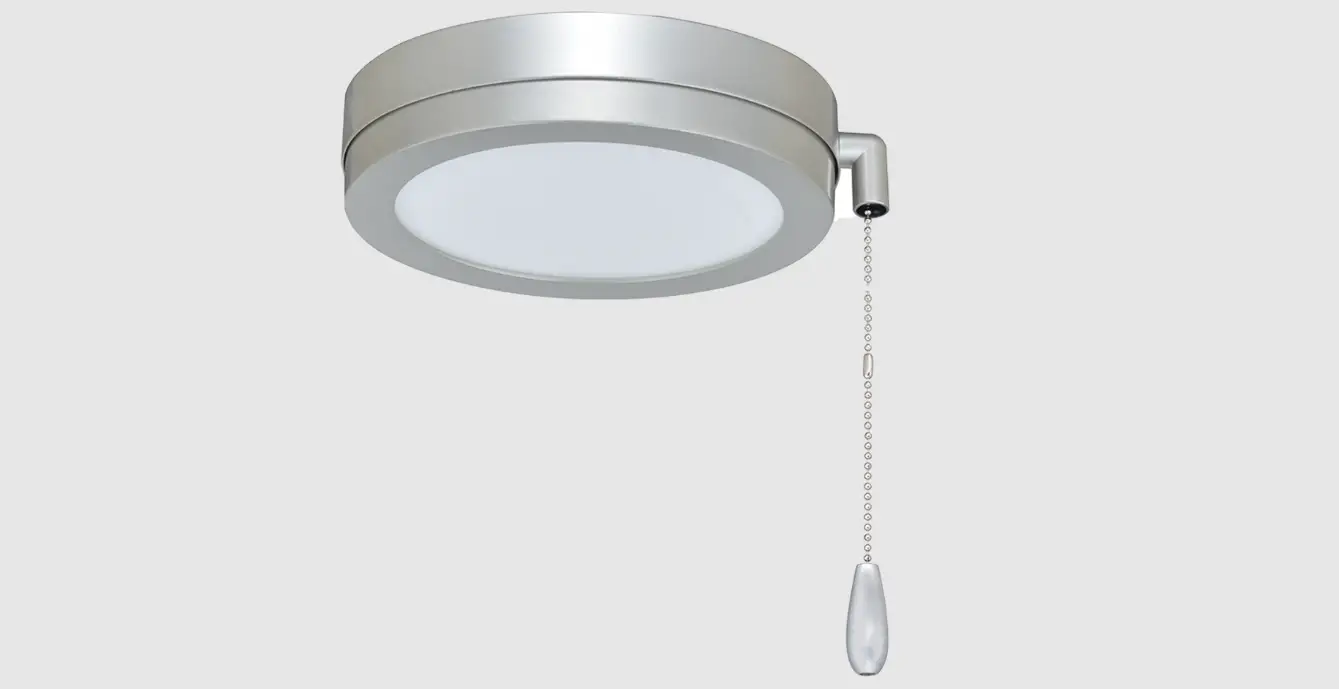
CFN-1203 Indoor Integrated LED Silver Ceiling Fan
Product Information
- Product Name: CFN-1203
- Product Type: Fan
- Estimated Assembly Time: 120 minutes
- Additional Tools Required for Assembly: Electrical tape,
flathead & Phillips screwdriver, pliers, safety glasses,
ladder, and wire strippers - Additional Helpful Tools: AC tester light, tape measure, wiring
handbook, and wire cutters
Product Usage Instructions
- Package Contents: Before beginning
installation, ensure all parts are present and display no defects.
If any part is missing or damaged, contact customer service and do
not attempt to install the product. Refer to page 2 for the package
list. - Safety Information: Read all of the safety
information on page 3 before installation or use. Ensure
electricity has been turned off at the circuit breaker or fuse box
before beginning. All wiring must be in accordance with national
and local electrical codes. Electrical installation should be
performed by a qualified licensed electrician. Refer to page 3 for
detailed safety instructions. - Preparation: Begin installation by removing
fuses or turning off circuit breakers to the wiring you will be
using. Use your compatible UL listed outlet box if you already have
one installed. Failure to disconnect the power supply prior to
installation may result in serious injury or death. Refer to page 3
for detailed preparation instructions. - Mounting: To reduce the risk of fire, electric
shock, and personal injury, mount the fan to an outlet box marked
acceptable for fan support. The outlet box and support structure
MUST be securely mounted and capable of reliably supporting a
minimum of 50 pounds. Use only UL listed outlet boxes marked FOR
FAN SUPPORT. Refer to page 3 for detailed mounting
instructions. - Usage: The fan must be mounted with a minimum
of 7 feet clearance from the trailing edge of the blades to the
floor. Do not use the reverse switch while the fan blades are in
motion. To prevent damage and ensure long use, the fan must be
turned off and the blades stopped before reversing direction. Do
not place objects in the path of the blades. Exercise caution when
working around or cleaning the fan. Use a soft dry cloth to clean
the fan body and blades. Do not use water or detergent. Refer to
page 3 for detailed usage instructions.
V20221018
CFN-1203 Instruction Manual
Read Carefully Before Use Keep for Future Reference
TABLE OF CONTENTS
Introduction ·························································································· 1 Package Contents ················································································· 2 Safety Information·················································································· 3 Preparation ·························································································· 4 Initial Installation ··················································································· 5 Downrod Mounting ················································································ 5 Circuit Connections ··············································································· 6 Canopy and Cover Installation ································································· 7 Fan Blade Installation ············································································· 7 Light Installation ··················································································· 8 Color Temperature Adjustment ································································· 8 Remote Control Operation ······································································· 9 Troubleshooting ·················································································· 10 Contact Information·············································································· 10
INTRODUCTION
Before beginning installation of this product, read the package list on page 2 and ensure all parts are present and display no defects. If any part is missing or damaged, contact customer service and do not attempt to install the product. Read all of the safety information on page 3 before installation or use. Estimated assembly time: 120 minutes Additional tools required for assembly: Electrical tape, flathead & Phillips screwdriver, pliers, safety glasses, ladder, and wire strippers
Additional helpful tools: AC tester light, tape measure, wiring handbook, and wire cutters
1
PACKAGE CONTENTS
b
c
a
d
a. Fan Blades (×6) b. Ceiling Mounting Bracket c. Canopy d. Canopy Cover e. Downrod f. Coupling Cover g. Fan Motor Assembly h. Blade Holders (×6) i. Light Plate j. LED Light Kit k. Glass Shade l. Remote Control m. Receiver n. Mounting Screws (×4)
Mounting Bolts (×2) Spring Washers (×4) Star Washers (×4) Blade Bolts (×18) Bolt Nuts (×18) Flat Washers (×23) Wire Nuts (×8) Balance Kit
e f
g
l m n
2
h i j k
SAFETY INFORMATION
Warning!
1. To reduce the risk of electric shock, ensure electricity has been turned off at the circuit breaker or fuse box before beginning.
2. All wiring must be in accordance with national and local electrical codes. Electrical installation should be performed by a qualified licensed electrician.
3. This fan is suitable for use with solid-state speed controls. 4. To reduce the risk of personal injury, use only the screws and washers provided with
the outlet box for mounting to the outlet box. Most outlet boxes commonly used for the support of lighting fixtures are not acceptable for fan support and may need to be replaced. Consult a qualified electrician if in doubt.
TO REDUCE THE RISK OF FIRE, ELECTRIC SHOCK, & PERSONAL INJURY, MOUNT FAN TO AN OUTLET BOX MARKED “ACCEPTABLE FOR FAN SUPPORT”.
5. The outlet box and support structure MUST be securely mounted and capable of reliably supporting a minimum of 50 pounds. Use only UL listed outlet boxes marked “FOR FAN SUPPORT”.
6. After marking electrical connections, spliced conductors should be turned upward and pushed carefully up into outlet box. The wires should be spread apart with the grounded conductor and the equipment-grounding conductor on one side of the outlet box.
7. The fan must be mounted with a minimum of 7 feet clearance from the trailing edge of the blades to the floor.
8. Do not use the reverse switch while the fan blades are in motion. To prevent damage and ensure long use, the fan must be turned off and the blades stopped before reversing direction.
9. Do not place objects in the path of the blades. 10. Exercise caution when working around or cleaning the fan. 11. Use a soft dry cloth to clean the fan body and blades. Do not use water or detergent. 12. The electrical diagrams provided herein are for reference only. Light kits that are not
packaged with the fan must be UL listed and suitable for use with this fan. Switches must be UL general use switches. Refer to their separate instructions for proper assembly.
NEVER BEND THE BLADE BRACKETS/FLANGES FOR ANY REASON.
3
PREPARATION
1. Turn Off Your Power Begin installation by removing fuses or turning off circuit breakers to the wiring you will be using. Use your compatible UL listed outlet box if you already have one installed.
Failure to disconnect the power supply prior to installation may result in serious injury or death.
Use only on flat ceilings
2. Choose Your Mounting Position
If you need to install a new UL listed outlet box, secure it directly to your building’s structure using appropriate fasteners and materials. Do not use plastic boxes. The outlet box and its supports must be able to support the MOVING weight of the fan (at least 50 lb.) and be rated for fan support.
Do not use on slanted surfaces
7 feet
30 inches
3. Choose a Suitable Location
Ensure the blades will be at least 30 inches from any obstruction and at least 7 feet above the floor. In locations without a ceiling joist, a hanger support bar may be required. Do not install in clamp locations.
4
INITIAL INSTALLATION
Outlet Box
Ceiling Mounting Bracket
Washers
Hook
120V Wires
Mounting Screws/Bolts
Step 1. Pass the 120V supply wires through the center hole in the ceiling mounting bracket.
Step 2. Secure the ceiling mounting bracket to the outlet box with the provided mounting screws or bolts and spring or star washers.
Downrod Coupling Cover Hitch Pin
Downrod
DOWNROD MOUNTING
Canopy Canopy Cover
Step 1. Remove the hitch and lock pins. Loosen the pre-installed bolts on the top of the motor assembly.
Step 2. Slip the canopy, canopy cover, and coupling cover onto the downrod. Feed the lead wires from the fan motor through the downrod. Install the downrod onto the coupling.
Bolts Step 3. Insert the hitch pin through the downrod and then re-install the retaining clip.
Retighten the bolts.
Step 4. Place the downrod ball into the ceiling
Retaining Clip
mounting bracket socket. Rotate the
entire assembly until the tab has dropped
into its slot and sits firmly. The entire
motor assembly should not rotate (left or
right) when seated properly.
Failure to reattach the hitch pin and/or properly seat the downrod can cause the fan to fall from the ceiling during operation.
DO NOT use the fan before ensuring it is properly secured and the motor cannot
rotate.
5
CIRCUIT CONNECTIONS
Again, ensure that the power has been cut before working with the wiring. Use the wire nuts provided with your fan.
Ensure there are no loose wires or connections, and secure connectors with electrical tape.
Receiver
Ceiling Mounting Bracket
Step 1. Insert the receiver into the tray with the receiver facing the ceiling. For best performance, make sure the white antenna, on the end of the receiver, remains extended and not tangled with any of the electrical wires.
Step 2. Connect the 4 colored wires from the remote receiver to the 4 identically colored lead wires from the fan motor. Secure each set with the provided wire nuts.
Step 3. Connect the 2 colored wires from the remote receiver to the 2 identically colored lead wires from the outlet box. Secure each set with the provided wire nuts.
Step 4. Connect the green or bare copper ground wire from the outlet box to the ground wires from the ceiling mounting bracket and the ceiling fan. Separate the white and green connections from the black wire connections, which should be kept on opposite sides of the outlet box.
Black White
White (neutral) White (“AC IN N”) Receiver
Blue Black Blue Black
White(Zero line) Brown (Forward and reverse) Black(motor) Blue(light)
Receiver Head
Outlet Box
Black (hot) Green or Bare Copper (ground) Black (“AC IN L”)
White Brown Copper (ground)
White Brown
6
CANOPY AND COVER INSTALLATION
Outlet Box Ceiling Mounting Bracket
Mounting Screws/Bolts
Canopy Canopy Cover
Step 1. Tuck all the connections neatly into the outlet box. Step 2. Slide the canopy up to the ceiling mounting bracket and place the key hole slots
over the mounting screws or bolts on the bracket. Rotate the canopy until the screw heads lock in place at the narrow section of the key hole. Step 3. Attach the canopy cover to the bottom of the canopy and screw it into place.
FAN BLADE INSTALLATION
Bolt
Bolt Nut Flat Washer
Bolt
Blade Holder
Blade
Step 1. Fit a blade in place on a blade holder and secure it using three blade bolts, bolt nuts, and flat washers.
Step 2. Making sure the blade is straight, tighten the nuts.
Step 3. Remove the bolt pre-installed on the fan motor assembly.
Step 4. Install the blade holder underneath the motor and secure it by replacing and retightening the bolt.
Step 5. Repeat for the remaining blades and blade holders.
7
LIGHT INSTALLATION
Wire Connectors Light Plate
Bolts LED Light Kit
Glass Shade
Step 1. Remove the pre-installed bolts on the fan motor assembly.
Step 2. Feed the wire connectors through the middle of the light plate. Install the light plate onto the motor assembly and secure it by replacing and retightening the bolts.
Step 3. Connect the LED light kit to the light plate using its magnetic suction-cup bolts.
Step 4. Connect the wire plugs of the LED light kit to the wire connectors (blue to blue and white to white).
Step 5. Fit the glass shade onto the light plate and screw it into place. Ensure it is firmly connected to avoid loosening during use.
COLOR TEMPERATURE ADJUSTMENT
The LED light has 3 different color setting: Warm White (3000K), Daylight (4500K), and Cool White (6000K). To adjust the light settings, 1. Press LIGHT on the remote control to turn on the LED light. 2. Press LIGHT again to turn off the light. 3. Press LIGHT to turn on the light once more with the next color temperature in order. Repeat these steps to toggle among 3 color temperatures.
8
REMOTE CONTROL OPERATION
Install the remote control holder onto any wall or suitable flat surface using the two steel screws.
Key
Function
LOW Starts the fan at low speed
MED Starts the fan at medium speed
HI Starts the fan at high speed
STOP Stops the fan
LIGHT Turns the light on or off
1H Runs the fan for 1 hour and then turns it off
2H Runs the fan for 2 hours and then turns it off
4H Runs the fan for 4 hours and then turns it off
R/F Reverses the fan’s direction
DO NOT press R/F while the fan is turning. Wait for it to stop completely before changing the direction of its rotation.
This remote operates with a range of 30 feet (10 m). It uses 2 1.5V AAA batteries (not included). If the remote will not be used for a prolonged period, it is recommended to remove the batteries for better service life.
9
TROUBLESHOOTING
Potential Problems Fan blades don’t rotate
Fan is too noisy
Fan wobbles during use
Common Solutions
Check fuses and/or circuit breakers and reset if needed.
Cut off power to the fan and check its internal electrical connections.
Replace the remote control’s batteries.
Check that the fan cover is correctly placed and no bolt interfere with the movement of the blades.
Contact customer service to replace a faulty remote control.
Check that all bolts, screws, and fasteners are well tightened.
Ensure the canopy housing has a short distance between itself and the ceiling.
Upon initial installation, allow 24 hours of use for the machine to break itself in.
Cut off power to the fan and check that the wire nut connections are not rubbing against one another or the inner housing.
If you have installed a solid-state variable-speed control, cut off power to the fan and disconnect this control from the device. See if using the remote resolves the problem, which can be caused by erratic signals from such controls.
Check that all bolts, screws, and fasteners are well tightened.
Use the provided blade balancing kit to adjust the blades if their tips are found to be an unequal distance from the ceiling while well fastened.
Exchange the position of the various blades.
Again, do not bend the blades during any of these procedures.
CONTACT US
Thank you for choosing our products! If you have any questions or comments, contact us at [email protected] and we’ll resolve your issue ASAP!
For a .pdf copy of the latest version of these instructions, use the appropriate app on your smartphone to scan the QR code to the right.
10
CFN-1203-BK CFN-1203-NI Rev. 1 Jun. 2022
 Transparent outsourced web hosting tech support |SupportPRO