
WiseCube
Advanced mPOS Design Integrating
EMV and NFC Card Reading Functions
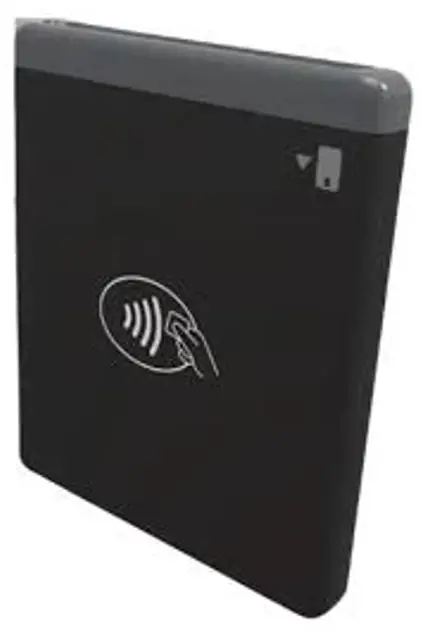
WiseCube Advance mPOS Design Integrating EMV and NFC Card Reading Functions
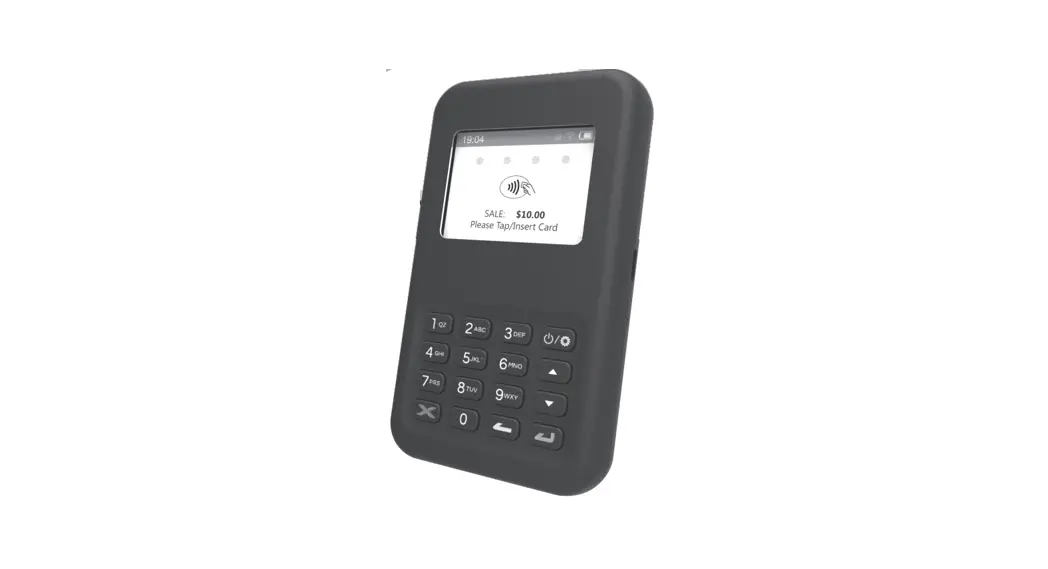
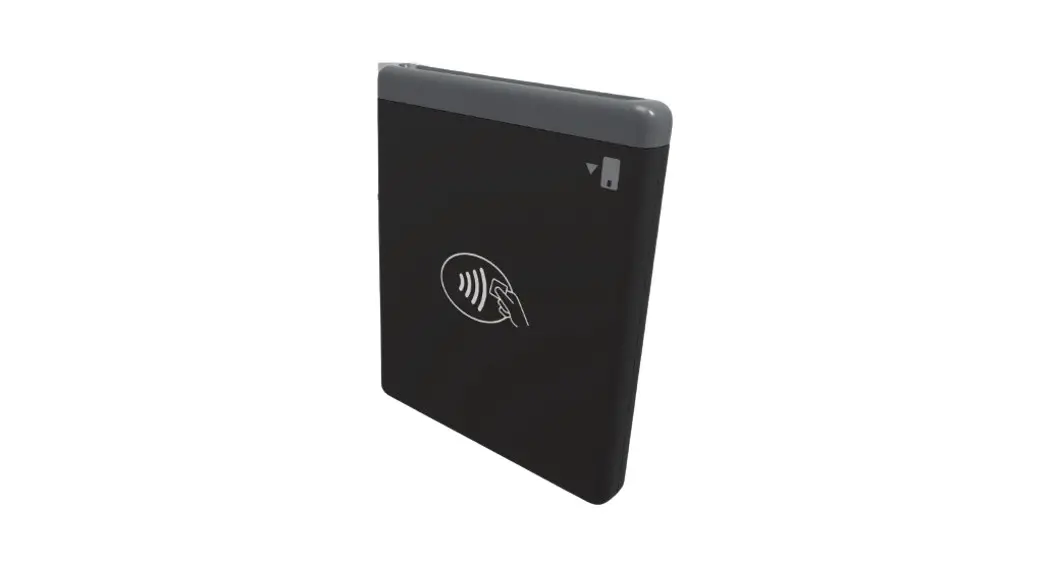
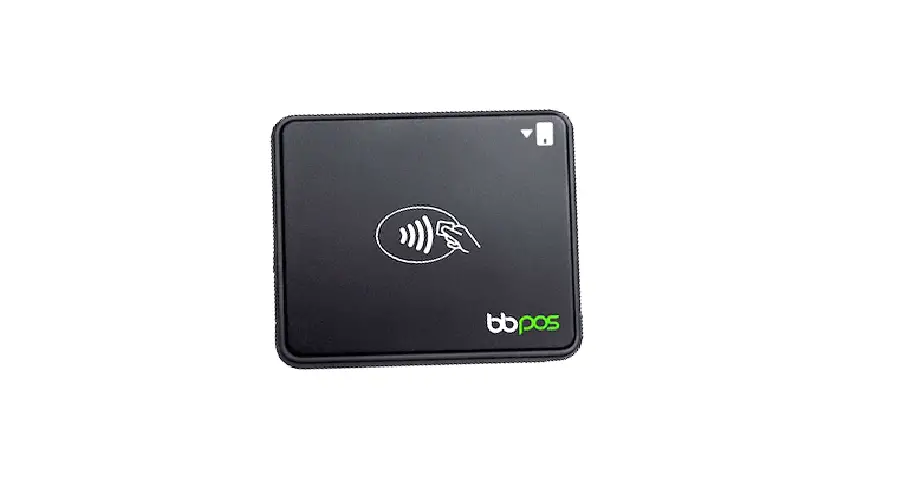
Index & Accessories (Fig.1)
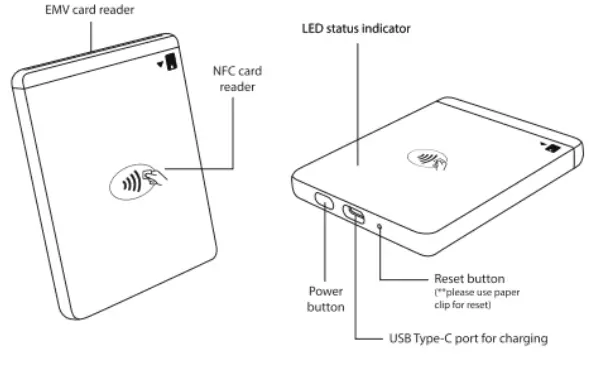
Package Contents
Device X1
Application Download & Installation
This device can support 05 and Android
- Please download the official application from app stores before operation.
- Please follow app instructions to register and login for proper operation.
- For any questions, please contact the official application developer or solution provider.
Quick Start Procedures
Connect the USB Type-C charging cable to charge the device as shown to the right.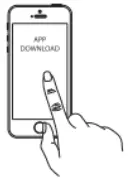
Download the official application from AP Store or Google Play Store.
**WiseCube s powered by an metalithium Paymer rechargeable batery pack that cannot berouged o replaced. Bforefrst use,chargings requird frq approximately o to thee horsts prevent potentil lectical damage to the’WiseCube, s recommended {0 use the USB Type’s cable provided with the packaging.**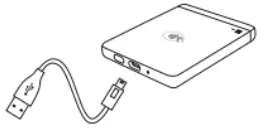
Now, you can follow the application instructions to start the transaction process, then insert or tap card to complete the transaction.
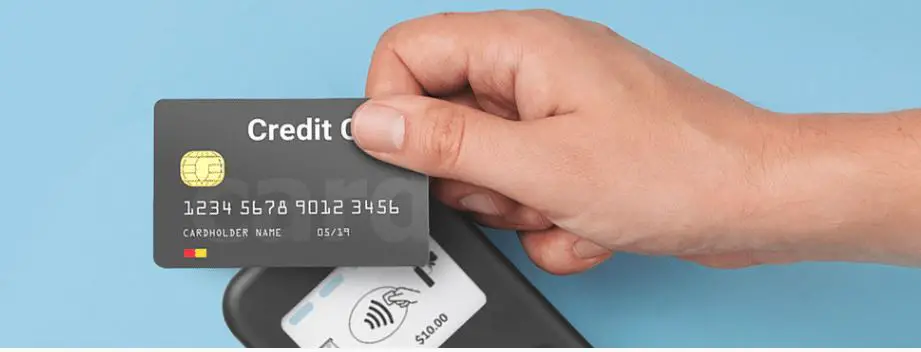
= 1fyou are paying using an EMV card,please ensure that the BNV chip of the card i fcing the right direction. f you are paying using an NFC card, please ensure you tap the NEC peyment card oryourdevice with your NEC wale within dcm fange on op ofthe NFC marking.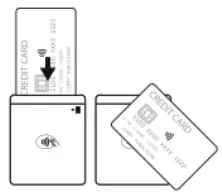
LED Status Indicators
| Power On | Power off | Idle |
 | 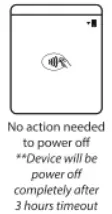 | 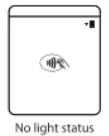 |
| Update | Tamper | Self Check Interity Fail |
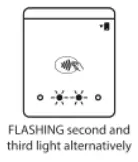 | 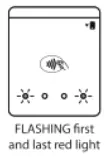 | 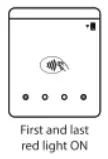 |
Battery Charging Status
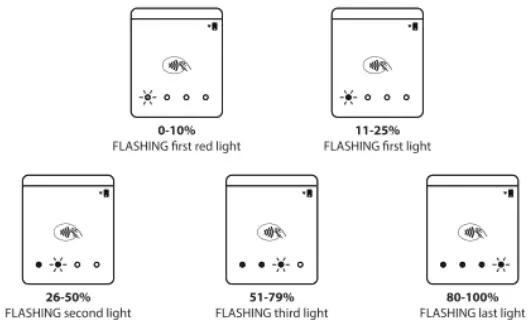
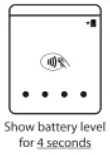
Battery Level
When power on it is shown as below in first four secound
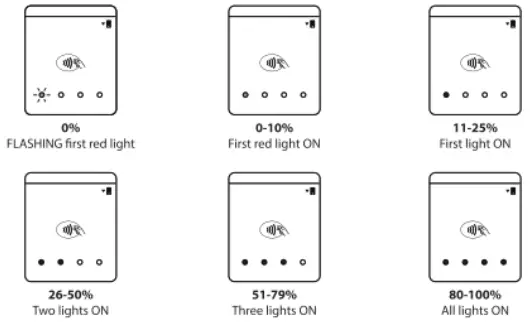
LED Status Indicators
| NFC Operation | ||
| Ready for Transaction | Reading Card Information | Card Raiding Process Successfully Completed |
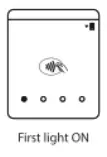 | 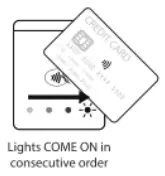 | 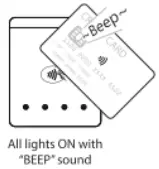 |
| EMV Operation | ||
| Ready for Transaction | When Card is Inserted | Card Removal Detection |
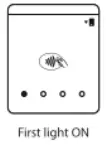 | 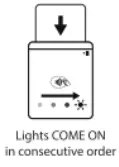 | 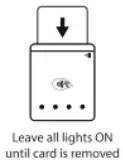 |
| Transaction Result | |
| Transaction Approved | Transaction Failed/Error |
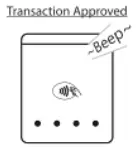 | 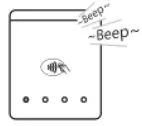 |
Cautions & Important Notes
- Ensure the device s fuly charged before use.
- Please ensure the EMV chip o the card i facing the rght direction when inserting card.
- The NEC card or mobile wallet should be tapped within 4 cm range on top of the reader mark.
- Don’t drop, disassemble, tea, open, crush, bend, deform, puncture, shred, microwiave, incierate, paint or insert foreign object nto the device. Doing any of which will damage the device and void the Warranty.
- Don’t immerse the device into water and place near washbasins or any wet locations. Don’t spill food orliauid on the devices. Don’t attempt to crythe device with external heat sources, such as microwave orhair cryer. Don’t use any corrosive solvent or water to clean the device. We recommend using ry cloth to clean the surface only.
- Don’t use any sharp tools to probe the internal components, connectors o contacts, doing which may lead to device malfunction and void the Warranty simultaneously.
- Risk of fre or explosion f the battery i replaced by an incorrect type’
Troubleshooting
| Problems | Recommendation |
| Device cannot read your card successfully | • Please press the power on button to turn on the device again. The device will automatically connect with your smart phone or tablet. •The device may be at lower battery level, please use the USB cable to recharge It, then retry. inserting cord • Please check if the device has power when operating and ensure devices are connected. • Please follow the application instruction to insert or tap card. • Please ensure that there is no obstacle in the card slots. • Please check if the chip of the card is facing the right direction when inserting card. • Please ensure that your phone! tablet is a supported model for this device’s operation • Please insert card with a more constant speed. Top Cooldriobele Weer • Please check if your card supports NFC payment. • Please ensure if your card Is placed within 4 cm range on top of the NFC marking. • Please take out your NFC payment card from wallet or purse for payment to avoid any interference. |
| Device has no response | | • Please use a paper clip to press the reset button at the bottom for reboot. |
Product Specifications
| Functions | •EMV chip card reader (ISO 7816 compliant class A, 8, C card: •NIC Card Reader (EMV contactless, ISO 14443416) •Over-the-air firmware update •Over-the-air key update |
| Communication Interface | USB 2.0 |
| Power & Battery | Lithium polymer rechargeable battery 520mAh, 3.7V |
| Charging | Via USB Type-C |
| Key Management | DUKPT, MK/SK |
| Encryption Algorithm | TDES, AES |
| Support Operating System | Android 4.2 or above, CS itPtione 6s or above. iPad Air 2 above, iPad Mini S or above, iPad Pro except 2016 version) |
| Product Size | 82.5 x 69.0 x 10.5mm (approx.) |
| Product Weight | 759 (approx.) |
| Operating Temperature | 0°C – 45°C (32°F – 113°F) |
| Operating Humidity | Max 95% |
| Storage Temperature | •20T – 55°C (•°F – 131°F) |
| Storage Humidity | Max 95% |
Warranty
- Any damage or defects caused by failure to follow the nstructions which relate o this device or a5 the result o an accident, abuse, misuse, misapplication, roduct modification, improper voltage o current, castoff God, shipping damages o loss, or damage caused by service performed by anyone other than our company are expressly excluded from the warranty stated below.
- We are not under any obligation to support the device for all operating environments, including but ot limited o, interoperability with all current and! o future versions of software or hardware.
- Please contact the dealer for any warranty or customer support services, Any repair of the device by yourself il void the Warranty.
ISED Statement
“This device contains licence-exempt transmitter() receiver(s) that comply with Innovation, Science and Economic Development Canadas licence-exempt RSS(s). ‘Operation is sublect to the following two conditions:
- This device may not cause interference.
- This device must accept any interference, inducing interference that may cause undesired operation of the device. Lémetteur/receptor exempt de licence contend dans e présentappareil est conforme aux CNR innovations, Sciences et Development &conomique Canada applicable aux apparels radio exempts de licence. Exploitations estuaries aux deux conditions servants:
- Lapparel ne doitpasproduire de broullage;
- Lapparel doit accepter tout broullage radiodlectrique subl, méme sile broullage est susceptible dent compromettre le fonctionnement
FCC Caution Statements
FCC Supplier’s Declaration of Conformity:
BBPOS / WiseCube (CHBG7)
“This device complies with Part 15 of the FCC Rules, Operations subjectto thefollowing two.
conditions: (1) This device may ot cause harmful interference, and (2) This device must accept any interference received, including Interference that may cause undesired operation.
BBPOS Corp.
970 Reserve Drive, Suite 132 Roseville, CA 95678
www.bbpos.com
Emai: salesabbpos.com
| Tel: +8523158 2585
Caution:
Any changes or modifications not expressly approved by the party responsible for ‘compliance could void the user’s authority to operate the equipment.
“This equipment has been tested and found to comply with the limits for a Class 8 digital device, pursuant to part 15 ofthe FCC rules. These limitary designed to provide reasonable protection against harmful interference in a residential installation. This quipment generates, uses and can radiate radio frequency energy and, f not installed and used in accordance with the instructions, may cause harmil interferenceto radio communications. However, there is no guarantee that interference will not ocarina articular nstallation. If this equipment does cause harmful interference to radio or television reception, which can be determined by turning the equipmentoffand on the users encouraged tottery to correct the interference by one or more of the folowing. measures:
- Rearientor relocate the receiving antenna.
- Increase the separation between the equipment and recelver.
- Connect the equipment nto an outlet on a crcult different from that to which the recelver is connected.
- Consult the dealer or an experienced radio/TV technician for help.
“This transmitter must not be co-located or operating in conjunction with any other antenna transmitter.
Need Help?
E: salesobbpos.com
T: 48523158 2585 2022 BBPOS limited. All rights reserved. BBPOS are either trademark or registered trademarks of BBPOS limited. iOS is the trademark of Apple Inc. Android’s is a trademark of Google Inc. Windows’ is registered trademark of Microsoft Corporation in the United States and/or other countries. The Bluetooth• word mark and logos are registered trademarks owned by bluetooth SIG. Inc and any use of such marks by BBPOS limited is under license. Other trademarks and trade names are those of their respective °emerald details are subject to change without prior notice.
Room 1902.04, 19/F, Tower 2, Nina Tower, No. 8 Yeung Uk Road, Tsuen Wan, Hong Kong
wwwBbpos.com
 BBPOS – Business Beyond Point of Sale