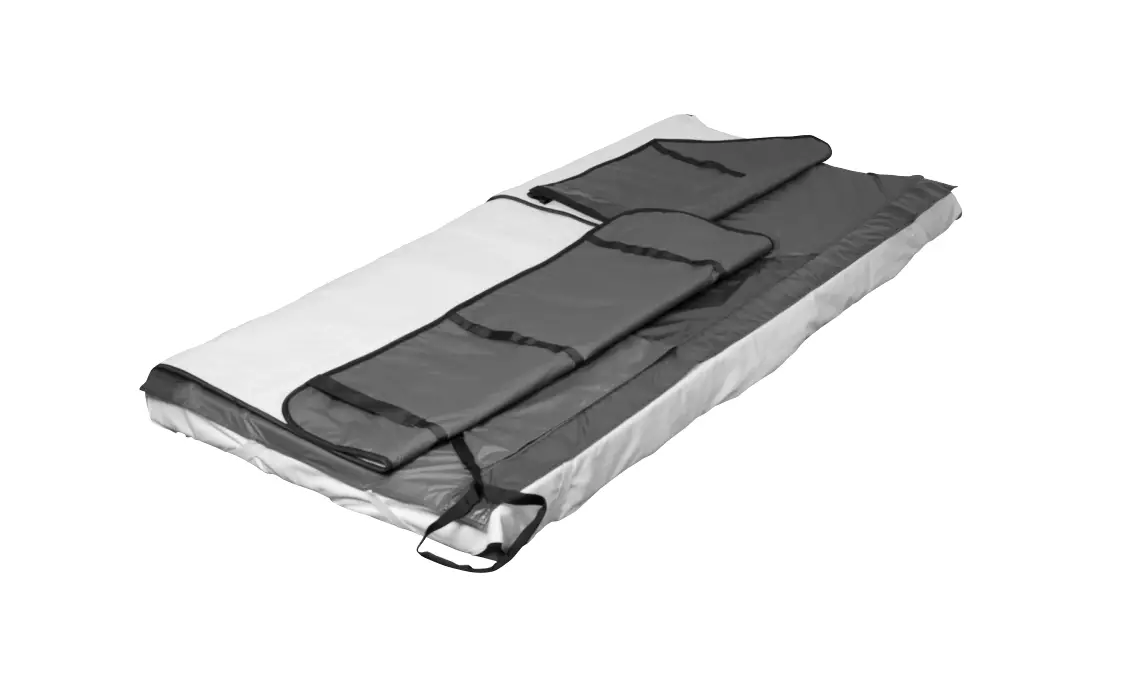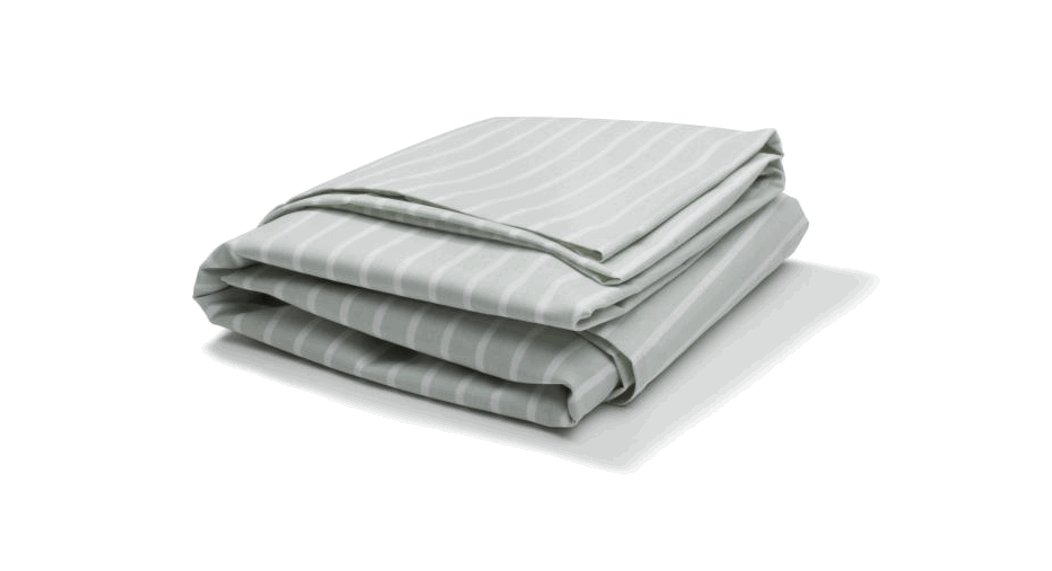
 IM4116S Immedia SatinSheet 2Direction DrawSheet
  Instruction for use
IMM1026_IFU.Version14.2022-05-17c
Illustrations
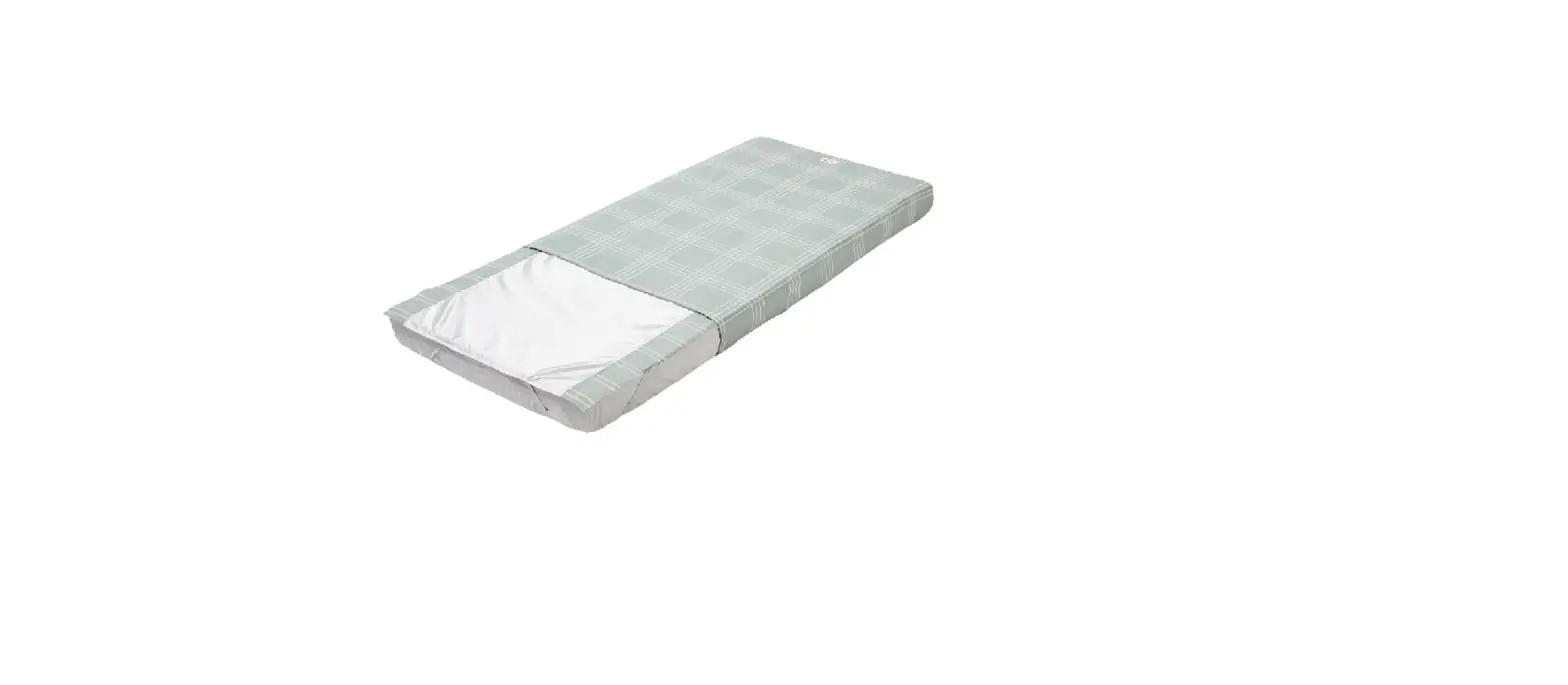
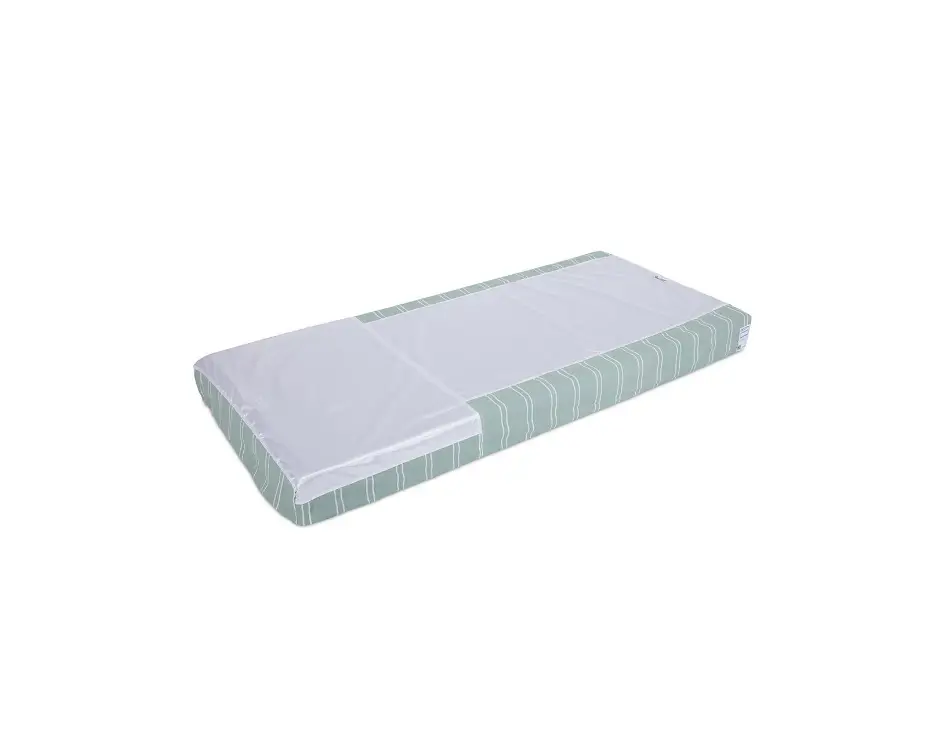
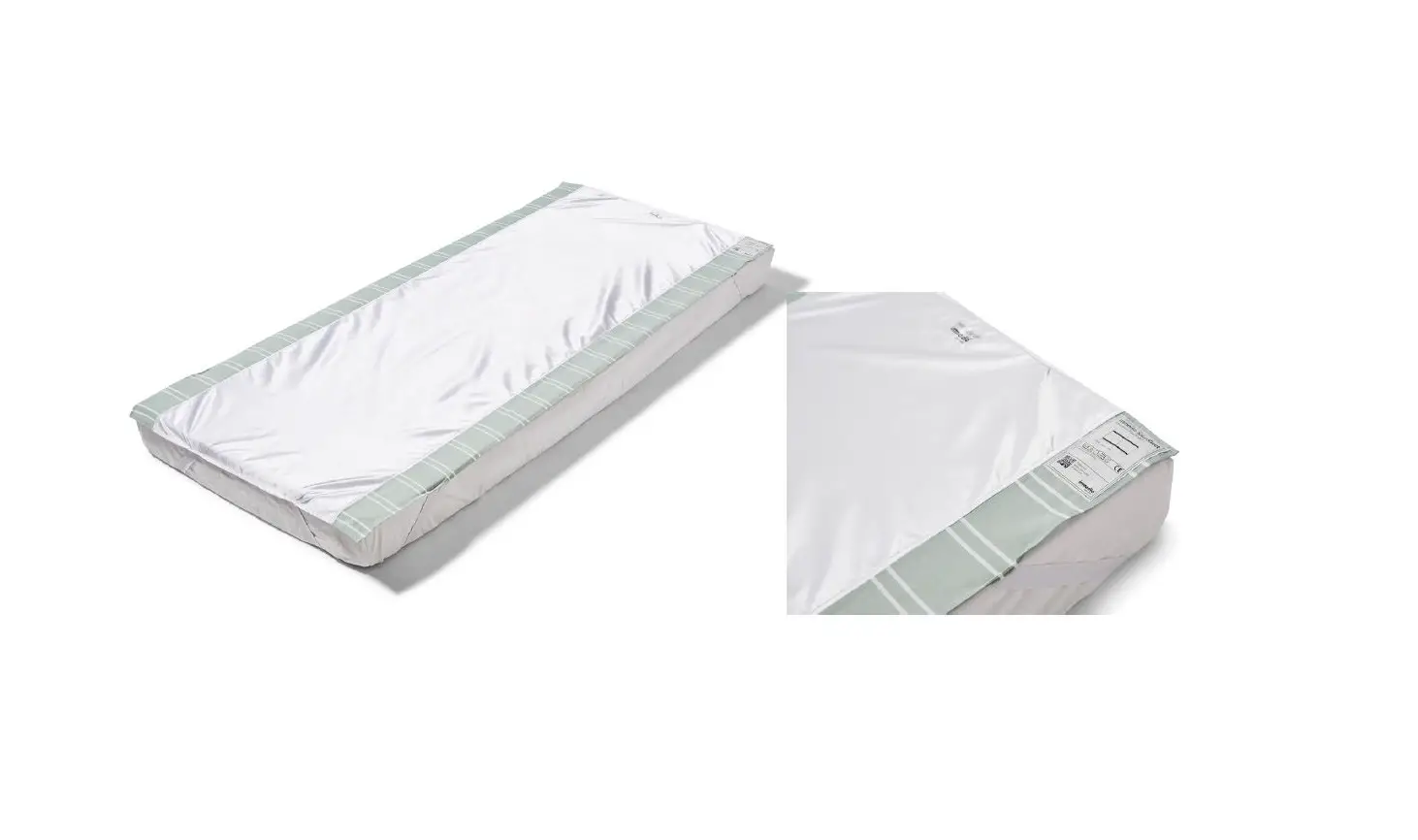
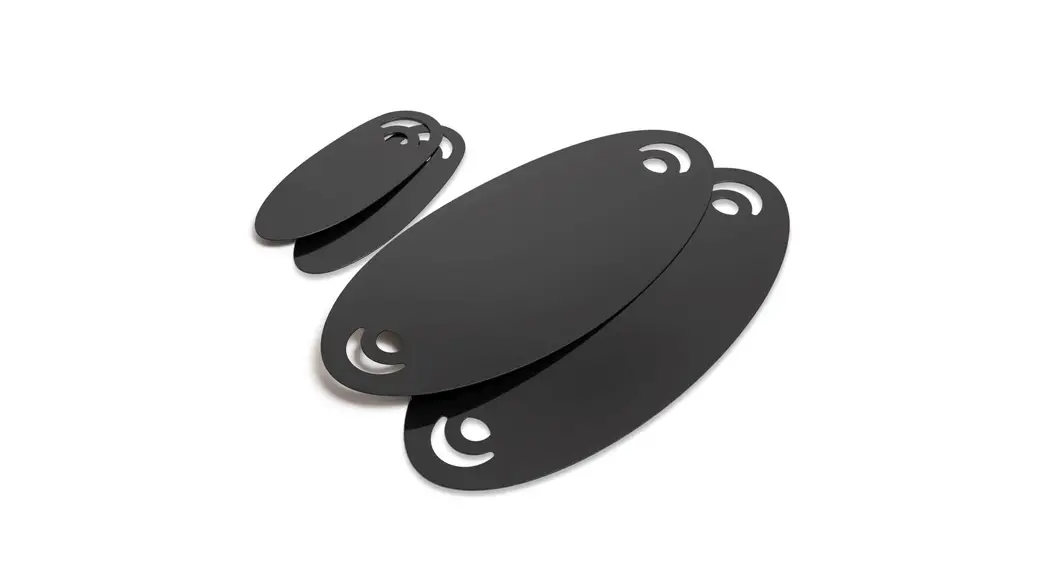
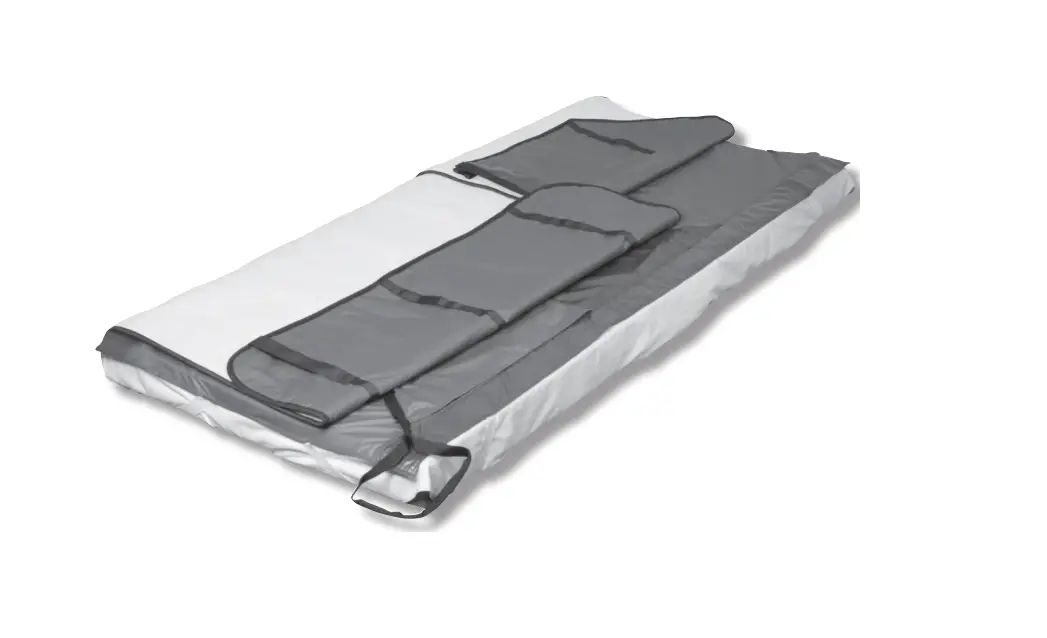
Positioning different sizes of SatinSheet BaseSheet 2Direction on a mattress
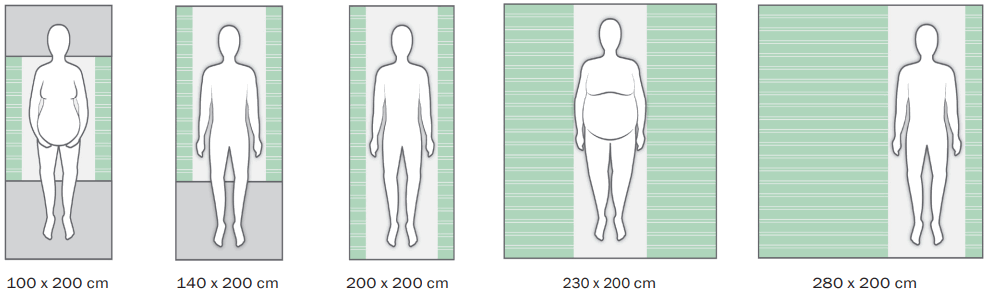
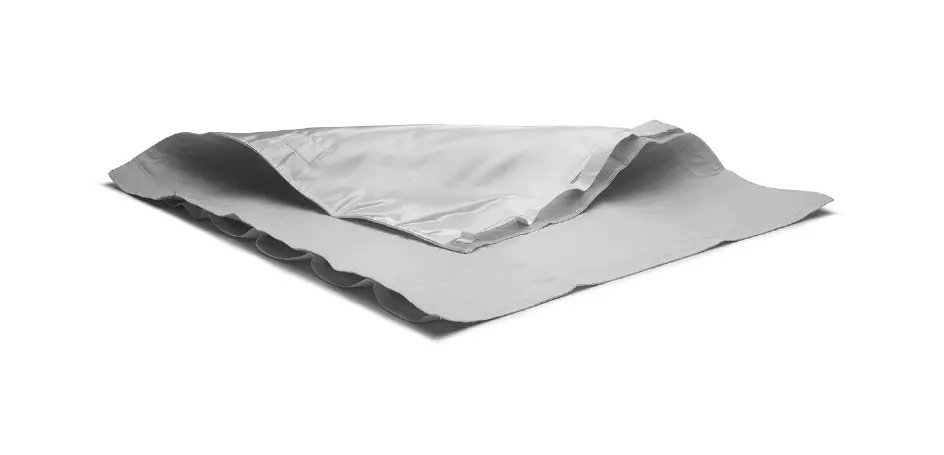
Positioning different sizes of SatinSheet DrawSheet placed correct on top of SatinSheet 2Direction
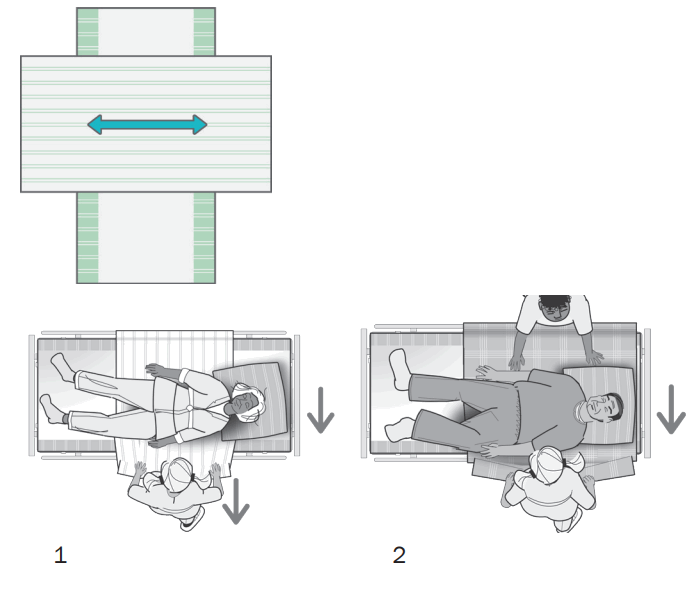
=
General
Thank you for choosing an Etac product.
To avoid accidents and injury when moving and handling the products, read the manual carefully.
The person described as “the user” in this user manual is the person who is lying or sitting on the product. The carer or carers are the people who manoeuvre the product. This symbol appears alongside the text in the manual. It draws the reader’s attention to points at which there may be a risk to the health and safety of the user or carer.
These products comply with the standards applicable for Class 1 products in the Medical Device Regulation (EU) 2017/745 on medical devices.
At Etac we strive to improve our products all the time and therefore we reserve the right to make changes to products without prior warning. All measurements given on illustrations and similar material are for guidance only and Etac cannot be held liable for errors and defects.
The information given in this manual, including recommendations, combinations and sizing, does not apply to special orders and modifications. If the customer makes adjustments, repairs or combinations not predetermined by Etac, the Etac CE certification and Etac warranty will not be valid. If in doubt, please contact Etac.
Warranty: Two-year warranty on material and manufacturing defects, provided that the product is used correctly.
Expected lifetime: The device has an expected service life of 1 to 2 years under normal use. The service life of the device varies depending on usage frequency, loads and how often and how it is washed.
For further information on the Etac transfer range, see www.etac.com.
In case of an adverse event occurred in relation to the device, incidents should be reported to your local dealer and the national competent authority in a timely manner. The local dealer will forward information to manufacturer.
Symbols in general
 | Washing |
 | Do not bleach |
 | Tumbledry |
 | Iron |
 | Do not dryclean |
 | Medical device |
 | Disinfect / Wipe off |
 | Never leave on the floor |
 | Risk of sliding down |
 | Keep out of the sun |
 | Read the user manual |
| Warning |
 | Production year, month and day |
 | Batch no./Lot no. |
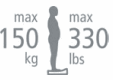 | User mass limit = maximum rated load |
 | The product can be scrapped according to national regulations |
 | Manufacturer |
 | CE -certification |
 | Keep dry |
 | Non sterile |
 | Article number |
Intended use
DrawSheets should always be used in combination with a SatinSheet product.
DrawSheet models IM4116S and IM4118S are two different
DrawSheets that can be used with BaseSheet. (SatinSheet).
DrawSheet can be used in manual handling from side to side.
SatinSheet 4Direction can be used for manual handling from side to side, and up and down in the bed. The SatinSheet range comprises different models of BaseSheet with low-friction material and DrawSheets. The choice of model or combination is made with reference to the user’s functions and needs and the carers’ working environment.
Intended environment
Acute care, Long-term care, Home care
Practical handling
Positioning
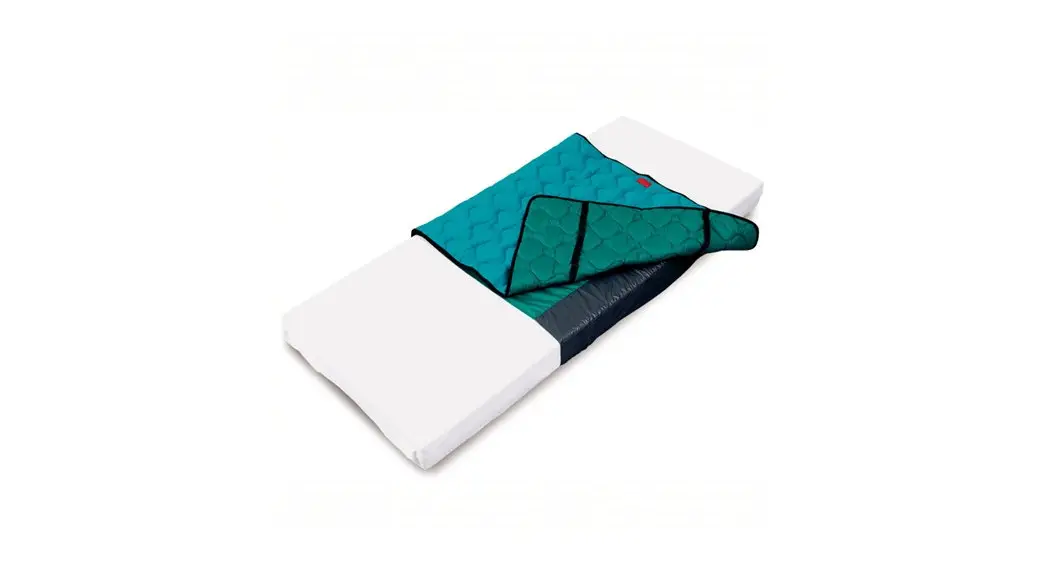
Position SatinSheet 2Direction with the low-friction material facing upwards in the middle of the bed (Illustrations).
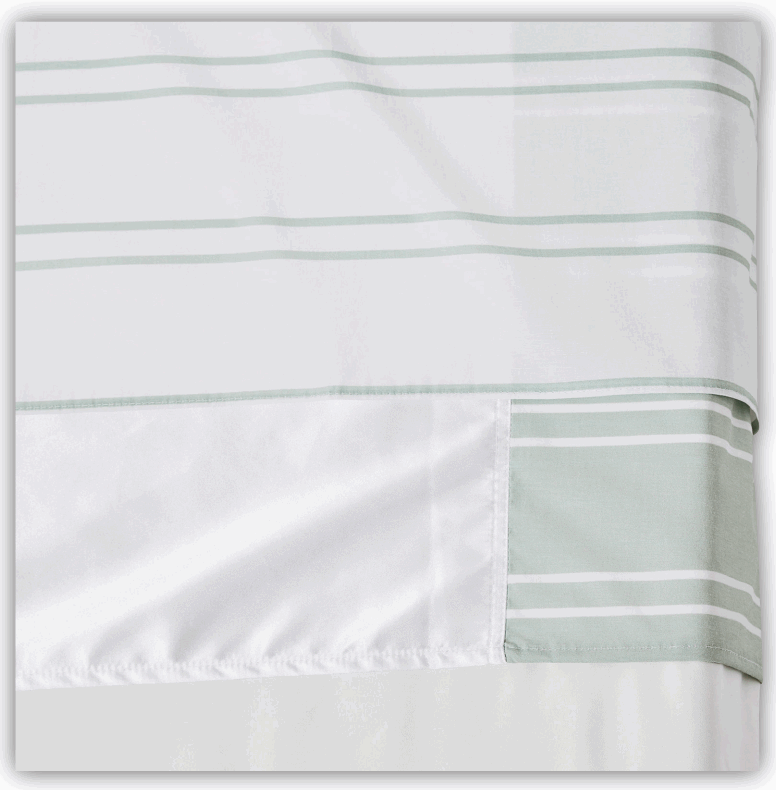
Lay DrawSheet over SatinSheet 2Direction. All SatinSheet models have a “this side up” label to help ensure that the correct side is facing upwards in the bed. An information label, describing the correct use of the product, is sewn into all SatinSheet models/products.
Use
If the user needs help to turn, SatinSheet is ideal when used with DrawSheet.
The draw sheet helps the user turn from side to side in the bed.
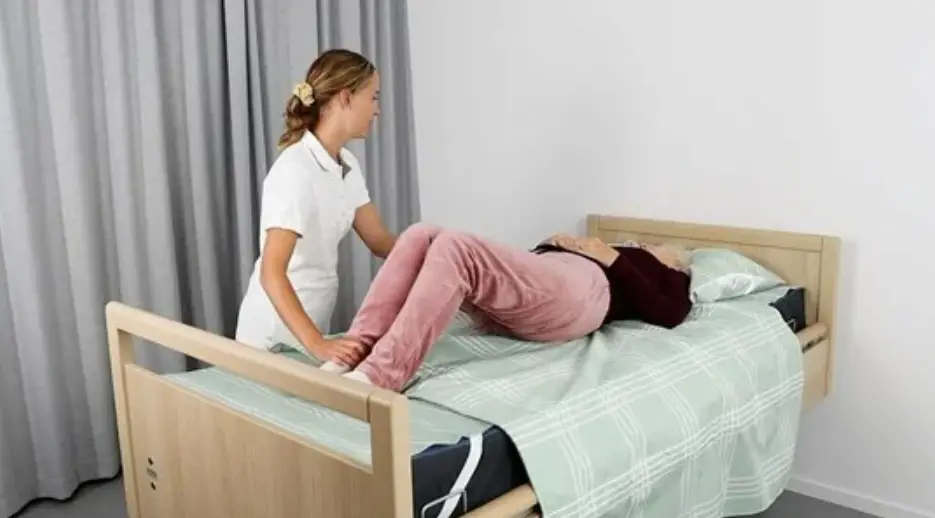
SatinSheet 2Direction can be used to help move the user up and down in the bed and from one side to the other (Illustration 1).
Turning is achieved by grasping the sheet at the user’s hips and shoulders. To achieve a better ergonomic grip, the carer should grasp as much fabric as possible.
Always work with flat wrists and weight transference.
Turning with SatinSheet can also be done by two carers. The carers work together. One carer helps pull on DrawSheet while the other carer pulls down on the mattress at the level of the user’s hips and shoulders, pushing gently.
Turn the user (Illustration 2). To lock the glide system after turning: Fold the excess material from DrawSheet under the mattress on both sides of the bed.
Before locking the glide system under the mattress, any unevenness/creases should be smoothed to avoid decubitus.
The carers pull simultaneously and diagonally from both sides.
Notice
Special features
Always check the product before use and after washing.
Never use a defective product. If the product shows signs of wear-and-tear, it must be scrapped.
Read these instructions carefully.
It is important that carers receive instruction in manual handling. Etac offers advice and training for carers. For further information, contact Etac.
Always use the correct manual handling techniques.
Encourage the user to assist where possible.
To ensure that the user feels safe and that every manual handling is smooth, always plan the manual handling in advance.
There is a risk that the user may slide off. Never leave the user alone on the edge of the bed. Never leave the product on the floor. Always conduct a risk assessment, and ensure that the assistive product can be used for the individual user and, in combination with other devices, that it is safe for the user and carers. It is recommended that the guard rail is in place when the user is left on the glide system, unless a risk assessment has found that the user can be safely left on the glide system without the need of guard rails. Always lock the glide system when you have completed the transfer.
Material and cleaning
Material:
Polycotton: 55% cotton/45% polyester
Satin: Polyester.
The product should be checked regularly, preferably each time it is used, and especially after washing.
Check that there is no damage to seams or fabric.
Never try to repair a product yourself.
Never use a defective product. Recommended to wash the product before use.
Washing instructions:
Ironing improves the glide effect.
Do not use fabric softener.
This product can be cleaned with a solvent-free cleaning agent with a pH level between 5 and 9, or a 70% disinfection solution.

Products and accessories
| Article no | Product Description | Size (mm) |
| IM4116S | SatinSheet DrawSheet – mini | W2000xL1000 |
| IM4118S | SatinSheet DrawSheet – midi | W2000xL1400 |
Set
| Article no. | Description | SatinSheet 2Direction BaseSheet | SatinSheet DrawSheet and SatinSheet 4Direction |
| IM4201S | SatinSheet DrawSheet mini set | IM4108S SatinSheet 2Direction mini | IM4116S SatinSheet DrawSheet – mini |
| IM4205S | SatinSheet DrawSheet midi small set | IM4119S SatinSheet 2Direction midi small | IM4118S SatinSheet DrawSheet – midi |
| IM4200S | SatinSheet DrawSheet midi set | IM4113S SatinSheet 2Direction midi | IM4118S SatinSheet DrawSheet – midi |
| IM4202S | SatinSheet DrawSheet maxi midi set | IM4114S SatinSheet 2Direction maxi | IM4118S SatinSheet DrawSheet – midi |
| IM4208S | SatinSheet Corner DrawSheet midi set | IM4107S SatinSheet 2Direction w/elastic | IM4118S SatinSheet DrawSheet – midi |
Combinations
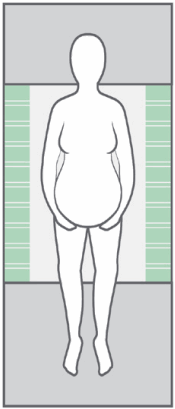
| Article no. | BaseSheet – Mini |
| IM4133S | SatinSheet 2Direction mini – small |
| IM4108S | SatinSheet 2Direction mini |
| IM4175S | SatinSheet 2Direction mini – wide |
| IM4178S | SatinSheet 2Direction mini – double |
BaseSheet – Mini can be combined with:
| Article no. | DrawSheet and 4Direction |
| IM4116S | SatinSheet Drawsheet – mini |
| IM4110S | In2Sheet 4Direction w/wings – mini |
| IM4110SH | In2Sheet 4Direction w/wings + handles – mini |
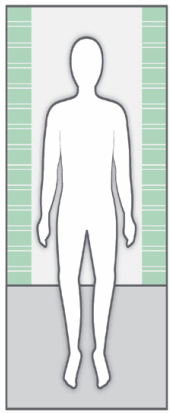
| Article no. | BaseSheet – Midi |
| IM4119S | SatinSheet 2Direction midi – small |
| IM4113S | SatinSheet 2Direction midi |
| IM4176S | SatinSheet 2Direction midi – wide |
| IM4179S | SatinSheet 2Direction midi – double |
| IM4157S | SatinSheet 2Direction Corner – midi satin |
BaseSheet – Midi can be combined with:
| Article no. | DrawSheet and 4Direction and In2Sheet 4Direction |
| M4118S | SatinSheet Drawsheet – midi |
| IM4115S | SatinSheet 4Direction – midi |
| IM4115SH | SatinSheet 4Direction w/handles – midi |
| IM4140S | In2Sheet 4Direction w/wings – midi |
| IM4140SH | In2Sheet 4Direction w/wings + handles – midi |
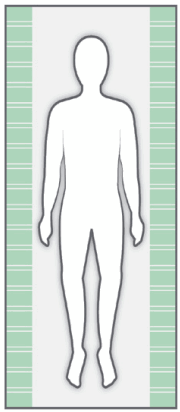
| Article no. | BaseSheet – Maxi |
| IM4181S | SatinSheet 2Direction maxi – small |
| IM4114S | SatinSheet 2Direction maxi |
| IM4177S | SatinSheet 2Direction maxi – wide |
| IM4180S | SatinSheet 2Direction maxi – double |
| IM4122S | SatinSheet 2Direction 180 cm bed |
| Article no. | BaseSheet – Maxi Corner |
| IM4107S | SatinSheet 2Direction Corner |
| IM4147S | SatinSheet 2Direction Corner – wide |
| IM4137S | SatinSheet 2Direction Corner – double |
| Article no. | BaseSheet – Maxi Fit |
| IM4112S | SatinSheet 2Direction Fit |
| IM4142S | SatinSheet 2Direction Elastic Fit |
BaseSheet – Maxi/Corner/Fit can be combined with:
| Article no. | 4Direction and In2Sheet 4Direction |
| M4115S | SatinSheet 4Direction – midi |
| IM4115SH | SatinSheet 4Direction w/handles – midi |
| IM4140S | In2Sheet 4Direction w/wings – midi |
| IM4140SH | In2Sheet 4Direction – w/wings + handles – midi |
| IM4121S | SatinSheet 4Direction – maxi |
| IM4121SH | SatinSheet 4Direction w/handles – maxi |
Remember SatinSheet PillowCase (2D)
| IM4117S | SatinSheet 2Direction PillowCase |
Service information
Inspection
First inspection:
- Is the packaging intact?
- Read the label on the packaging and check the article no. and product description
- Check that Short Instruction is enclosed – updated User Manual/Instruction for use can be downloaded from www.etac.com or contact your Etac Customer Service or the local dealer.
- Check the label on the product – does it include article no., product description, lot/batch no., cleaning instructions and supplier name?
Periodic Inspection:
- Make sure that your Manual transfer system always is in a perfect condition.
- After wash – always check materials, stitching, handles, buckles.
- If the product shows signs of wear and tear, it must be removed from service immediately.
 | Visual inspection/Check the product: Ensure that the materials, seams, stitching, handles, buckles are intact/faultless. |
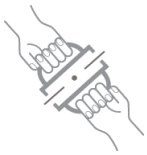 | Mechanical load or stress/Test handles: Draw hard in the handles in opposite directions and control the material, seams and stitching. Test buckles: Lock the buckle and draw in opposite directions, control the buckle and the stitching. |
 | Stability test: Try to bend the product verify that it feels firm, stable and solid. |
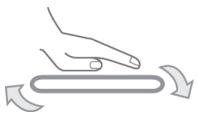 | Test low/high friction: Place the product on a firm surface or a bed, place your hands on the material and test the friction by pushing your hands down into the product. Low friction – slides effortlessly High friction – no sliding/moving |
Check:
Manual transfer aids with handles, straps and buckles: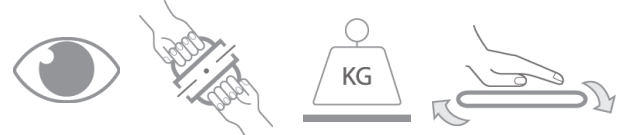
Manual transfer aids with for sitting and lying transfer and with high or low friction: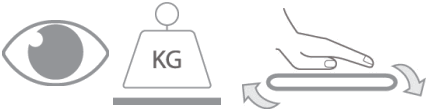
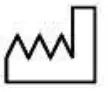 | Production year, month and day |
| The product can be scrapped in accordance with national regulations |
| Read the user manual |
Etac Immedia A/S
Parallelvej 3
DK-8751 Gedved
www.etac.com
UK Responsible Person.
“Etac Ltd. Unit D4A, Coombswood Business Park East,
Coombswood Way Halesowen, West Midlands B62 8BH”
E-mail: [email protected]
Website: www.etac.com/uk
Phone: +44 0121 561 222 http://q.etac.com/003q
 Etac - Paediatric and Adaptable wheelchairs - Patient handling, Assistive devices for bathroom and daily living.
 Velkommen til Etac
 Etac Norway - Creating Possibilities
 Välkommen till Etac