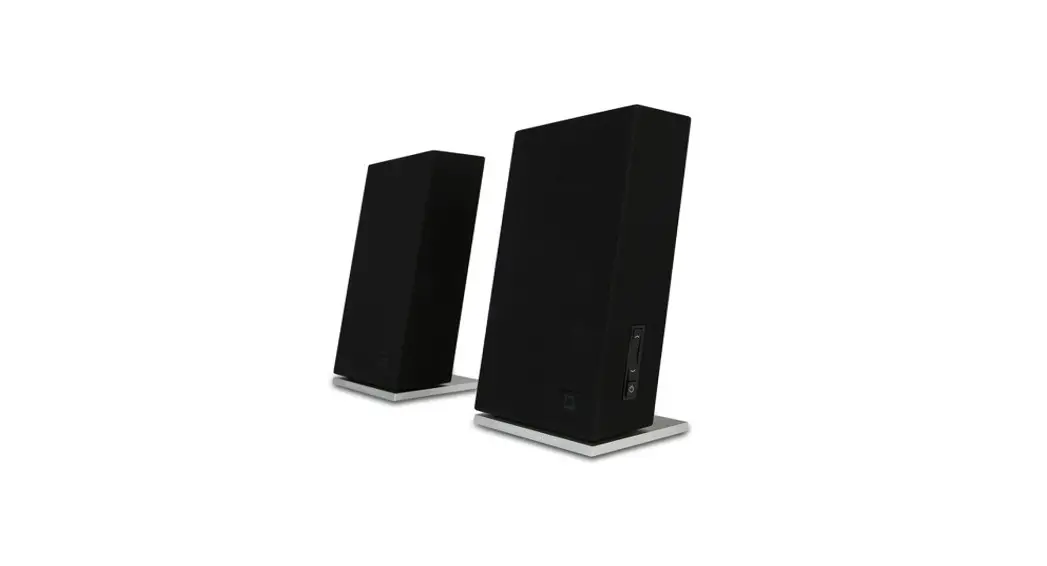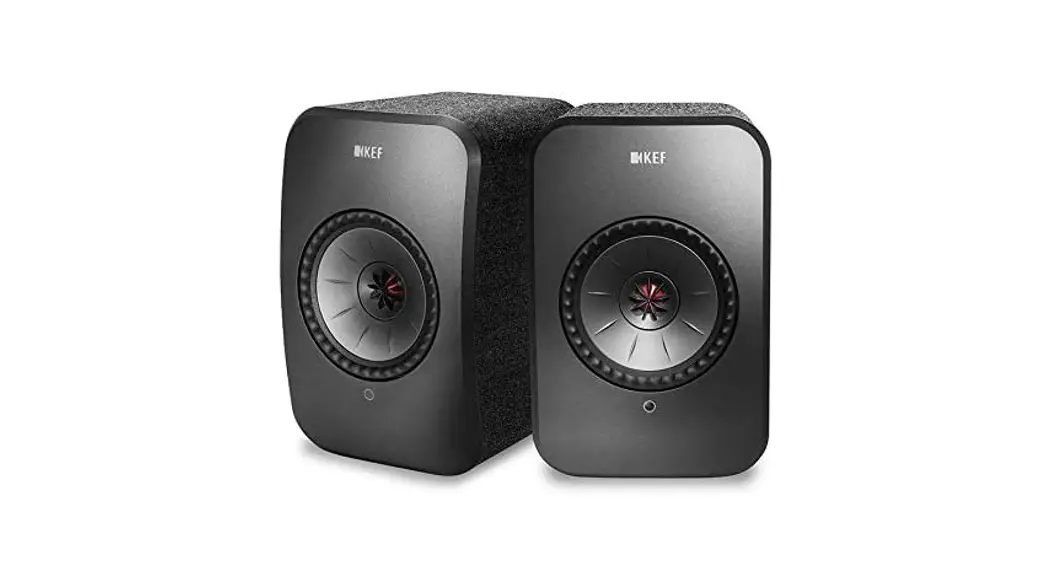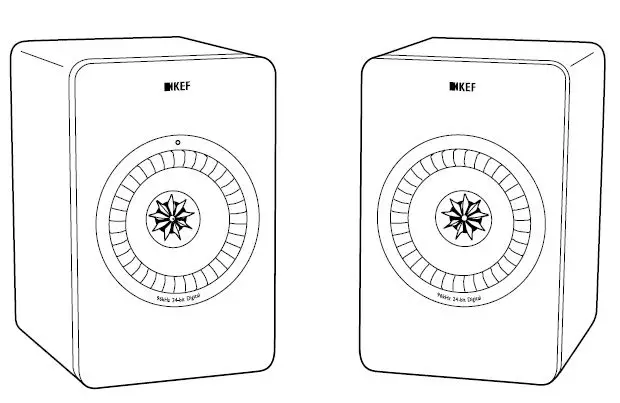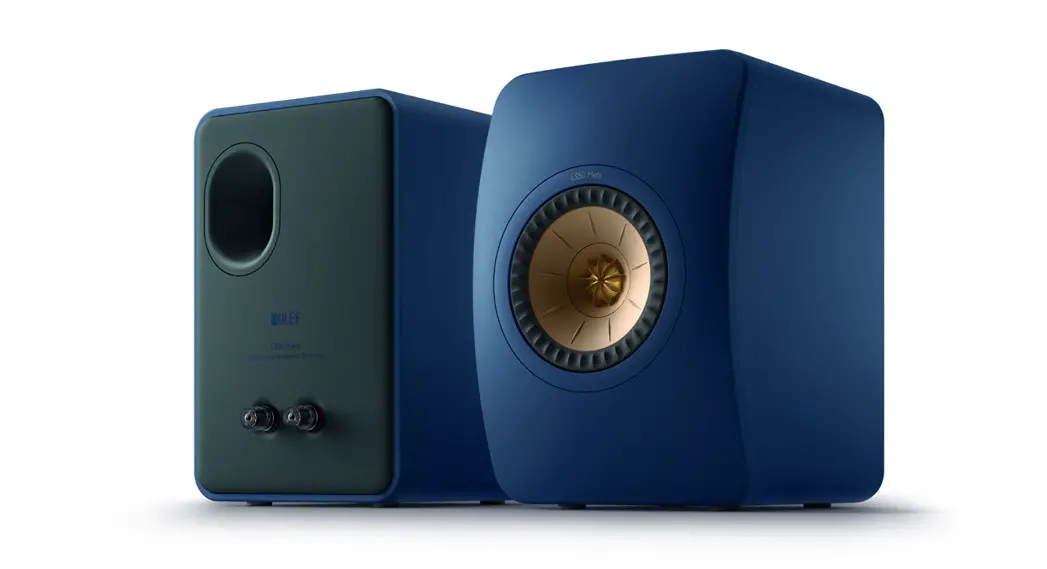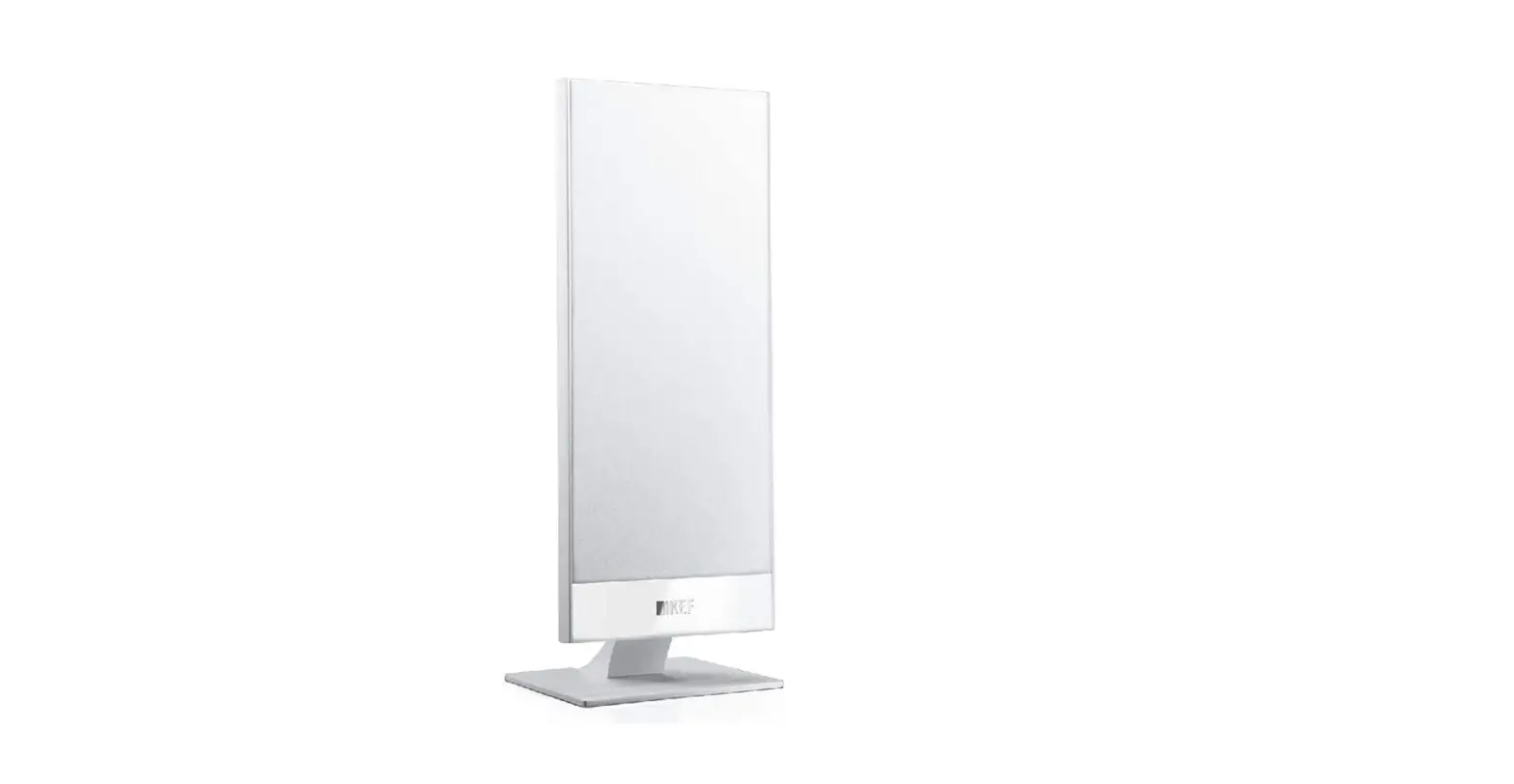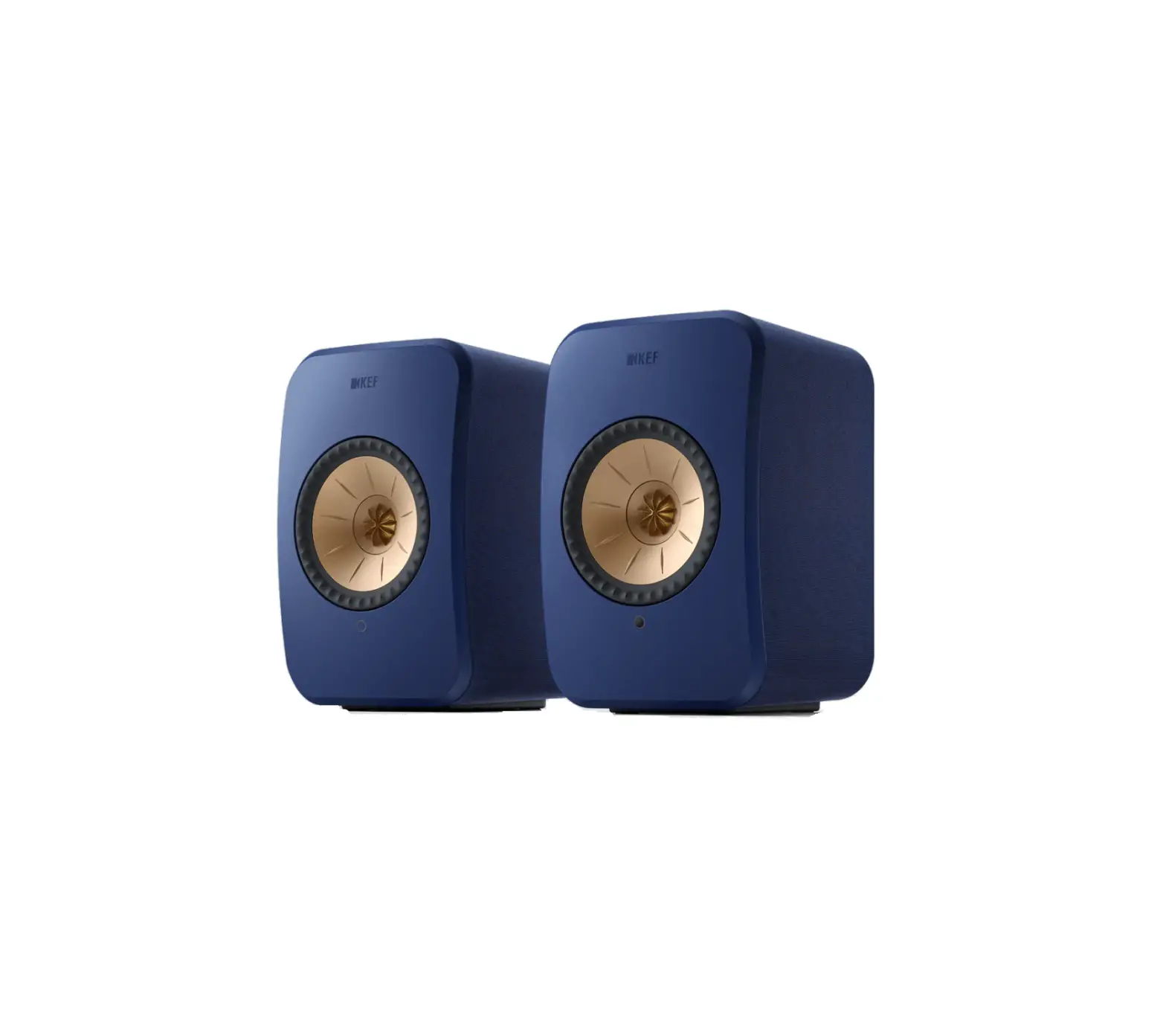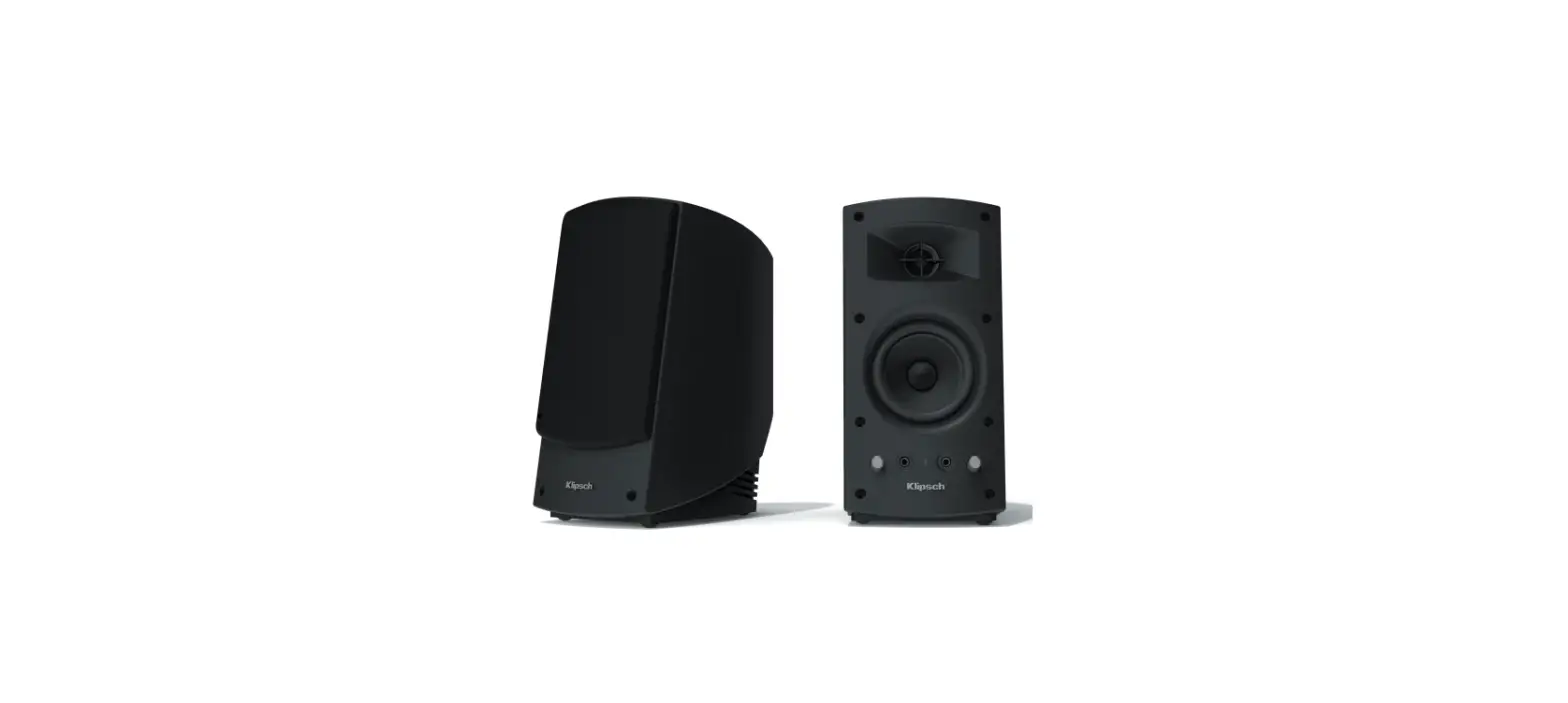
 KEF EGG BLUE Versatile Desktop Speaker System
 KEF EGG BLUE Versatile Desktop Speaker System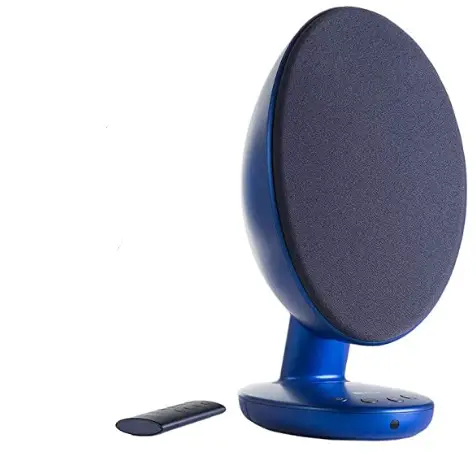
QUICK START GUIDE
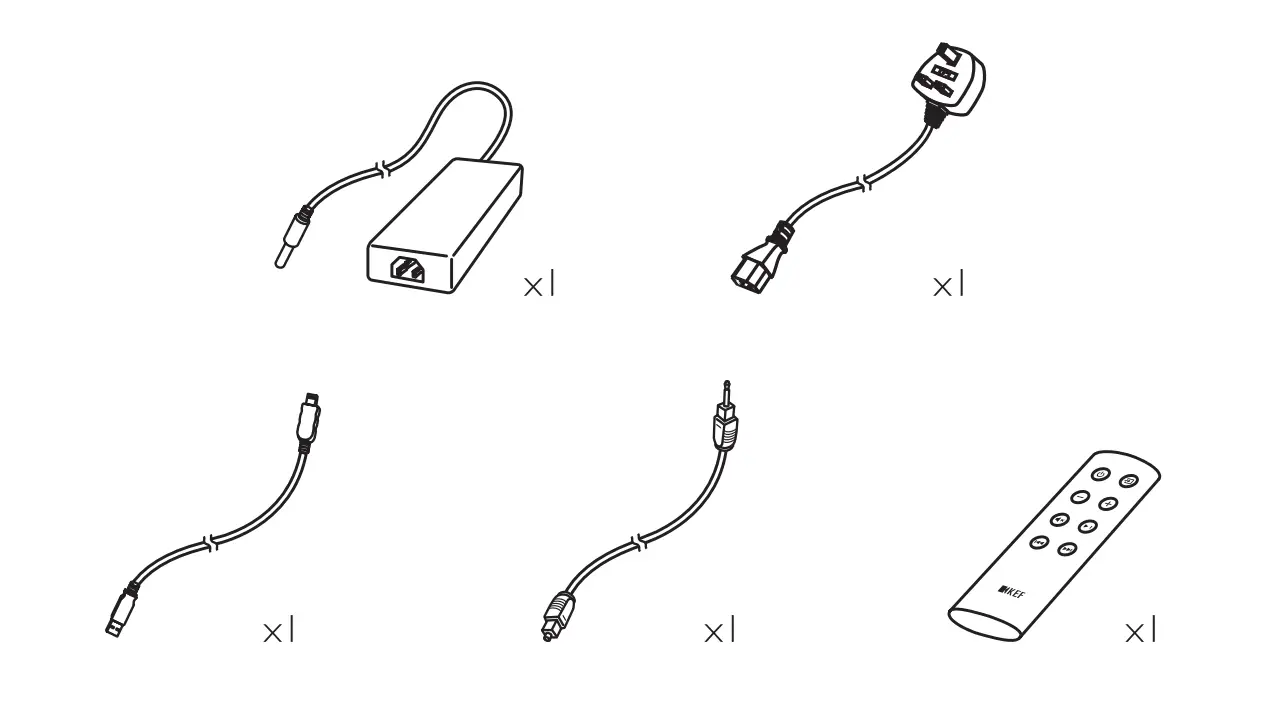
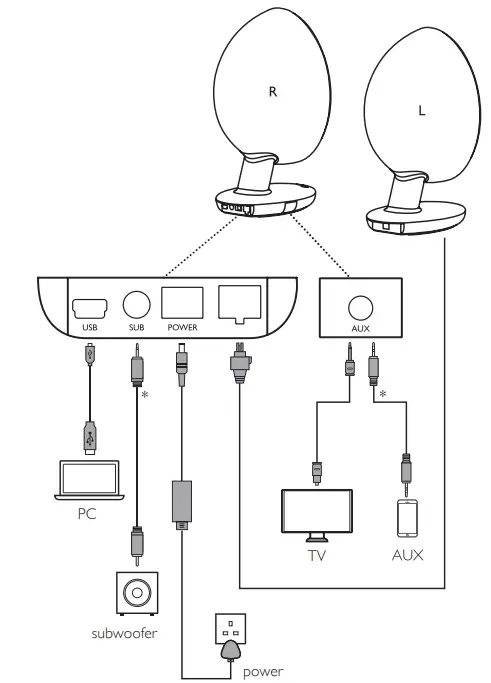
IN THE BOX
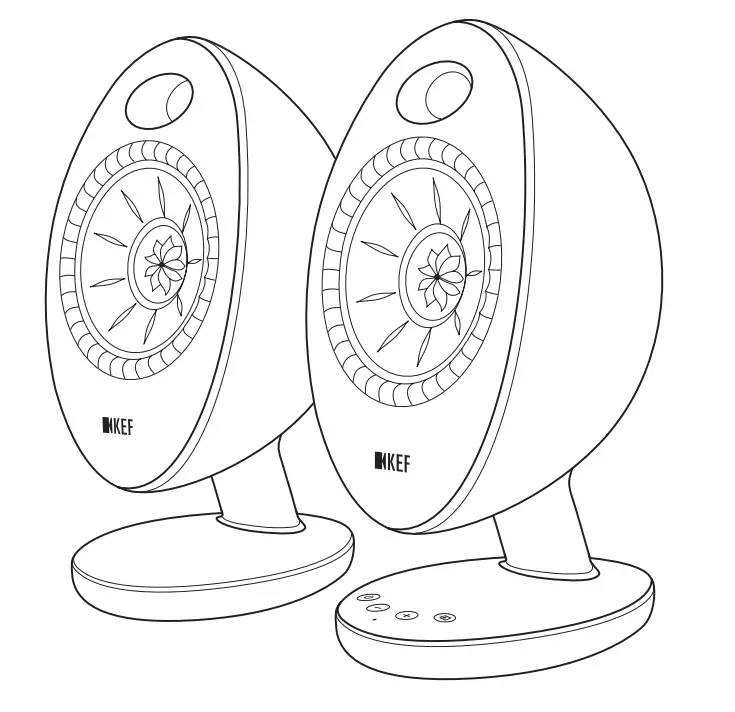
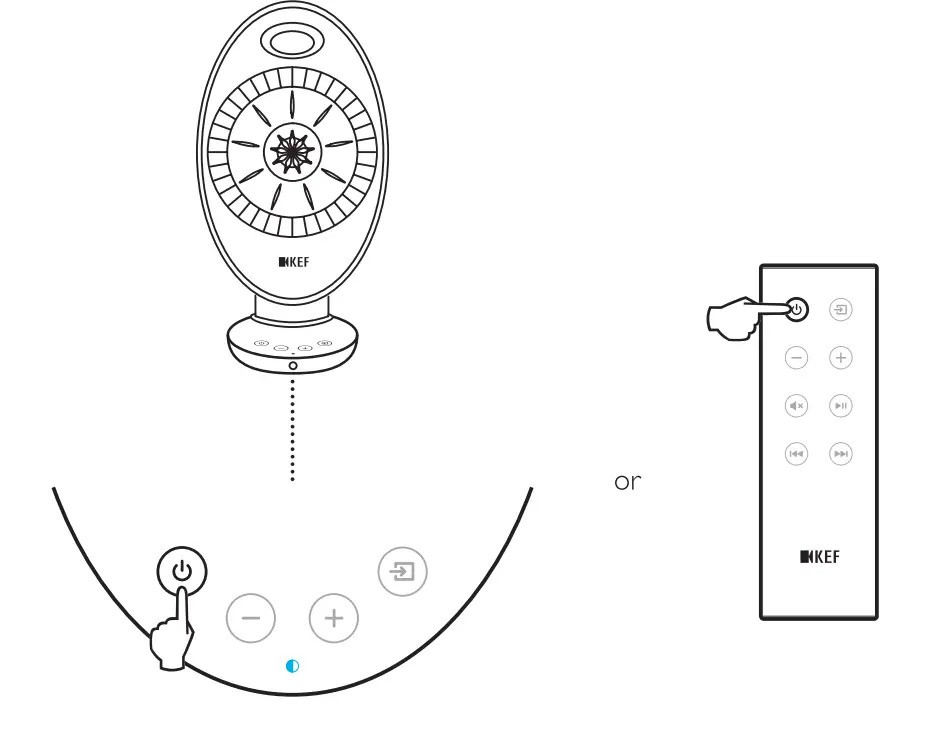
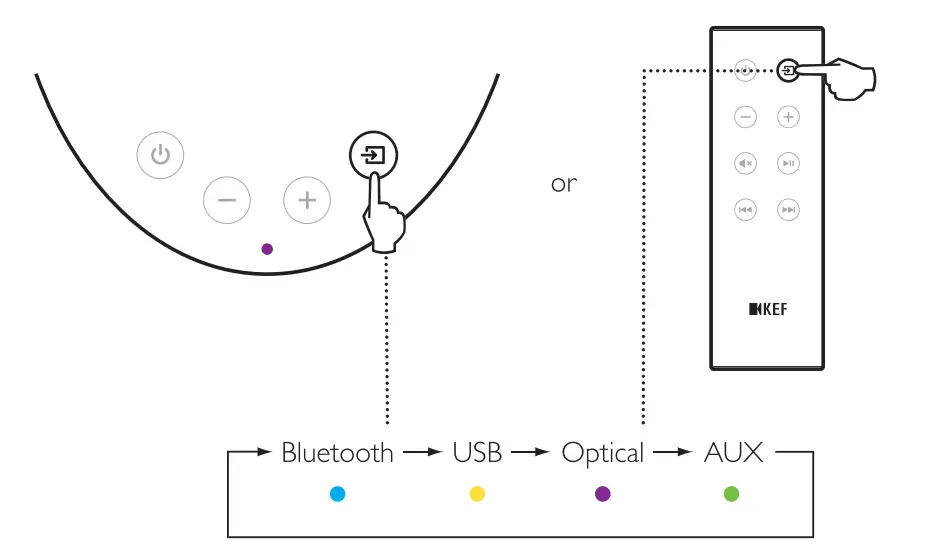
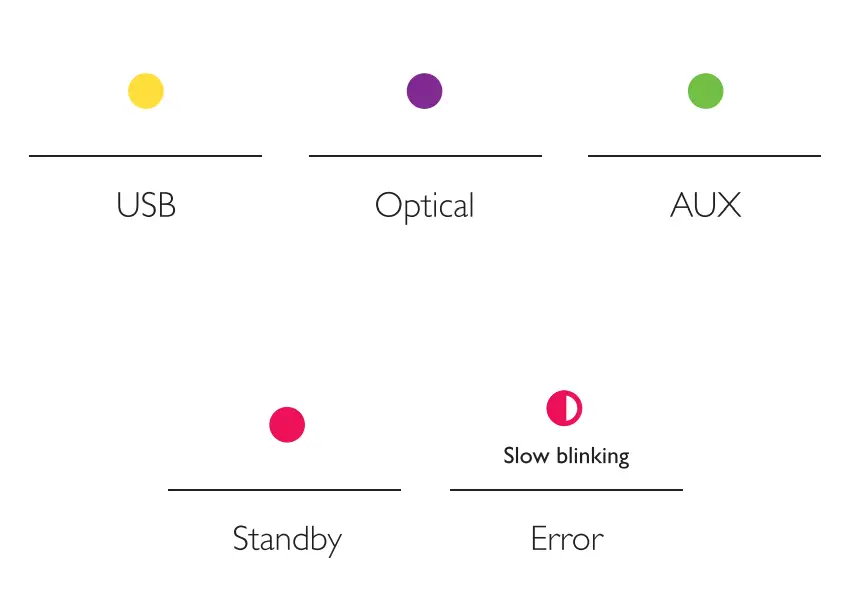
POWER ON/OFF BLUETOOTH
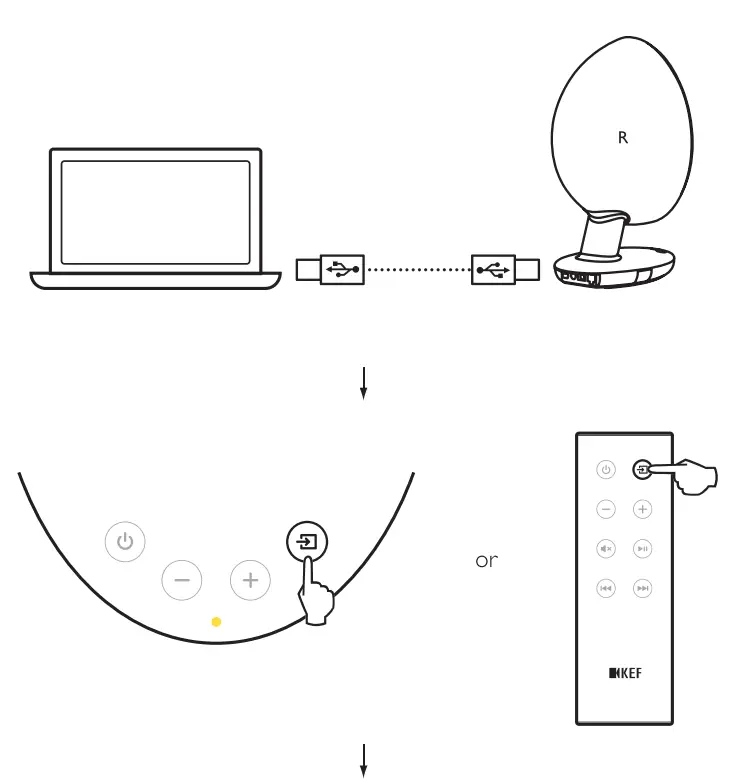
USB

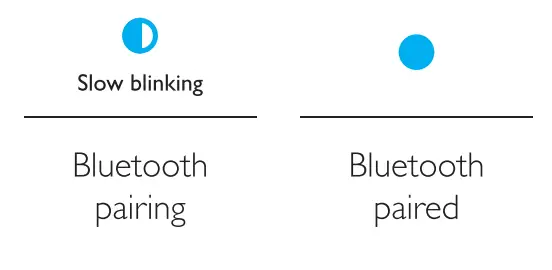
 BLUETOOTH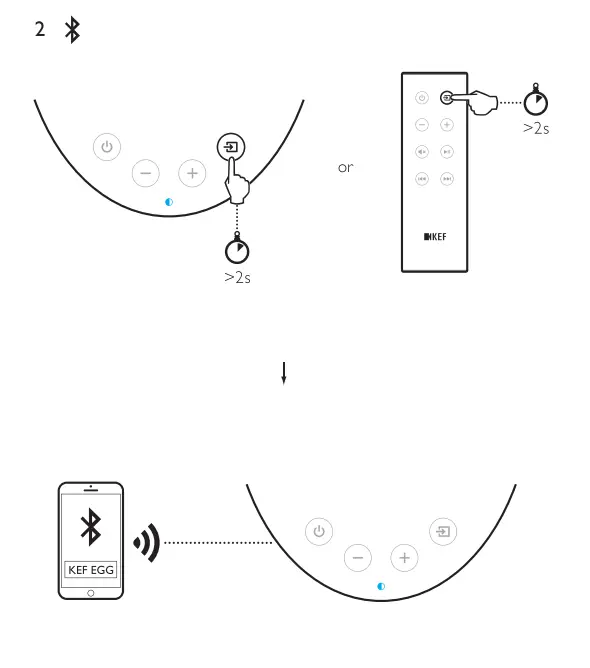
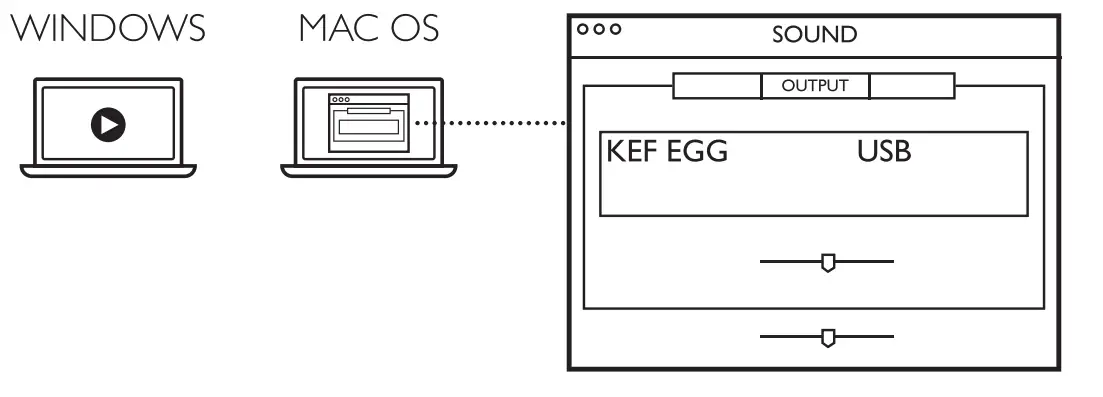
Other connection


The Bluetooth® word mark and logos are registered trademarks owned by Bluetooth SIG, Inc. Other trademarks and trade names are those of their respective owners.
The aptX® mark and the aptX logo are trade marks of CSR plc or one of its group companies and may be registered in one or more jurisdictions.
For further information and troubleshooting, please visit the KEF website: KEF.COM
KEF reserves the right, in line with continuous research and development, to amend or change specifications without prior notice. E. & O.E
FAQS
Yes, the grills are removable.
Yes, you can connect your phone directly to the Egg with a USB cable.
the exe file is just a windows file that im assuming correlates to this function. They go into a sort of sleep mode, to completely turn off you need to unplug the speakers
My 2 are set 44 inches apart no problem
I believe so. Your Chromebook will need a spare USB port or you can stream sound via Bluetooth but this will reduce quality.
2 meters
USB input.
There is an aux connection in the back of the speaker.
If you are concerned
Where the 1 speaker that has the infrared control is on the left or the right- it does not matter. When I had these in my kitchen I placed them where the 1 with the control was on the right. When I moved them to my office I put the1 with the infrared remote as the left They work the same either way. So there really is no designated right or left. They both sound great and the same in either configuration
You will need to contact KEF directly for this by email at: [email protected]. In your email, supply the serial number and the name of the retailer where you purchased your KEF EGG product because they require it to send you the software. Also note that the software (as of May) is only compatible with Windows.