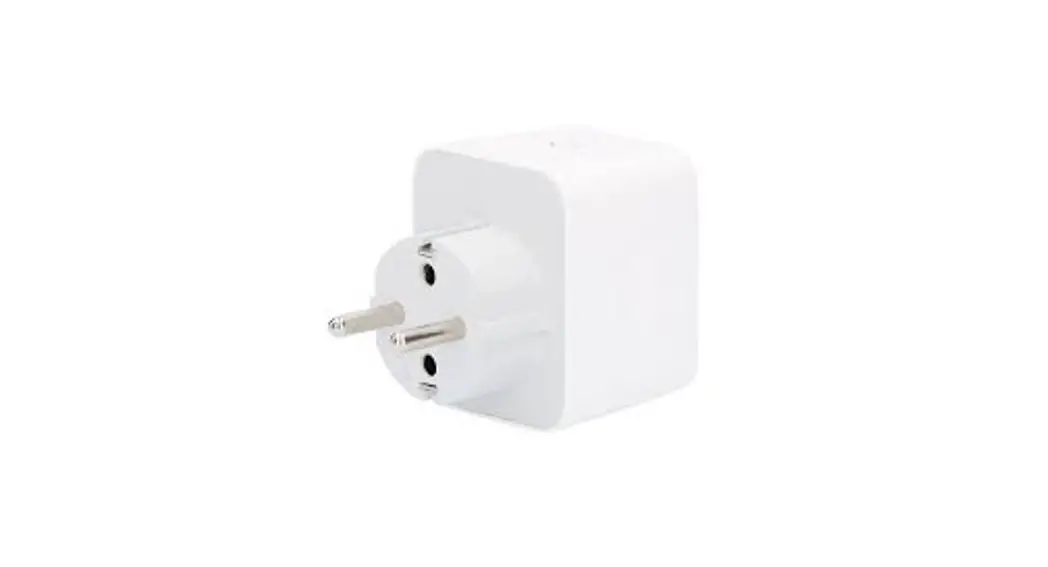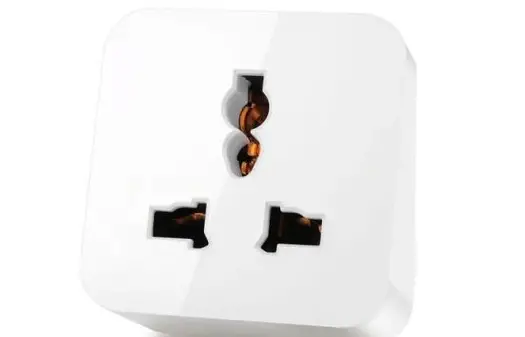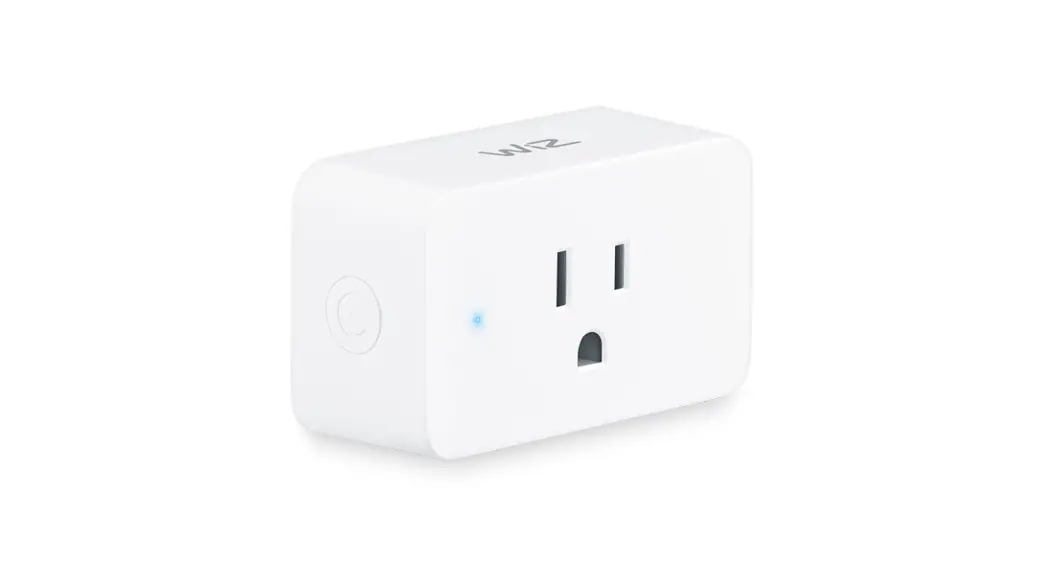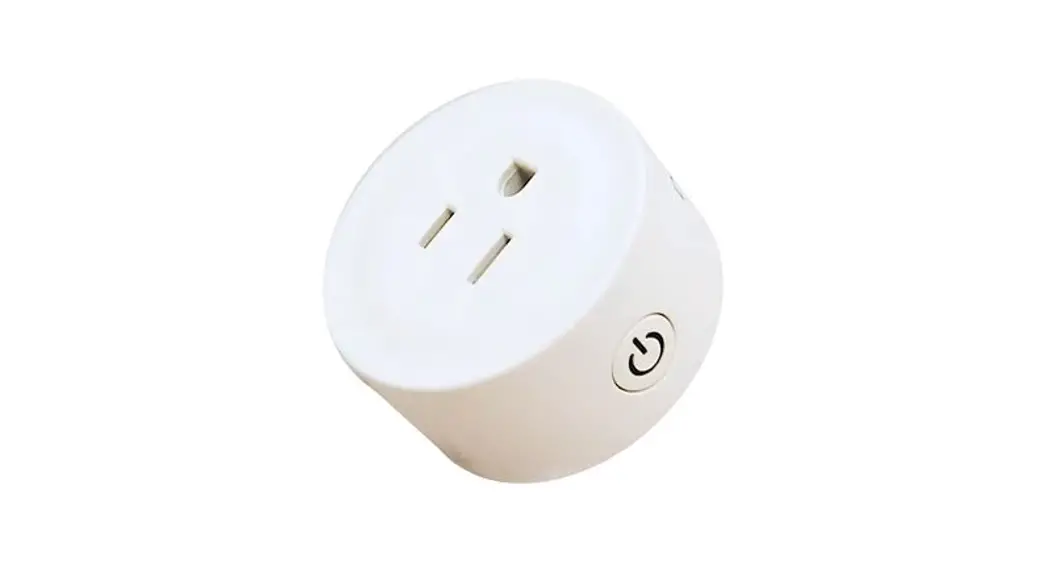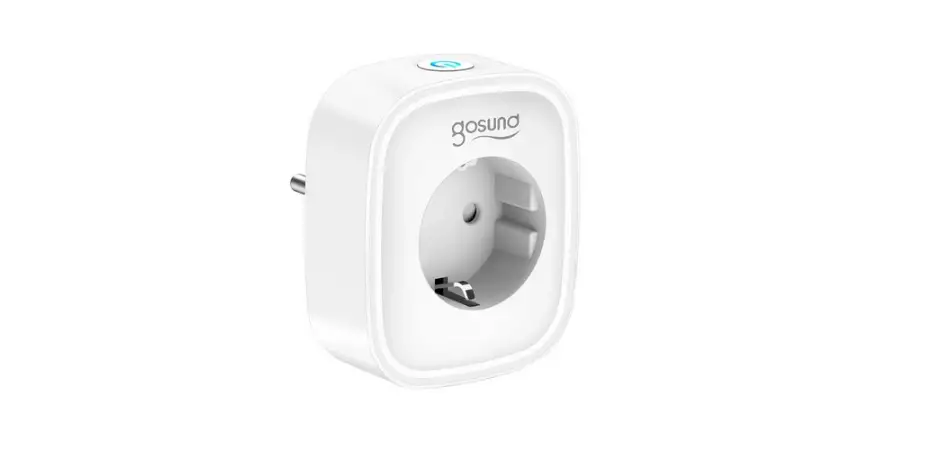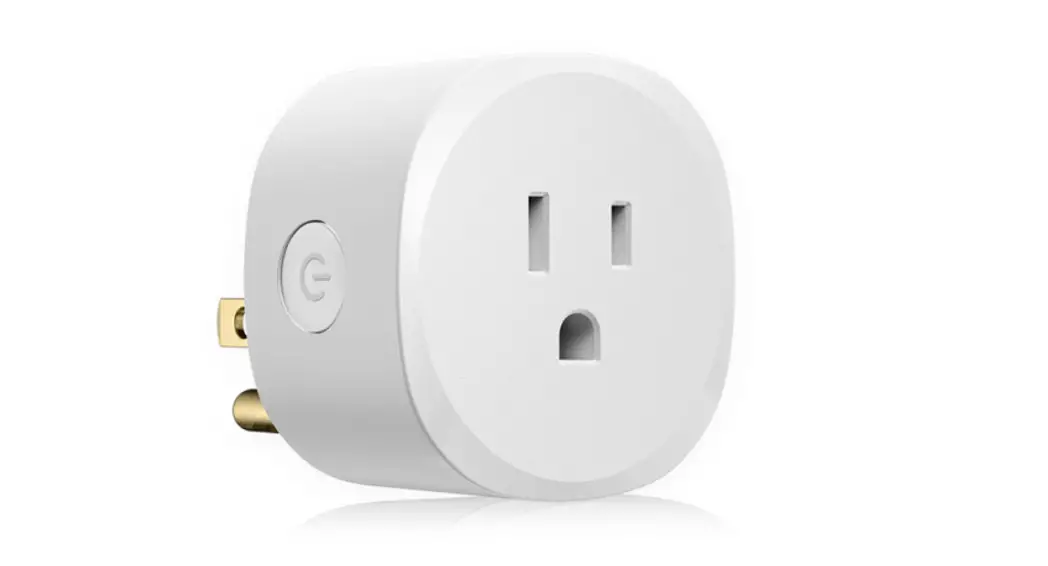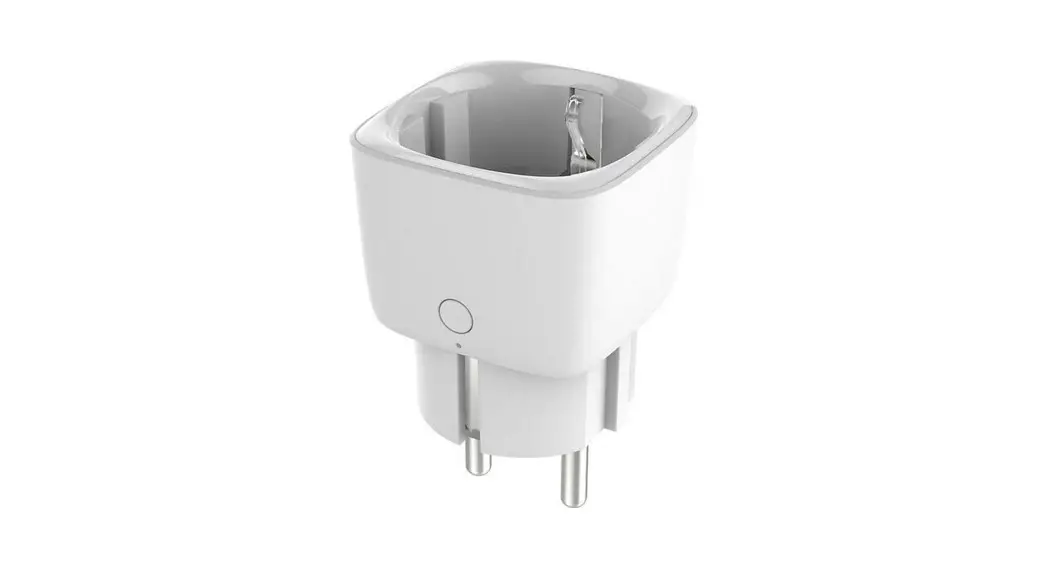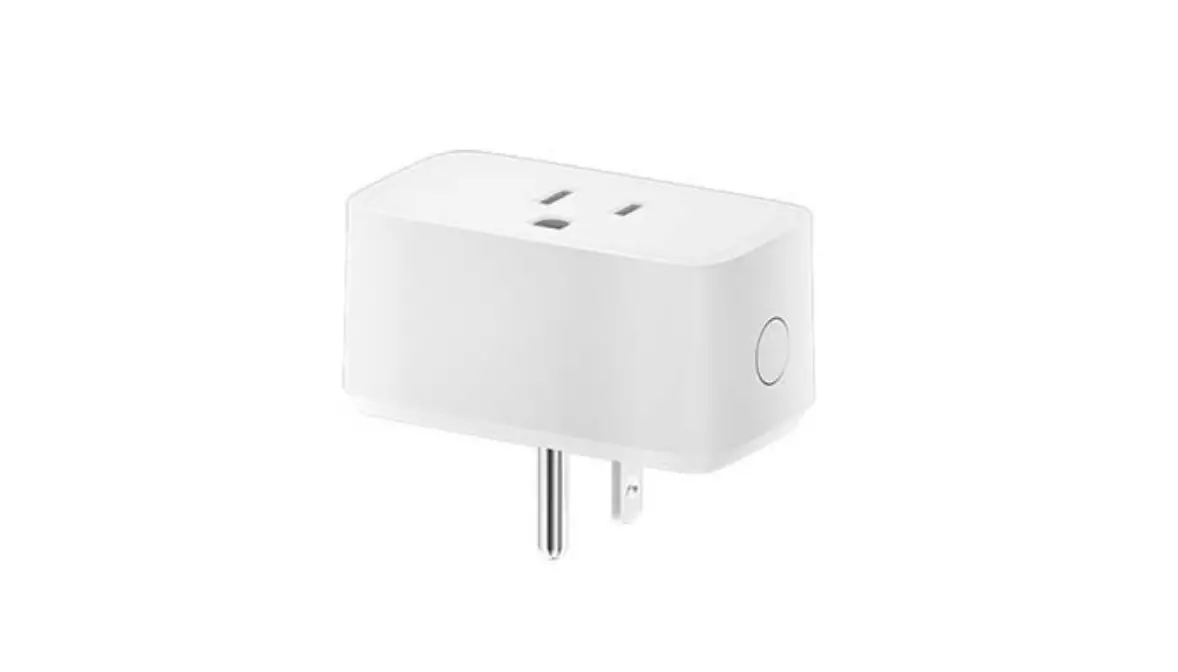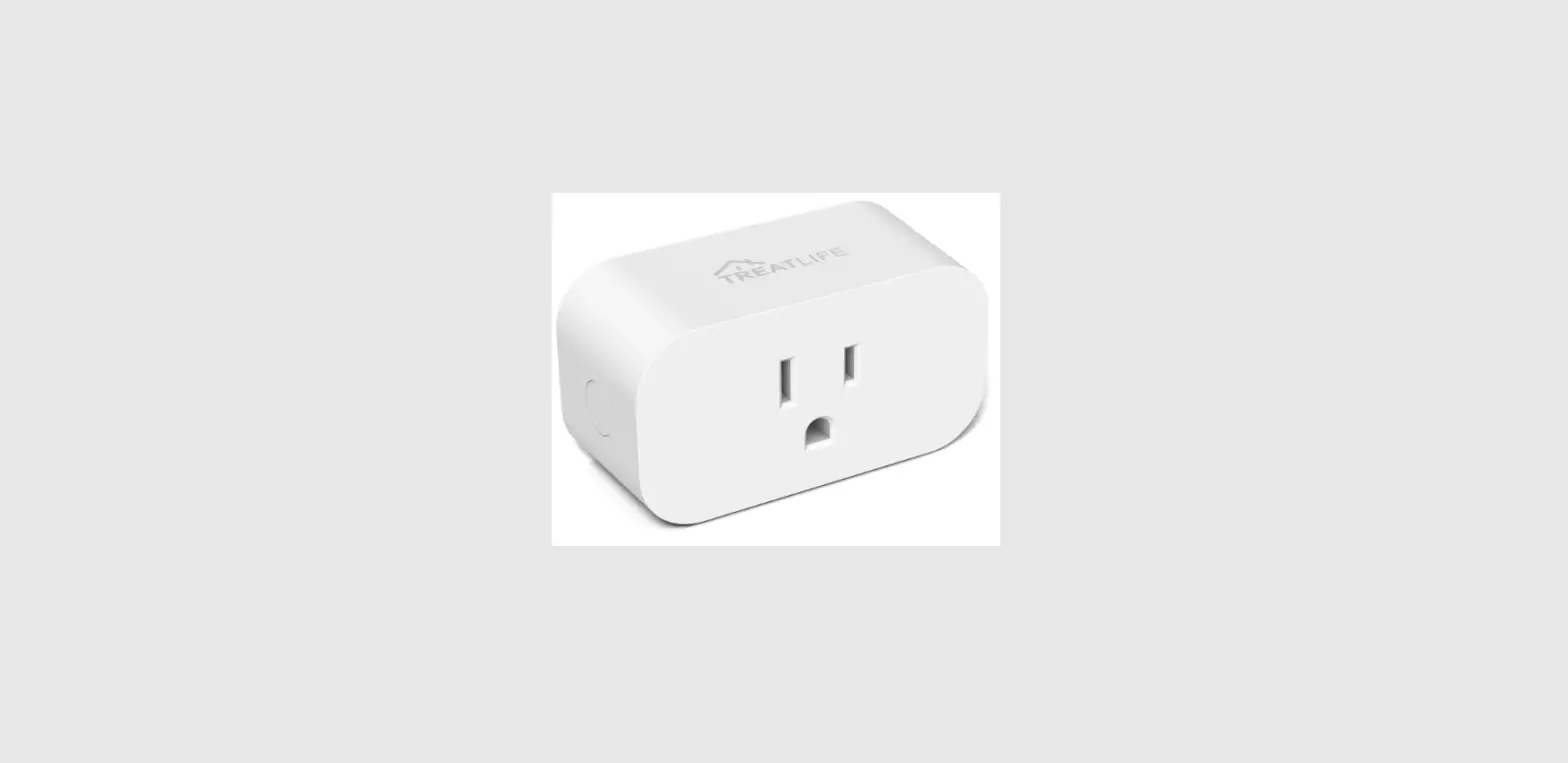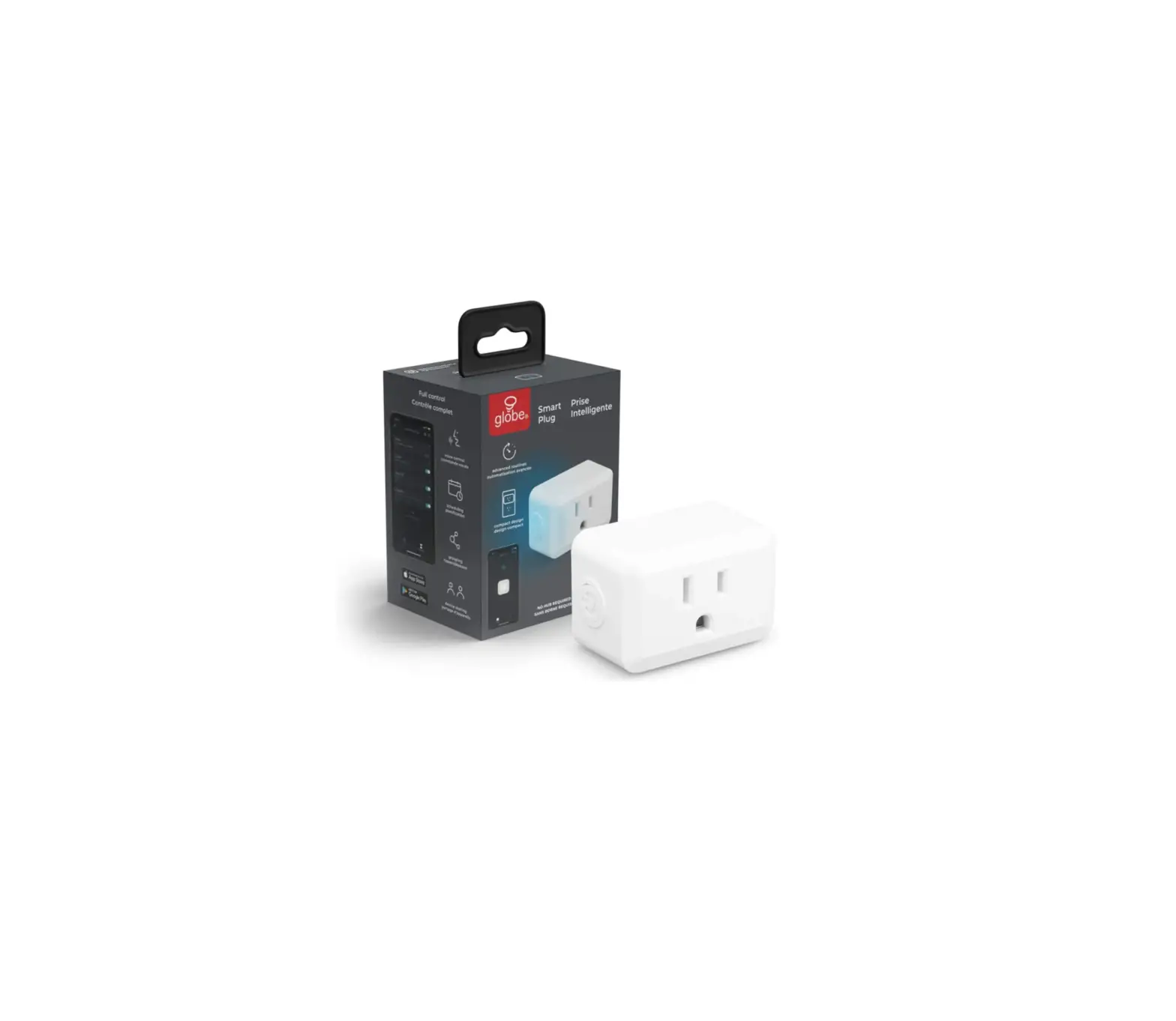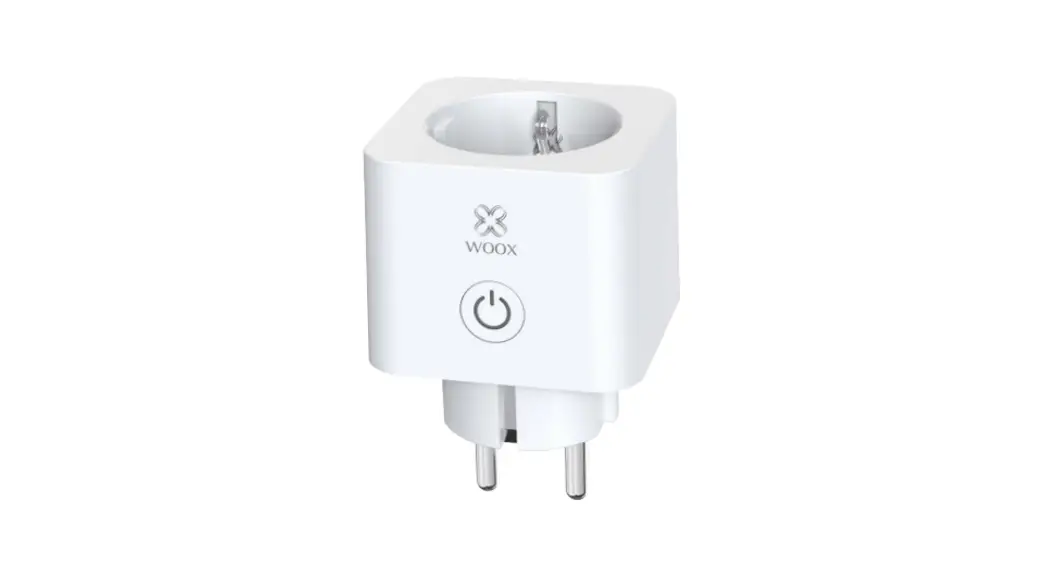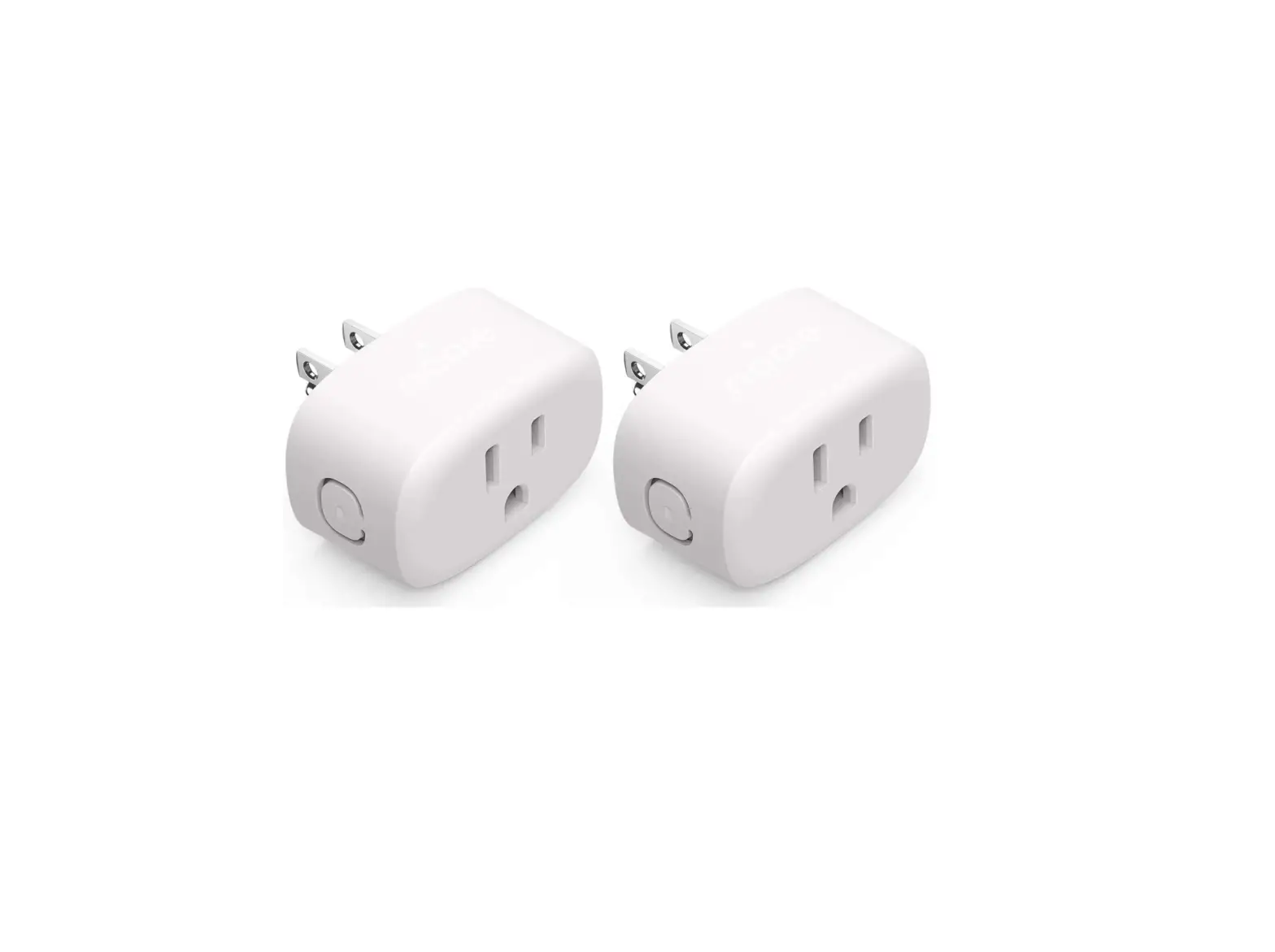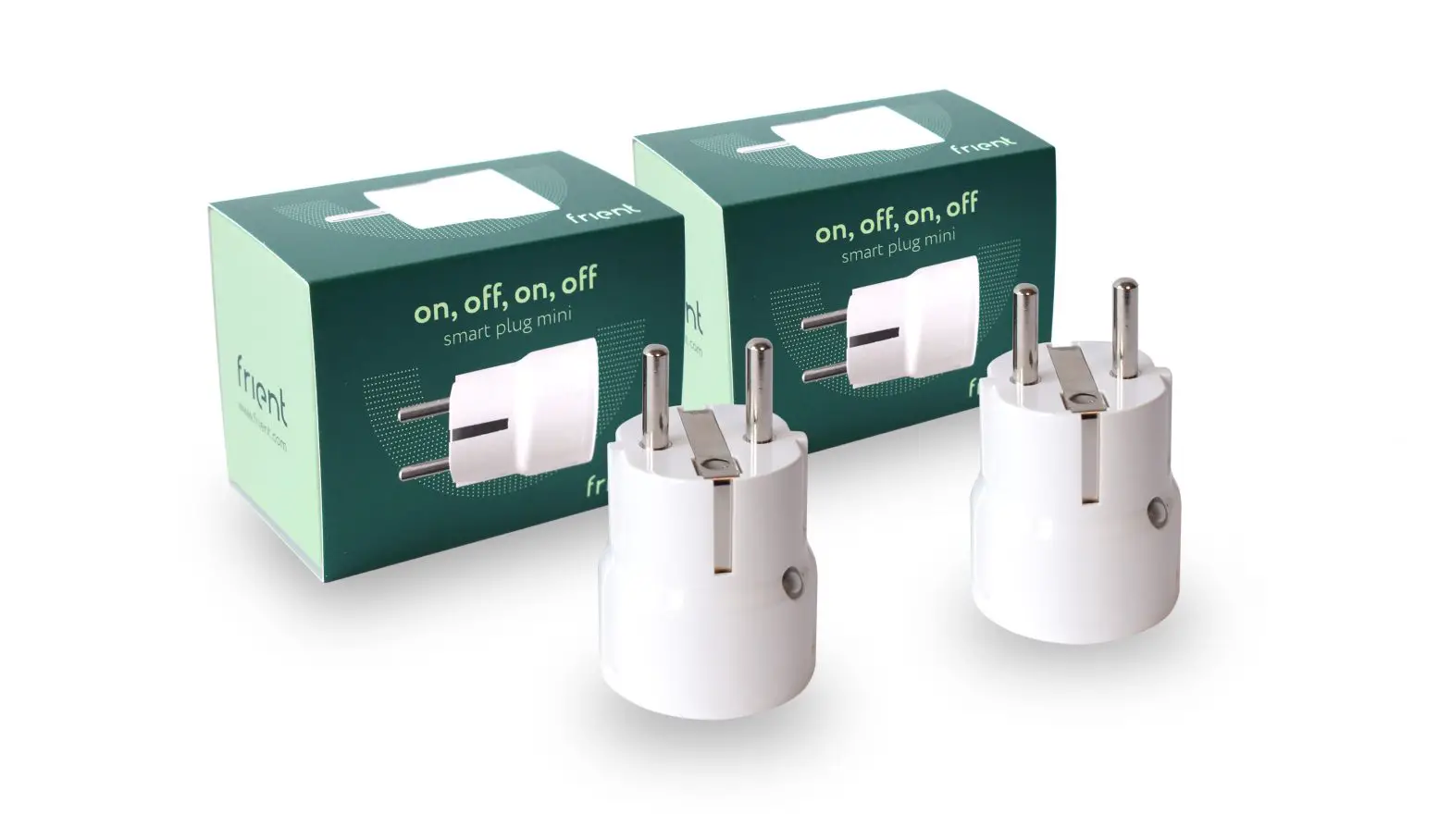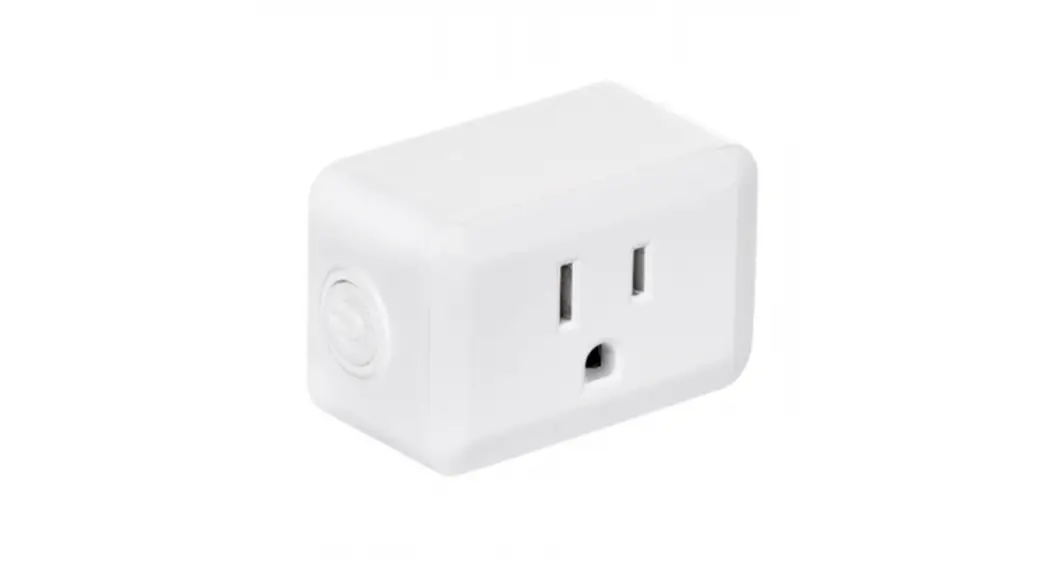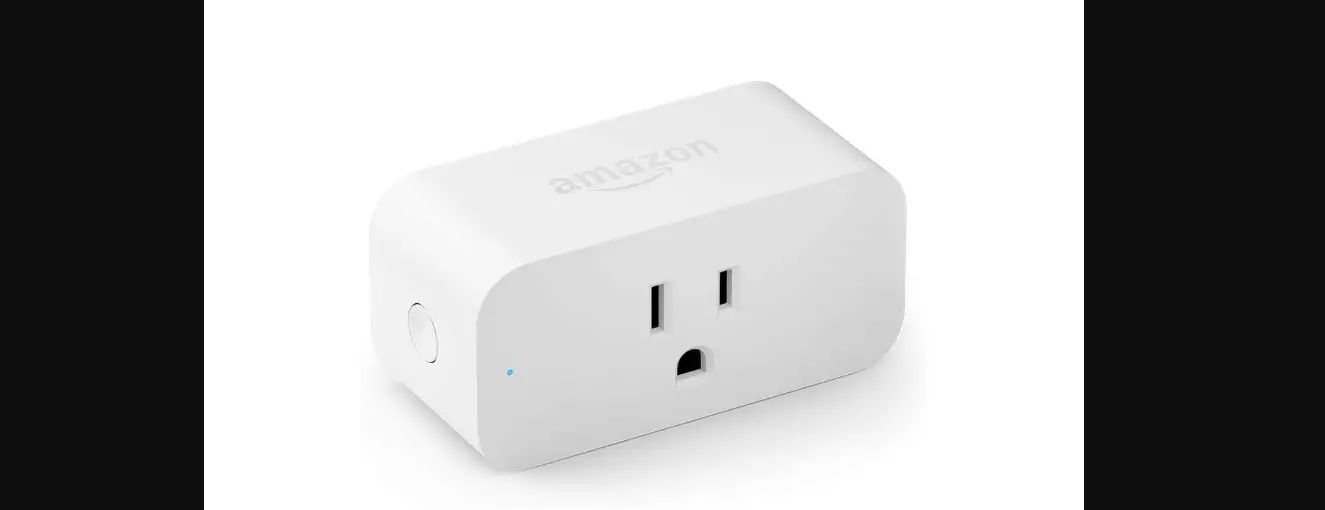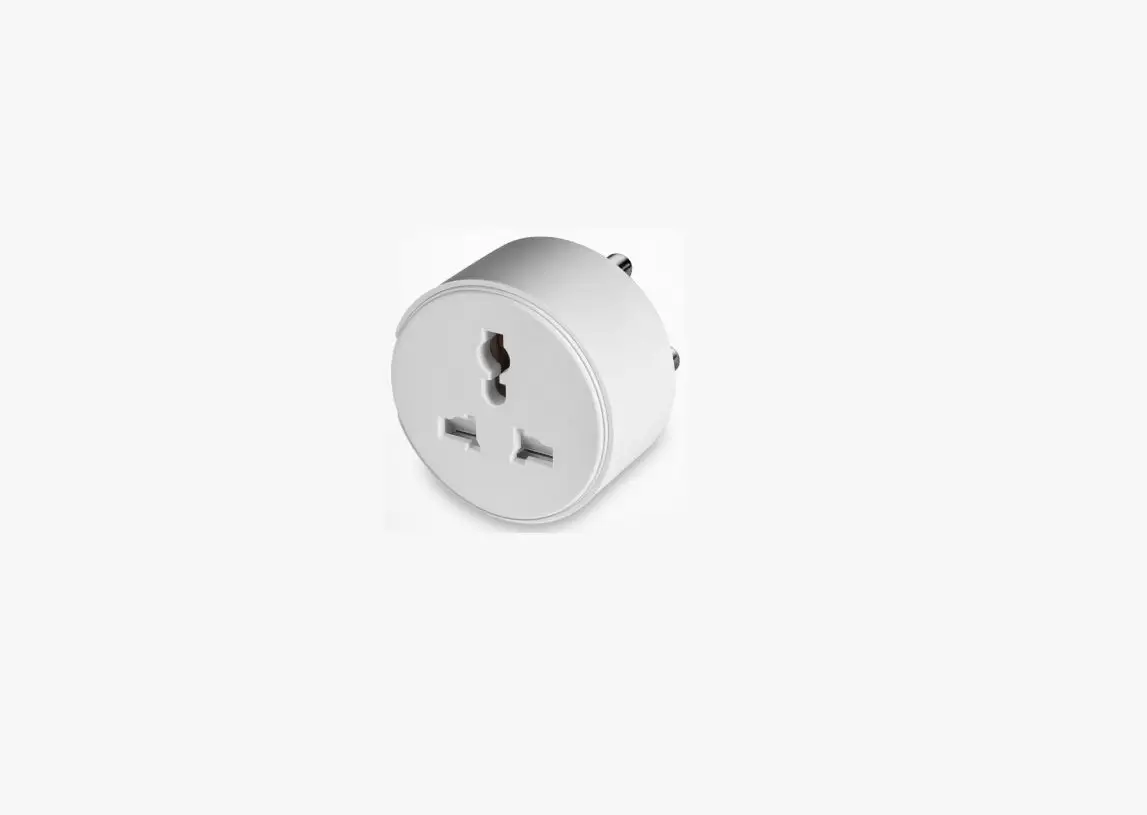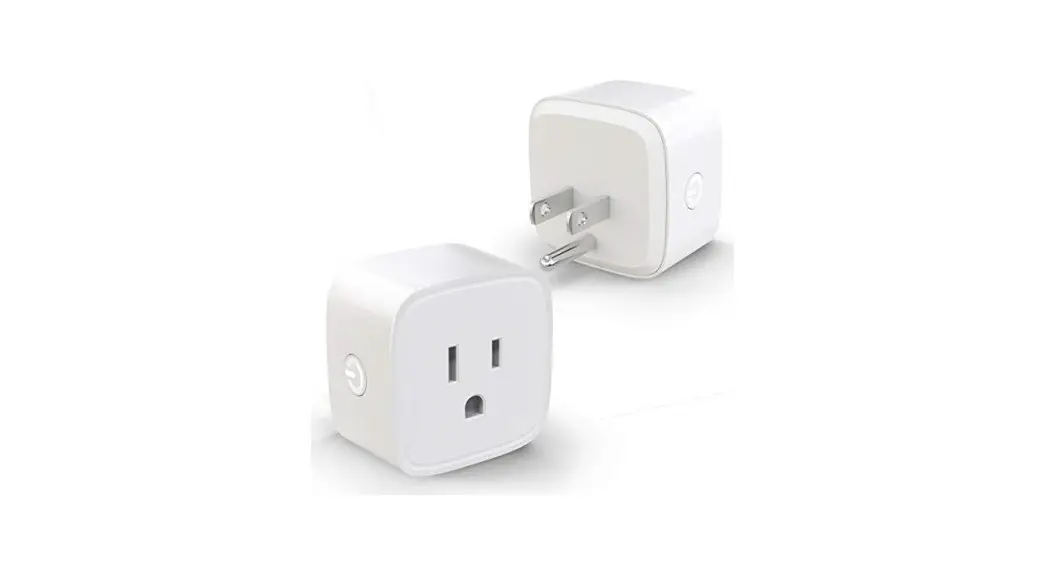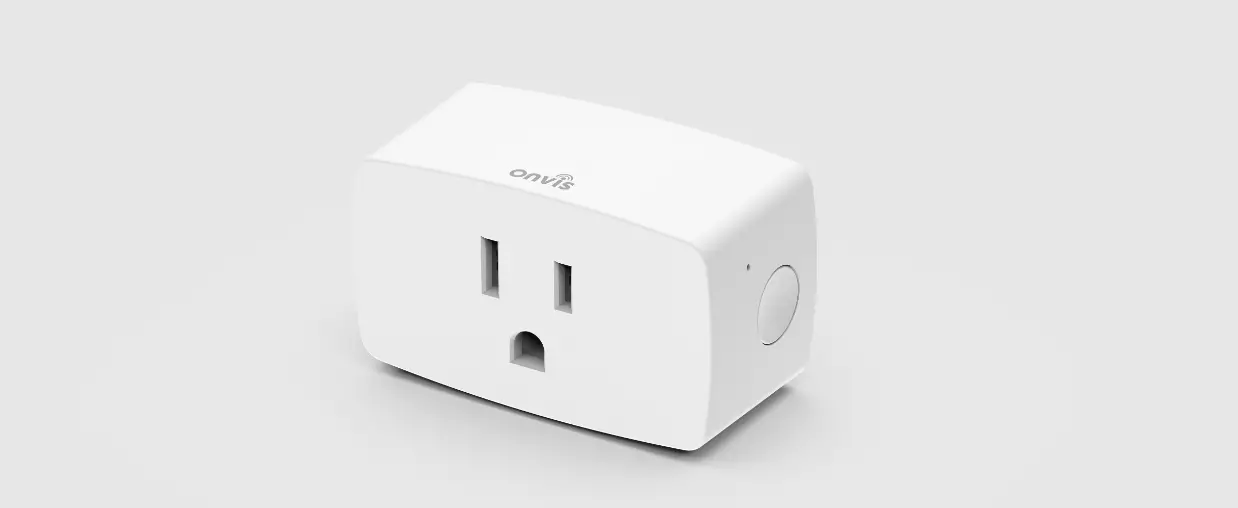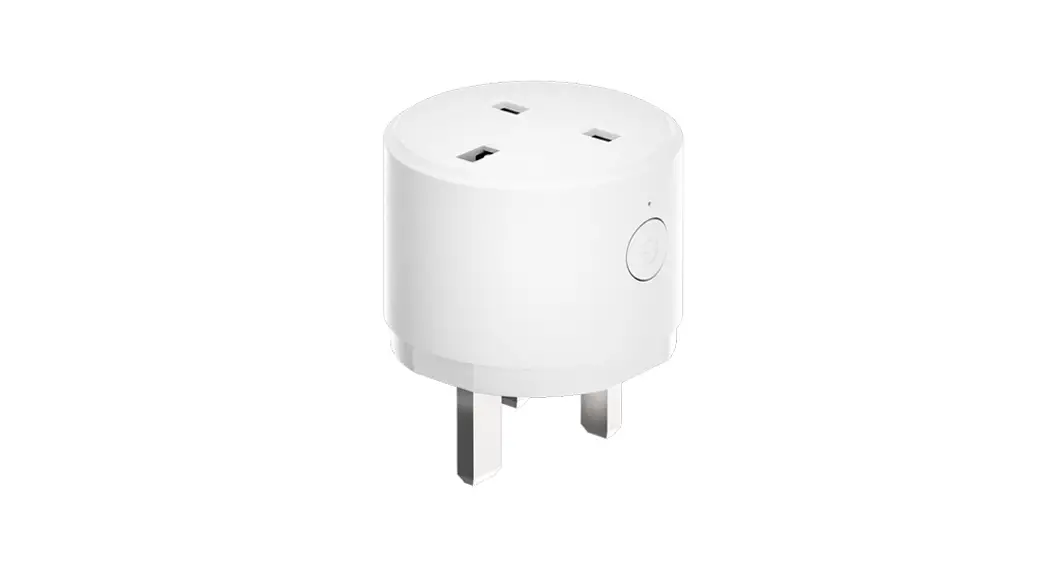
 Smart Plug(ZigBee UK, with Monitor Energy Usage)
Setting up your LifeSmart Smart Plug
Model.LS254 User Guide V1.0
PRODUCT INTRODUCTION
The LifeSmart Smart Plug adds intelligent control to your outlet to make your life easier. When combined with the LifeSmart Smart Station and the free LifeSmart App, you have infinite control possibilities.
IN YOUR PACKAGE
Smart Plug 1
User Guide 1
SPECIFICATIONS
| Size | 56*56*66.3mm |
| Weight | 93g |
| Wireless distance | 50m |
| Wireless protocol | ZigBee 3.0 |
| Working temperature | -5-45°C |
| Working humidity | 5-80% |
| Working voltage | AC 100-240V 50/60Hz |
| Maximum load | 3120W (13A) |
| A replaceable fuse | Support |
INSTALLATION
Your device requires a LifeSmart Smart Station and the LifeSmart App to operate. Please download the App to your smart device and set up your Smart Station before proceeding. The App is available by scanning the following OR Code or going directly to the Google Play Store or iOS App Store.
► Method 1
► Method 2
 www.ilifesmart.com/getapp.html
- Open LifeSmart APP, and enter the menu page.
- Choose “Add Device” and choose “General Device
Portal” under the “ZigBee” column. - Press the button on the Smart Plug for 5 seconds, then release your hand and the LED indicator turns to flash blue.
- Press the button “Start Pairing”.
- After pairing, rename the Smart Plug, and then it can be used normally.
LED INDICATOR
| Status | Indicator Behavior |
| Paired & ON | Red |
| Paired & OFF | OFF |
| Unpaired & ON | Red |
| Unpaired & OFF | Blue |
| Pairing | Flash blue |
WARRANTY DESCRIPTION
Thank you for purchasing this LifeSmart product. In order to protect your rights, please read the following content carefully: The warranty period of our company’s products is one year from the date of purchase or longer if local laws impose a longer minimum term, in which case the minimum term is the warranty period. During the warranty period, for any faults caused by the product itself or for quality problems that arise under normal usage, LifeSmart will provide a free replacement.
 User support e-mail address
[email protected]
Website
iot.ilifesmart.com
ATTENTION
The following conditions are not covered by the warranty:
- Product failure or damage caused by installation, use, and maintenance that is not in accordance with the product instructions;
- Products beyond the warranty period;
- Products that have the barcode tampered with or removed;
- Devices that have been tampered with or customized outside of LifeSmart Terms Of Service as on the LifeSmart App and website;
- User-caused damage, such as inappropriate voltage input, high temperature, accidental spillage, physical damage, etc;
- Product failure or damage caused by force majeure such as earthquakes, fires, or floods;
- Product failure or damage caused by other problems except for the product itself.
DECLARATION
LifeSmart is a trademark of Hangzhou LifeSmart Technology Co., Ltd. As for the trademarks, product logos, and product names from other companies presented within this manual, they are possessed by the holders of their own rights. Without our written permission, no entity or individual shall extract, copy or disseminate in part or the whole of the manual contents in any form. Due to product version upgrades or other reasons, the content of this manual may change. Our company reserves the right to change the contents of this manual without any notice. This manual is used only for instructional purposes. We strive to provide accurate information in this manual, but we are not able to ensure that the content of this manual is current.
DECLARATION
WEEE Directive Compliance Devices labeled with this symbol should not be disposed of with other household wastes. It shall be handed over to the applicable collection point for the recycling of waste electrical and electronic equipment.
Manufacturer: Hangzhou LifeSmart Technology Co., Ltd.
Address:22th Floor, Yuesheng International Center, 518 Pinglan Road,
Xiaoshan District, Hangzhou, Zhejiang, CHN

 Facebook: ilifesmarthome
 Twitter: ilifesmarthome
Copyright © 2021 LifeSmart Inc. All Rights Reserved.