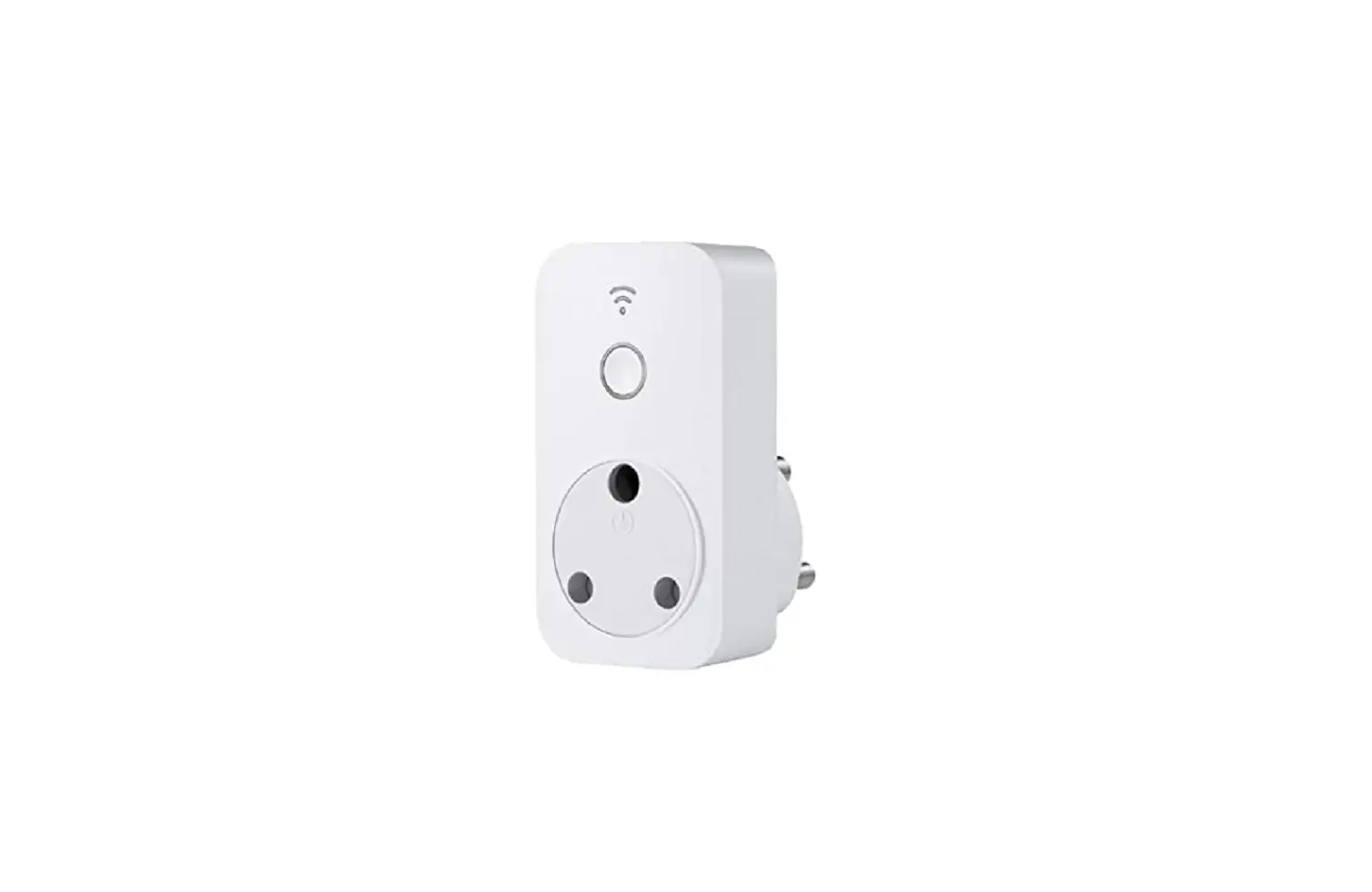
0419 Smart Plug
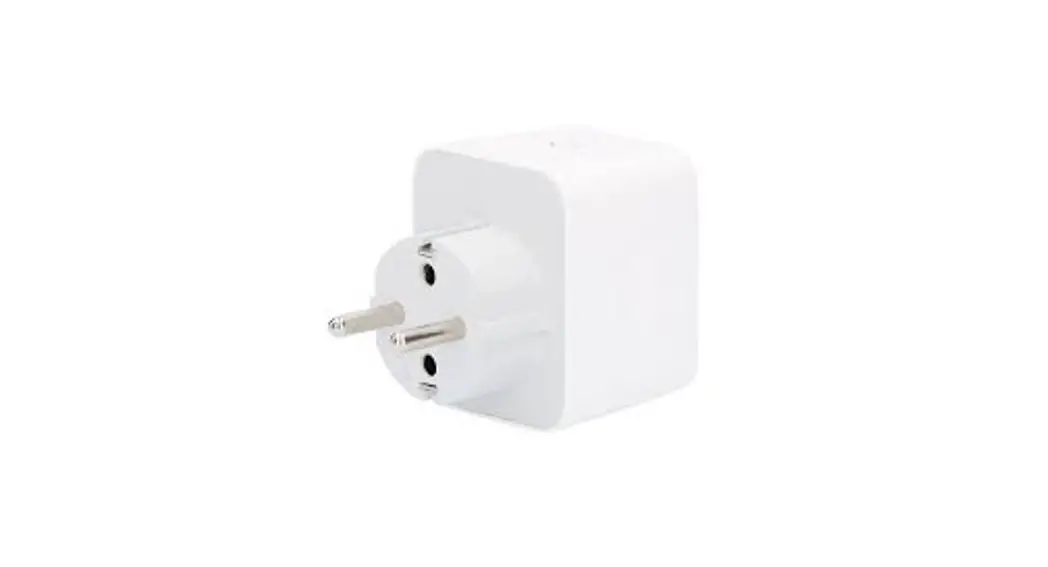
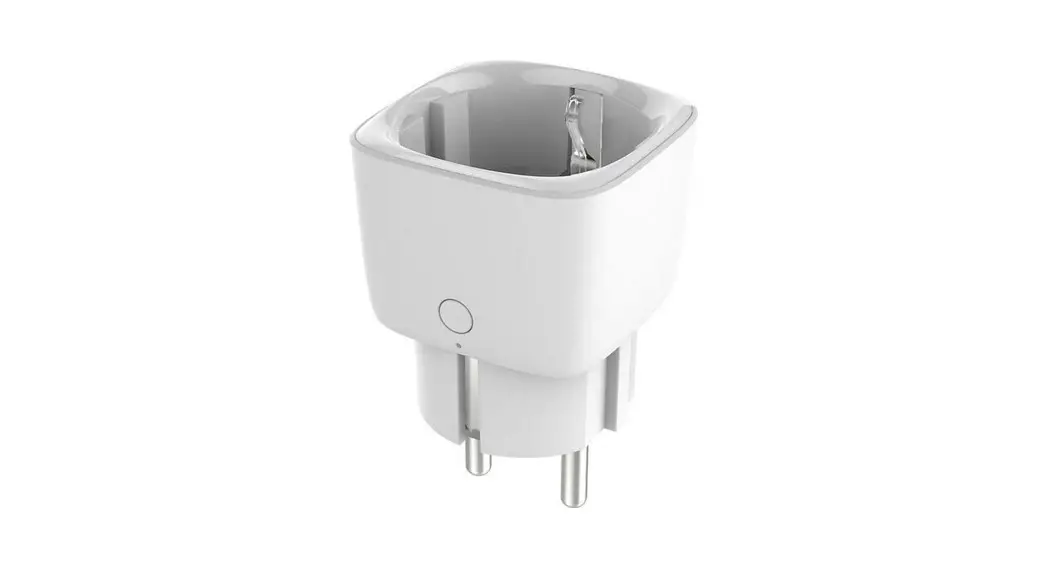
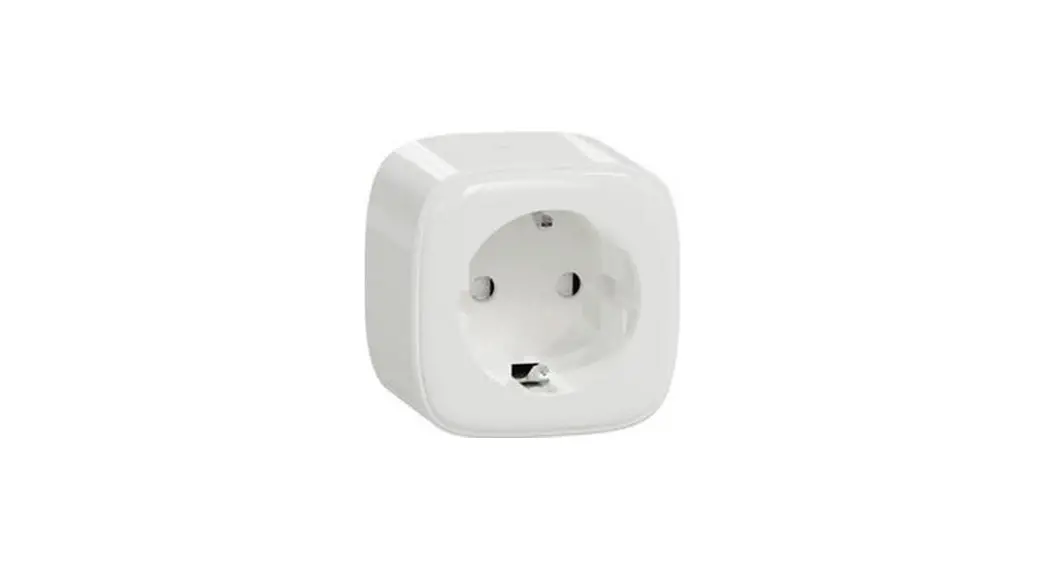
EcoFlow Smart Plug
Product Information:
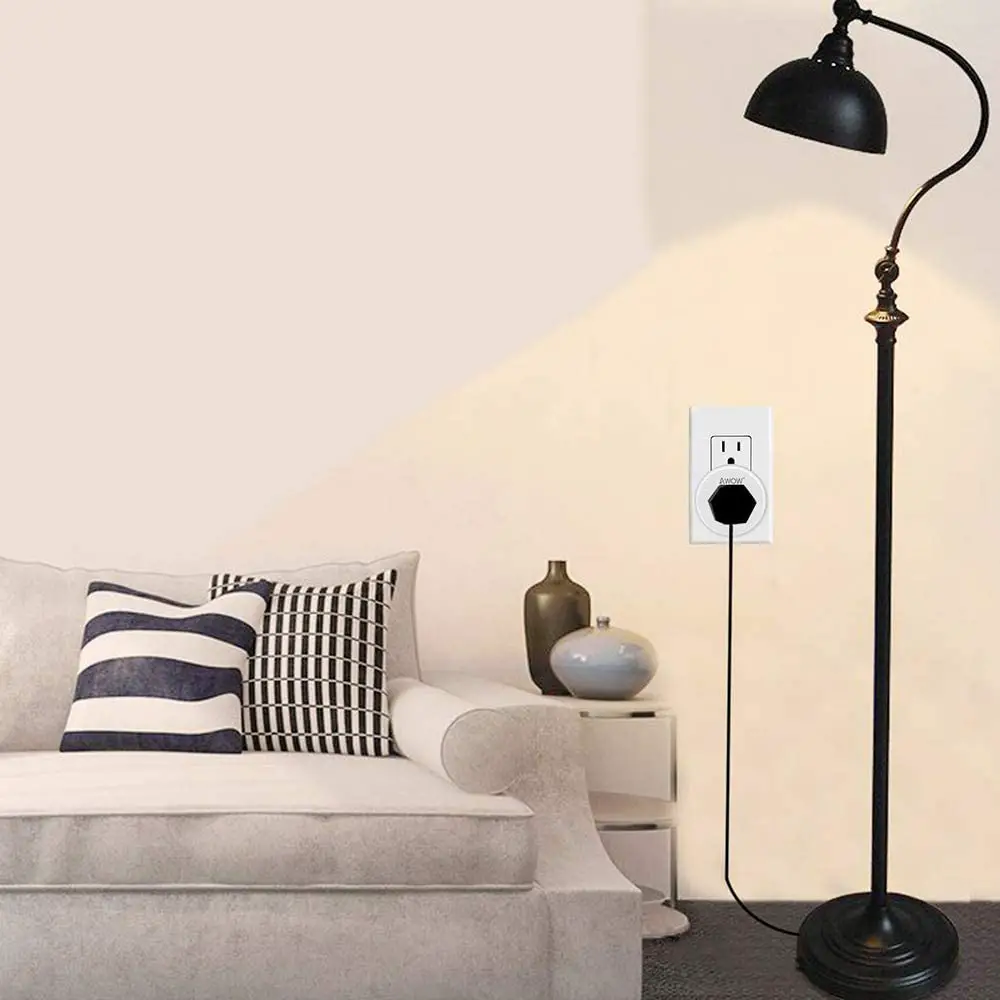
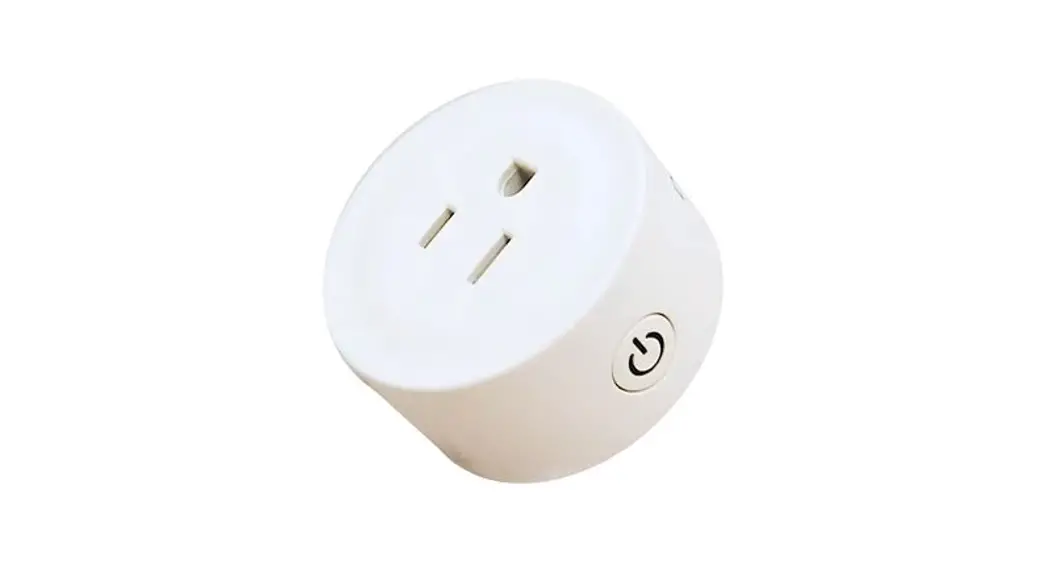
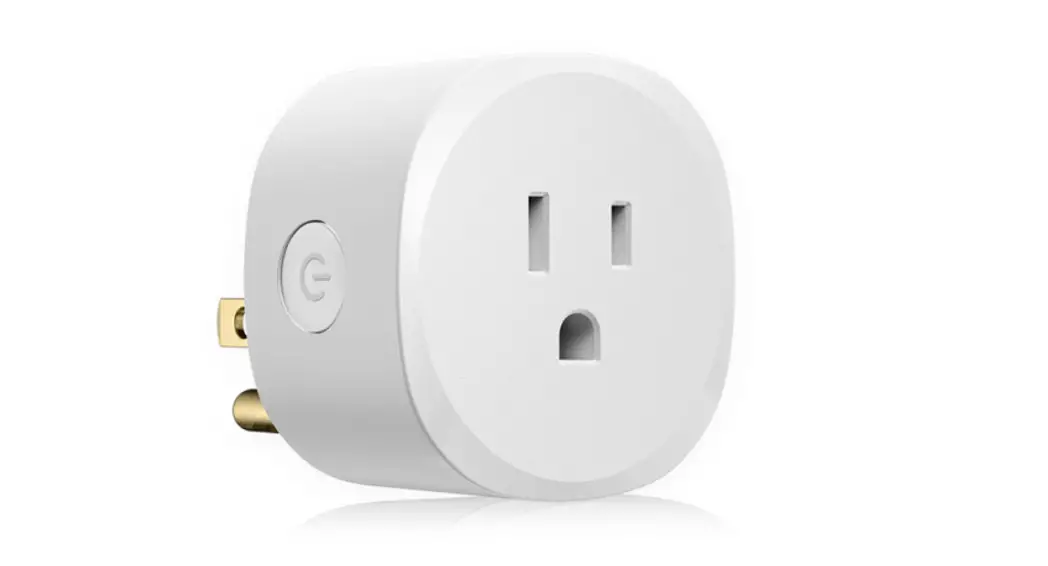
The EcoFlow Smart Plug is a device that allows you to control
and monitor your electronic devices remotely. With the EcoFlow App,
you can easily manage your smart plug and create schedules to
automate your devices. The smart plug supports Wi-Fi connectivity
and can be integrated into your smart home ecosystem.
Product Usage Instructions:
- Step 1: Download the EcoFlow App from your app
store. - Step 2: Add the smart plug to the app by following these
steps:- Search for available units via Bluetooth.
- Set up the Internet connection by entering your Wi-Fi name and
password. Remember to save the password for future use. - Connect the smart plug to the Internet.
- Step 3: If you have a smart home app, pair it with the
EcoFlow app using the same Wi-Fi network. You can also use the
Matter QR code for pairing. - Step 4: For any additional functionalities like
resetting the smart plug, secondary pairing, or other settings,
refer to the user manual available at https://www.ecoflow.com/support/download/smart-plug.
If you have any further questions or need assistance, please
contact EcoFlow Inc. at the following address:
EcoFlow Inc. Plant A202, Founder Technology Industrial Park,
Shiyan Sub-district, Bao’an District Shenzhen, Guangdong 518000
China
01
EcoFlow Smart Plug Quick Start Guide
EcoFlow App
02
Download EcoFlow APP
03
Add device
Searching for units Search via Bluetooth
Internet setup
Wi-Fi name Password Remember password
Connect
Connect to the Internet
04 Optional / Optionale / Option / Facoltativa / Opcional / Optionele /
Smart home app
Smart home app
For pairing, select the same Wi-Fi when using the EcoFlow app and Matter QR code.
Manual Handbuch / manuel / manuale / manual / handleiding /
Reset?
Secondary pairing?
Setting? …
https://www.ecoflow.com/support/dow-
load/smart-plug
EcoFlow Inc. Plant A202, Founder Technology Industrial Park, Shiyan Sub-district, Bao’an District Shenzhen, Guangdong 518000 China