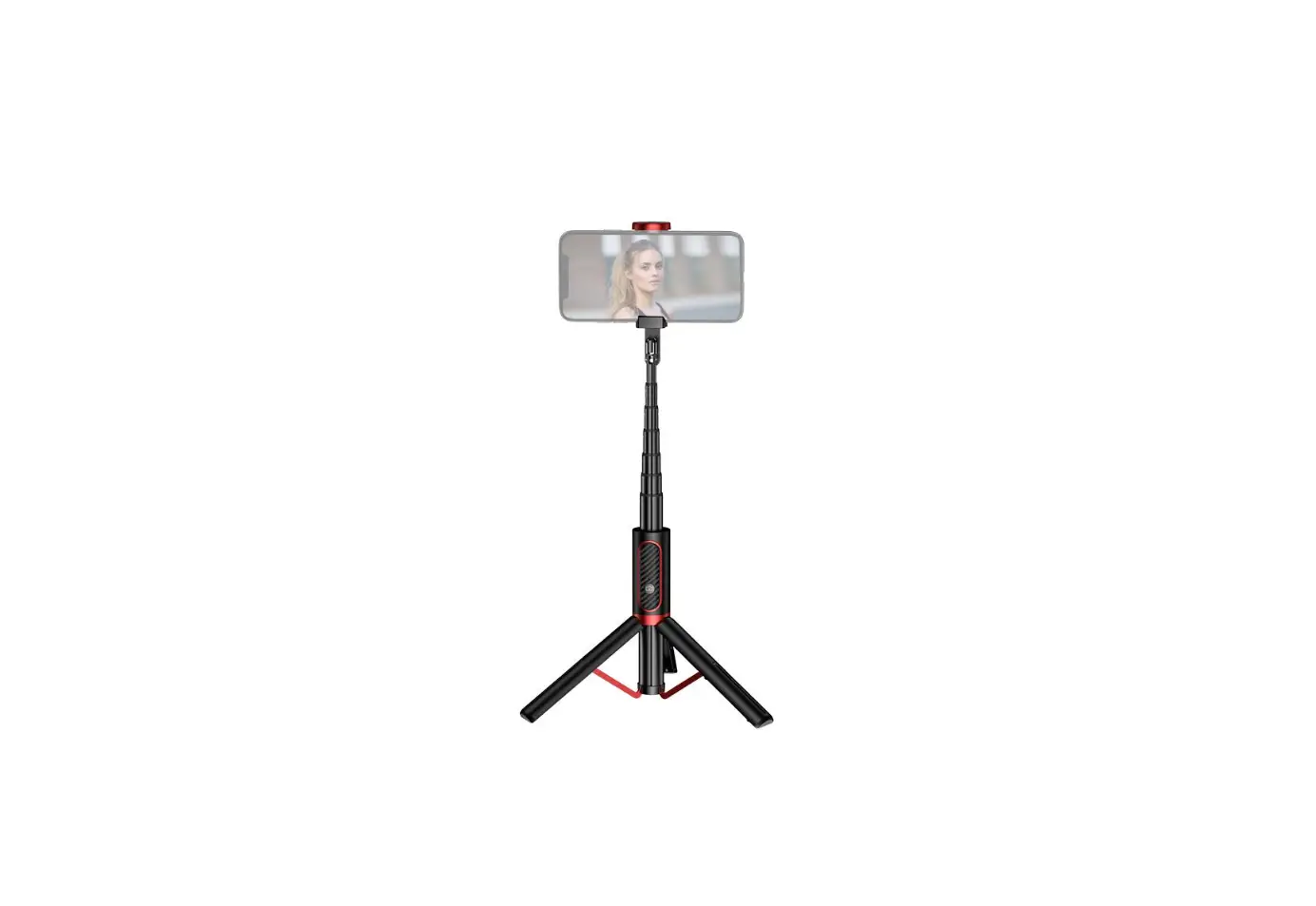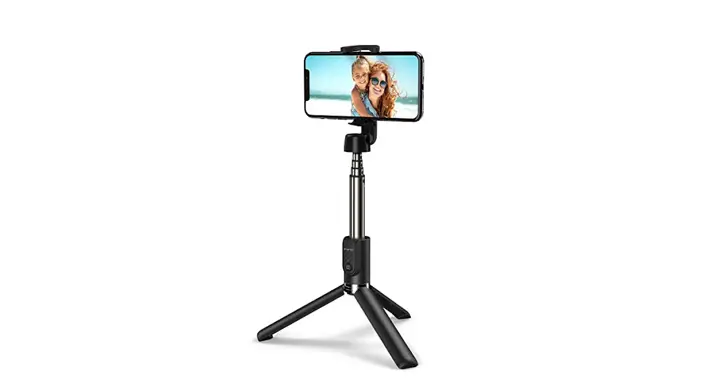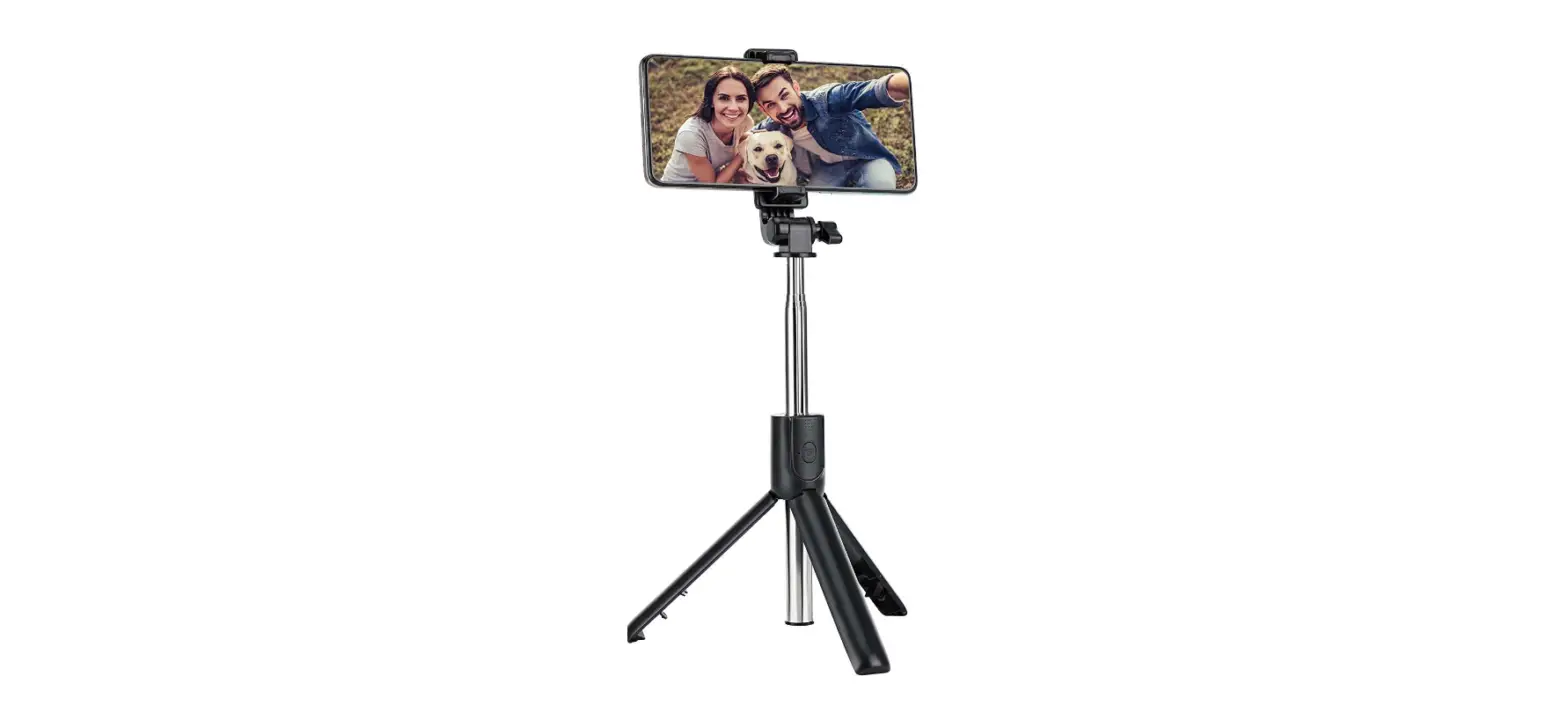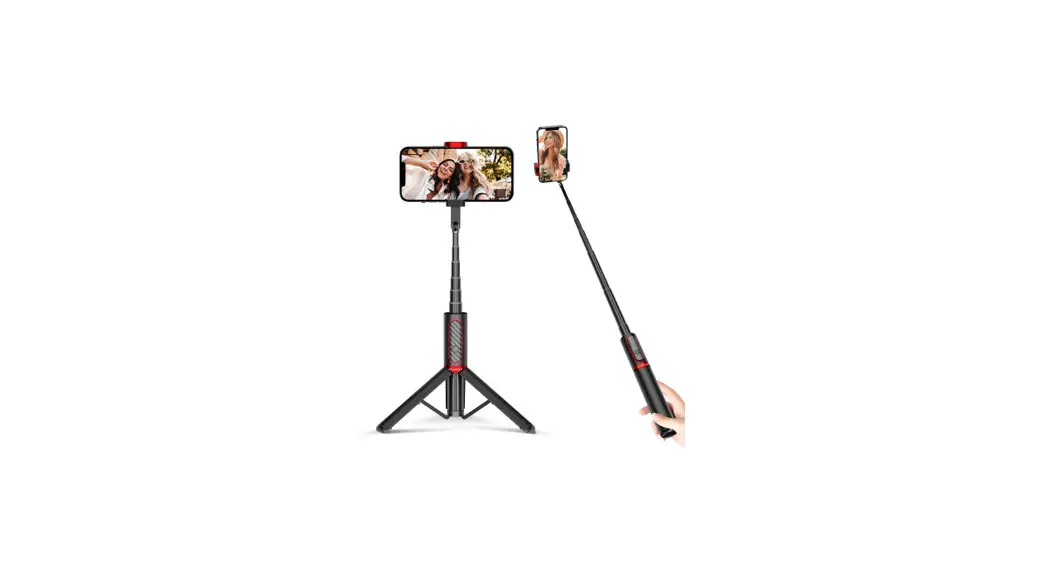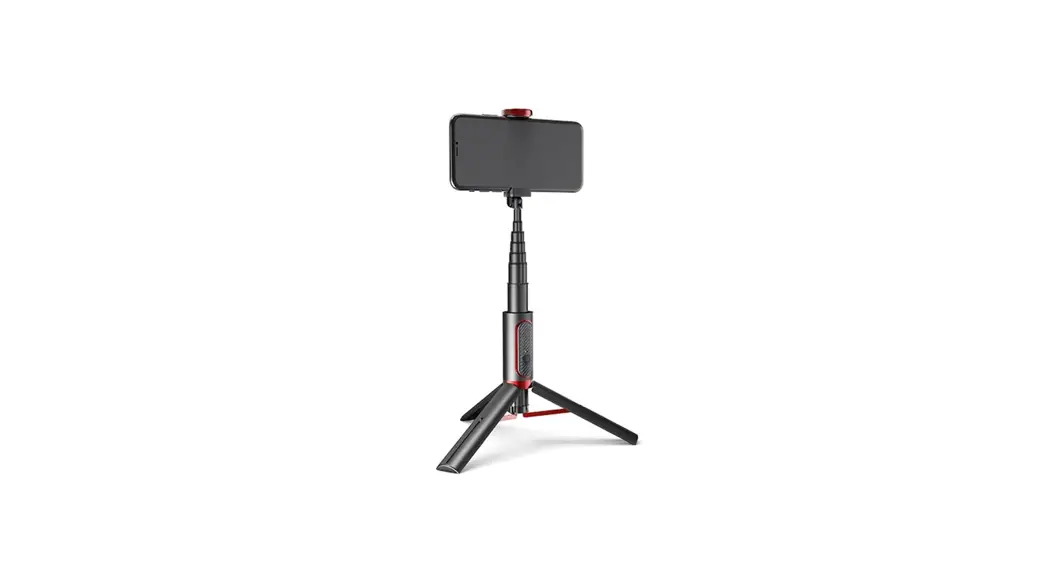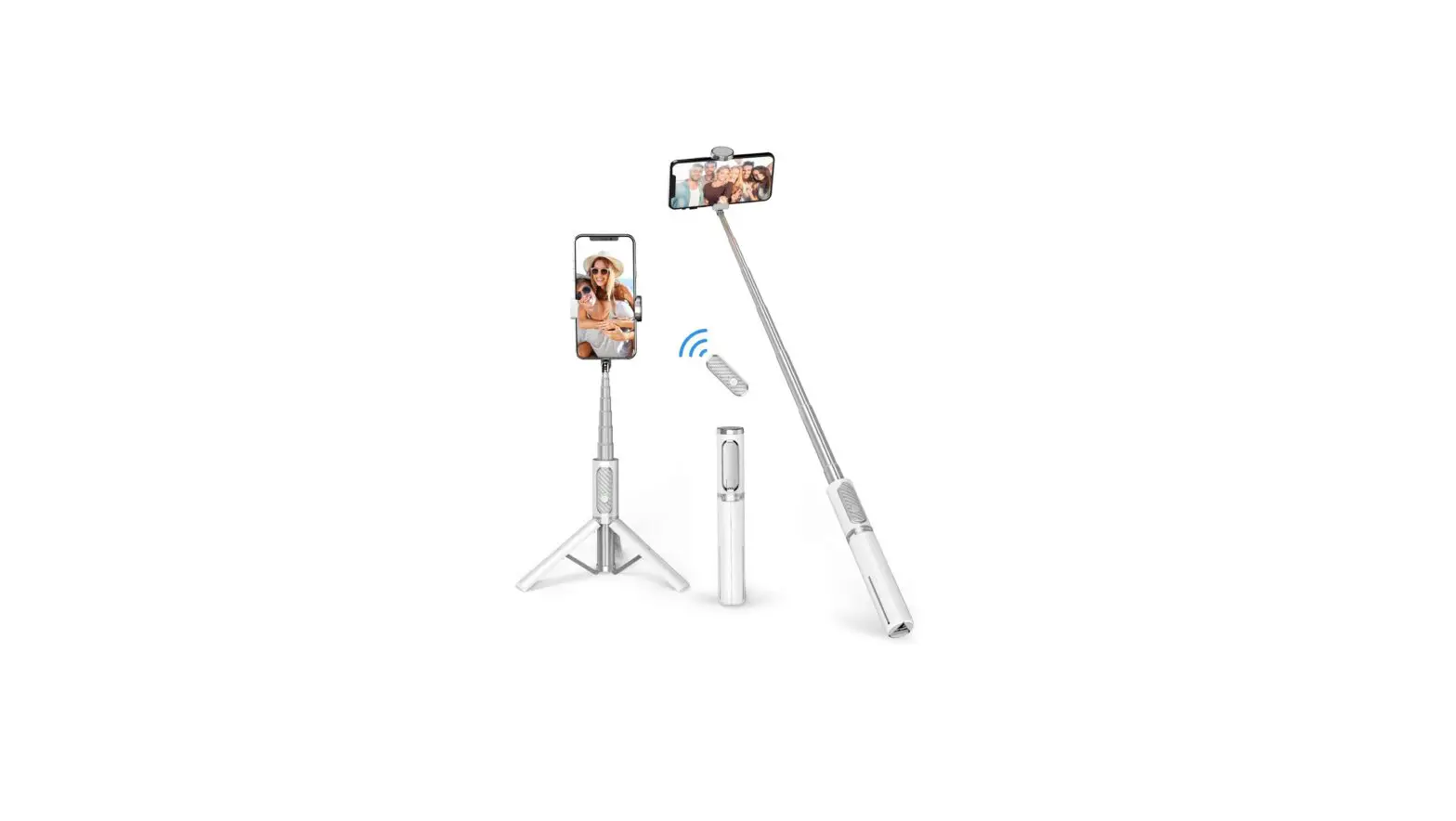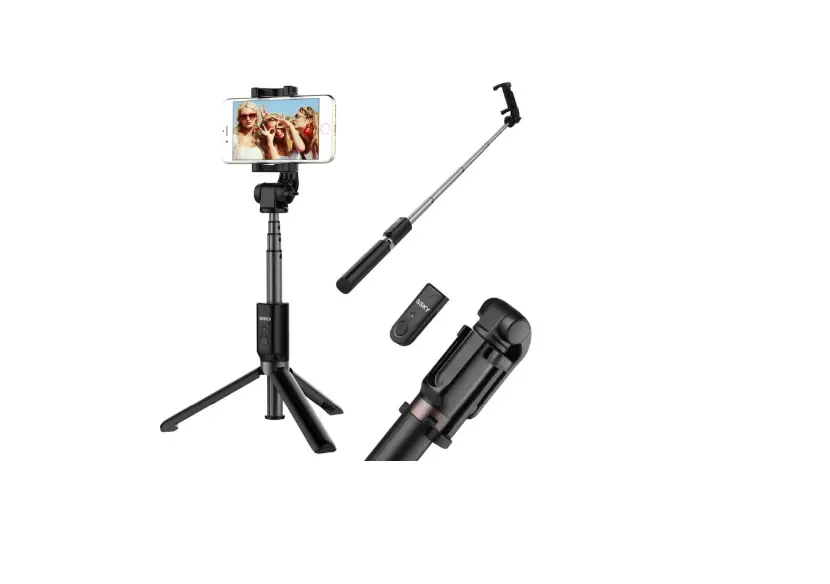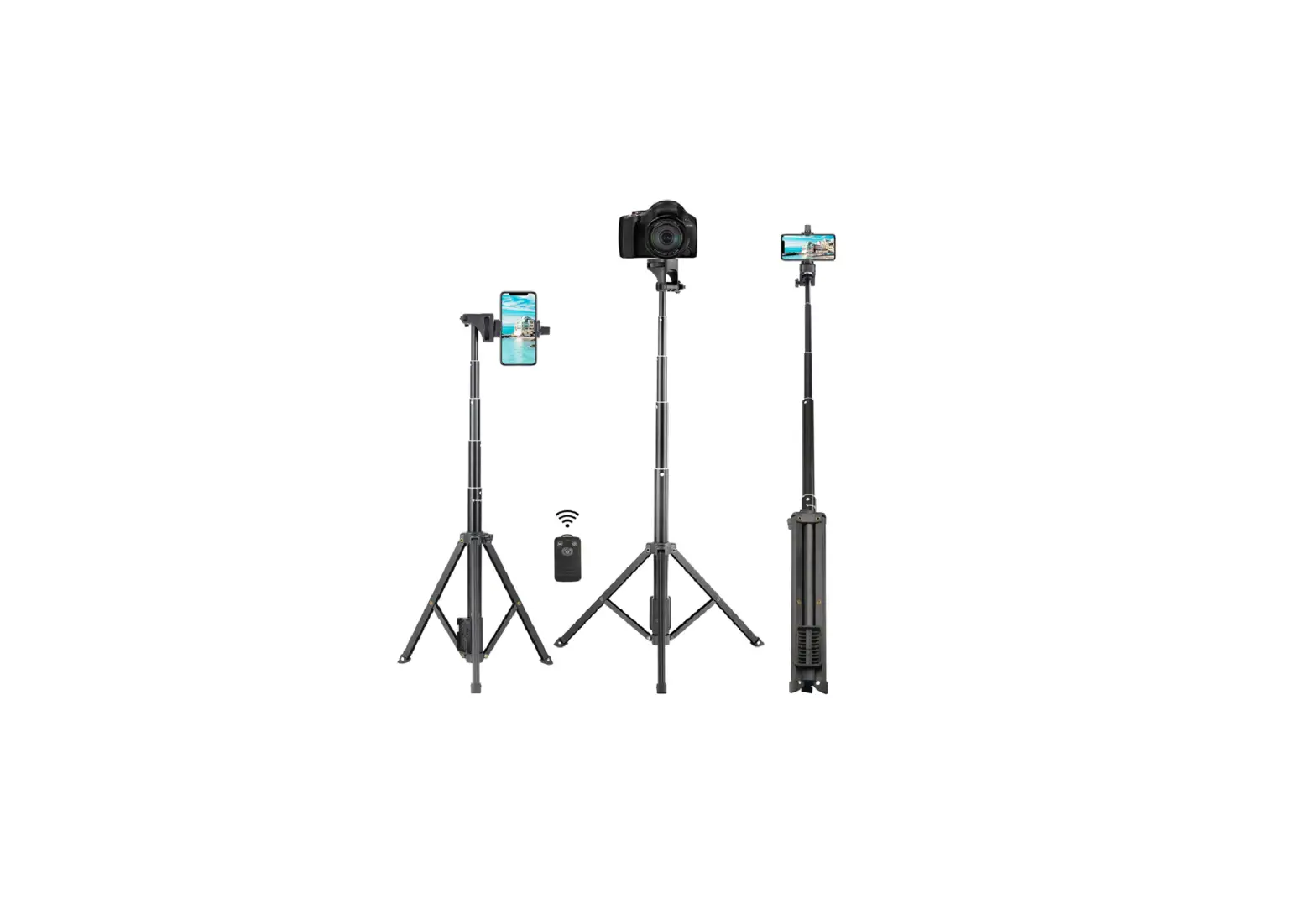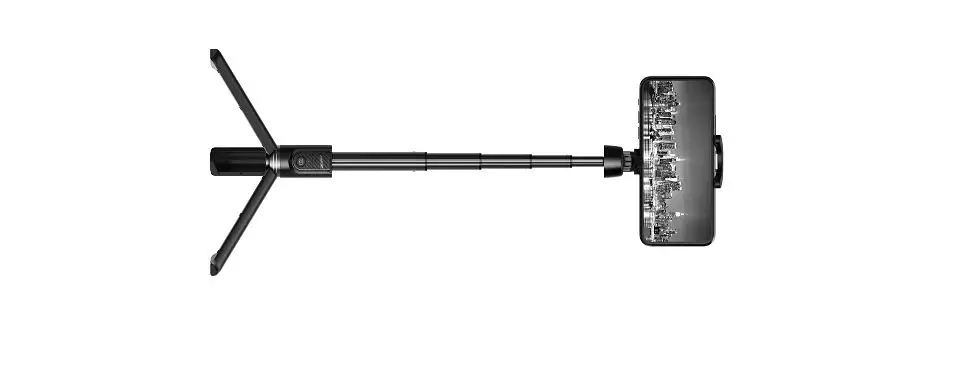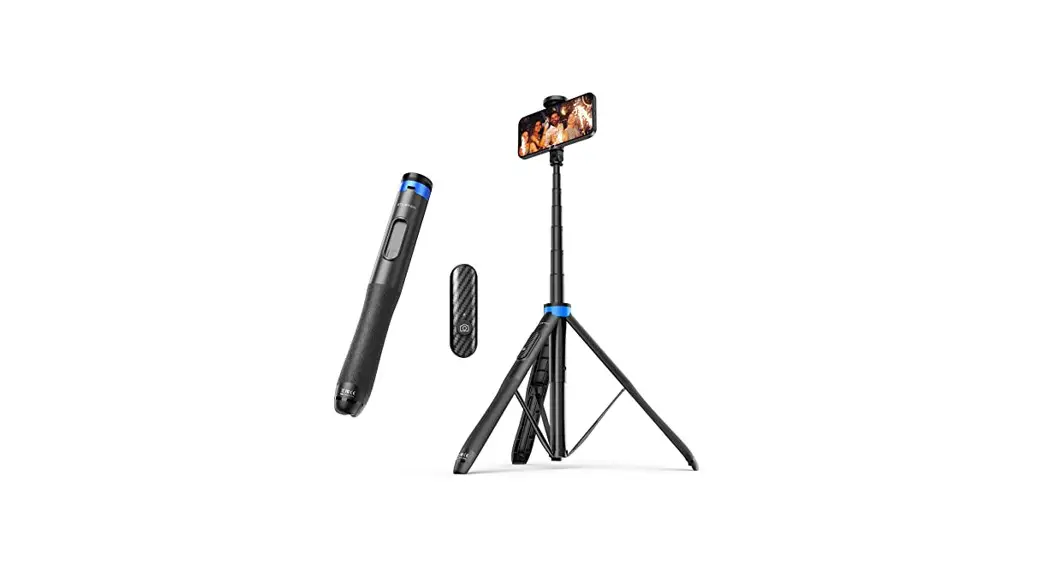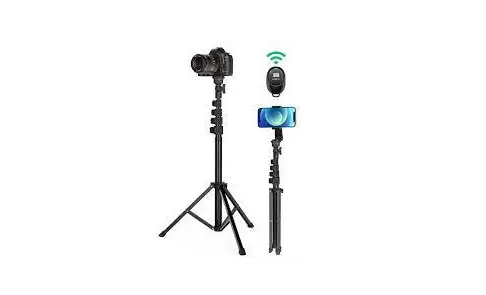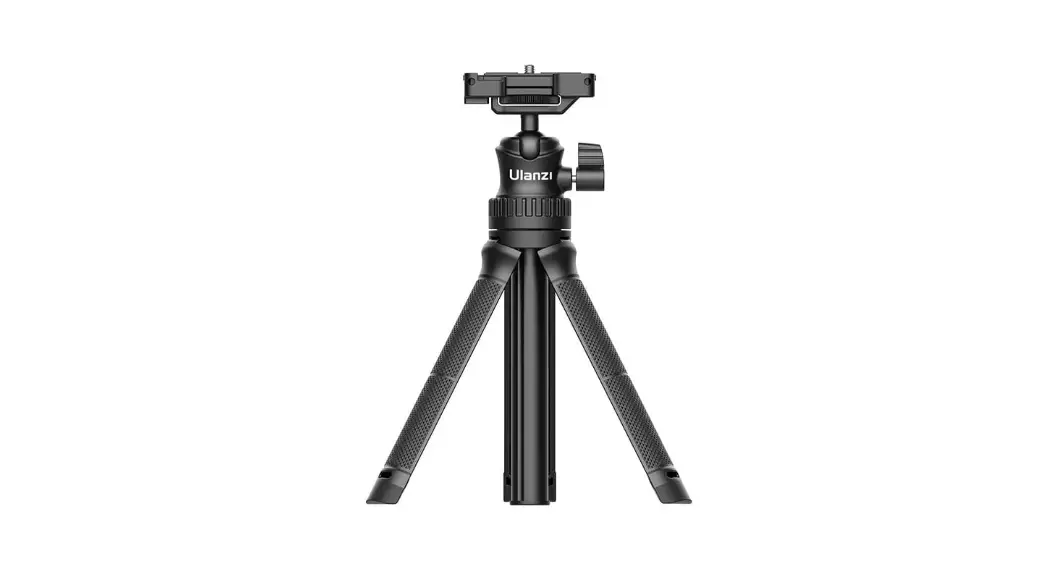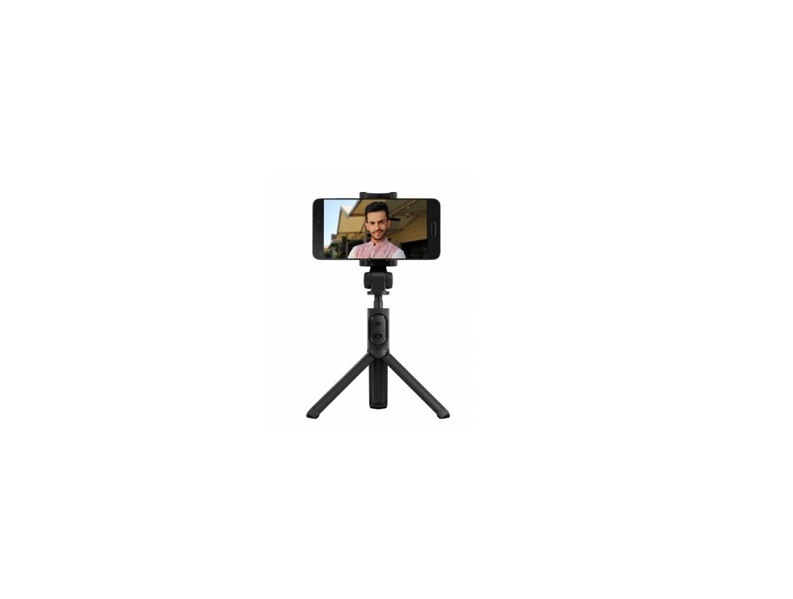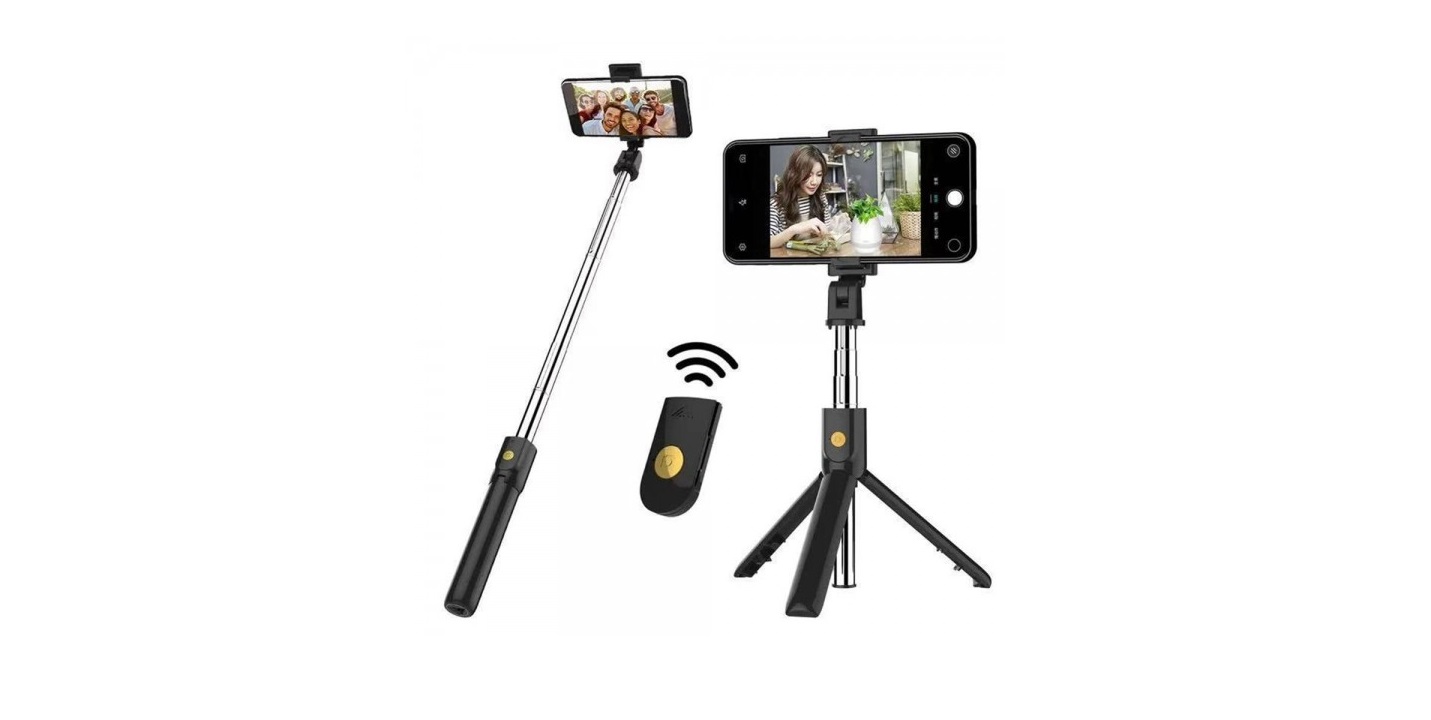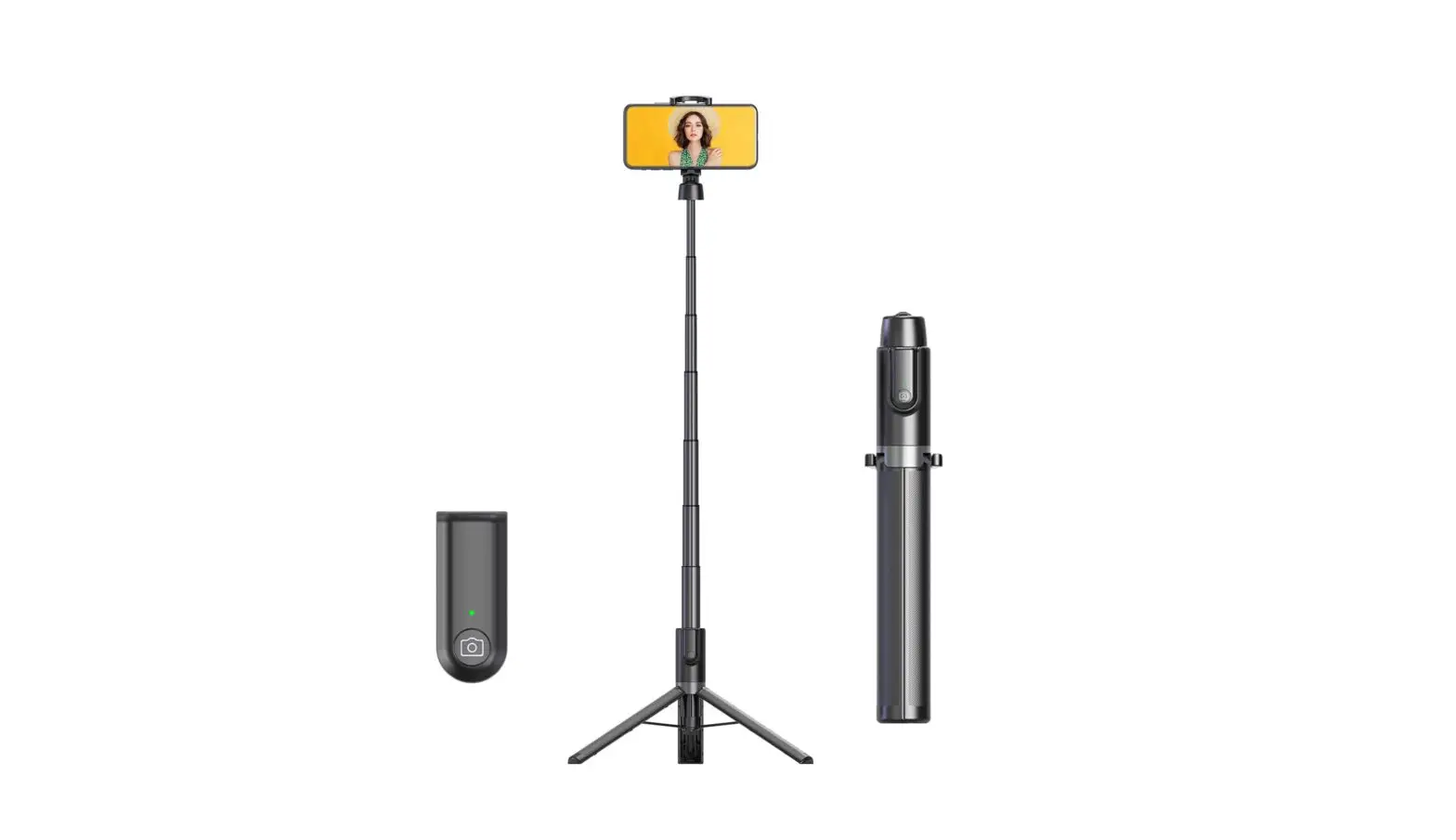
vimitty OH-AB403 Portable Tripod Selefie Stick User Manual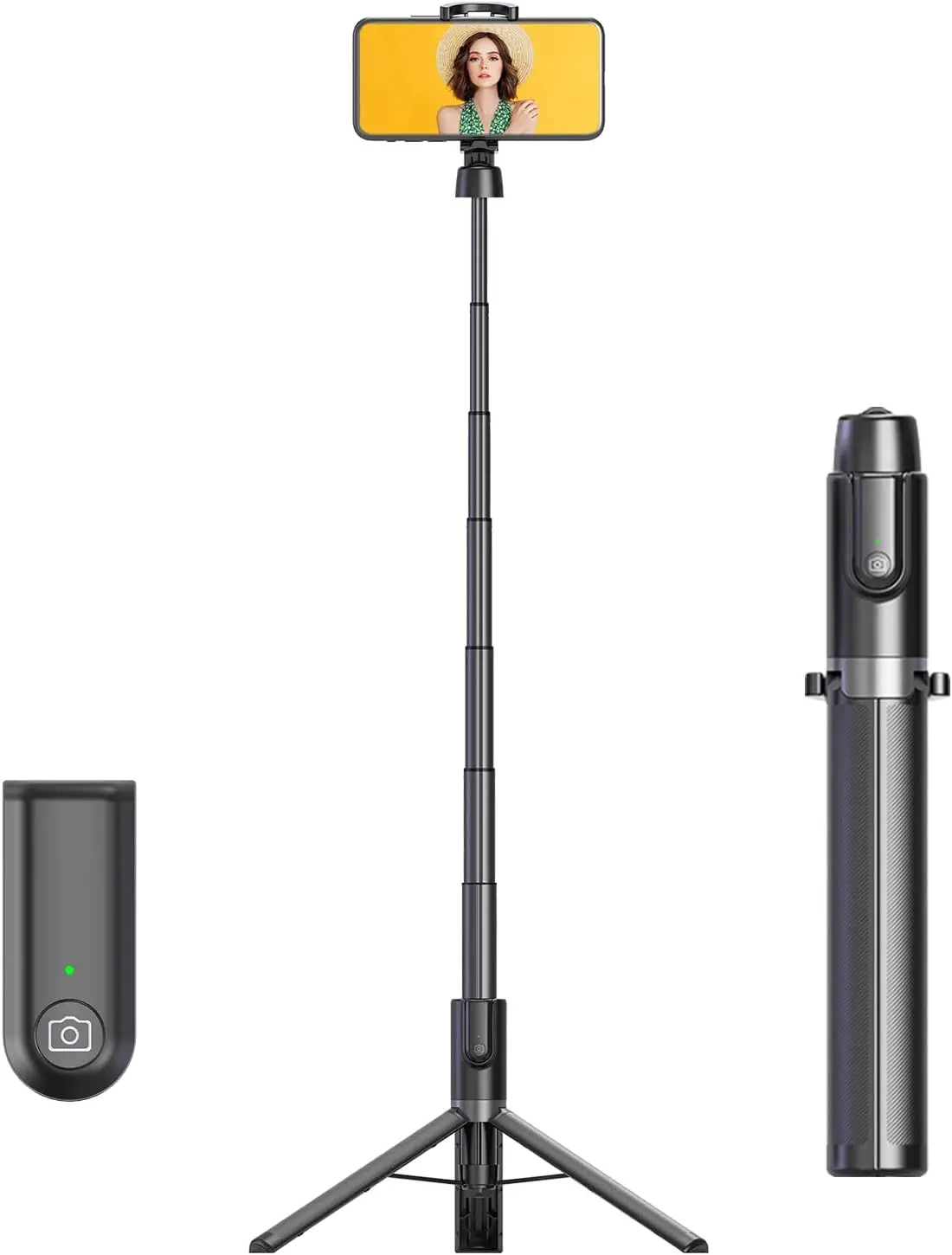
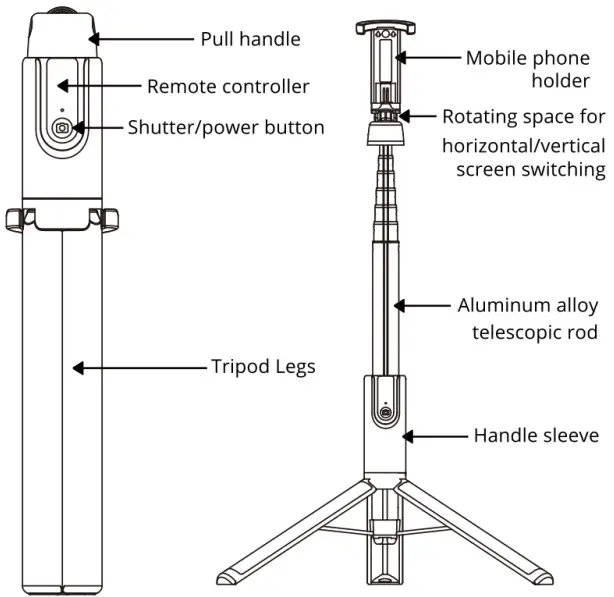
Product Introduction
Product Parameters
| Model | OTH-AB403 |
| Weight | 261 g /9.2 oz |
| Battery Capacity | 50mAh |
| Remote Distance | <10m(33ft) |
| Remote Button Lifespan | >20,000 times |
| Input | 5V/110mAh |
| Folded Size | 1.24×2.16×9.29 in |
| Extended length without tripod activated | Approx. 12.28-51.18 in |
| Extended length with tripod activated | Approx. 13.18-51.18 in |
| Compatible Device | IOS 7.0/Android 5.0 and above |
| Device width | Approx. 2.16-3.42 in |
| Material | Aluminum + ABS + PC |
Detach/Attach Remote Controller & Charging
The remote controller of this product is detachable. Pull the center rod to leave space for sliding out the Bluetooth Remote Controller. Slide the Bluetooth Remote back in the slot to attach the remote with the tripod. When the battery is low, detach the remote controller and charge with the Micro USB included in the package.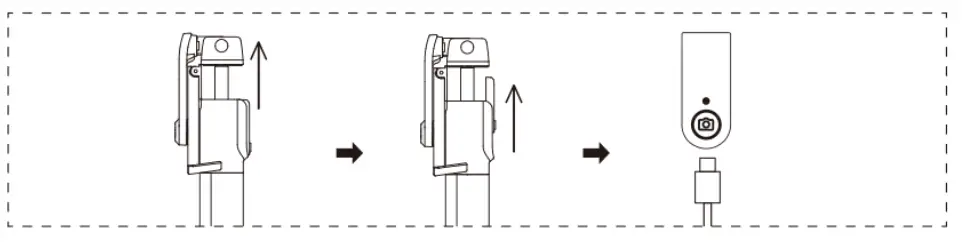
Multi-rotation Angle Support
Vimitty selfie stick is super adjustable which provides a 180° vertical rotation angle of bracket and a 360° horizontal rotation angle of phone holder.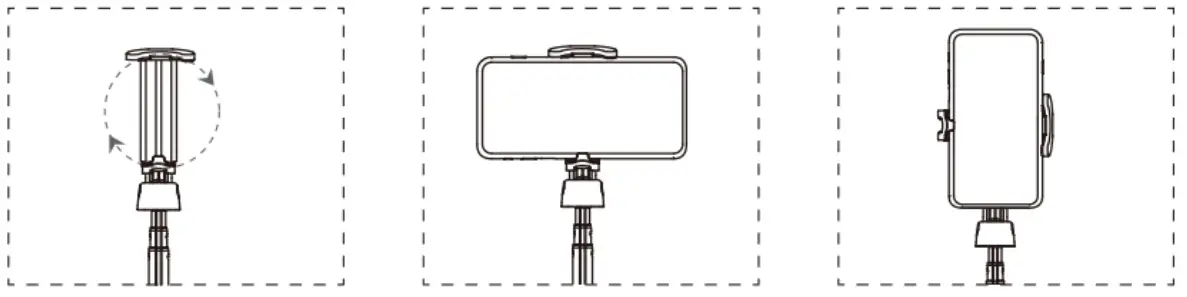
Release Tripod
Step 1:
Press the triangle button on the bottom of the tripod to release tripod legs.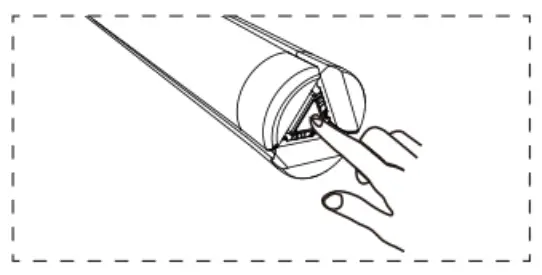
Step 2:
Unfold the phone holder to be upright.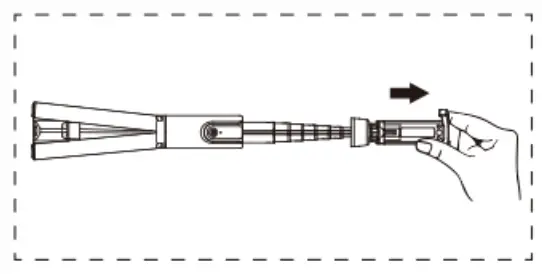
Step 3:
Hold the handle sleeve with one hand and the pull handle of the phone holder with the other hand to pull out the telescopic rod. Adjust to desired height. Tripod legs will open automatically as the telescopic rod being pulled out.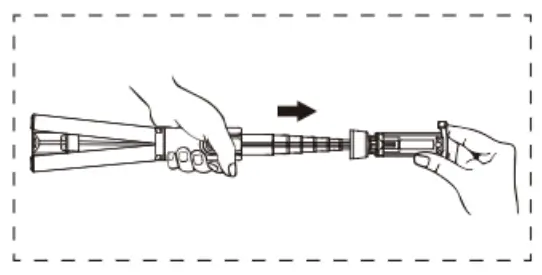
Attention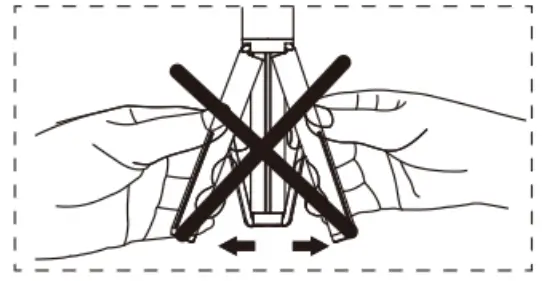
- Do not pull legs to open tripod.
- Push the handle sleeve all the way down so that the tripod legs are fully opened and stable.
Release Phone Holder
Step 1:
Unfold the phone holder to be perpendicular to the tripod.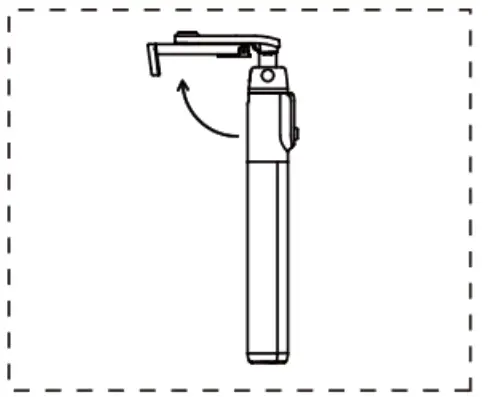
Step 2:
Rotate the phone holder around the tripod to align with the front of the tripod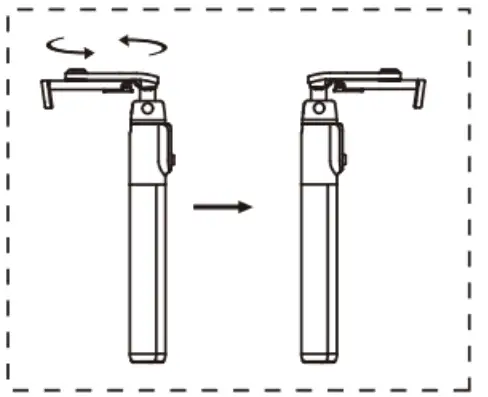
Step 3:
Unfold the phone holder to be upright. Push the upper clip up with your device and secure it on the mount.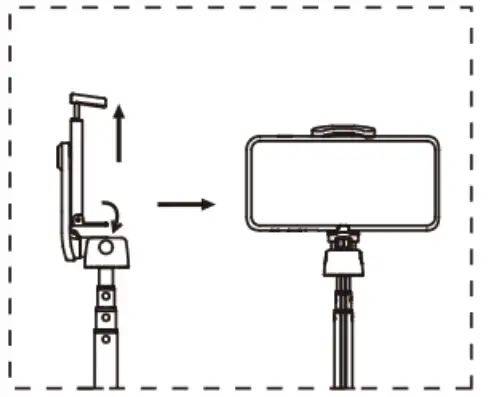
How To Closed
Step 1:
Remove your mobile phone by releasing the top cap.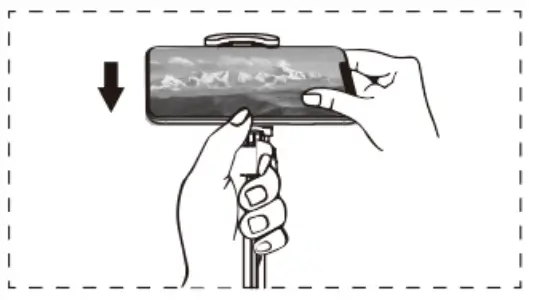
Step 2:
Rotate the phone mount around the tripod so that it faces away from the front of the tripod.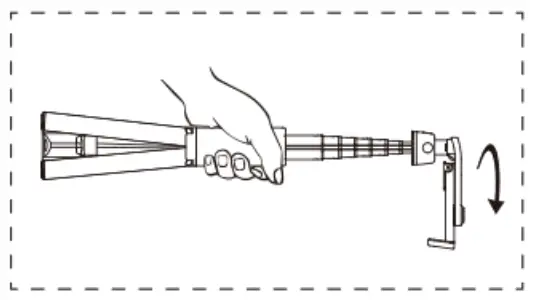
Step 3:
Hold the handle sleeve and use the other hand to push the aluminum alloy telescopic arm back from the top cap.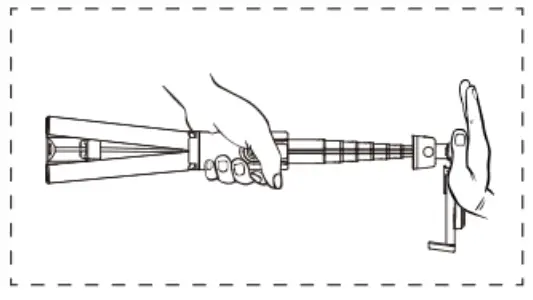
NOTE:
if you open the tripod, the tripod will close automatically when push back the aluminum alloy telescopic arm. Manual opera on is prohibited.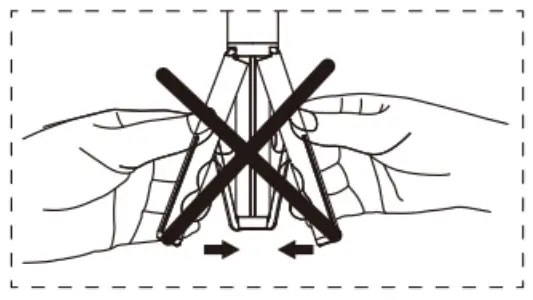
Connect Bluetooth
Step 1:
Press button on remoter controller for 3s, green light flashes into pairing mode.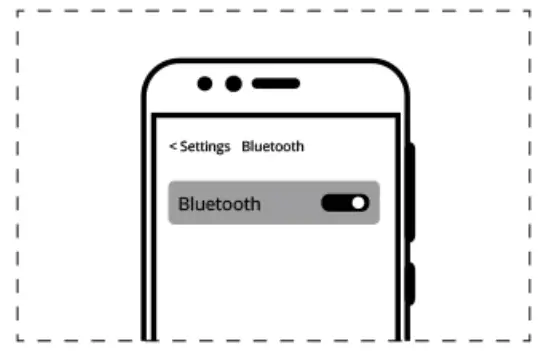
Step 2:
Active Bluetooth function on your device. Select “vimitty” for pairing The blue light goes out after connected.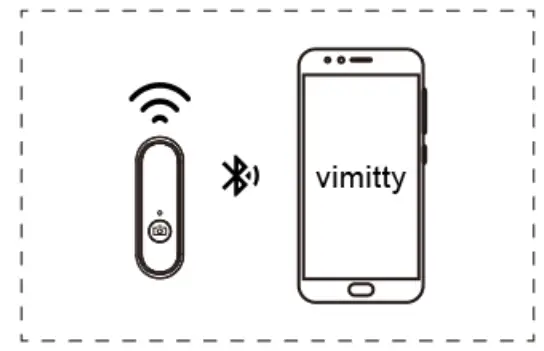
Step 3:
Press the button once to take pictures when connected smartphone is in camera mode.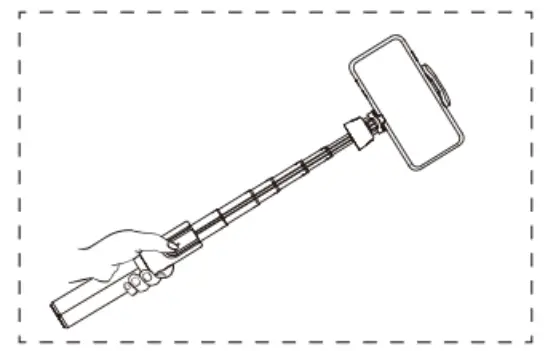
| Status | Light Type | Description |
| Switch On | Green light flashing | Press and hold on to the camera button for 3s into pairing mode |
| Switch Off | LED light off | Press and hold on to the camerabutton for 3s to turn off remote |
| Standby | LED light off | Remote will standby after 10minutes without operation. Press the button once to active, green light will flash ,please reconnect with phone again. |
| Low Power | Red light flashing | Charging with Micro-USB cable included |
| Charging | Red light on | Charge for 2 hours |
| Fully Charged | LED light off | Remove USB cable and keep it |
| Connected | Green light on | Press button once to take pictures |
NOTE: Bluetooth will automatically disconnect when the distance is greater than or equal to 10 meters.