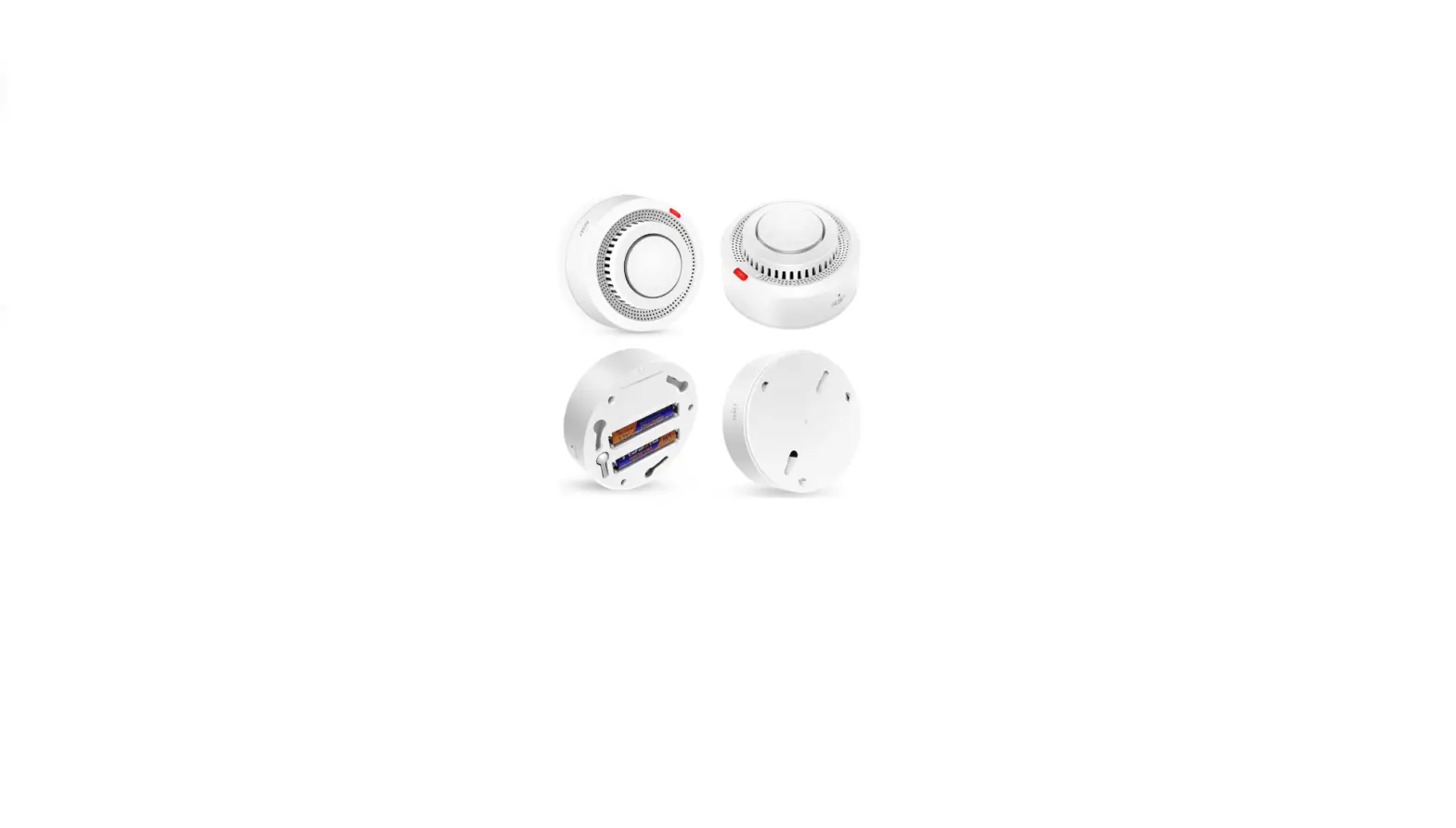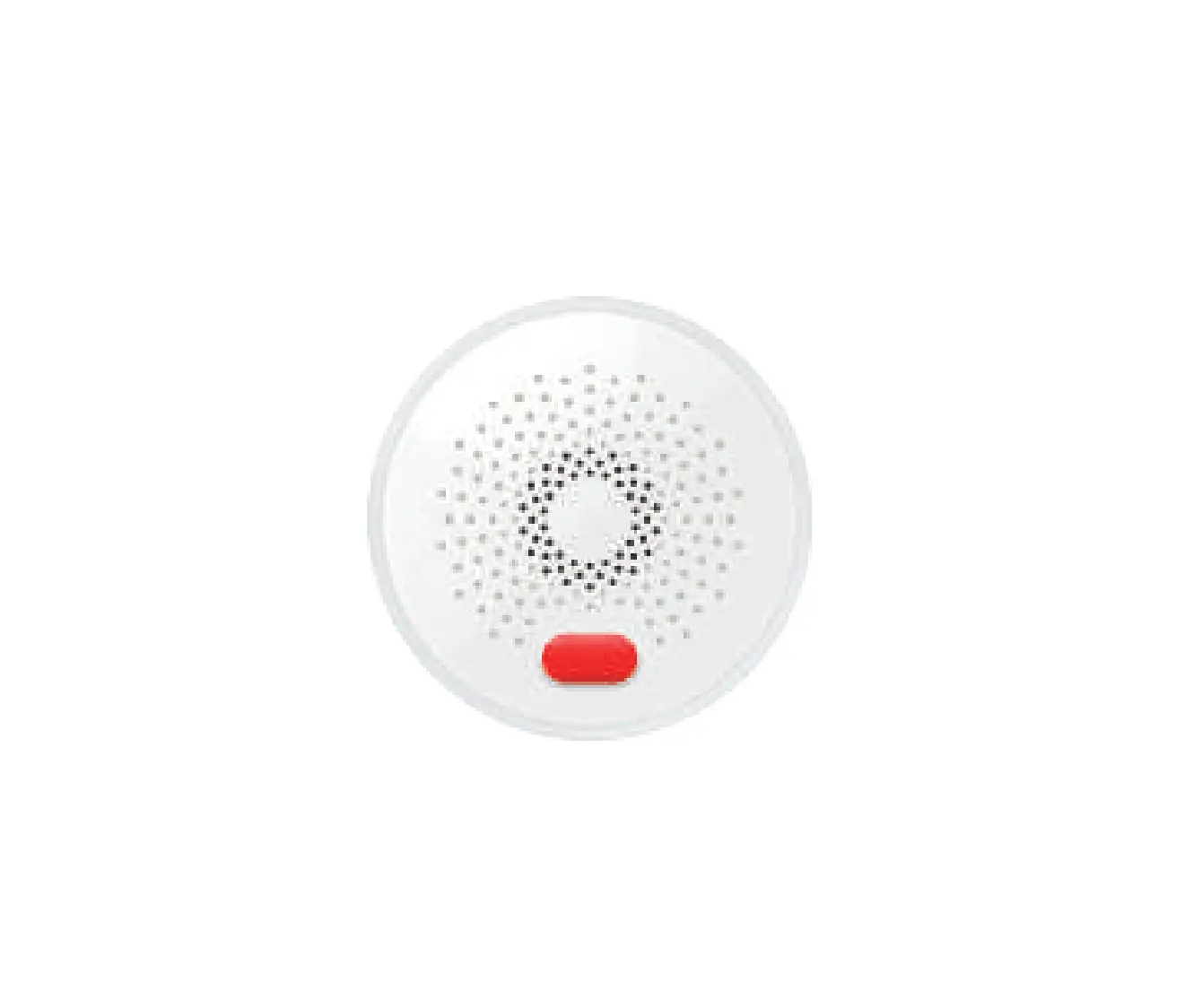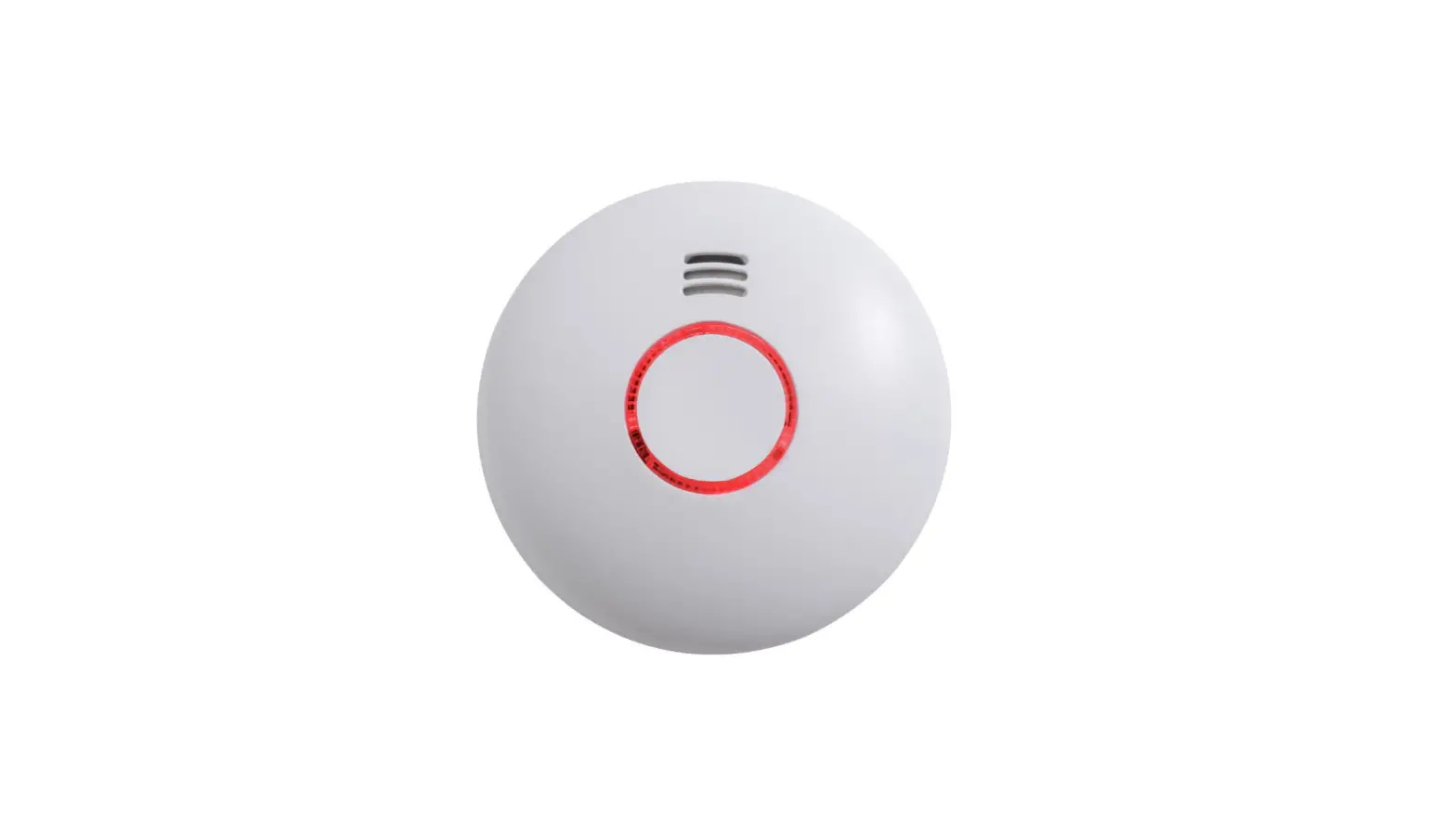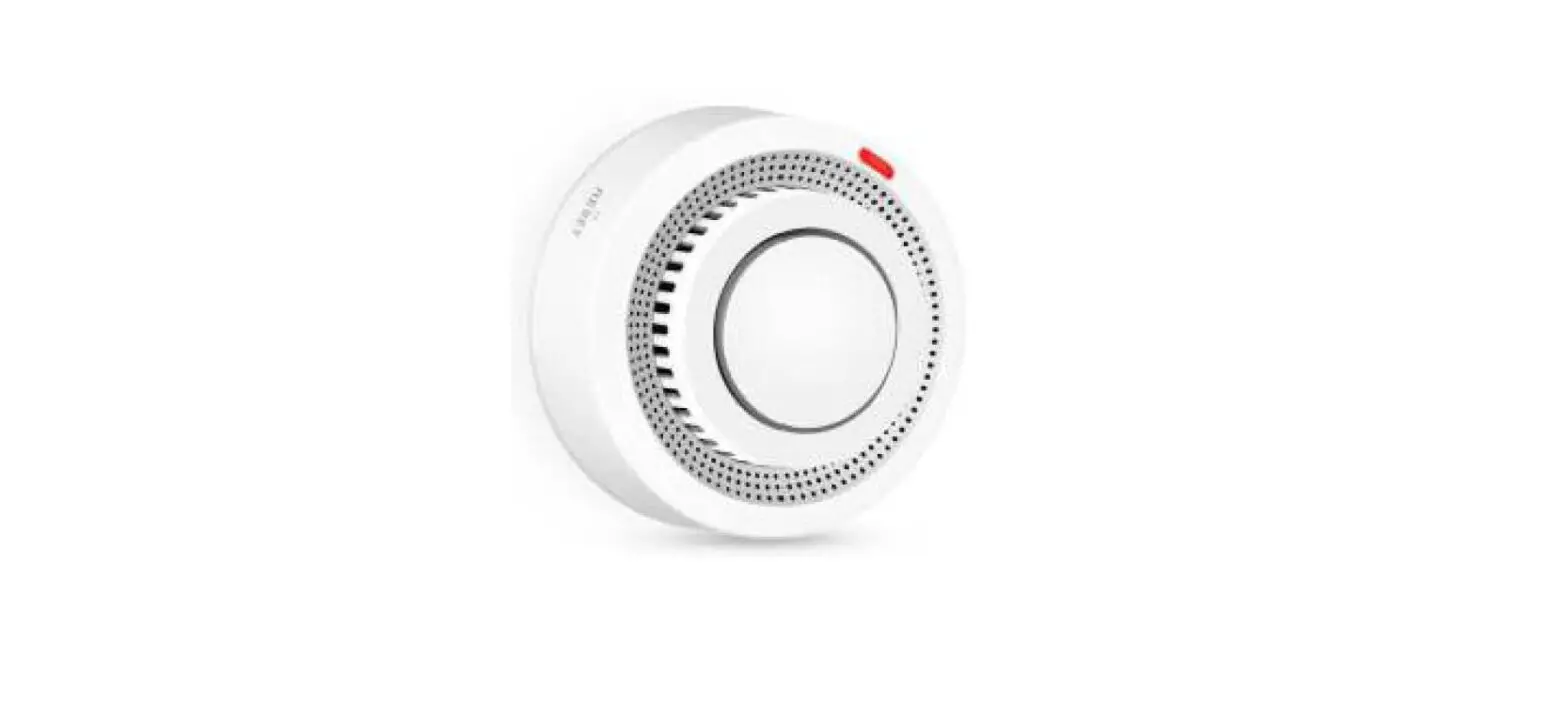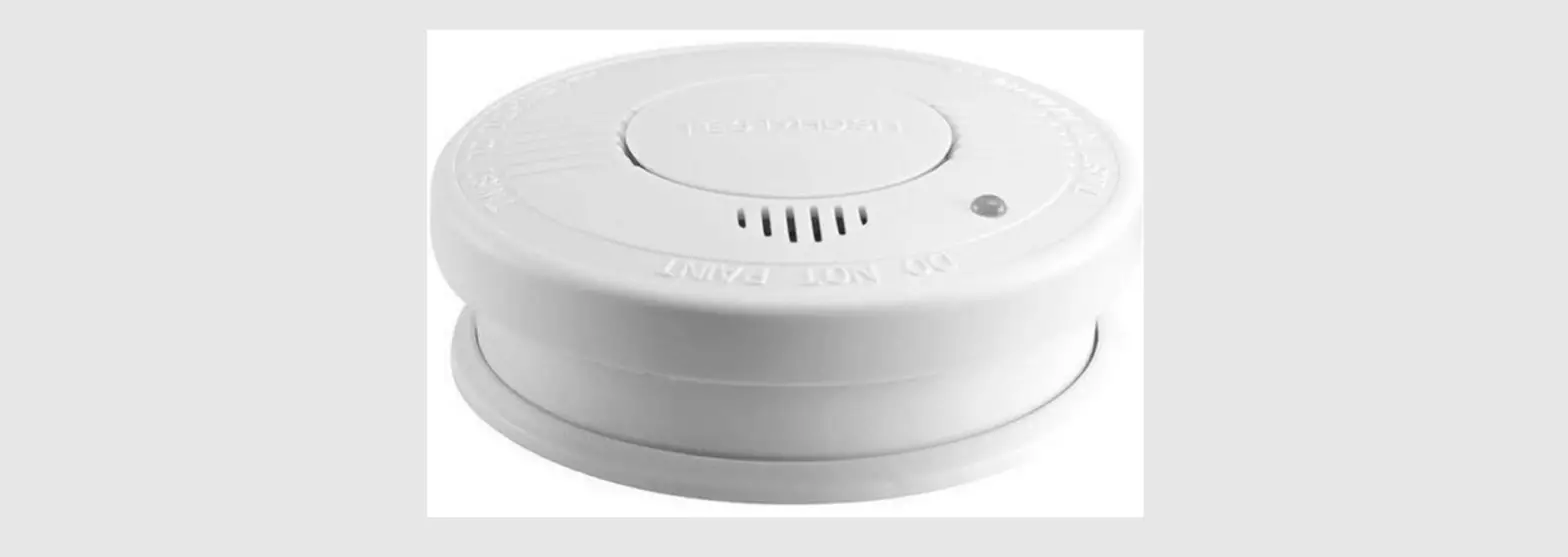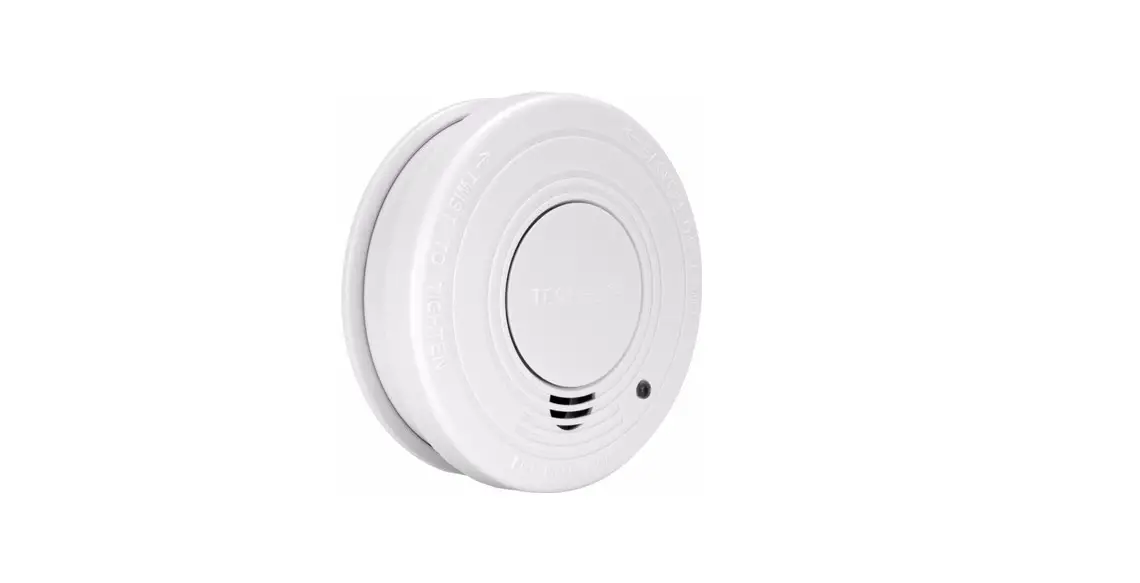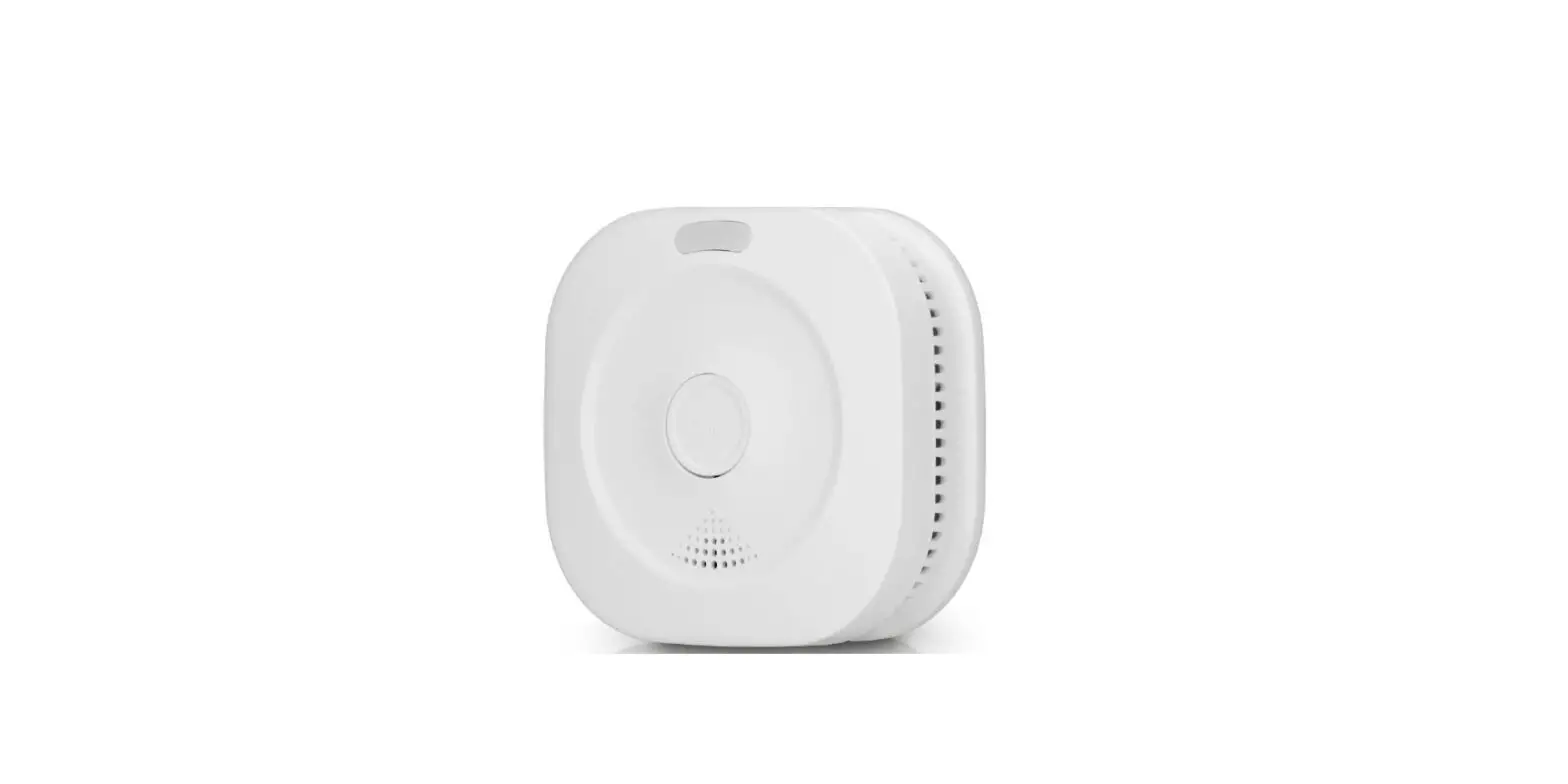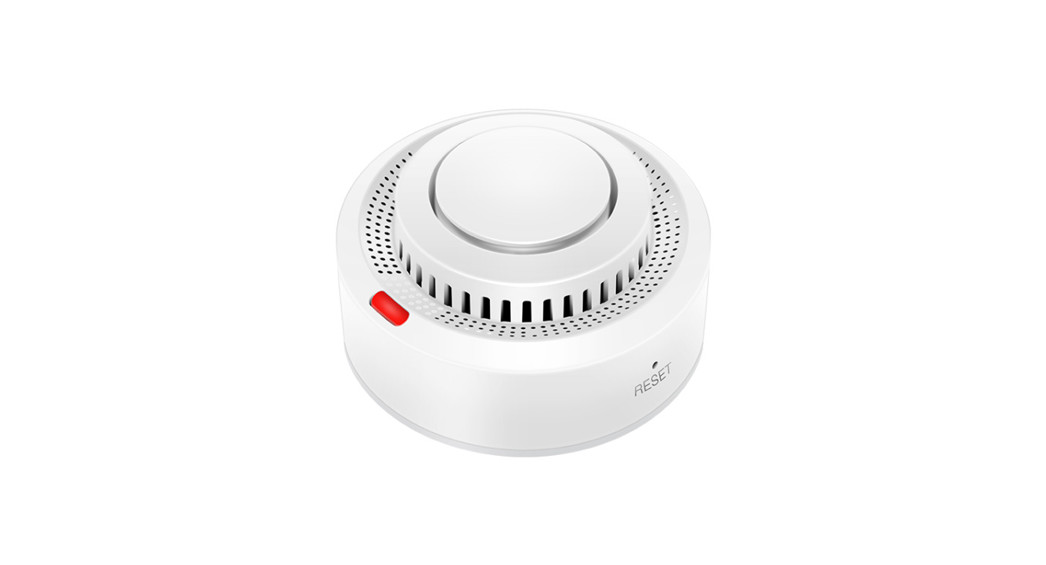
 WiFi Smoke Detector
Instruction Manual
*Please read carefully before using; and keep for later reference.
Introduction:
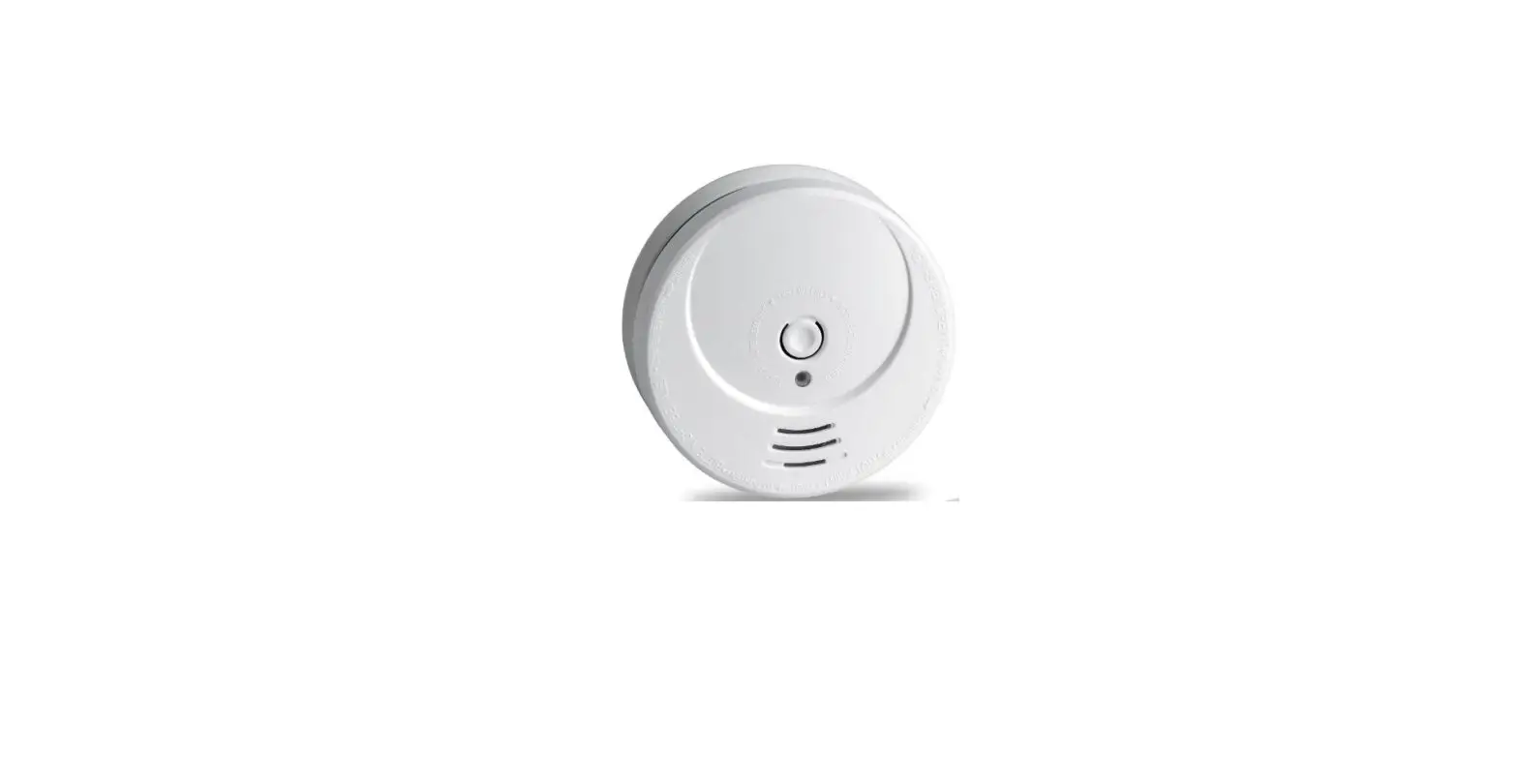
This product is a smart photoelectric smoke sensor, with ultra-low-power MCU design. It is an early warning device, can’t detect gas, heat, or fire, nor stop fire or put out fire. It is capable of real-time etecting the presence of smoke. Once detect danger of fire smoke, red LED will be ON, and alarming to alert you and your family timely. It can be widely used in household, lounge, coffee house, dancing hall, and any other places need fire alarm monitoring.
Specifications
Input Voltage:DC3V LR03
Static Current :≤15uA
Alarm Current :≤160mA
Low-voltage notification :≤2.4V
Alarm Sound Level :80db/1m
WiFi :802.11 b/g/n
Detecting Range :20 ㎡
Installation Method :Ceiling Mounted
Working Temperature :-10 ℃~+50 ℃
Working Humidity :≤95%RH
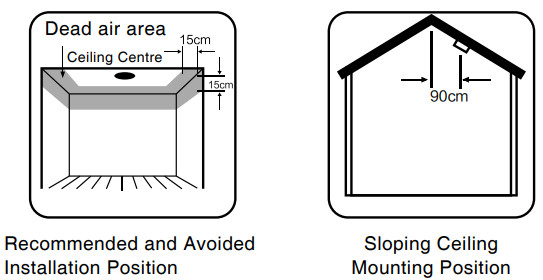
Flat Ceiling Mounting
The preferred location to install smoke sensor is in the centre of the ceiling, because smoke, heat and combustible products rise to ceiling and will laterally spread. Keep at least 30cm distance from lights or decorations, and at least 15cm away from walls and corners.
Sloping Ceiling Mounting
If Ceiling is sloping, please install the smoke sensor at horizontal distance 90cm away from the ceiling top.
How to use:
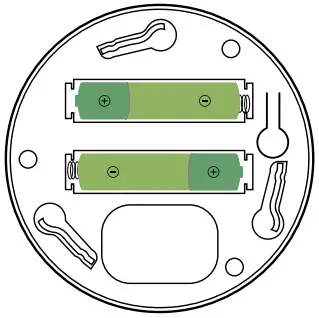
- Clockwise rotation the mounting bracket, take out and prepare to install battery.

- Input 2pcs AAA battery inside, the LED indicator ON and then OFF.

- Download “TuyaSmart” App, or Scan below QR code to download.
 htdps://smartapp.tuya.com/tuyasmart
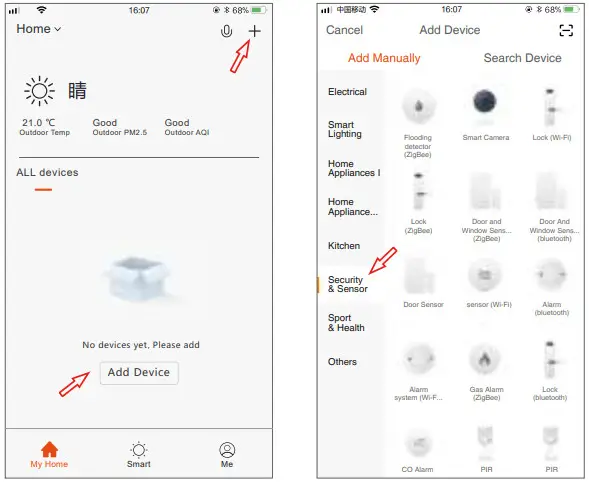
 - Register a Tuya Smart App account with your mobile phone, and log in. Click “+” at “My Home” or the Mid-blank space to add device, choose Security Sensor, find Sensor (WiFi) and click.

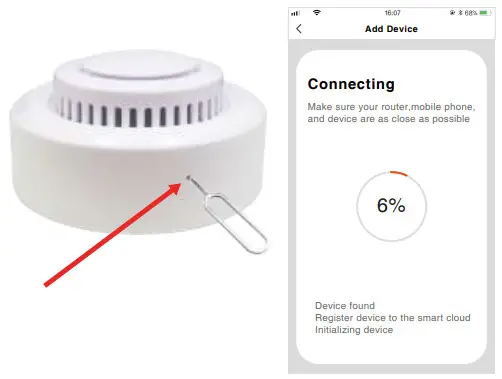
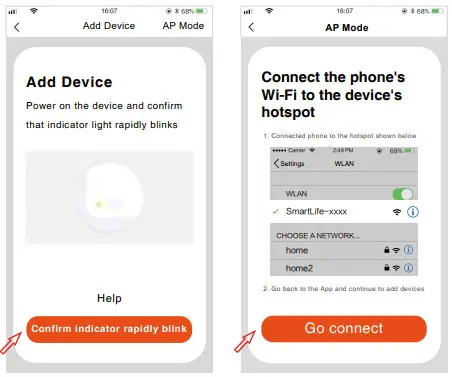
- Press the RESET for more than 5 Seconds with the PIN, the LED indicator flashes quickly, start network configuration automatically. Input the WiFi code to start connecting.

- Press RESET for 5 seconds with PIN when configuration network, indicator flashes slowly, start manual network configuration mode. Input WiFi account and code to add device.

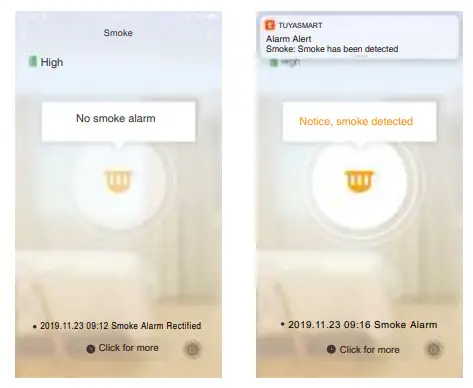
- Configuration network successfully, click smoke detector, long press TEST, buzzer will have DI DI sound, App receive notification “ Detecting smoke”; Release TEST, App will show “No Smoke Detected”



Mute function
Please make sure there is no real danger of fire when using mute function. Under known and non-fire alarm condition, please do not block or by any other form to prohibit alarming. Press the Test/Mute button to lower sensitivity and relieve alarm.
Test: To burn cotton produces smoke and face the smoke detector. When smoke detector have DiDi alarm, press TEST/MUTE to stop alarming. Please do not use flame to do the test.
State and Trouble Shooting
| State | LED | Sound Alarm |
| Normal | Red LED flashes every 60 seconds | No |
| Test | Red LED ON | Rapid ‘Di-Di-Di’ |
| Alarm | Red LED ON | Rapid ‘Di-Di-Di’ |
| Low Power | Red LED flashes two times every 60 seconds | No |
| Standby | 15 seconds Test alarming, LED OFF | No |
| Auto Network Configuration | LED Indicator flashes every 1 second | No |
| Manual Network Configuration | LED Indicator flashes every 3 seconds | No |
10. If the smoke detector can’t work normally, please do checking as follow:
- If the battery has been used over, so please replace battery timely.
- Please clean the smoke detector timely.
- If correct installing the mounting bracket.
- Smoke alarming ( TEST ) has no notification, please make sure the distance from installing place to router is within 10 meters.