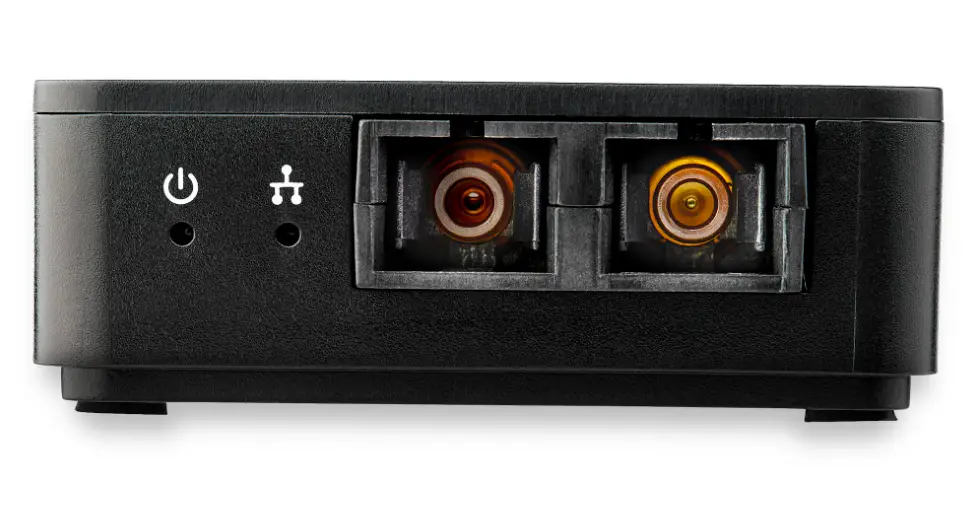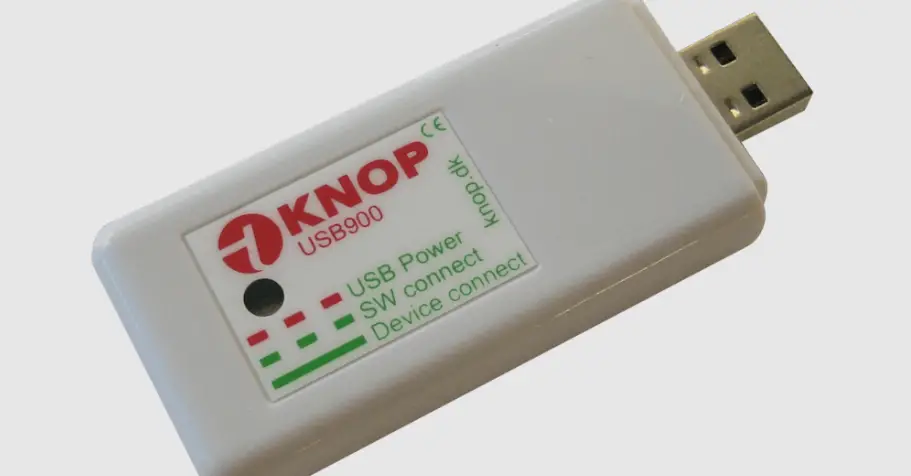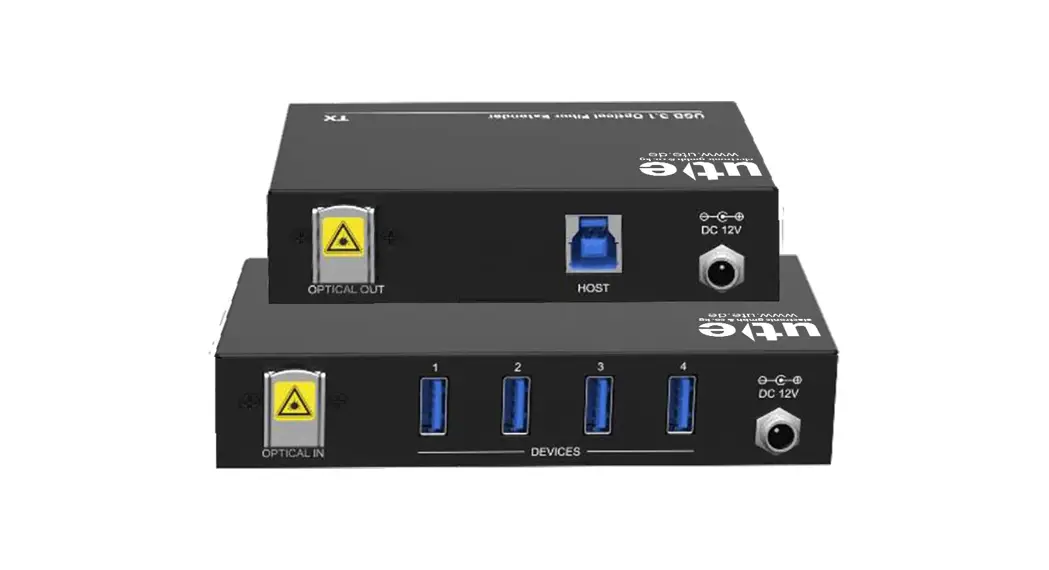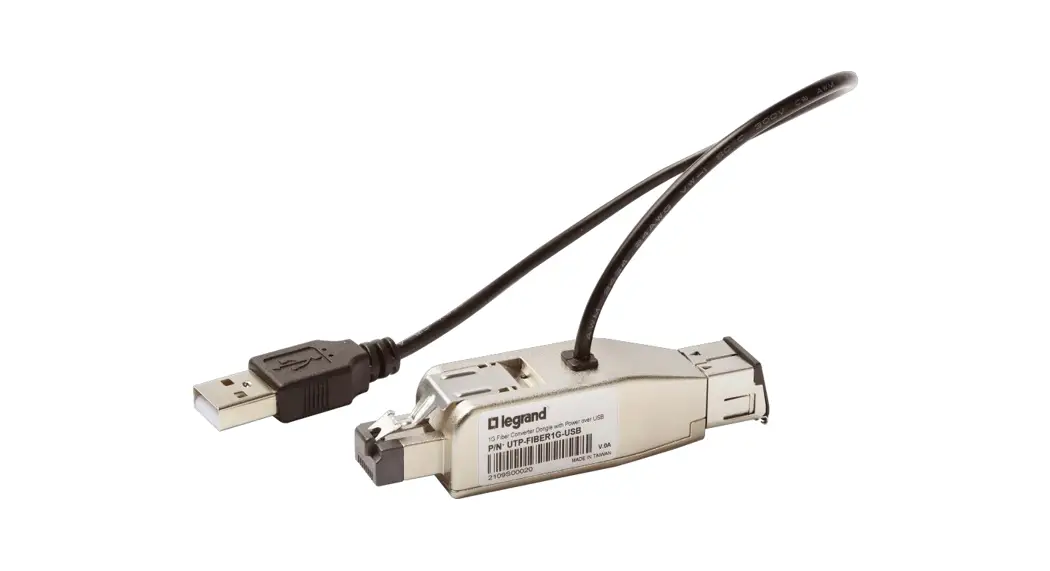
 UTP-FIBER1G-USB 1G Fiber Converter Dongle with Power over USB
User Guide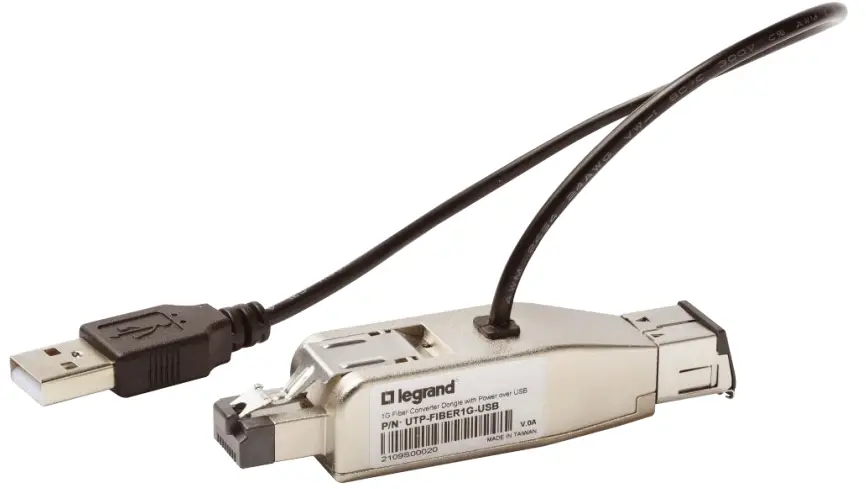
UTP-FIBER1G-USB 1G Fiber Converter Dongle with Power over USB
UTP-to-Fiber Media Converter
Thank you for purchasing the UTP-Fiber1G-USB, a 1G Fiber Converter with Power over USB.
Package Contents
- 1G Fiber-to-UTP Converter with Power over USB QS Rule
Product Features
- Single-mode and multi-mode fiber support
- Distance up to 10km for single-mode fiber and up to 800m for multi-mode fiber
- Link Fault Pass-Through (LFP) support
- Auto dust cover
- Auto crossing to simplify cabling (MDI/MDIX)
- Individual LEDs to indicate power and communication status
LED Panel
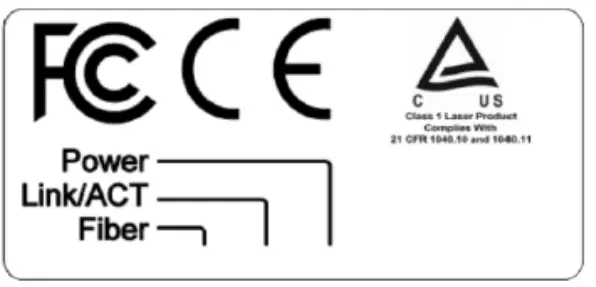
| LED Label | Color | Status | Meaning |
| Power | Green | On | Module On |
| No light | Off | Module Off | |
| Link/ACT | Green | On | 1000 Mbps |
| Green Blinking | On | Activity | |
| No light | Off | Disconnected | |
| Fiber | Blue | On | Connected |
| No light | Off | Disconnected |
LED Operation for Link Fault Pass-Through (LFP)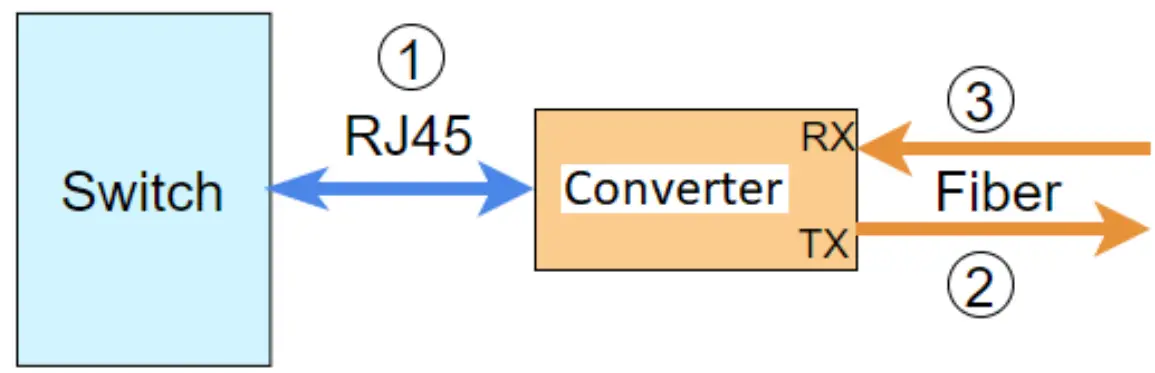
| Diagram | Conditions | Dongle LED Presentation | ||
| Description | Color | Status | ||
| Normal Operations | PWR | Green | On | |
| Link/ACT On | Green | |||
| Fiber | Blue | On | ||
| 1 | Switch and Converter disconnected | PWR | Green | On |
| Link/ACT | Green | Off | ||
| Fiber | Blue | Off | ||
| 2 | Converter TX Fiber disconnected * | PWR | Green | On |
| Link/ACT | Green | Blinking every 5 seconds | ||
| Fiber | Blue | Off | ||
| 3 | Converter RX Fiber disconnected * | PWR | Green | On |
| Link/ACT | Green | Off | ||
| Fiber | Blue | Off | ||
*Note: The device at the remote side must support Link Fault Pass-Through (LFP).
Installing the UTP-Fiber1G-USB
- Plug the RJ45 connector of UTP-Fiber1G-USB into the RJ45 port of the target device.

- Plug the USB type A connector of UTP-Fiber1G-USB into the USB port of the target device to serve as power source.

- Flip open the dust cover of the UTP-Fiber1G-USB to reveal the fiber port, then connect the fiber cable’s LC connector to the fiber port.
 Warning: To prevent damage to the dust cover, do not bend it all the way back.
 - Connect the other end of the fiber cable to the fiber port of a target device to verify that the fiber connection is complete.
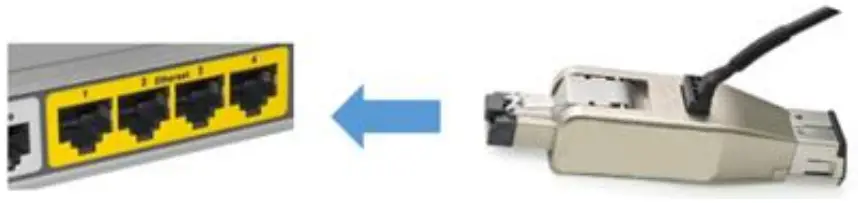
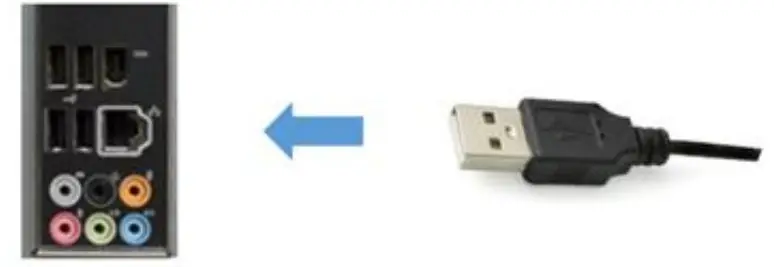
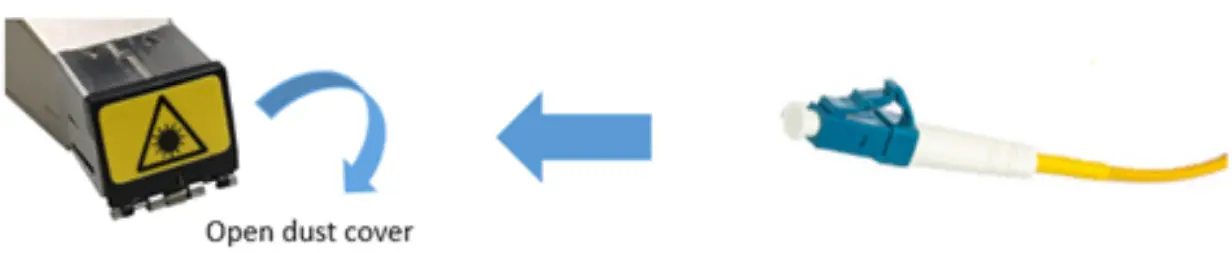 Warning: To prevent damage to the dust cover, do not bend it all the way back.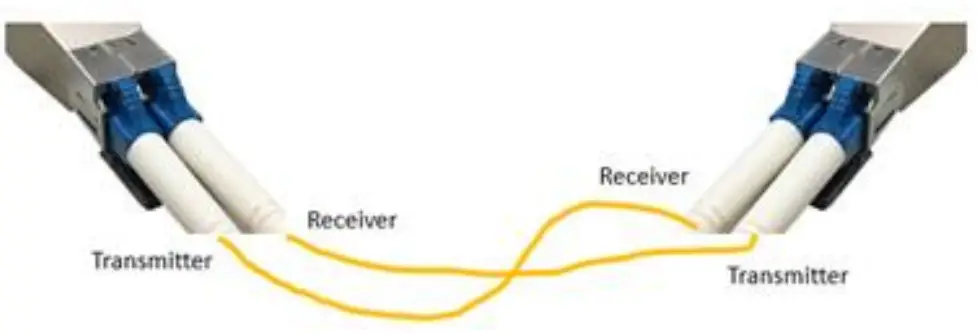
Removing the UTP-Fiber1G-USB
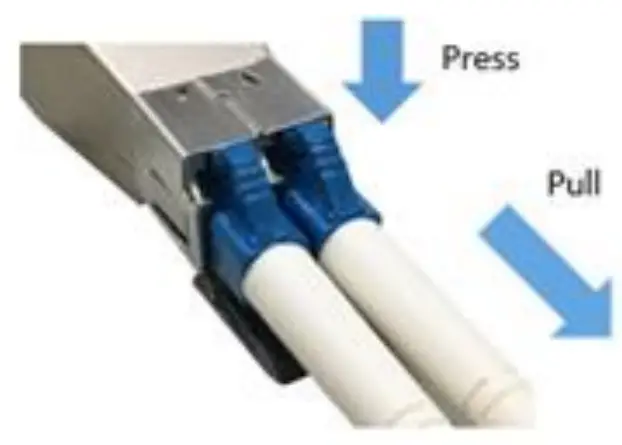
- Press the fiber cable’s connector and pull to remove it from UTP-Fiber1G-USB.

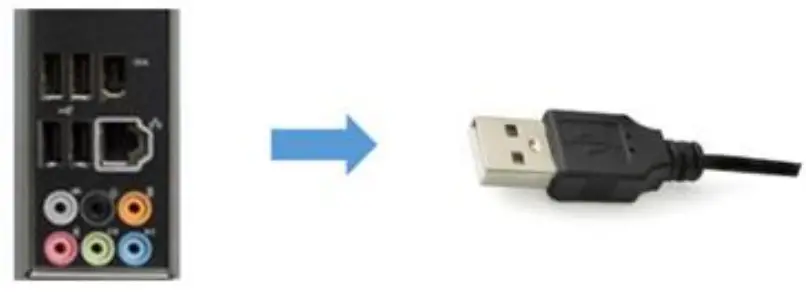
- Remove the UTP-Fiber1G-USB’s USB type A connector from its power source.

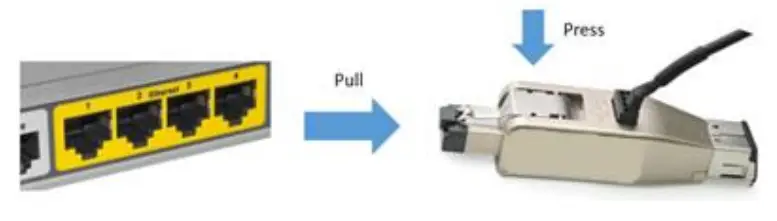
- Press the latch down and pull to remove UTP-Fiber1G-USB from the target device’s RJ45 port.

Product Specifications
| General Specifications | ||
| Function | Fiber Converter dongle | |
| R145 port | 1000 Base-Tx Auto negotiation (IEEE 802.3u) | |
| Fiber Port | 1000 Base-X Full-duplex (IEEE 802.3u) | |
| Properties of optic port | ||
| Total number of FO ports | 1 | |
| Connector type | LC | |
| Fiber Mode | Duplex Fiber | |
| link Distance (Max) | Up to 10Km for Single-mode fiber Up to 800m for Multi-mode fiber | |
| Data rate | 1.25Gbps | |
| Wavelength | 1310nm | |
| Optical Output Power Range | -1 “-5 dBm | |
| Optical Receive Sensitivity | -21 `-3 dBm | |
| Properties of R145 port | ||
| Total number of RI-15 Ethernet interfaces | ||
| Connection type | R145 male | |
| Data rate | 1000Mbps | |
| MDI/MDIx switchover | Auto MDI/MDIX | |
| Environmental Specifications | ||
| Operating | 0°C-55°C | |
| Operating Humidity (Max) | 5%-95% | |
| Degree of protection | IP20 | |
| Power Requirements | ||
| Connector type | USB 3.0 / USB 2.0 Type A | |
| Power Consumption | typical | 2.1 W |
| maximum | 2.5 W | |
| Physical Characteristics | |
| Housing | Metal |
| Dimension | 82.33(L)*20(W)*16.56(H) mm |
| Weight | 50g |
| Standards and Certifications | |
| EMC/EMI | CE and FCC |
| Green product | RoHS and REACH |
UTP-Fiber1G-USB QSG
UTP_Fiber1G_USB-QSG-revA1
255-80-0069-00-RoHS