GIGABYTE 12QM-MBQUICK-200xR Multilingual Installation Guide
Contents hide
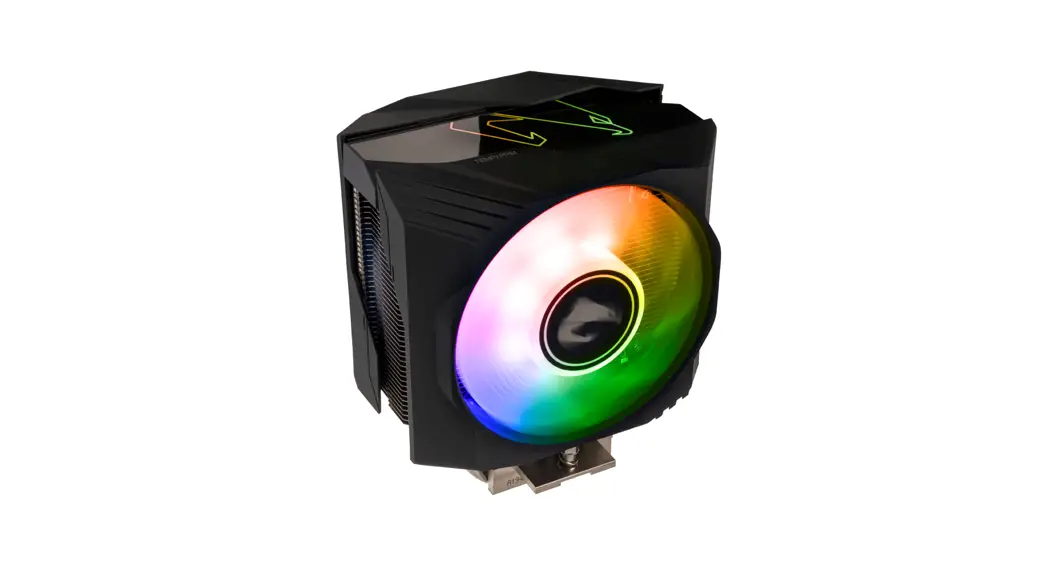
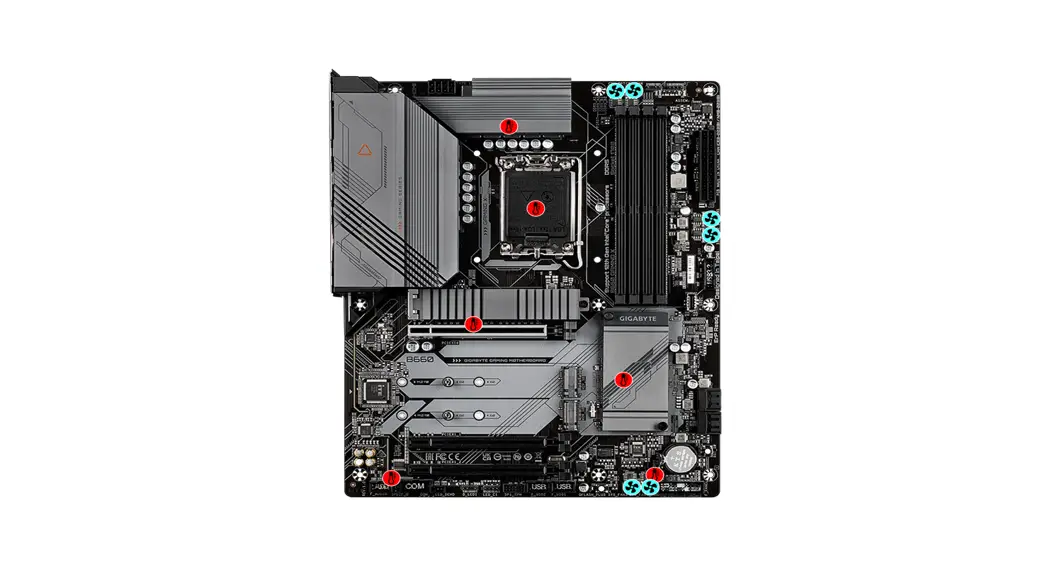
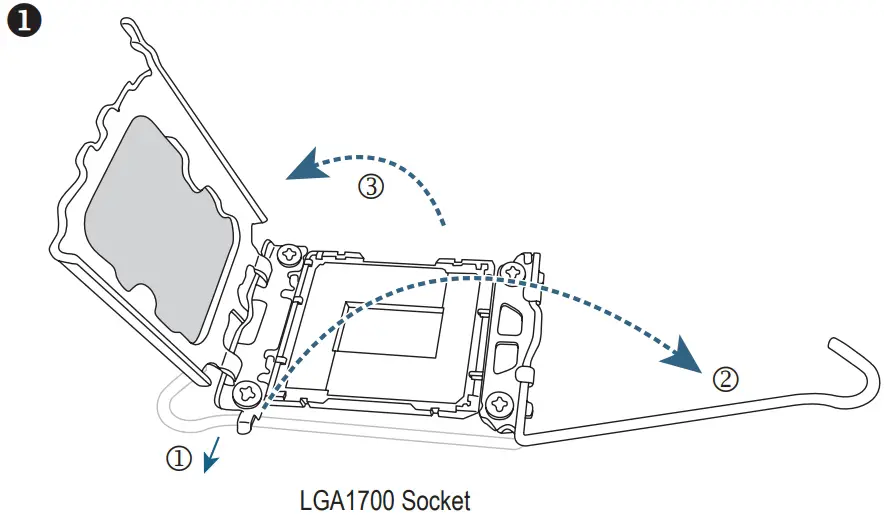
Install a CPU and CPU cooler
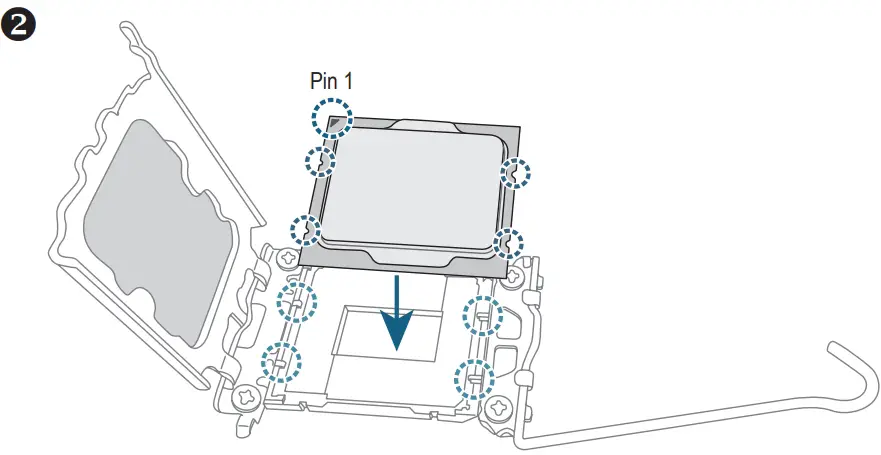
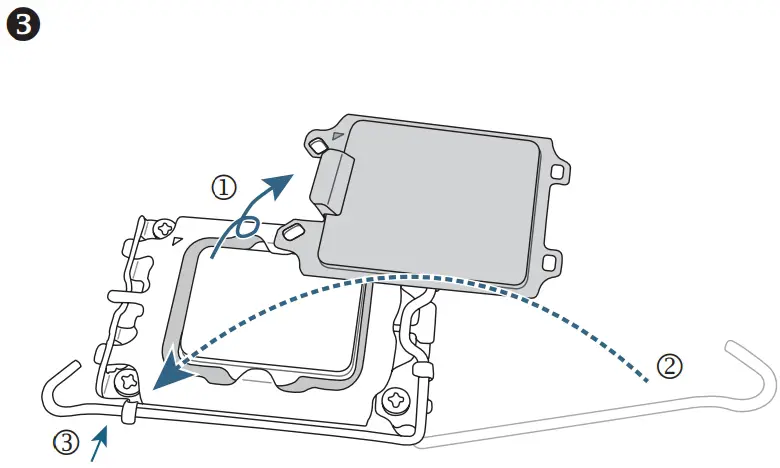
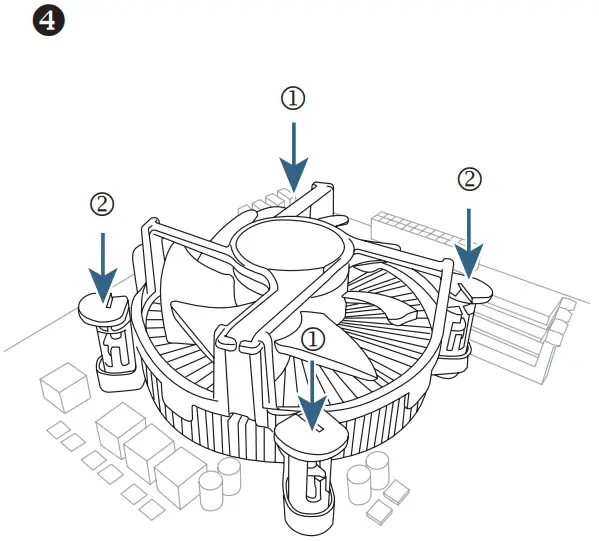
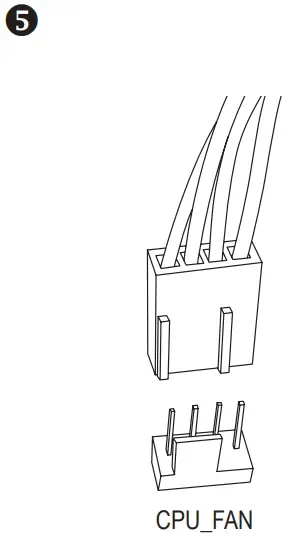
Install memory
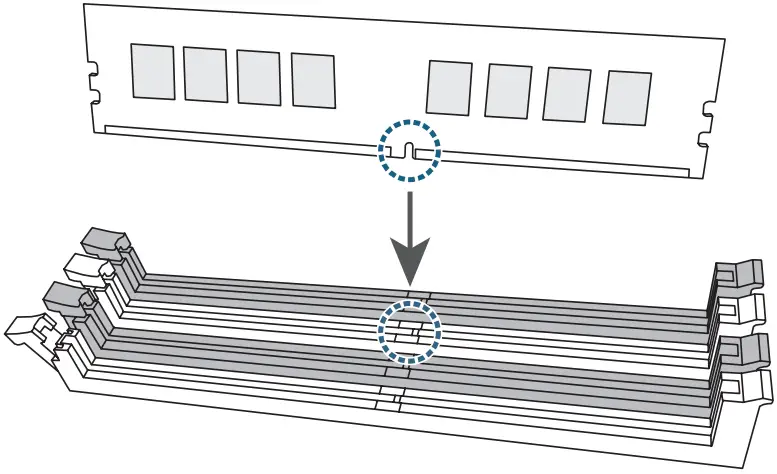
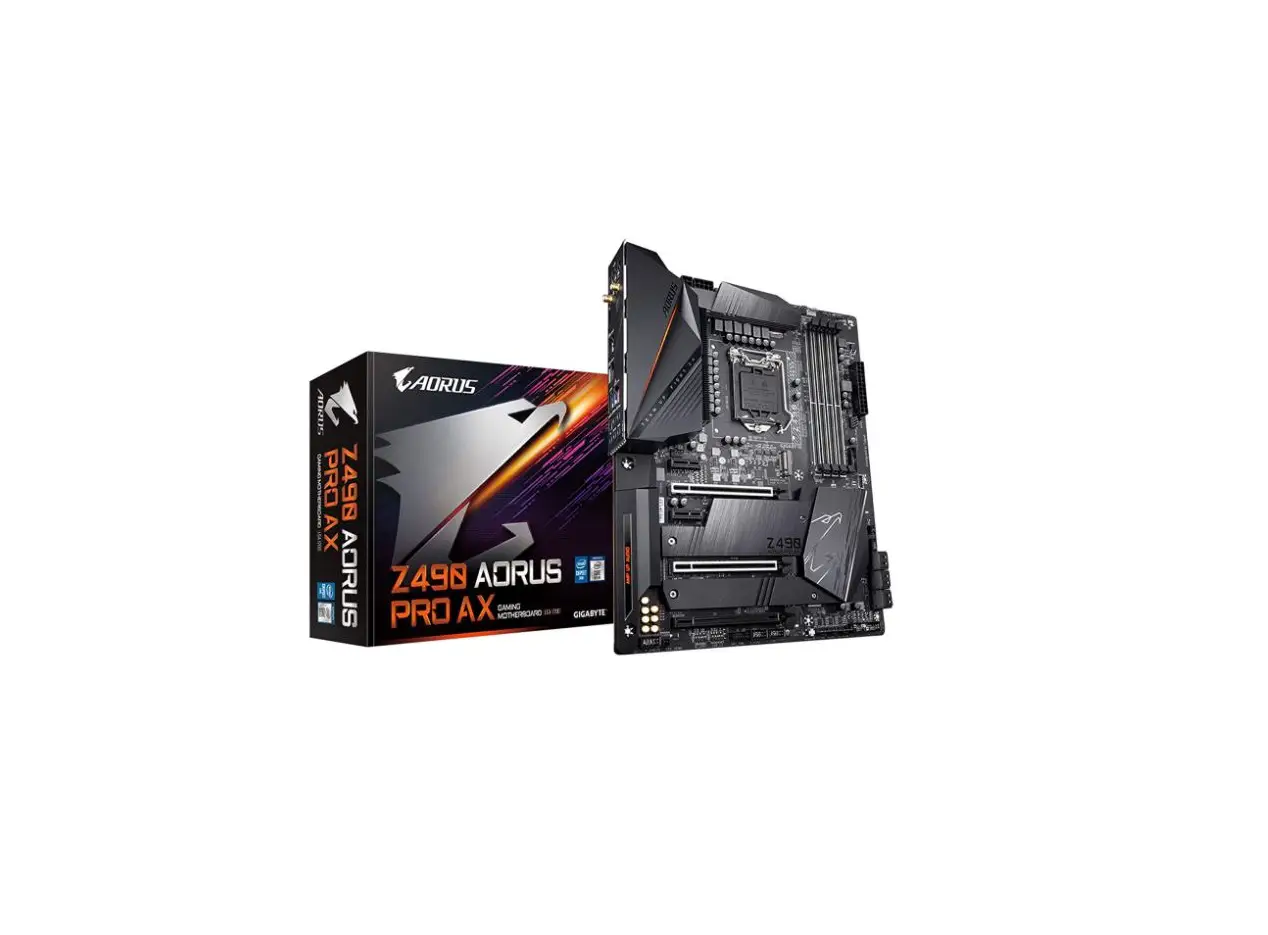
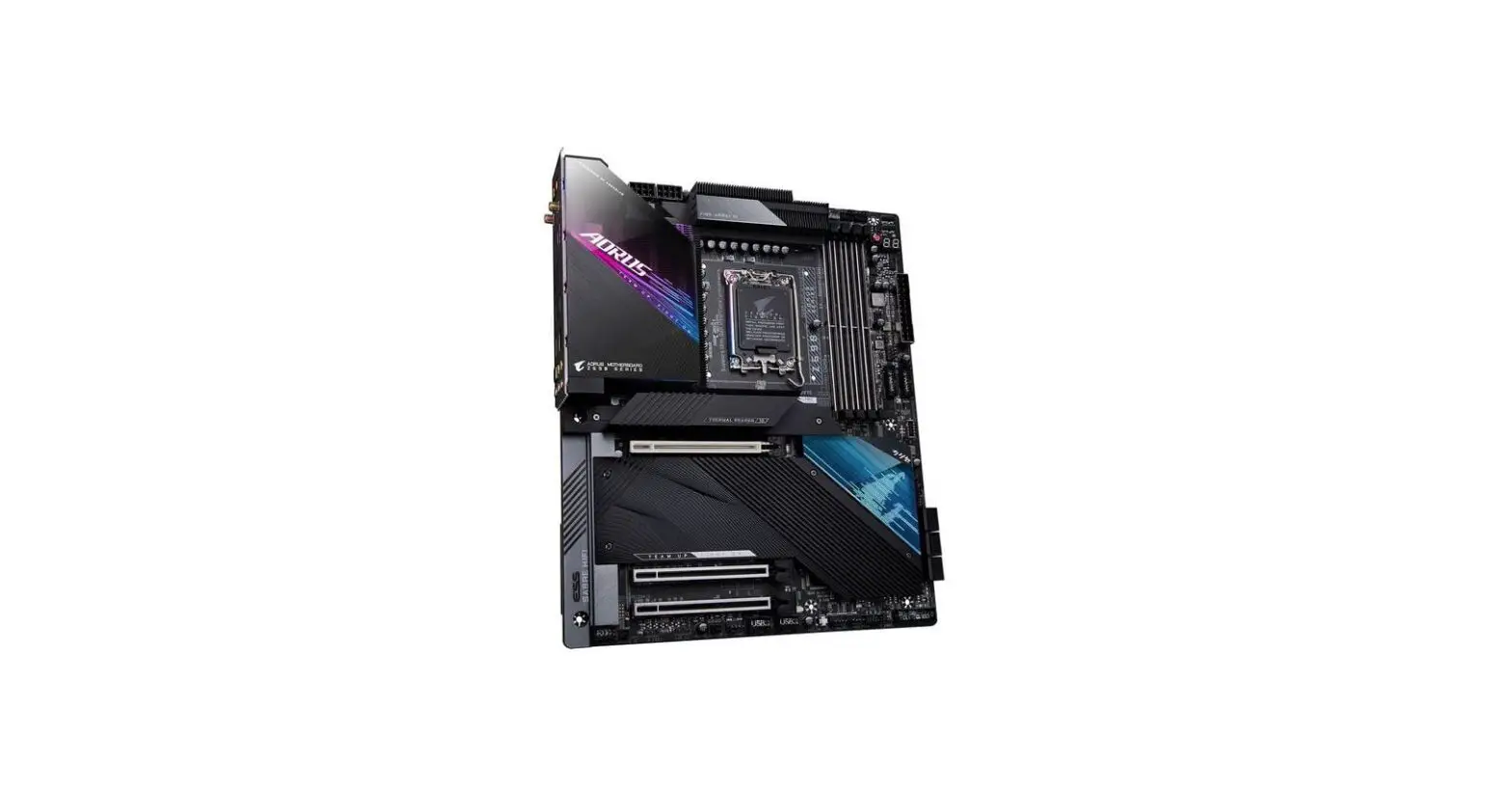
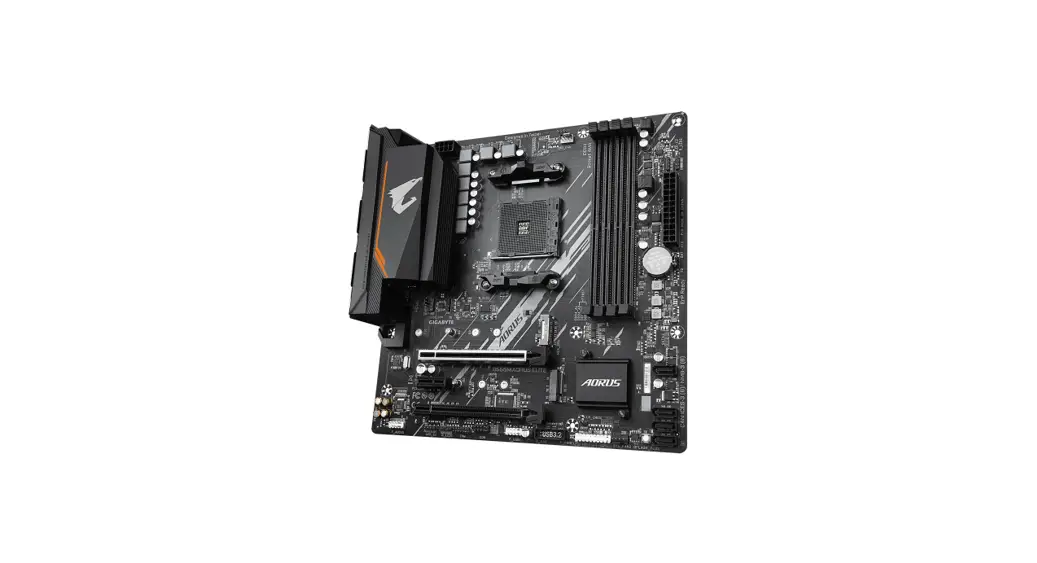
Prepare the case and Install the motherboard
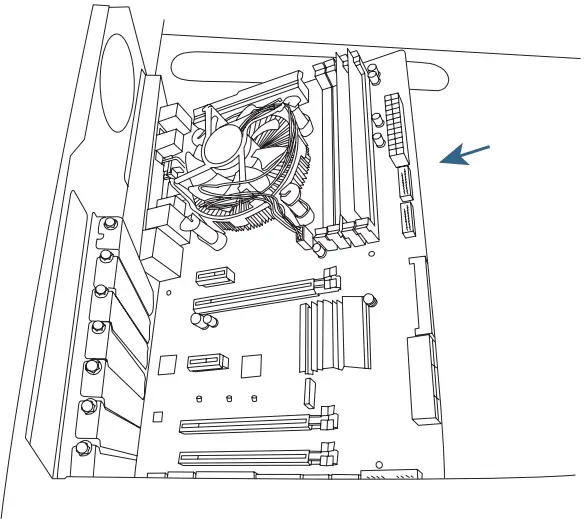
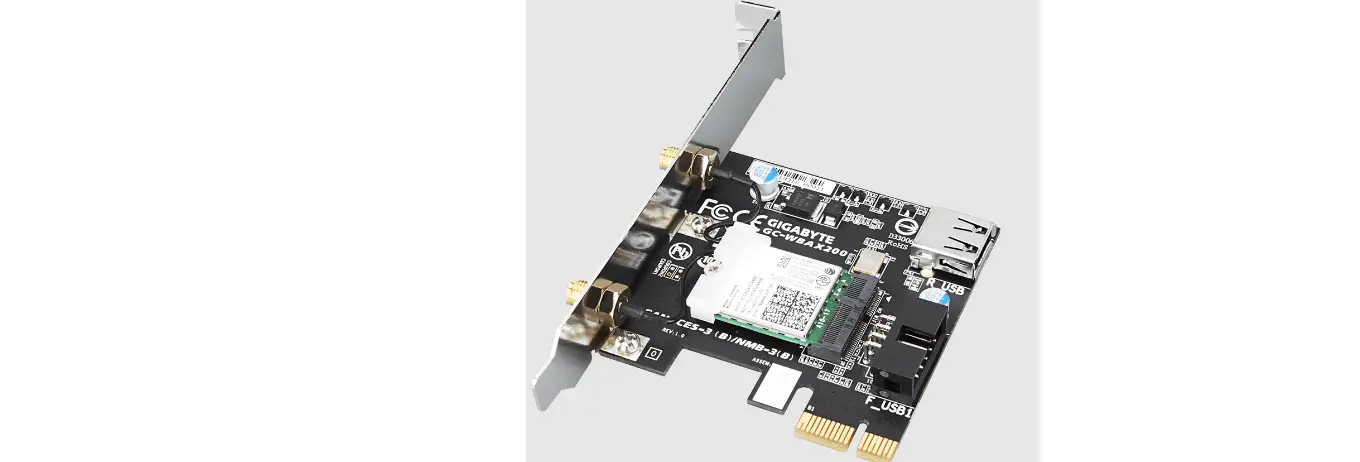
Install an expansion card
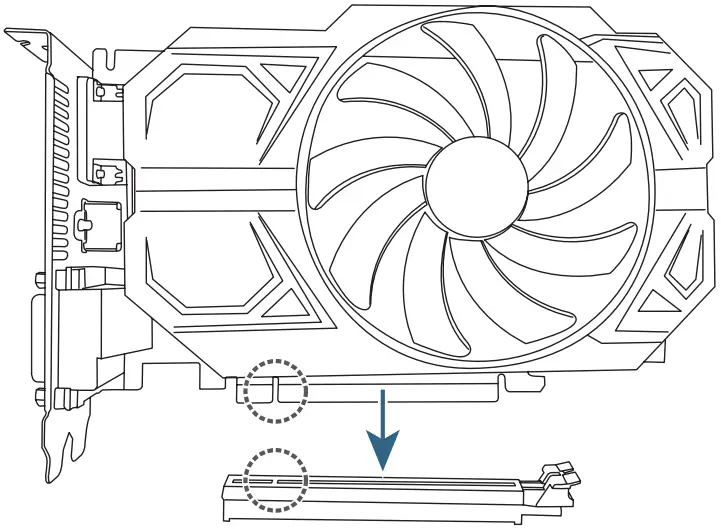
Install a power supply
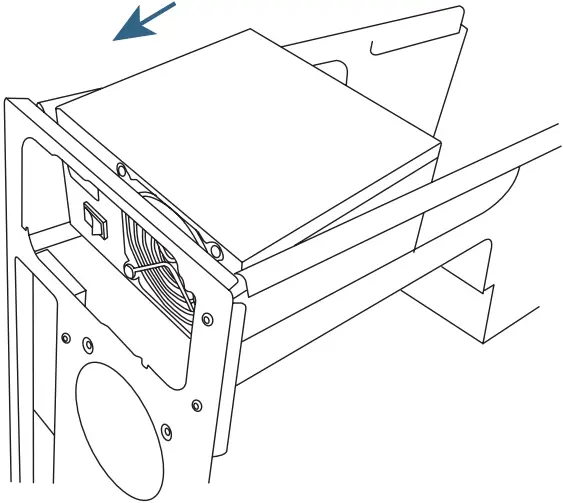
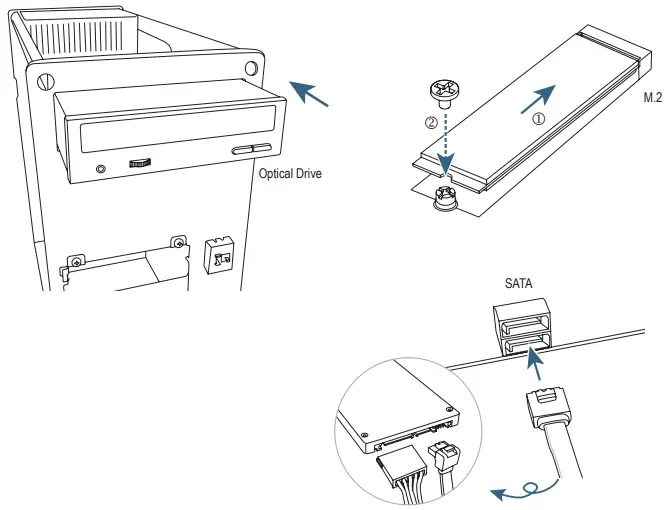
Install hard drives and optical drives
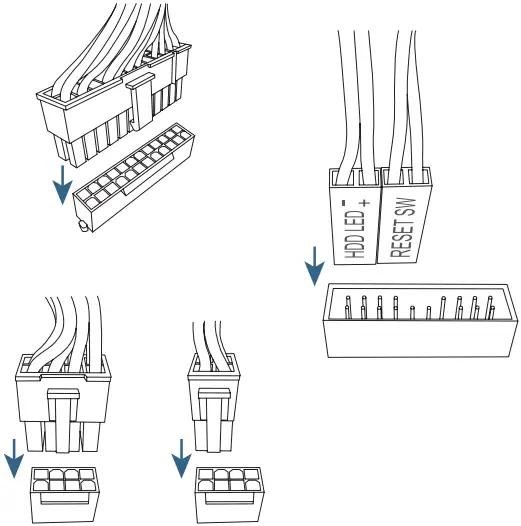
Connect cables to the internal connectors
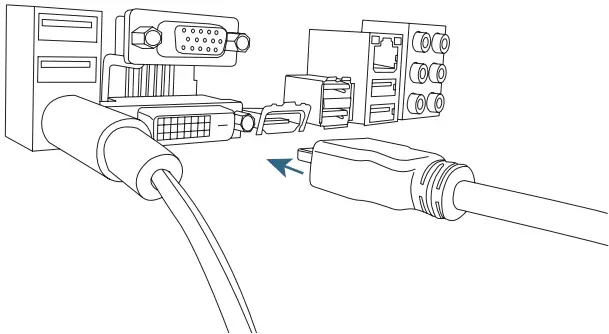
Connect peripherals to the computer, such as a keyboard, mouse, monitor, etc.
The sequence of installation may vary depending upon the case and devices used.
For detailed installation instructions, please visit GIGABYTE’s website.
 To reduce the impacts on global warming, the packaging materials of this product are recyclable and reusable.
GIGABYTE works with you to protect the environment.