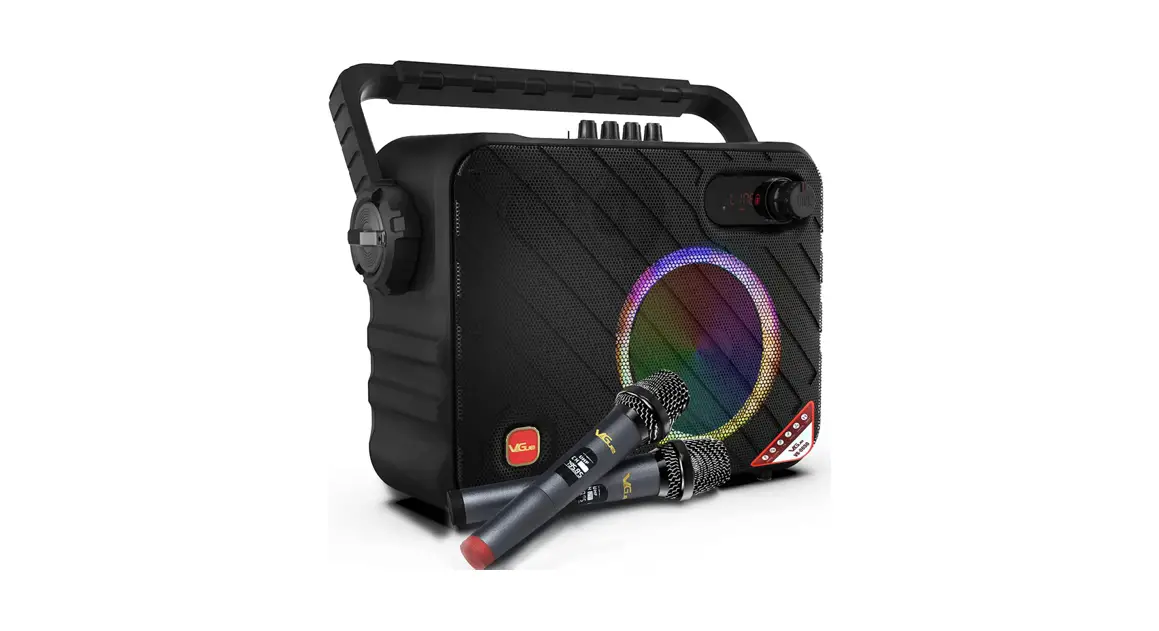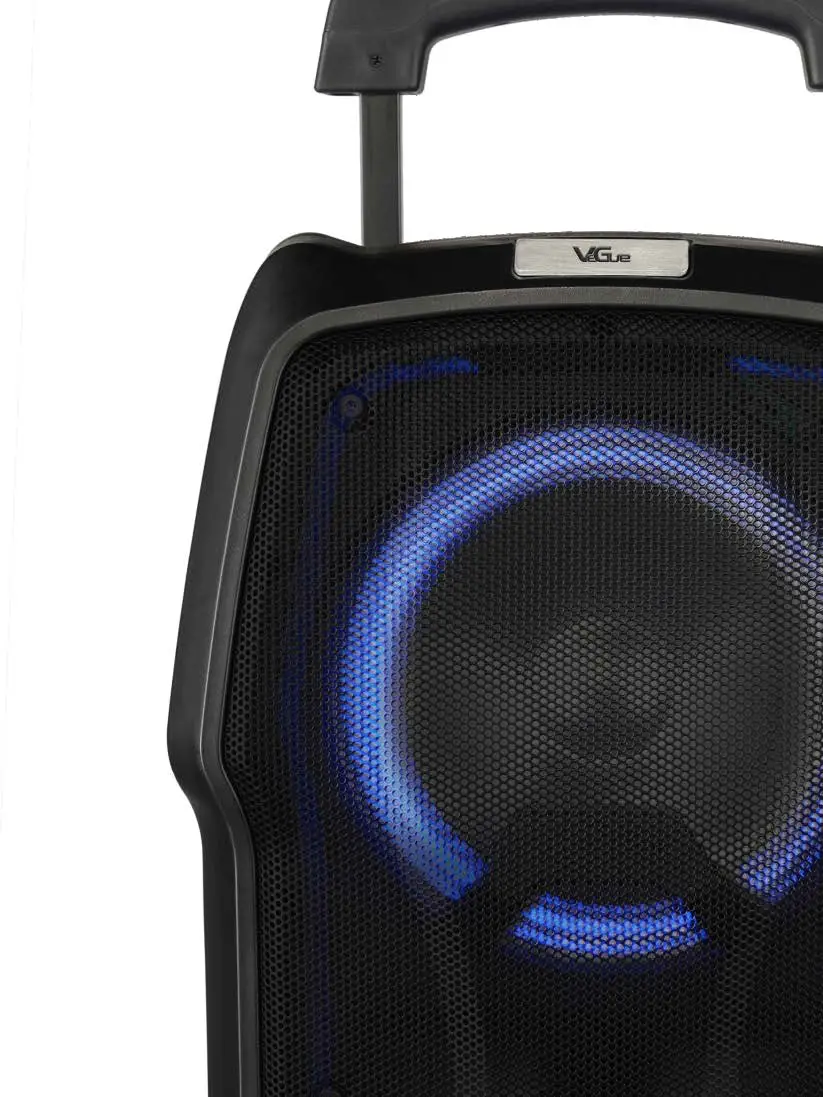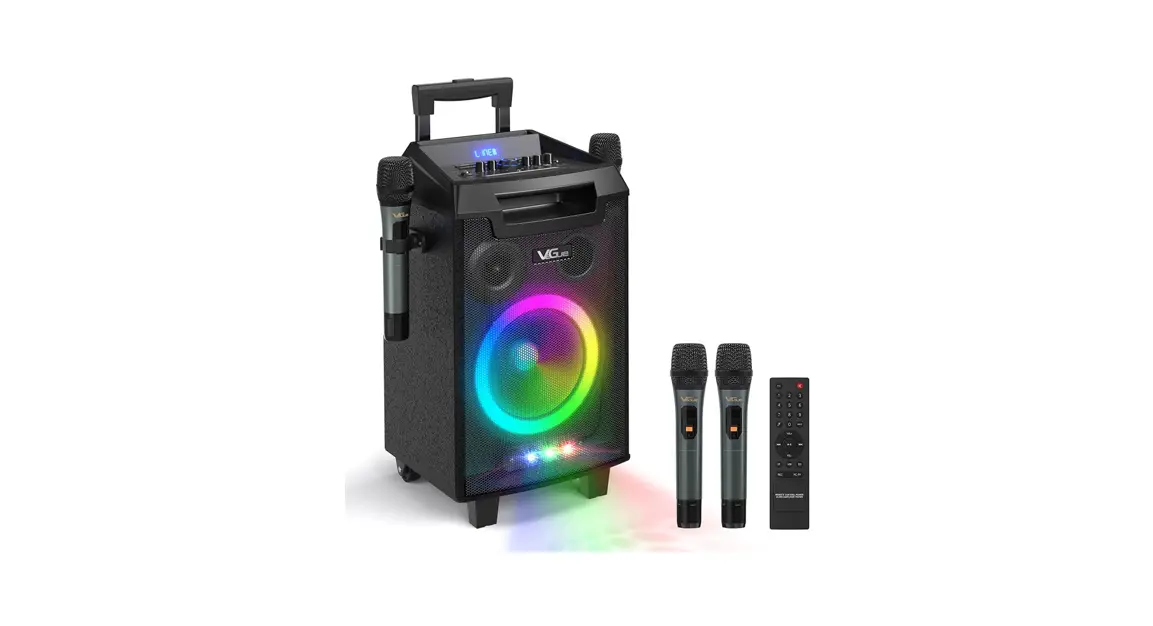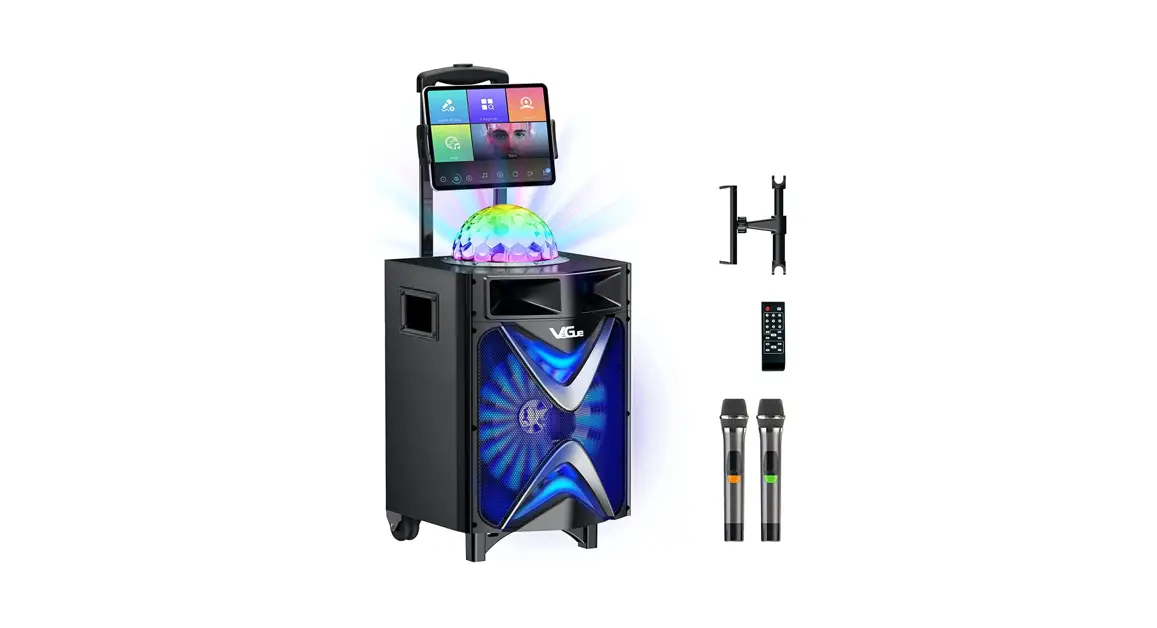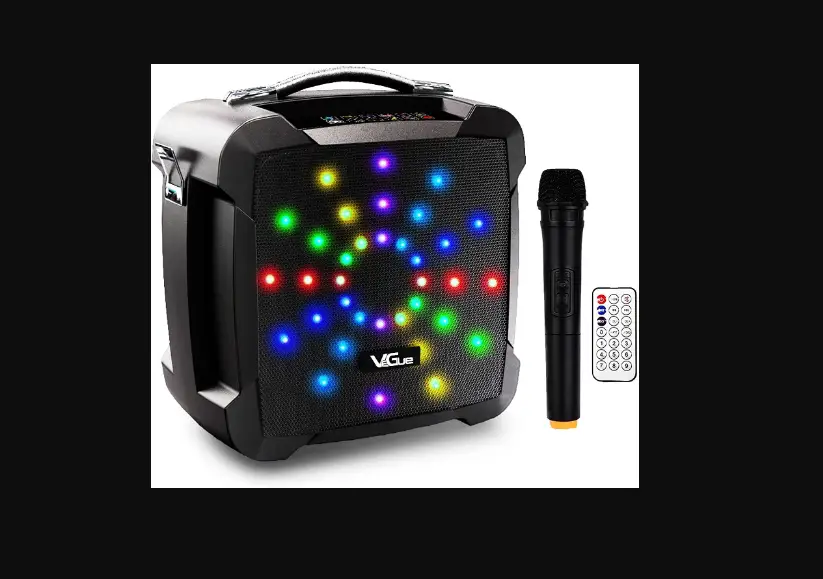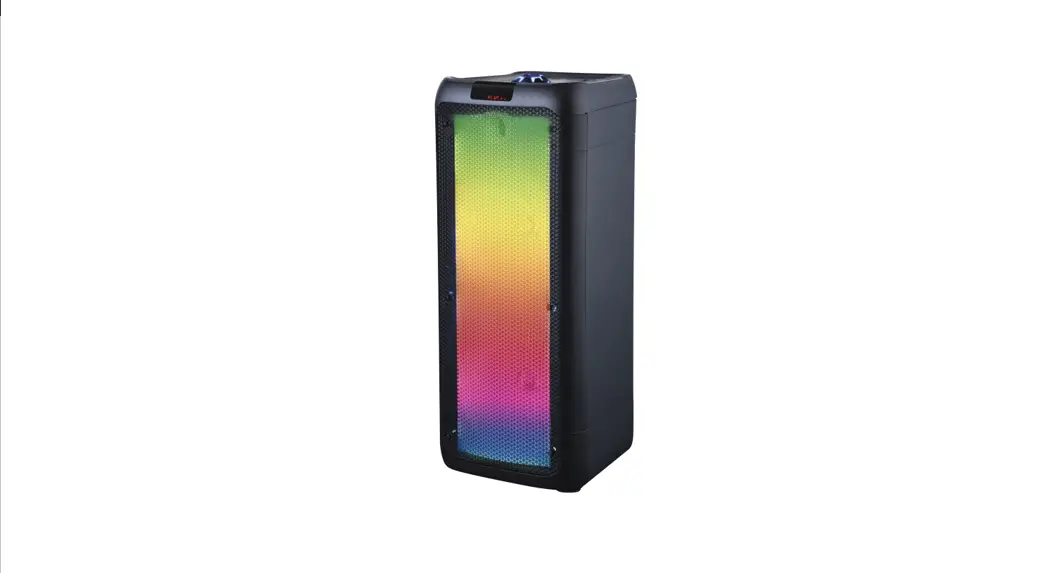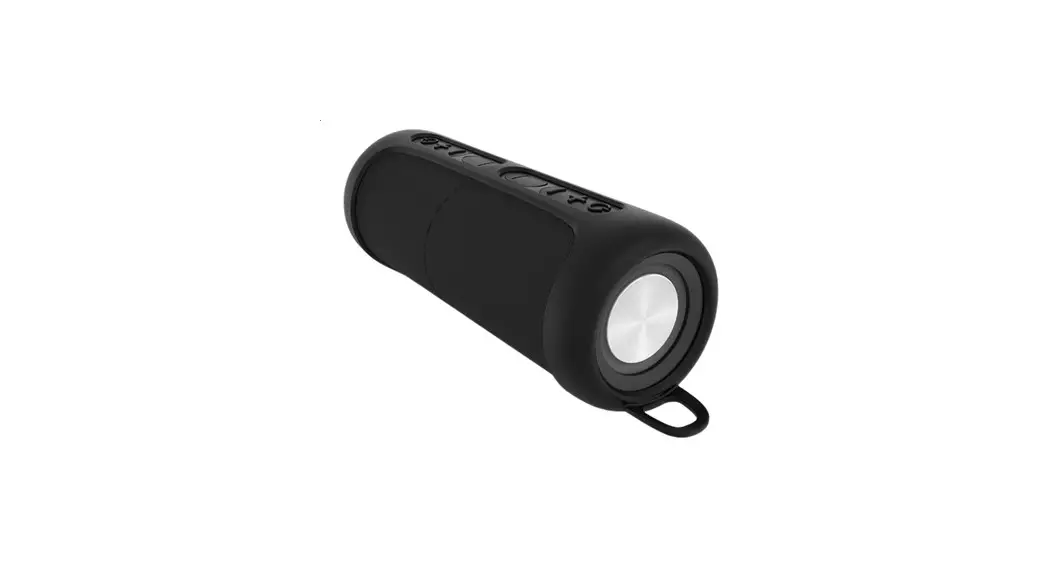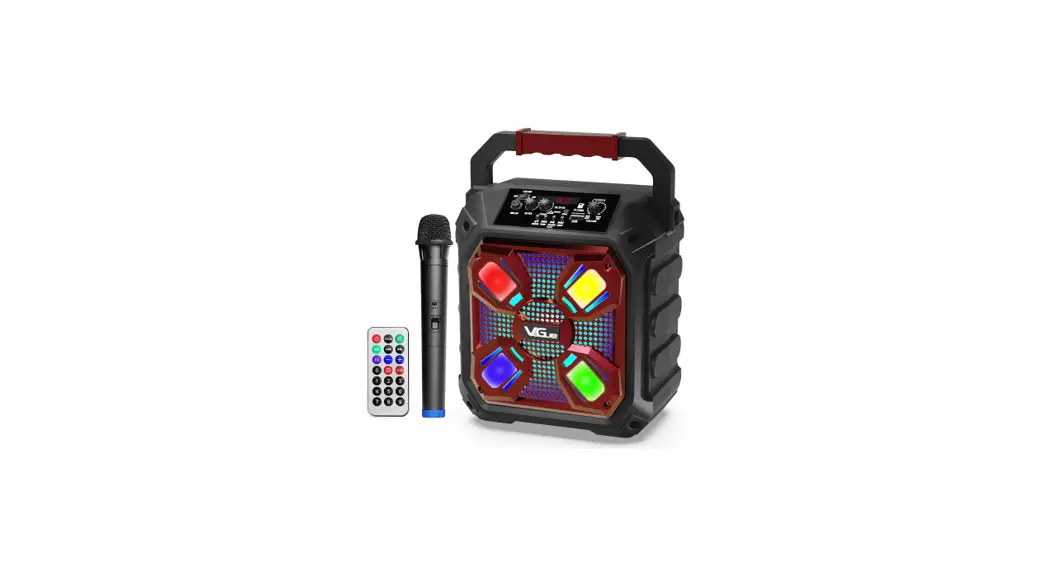
 Vs-0606 Portable Speaker
User Manual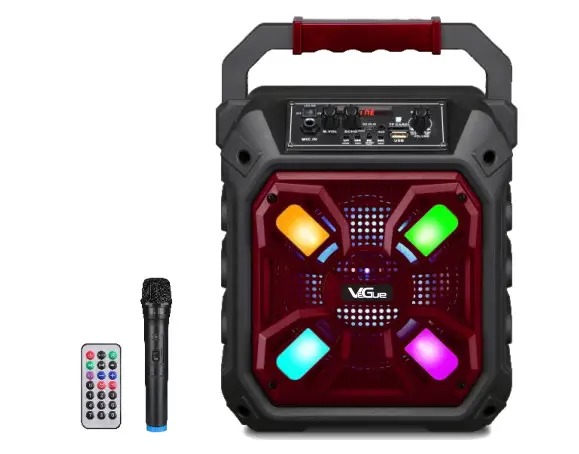
USER MANUAL Please carefully read the operating instructions before using our product
INFORMATION
Thank you for choosing our product,Please read the manual carefully to keep the item from damage.
ACCESSORY
- Portable speaker xl
- Remote control xl
- User manual xl
- Wireless microphone xl
- Audio cable xl
MAIN FUNCTION
- Bluetooth connection
- USB & TF port
- Audio input
- Digital display
- Wireless microhphone
WARNING
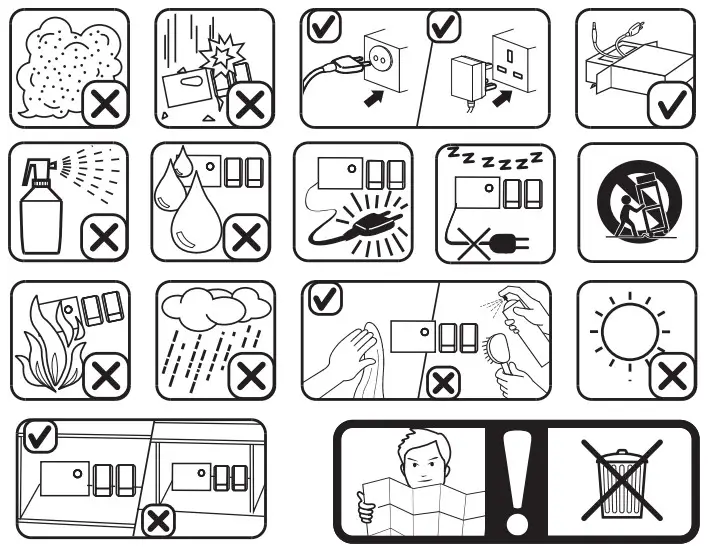
To ensure proper use of this product,please take the time to read this instruction manual care fully before use. Please observe all the instructions about safe operation and please keep this instruction manual in a safe place for future reference.
Warning:
- Power supply: Please put it away when not use;Do not put anything heavy on it.
- Ventilation: To prevent the unit from overheating, please keep it well ventilated. Do not place the unit on the bed, sofa and blanket due to the limited ventilation.
- Repair: Do not dismantle the machine in case of the electric shock. If the machine is defective or broken, please contact our customer service center for help or replacement.
- Odor: If there is odor emitted from the machine, please turn it off and cut out the power immediately. Do not use the machine again before we check and confirm.
- Please keep the machine away from any liquid.
REMOTE CONTROL
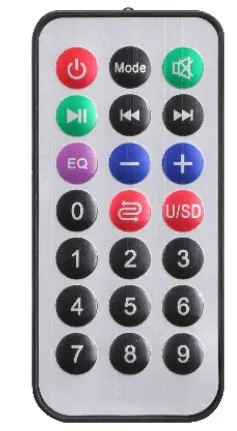
 | Standby Mode |
| Mode Switch | |
| Mute | |
| Play/Pause | |
| PreV | |
| Next EQ | |
| Vol+ | |
| Vol- | |
| Repeat | |
| USB/TF card switch | |
| 0-9 Selection |
CONTROL PANEL
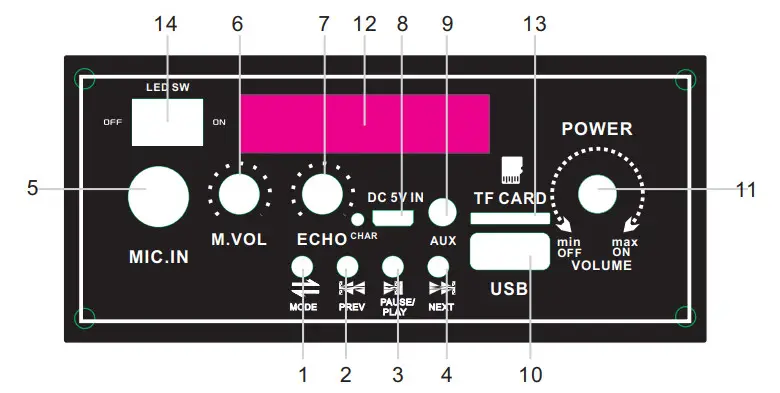
 MODE:USB/TF/FM/BT/AUX
 PREV:Previous music/Hold down for the previous file
 PLAY/PAUSE:Play/Pause the music, or two same
VS-0606 for TWS function- NEXT: Next music/Hold down for the next file
- MIC IN:Microphone input
- MIC VOL:Mic volume control
- ECHO:ECHO volume control
- DC 5V IN
- AUX:Audio input
- USB:USB slot
- POWER SWITCH/VOLUME CONTROL
- MUSIC PLAYER DISPLAY
- TF:TF card slot
- LED SW:LED on/off
 MODE:USB/TF/FM/BT/AUX
 PREV:Previous music/Hold down for the previous file
 PLAY/PAUSE:Play/Pause the music, or two same
 NEXT: Next music/Hold down for the next file
CHARGE THE BATTERY
When the machine is charging, CHARGE STATUS will show red light. After full charging, it will turn green.
- Connect the AC/DC adaptor to the DC IN jack of the speaker firmly, and plug it into a wall outlet.
- When the battery is fully charged,first disconnect the AC/DC adaptor from the speaker,then from wall outlet.
- Do not use the speaker when charging, or it may damage the battery.
- If you seldom use the machine, please make sure that the machine is fully charged before you use it next time, or the battery life will reduce.
BLUETOOTH CONNECTION
Press Mode button to select Bluetooth Mode. Turn on the Bluetooth of your device and select VS-0606. Then, you could play the music from your device. Besides, press NEXT/PREV and PLAY/PAUSE buttons to control the music your device plays.
AUDIO INPUT JACK
If you don’t want to use the Bluetooth or your device doesn’t come with Bluetooth, please press Mode button to Line mode. When in Line mode, plug an audio cable into the AUDIO INPUT to connect your device.