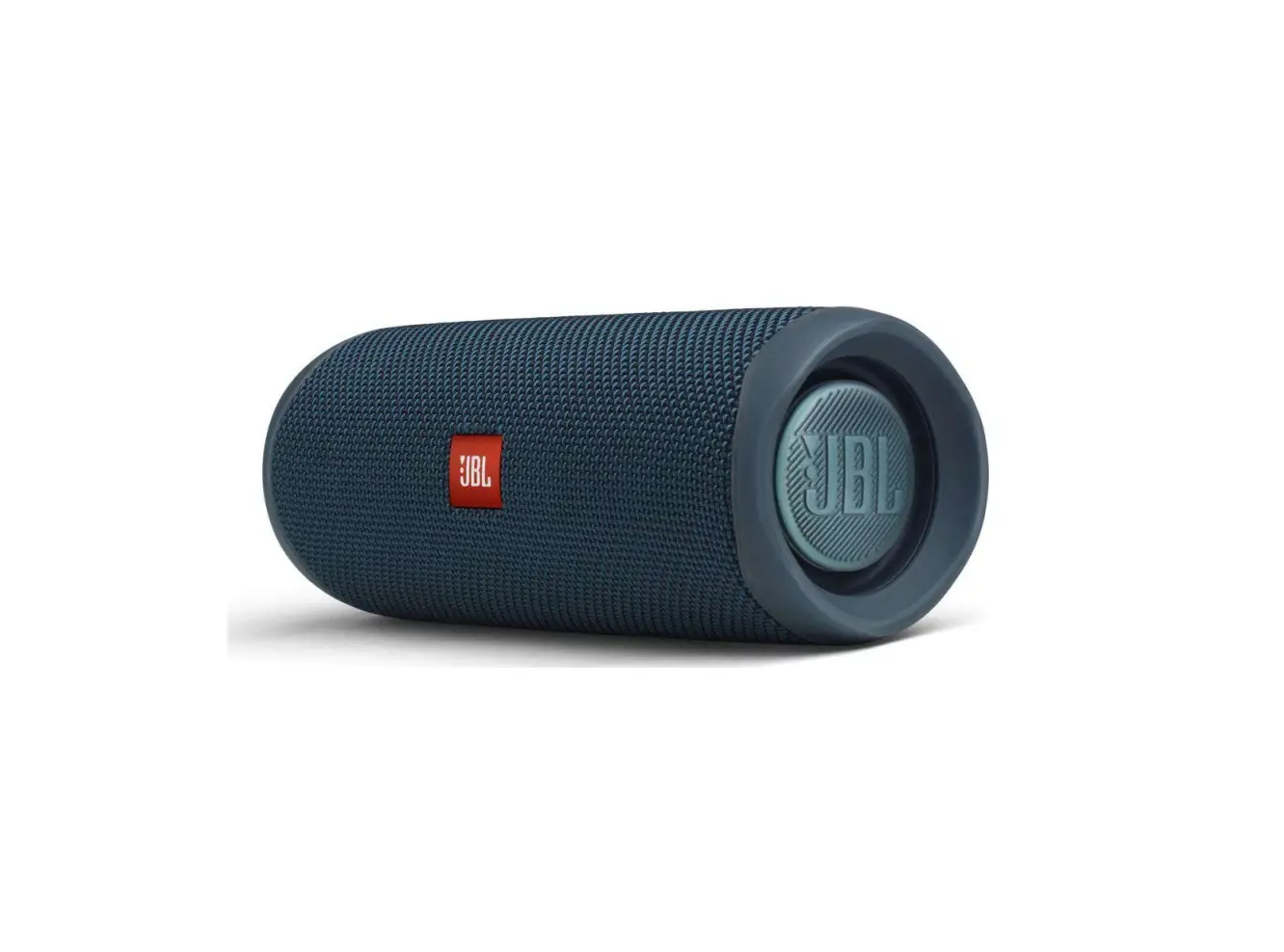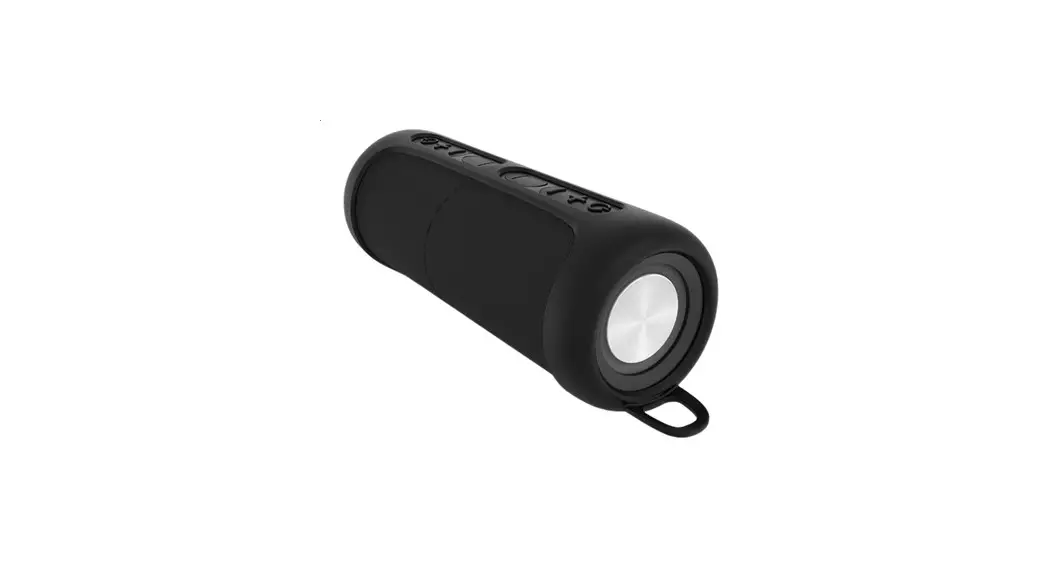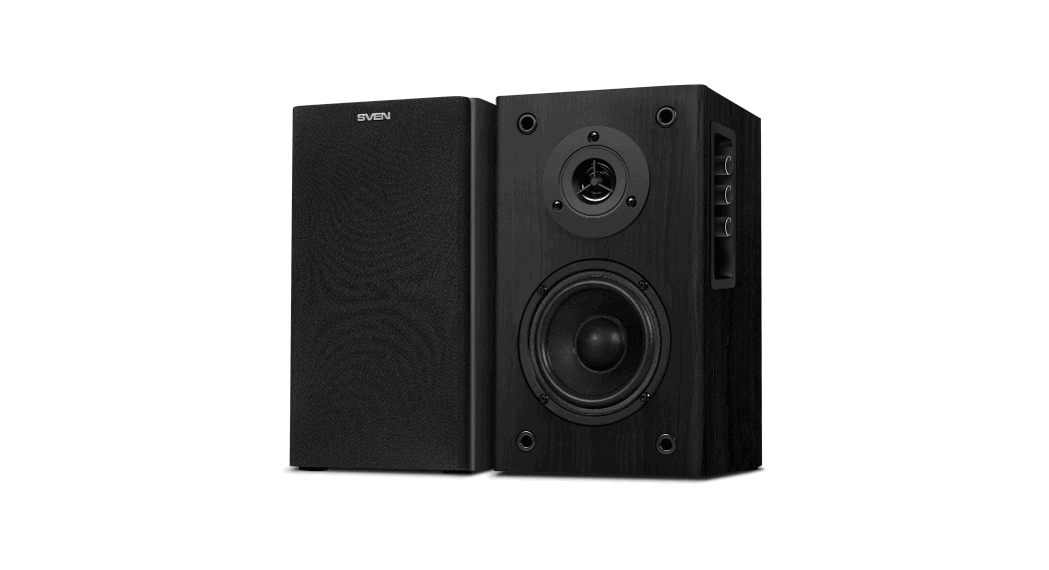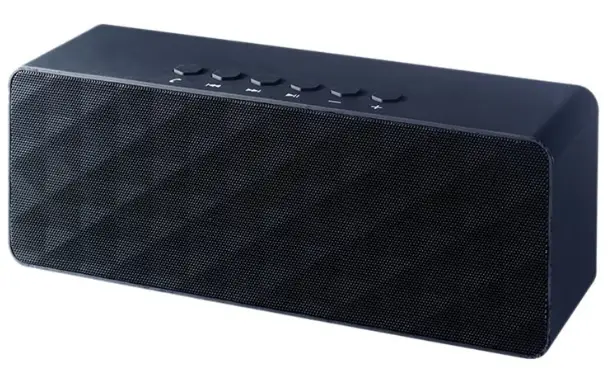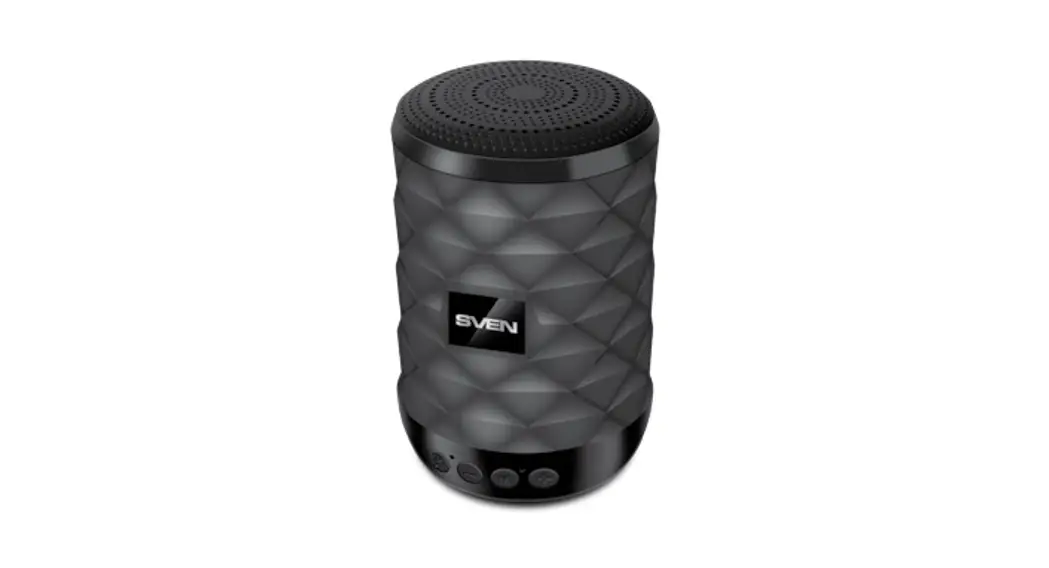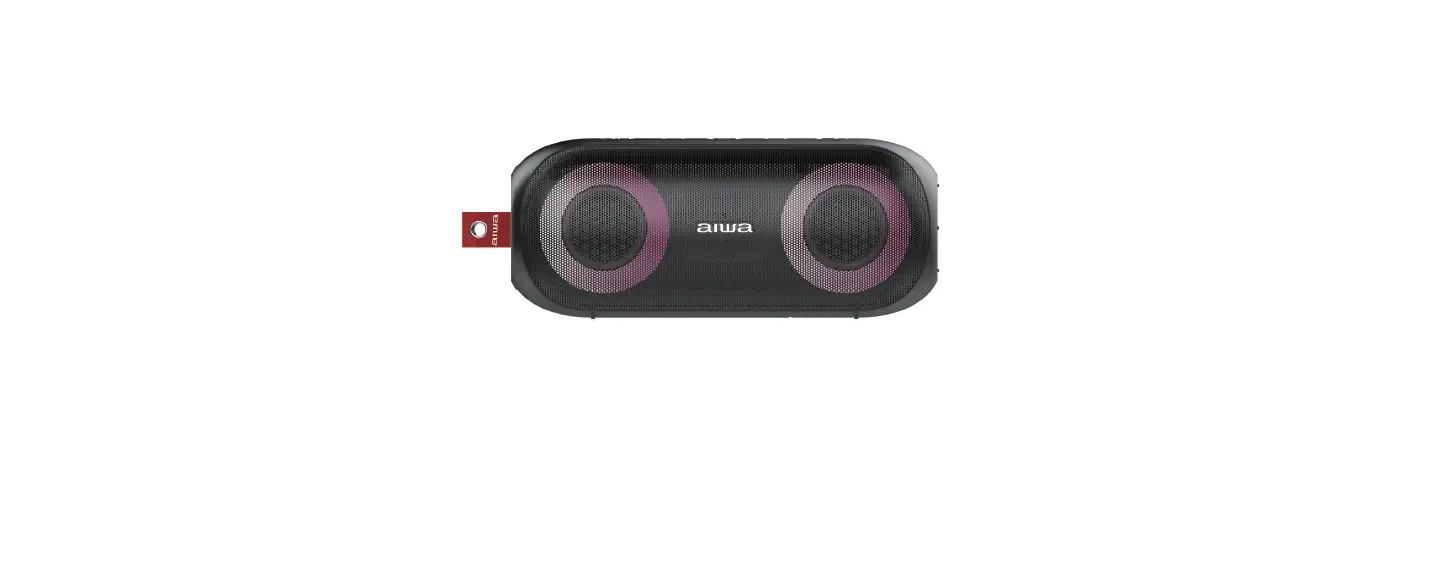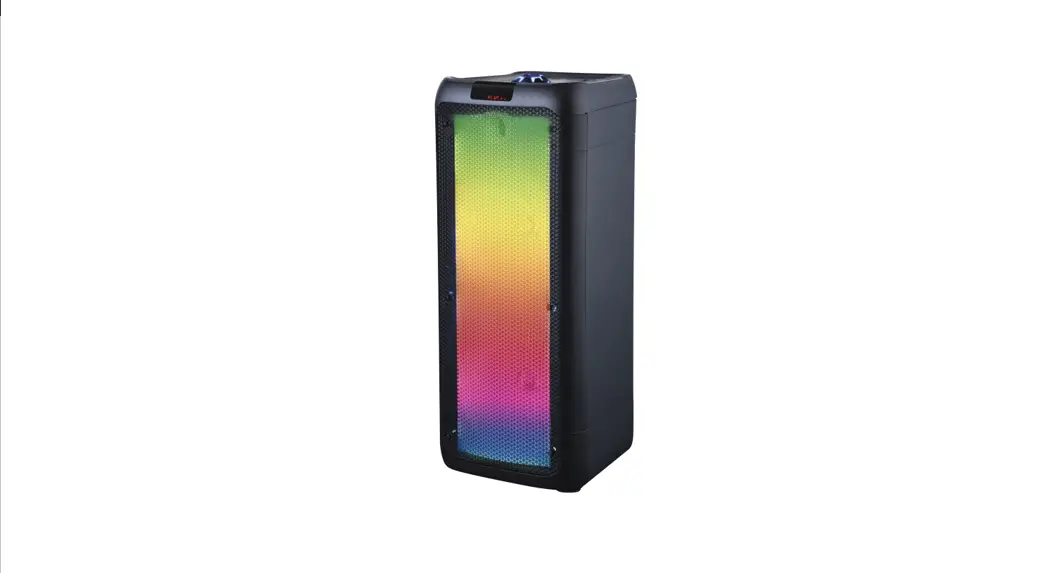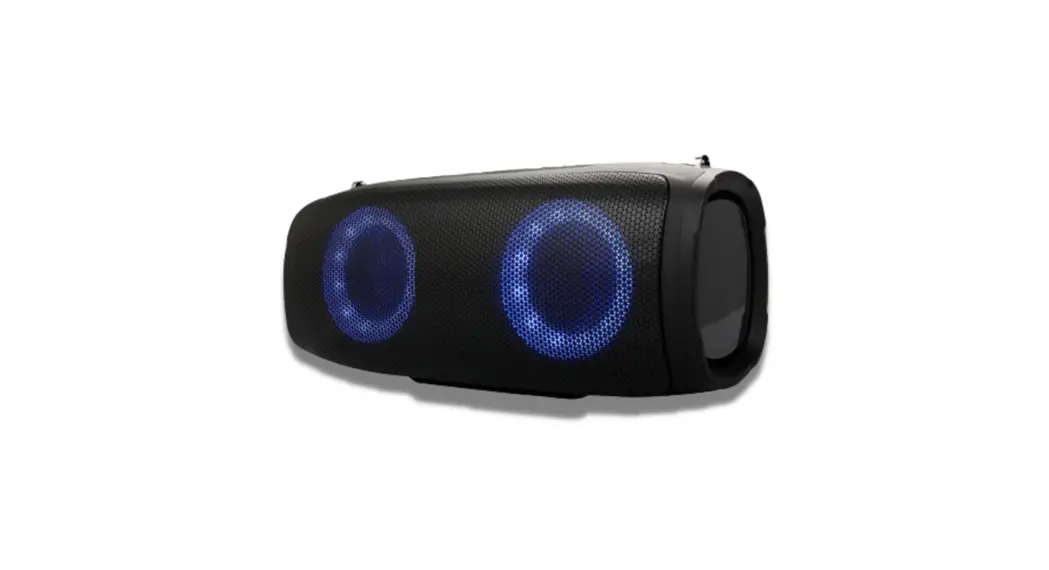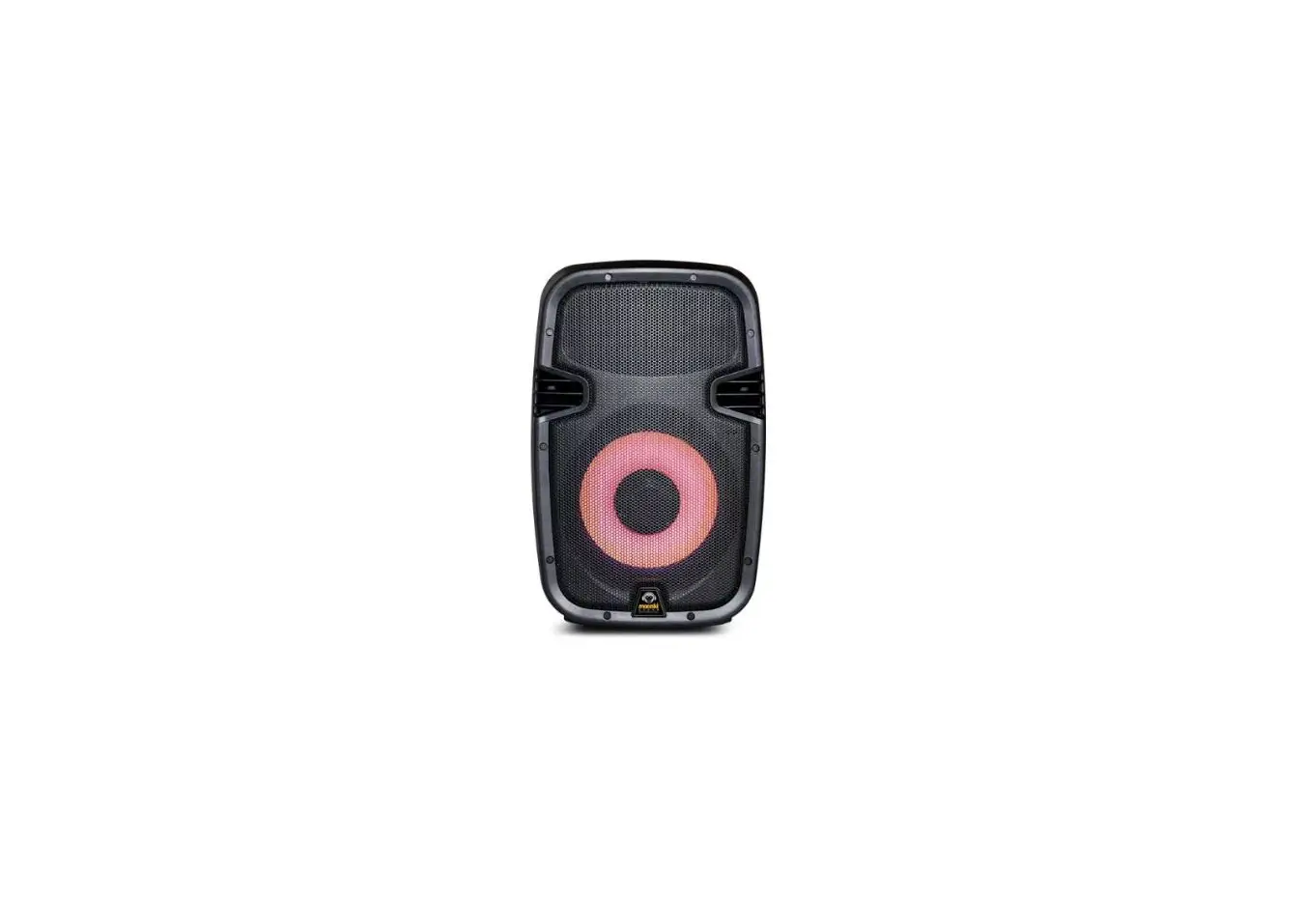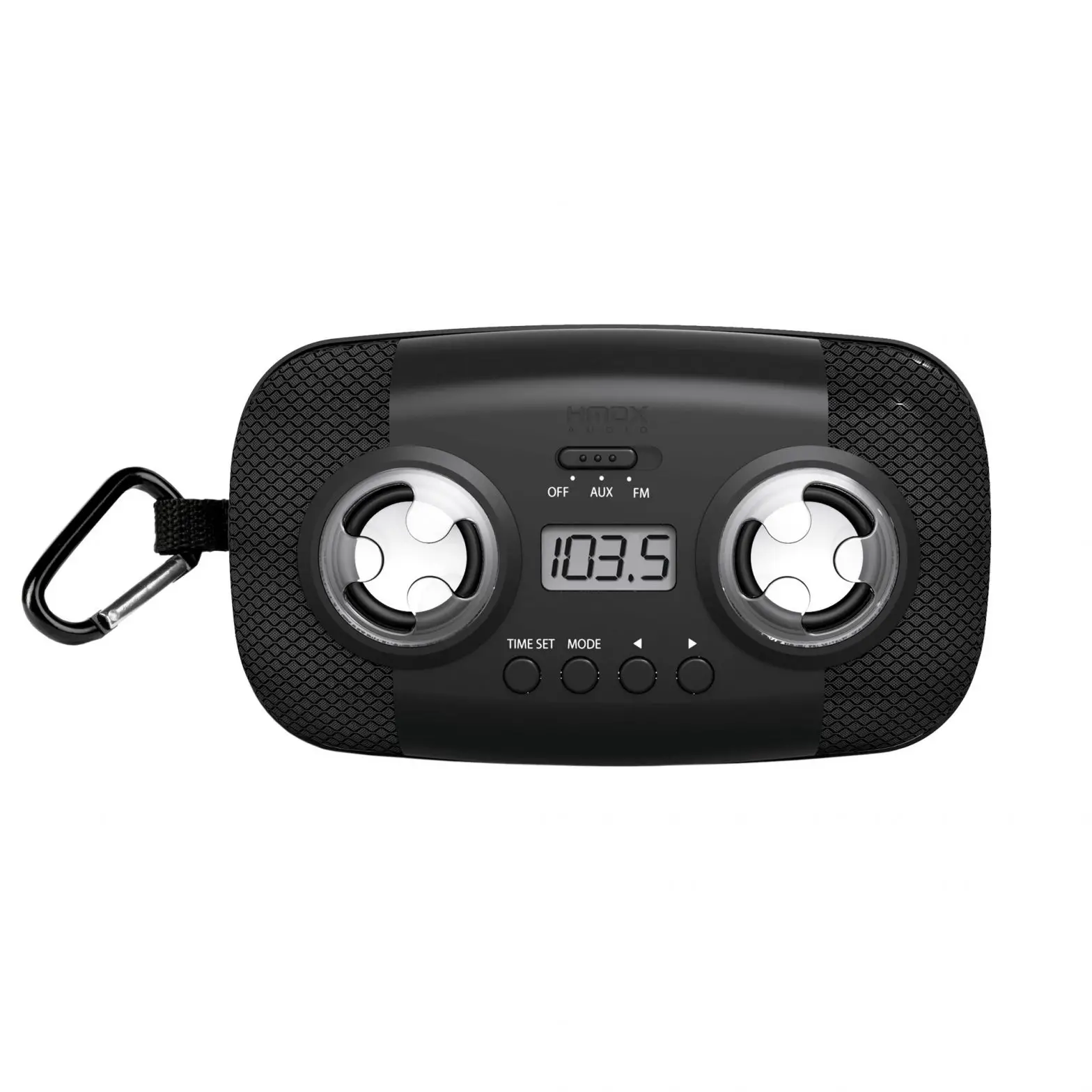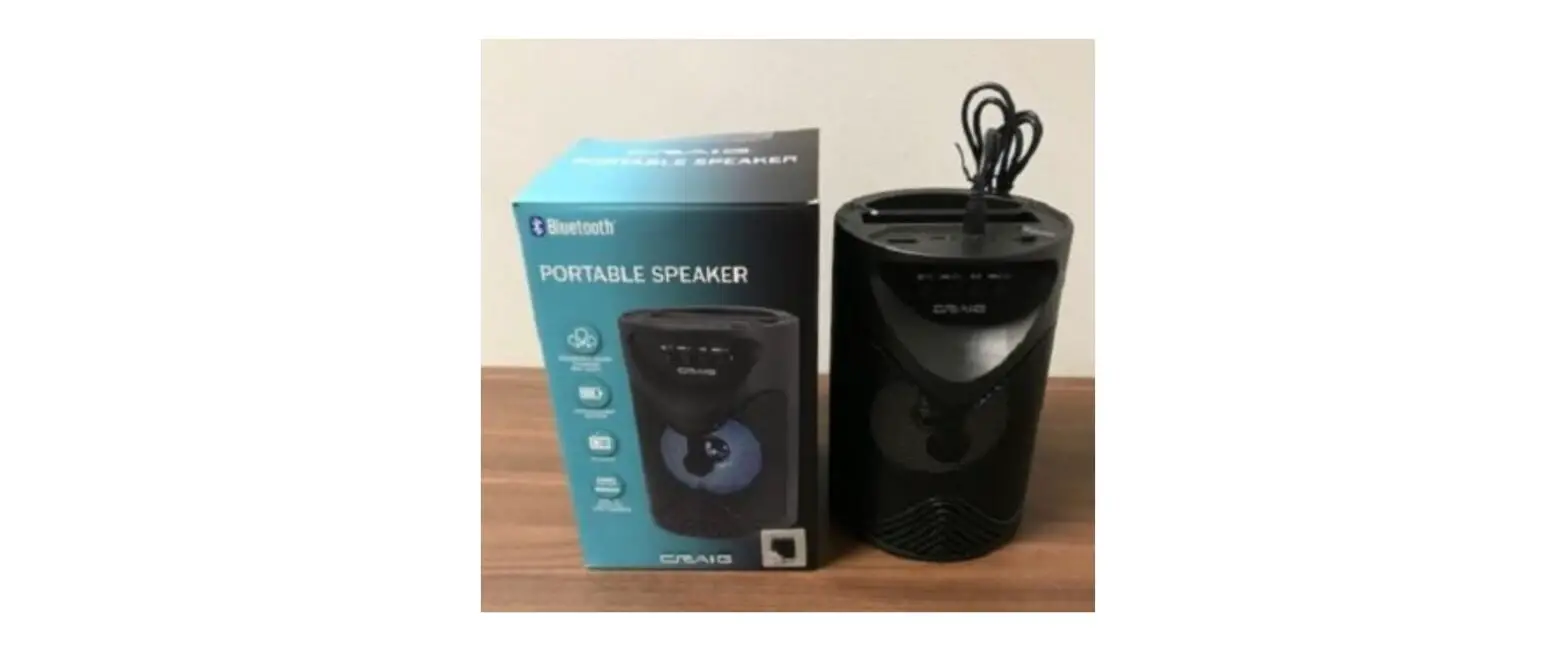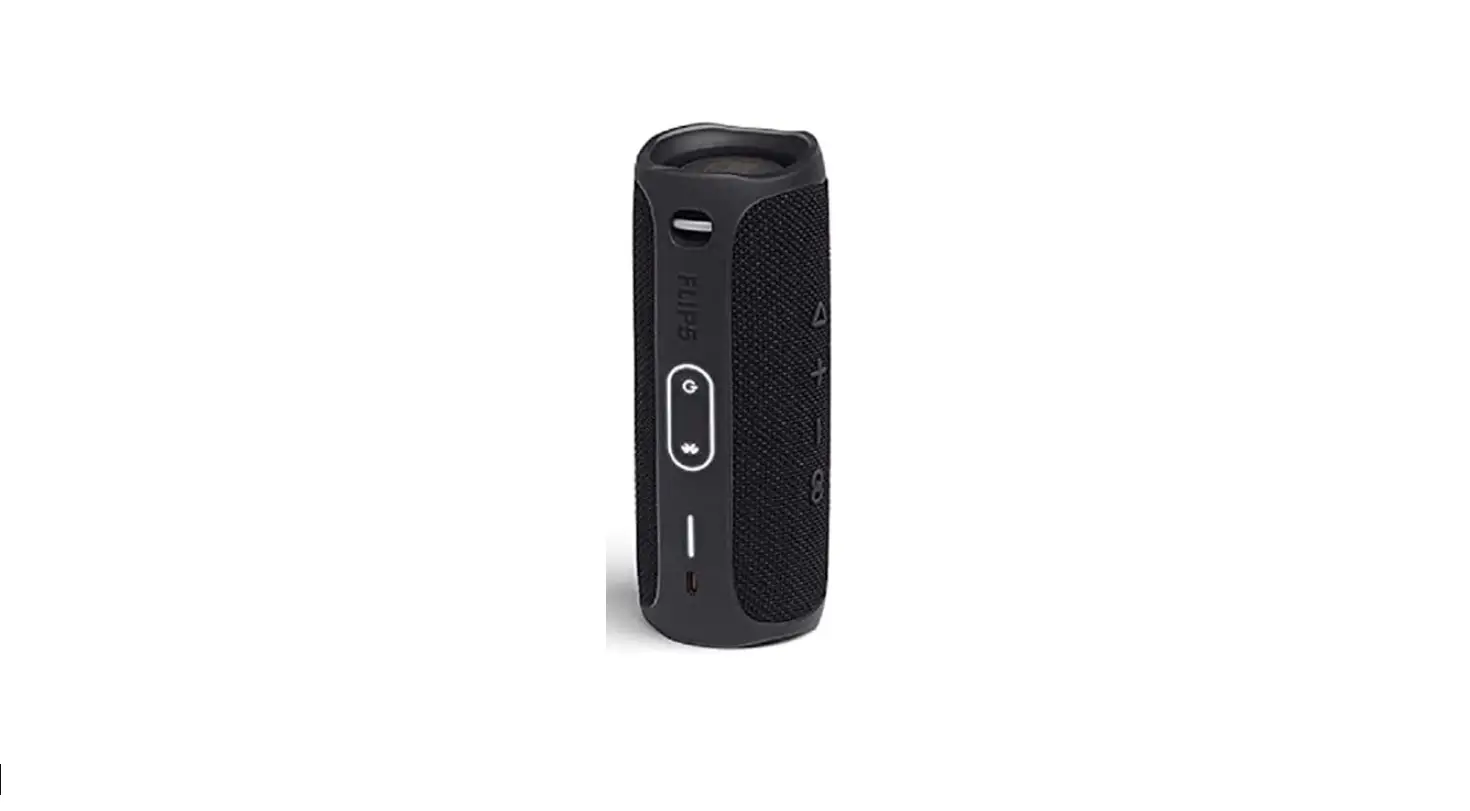

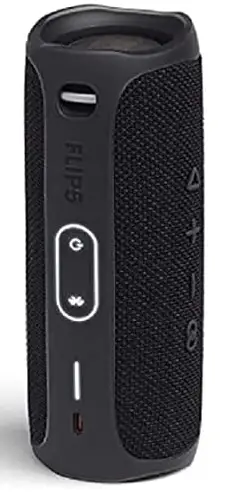
Sanis Enterprises CK693 Flip 5 Portable Speaker
Specification
- Brand Sanis Enterprises
- Model Name CK693
- Mounting Type Portable
- Unit Count 1.0 Count
- Color Black
- Dimensions 7.1 x 2.7 x 2.9 inches
- Weight 1 pounds
- Bluetooth Version 4.2
- Output Power 20W RMS
- Bluetooth Frequency range 2,402 – 2,480 GHz
- Battery Life Up to 12Hrs
- IP Rating IPX7
What’s in the Box
- Sanis Enterprises Flip 5 Portable Speaker Ipx7 Waterproof
- USB-C Cable
Product Description
Sanis Enterprises Flip 5 Portable Speaker Ipx7 Waterproof. We at Sanis Enterprises offer a large selection of elegant and stylish, quality desk clocks, the latest styles in fashion watches, executive gifts, credit card cases, and multi-tools, just to name a few. We strive to bring you gifts that celebrate life’s special moments, are unique and detailed, and offer you a high-quality item.
How to use
You can use the speaker by connecting to Bluetooth/MP3 or USB.
How to Pair
- Swipe down from the top of the screen.
- Touch and hold Bluetooth.
- Tap Pair new device. If you don’t find a Pair new device, check under “Available devices” or tap More. Refresh.
- Tap the name of the Bluetooth device you want to pair with your device.
- Follow any on-screen instructions.
Speaker Setting
- Put your Bluetooth device in pairing mode by pressing and holding the Power button or Pairing button.
- iPhone Go to Settings > Bluetooth > Other devices. Tap the device to connect.
- Android Go to Settings > Connected devices > Bluetooth. Select Pair new device and then tap the speaker’s name.
Features
You may join up to 100+ Flip 5s together at once using the PartyBoost function of Flip 5. This also applies to speakers like Boombox 2 and Pulse 4 which offer the same PartyBooost functionality.
Flip 5 is still functional after being submerged for 30 minutes in water up to three feet deep. If you forget to bring it inside, you may leave it outside in a sudden torrent of rain thanks to its IPX7 waterproof classification and use it to play music by the pool.
Since it will finish charging at 100% battery, overcharging is acceptable.
Don’t worry about the little things, like battery charging. You can play Flip 5 for up to 12 hours. recognizable sound will enable you to listen to the music longer and louder.
Without endangering the battery, you can use your Bluetooth speaker while it is charging.
Start pairing with your headphones or speakers. 2. To connect, look for and choose your headphones/Speaker from the Bluetooth menu on your TV.
Flip 5 is significantly louder than Flip 4, reaching a maximum level of roughly 96 dB. However, the music became somewhat distorted at that volume; it was best around 85 decibels.
Don’t worry about the little things, like battery charging. You can play Flip 5 for up to 12 hours. recognizable sound will enable you to listen to the music longer and louder.
To prevent overcharging, lithium batteries include a built-in auto-off feature that activates when a full charge is attained.
The Flip 5’s IPX 7 waterproof rating allows for a 30-minute submersion in water that is one meter deep. It does not mean that they can float, so please be careful. They will reach the bottom if dropped.
The FLIP 5 will turn off automatically after 20 minutes of inactivity (battery saving feature), however, if Spotify is playing music nonstop all night long, the FLIP 5 shouldn’t be shutting down.
The Flip 5 does not have an aux port, but the charging connector has been updated to USB-C, which was something that the Flip 4 lacked. As a result, the Flip 5 will charge more quickly, giving it a 12-hour battery life in just 2.5 hours.
There is no microphone on Flip 5. So you won’t get that here if you were looking for a speaker to take calls on or if you wanted access to your phone’s personal assistant. The Flip 4 is required for a microphone.
Flip 5 may be used in the shower without being harmed. They are a fantastic option for listening in the shower, in the rain, or by the pool because they are partially waterproof. The Flip 5 works well in a shower but has some troubles when fully submerged underwater.
lowering OR boosting the bass Hold the BT and Vol — buttons. Hold these together for about 10 seconds, then blink. To change back, repeat the process. When you press and hold the Vol+& BT button, the device is reset, not the bass. Naturally, the bass settings will reset to their default state, leading you to believe it is a bass control.