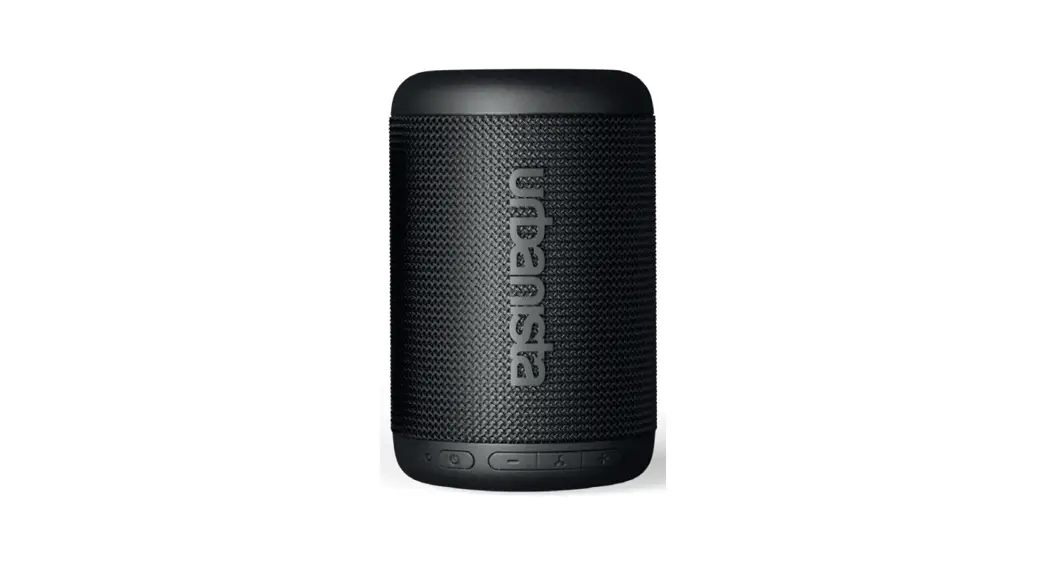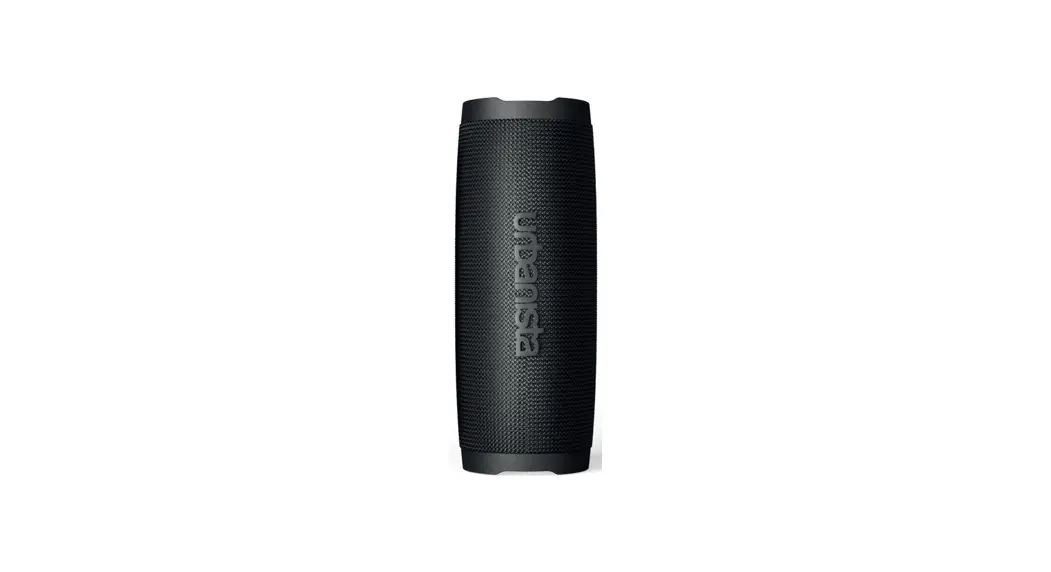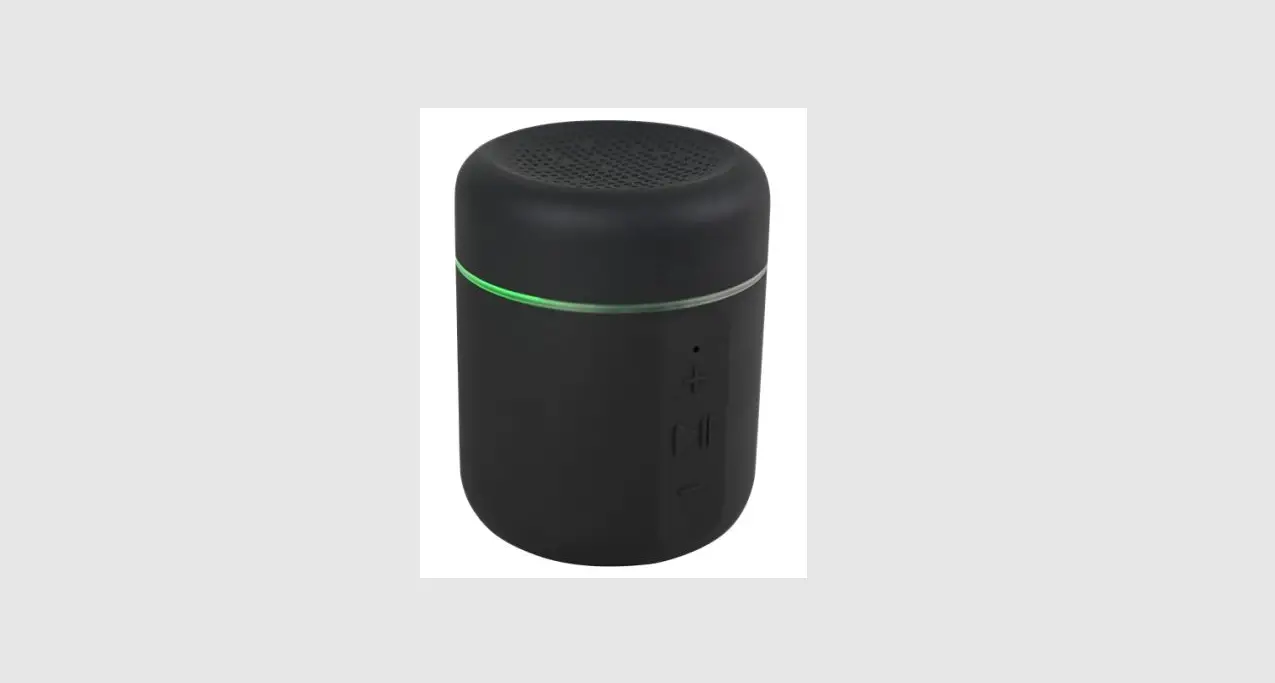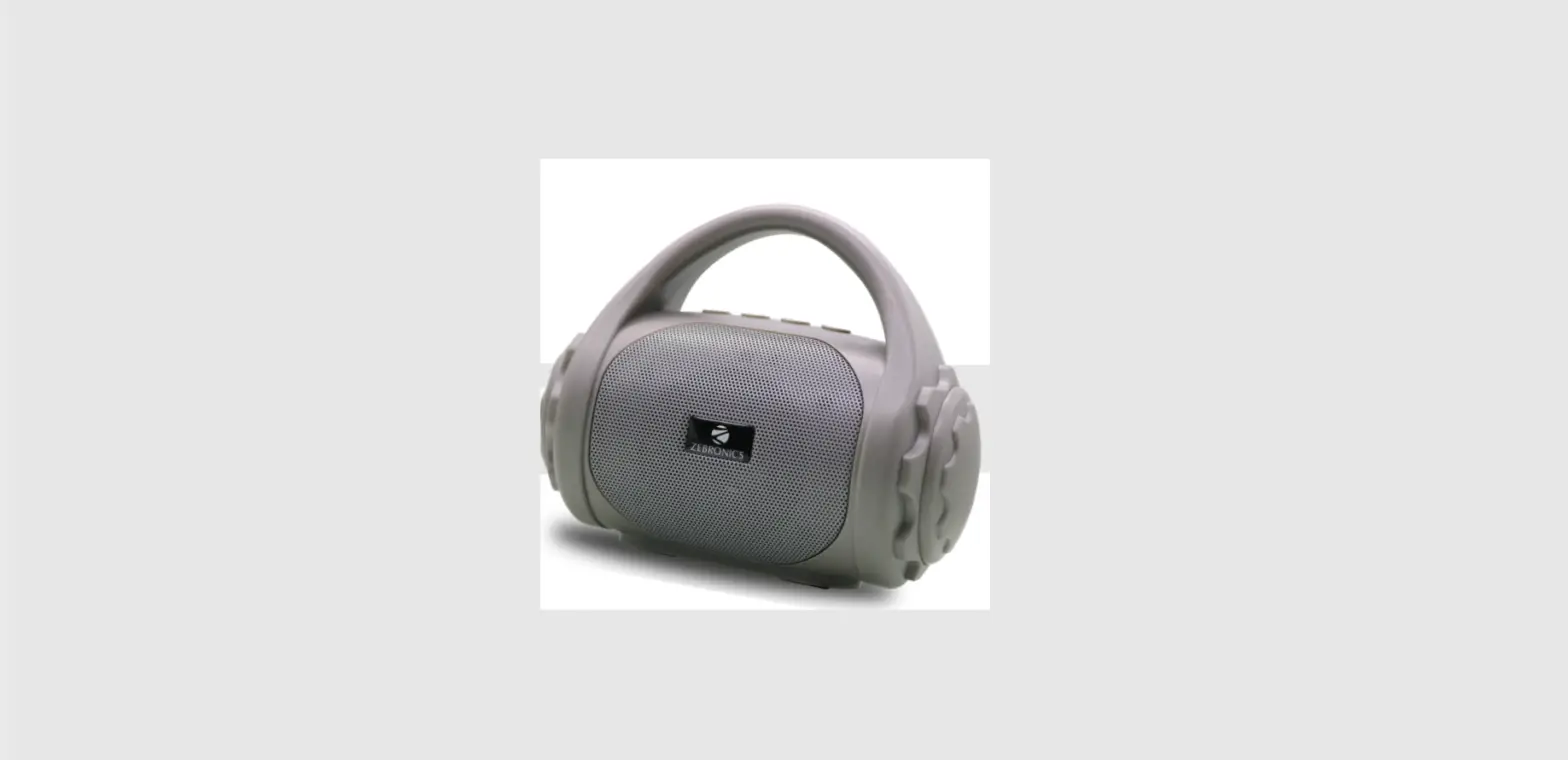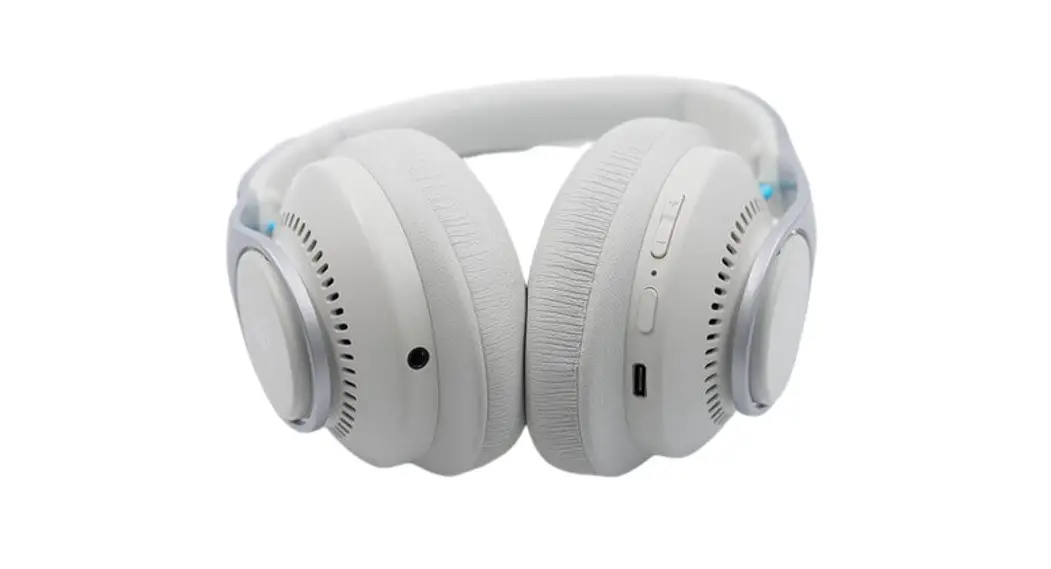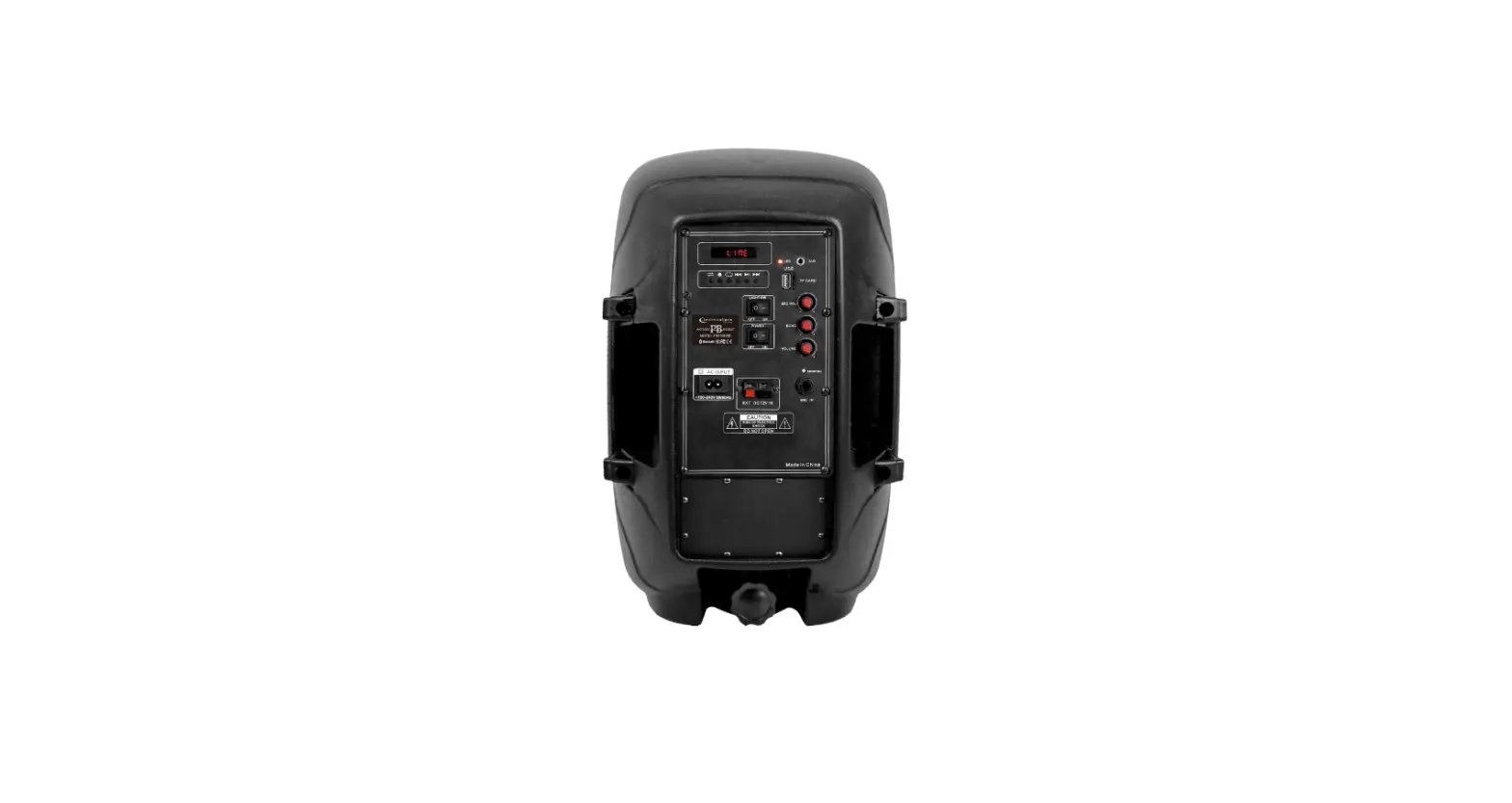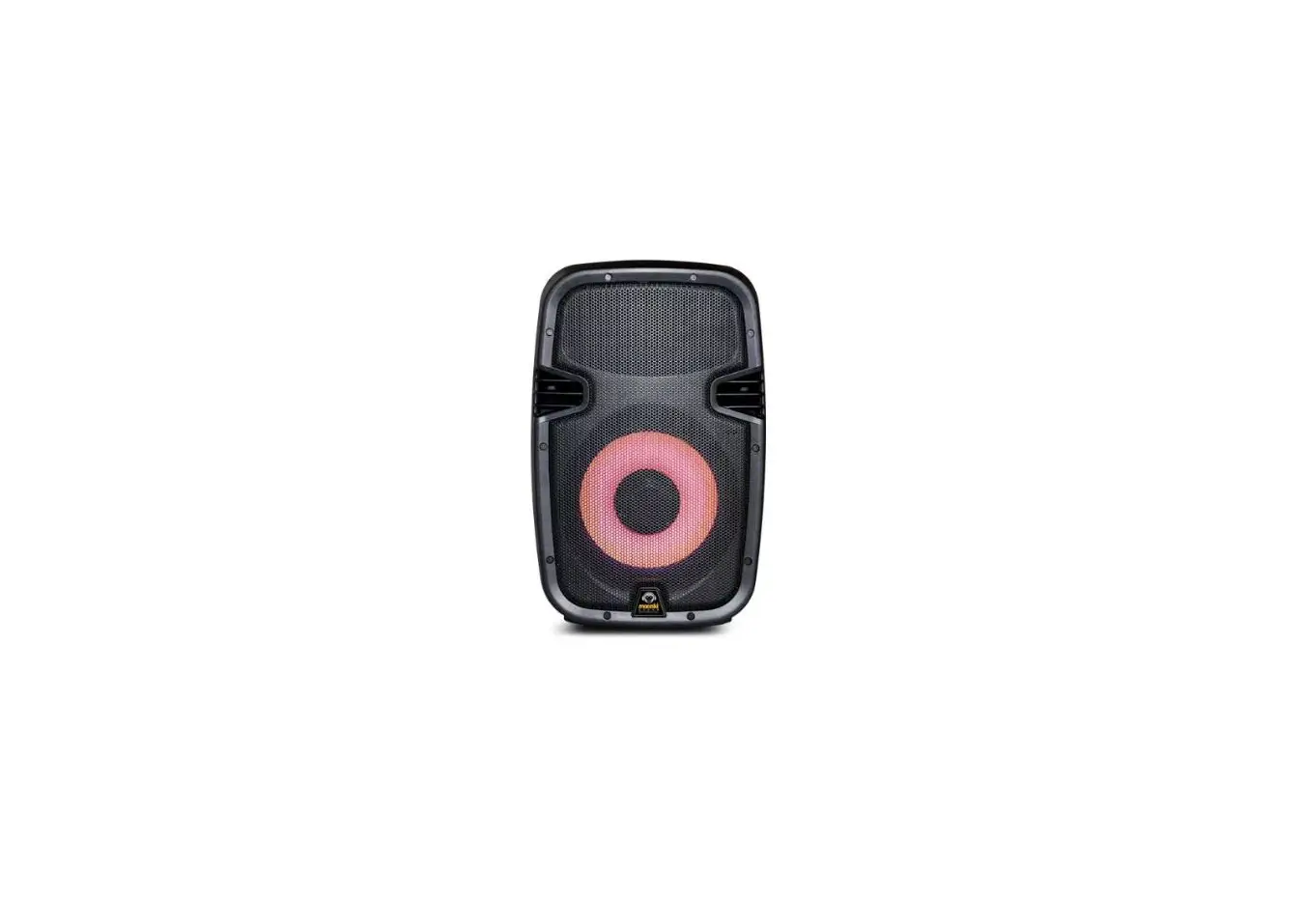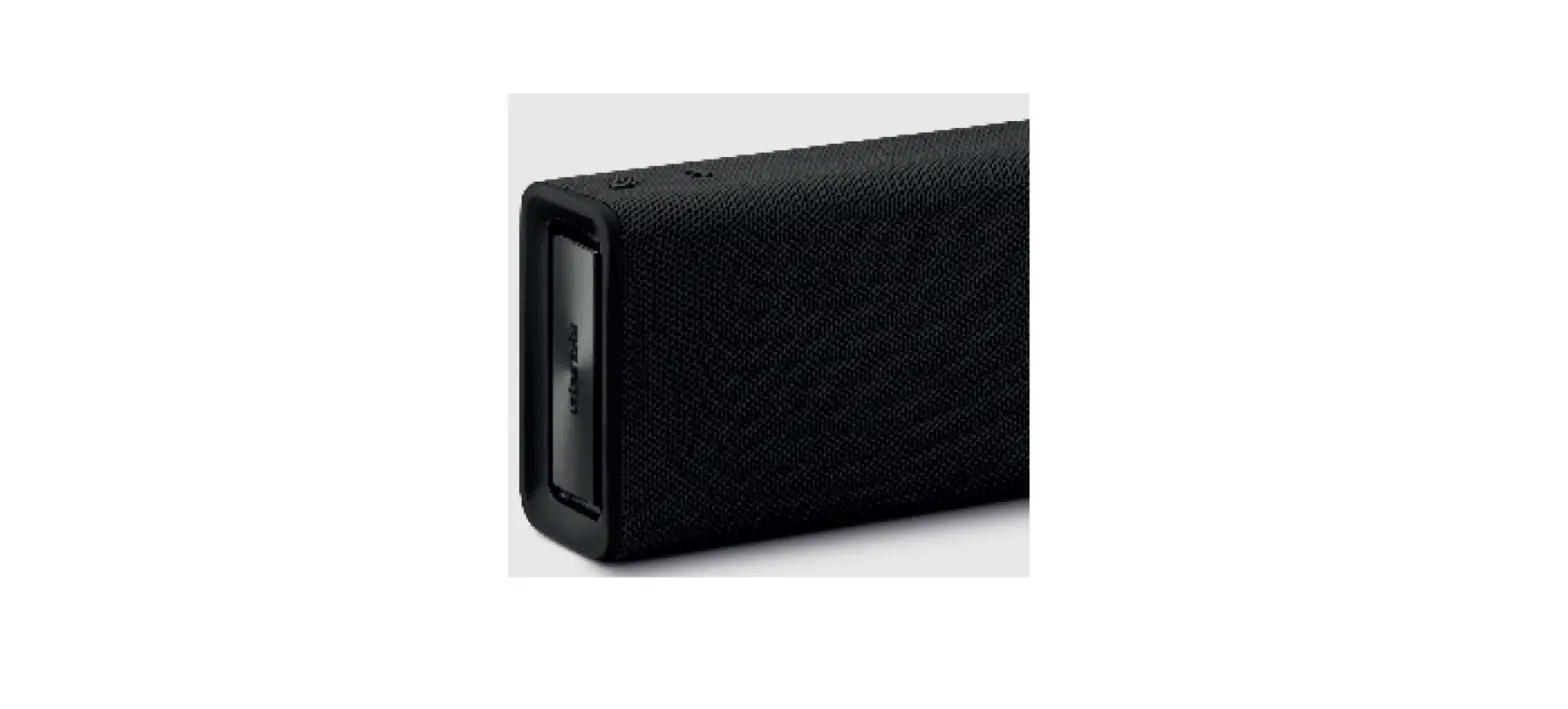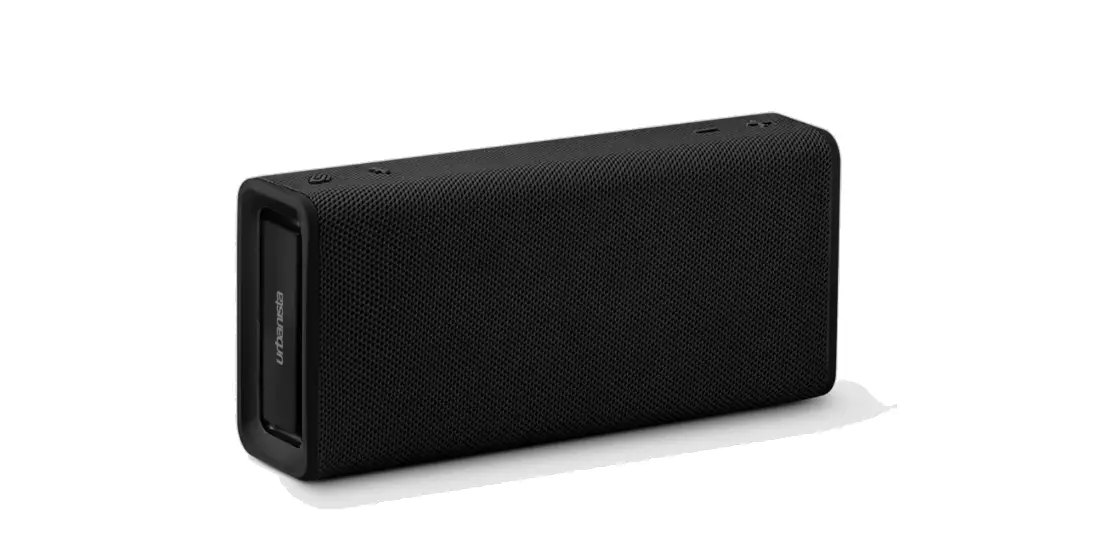

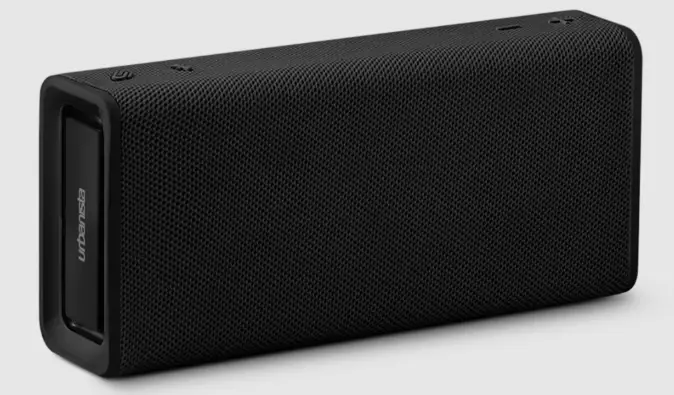
urbanista Memphis Portable Speaker
CONNECT TO DEVICE
Turn on the speaker via -button and then turn on the Bluetooth on your device. Select “Urbanista Memphis”
If the speaker have been connected to a device before, it will automatically go into pairing mode and connect to the device when powered on.
FULL MANUAL ONLINE
Full manual available at urbanista.com/manuals
STEREO LINK PAIRING
- Connect speaker A to a device.
- Put Speaker B into pairing mode by powering it on
 .
. - Double-click the Multi Function Button
 on speaker A to enter Stereo Link pairing mode.
 - Speaker A and B will now connect, followed by solid blue and white LED indications.
 .
. on speaker A to enter Stereo Link pairing mode.
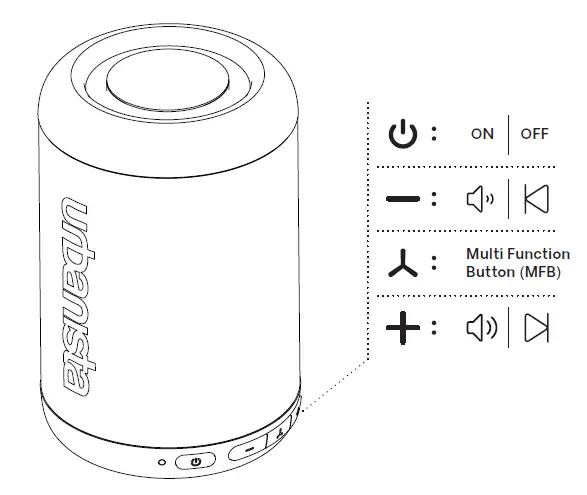
CONTROLS
 Support : Urbanista Support Center
 Designed for life in motion | Urbanista | Urbanista Official Store