torqeeDo 039-00543 Power Cable Connection
Product Information
This user manual provides installation and wiring instructions for a Cruise 12.0 FP TorqLink with electronic box. The product comes with a power cable connection, system ground connection, data cable connection, and a bill of materials.
- Item number: 039-00543
- Version: 1.0
- Maximum output: 6kw (when using only one Power 48-5000 battery)
- AC power input: 100-240 VAC/50-60 Hz
- Optional equipment available (see separate sheet for wiring)
Product Usage Instructions
Before wiring the product, it is important to read the original operating instructions. For the power cable connection, connect the positive and negative power cables to B+ and B- respectively. When using only one Power 48-5000 battery, be aware that the system will be limited to a maximum output of 6kw. Optional equipment is available for one charger per battery.
For the system ground connection, connect the charger housing and the minus battery pole to the common grounding point using a 25mm2 grounding cable. If the charger is permanently installed in the boat, the AC PE and battery minus pole must also be connected to the common grounding point by qualified personnel with specialist knowledge.
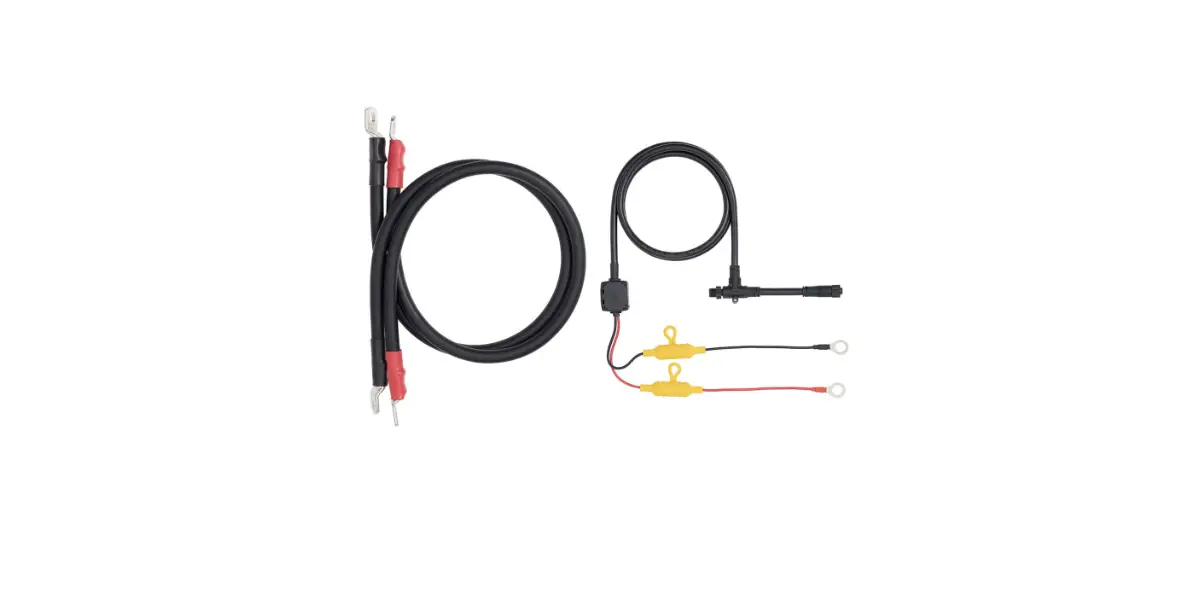
For the data cable connection, optional equipment includes an 8-pin data cable, 5-pin data cable, 3-pin data cable, and 4-pin data cable. The backbone TorqLink requires an 8-pin data cable, while the backbone requires a 5-pin data cable. A T Bus system termination resistor is also included.
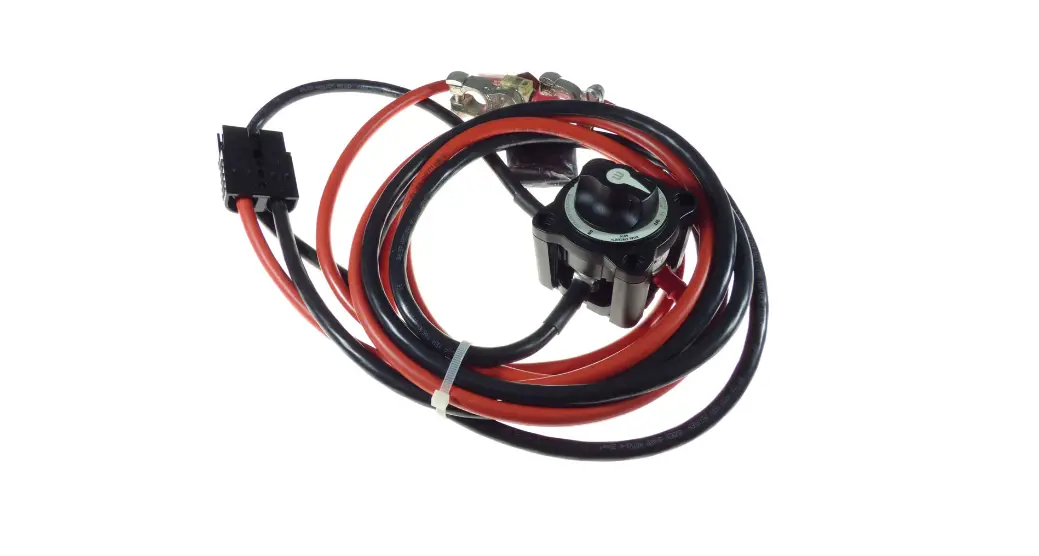
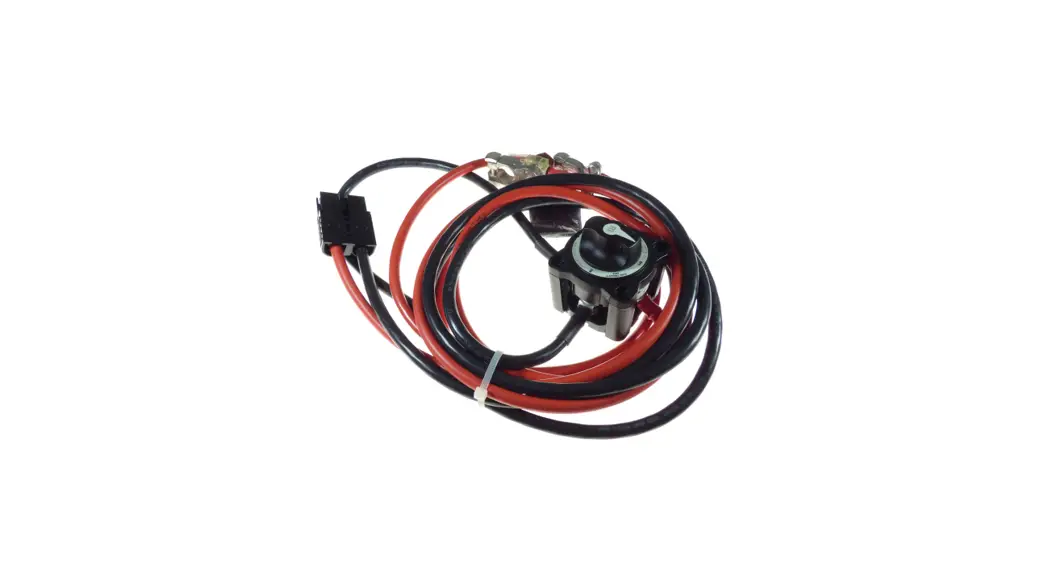
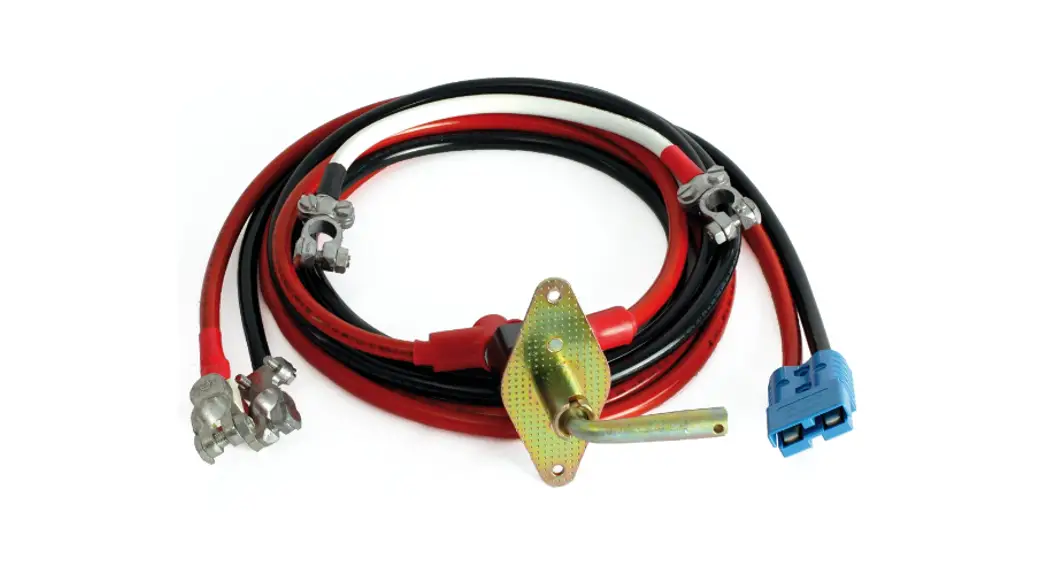
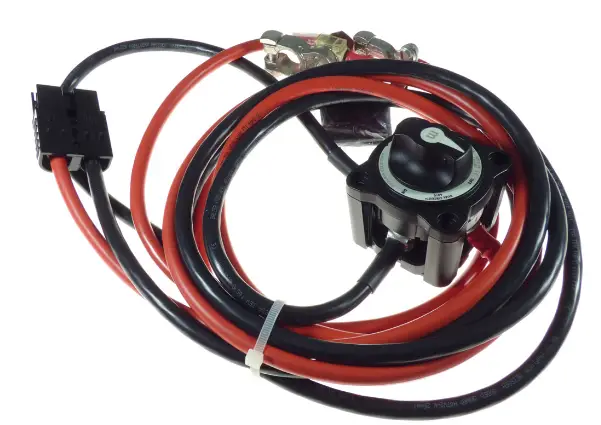
The bill of materials provides a list of items needed for installation, including a cable set with a battery switch. Refer to the picture for cable length.
Installation Instruction
Installation Drawing: I17
Item number: 039-00543, Version 1.0 Power cable connection
This installation drawing is an addition to the original operating instructions. Read operating instructions before wiring.
NOTE! When using only one Power 48-5000 battery, the system will be limited to 6kw maximum output.
 Positive power cable
 Negative power cable
- Positive charging cable
- Negative charging cable
 AC power cable
 Positive power cable
 Negative power cable
 AC power cable
This installation drawing is an addition to the original operating instructions. Read operating instructions before wiring.
NOTE! When using only one Power 48-5000 battery, the system will be limited to 6kw maximum output.
Option: One charger for each battery
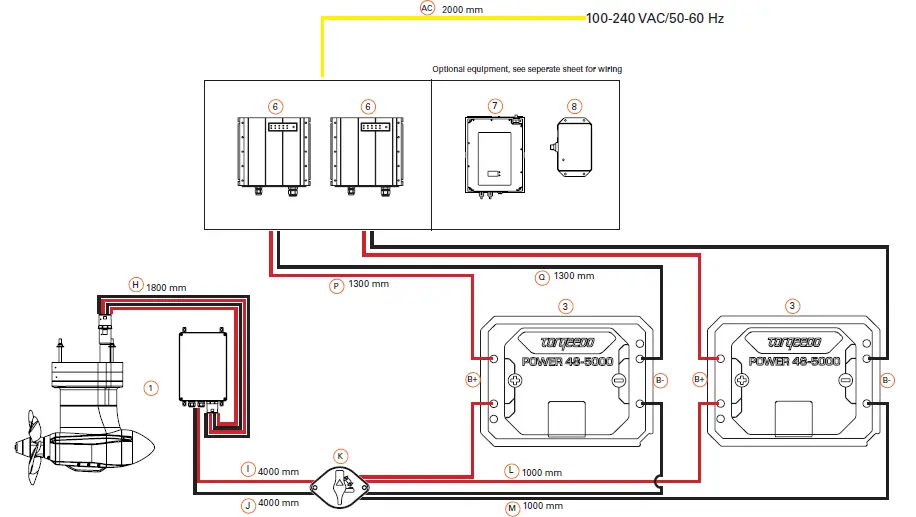
- Positive power cable
- Negative power cable
- Positive charging cable
- Negative charging cable
- AC power cable
This installation drawing is an addition to the original operating instructions. Read operating instructions before wiring.
In case the charger is permanently installed in the boat, the charger housing or its AC PE and battery minus pole must be connected to the common grounding point.
The AC connection requires specialist knowledge and may only be carried out by qualified personnel.
If necessary, have the planning and installation carried out by a specialist.
NOTE! To charge the batteries in the boat, a land connection in the boat with galvanic isolator or isolation transformer is required according to applicable national requirements (e.g. DIN EN ISO 13297, ABYC E-11).

 25 mm2 grounding cable
 25 mm2 grounding cable
This installation drawing is an addition to the original operating instructions. Read operating instructions before wiring.

 8 pin data cable
 5 pin data cable
- 3 pin data cable
 4 pin data cable
 Backbone TorqLink, 8 pin data cable
 Backbone 5 pin data cable
- Bus system termination resistor
 8 pin data cable
 5 pin data cable
 4 pin data cable
 Backbone TorqLink, 8 pin data cable
 Backbone 5 pin data cable
This installation drawing is an addition to the original operating instructions. Read operating instructions before wiring.
| Pos. | Item number | Name | Remarks | Pos. | Item number | Name | Remarks | ||
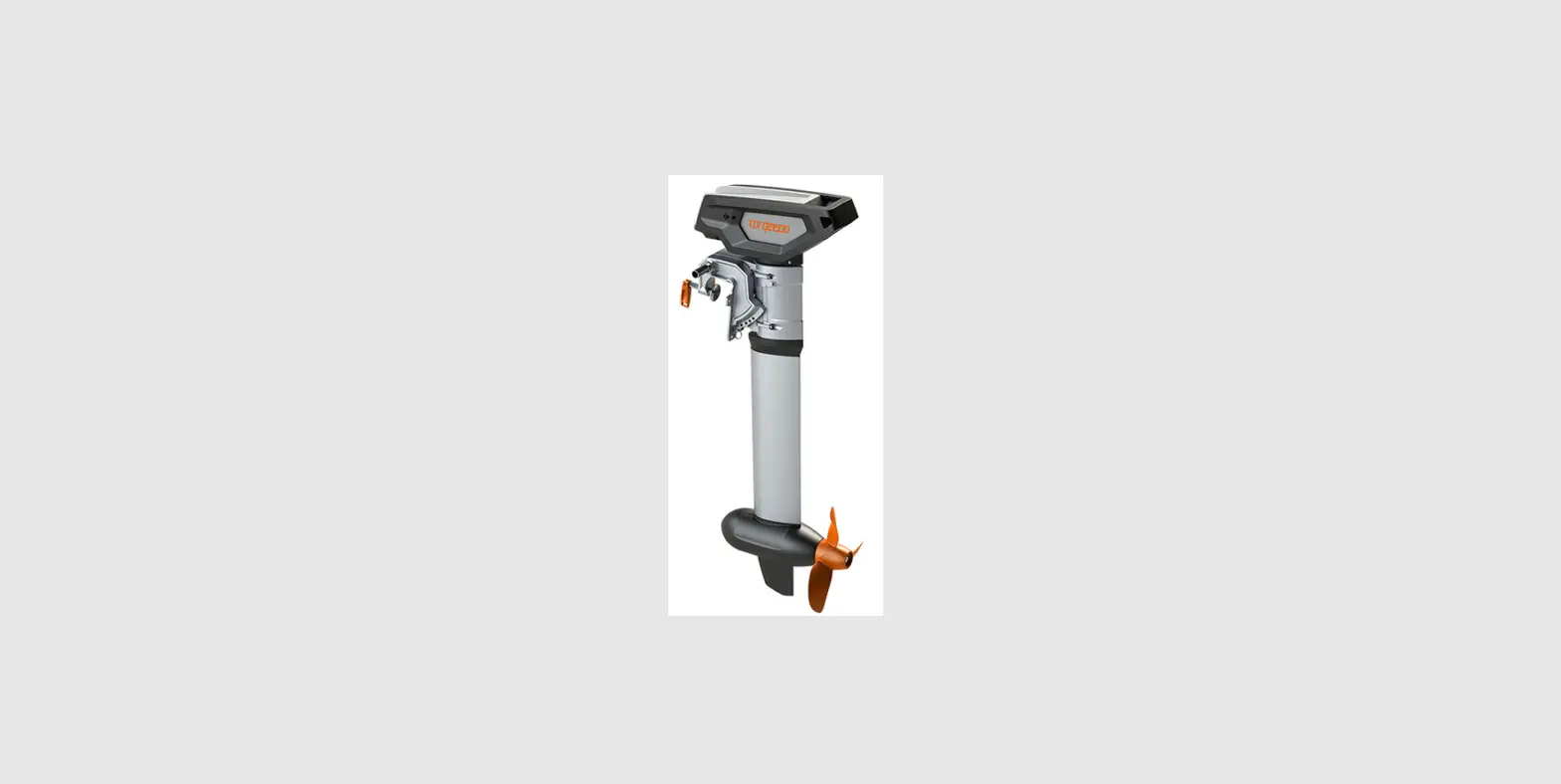
| 1 | 1283-00 | Cruise 12.0 FPTorqLink with electronic box | Optional equipment | ||||||
| H,I, J, K, L, M | Cable set with battery switch | See picture for cable length | |||||||
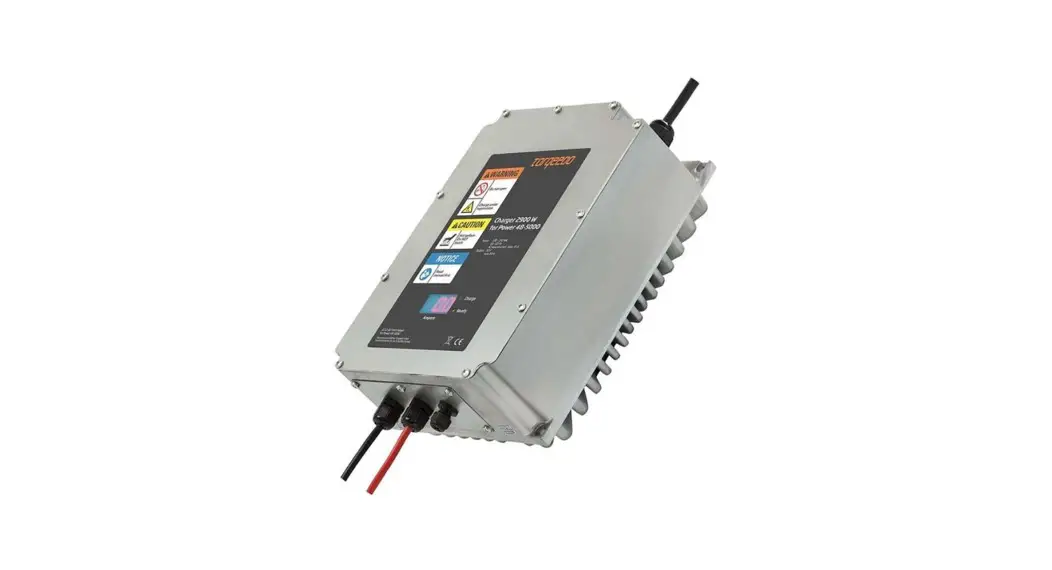
| 7 | 2212-00 | Fast charger Power 48 | 2900 W | ||||||
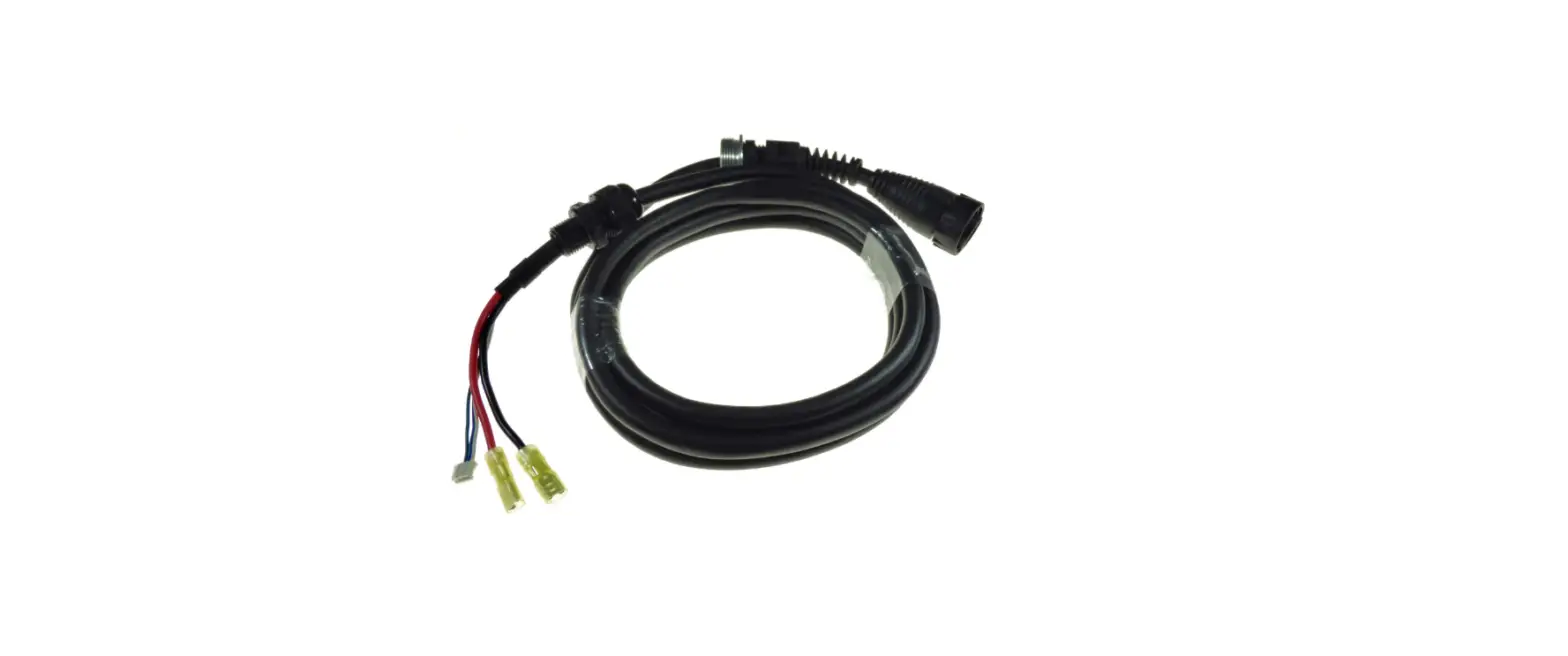
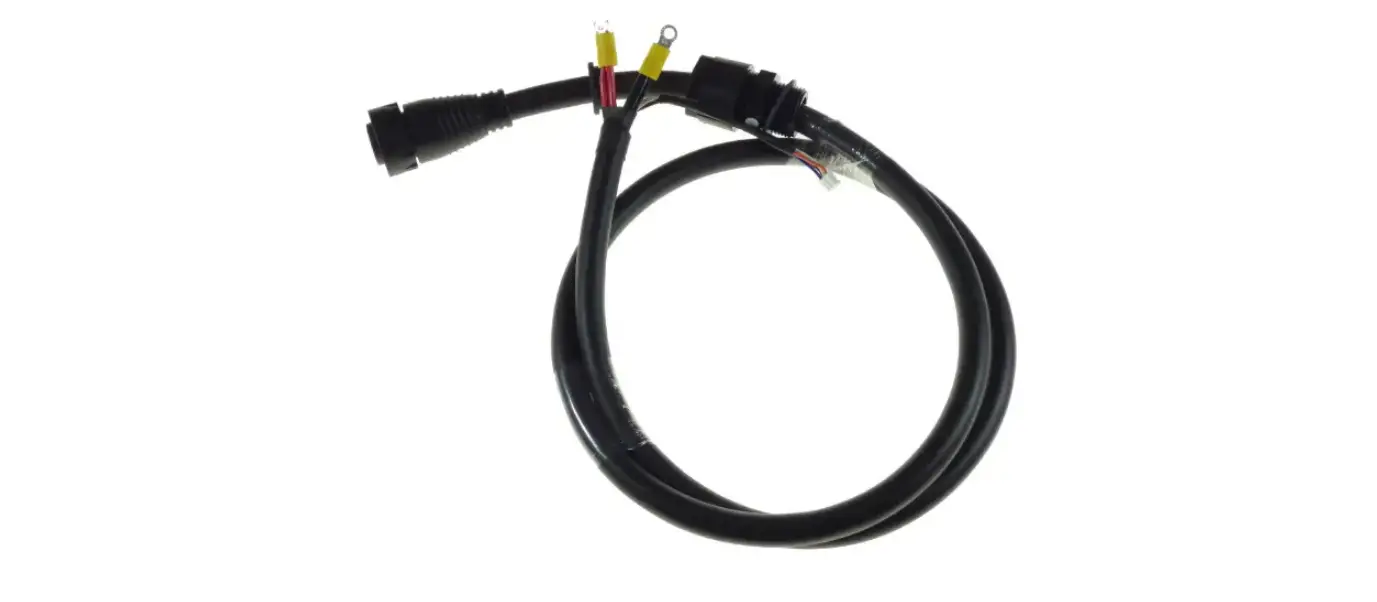
| e | Backbone TorqLink cable 8-pin | 3000 mm | P | + DC charge cable | 2400 mm; Do not extend! | ||||
| Q | – DC charge cable | 2400 mm; Do not extend! | |||||||
| 3 | 2104-00 | Power 48-5000 | Select TorqLink-Battery in throttle menu! NOTE! When using only one Power 48-5000 battery, the system will be limited to 6kw maximum output. | B+ | + Battery pole | 7,5 Nm | |||
| B- | – Battery pole | 7,5 Nm | |||||||
| AC | AC power cable | 1000 mm | |||||||
| a | T-Cable 8-pin | 900 mm/50 mm, Do not extend! | |||||||
| a | T-Cable 8-pin | 900 mm/50 mm, Do not extend! | |||||||
| not illus- trated | + Battery pole adapter – Battery pole adapter | Not needed for your configuration | |||||||
| 8 | 2218-00 | Solar charge controller for Power 48-5000 | For TorqLink system only! Only as stand alone charger or in combination with 2212-00 Fast charger Power 48! | ||||||
| W | System ground | min. 25 mm2, not included | |||||||
| P | + Charge cable | 1500 mm | |||||||
| 4 | 1976-00 | TorqLink Throttle | Q | – Charge cable | 1500 mm | ||||
| c | Backbone TorqLink cable 8-pin | 3000 mm | R | + Input solar cable | 150 mm | ||||
| S | – Input solar cable | 150 mm | |||||||
| 6 | 2213-00 | Charger Power 48 | 650 W, for AC charging while running use Fast charger Power 48 2212-00; Not compatible with solar charger 2218-00 | a | T-Cable 8-pin | 900 mm/50 mm, Do not extend! | |||
| P | + DC charge cable | 1300 mm; Do not extend! | |||||||
| Q | – DC charge cable | 1300 mm; Do not extend! | |||||||
| B+ | + Battery pole | 7,5 Nm | |||||||
| B- | – Battery pole | 7,5 Nm | |||||||
| AC | AC power cable | 2000 mm | |||||||
| a | T-Cable 8-pin | 900 mm/50 mm, Do not extend! | |||||||
Connect the cruise motor and terminator to each end of the backbone.
The TorqLink bus system requires a terminator (terminating resistor) at both ends of the backbone in order to function correctly.
One of the terminators is located in the „Terminator Single“, „Terminator Twin“, „Throttle 1918-00“, „ Throttle 1976-00“ , the other is built into the cruise motor. Therefore, when installing, make sure that the components „Terminator“ and „Cruise motor“ are each connected to one end of the backbone.
The connection position of the remaining components on the backbone can be freely selected.
Keep the following points in mind when planning:
- An earthing point is required for your Torqeedo system. Take into account the connection and the cables required for this in your planning. The required cable cross-sections can be found in the section Tools, equipment and material.
- First determine and plan the installation positions of all components.
- Measure the required length of the TorqLink backbone.
- Measure the lengths of all required stub lines (cable connection between component and TorqLink backbone).
- When planning, please note that TorqLink drop cables must not be extended. If necessary, plan the TorqLink backbone so that the components can be connected through the
TorqLink drop cable without an extension. If necessary, extend the TorqLink backbone to connect a component that is far away; you can find corresponding extensions in our accessories catalogue. - Cables must be fixed every 400 mm, plan attachment material. In places where fastening is not possible, a scuff guard must be fitted.
- Openly laid cables (e.g. inflatable boat) must be protected with chafing protection, plan sufficient material.
- When planning, please note not to bundle power cables with data or antenna cables (e.g. radios) for other loads.
- Observe the minimum bending radius of the cables when planning.
- If a second earthed onboard power system is available, ensure that both systems use a common earthing point.
- Live parts must be fitted or installed with protection against accidental contact; the necessary installation space must be taken into account during the planning stage.
- Always connect batteries as the last component to the system to avoid short circuits and voltage peaks.
- Do not extend drop cables, extend backbone if necessary.
- Protect plugs and contacts against contamination before installing them.
- Do not pull at the cables.
- Do not twist cables.
- Do not install cables in permanently wet areas such as bilges.
- Install cables free of chafing and not around sharp edges, if necessary, attach chafing protection.
- Maintain bending limits.
- Install plug connections free of tension and load.
Observe the minimum bending radius when laying all cables:

| Torqeedo data cable | 8 x diameter |
| Torqeedo power cable | 8 x diameter |
| Earth cable | see cable manufacturer’s specifications |
| Other power cables | see cable manufacturer’s specifications |
This installation drawing is an addition to the original operating instructions. Read operating instructions before wiring.
Power cable connection
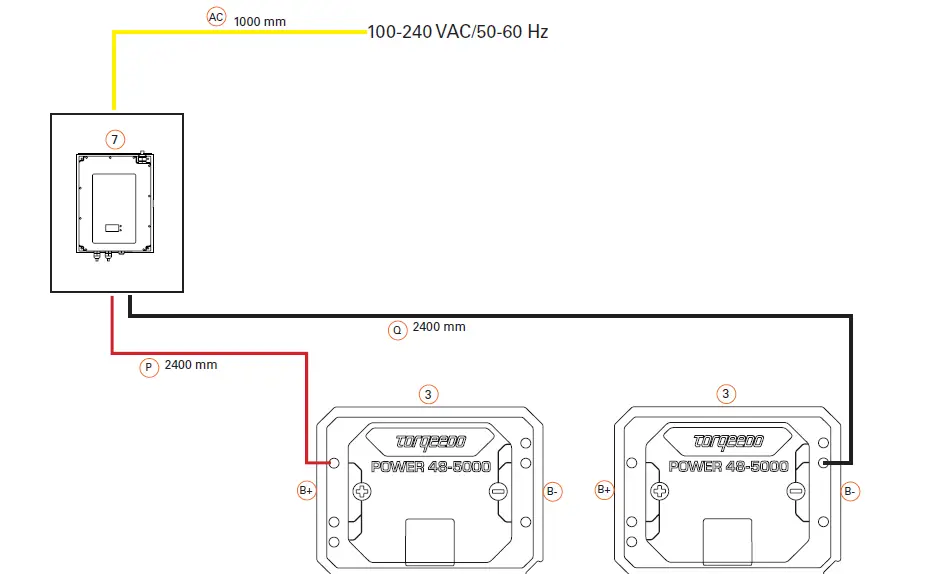
- Positive power cable
- Negative power cable
- Positive charging cable
- Negative charging cable
- AC power cable
Option: One charger for each battery
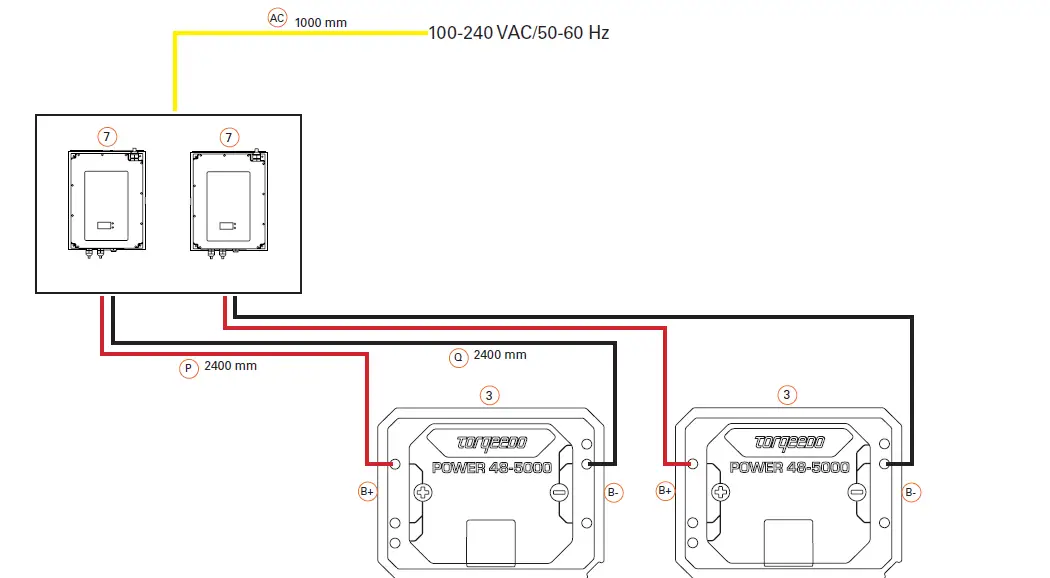
- Positive power cable
- Negative power cable
- Positive charging cable
- Negative charging cable
- AC power cable
Power cable connection

- Positive power cable
- Negative power cable
- Positive charging cable
- Negative charging cable
- AC power cable
Option: One charger for each battery
- Positive power cable
- Negative power cable
- Positive charging cable
- Negative charging cable
- AC power cable