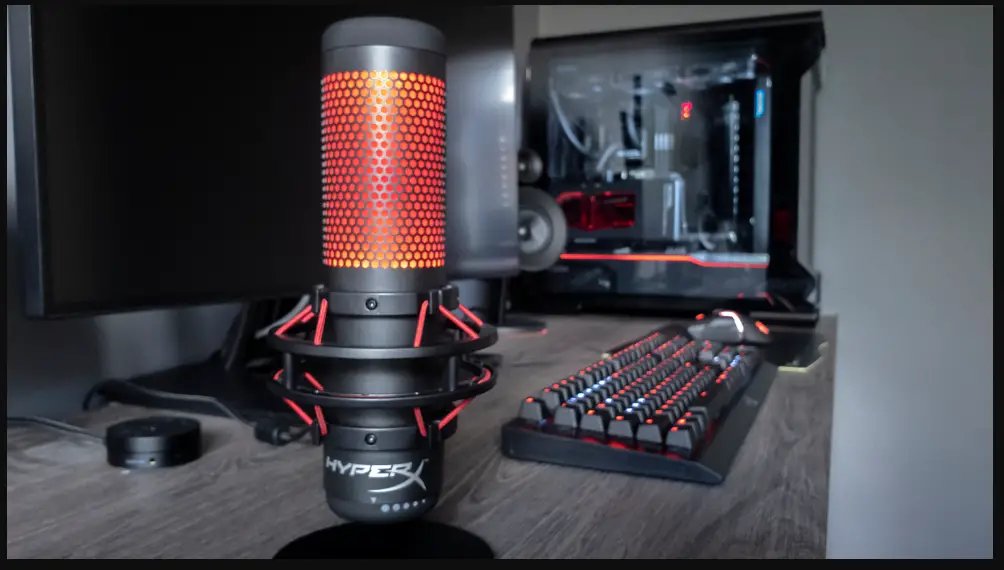
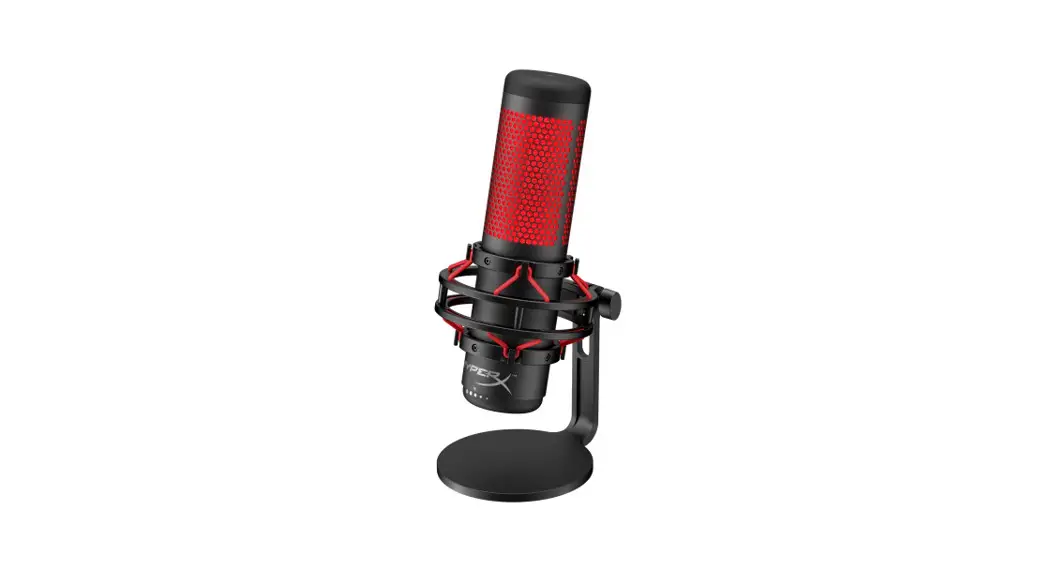
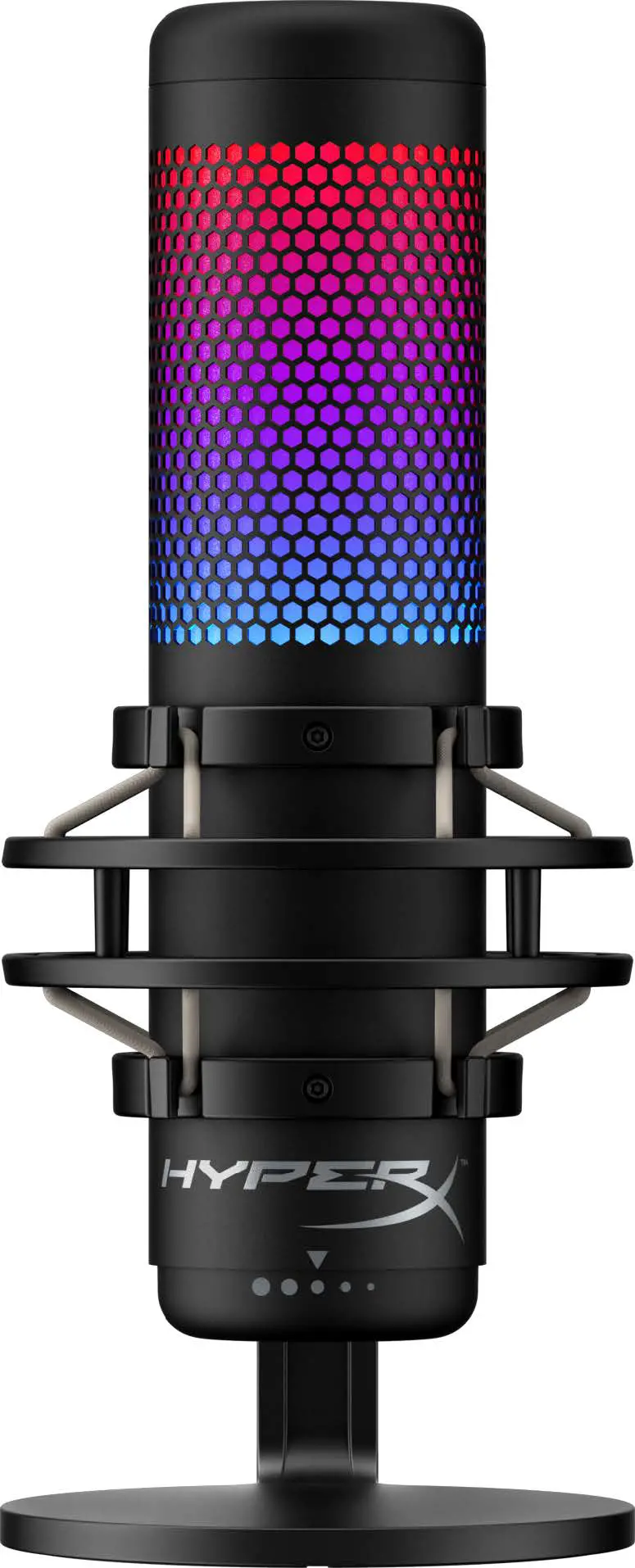
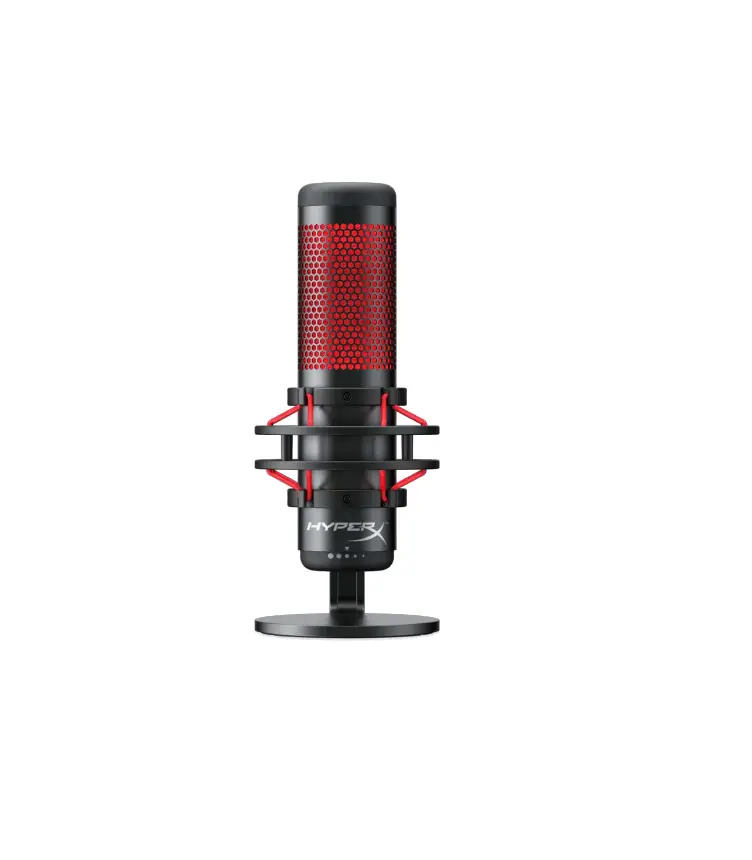
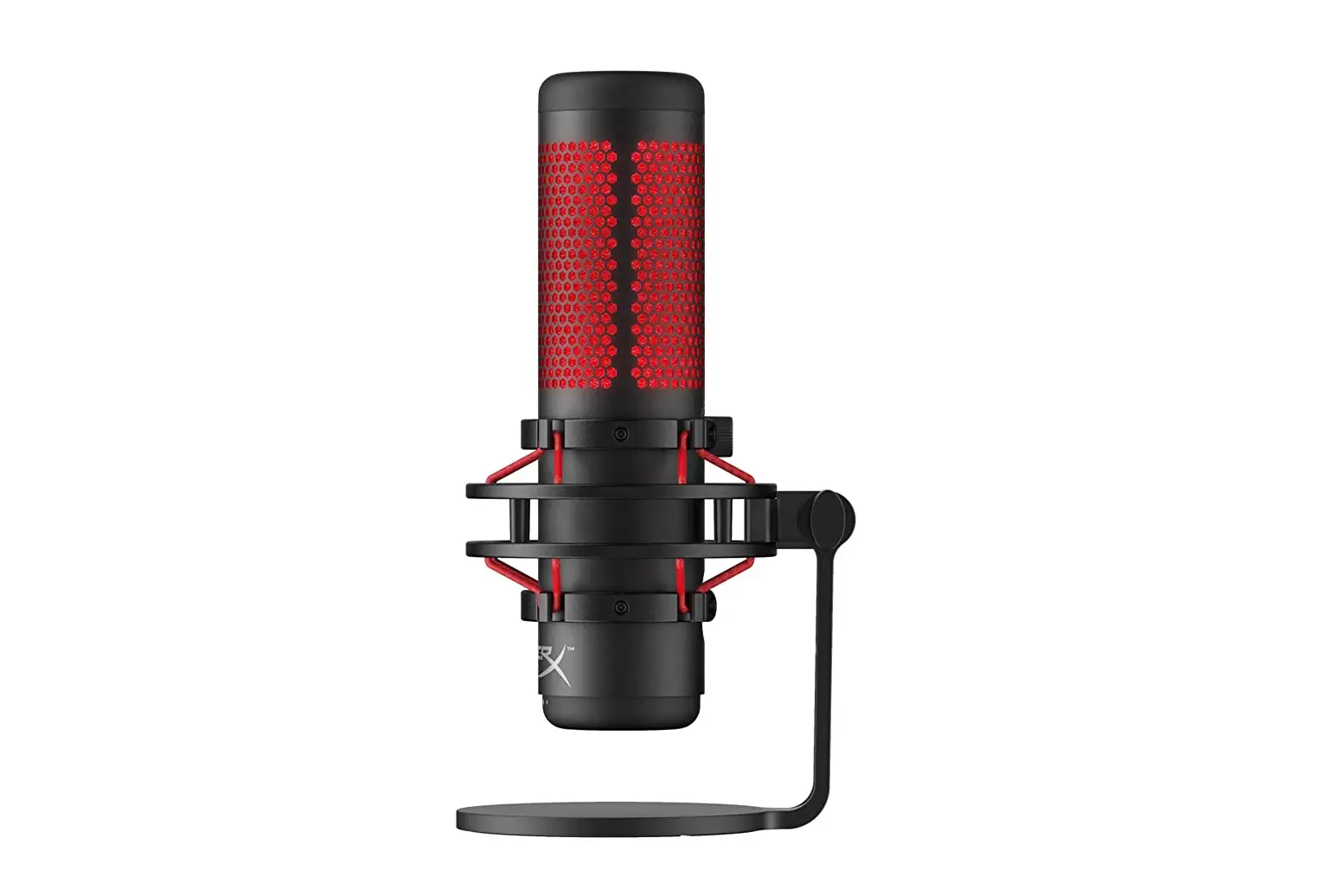
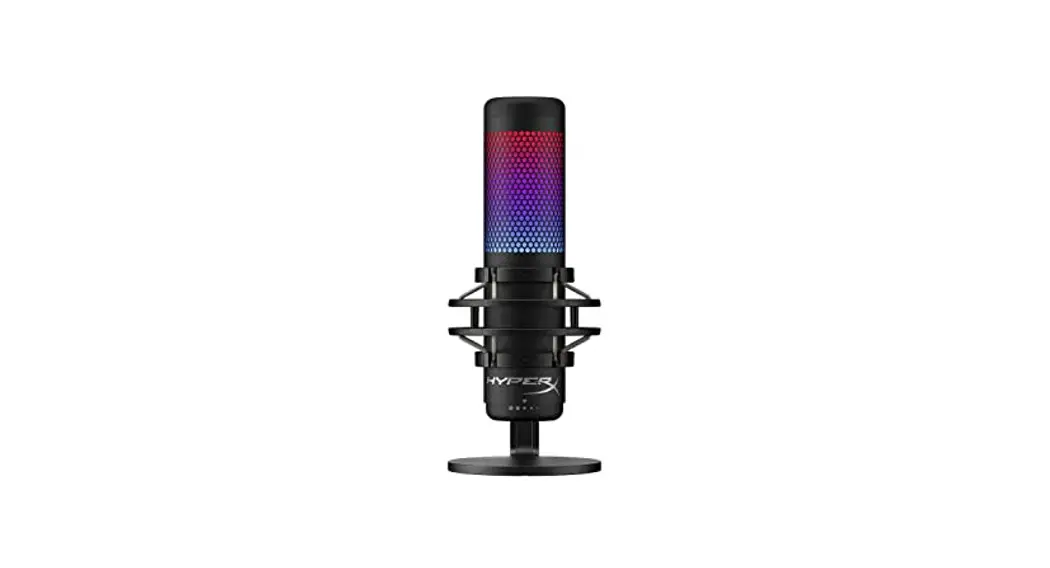
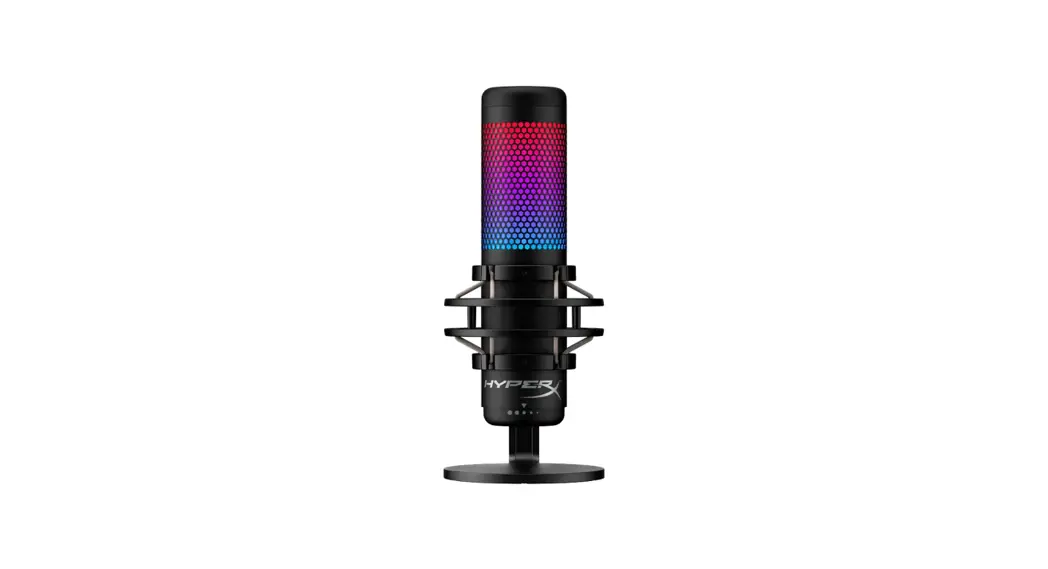
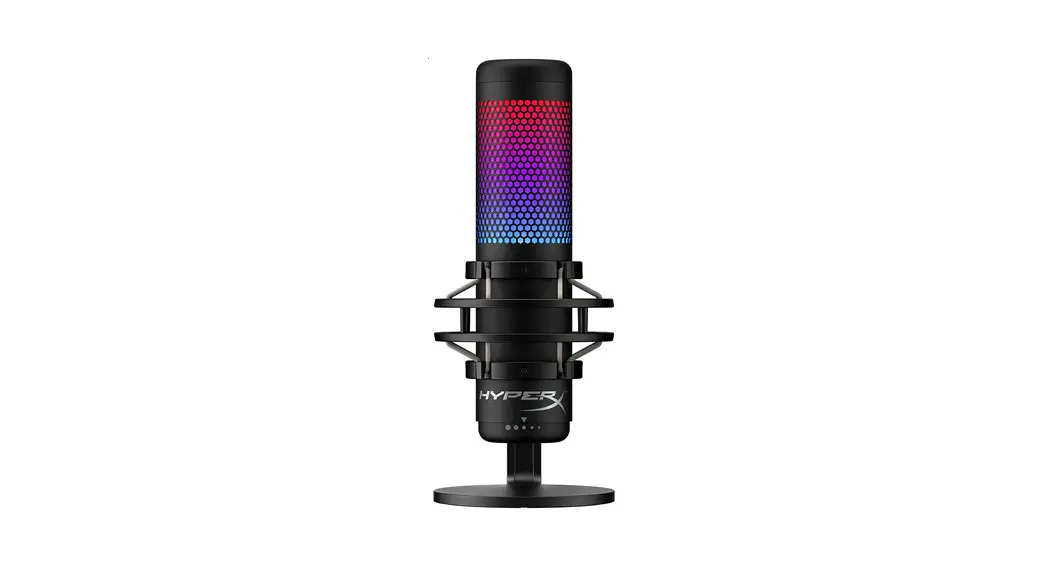
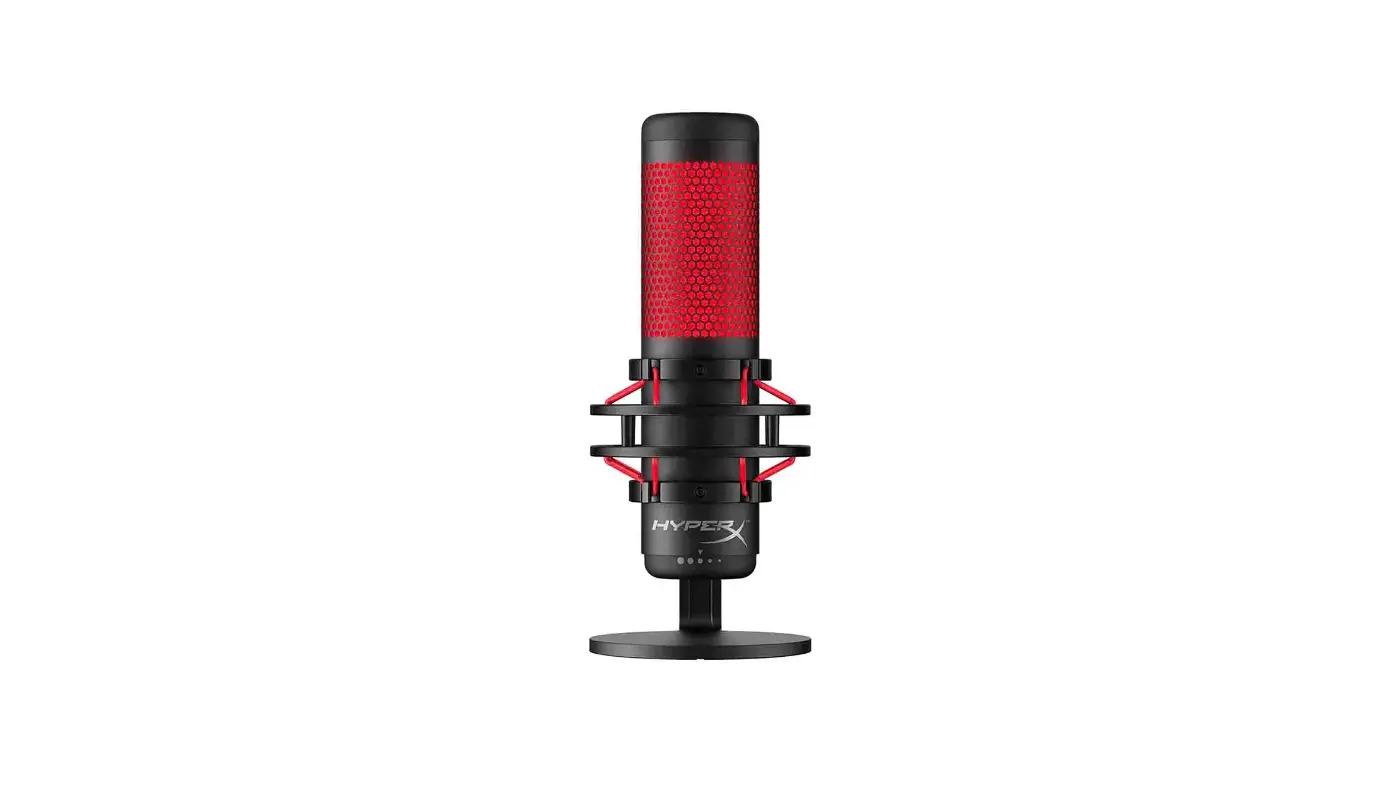
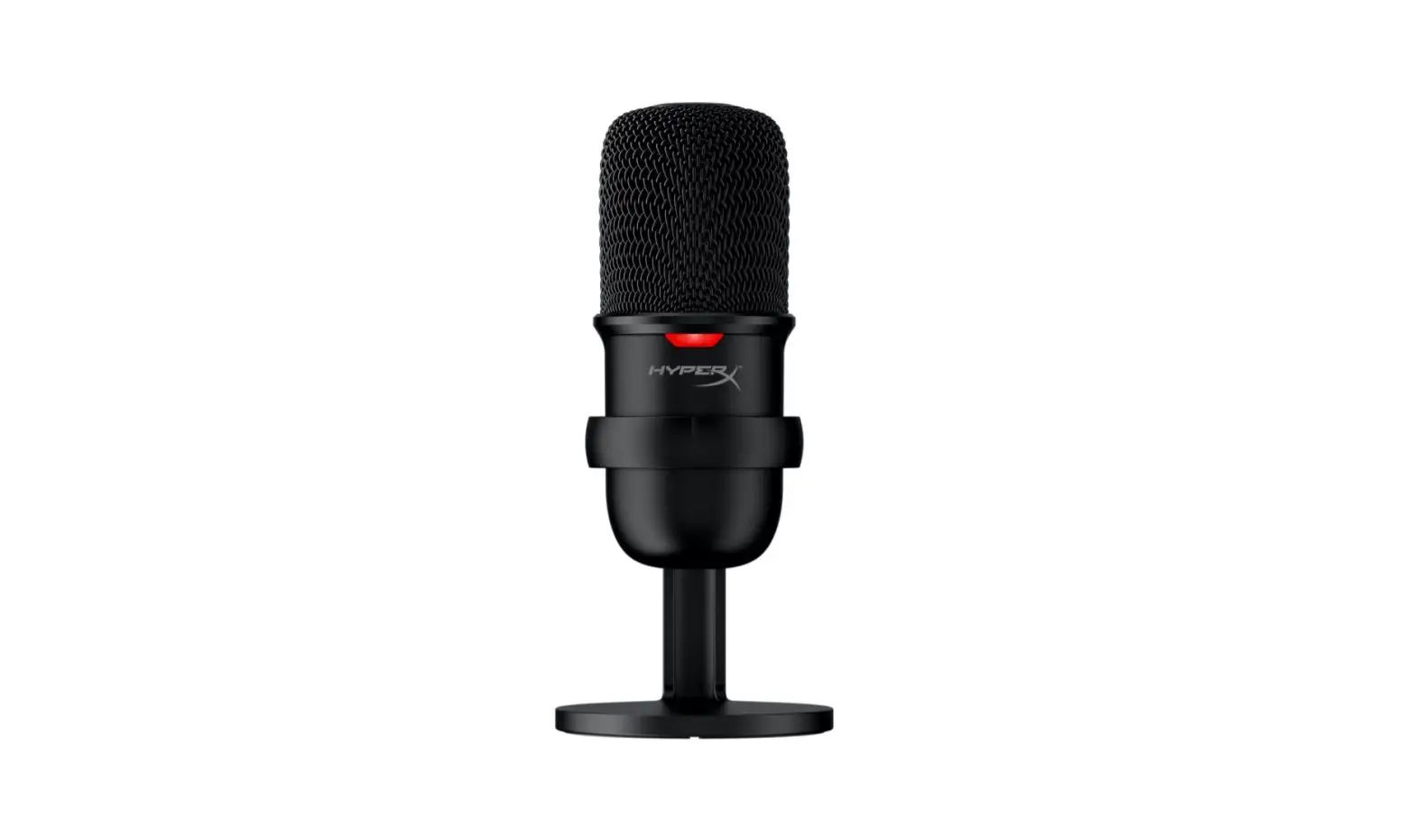
QuadCast USB Condenser Mic Pop Filter
Product Information
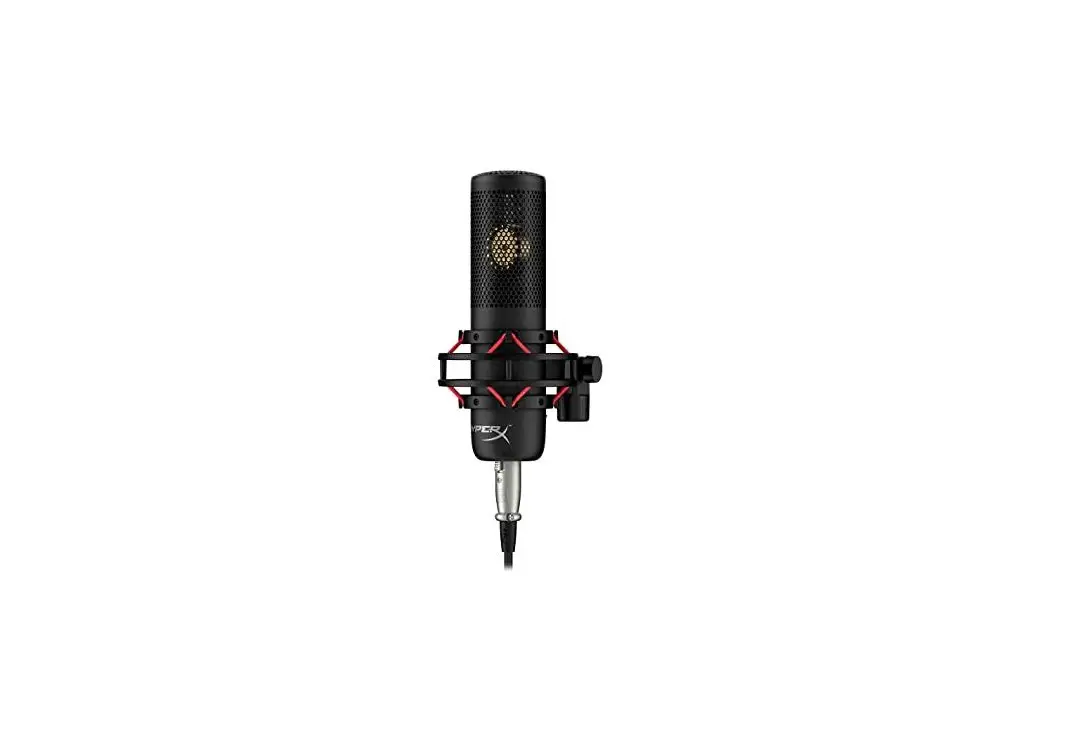
The HyperX QuadCastTM is a high-quality USB microphone designed
for gamers and content creators. It features a tap-to-mute sensor,
gain control knob, polar pattern knob, headphone jack, USB cable
port, USB cable, and a mount adapter that supports both 3/8 and 5/8
thread sizes.
Polar Patterns
| Symbol | Sound Direction | Polar Pattern |
|---|---|---|
| Stereo | Omni-directional | Stereo sound capture from all directions |
| Omnidirectional | 360-degree sound capture | Captures sound equally from all directions |
| Cardioid | Unidirectional | Focuses on sound from the front while reducing background noise |
| Bidirectional | Front and back sound capture | Captures sound from the front and back while reducing side noise |
Adjusting Gain Control
Use the gain control knob to adjust the microphone’s
sensitivity. Turn it clockwise to increase the gain and
counter-clockwise to decrease it. Finding the right gain level
ensures optimal audio quality.
Using with PC or PS4TM
To use the HyperX QuadCastTM with your PC or PS4TM, connect the
microphone using the included USB cable. The microphone is
plug-and-play, so no additional drivers are required.
Connecting Headphones
You can connect your headphones to the headphone jack on the
HyperX QuadCastTM to monitor your audio in real-time. This allows
you to hear exactly what is being recorded or streamed.
Questions or Setup Issues?
If you have any questions or encounter any setup issues, please
contact the HyperX support team or refer to the user manual
available at hyperxgaming.com/support.
HyperX QuadCastTM
Overview A
G B
Quick Start Guide
F C D E
A Tap-to-Mute Sensor B Gain Control Knob C Polar Pattern Knob D Headphone Jack E USB Cable Port F USB Cable G Mount Adapter* * Supports both 3/8″ and 5/8″ thread sizes
4402137
Selecting a Polar Pattern
SYMBOL
SOUND DIRECTION
POLAR PATTERN
Stereo
Omnidirectional
Cardioid
Bidirectional
Adjusting Gain Control
+
Using PC or PS4TM
Connecting Headphones
Questions or setup issues?
Contact the HyperX support team or see user manual at: hyperxgaming.com/support
ENGLISH
Overview A – Polar Pattern Knob B – Gain Control Knob C – Tap-to-Mute Sensor D – Headphone Jack E – USB Cable Port F – USB Cable G – Mount Adapter*
*Supports both 3/8″ and 5/8″ thread sizes
Selecting a Polar Pattern
SYMBOL
SOUND DIRECTION
POLAR PATTERN
Stereo
Omnidirectional
Cardioid
Bidirectional
Adjusting Gain Control
Using PC or PS4TM
Connecting Headphones
Questions or setup issues? Contact the HyperX support team or see user manual at: hyperxgaming.com/support
FRANÇAIS
Présentation A – Capteur tactile Coupure audio B – Bouton Contrôle de gain C – Bouton Diagramme polaire D – Jack du casque E – Port de câble USB F – Câble USB G – Adaptateur de support*
*Compatible avec les filetages 3/8 et 5/8 de pouce
Sélection d’un diagramme polaire
SYMBOLE
DIRECTION DU SON DIAGRAMME POLAIRE
Stéréo
Omnidirectionnel
Cardioïde
Bidirectionnel
Réglage du contrôle de gain
Utilisation avec PC ou PS4TM
Connexion du casque
Questions ou problèmes de configuration? Contactez l’équipe d’assistance HyperX ou consultez le manuel d’utilisation sur : hyperxgaming.com/support
ITALIANO
Descrizione generale del prodotto A – Sensore “Tap-to-Mute” B – Manopola controllo del guadagno C – Manopola pattern polare D – Jack cuffie E – Porta per cavo USB F – Cavo USB G – Adattatore per attacco*
*Supporta filettature da 3/8″ e 5/8″
Selezione di un pattern polare
SIMBOLO
DIREZIONE DELL’AUDIO PATTERN POLARE
Stereo
Omnidirezionale
Cardioide
Bidirezionale
Regolazione del controllo del guadagno
Utilizzo con PC o PS4TM
Collegamento delle cuffie
Domande o dubbi sulla configurazione? Contattate il team di supporto HyperX,oppure consultate il manuale d’uso all’indirizzo: hyperxgaming.com/support
DEUTSCH
Übersicht A – Tippen-zum-Stummschalten-Sensor B – Verstärkungsregel-Knopf C – Richtcharakteristik-Knopf D – Kopfhöreranschluss E – USB-Kabelanschluss F – USB-Kabel G – Montageadapter*
*Unterstützt sowohl 3/8″- als auch 5/8″-Gewindegrößen
Auswählen einer Richtcharakteristik
SYMBOL
SOUND RICHTUNG RICHTCHARAKTERISTIK
Stereo
Omnidirektional
Kardioid
Bidirektional
Anpassen der Verstärkungsregelung
Verwenden von PC oder PS4TM
Anschließen der Kopfhörer
Fragen oder Probleme bei der Einrichtung? Wende Dich an das HyperX Support-Team oder sieh hier in der Bedienungsanleitung nach: hyperxgaming.com/support
POLSKI
Prezentacja A – Czujnik wyciszania dotykiem B – Pokrtlo wzmocnienia C – Pokrtlo wzorca polaryzacji D – Gniazdo sluchawkowe E – Gniazdo kabla USB F – Kabel USB G – Adapter do mocowania*
*Pasuj gwinty 3/8″ i 5/8″
Wybór wzorca polaryzacji
SYMBOL
KIERUNEK DWIKU WZORZEC POLARYZACJI
Stereo
Wszechkierunkowy
Kardioidalny
Dwukierunkowy
Regulacja wzmocnienia
W przypadku uywania PC lub PS4TM
Podlczanie sluchawek
Pytania? Problemy z konfiguracj? Skontaktuj si z zespolem pomocy technicznej HyperX lub przeczytaj podrcznik uytkownika na stronie: hyperxgaming.com/support
ESPAÑOL
Descripción general A – Sensor Pulse-para-silenciar B – Perilla del control de ganancia C – Perilla del patrón polar D – Conector de audífonos E – Puerto para cable USB F – Cable USB G – Adaptador de montaje*
*Admite tamaños de rosca de 3/8″ y 5/8″
Seleccionar un patrón polar
SÍMBOLO
DIRECCIÓN DEL SONIDO
PATRÓN POLAR
Estéreo
Omnidireccional
Cardioide
Bidireccional
Ajustar control de ganancia
Usar con PC o PS4TM
Conectar los audífonos
¿Tienes alguna pregunta o consulta sobre la instalación? Comunícate con el equipo de soporte de HyperX o consulta el manual del usuario en: hyperxgaming.com/support
PORTUGUÊS
Visão geral A – Sensor de toque para silenciar B – Botão de Controle de Volume C – Botão de Padrão Polar D – Entrada do fone de ouvido E – Porta do cabo USB F – Cabo USB G – Adaptador de montagem*
*Compatível com tamanhos de fio de 3/8 pol e 5/8 pol
Selecionando um Padrão Polar
SÍMBOLO
DIREÇÃO DO SOM
PADRÃO POLAR
Estéreo
Omnidirecional
Cardioide
Bidirecional
Ajustando o controle do volume
Usando PC ou PS4TM
Conectando os fones de ouvido
Dúvidas ou problemas na instalação? Contate a equipe de suporte HyperX ou consulte o manual do usuário em: hyperxgaming.com/support
CESTINA
Pehled A – Senzor vypnutí dotykem B – Knoflík pro ovládání zesílení C – Knoflík pro výbr smrové charakteristiky D – Zdíka pro pipojení sluchátek E – Port pro USB kabel F – USB kabel G – Montázní adaptér*
*Umozuje pouzití závitu o rozmru 3/8″ i 5/8″
Výbr smrové charakteristiky
SYMBOL
SMR ZVUKU
SMROVÁ CHARAKTERISTIKA
Stereo
Vsesmrový
Kardioidní
Dvousmrový
Ovládání zesílení
Pouzití PC nebo PS4TM
Pipojení sluchátek
Máte dotazy nebo problémy s nastavením? Kontaktujte tým podpory HyperX nebo si pectte uzivatelskou pírucku na adrese: hyperxgaming.com/support
A – B – C – D – E – USB- F – USB- G – -*
* 3/8″ 5/8″
PS4TM
? HyperX : hyperxgaming.com/support
A – B – C – D – E – USB F – USB G – *
*3/8″ S5/8″
PS4TM
HyperX hyperxgaming.com/support
A – z B – C – D – E – USB F – USB G – *
*3/8″ S5/8″
PCPS4TM
HyperX hyperxgaming.com/support
A – B – C – D – E – USB F – USB G – *
*3/8 5/8
PCPS4TM
HyperX hyperxgaming.com/suppor-
– A – B
– C – D
USB – E USB – F
* – G
5/8 3/8
PS4TM
: HyperX
hyperxgaming.com/support
ROMÂN
Prezentare general A – Senzor pentru dezactivarea sunetului prin atingere B – Buton de control al amplificrii C – Buton tipar polar D – Muf pentru cti E – Port pentru cablu USB F – Cablu USB G – Adaptor suport*
*Compatibil cu filetele de 3/8″ i 5/8″
Selectarea unui tipar polar
SIMBOL
DIRECIA SUNETULUI
TIPAR POLAR
Stereo
Omnidirecional
Cardioid
Bidirecional
Reglarea controlului amplificrii
Utilizarea cu PC sau PS4TM
Conectarea ctilor
Avei întrebri sau probleme legate de instalare? Contactai echipa de asisten HyperX sau consultai manualul de utilizare la adresa: hyperxgaming.com/support
SLOVENSCINA
Pregled A – Tipalo dotika za utisanje zvoka B – Gumb za upravljanje pridobivanja C – Gumb za polarni vzorec D – Vtic za slusalke E – Vrata za USB kabel F – Kabel USB G – Adapter za vgradnjo*
*Podpira velikosti navoja 3/8 “in 5/8”
Izbira polarnega vzorca
SIMBOL
SMER ZVOKA
POLARNI VZOREC
Stereo
Vsesmerno
Kardioid
Dvosmerno
Nastavljanje kontrole Gain
Uporaba PC ali PS4TM
Povezovanje slusalk
Vprasanja ali tezave pri namestitvi? Obrnite se na ekipo za podporo HyperX ali si oglejte uporabniski prirocnik na: hyperxgaming.com/support
13
HyperX is a division of Kingston. THIS DOCUMENT SUBJECT TO CHANGE WITHOUT NOTICE ©2020 Kingston Technology Corporation, 17600 Newhope Street, Fountain Valley, CA 92708 USA. All rights reserved. All registered trademarks and trademarks are the property of their respective owners.
14
 HyperX | High Quality Gaming Gear