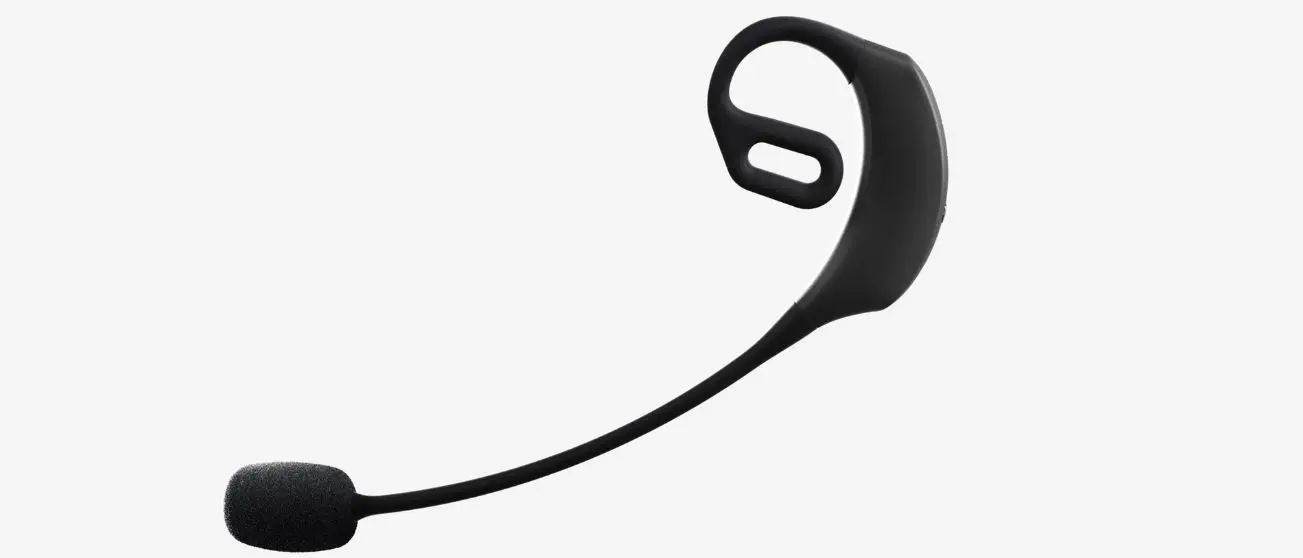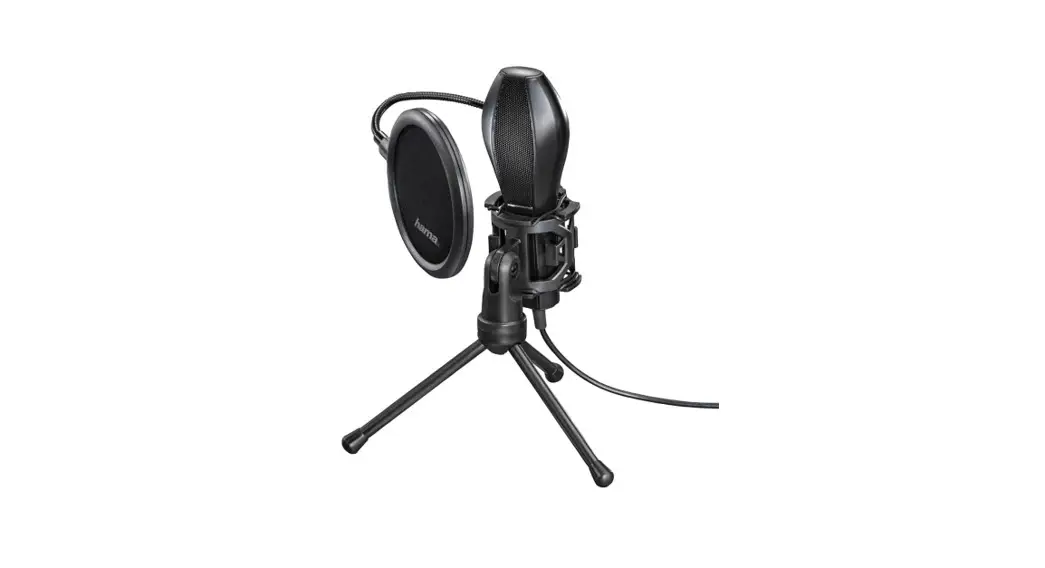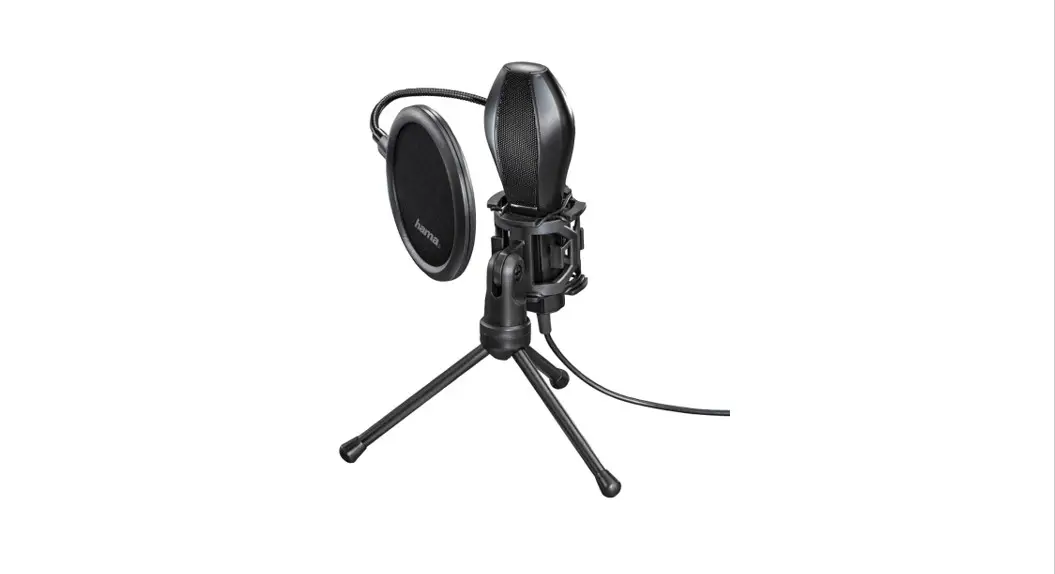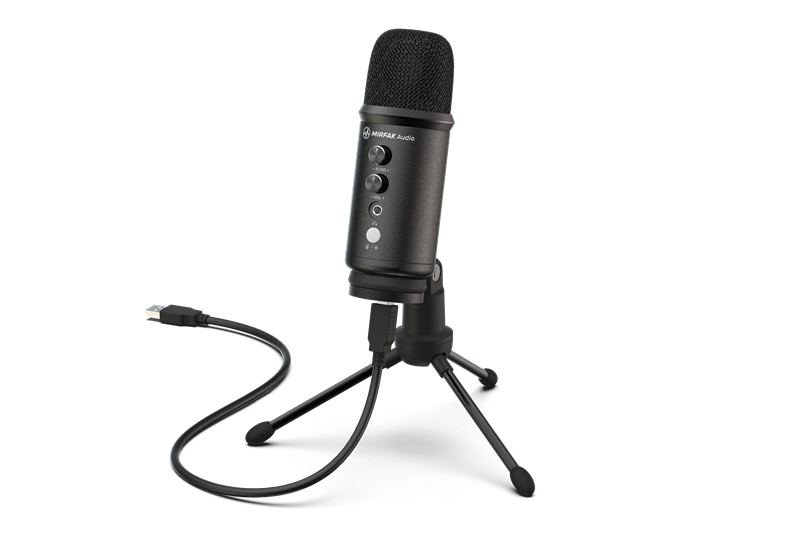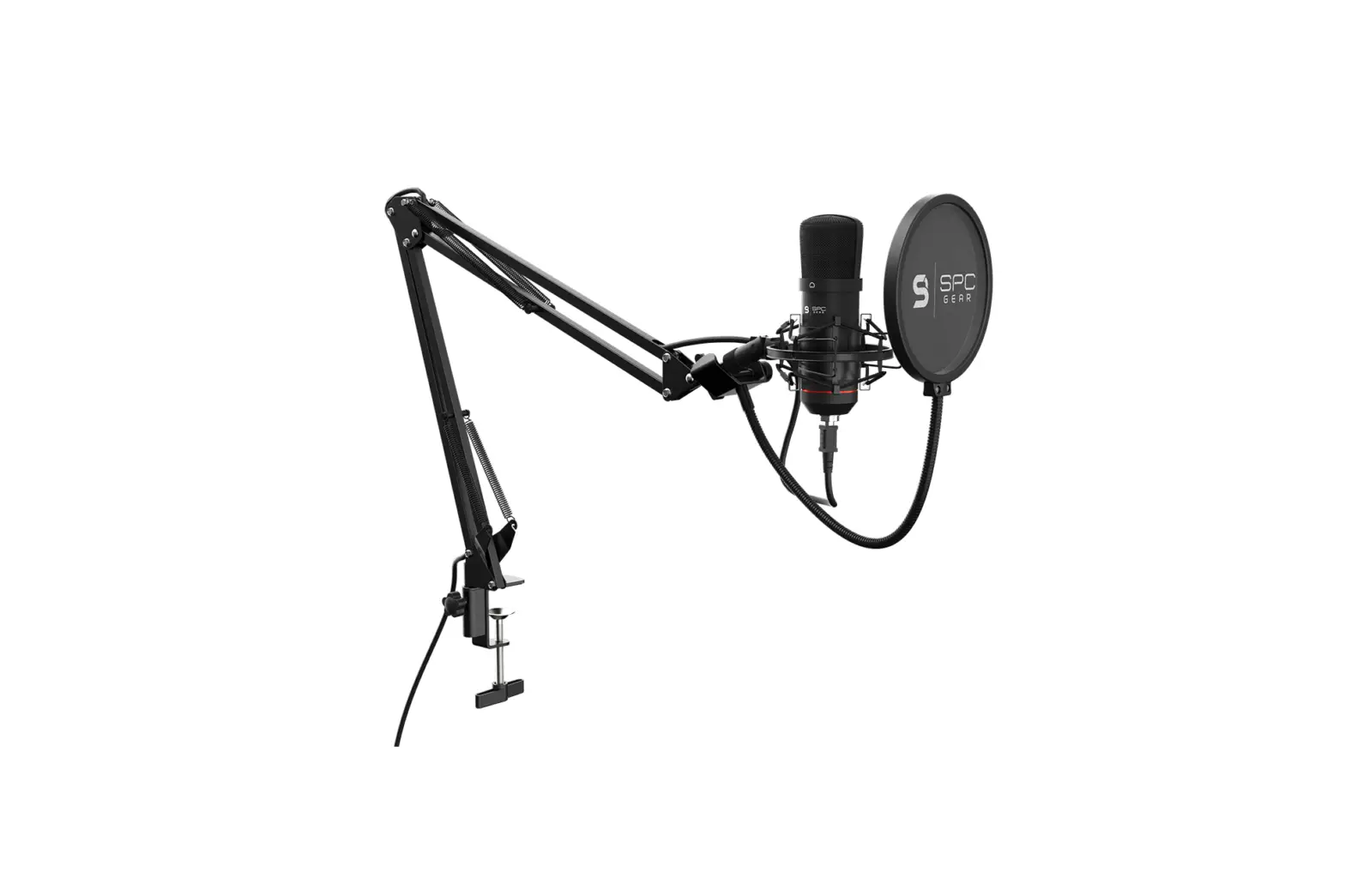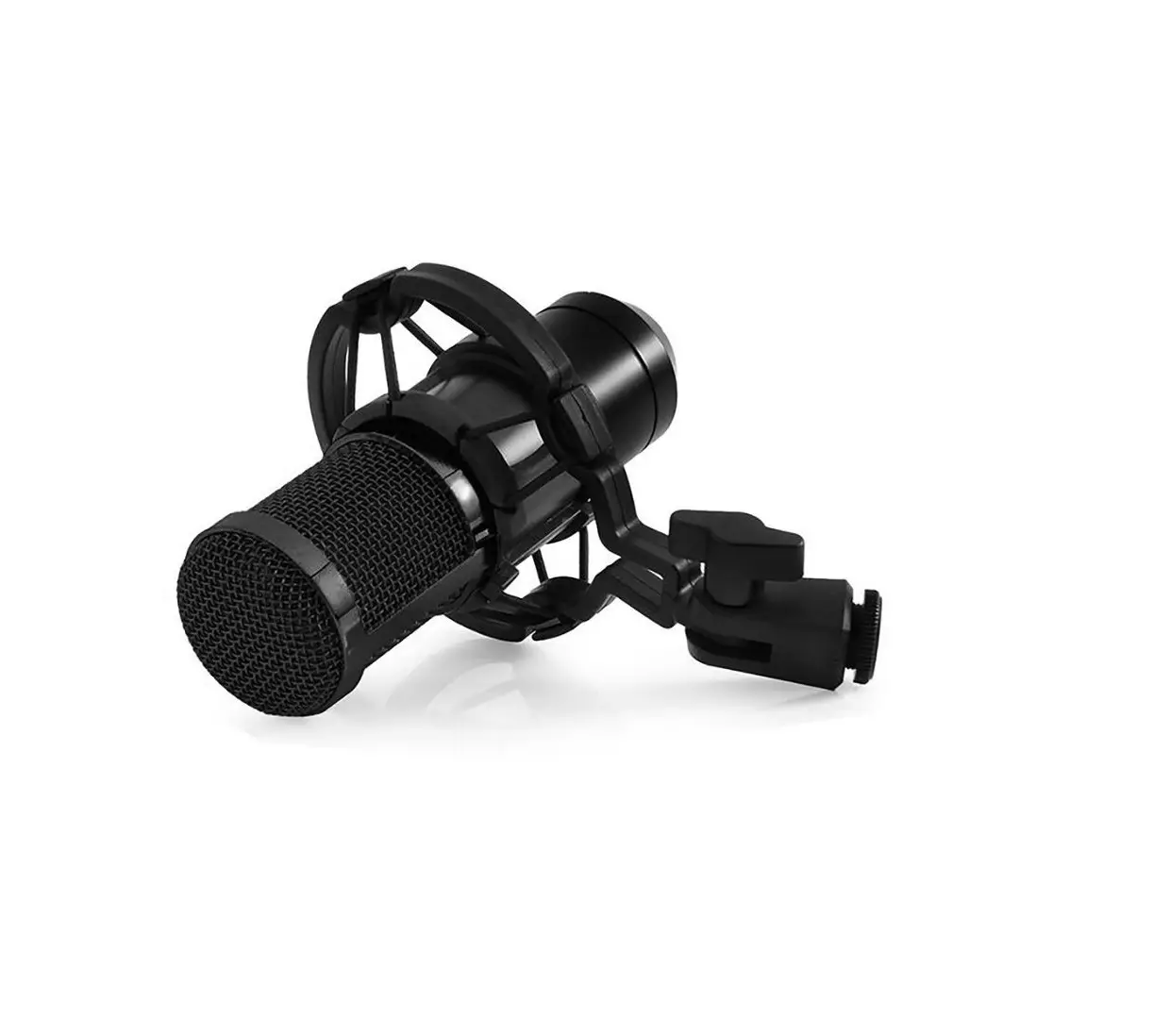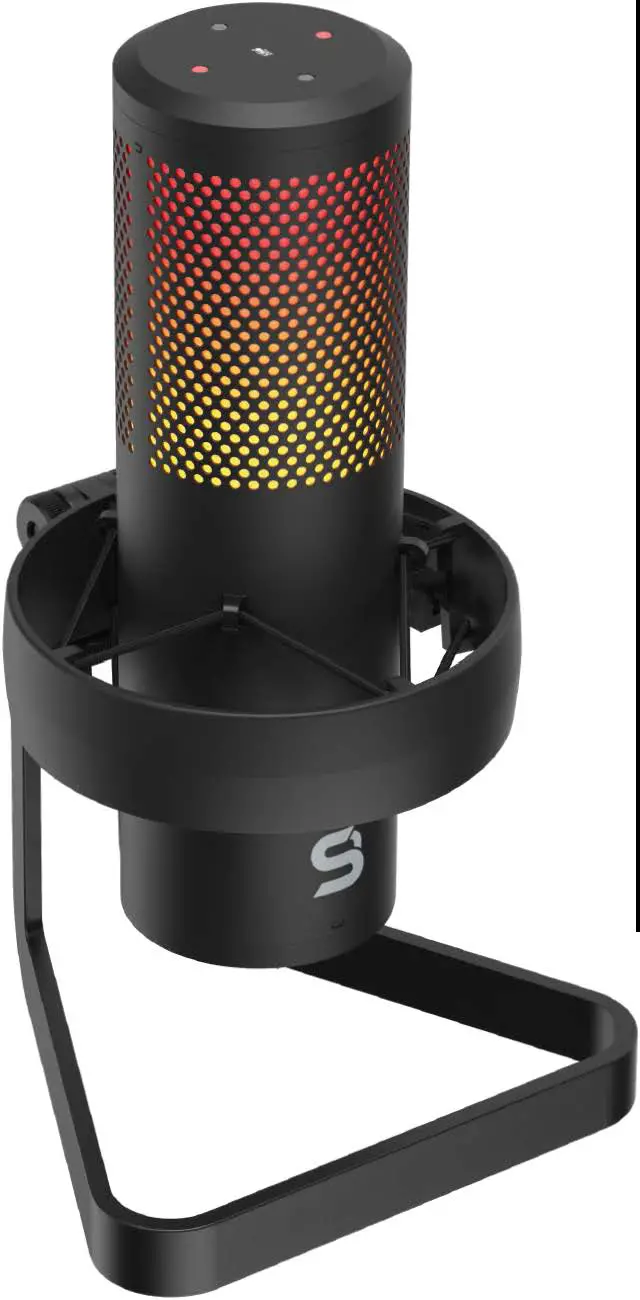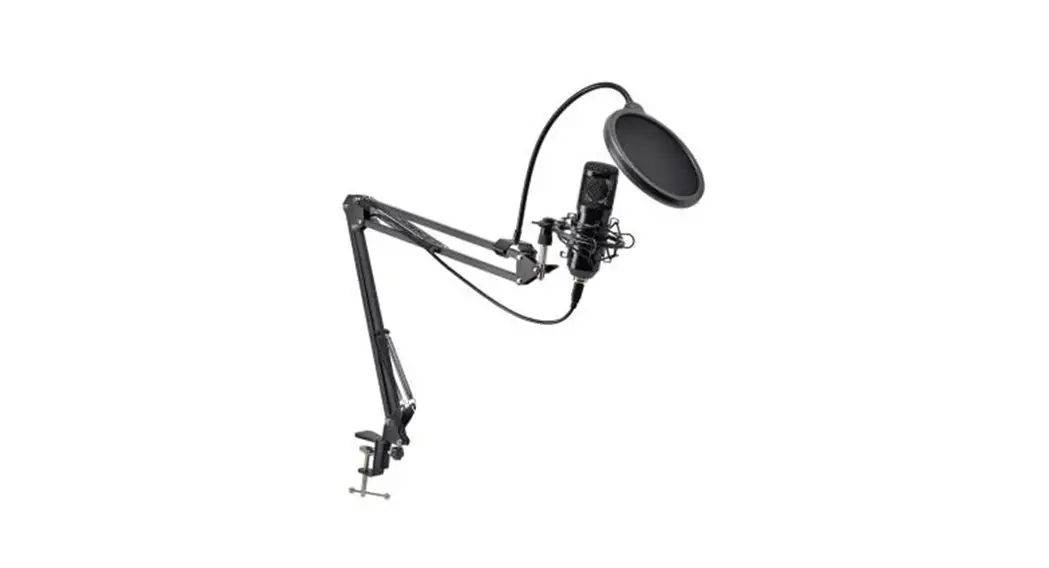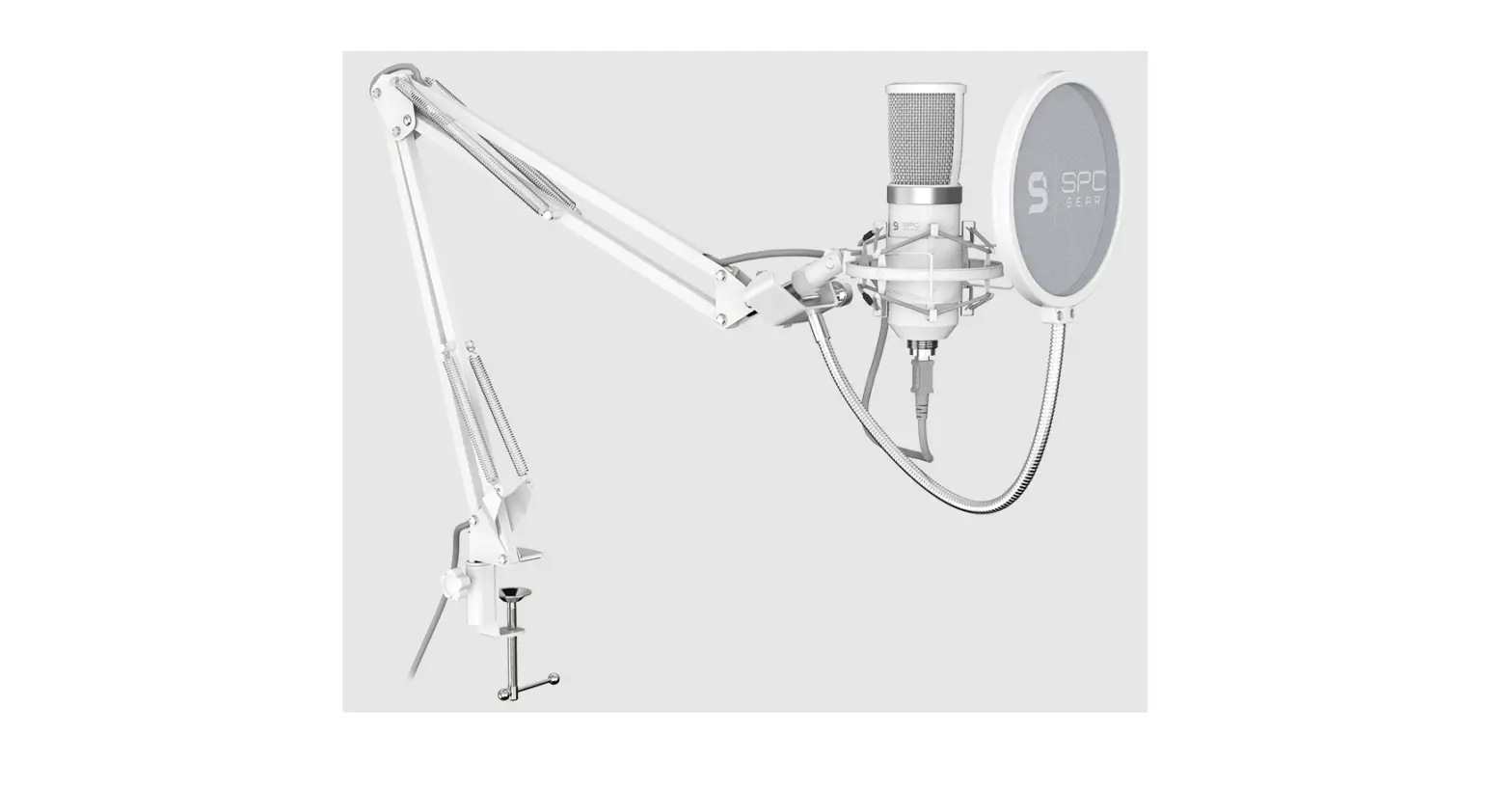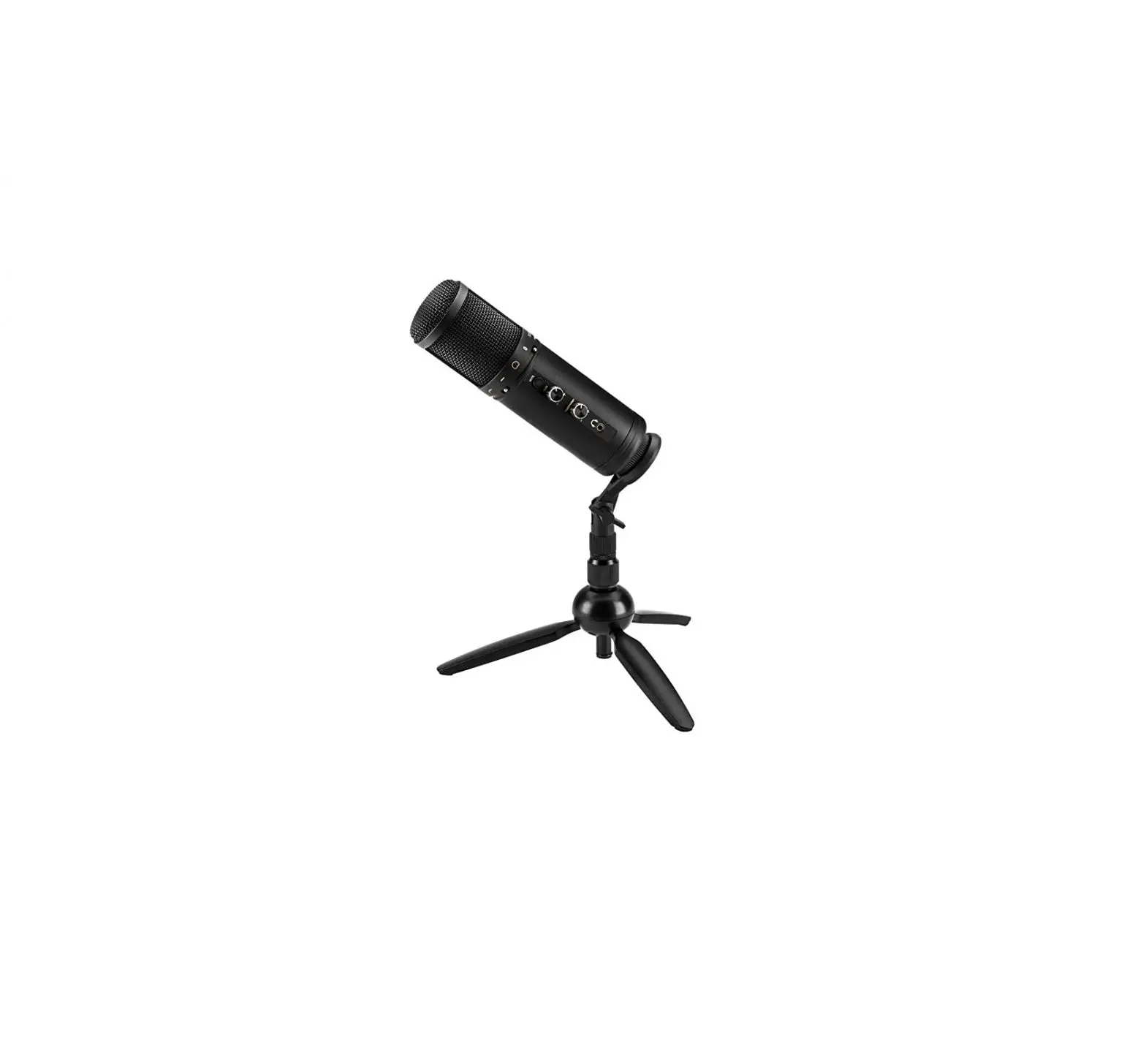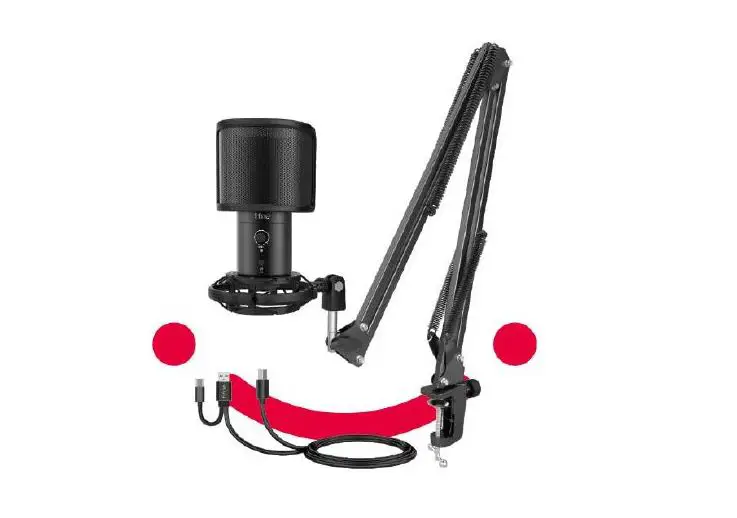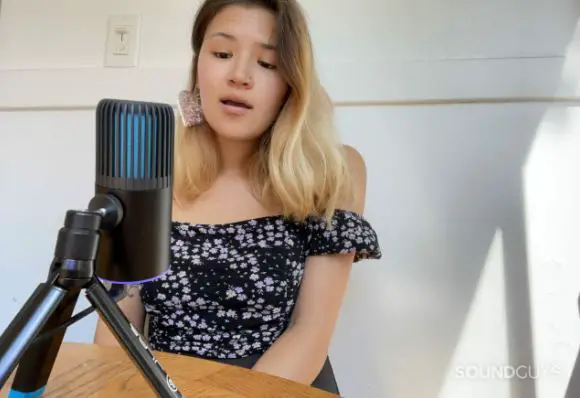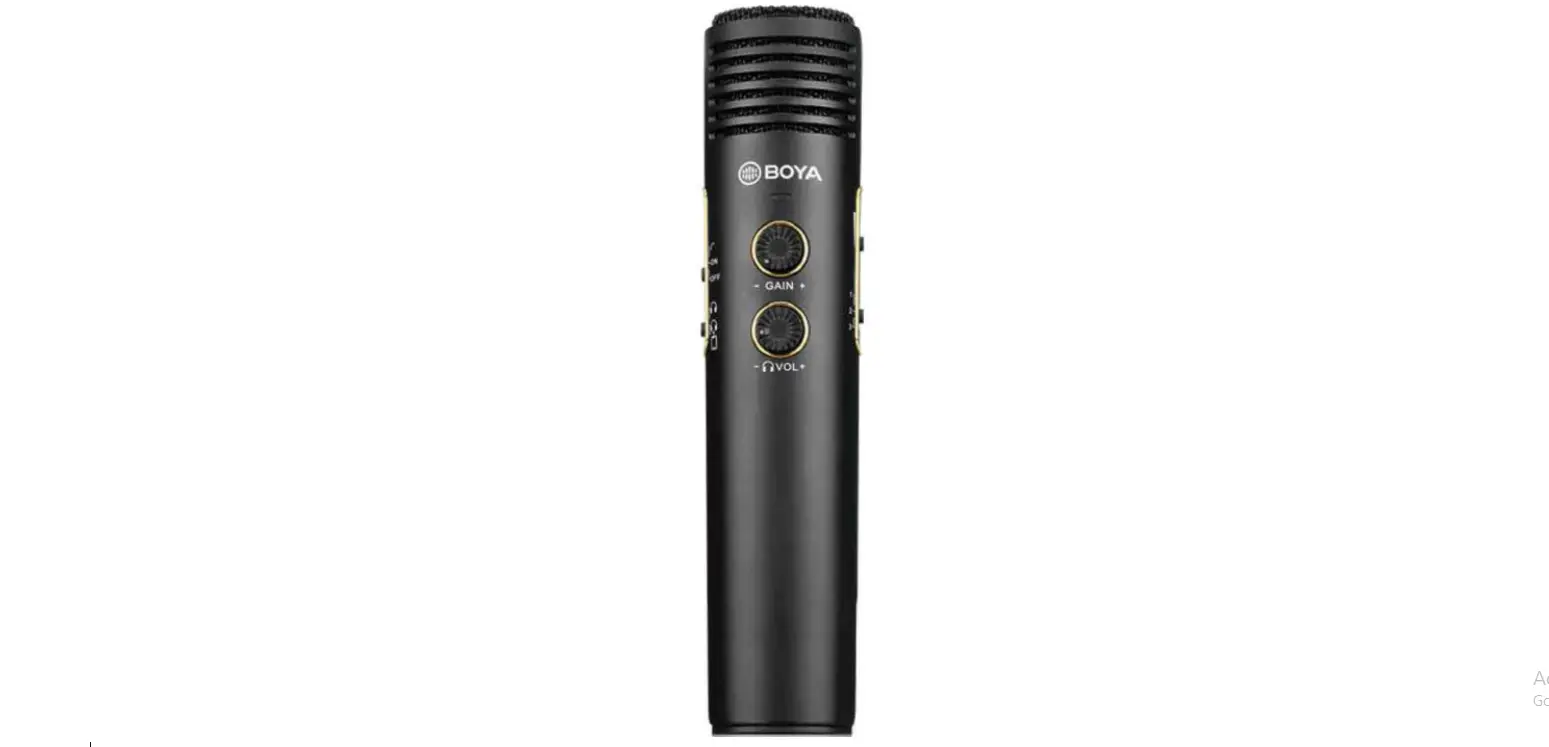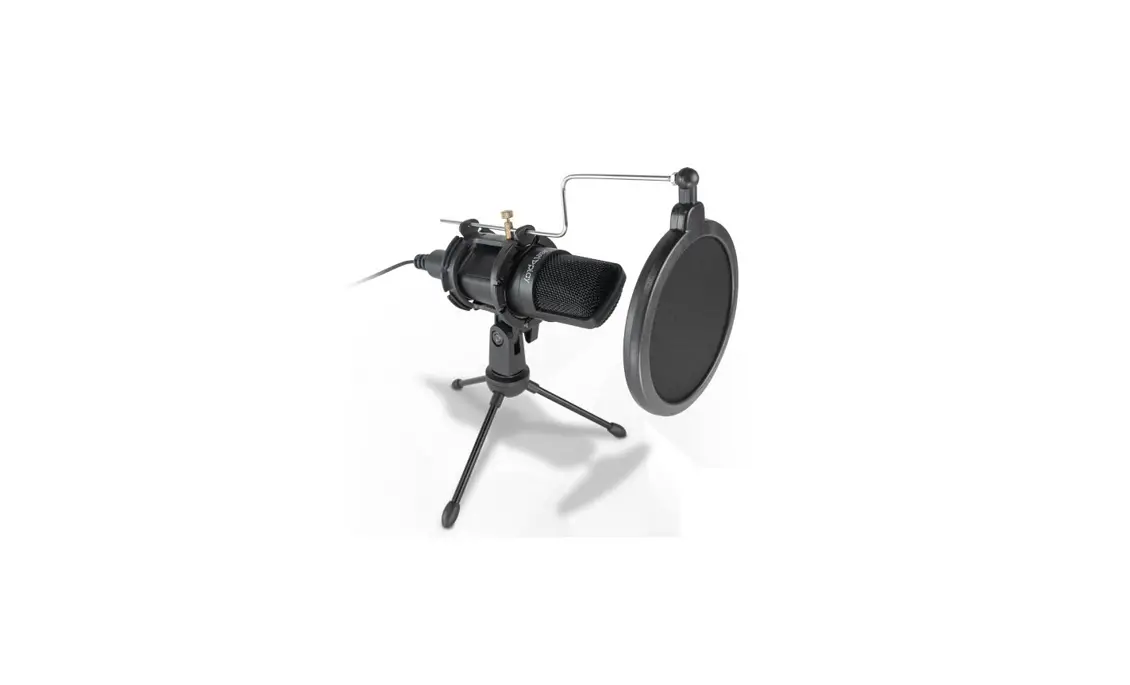

Steelplay Stream Mic USB Microphone No Pop Kit
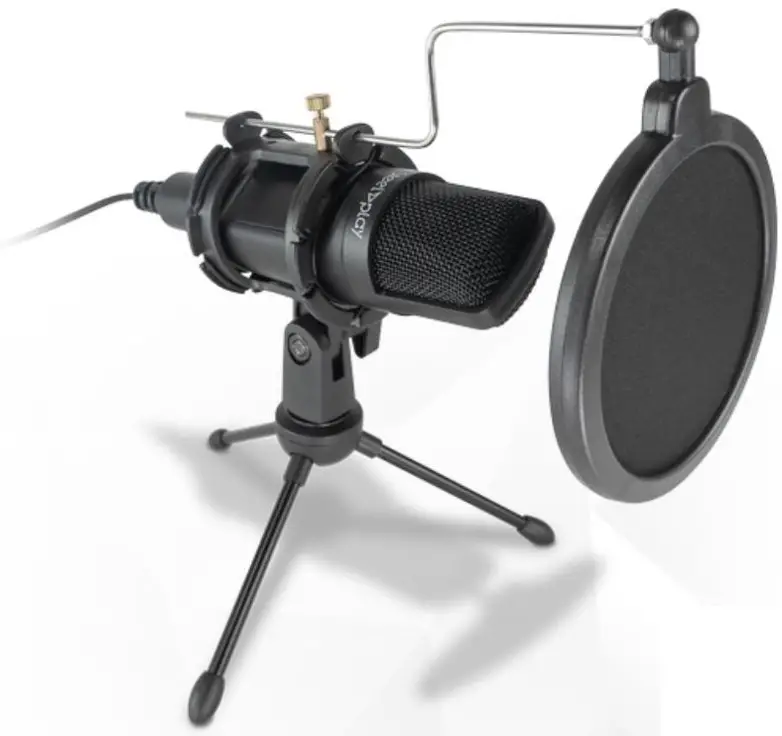
INCLUDED
- 1x Microphone
- 1x Pop filter
- 1x Tripod stand

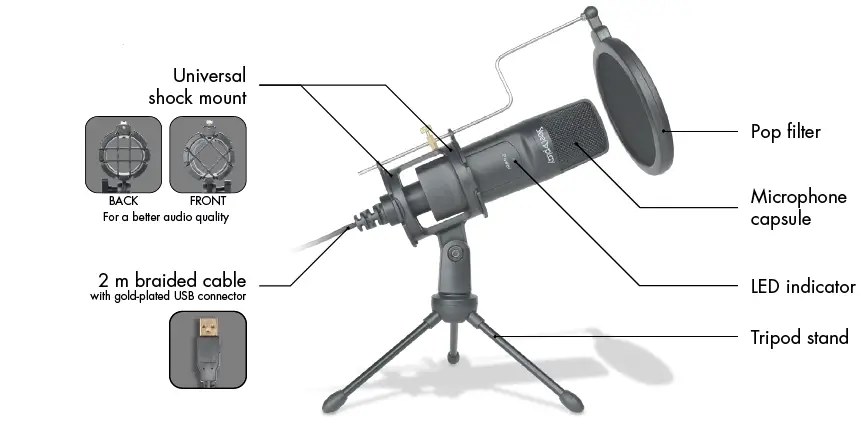
Functions and specifications
Functions
The Steelplay® Micro USB Stream Mic Kit allows you to instantly make quality audio recordings, without installing software or taking up extra space. This microphone comes with a metal swivel tripod and pop filter.
Specifications
- Cardioid condenser microphone
- 2 m braided cable with gold-plated USB connector
- Frequency response: 20 Hz – 20 kHz
- Sensitivity: -38 dB + 2 dB
- Impedance: 2.2 kO
- SPL max: 110 dB
- Sampling rate: 44.1 kHz / 16 bit
- Weight (microphone only): 110 g
- USB Audio Compatible: PC, Mac, SwitchTM, PS4TM, PS5TM, Android*, iOS*.
may require an adaptor not included (e.g. Steelplay® Mini Dock).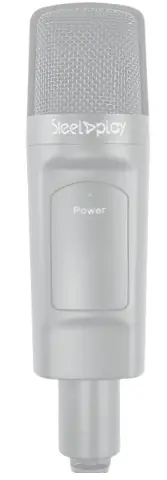
MINIMUM REQUIREMENTS
- PC / Mac with USB port
- Windows 7+
- macOS 10.13+
- Android 6+
- iOS 5+
Installing microphone
Step 1
To insert the microphone into its cradle, thread the USB cable through the middle of the suspenders first.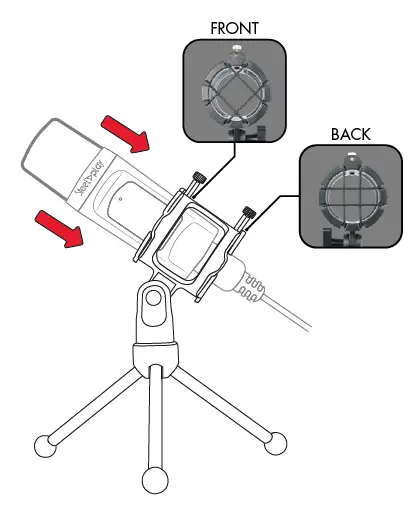
Step 2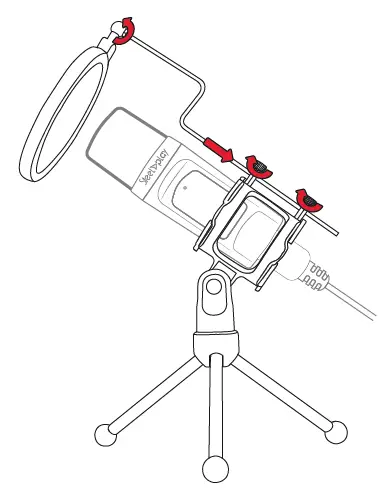
Connecting and setting up the microphone
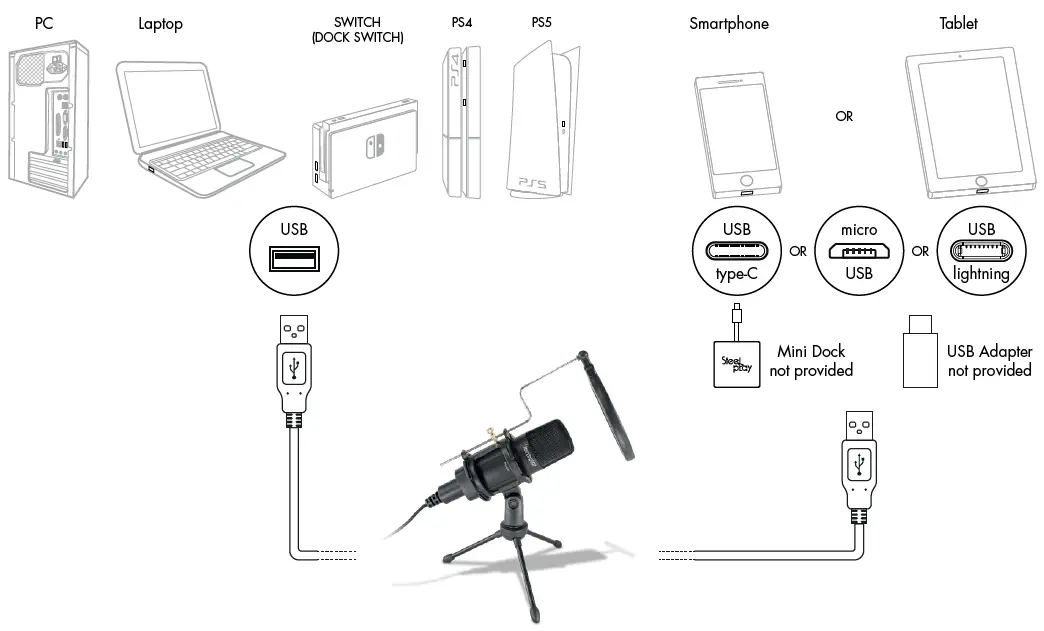
Set up your computer
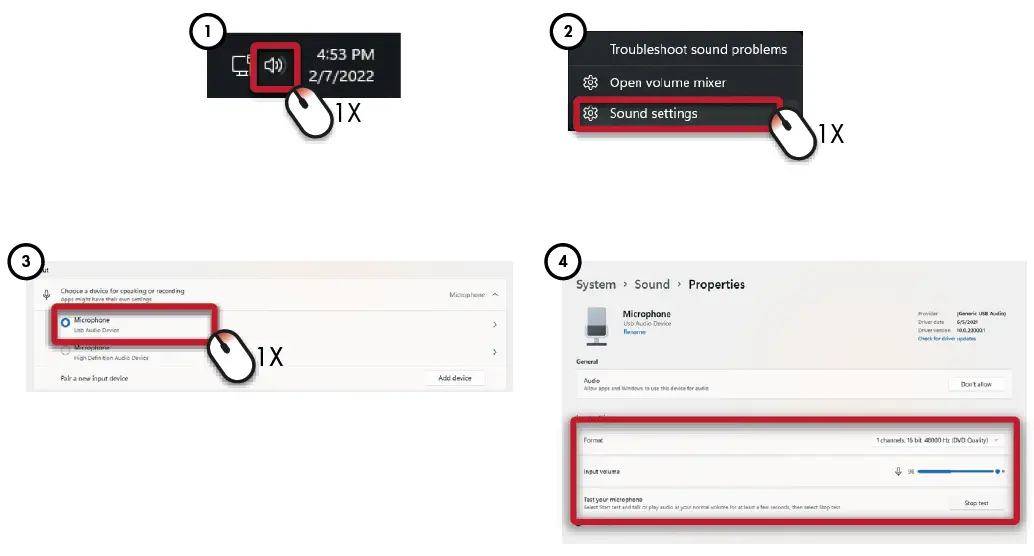
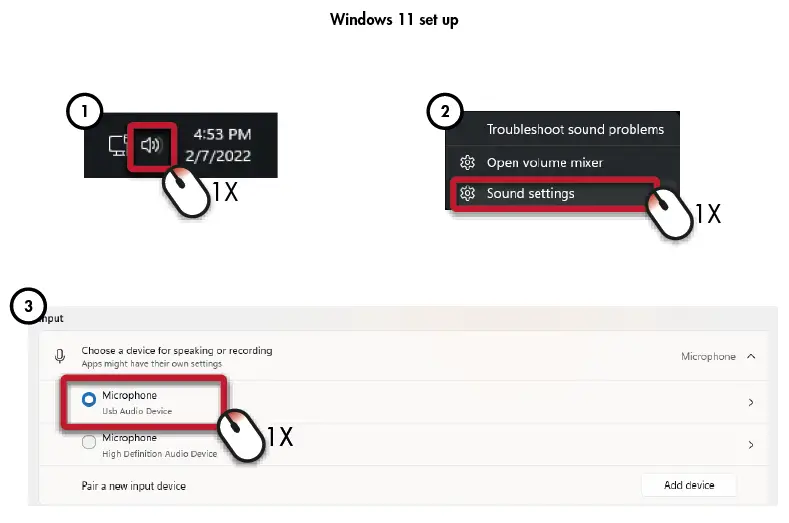
Windows 11 set up
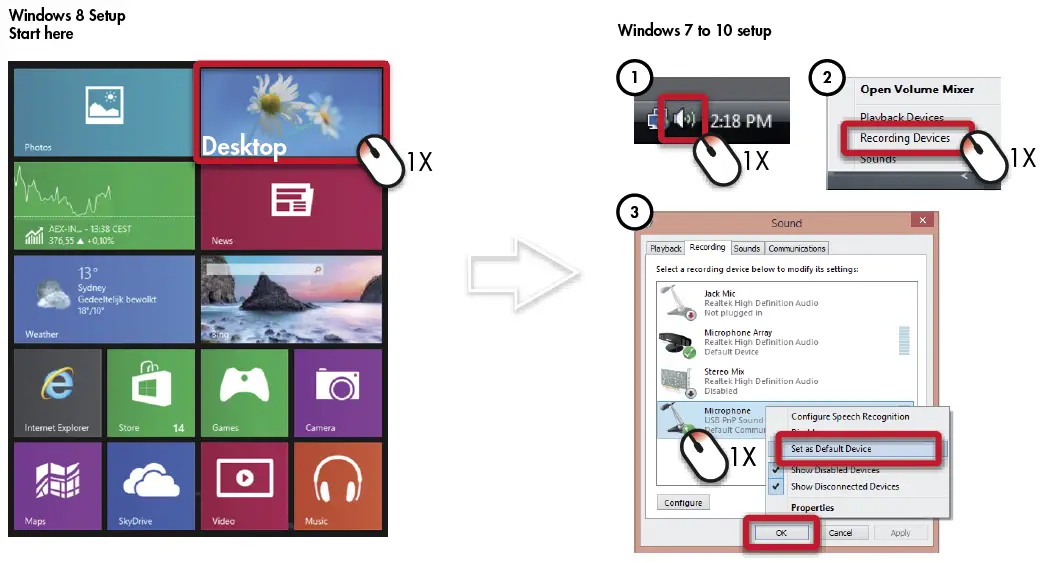
Set up your microphone (Windows 7 to 10)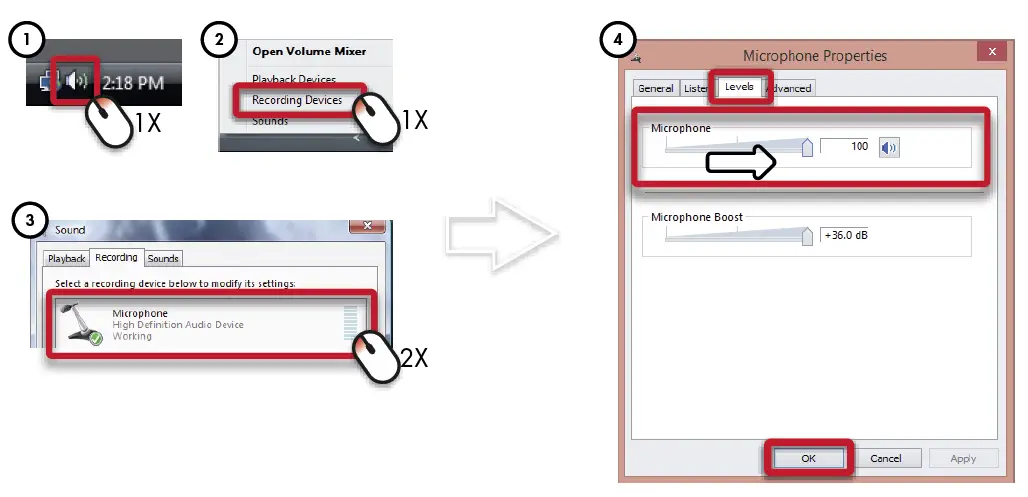
Set up your microphone (Windows 11)